
Step 01
Describe the Dog
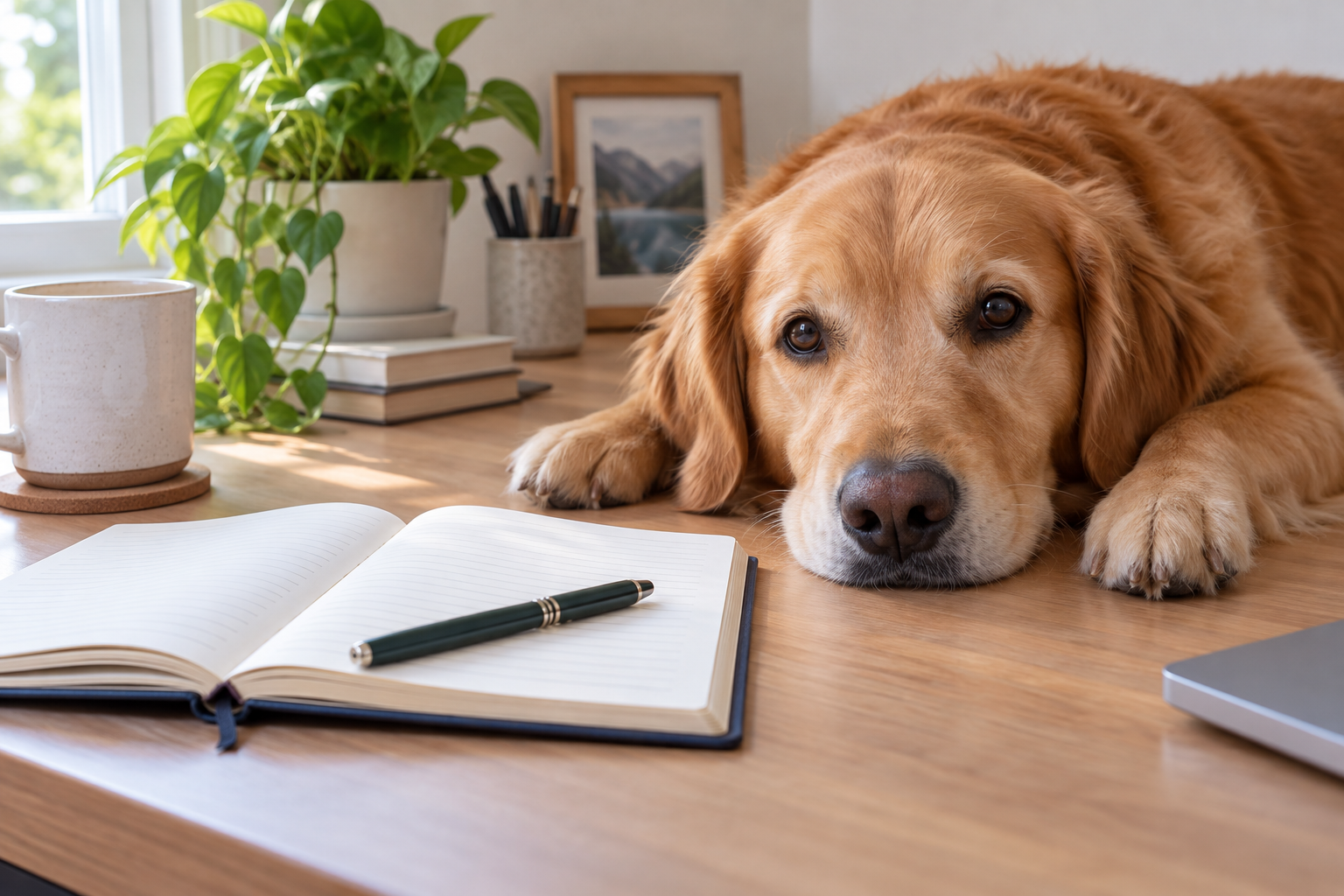
Type the breed, coat, pose, and setting you want. Add a style word so the AI dog generator knows whether to aim for a realistic photo, a painting, or an illustration.

An AI dog generator turns a written description or a reference photo into a dog image you can actually use. Name the breed, coat, pose, and setting, or upload a picture of your own dog so the result still reads as your pet. Generate a few directions, compare the faces and fur, then download the portrait you like best.
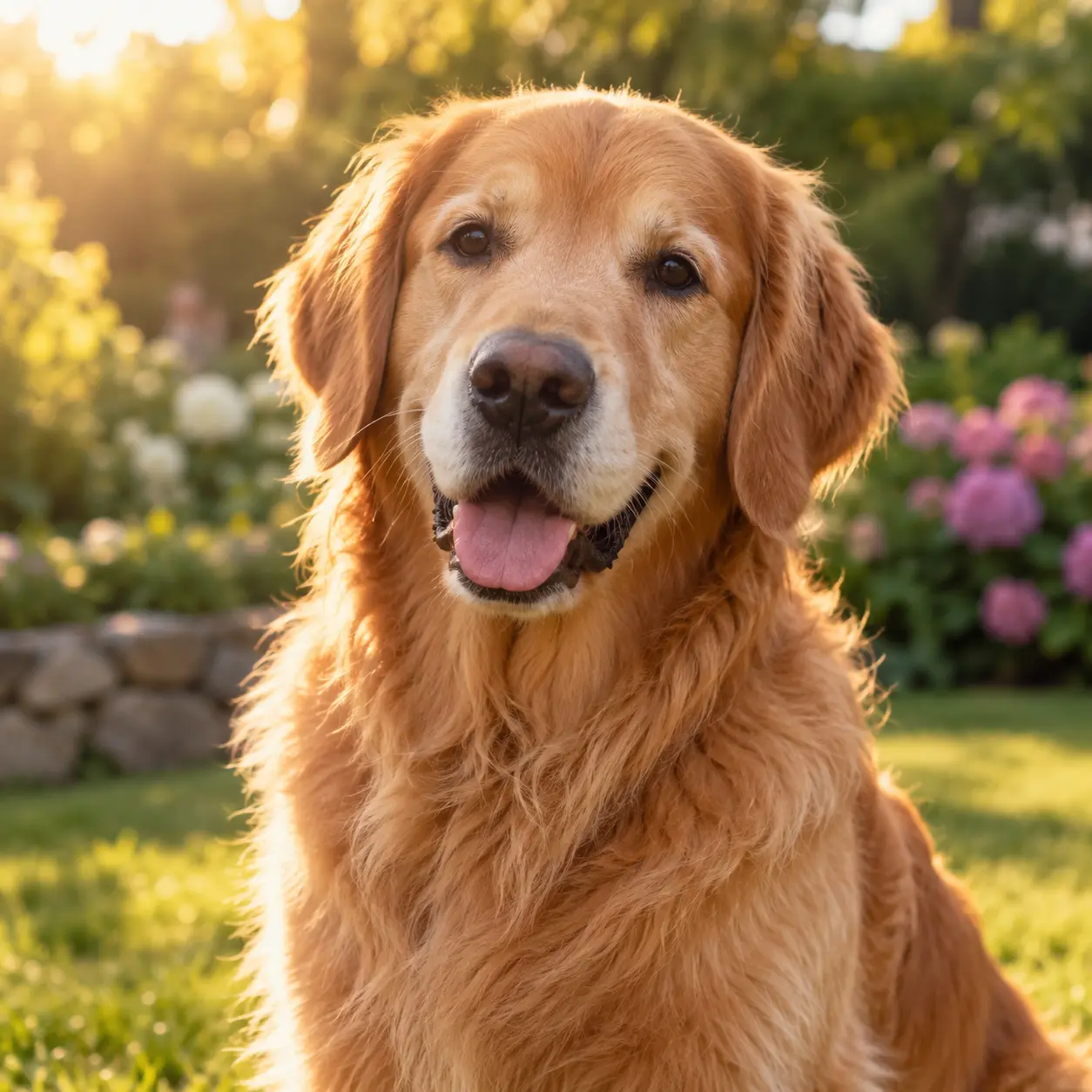
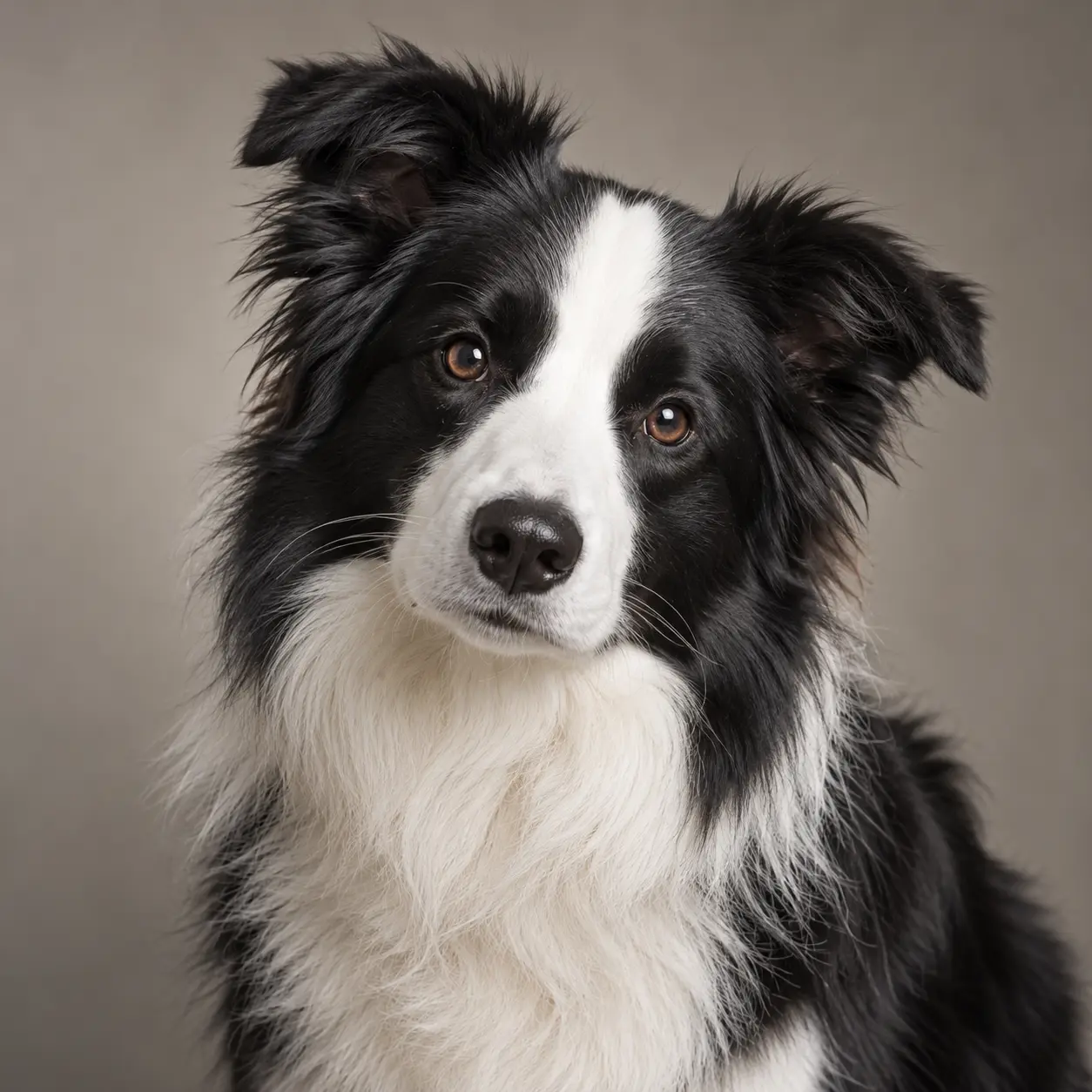
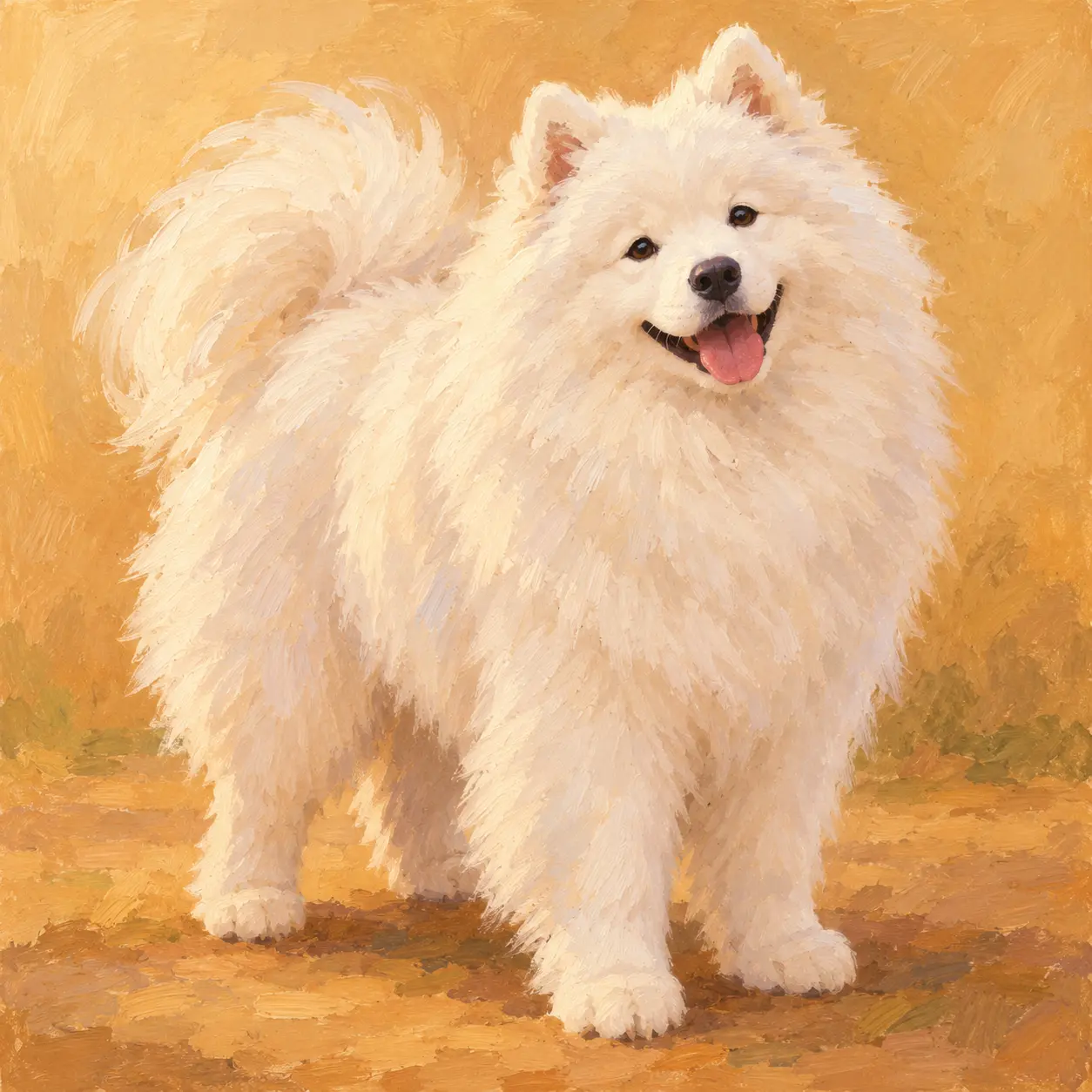
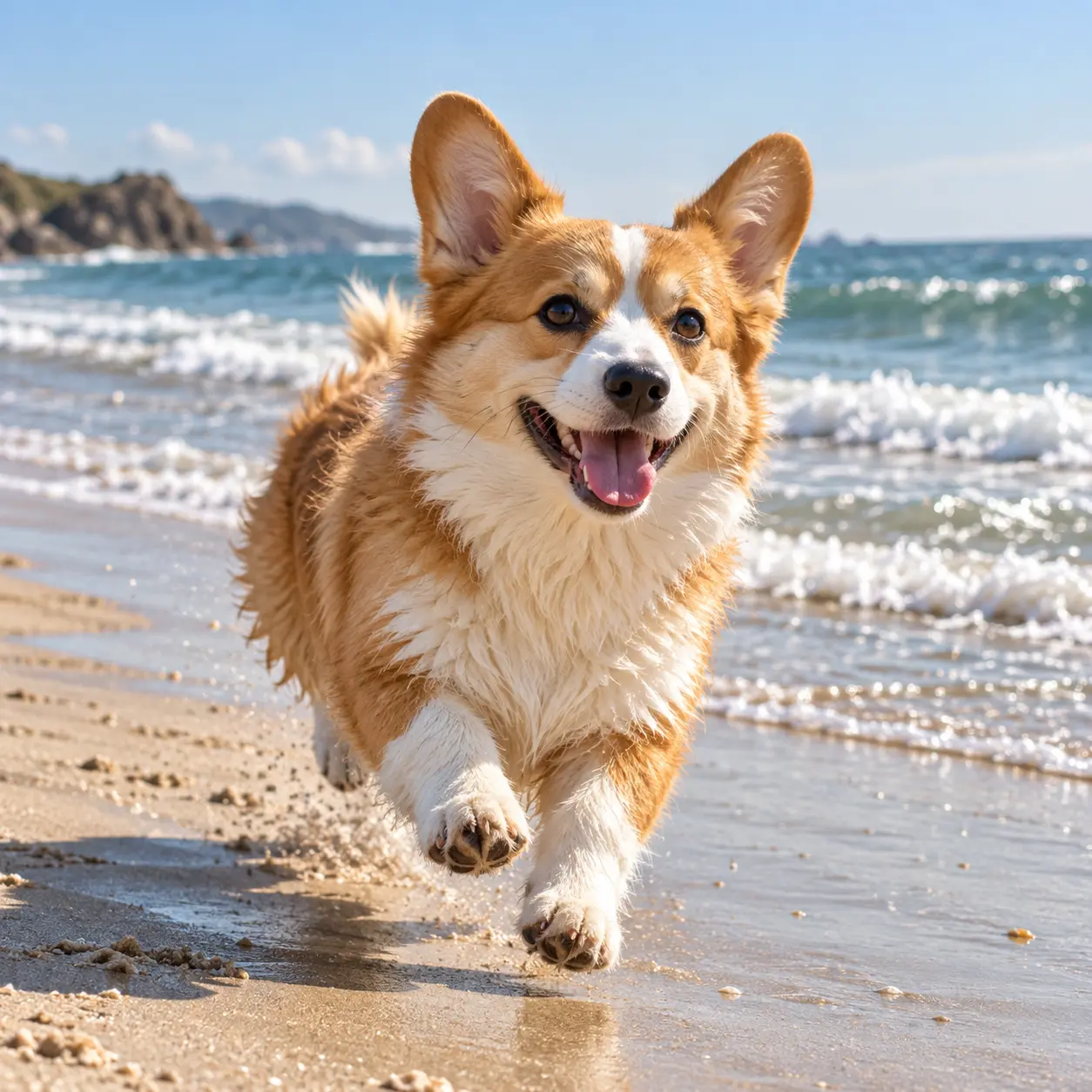
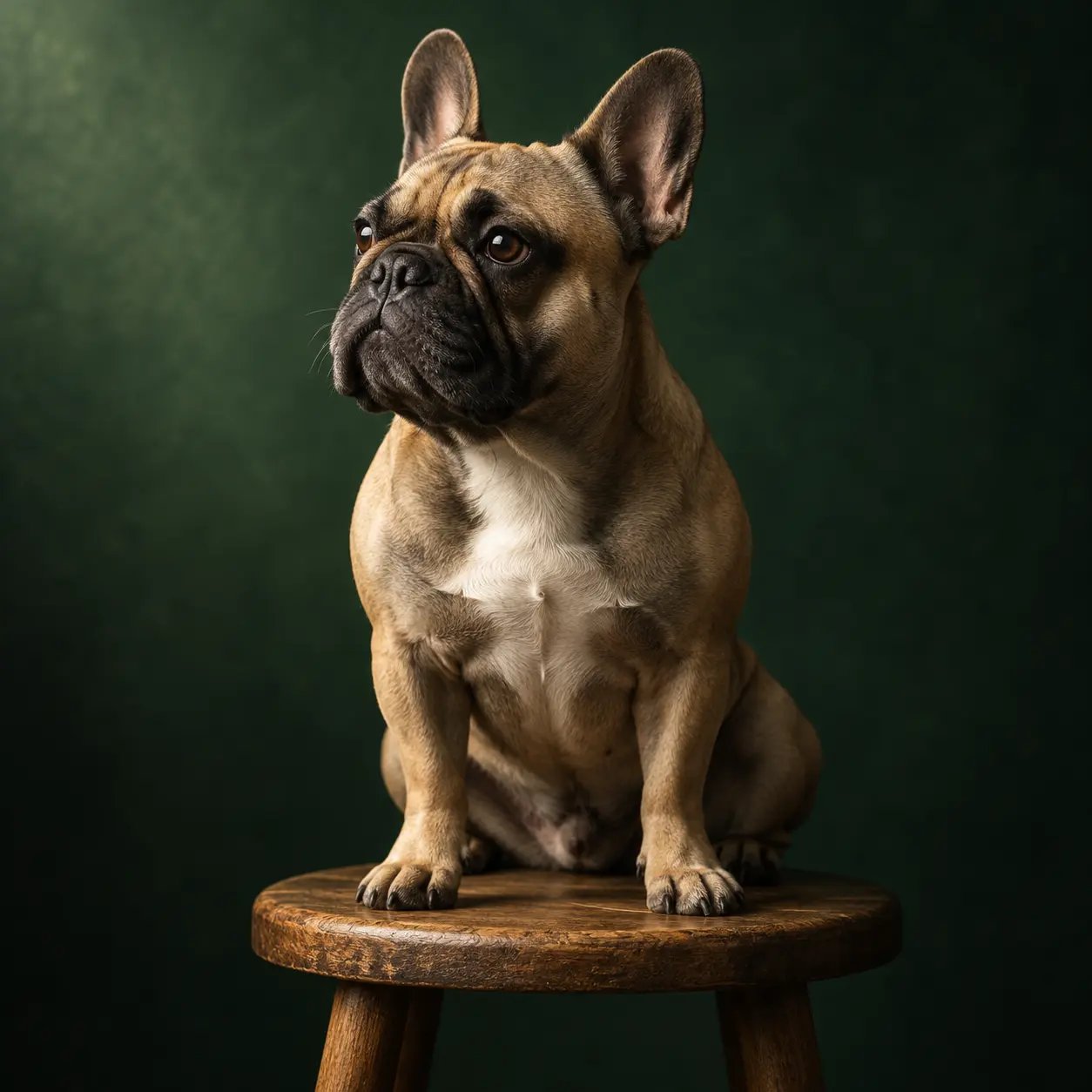
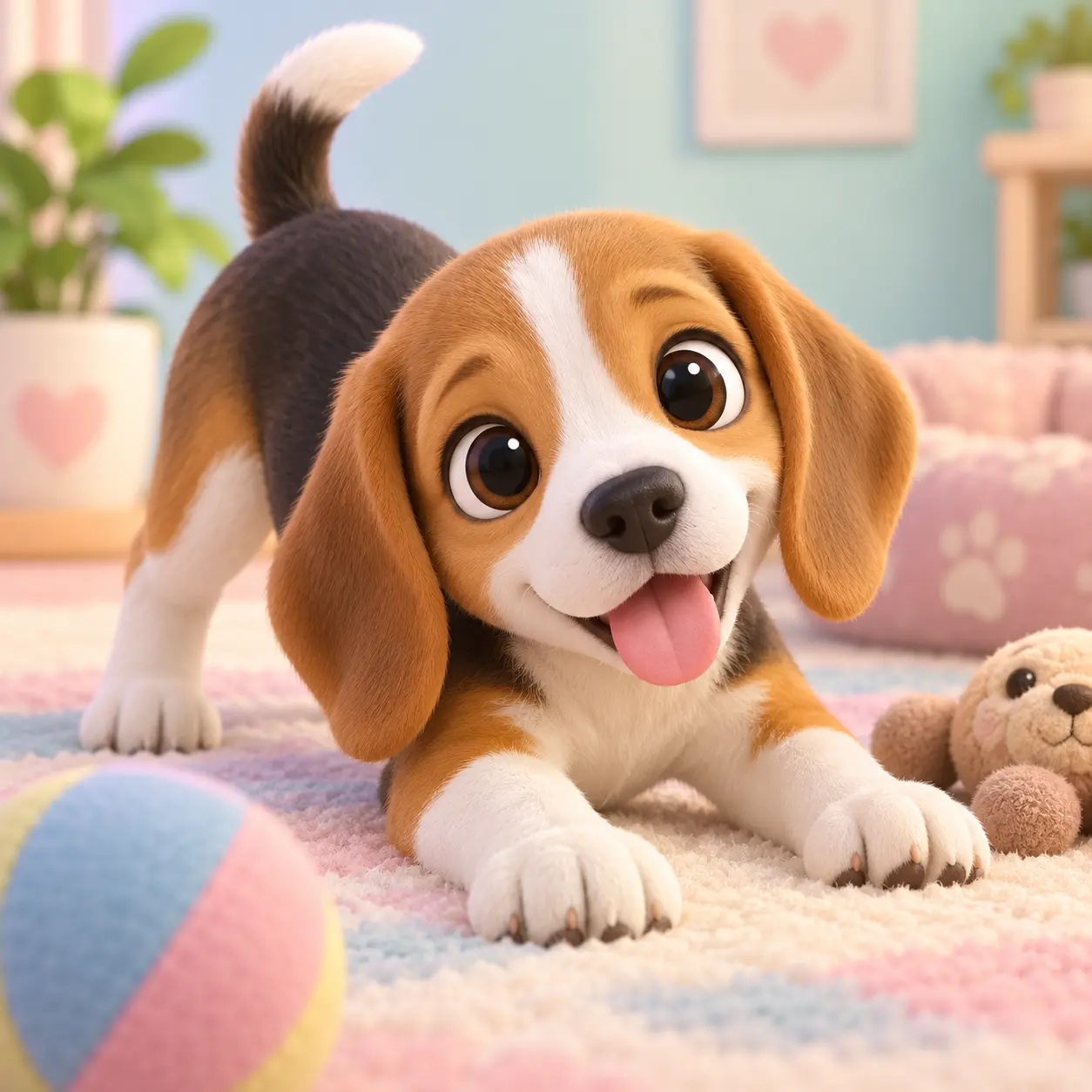
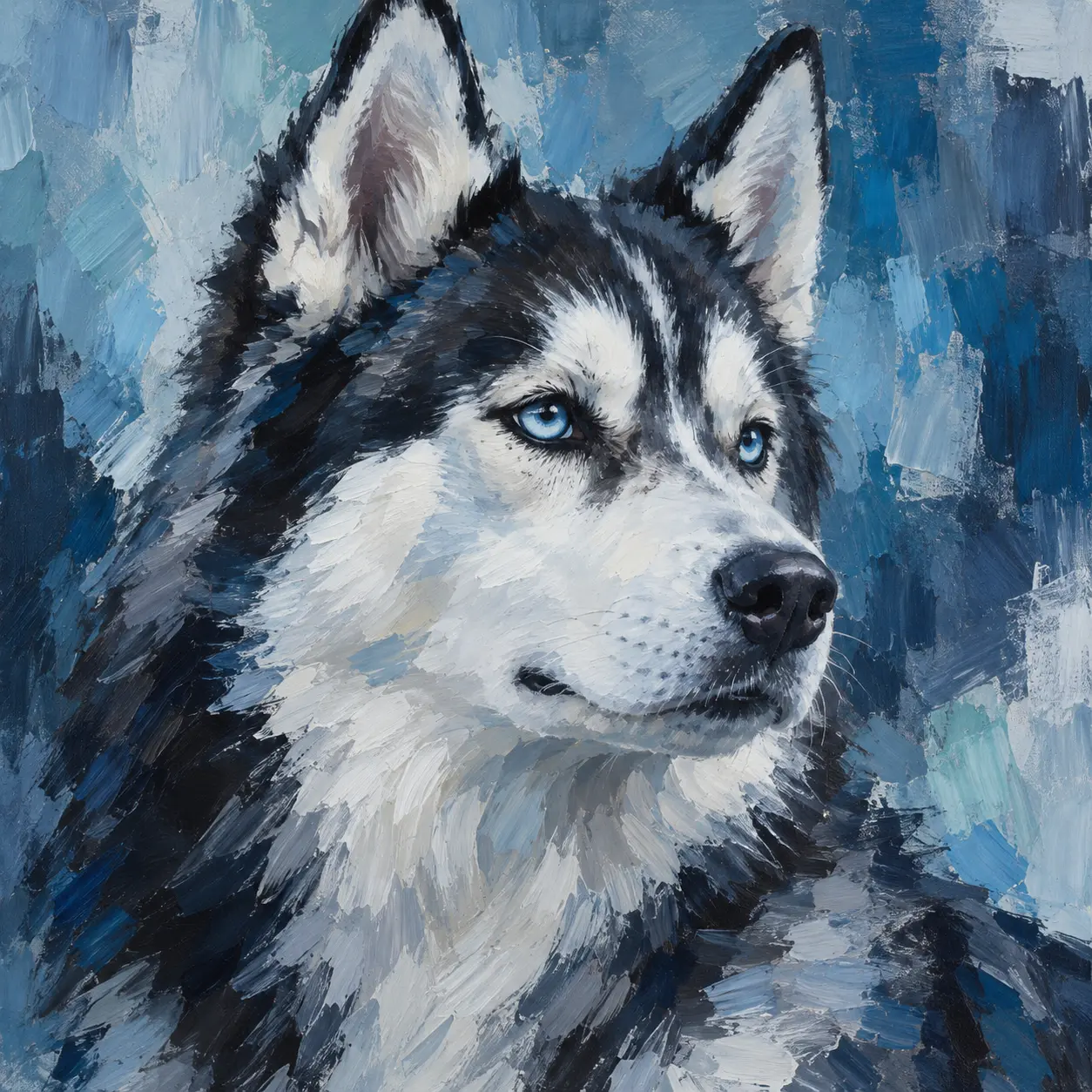
From a single written line to a finished portrait, the AI dog generator turns a clear description of a dog into a finished image.
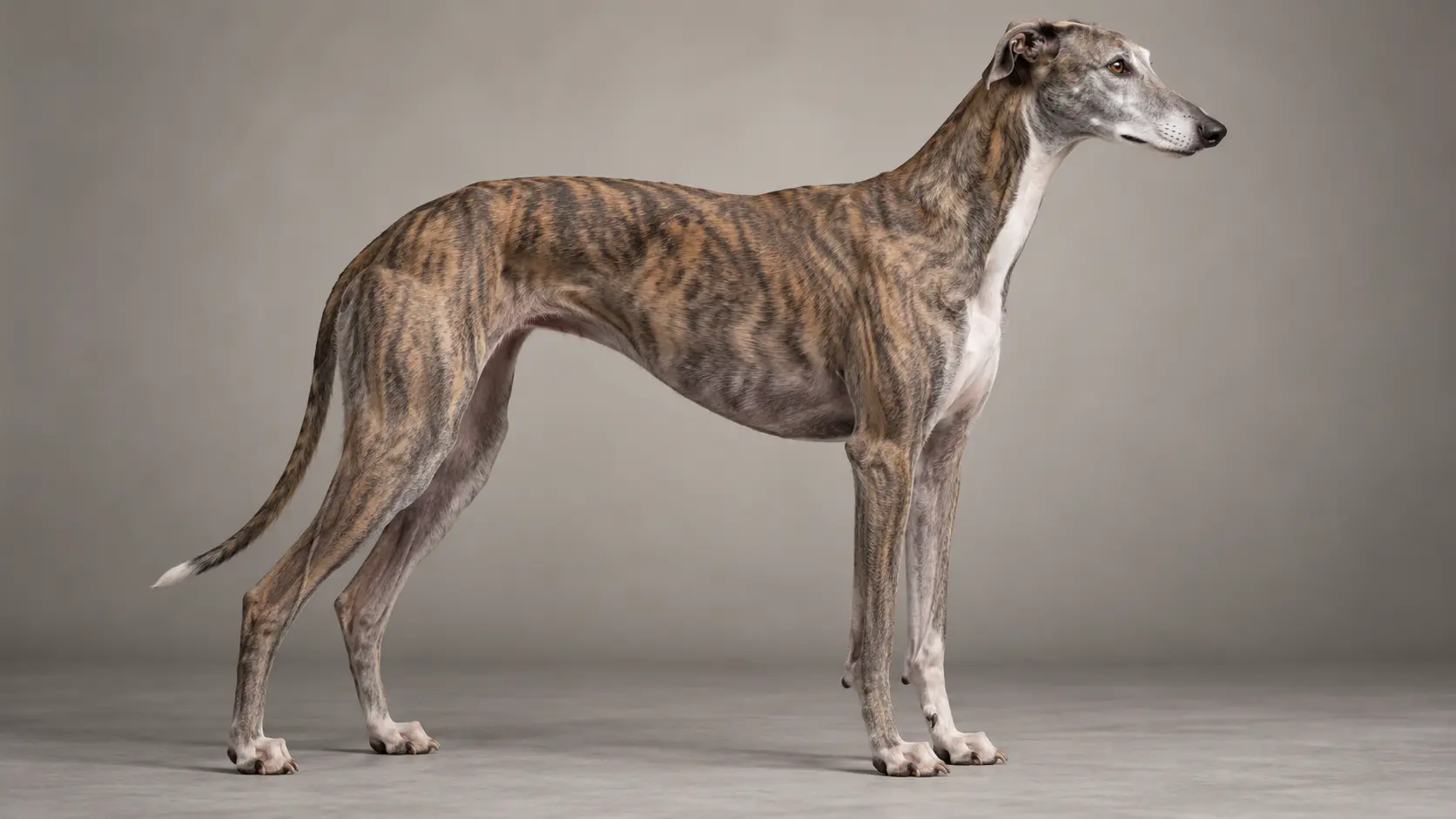
Write the breed, size, coat, ear shape, expression, and setting, and the AI dog generator builds a matching image. Naming a breed or a mix gives the model a clear frame for fur, snout, and body proportions. Add mood and pose words such as alert, sleepy, or mid-run to shape the body. Keep one subject and one scene per prompt, then generate again with a single change when a direction is close.
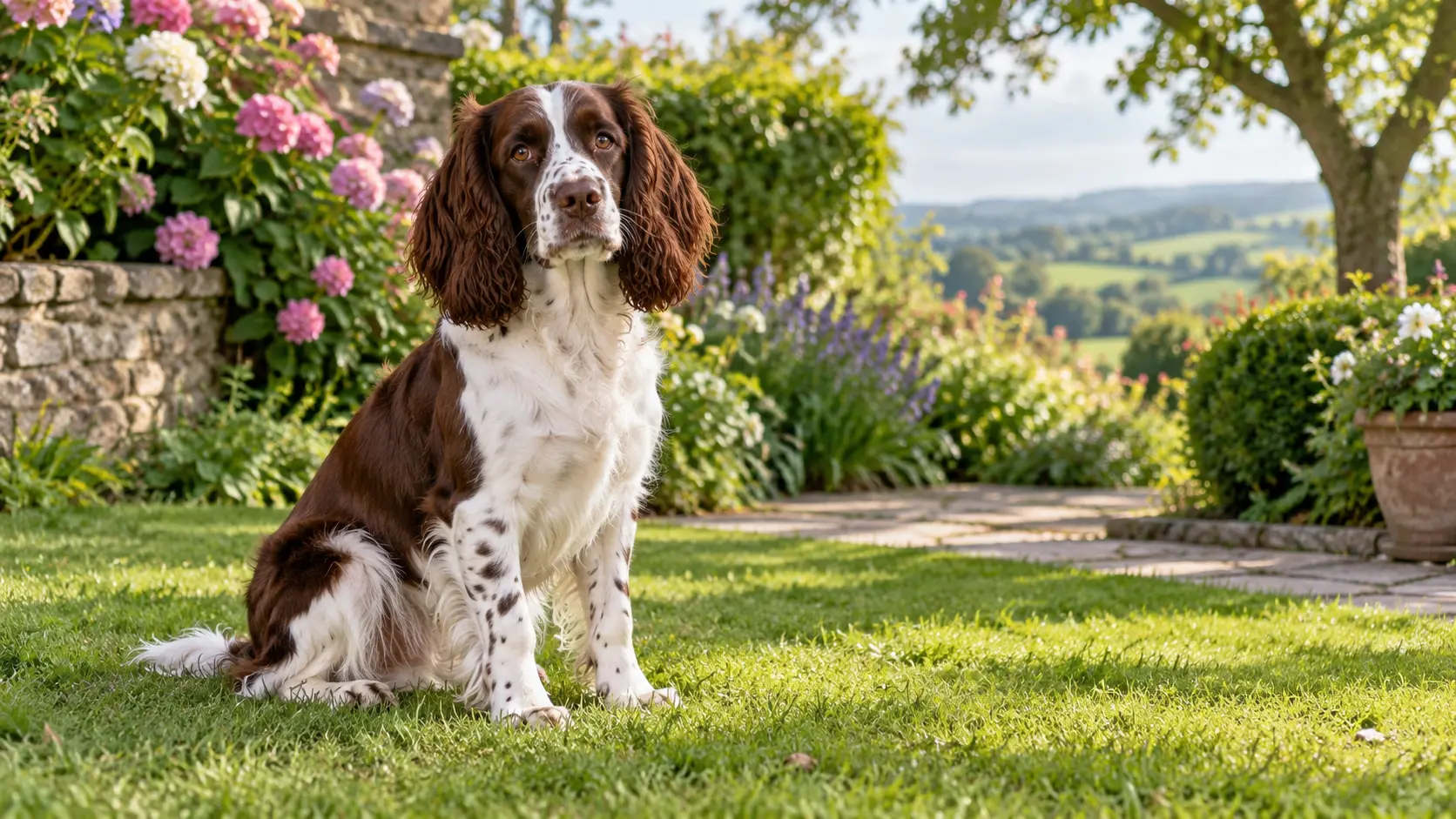
Upload a clear photo of your own dog and describe the new pose, background, or style you want. The reference guides the coat color, markings, and face shape so the result still reads as your own animal rather than a generic breed photo. Because the workflow rebuilds the image from your input, small details such as an odd ear or a specific patch may shift, so review the markings before you download.
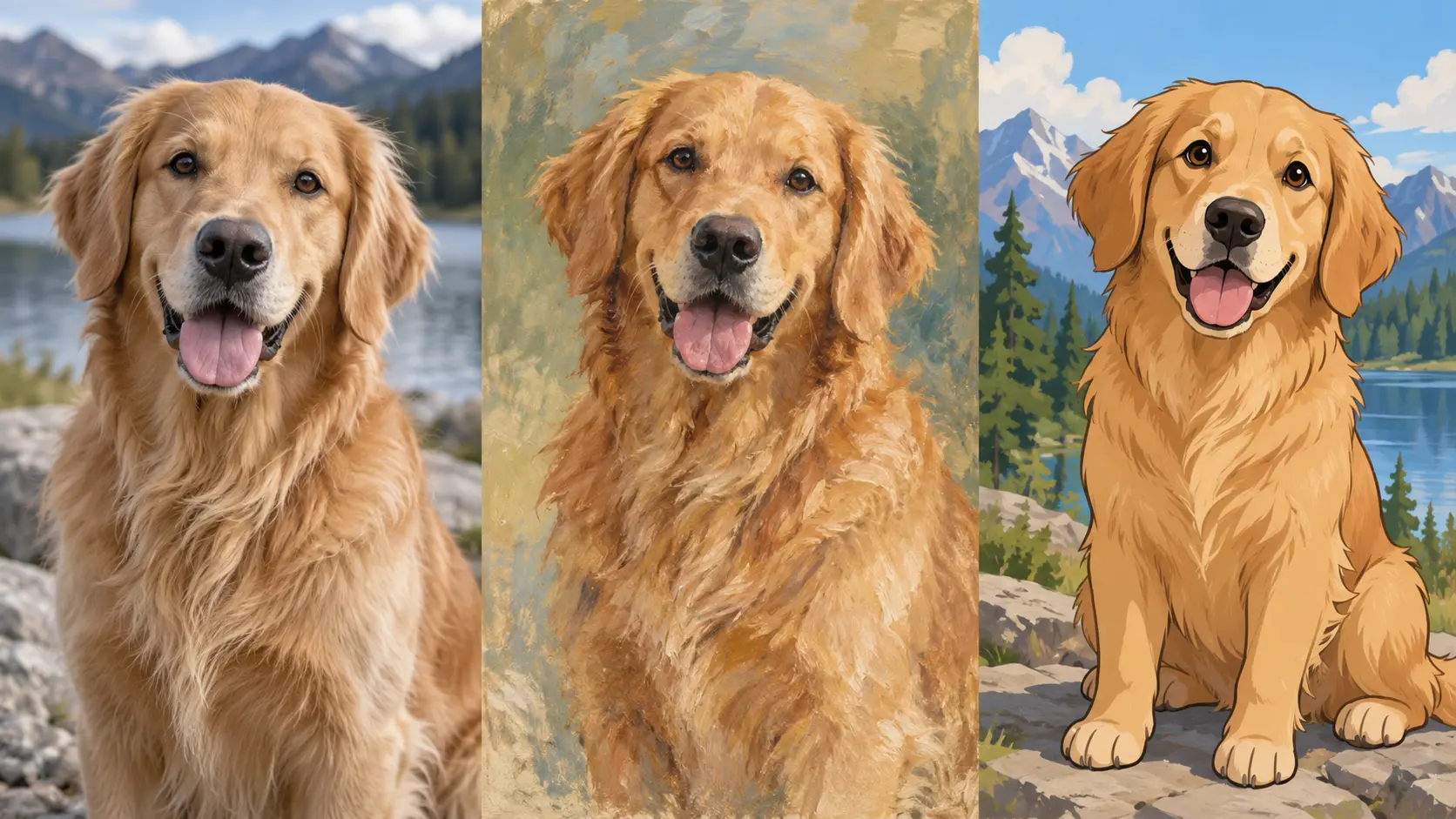
The same description can be rendered as a realistic photograph, a soft storybook illustration, a painted portrait, or a 3D animation character. Switch the style words while keeping the dog the same, and you get a set of images that match one brief. This is useful when you need directions for a cover, a social post, a gift, or a client. Generate two or three styles side by side and choose the one that fits.
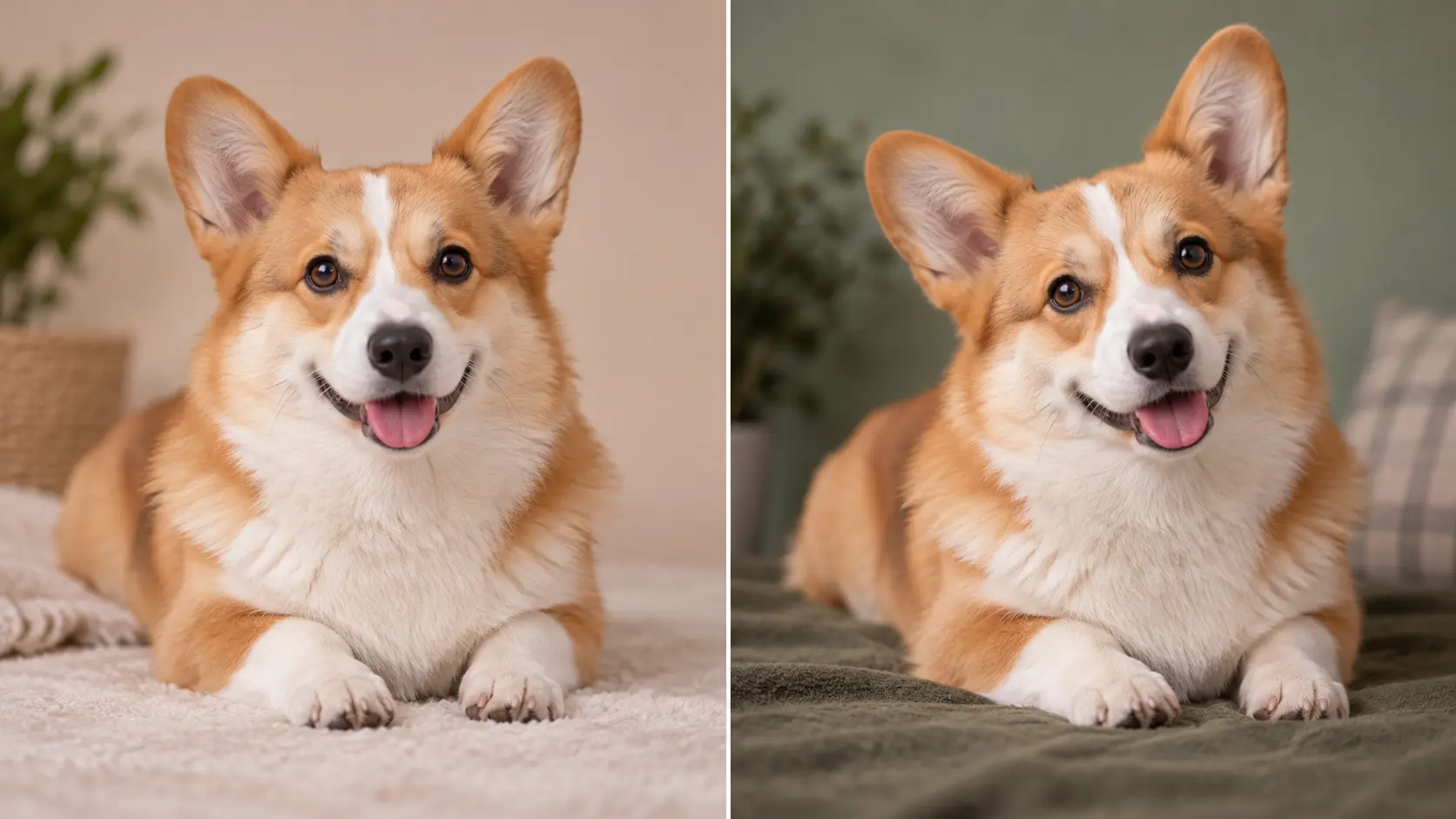
Small wording changes move a dog image quickly, so treat the first result as a starting point. Adjust one thing at a time, such as the pose, the background, or the light, and the AI dog generator shows how that single change affects the whole picture. This keeps iteration cheap and readable. Save the prompt behind any result you like so you can return to a similar look, and stop once the fur, expression, and setting all fit.
Three short steps take you from an idea or a photo to a finished dog portrait you can review and download.
Step 01
Type the breed, coat, pose, and setting you want. Add a style word so the AI dog generator knows whether to aim for a realistic photo, a painting, or an illustration.
Step 02
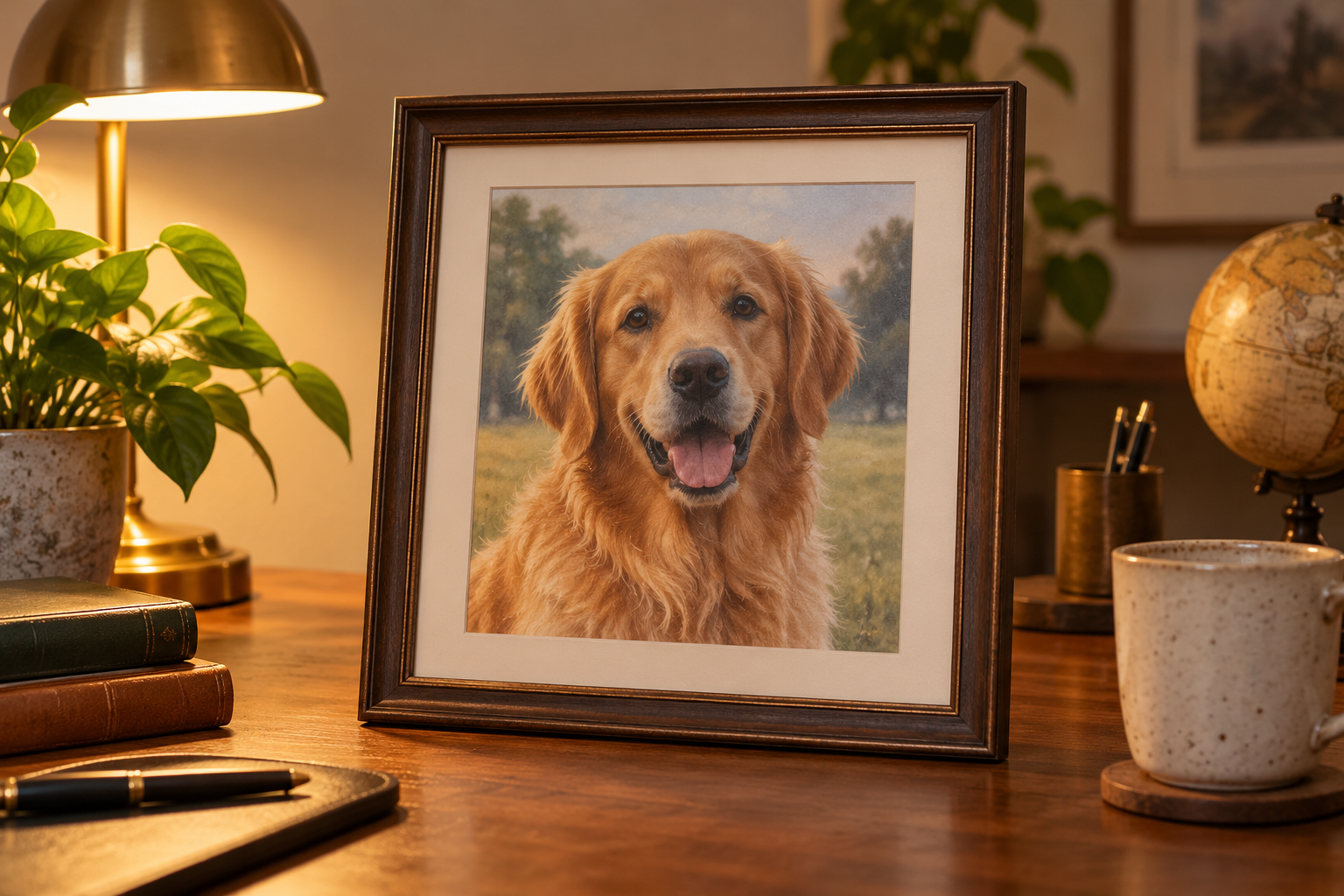
To keep your own dog, upload a clear photo alongside the prompt so the coat and face still read as your pet. Skip this step if you only want a breed or a made-up dog.
Step 03
Create the image, compare the faces, fur, and background with your brief, and generate a variation if one detail is off. Download the portrait you want to keep.
The AI dog generator fits any task where a specific dog image is easier to describe than to draw, photograph, or find.
Turn a favorite photo into a portrait of your own dog in a new pose, season, or setting for a wall print, a phone background, or a keepsake.
Concept a made-up breed, a mascot, or a storybook dog before you commit to a design. Generate several directions, then refine the silhouette and color.
Create matching dog images for posts, cards, and thumbnails without hunting for stock that fits. Keep the style consistent across a set.
Describe a friend dog, a memorial portrait, or a themed scene, then print the result at the size you need. Review fur and expression at full size before print.
The AI dog generator removes the need for a photo shoot, drawing skill, or a stock search when you need a specific dog image.
Describe the dog in plain words and get a finished image back. You do not need a tablet, a brush, or photo-editing experience to start.
Real breeds, mixed dogs, and made-up characters all work, and you can render the same subject as a photo, a painting, or a cartoon.
Build a dog from a written brief, or upload a photo to keep your own pet coat and face. One workflow covers both starting points.
Generate several directions in a few minutes and keep the one that fits. Small prompt changes refine the pose, light, and background quickly.
Keep the dog and the style words fixed, and a series of images will look like they belong together for a gallery, a book, or a feed.
A clear snapshot of your dog is enough to start, so you do not need a studio setup or a professional camera to create a portrait.
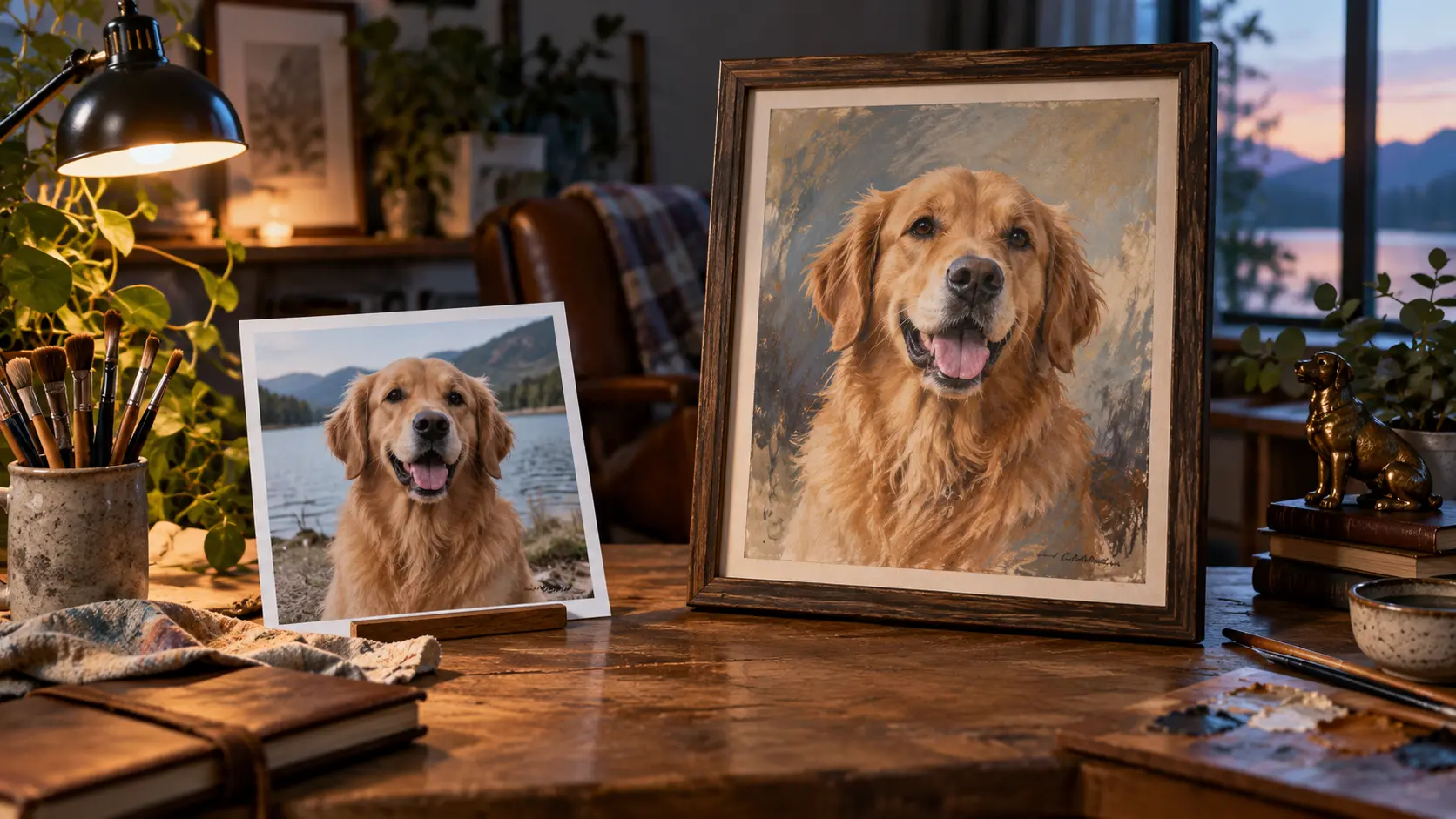
Describe the breed, coat, and setting, or add a photo of your own dog, then use this AI dog generator to create a portrait you can download.
Get Started