



graduation party invitation

Create a graduation party invitation artwork draft that reflects the graduate and leaves room for the details guests need. Describe school colors, decorations, and your preferred layout in VideoAI, then review the generated image. This is an AI design starting point, not a library of editable invitation templates. Add or correct the graduate's name, date, time, location, and RSVP information in a suitable layout editor before sharing or printing the finished invitation.

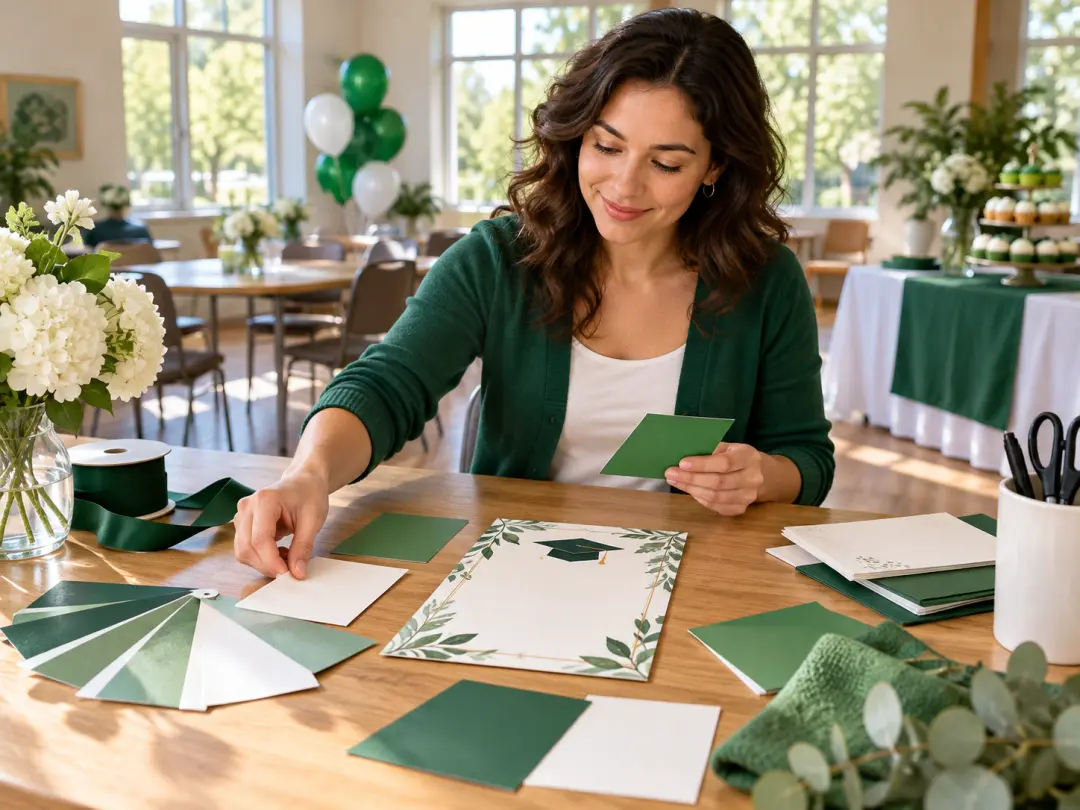
  • Graduation party invitation artwork with emerald accents and a blank space for event details
  • Graduation party invitation template concept with a blank oval photo area and crimson ribbon accents
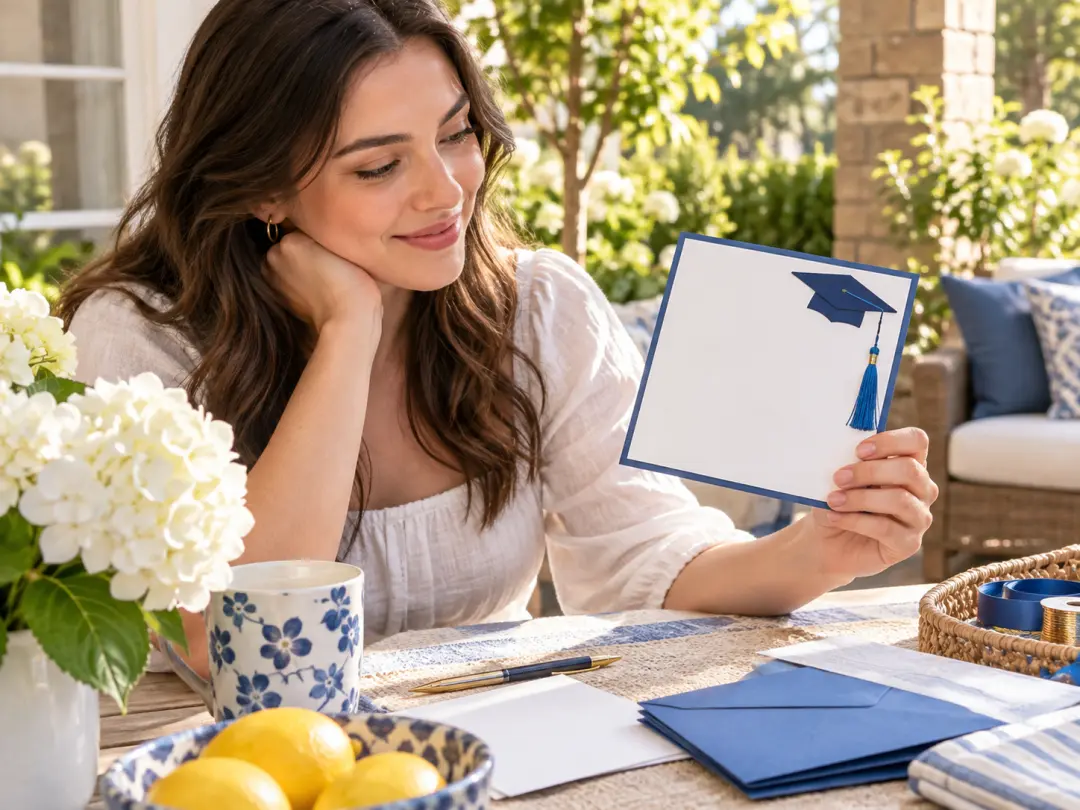
  • Save the date graduation template artwork with a cobalt tassel and blank date space
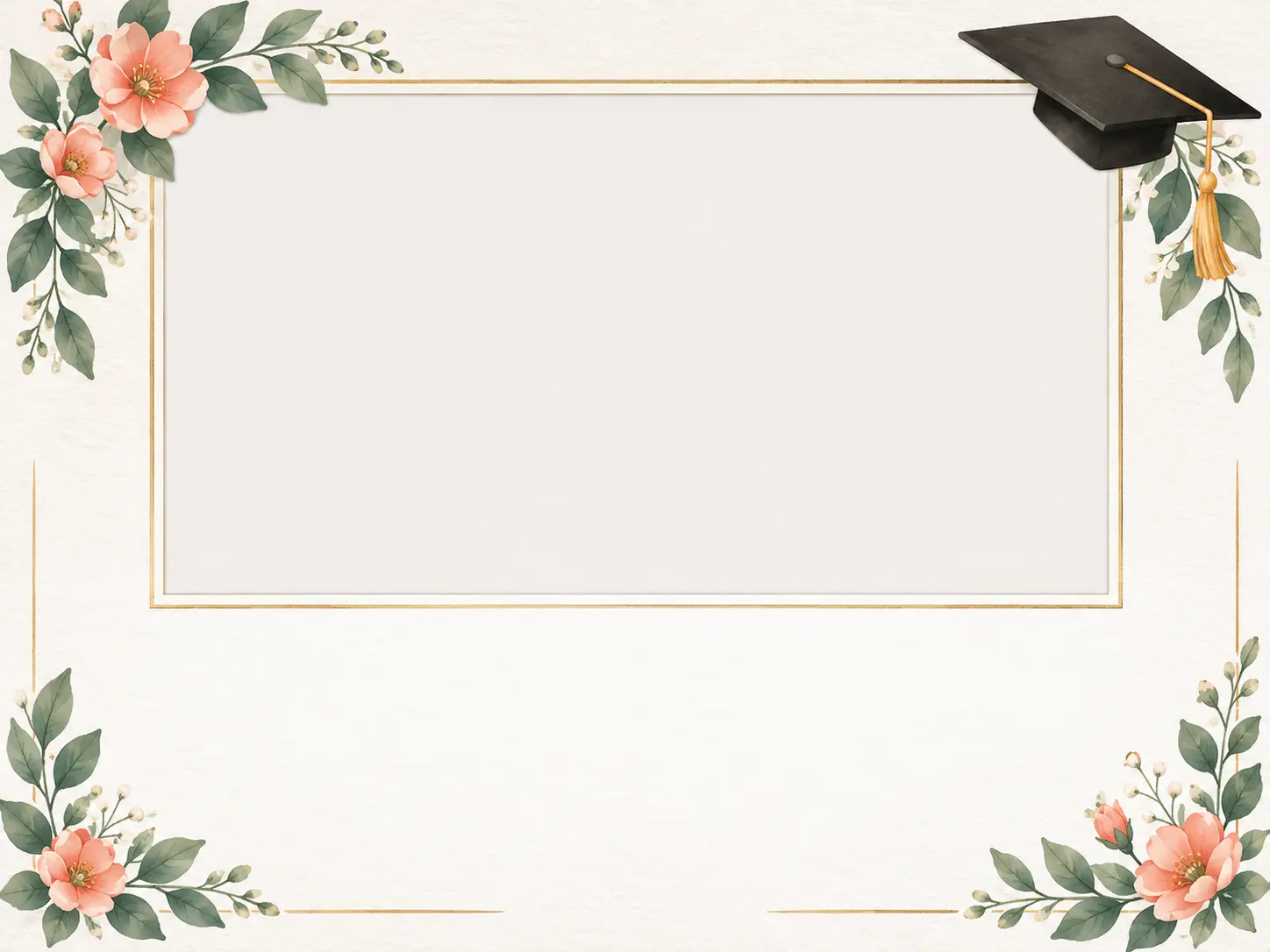
  • Graduation invitation artwork with spring flowers and a small illustrated graduation cap

Plan a graduation party invitation guests can read

An invitation has a practical job: tell guests whose achievement they are celebrating, where to go, when to arrive, and how to reply. Decide those details before you direct the visual design. A graduation party invitation can use school colors, a photo area, or a simple cap decoration, but decoration should not compete with the message. Keep the generated artwork as a background or concept, then use a layout editor to place the actual event information where you can proofread and revise it reliably.

Graduation template artwork with restrained blue corner decorations and a clear blank text area

Start with a graduation invitation template concept

If you searched for a graduation invitation template, distinguish a design concept from an editable file. VideoAI generates an artwork draft from your description; this page does not provide a template with separate text boxes or layers. Ask for a blank center and decorations near the edges, then take the accepted image to a layout editor. That gives you a place to add accurate event details without relying on generated lettering. Choose an actual editable-template service if direct template editing is your main requirement.

Graduation invitation background with floral corner decorations and a blank photo area

Match the design to the graduate

Use the graduate's preferred colors and the mood of the celebration to guide the artwork. An understated family gathering might suit a small ribbon and simple border, while an outdoor party might suit light botanical decoration. Describe those choices in the graduation party invitation brief rather than asking the generator to guess a school identity. If you want a personal photo, plan space for it and add an authorized photograph later in the layout editor. Do not invent a school logo or assume generated emblems are official.

Graduation party invitation background with a simple navy border and generous blank central space

Keep every party detail readable

Prepare the graduate's name, the party date and time, the full location, and the RSVP contact or deadline before completing the design. Add the details as editable text in your layout software, with clear contrast against the background. A graduation party invitation should still be legible on a phone and at the intended printed size. Check the day, date, address, and contact information against the original event plan. This matters more than decorative detail, because guests cannot attend confidently if the information is incomplete or wrong.

Choose the right graduation card for your celebration

A party invitation, a date announcement, and a congratulations card serve different purposes. Keep that difference visible when you choose a graduation template idea. A graduation party invitation needs enough event information for guests to act, while a save-the-date card can announce a confirmed date before the location is ready. A congratulations card is a message to the graduate, not an instruction to attend. Use the artwork for the task it actually supports, and do not let a broad template search turn the page into unrelated graduation certificates or presentation designs.

A family graduation celebration

For a family gathering, focus the graduation party invitation on the graduate and the practical plan for the day. Use a restrained decoration style if several generations will read the card, and give the date, time, location, and reply details enough space. A visual background can make the invitation personal without making it harder to understand. Add any instructions about parking, accessibility, or what to bring in the editable layout if they matter to attending, then check them with the host.

Grad card templates for party invitations

When exploring grad card templates, first decide whether the card invites people to a party or simply celebrates an achievement. This workflow is for invitation artwork, not a set of congratulations messages or an official graduation announcement service. Describe the atmosphere and visual style, then complete the party details separately. A graduation party invitation for a shared celebration should name the hosts and graduates clearly, rather than depending on a generic decorative image to explain whose event guests are attending.

A save the date graduation template concept

Use a graduation template idea when the date is confirmed but some party details are still being arranged. Create a simple background, add the graduate's name and date in a layout editor, and make it clear that a full invitation will follow. Do not imply that the earlier card already contains a confirmed venue or final schedule. When those details are settled, use the same visual direction for a separate graduation party invitation with complete attendance and RSVP information.

Prepare, personalize, and proofread your invitation

Separate the artwork task from the event-information task. First, confirm what the graduation party invitation needs to communicate. Next, create a background or visual direction with enough open space for that information. Finally, complete the layout in an editor that lets you change the text and inspect the result at its intended size. This order reduces the chance of approving an attractive design with missing details. It also keeps your next revision clear: change the artwork when the style is wrong, and change the editable text when the event information changes.

Invitation planning desk with color swatches and a blank graduation card background

Step 01

Choose the style and reserve text space

Decide whether your graduation party invitation needs a school-color border, a photo area, or floral decoration. Describe the background in the prompt and ask for a clear blank region for the name and party details. Review the settings available in the image creation panel. Do not ask generated artwork to invent the date, school identity, or RSVP information for your event.
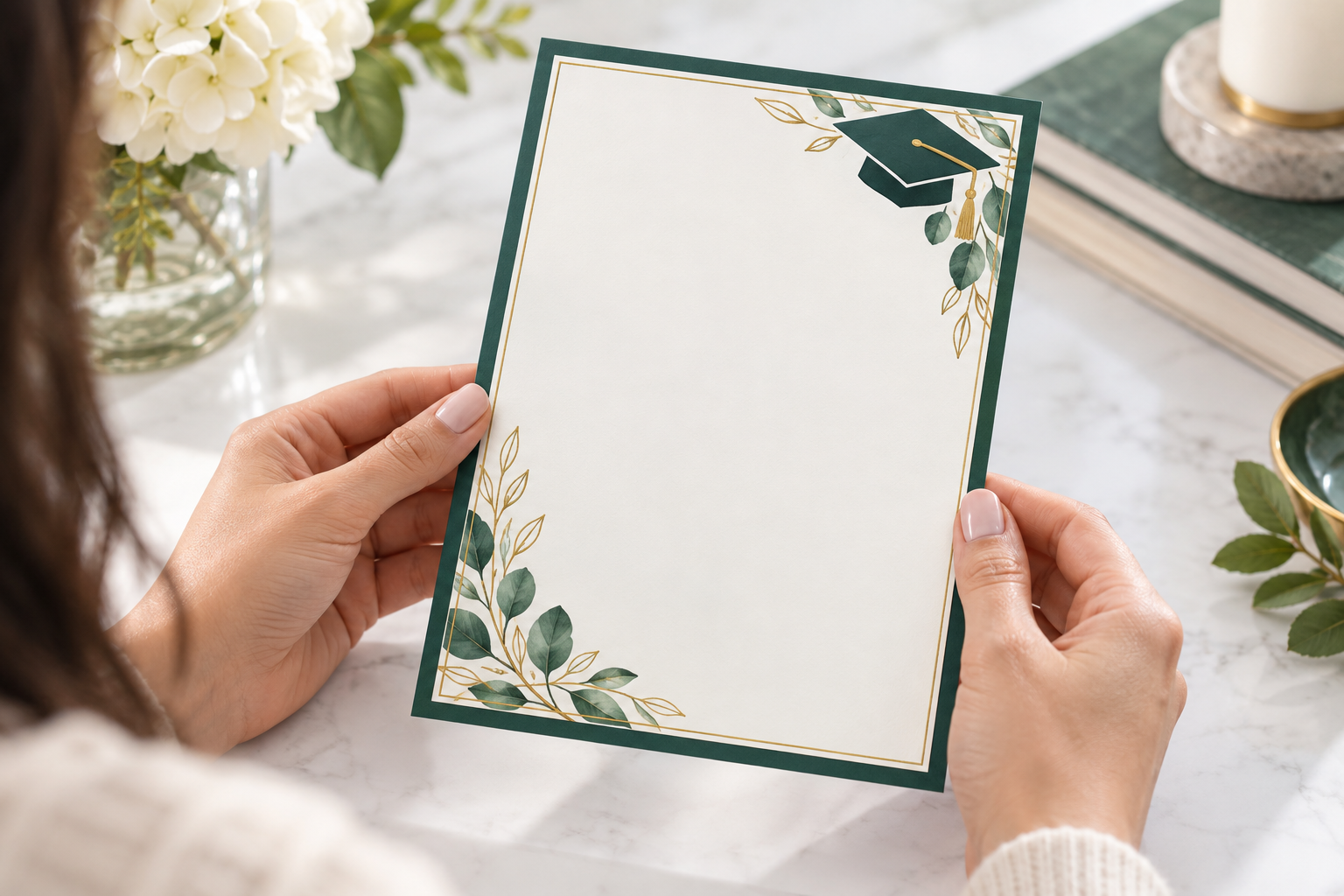

Hands inspecting a graduation invitation background with emerald accents and an empty central area

Step 02

Generate and review the artwork

Inspect the draft for useful open space, clean edges, and decorations that match the mood of the celebration. A graduation party invitation background should support the message instead of forcing it into a tiny area. Regenerate with simpler instructions if the design is crowded. Treat any accidental AI lettering as an error to remove or avoid, not as checked and final event information.

Graduation invitation background prepared beside a plain envelope and a clean ruler for layout checking

Step 03

Add details and check the final layout

Import the accepted artwork into a layout editor and add the actual name, date, time, location, and RSVP details as editable text. Proofread against the event plan, then inspect the finished layout on a phone or at the intended print size. Review the editor's export options and your printer's requirements before sharing. Changing event details should not require you to regenerate the decorative background.

Who plans a graduation party invitation

Graduate and parent discussing a blank graduation invitation design at a bright dining table

Graduates inviting friends and relatives

A graduate or parent can use the image creation workflow to explore a personal invitation background before completing the event details. Start with colors and decorations that suit the graduate, then keep the main message easy to read. The graduation party invitation needs practical information as well as a visual identity, so assign someone to verify the name, date, address, and RSVP contact before anything is sent.

Class celebration organizer arranging plain school-color paper samples in a sunny meeting room

Organizers arranging a shared celebration

For a shared gathering, settle the list of graduates, hosts, and party details before making the artwork. A graduation party invitation can share a visual direction with other event materials, but this page does not promise batch name replacement or a managed RSVP service. Use an external layout workflow to maintain correct text across versions, and check that each recipient receives the right event information.

Event host choosing a text-free blue-tassel graduation card background on a sunlit patio

Hosts sending a date announcement first

If the date is certain but the venue is not, prepare a clearly labeled save-the-date layout instead of inventing missing information. Keep the artwork simple enough to reuse once the full graduation party invitation is ready. Store the accepted background and update the text in your layout editor when the schedule is confirmed. A date announcement should not leave guests thinking the attendance instructions are already complete.

FAQ

graduation party invitation questions

This page creates AI invitation artwork, not a downloadable template with editable text boxes or separate layers. If you need a graduation card template that lets you click and replace the name, date, and RSVP information, choose a layout editor or template service that supports that workflow. You can import an accepted VideoAI background there and add your event details as editable text. Do not assume text embedded in a generated image can be edited independently.

A graduation party invitation should identify the graduate, explain that guests are invited to a party, and provide the date, time, full location, and a way to RSVP. Add a reply deadline or attendance instructions if the host needs them. Proofread names, dates, addresses, and contact details against the original event plan. Keep the wording readable at the size guests will see, and avoid letting the background decoration hide information they need to attend.

A 5 by 7 inch invitation is a common planning reference, but the best size depends on your layout, envelope, and printer. This is not a promise that a generated graduation party invitation background arrives at that physical size or meets a particular print standard. Check the downloaded pixel dimensions, the final layout size, and any printer requirements for resolution, margins, or bleed. Make a proof before ordering a large quantity, especially if fine details or a photograph are important.

Complete the graduation party invitation in your layout editor, then choose an export format appropriate to how you will share it. For a digital card, check that the name and attendance details remain legible on a phone. For a PDF or printed version, review the layout editor's actual export settings and the printer's requirements. This page does not promise native PDF export, a mailing service, or managed RSVPs from the VideoAI image generation workflow.

A save-the-date card asks guests to keep a confirmed date available while fuller details follow later. A graduation party invitation gives enough information to attend and respond, including the time, location, and RSVP method. If a venue or schedule is not yet settled, do not invent it to make an earlier card look finished. Keep the visual direction related if you want, but update the editable wording and check all details before sending the final invitation.

Check the current account, pricing, and generation settings before making a graduation party invitation background; this page does not promise a particular free allowance or unlimited use. For a personal photo, use an image you have permission to include and add it in your layout editor after making a suitable background. Review privacy and usage terms wherever you upload a photograph. A generated blank photo area is a design concept, not proof that a photo has been added or authorized.

Explore related invitation and graduation tools

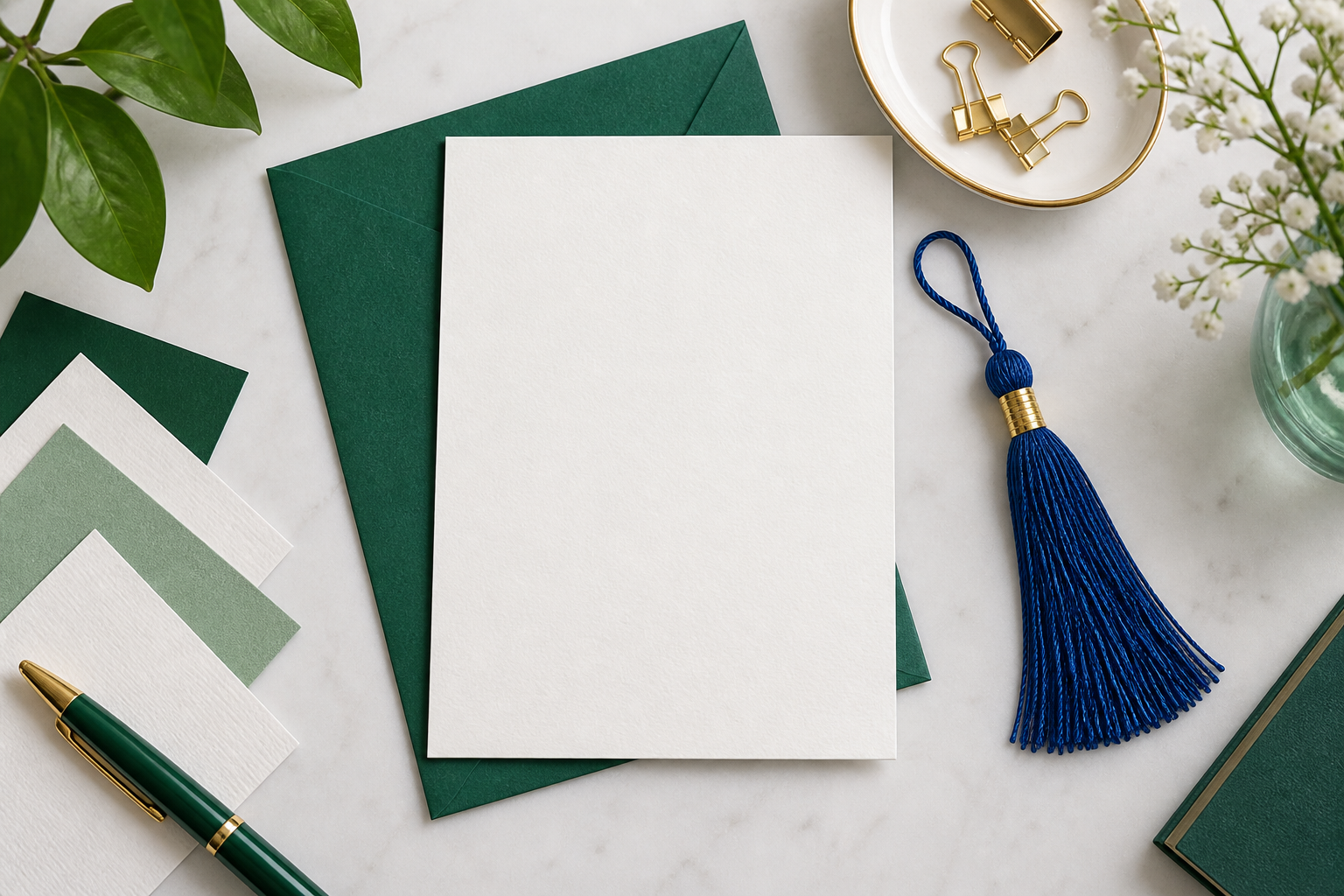
Graduation invitation artwork background with a small blue tassel and open white paper

Create the artwork, then make the details your own

Describe a clear graduation party invitation background, review the design, and finish the event information as editable text before you share it.

Get Started
graduation party invitation - Design Ideas | VideoAI