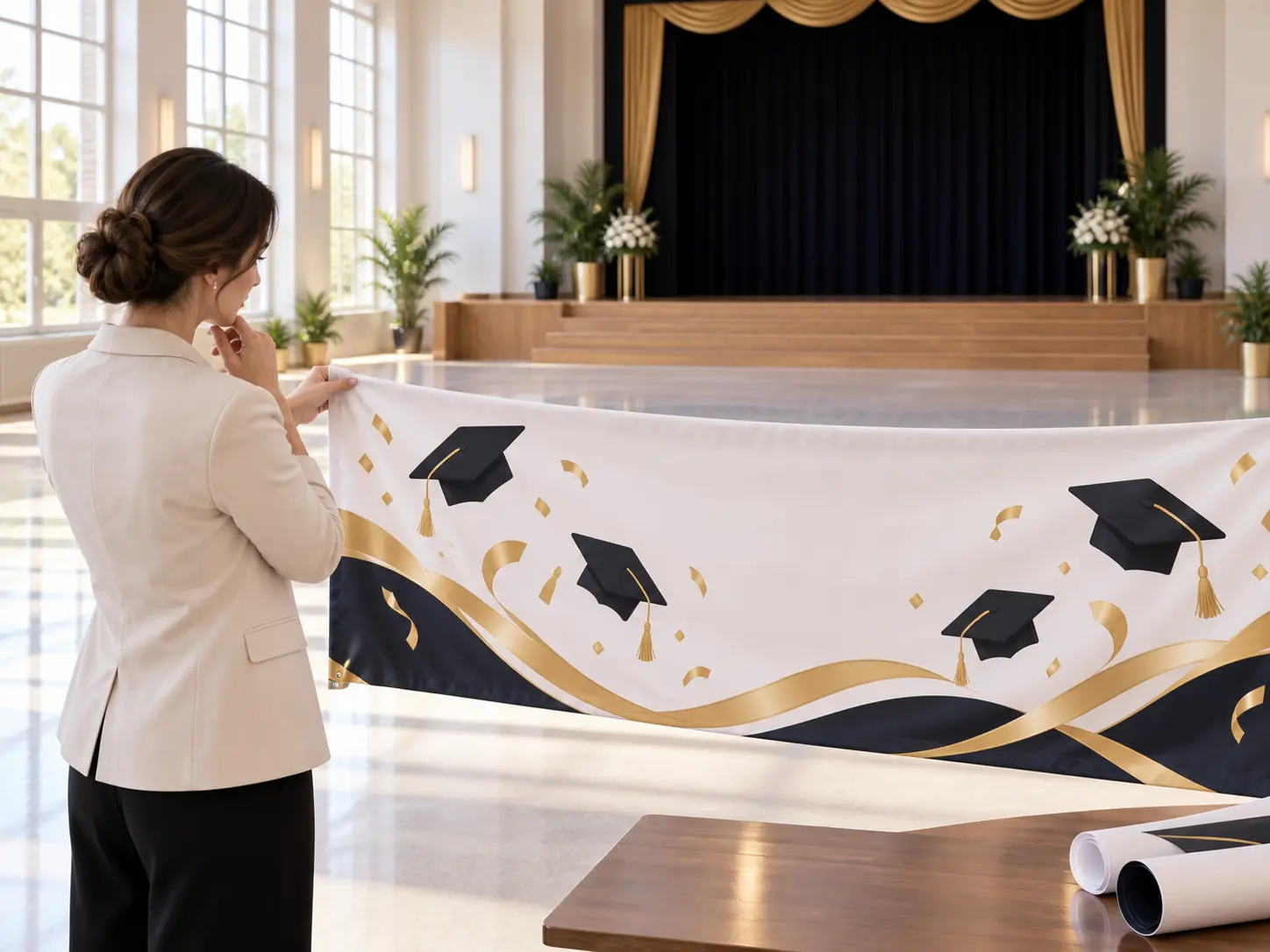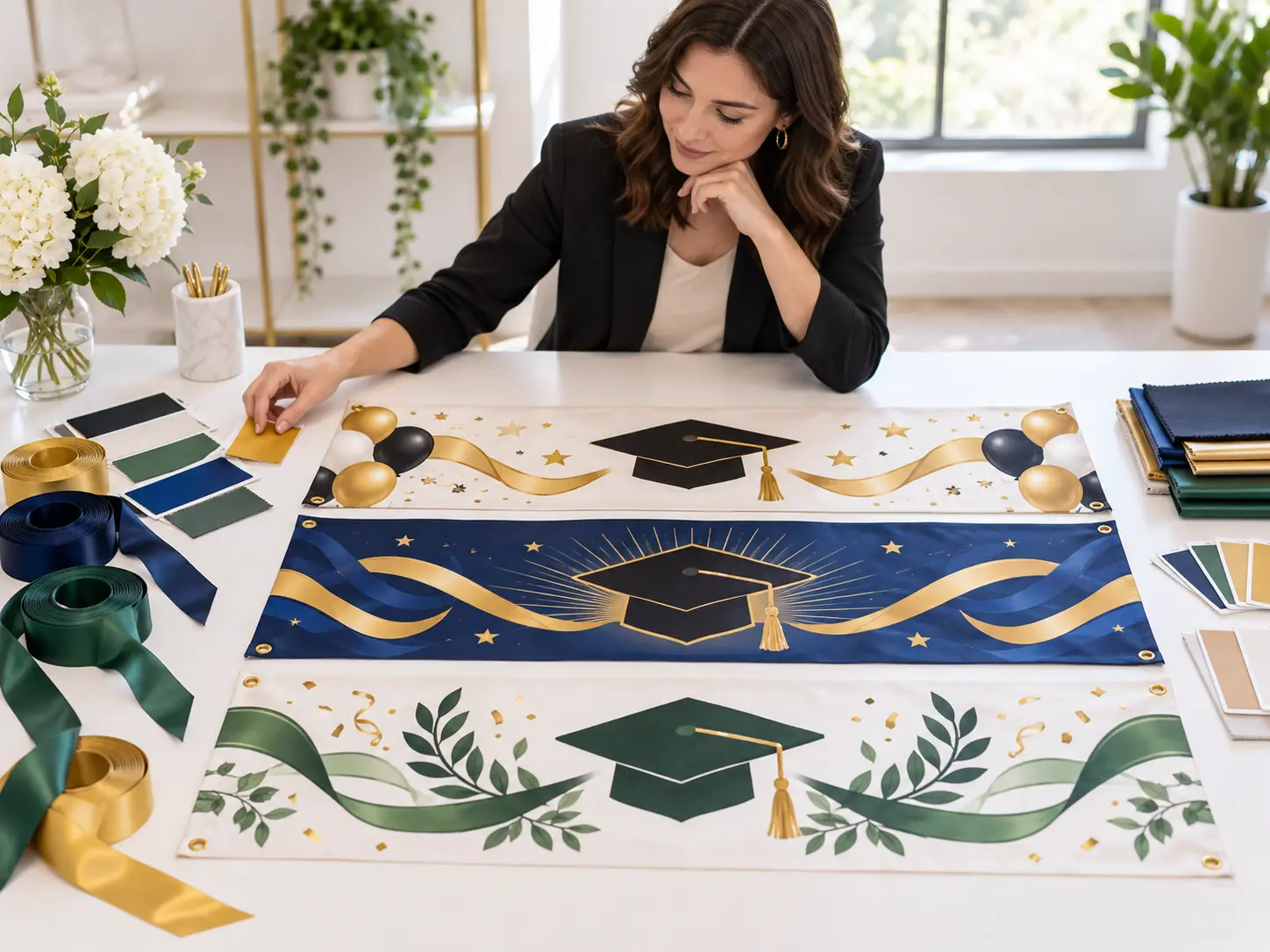
Step 01
Describe the Graduate and Event
Enter the name or message direction, graduation level, class year, school colors, visual mood, and the wide shape you need. Upload an authorized photo if the graduate should appear in the design.

Use this Graduation Banner Maker to turn a graduate's photo, name, class year, school colors, and celebration idea into a personalized graduation banner you can refine and download.

The Graduation Banner Maker lets you control the details that turn a generic celebration graphic into a banner made for one graduate, class, or ceremony.

With the Graduation Banner Maker, upload a clear photo you have permission to use and describe the pose, crop, and mood you want. VideoAI uses it as a visual reference while composing the graduate as the focal point instead of pasting a portrait into an unrelated template.

Name the school palette, graduation level, season, and whether the look should feel elegant, spirited, playful, or minimal. Those choices guide the whole scene, so a kindergarten celebration and a university ceremony do not come back looking the same.

Ask for a clean area where a short name, class year, or congratulations line can sit without covering the face. Review any generated lettering closely, and refine or add exact production text in your preferred editor before printing.

Generate several concepts before choosing between bold school spirit, polished portraiture, or a bright party look. Keep the personal details stable and change one style cue at a time, which makes the next round easier to judge.
The Graduation Banner Maker starts with the event details, then helps you refine the composition and check the final destination before you use the artwork.
Step 01
Enter the name or message direction, graduation level, class year, school colors, visual mood, and the wide shape you need. Upload an authorized photo if the graduate should appear in the design.
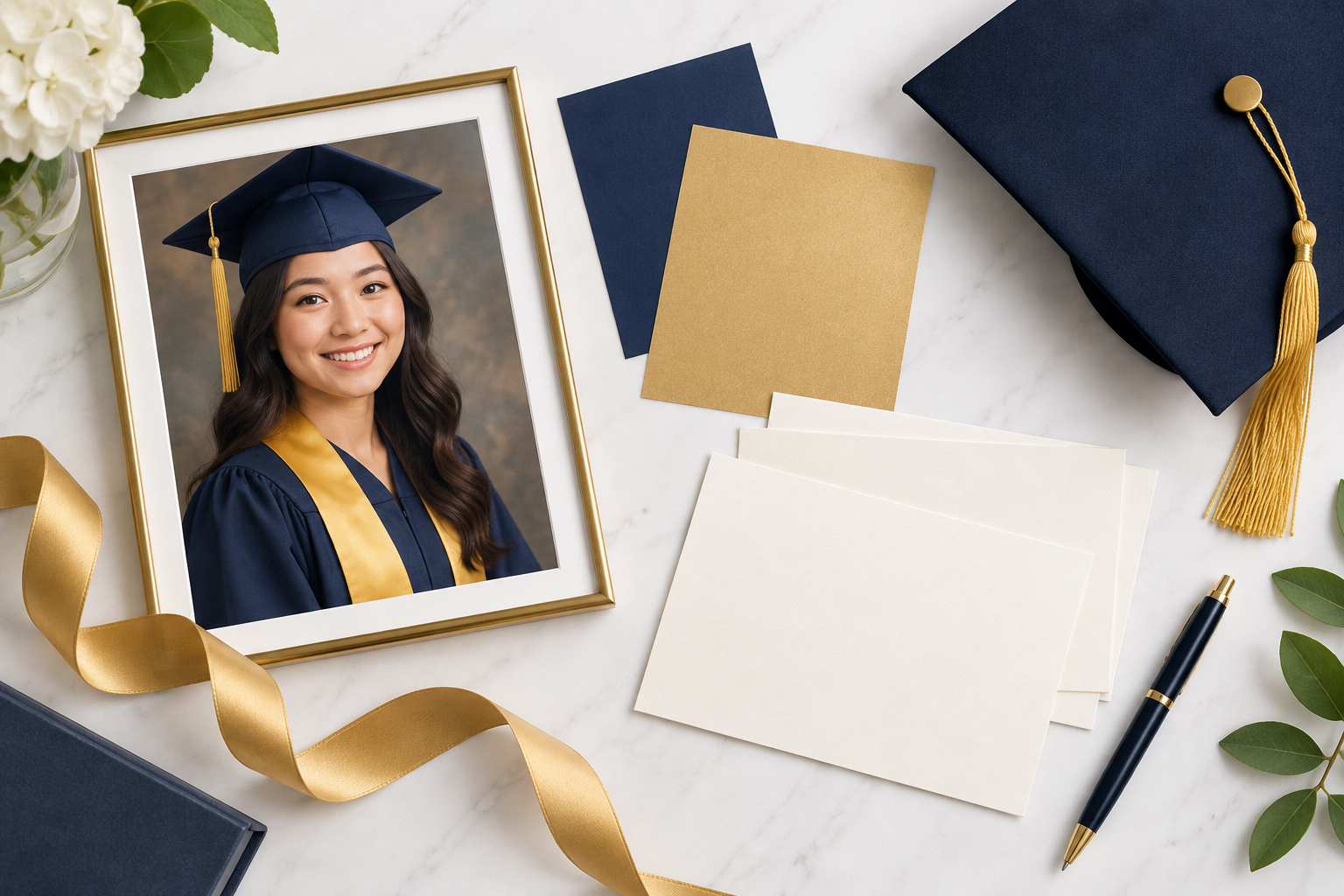
Step 02
Create a first set, then check facial likeness, focal placement, palette, and open message space. Change one missed detail in the prompt and generate again instead of rewriting the whole direction.
Step 03
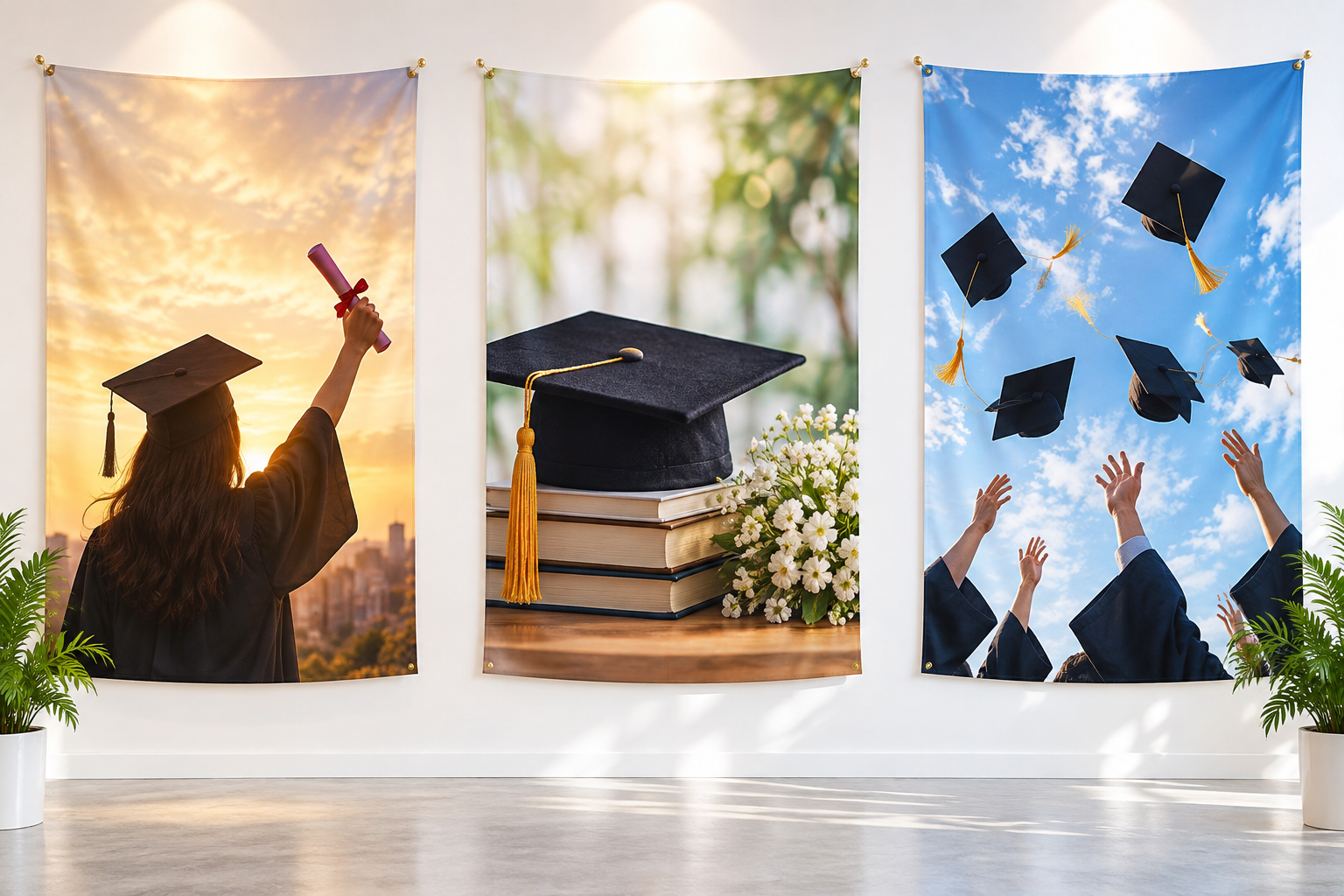
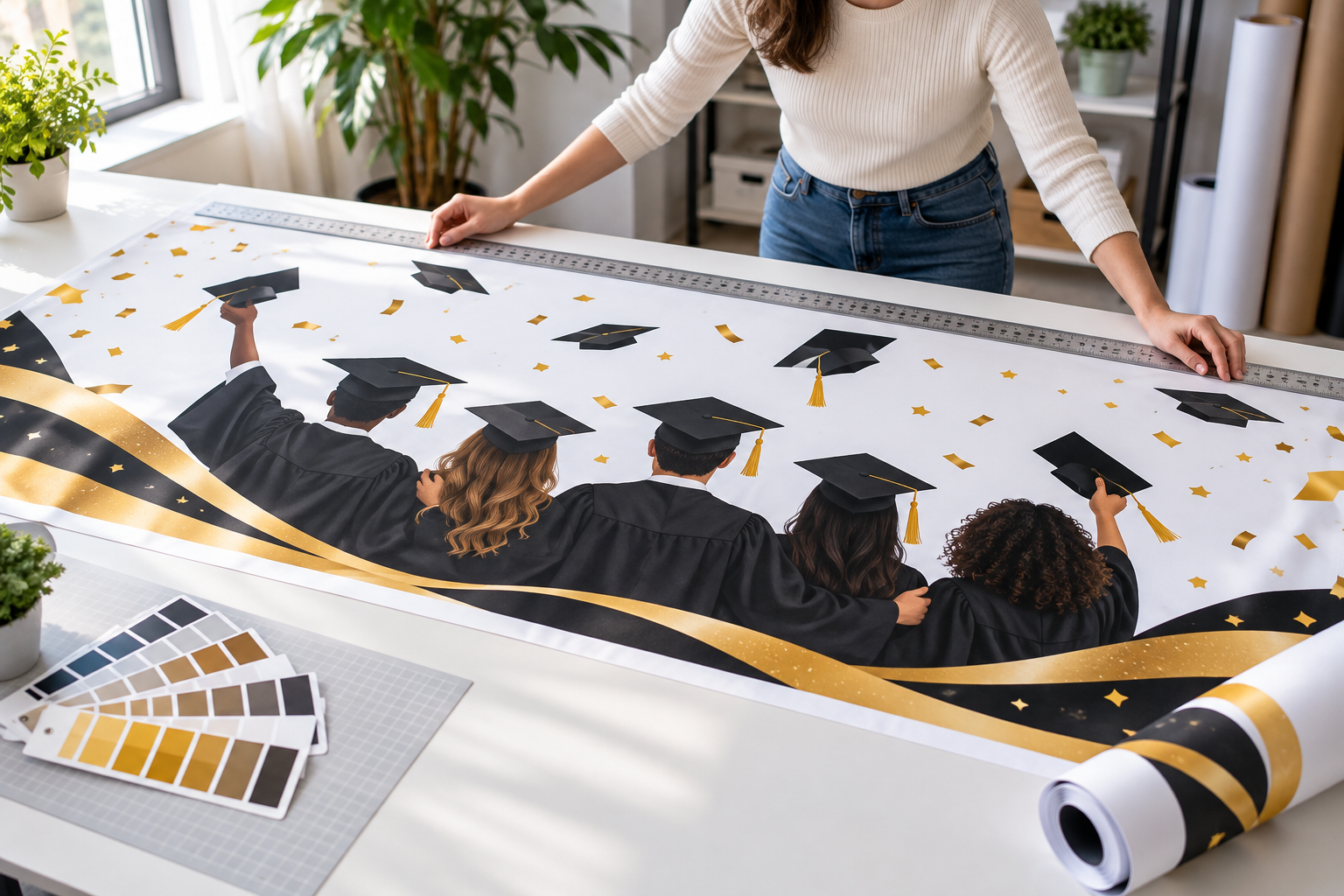
Download the chosen image, verify names and wording, and confirm the exact pixel or print dimensions required by your venue, printer, or social platform before publishing.
Keep the same personal details while changing the visual tone for the moment and place.
Use the Graduation Banner Maker to center one graduate, their school colors, and a short message for a yard display, party backdrop, or digital announcement.
Use brighter color, confetti, balloons, and generous group-photo space for a family celebration without crowding the layout.
Choose a more formal palette and broad composition for a class, stage, club, or school event where readability matters from farther away.
Use cheerful shapes, friendly color, and age-appropriate details while keeping children's photos and names limited to material you are authorized to share.

Create a banner that feels specific to the graduate by combining a favorite authorized photo, school palette, class year, and a message that sounds like your family rather than a stock phrase.

Use the Graduation Banner Maker to bring the graduate, school colors, class year, and celebration mood together in one wide design you can refine.
Get Started