
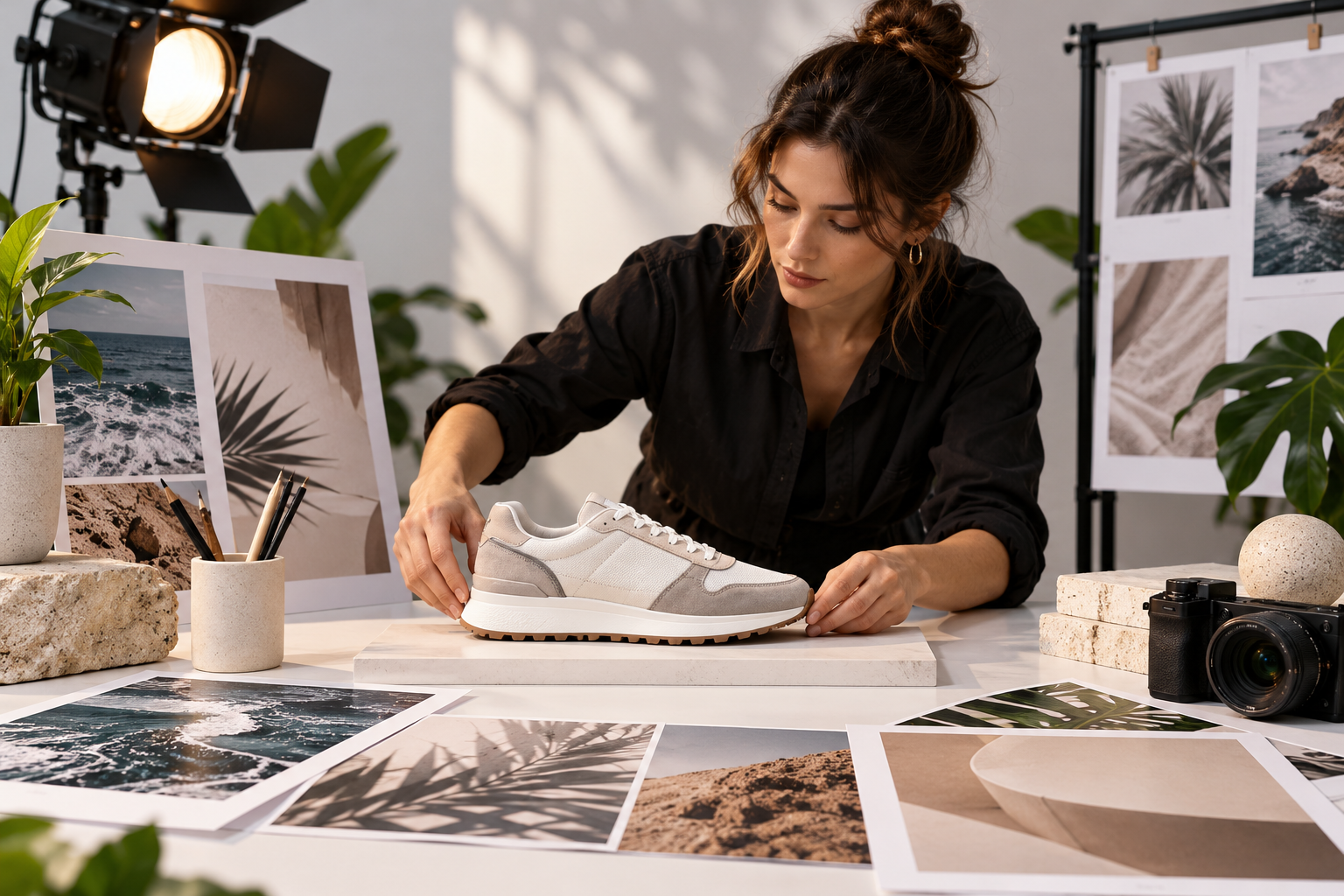
Step 01
Describe the launch moment
Tell VideoAI what you are previewing, then add your own images, video clips, or audio references for reuse in the workspace.

High energy preview clips
Shape a new promo short in VideoAI by setting the opening, scene beats, sound direction, and final frame.
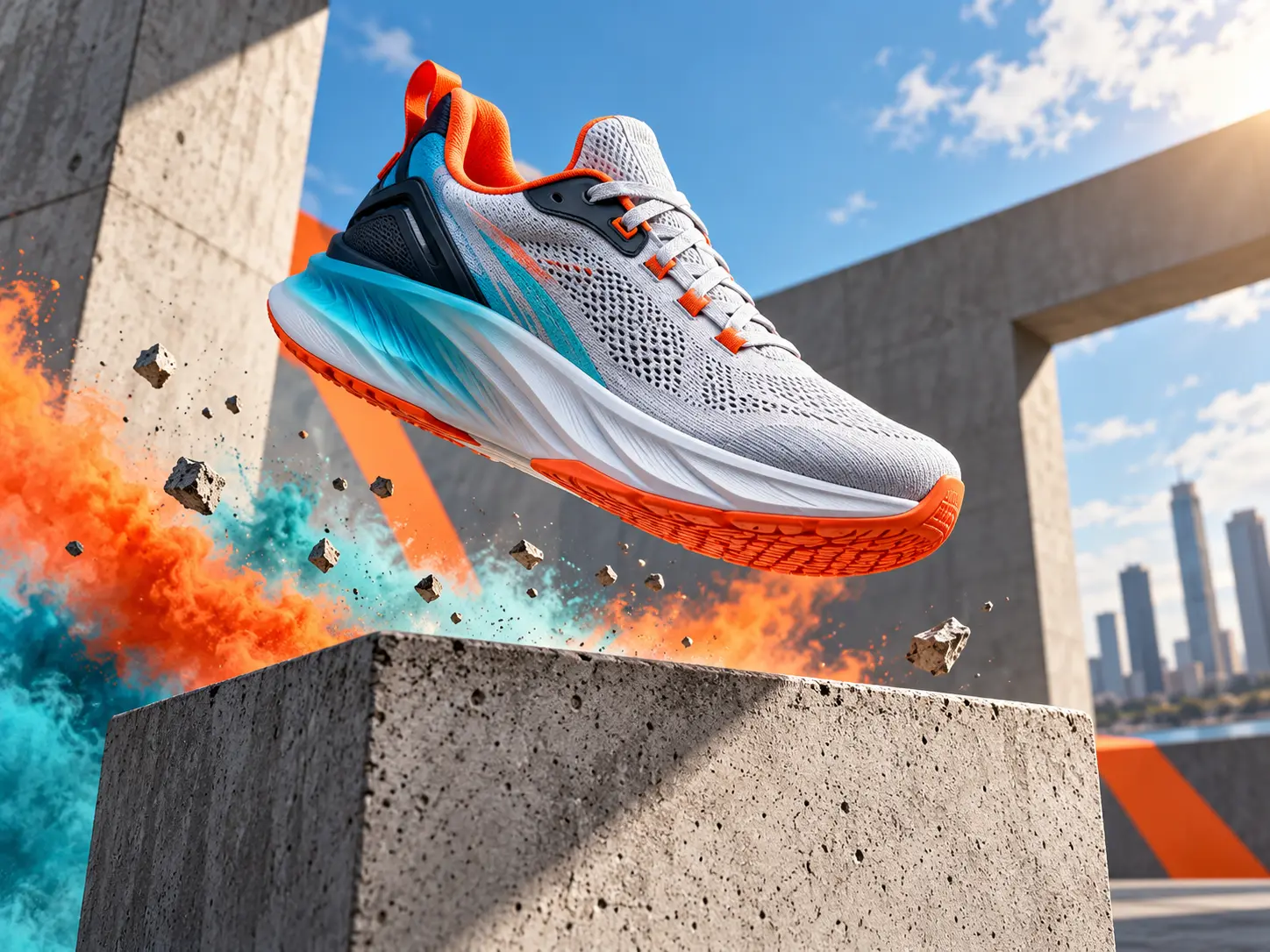
VideoAI keeps the creative decisions visible, from reference files to pacing notes and export shape.
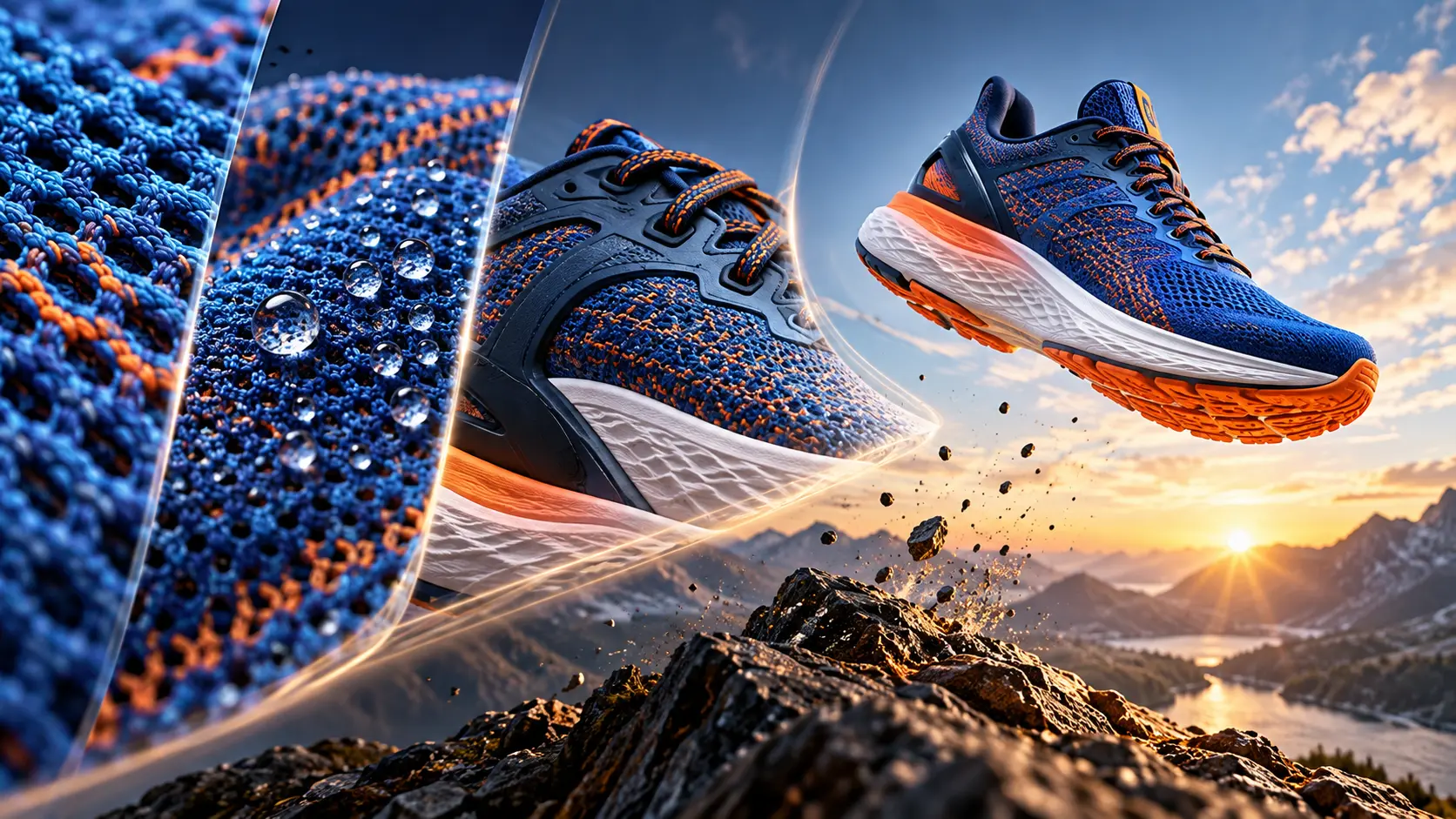
Write the opening, main action, and closing moment by time segment so the video follows the rise you intended.
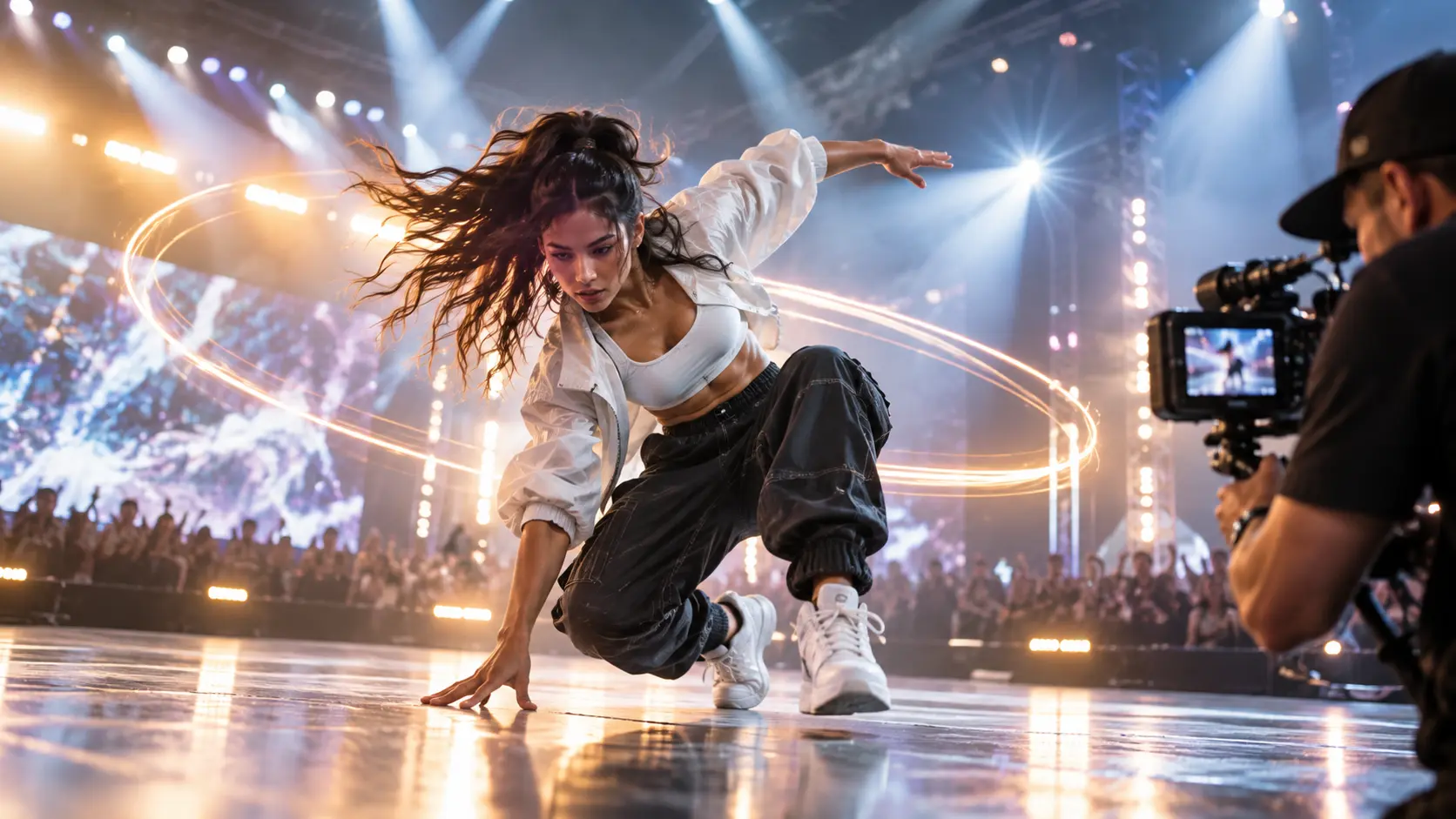
Describe the music, sound effects, and voice direction so the cut feels driven by the rhythm you chose.
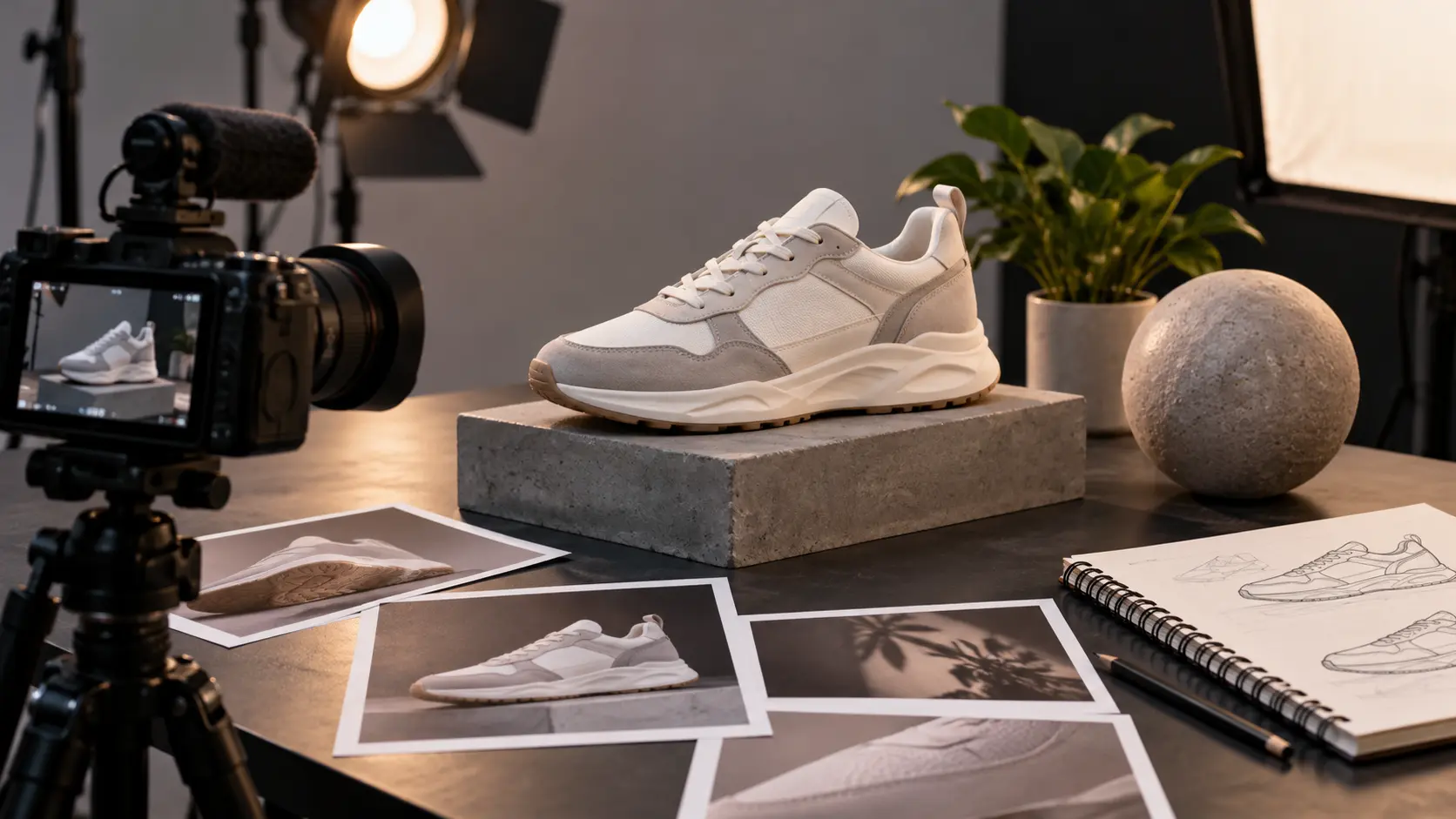
Add text, images, clips, audio, and a logo, then use @ to tell VideoAI what each reference should guide.
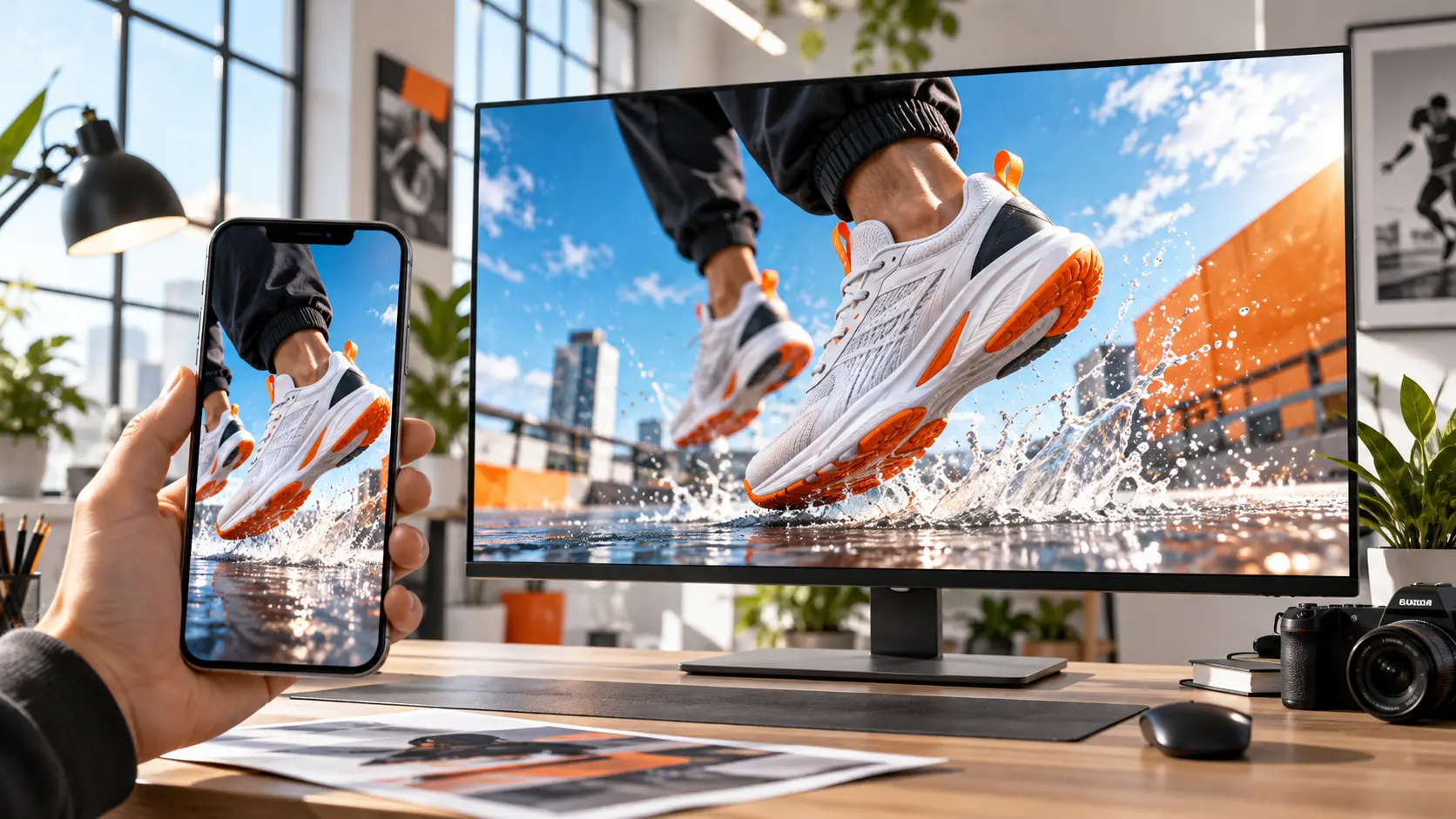
Choose 16:9, 9:16, 1:1, or 4:5 and download a no watermark MP4 at up to 4K when the preview is ready.
Start from the campaign idea, then make the visual and audio choices that define the result.
Step 01
Tell VideoAI what you are previewing, then add your own images, video clips, or audio references for reuse in the workspace.
Step 02
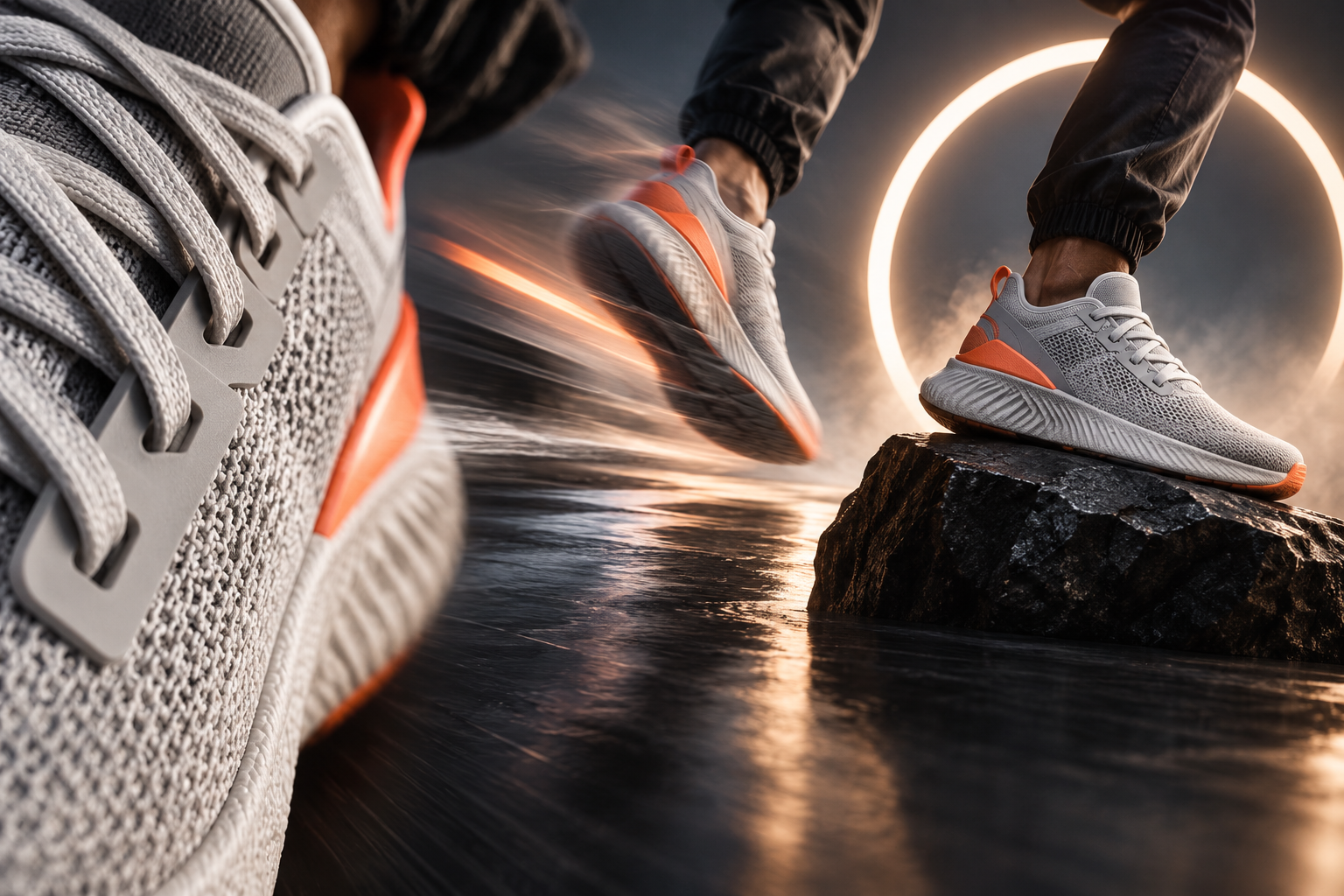
Pick a template or blank start, use @ for each reference, and write the opening, key visuals, sound, voice, and frame ratio.
Step 03
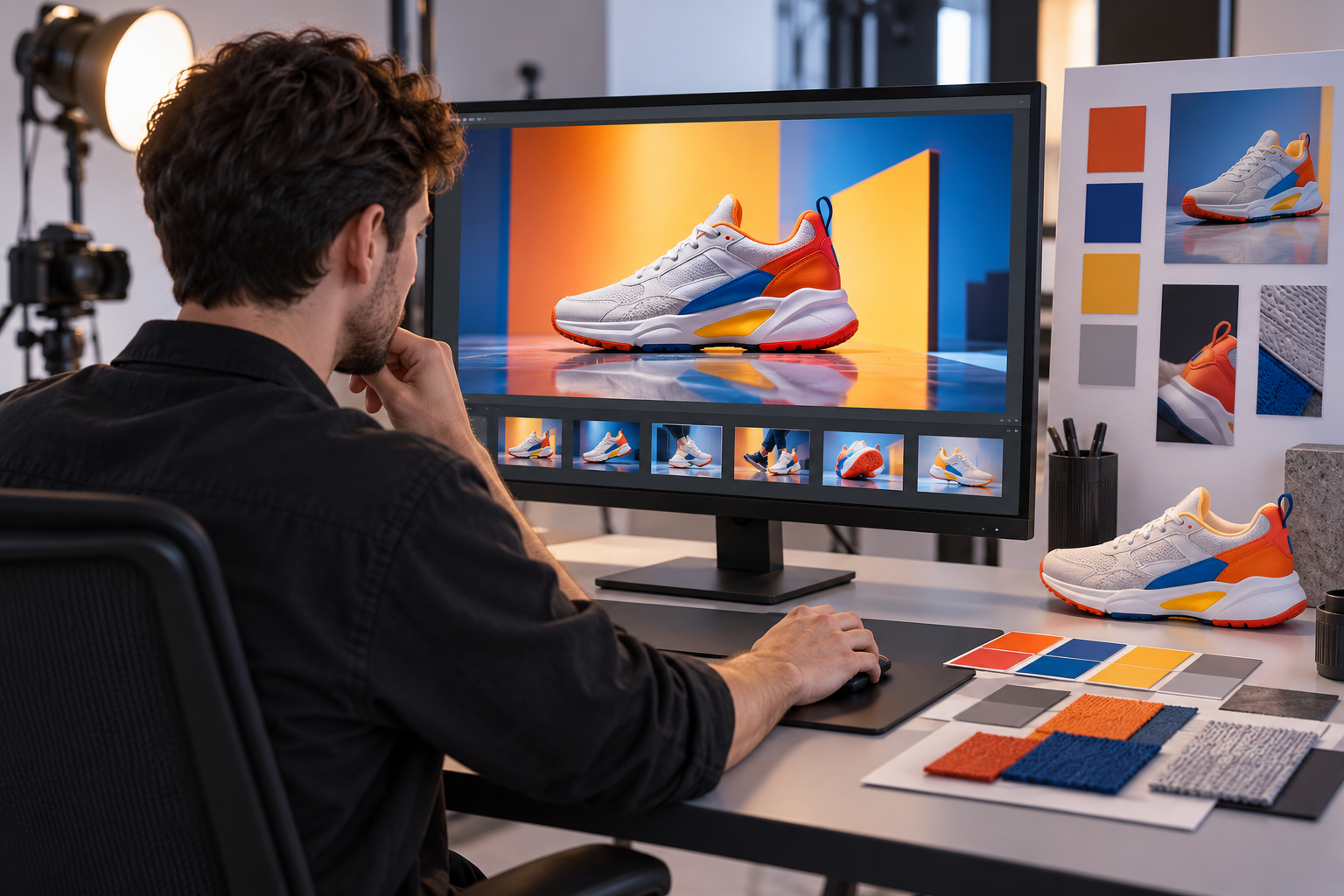
Generate a new short, review the rhythm and images, then request the next version with text before downloading MP4.
Use it when the first few seconds need a clear hook, not a long production setup.
A launch needs momentum before the full story is public. Set the opening shot, product closeups, music drive, and final logo cue in VideoAI.
An event page or stage screen needs a quick mood signal. Arrange the visuals and sound so the audience understands the energy before details begin.
A creator has images, clips, and an audio idea for the next drop. The hype video maker turns that intent into a short with a controlled build.
One campaign may need vertical, square, and widescreen versions. Choose the aspect ratio and rewrite the emphasis for each placement.

Use VideoAI to shape the next release preview with your own reference media, short text moments, and a sound direction that matches the reveal.
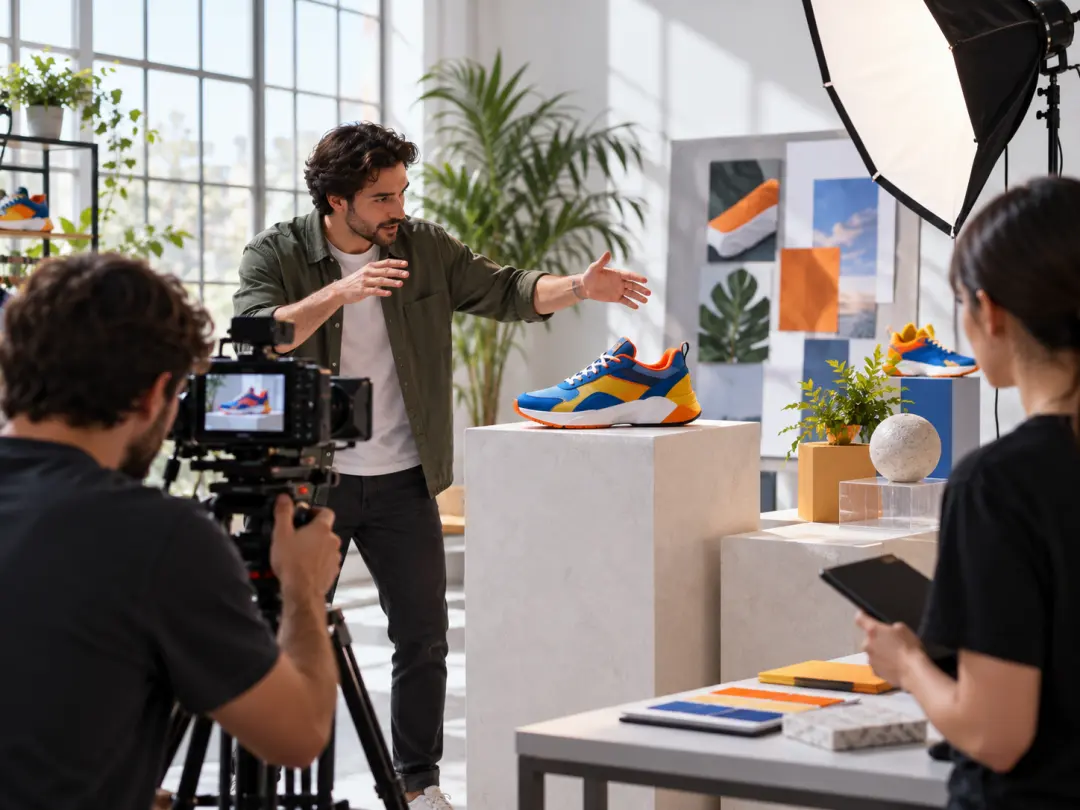
Set the product focus, visual style, logo reference, and closing frame so a campaign clip lands on the message you need.
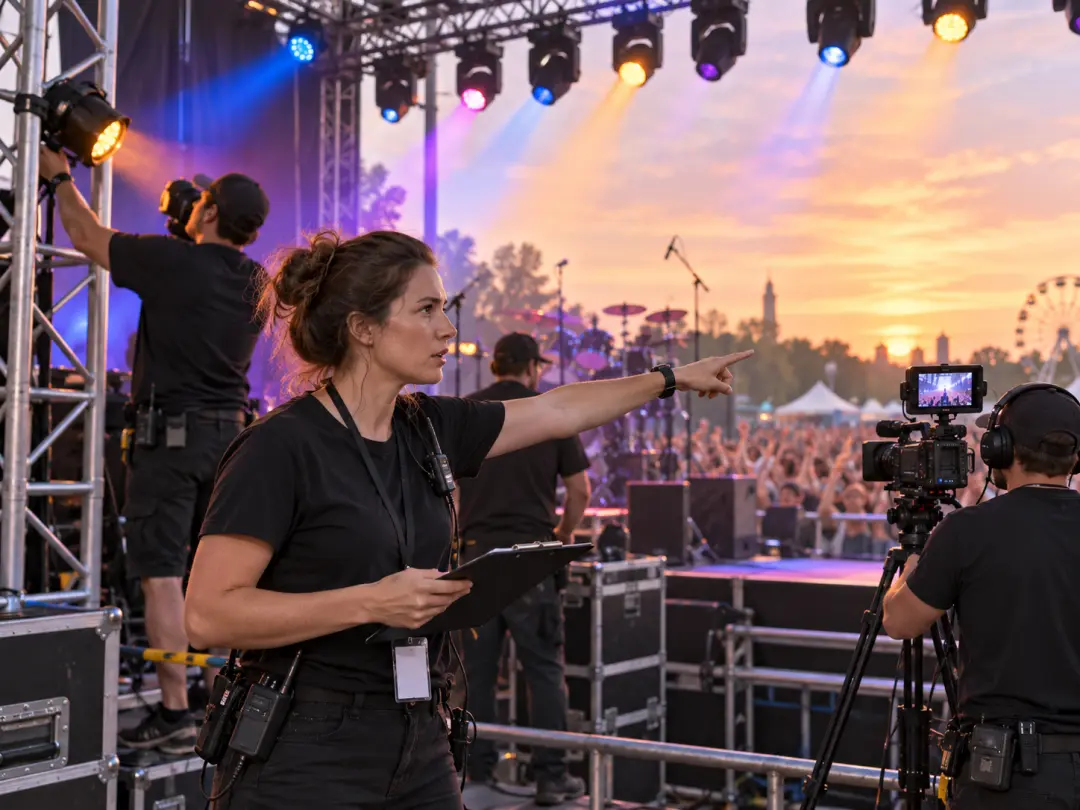
Build an opening or preview clip around the event atmosphere, then guide the pace with music and scene notes.
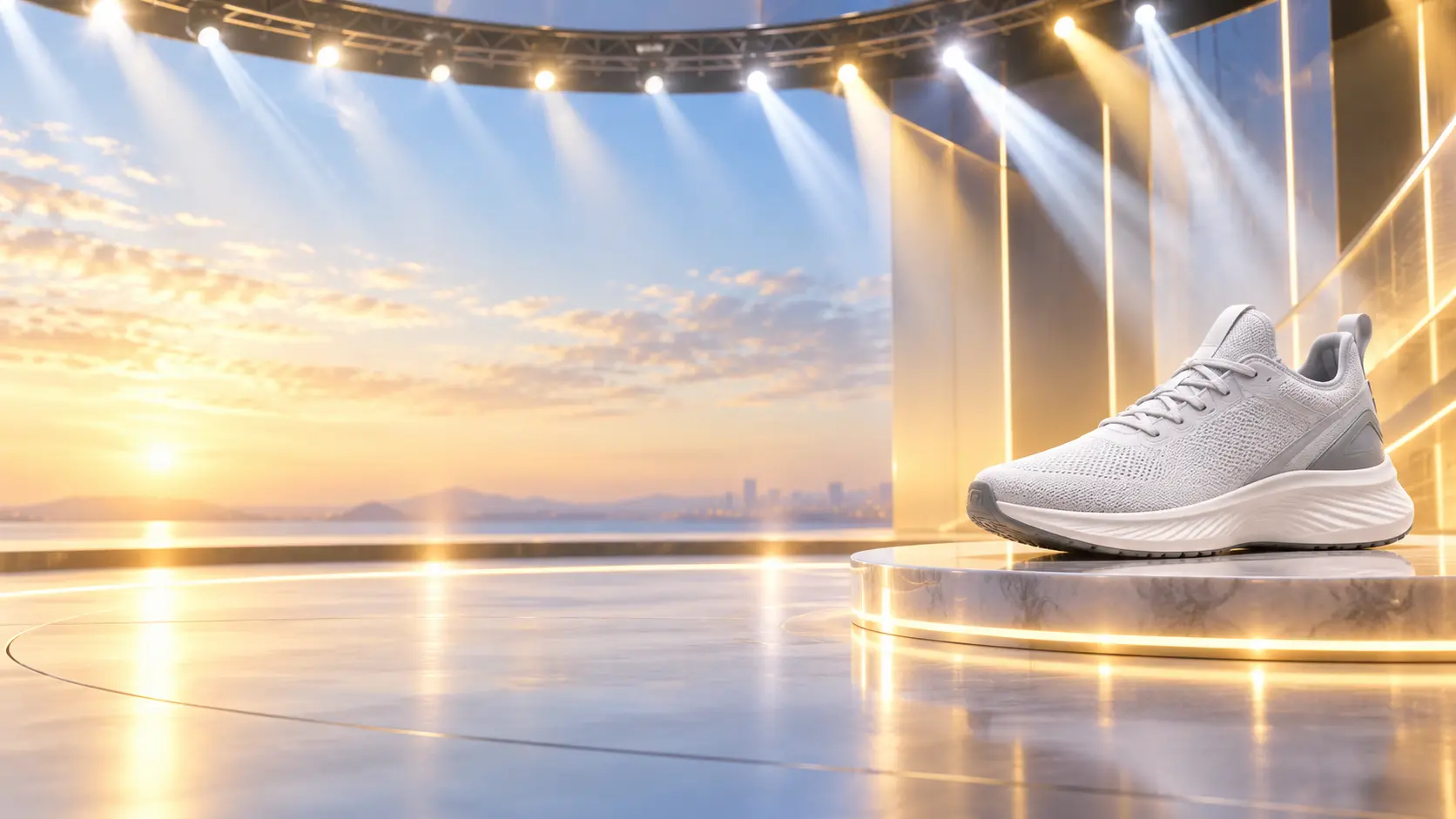
Bring your idea, references, pacing notes, and sound direction into VideoAI, then shape a new promo short for download.
Get Started