
Step 01
Upload the Original Photo
Choose a photo with a clear subject and enough visible surface detail for the new light to respond to. The source image stays as the base for the scene the AI relight maker will rework.

Use this AI relight maker when a photo needs a different light direction or light color without reshooting the scene. Upload the source image, choose where the new light should come from, and set the tone you want the light to carry. The AI relight maker rebuilds the lighting on the existing subject and surroundings, so you can compare the new mood before you download.
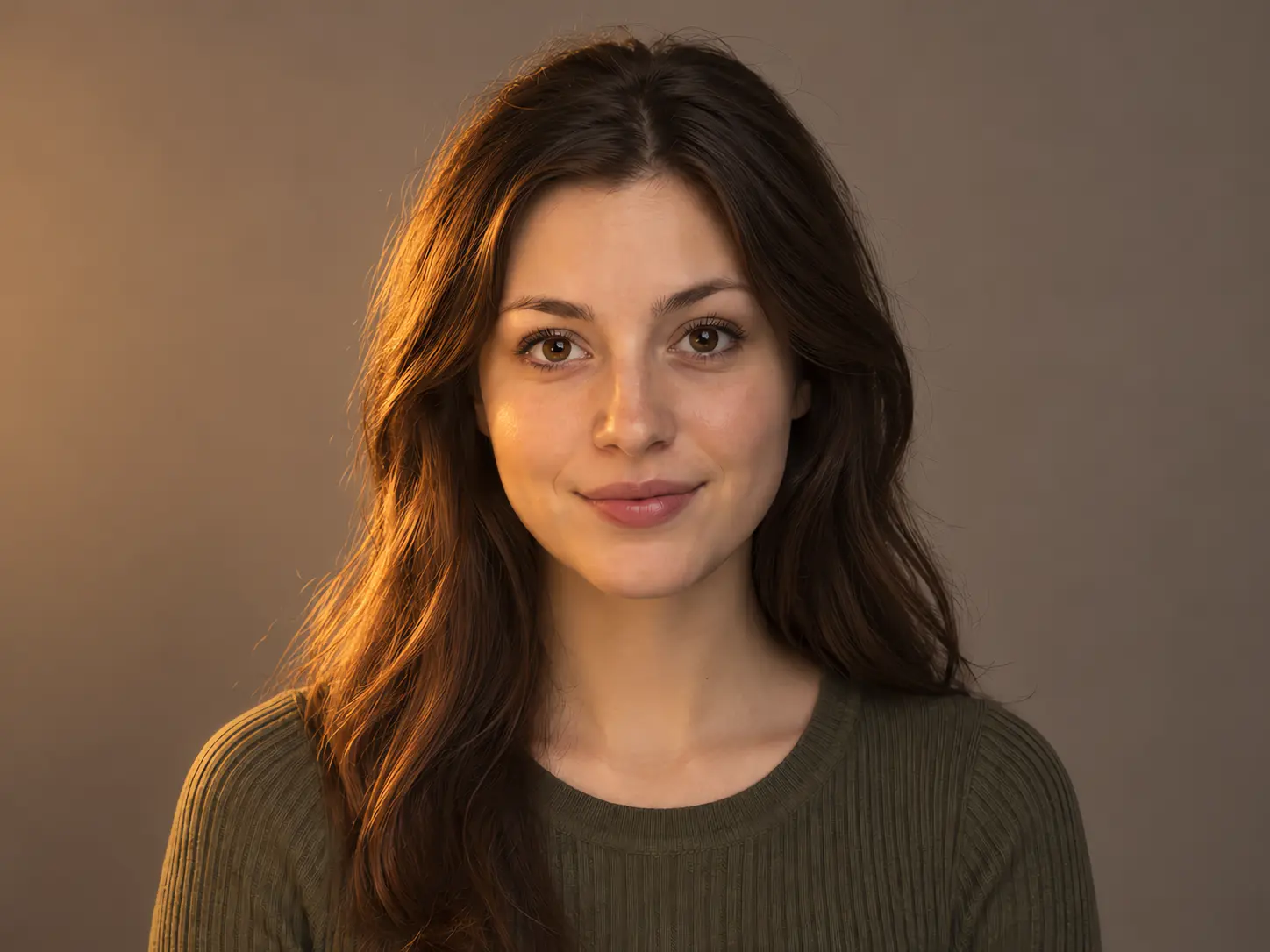
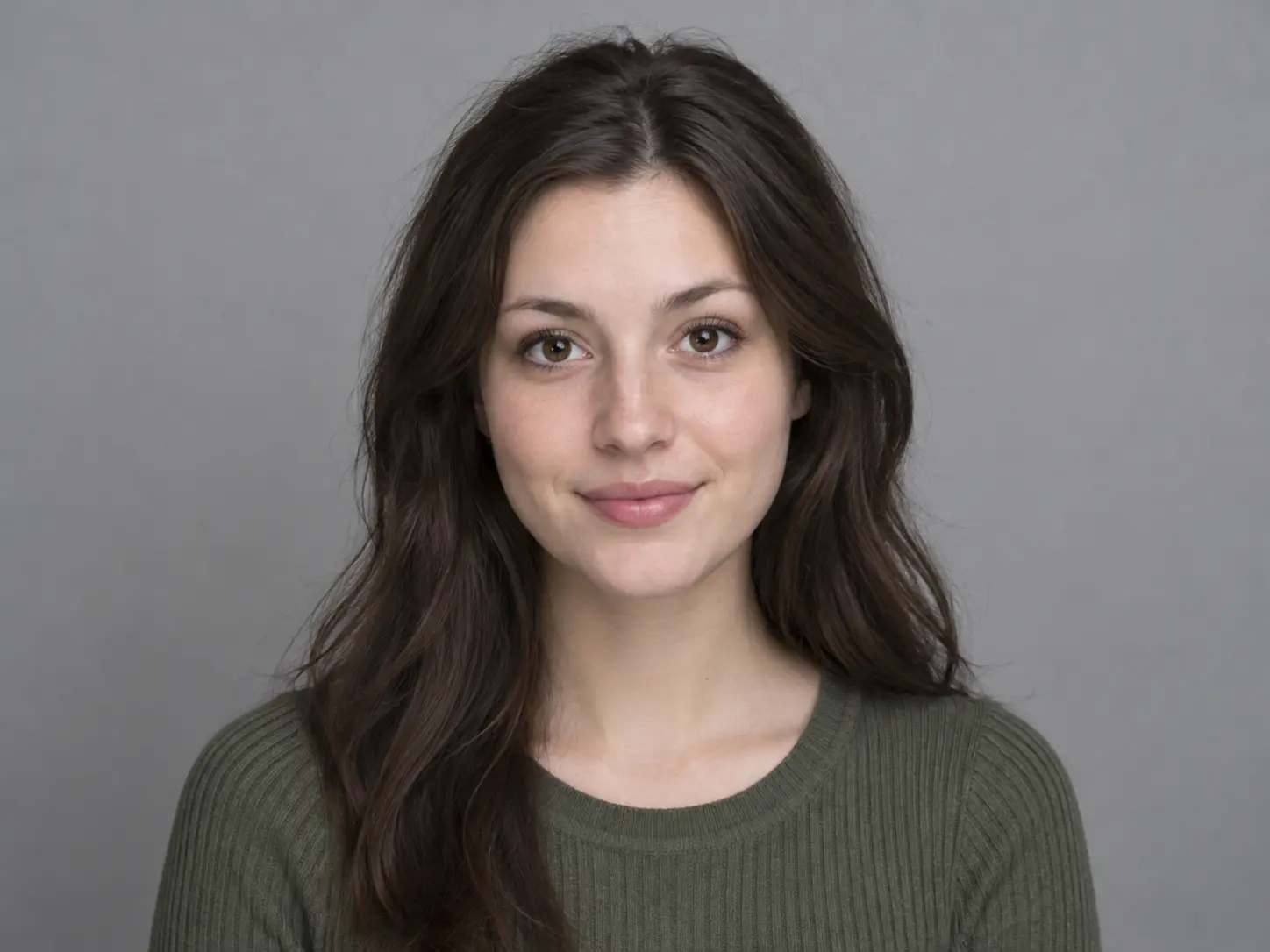
No picture on hand? Try with one of these
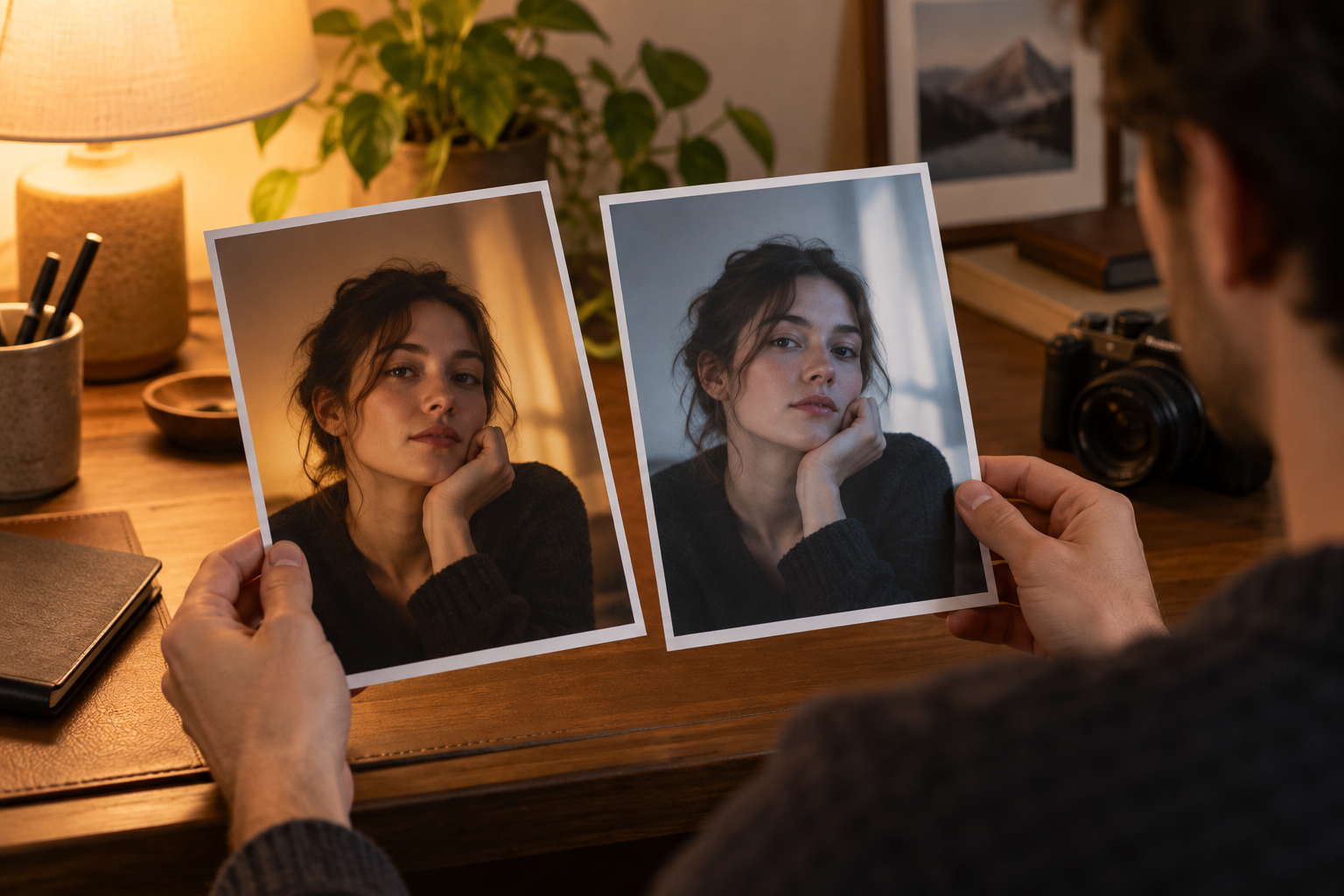
This AI relight maker changes the source of light in a photo instead of laying a color filter over the whole frame. Choose a new light direction and a light color, and the workflow rebuilds highlights, shadows, and the way surfaces respond while the original photo content stays recognizable.
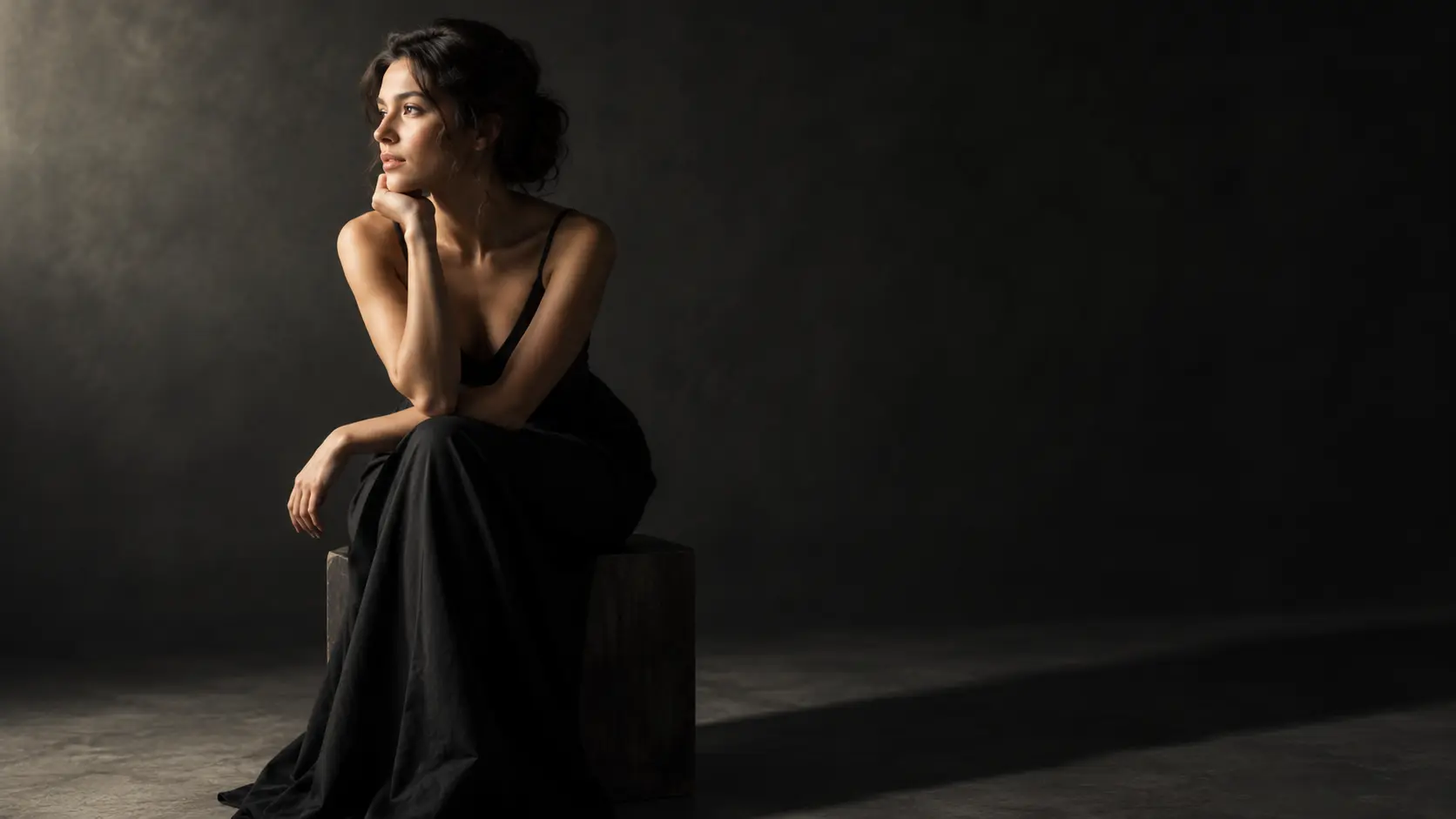
Place the light on the left, right, above, or behind the subject to create a different sense of depth. A new direction can lift a flat portrait, add shape to a product, or make an interior feel more dramatic. The AI relight maker keeps the subject in place while changing where the main illumination appears to come from. Try two directions when the mood is unclear, then compare the shadows and the highlights side by side before you settle on one.
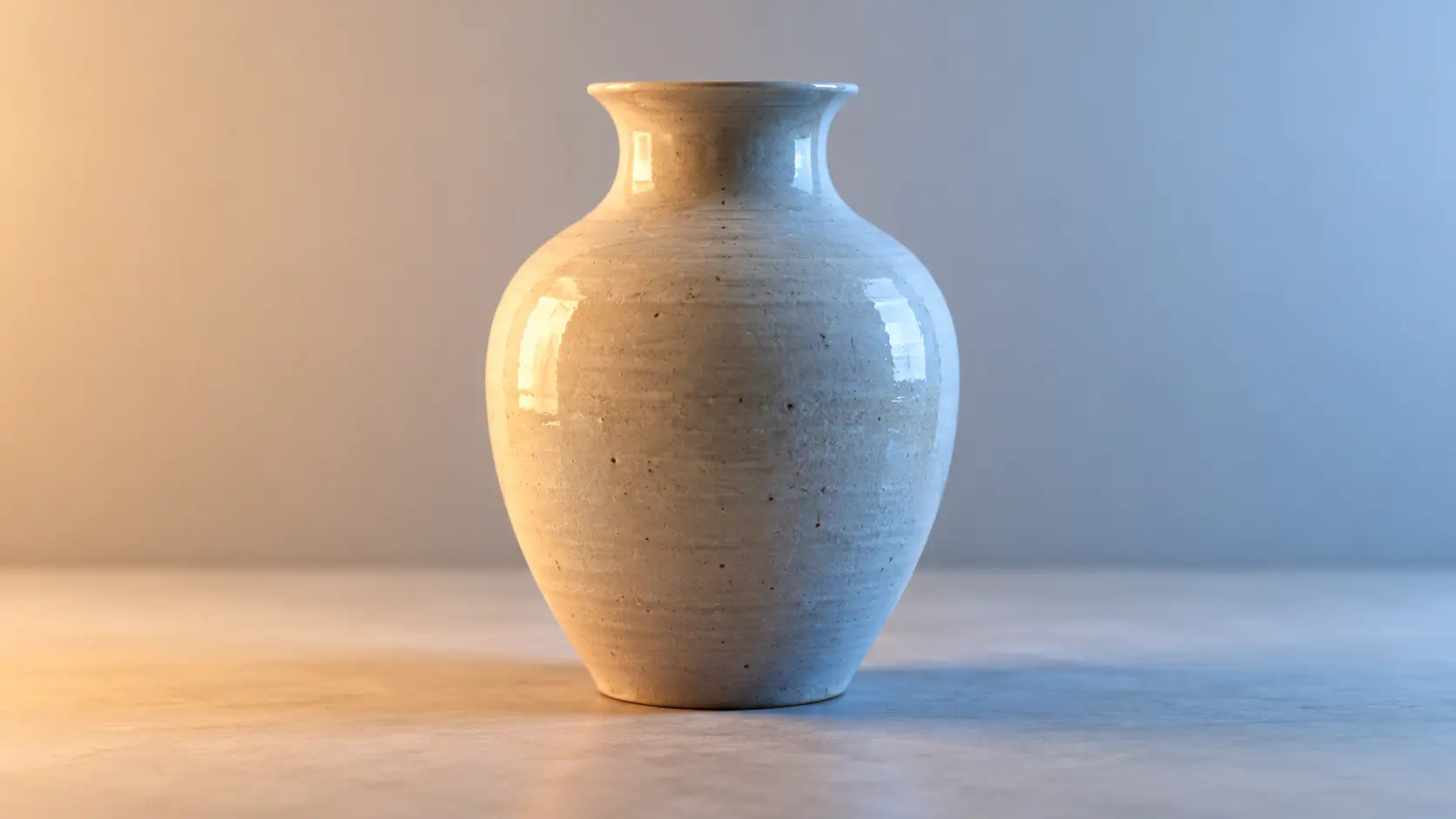
Warm, neutral, and cool light colors change the mood and the relationship between the subject and the surroundings. Choose a color that supports the story, then check how it affects skin, product materials, and neutral surfaces. This AI relight maker shifts the overall lighting tone rather than laying a flat tint over the frame, so the goal is a believable result. Review white walls and metal objects closely, because they reveal a color cast first.
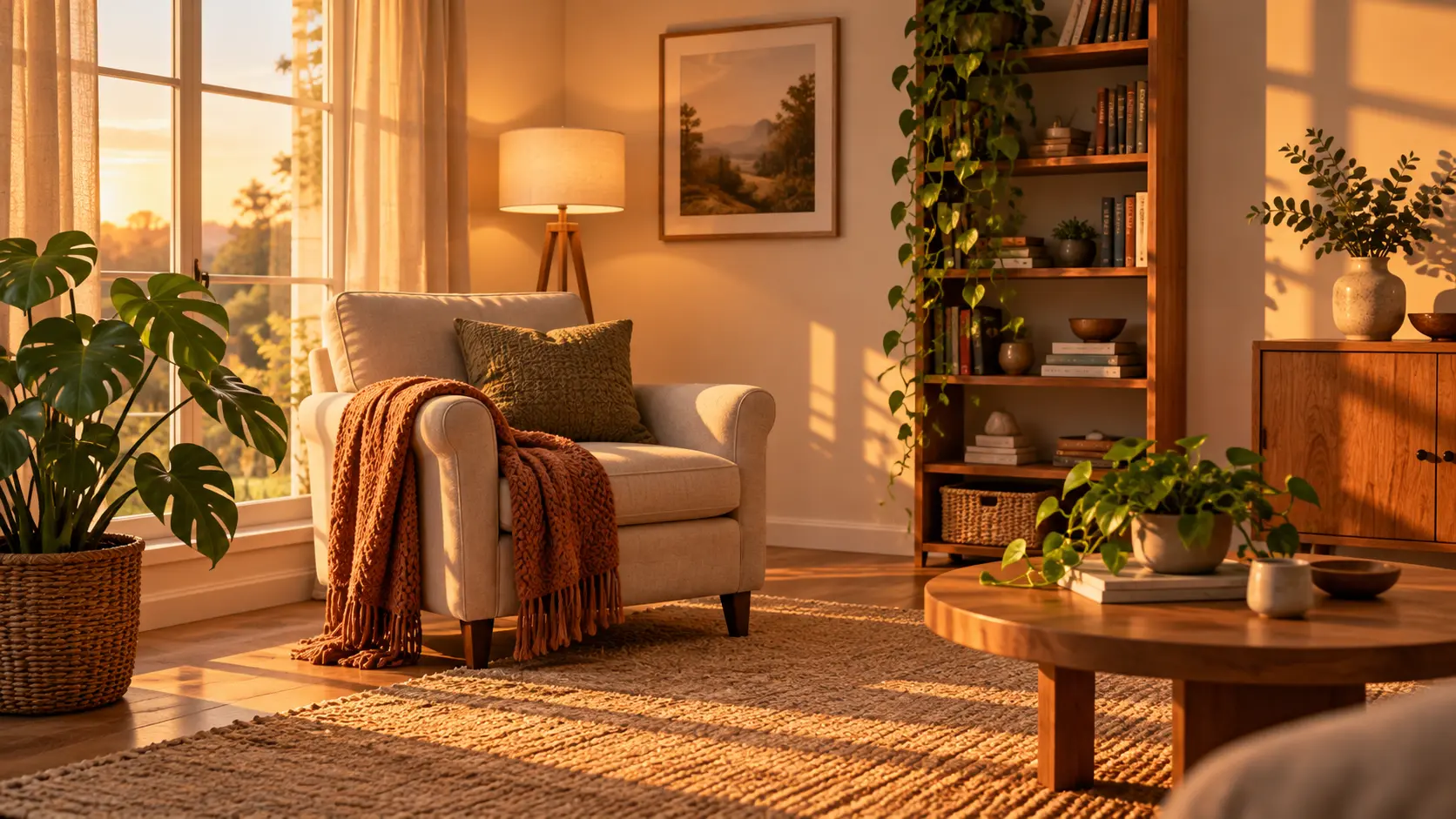
The AI relight maker is designed to keep the uploaded subject, crop, and scene structure recognizable while the light changes. That makes it useful for improving a photo whose framing and content already work. Inspect reflective surfaces, faces, and product colors after generation, because new light can reveal or soften details in different ways. Keep the original file for comparison, then download the relit version once the direction, shadow shape, and color feel right for your use.
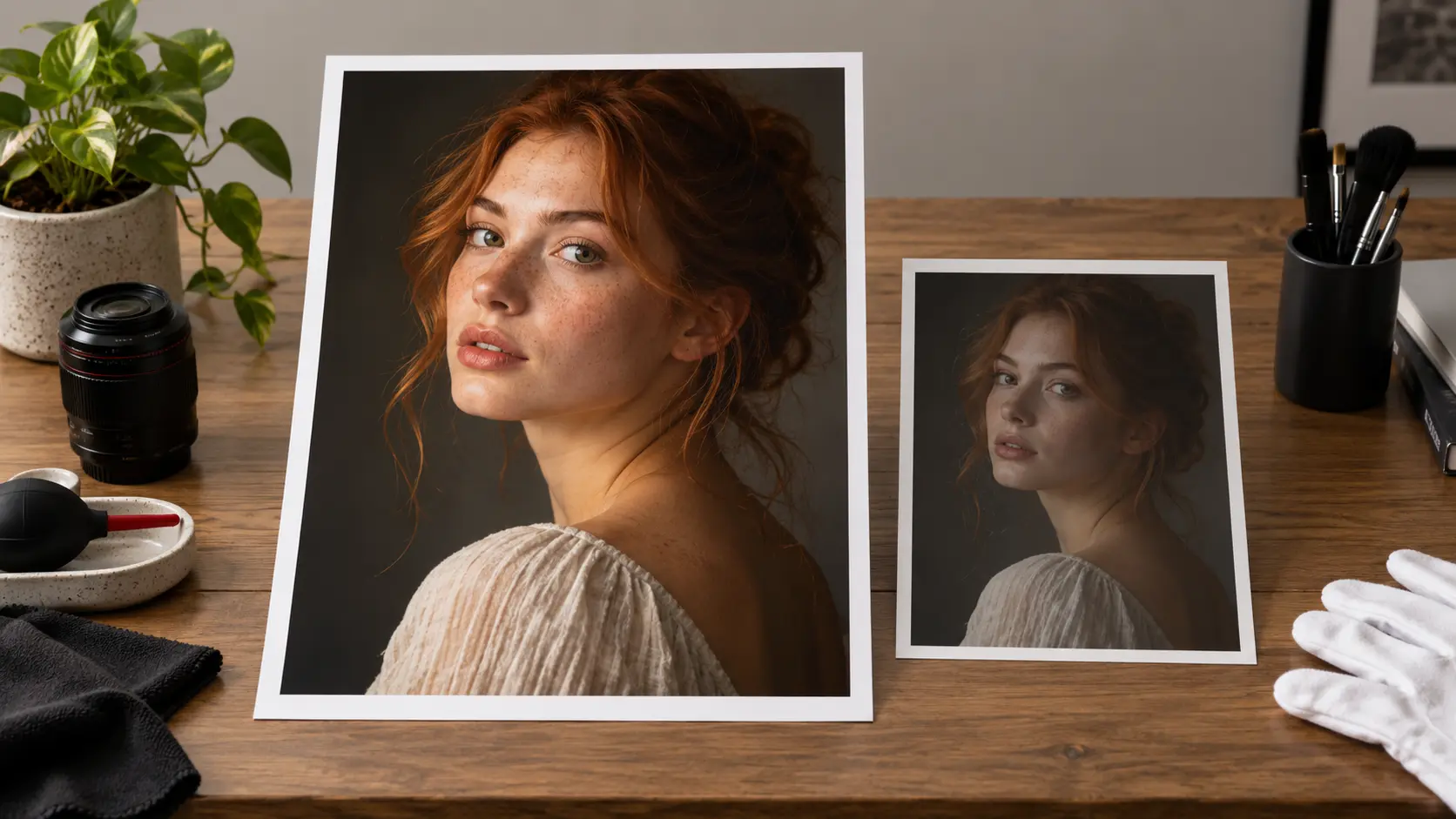
This AI relight maker works on still photos and returns output up to 2K. That is well matched to web, social, and presentation use, but the tool is not a high-resolution restoration or upscaling workflow, so it will not rescue a very small or heavily damaged source. Start from the best photo you have, keep the original file for comparison, and judge the relit result at the size it will actually appear.
Three short steps move from the original lighting to a new direction and color you can review with this AI relight maker.
Step 01
Choose a photo with a clear subject and enough visible surface detail for the new light to respond to. The source image stays as the base for the scene the AI relight maker will rework.
Step 02
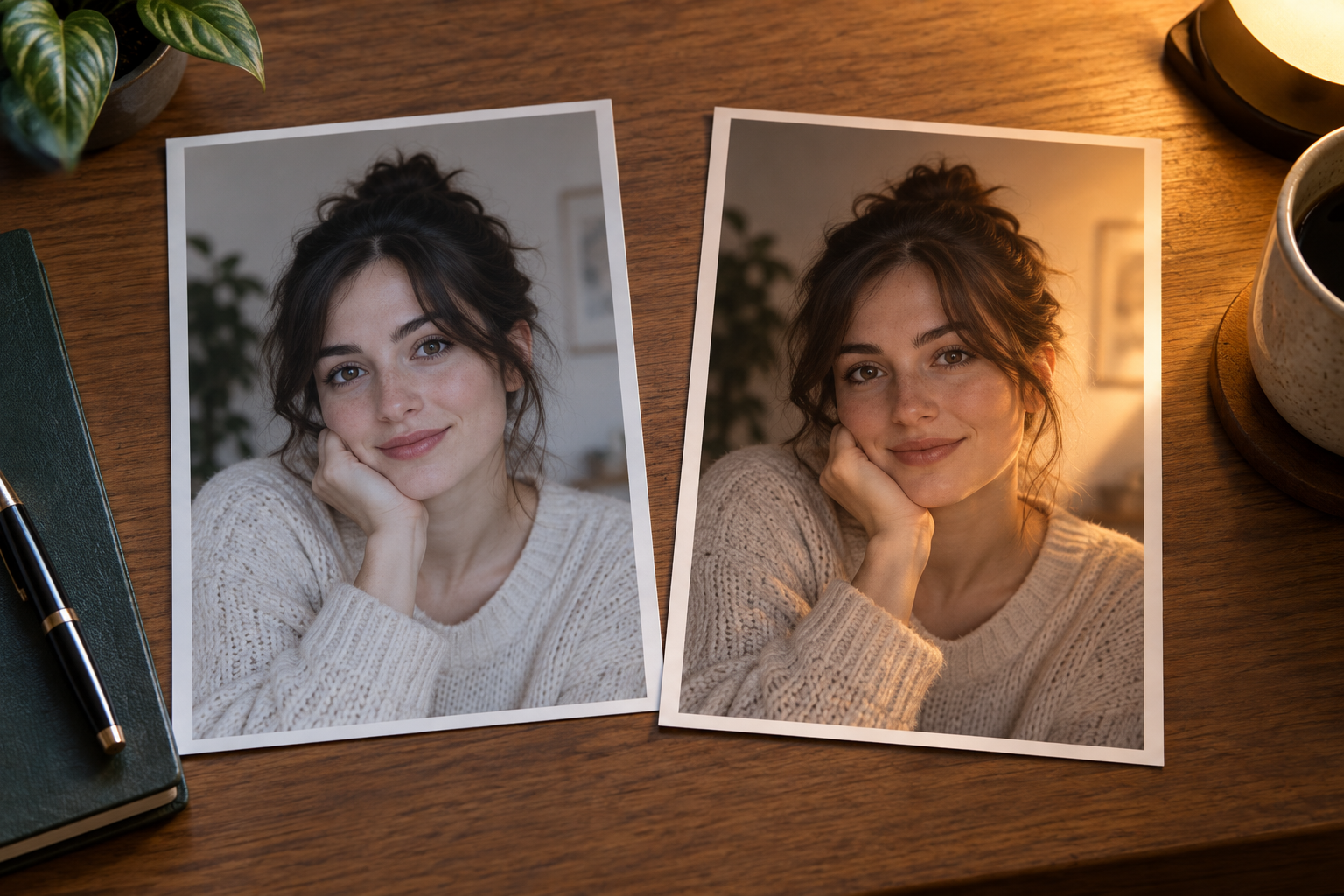
Set the light direction and the light color you want. The AI relight maker rebuilds highlights, shadows, and ambient tone around the existing photo content.
Step 03
Compare the new light with the original, check the subject and the important surfaces, then download the relit image. Results are available up to 2K, so choose the size that matches your intended use.
Use an AI relight maker when the photo content is already right but the light direction or color does not match the story, campaign, or mood you need.
Add shape and depth to a portrait that was captured with soft front light, while keeping the person and the expression intact.
Change the direction and color of light on a product scene to match a warmer, cooler, softer, or more dramatic campaign look.
Rediscover an interior photo with window light, warm evening light, or a different direction that makes the space easier to read.
Create a new lighting mood for an existing image without booking another shoot or rebuilding the scene from scratch.
An AI relight maker gives an existing photo a new lighting setup while preserving the content, which saves time when the subject and the composition already work.
Explore a new light direction or light color on the photo you already have instead of organizing another shoot for a small lighting change.
Bring a portrait, product, or interior closer to the mood of a campaign, portfolio, or social series with a targeted lighting adjustment.
Compare the original and the relit result side by side, so the direction, shadow shape, and color tone can be judged before download.
The AI relight maker is built to change the lighting relationship, not replace the subject, so the result still belongs to the uploaded image.
The workflow targets portraits, products, and interiors, so expect the strongest results on photographs rather than on frames pulled from a video.
Your uploaded photo stays as the comparison base, so you can rerun the lighting with a different direction or color without losing the original.
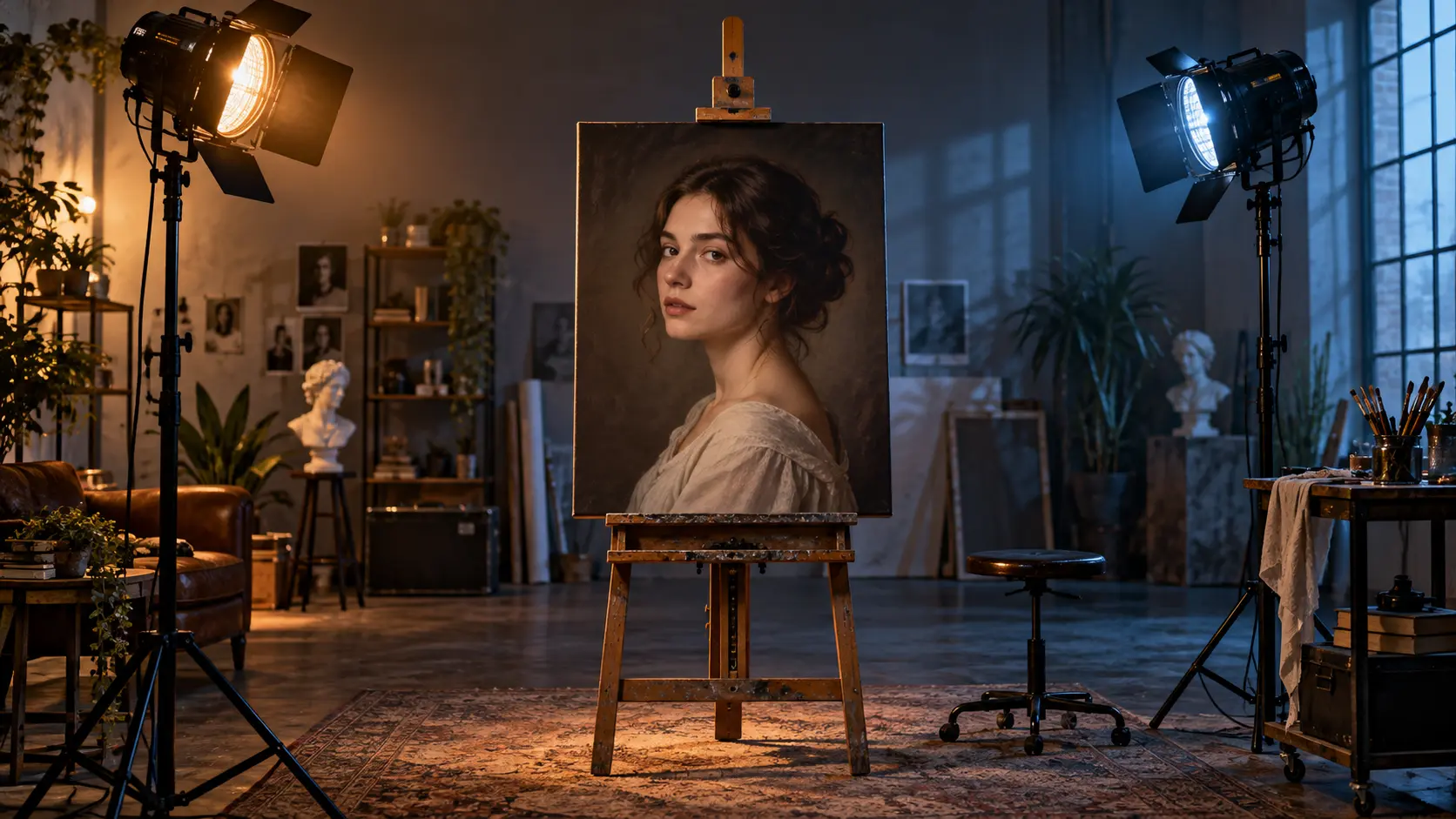
Upload an image, choose a new light direction and light color, then review the relit result before you download.
Get Started