


Digicam Filter

Pick the early 2000s look and the VideoAI digicam filter repaints your photo with direct flash, cool color and soft edges, with no slider to touch.

BeforeAfter
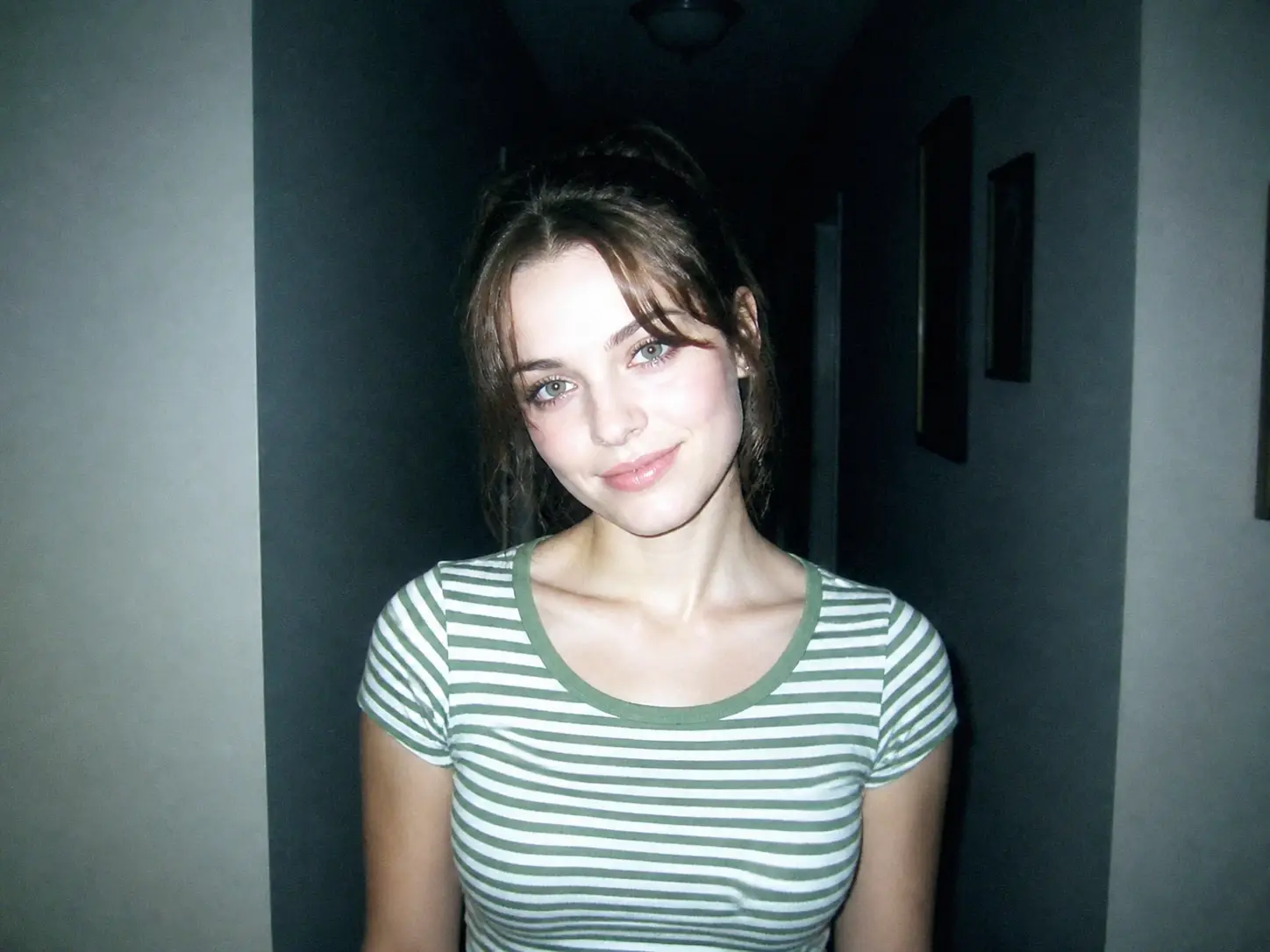
Portrait repainted by the digicam filter into an early 2000s digital camera look
A clean modern phone portrait with even light and sharp edges before any digicam look

No picture on hand? Try with one of these

Everything The Digicam Filter Repaints

See what the digicam filter gives you, from the repainted 2000s look to a clean 4K download.

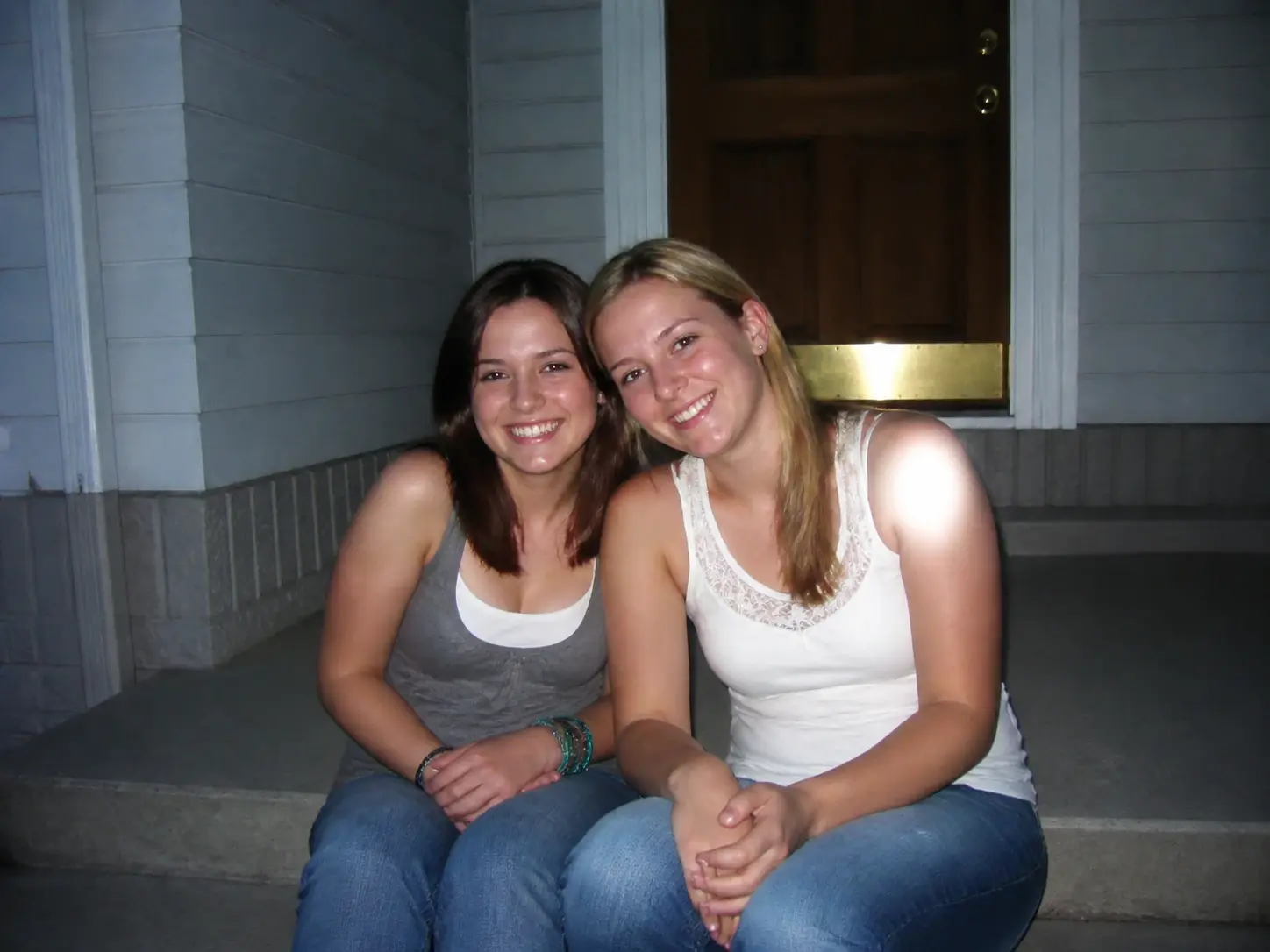
Two friends on a doorstep fully rendered in the early 2000s flash look with nothing else in the frame

Pick One Preset, Nothing To Tune

Choose the early 2000s digital camera filter preset and VideoAI handles the rest. There is no strength bar to drag, no grain to dial in and no color temperature to test. You pick the look and the digicam filter starts the render.

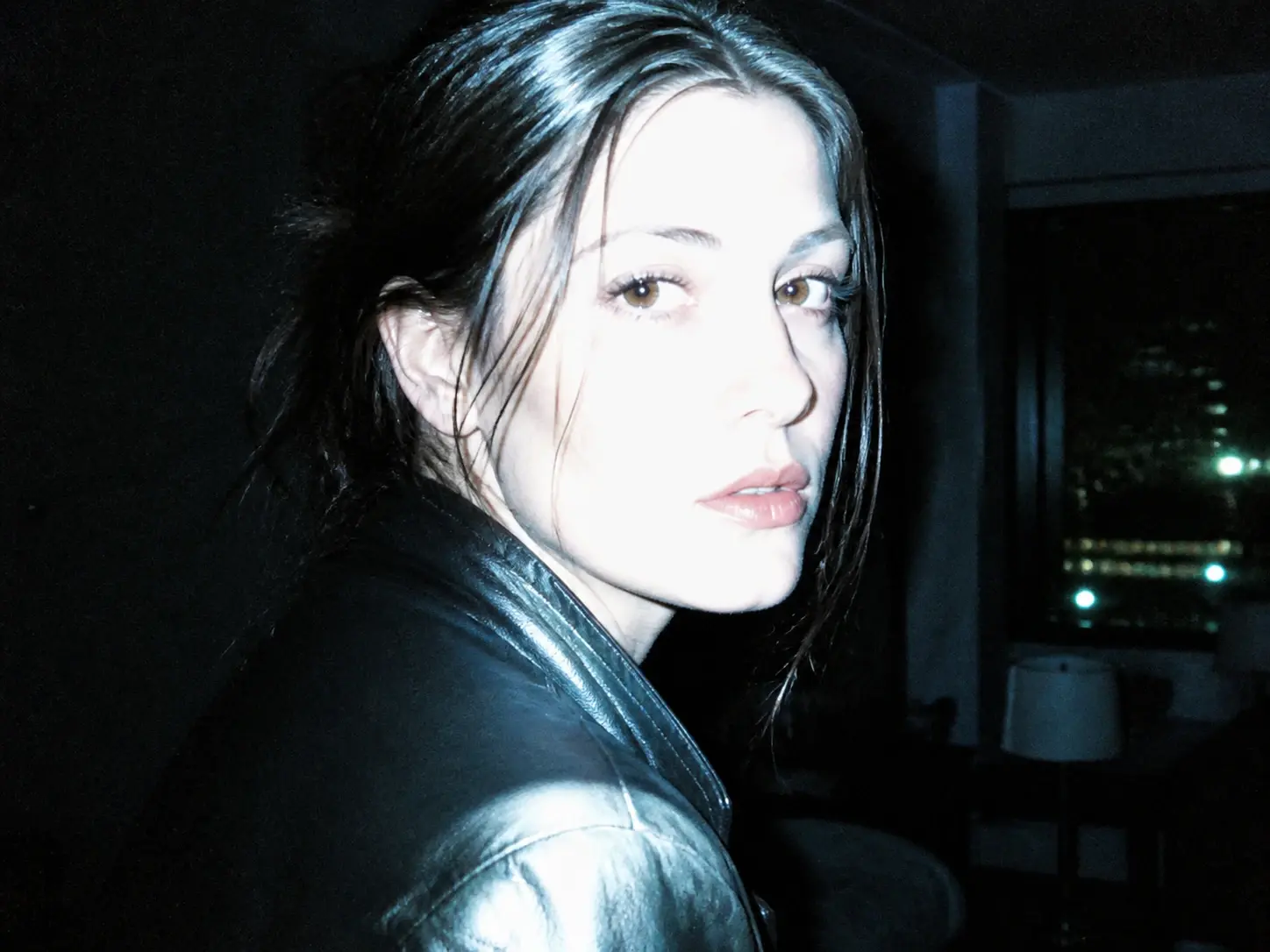
Face lit by direct flash with cool cast and soft edges from the digicam effect

Repainted Flash, Not A Color Overlay

The rough parts are generated into the image, not laid on as a single tint. This look can include the flash hitting the face while the background drops dark, a blown out highlight, fine noise in the shadows, a slightly cool cast and edges that sit a touch soft. It is built to evoke that real digicam effect, the kind the digicam filter recreates.

A man holding a terrier in a doorway, pose and framing unchanged under the 2000s rendering

Your Subject Stays The Same

The people and objects in your shot stay who and what they were, with the subject, framing and key detail remaining recognizable after the digicam filter runs. The mood shifts toward a 2000s photo filter look while the picture still reads as your own.

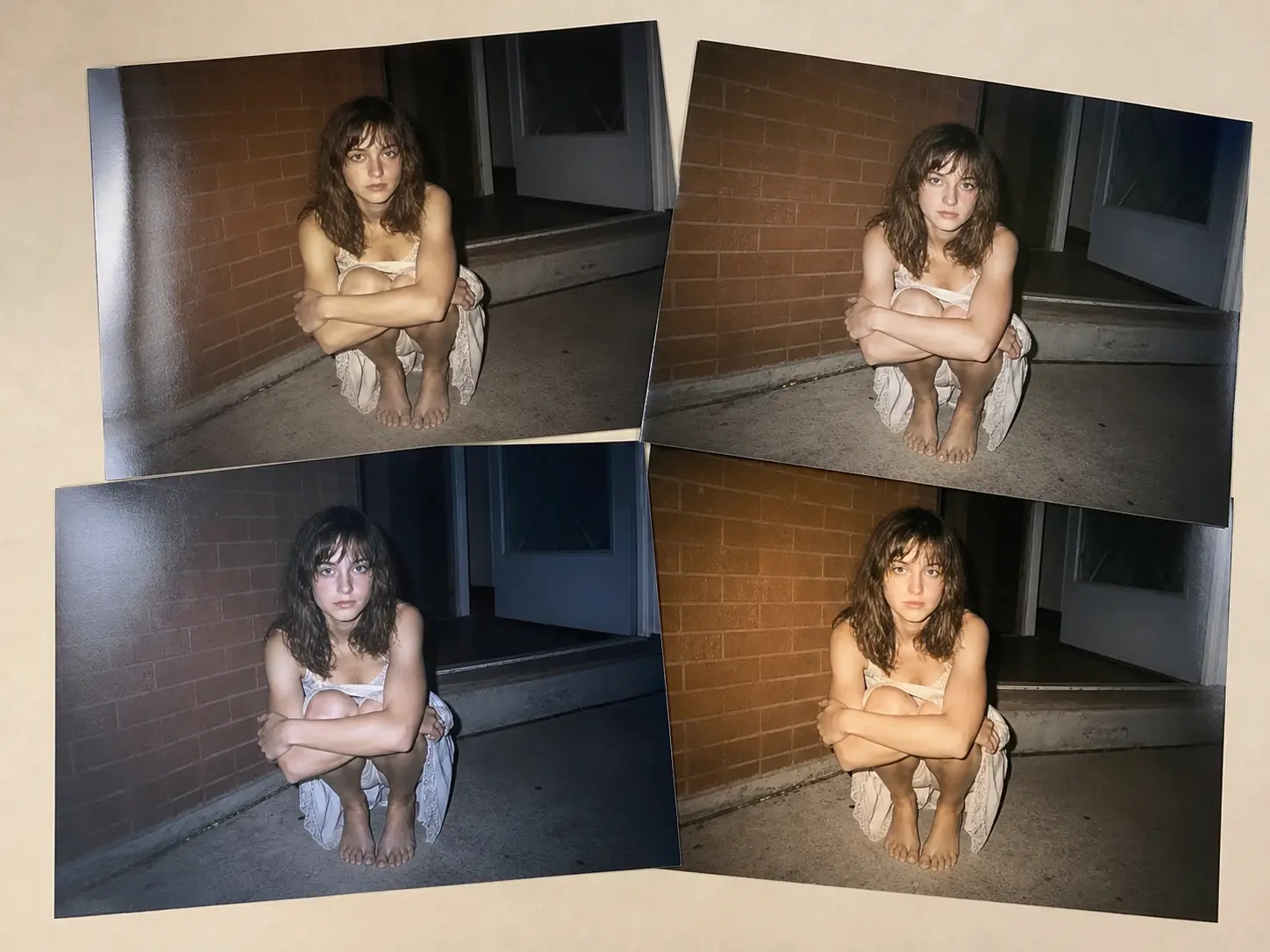
Four 4K candidate frames without a watermark ready to download and use

4K Output You Can Use Anywhere

Every render comes back at up to 4K with no watermark, cleared for commercial use. One description returns four candidates at once, so you can compare versions and keep the frame that fits. That makes this a digital camera filter for photos you can actually ship.

From Photo To Digicam Filter Look

Three steps take you from an upload to a finished frame you can download.

One clean modern print of a picnic table group lying alone on a pale desk

Step 01

Upload Or Start From Text

Add a photo to the digicam filter in a common image format and it lands in your own workspace, ready to reuse next time. If you would rather make photo look like digital camera output without an upload, skip that step and describe the scene instead.
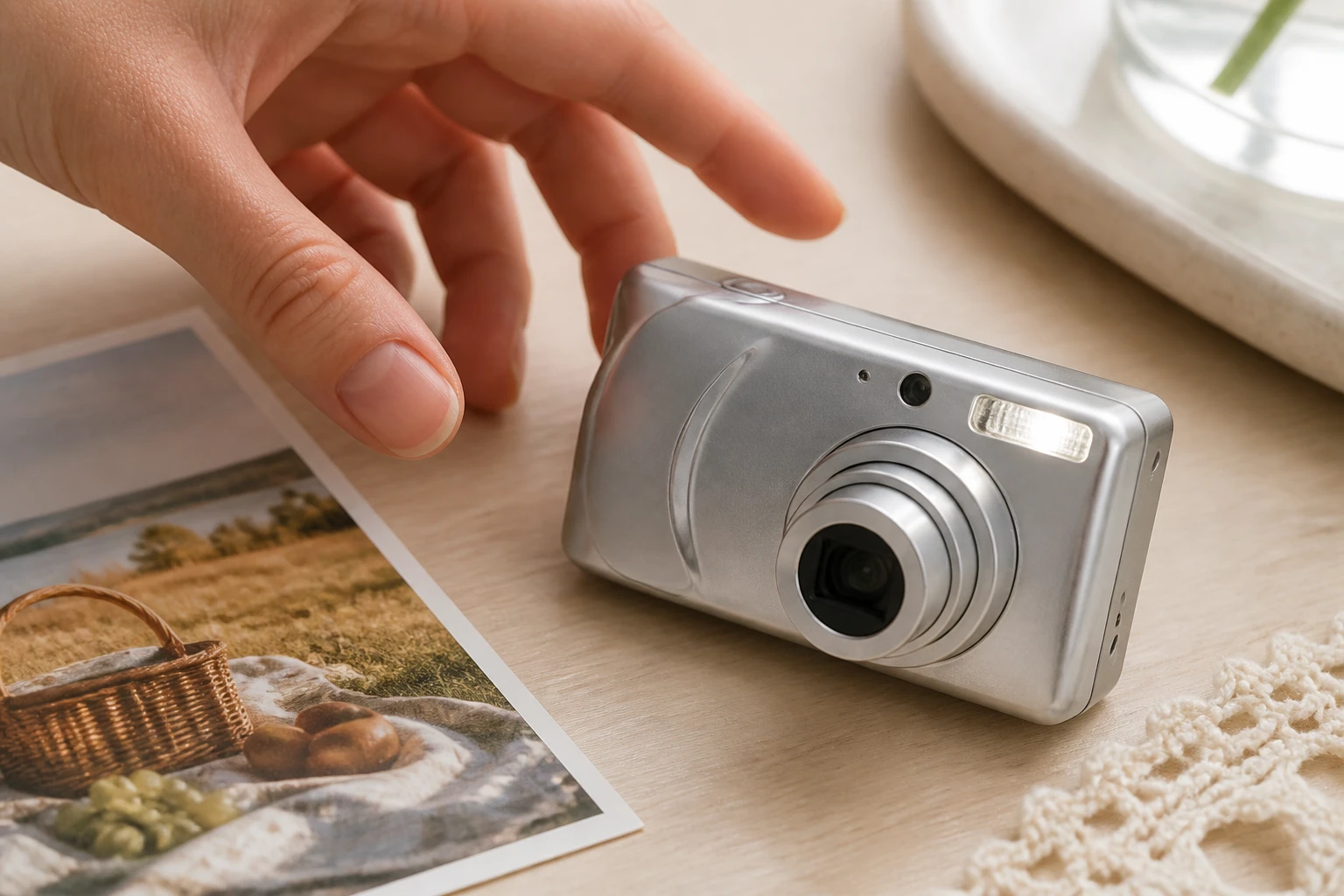
A small silver early 2000s compact camera resting on the desk beside the picnic print

Step 02

Pick The Preset Or Describe It

Choose the early 2000s camera filter preset, or type the look you want in detail, such as direct flash, blown highlights and a cool cast. There are no intensity sliders and no area to select, so the wording or the preset is your only control before the digicam filter runs.

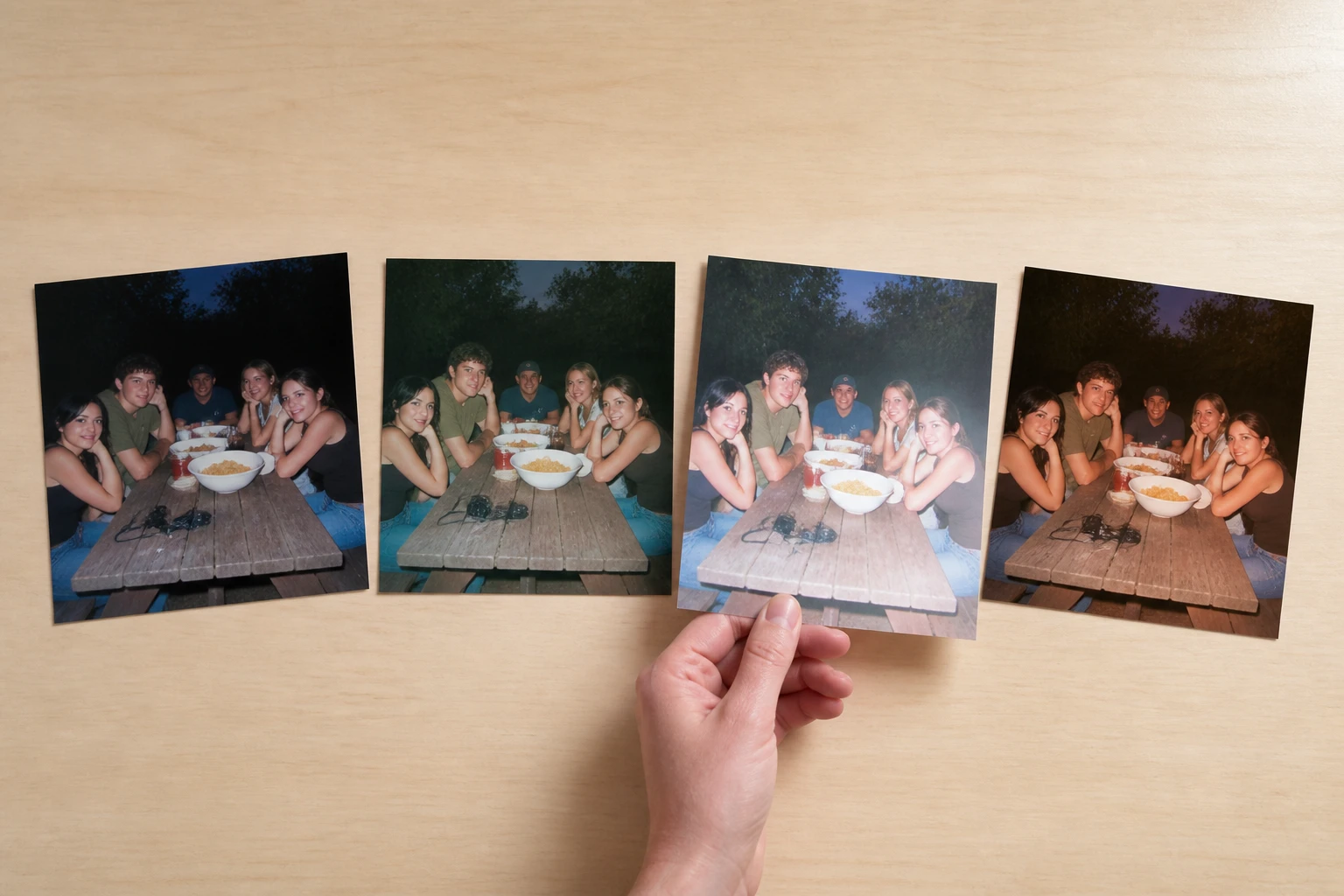
Four prints of the same picnic group each with a different flash strength and colour cast

Step 03

Generate, Then Refine If Needed

Press generate and VideoAI repaints the whole photo into a 2000s digital camera filter frame, returning four candidates in one go. Pick your favorite to download, or head back to your workspace to change a word and run the digicam filter again.

When A Digicam Filter Fits Best

Real moments where the digicam filter earns its place.

2000s Filter

You want photos that read like the year 2000, where the flash hits hard, the highlights wash to white and the shadows hold noise, but your phone shots come out too clean to pass. Run one through the digicam filter and the frame settles back into that era on its own.

Your Camera Roll Feels Too Perfect

Every recent shot looks sharp and tidy, yet scrolling back you cannot tell one day from the next. Passing a batch through a single preset brings back that offhand feeling of a 2000s picture filter, and the whole set shares one tone.

You Want The Look Without The Gear

Hunting secondhand marketplaces for an old camera means checking condition, prices and settings before you even shoot. Upload one photo instead and you can see the digital camera effect first, which beats buying hardware to test a hunch.

A Whole Night In One Tone

A party or a night out leaves you with dozens of frames, too many to treat one by one. Send them through together on the same preset and every shot lands in the same 2000s camera effect, so the night reads as one story.

Who Reaches For This Look

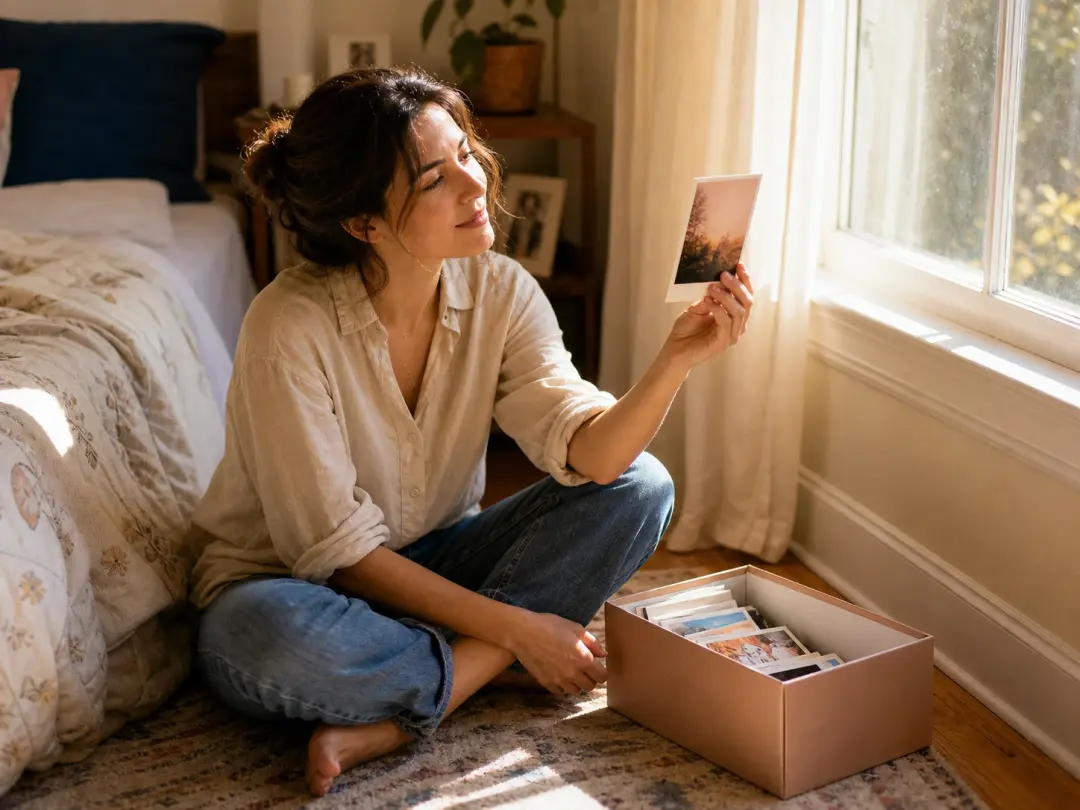
A woman holding a flash lit print up to the window beside an open shoebox of similar prints

Grew Up Between Film And Digital

For the generation raised between film and early digital, the goal is not a prettier photo but one that feels true to the time. This digicam filter chases that memory instead of a polish, matching what those cameras actually did to a frame.

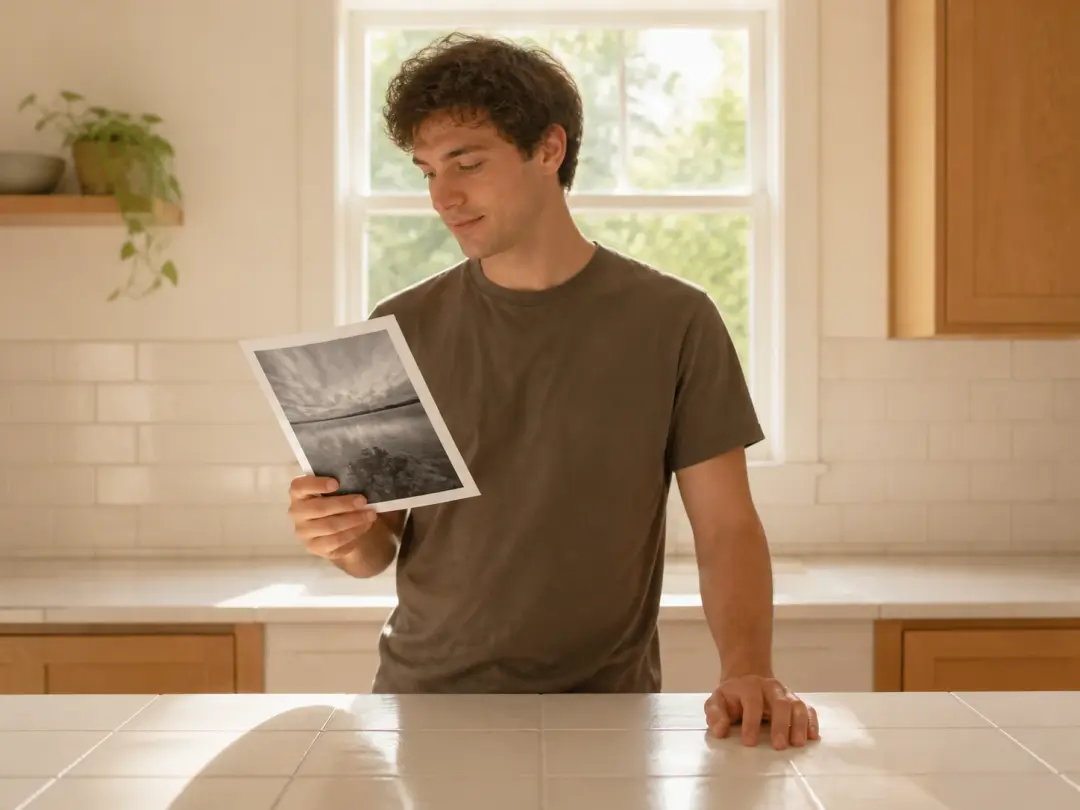
A man at a bare kitchen counter glancing at one finished flash lit print

Snap First, Never Edit

If you take photos but never sit down to edit them, sliders and layers are a chore you will skip. Picking one preset keeps it to a single choice, and the old digital camera filter look comes back without any tuning.

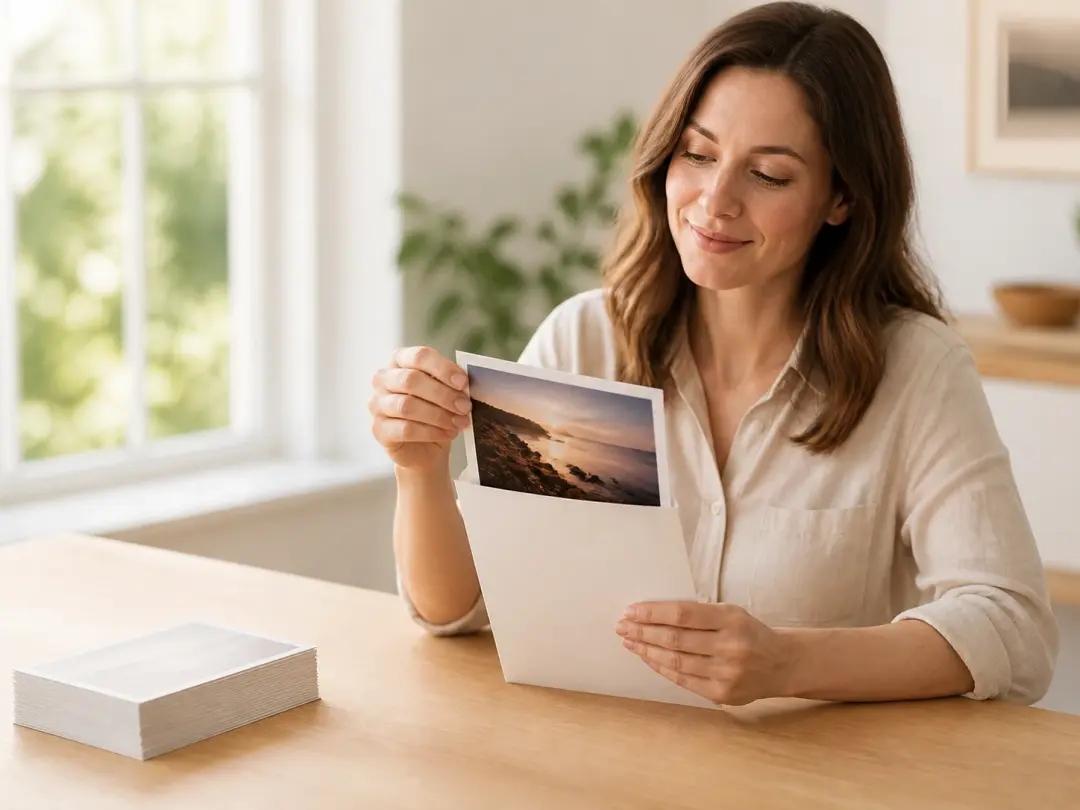
A woman lifting a finished flash lit print from a paper sleeve beside a stack of plain prints

Already Looking For A Tool

You have the photos and just need somewhere that outputs this look directly. As a digicam editor built for exactly that, VideoAI takes the shot and hands back the frame, with no plugin chain to assemble.

Common Digicam Filter Questions

You can. The digicam filter works entirely on the web, so you upload a photo, pick the preset and get the frame back without installing anything, which is what people mean by a digital camera website filter.

Upload your shot, choose the early 2000s preset, and generate. If you want more say over the result, describe the flash, the cool cast and the noise, then let the digicam filter build it.

It works on the web. VideoAI runs the digicam filter online, so there is nothing to set up before you upload a photo and start.

The people and objects you uploaded stay recognizable, and the framing reads as it did before. The digicam filter changes the look and imaging style, not who or what is in the shot, so the picture still feels like yours.

Your first 10 credits are free and cover five images, enough to try a few generations before you decide on more.

Renders from the digicam filter come back at up to 4K, and you are cleared to use them commercially. No watermark is added, so you can publish the frame as it is.

Batch processing lets you send a group through the digicam filter on one preset, so a whole shoot lands in a single tone.

Every render is saved in your workspace, so you can change a word in the description and run it again through the digicam filter, or open the visual editor to adjust it further.

Rather than a single tint dropped over the image, this digicam photo editor regenerates the whole frame, so the flash, the blown highlights and the shadow noise belong to the picture instead of sitting on top the way a stacked digital camera photo filter would.
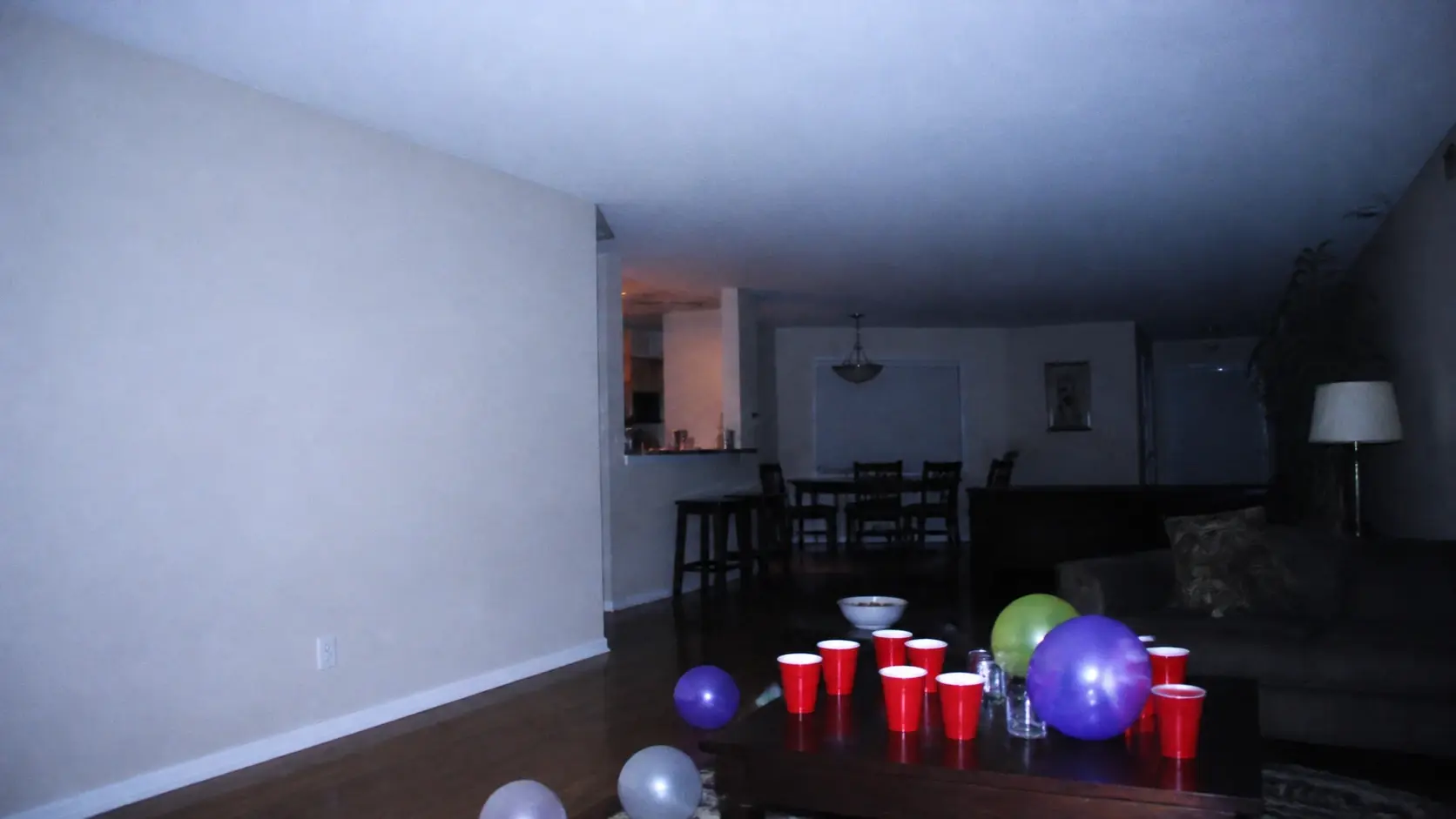
A wide living room party lit by one harsh camera flash with washed highlights and cool colour

Bring Back The 2000s Look

Upload one photo, pick the preset, and let the digicam filter bring back that 2000s camera filter look.

Get Started
Digicam Filter - 2000s Camera Effect - VideoAI