Cinematic Photo

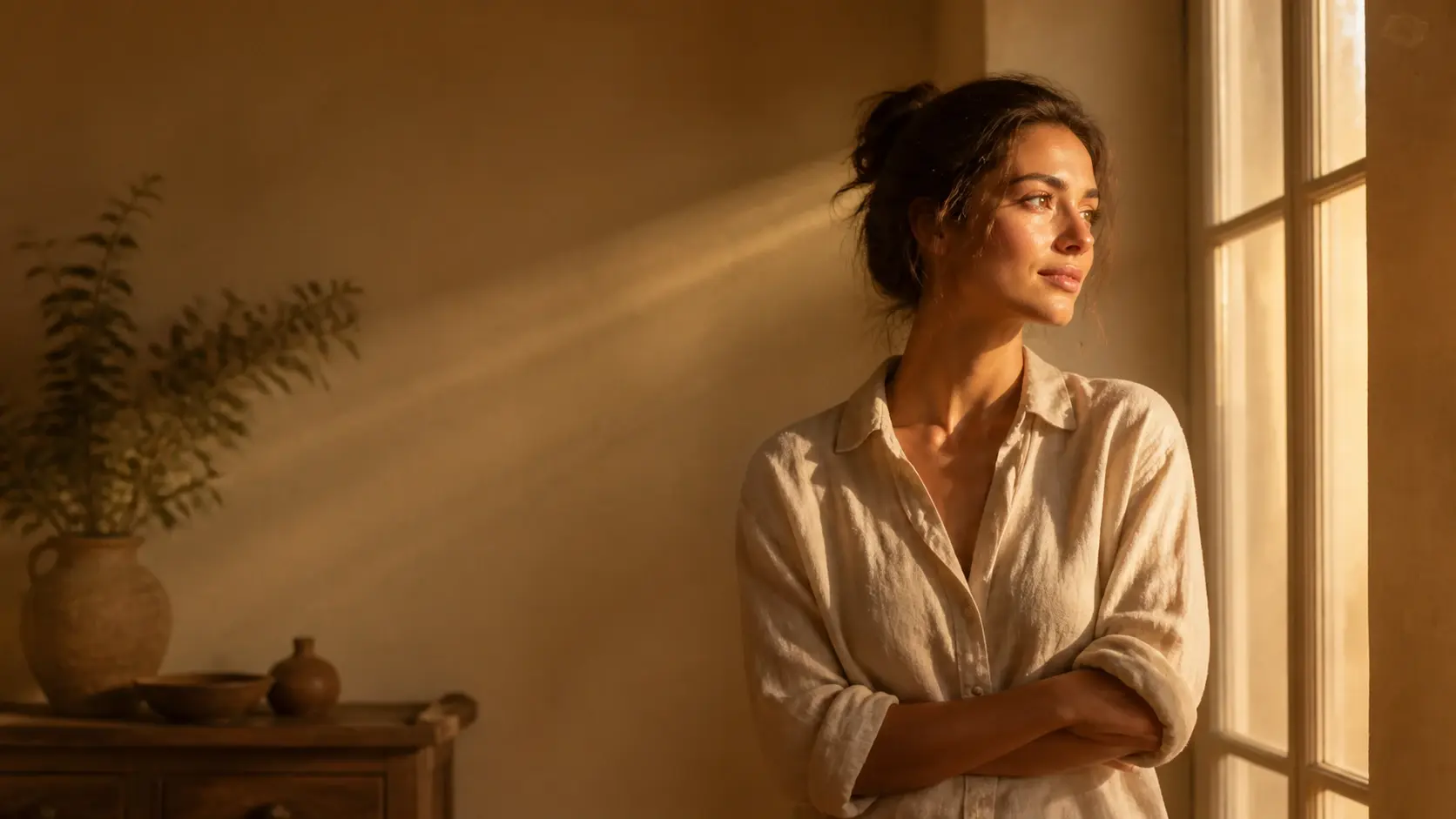
This is where an everyday photo becomes a cinematic photo: VideoAI repaints it as one frame from a film, its light layered and its mood set, while your subject, the scene, and the composition stay right where they were. Free credits cover a few shots to start, and every download arrives with no watermark.

Cinematic photo repainted as one film frame with side light while the subject stays in place

Three Steps to a Cinematic Photo

From the photo you bring to a finished film frame, cinematic photo editing here stays short, and every choice along the way is yours.

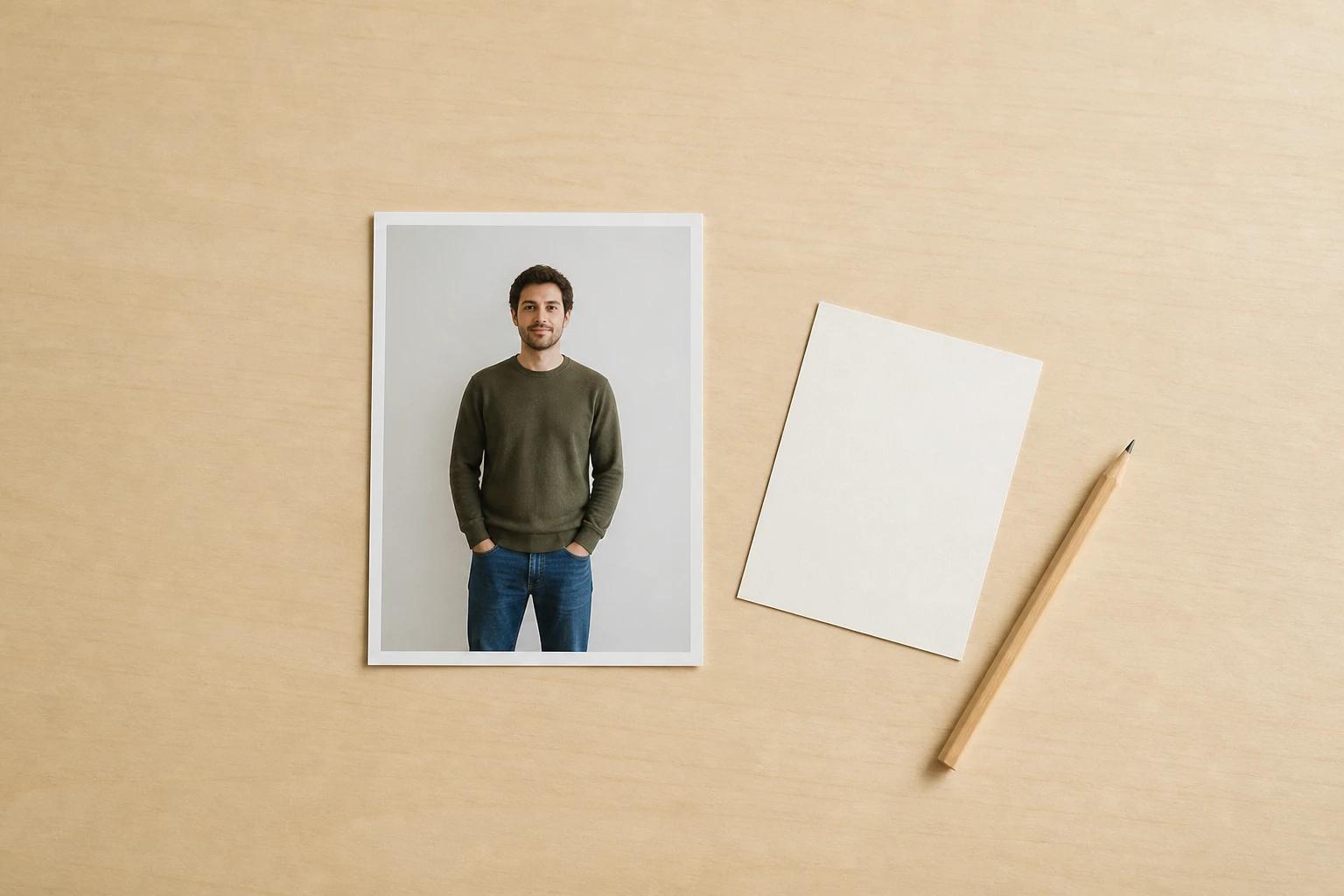
One flat, evenly lit snapshot print of a man against a pale wall lying alone on a light desk

Step 01

Add Your Photo or a Prompt

Upload a photo in a common image format, or skip the upload and describe the scene you want in plain words. Either way, what you bring lands in your own workspace, so you can return to it and reuse it whenever you like.
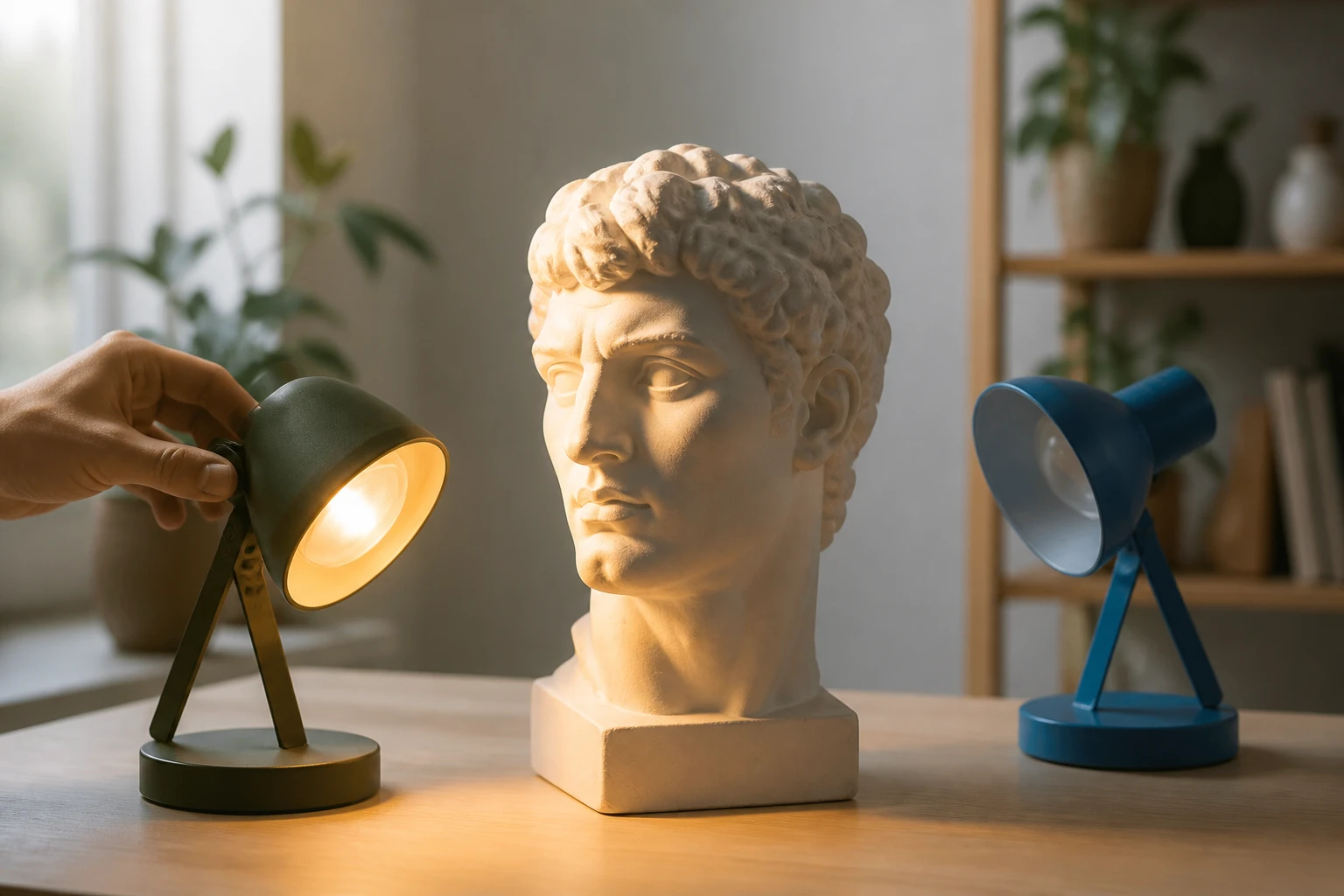
A plaster head study lit by one warm lamp set low to the side while a cool lamp stays switched off

Step 02

Pick the Cinematic Look

Choose the cinematic style preset for a film feel, then, if you want more say over the mood, name where the light comes from and what color it is. That lighting step is optional, so pick the preset and generate your cinematic photo straight away if you would rather keep it simple.
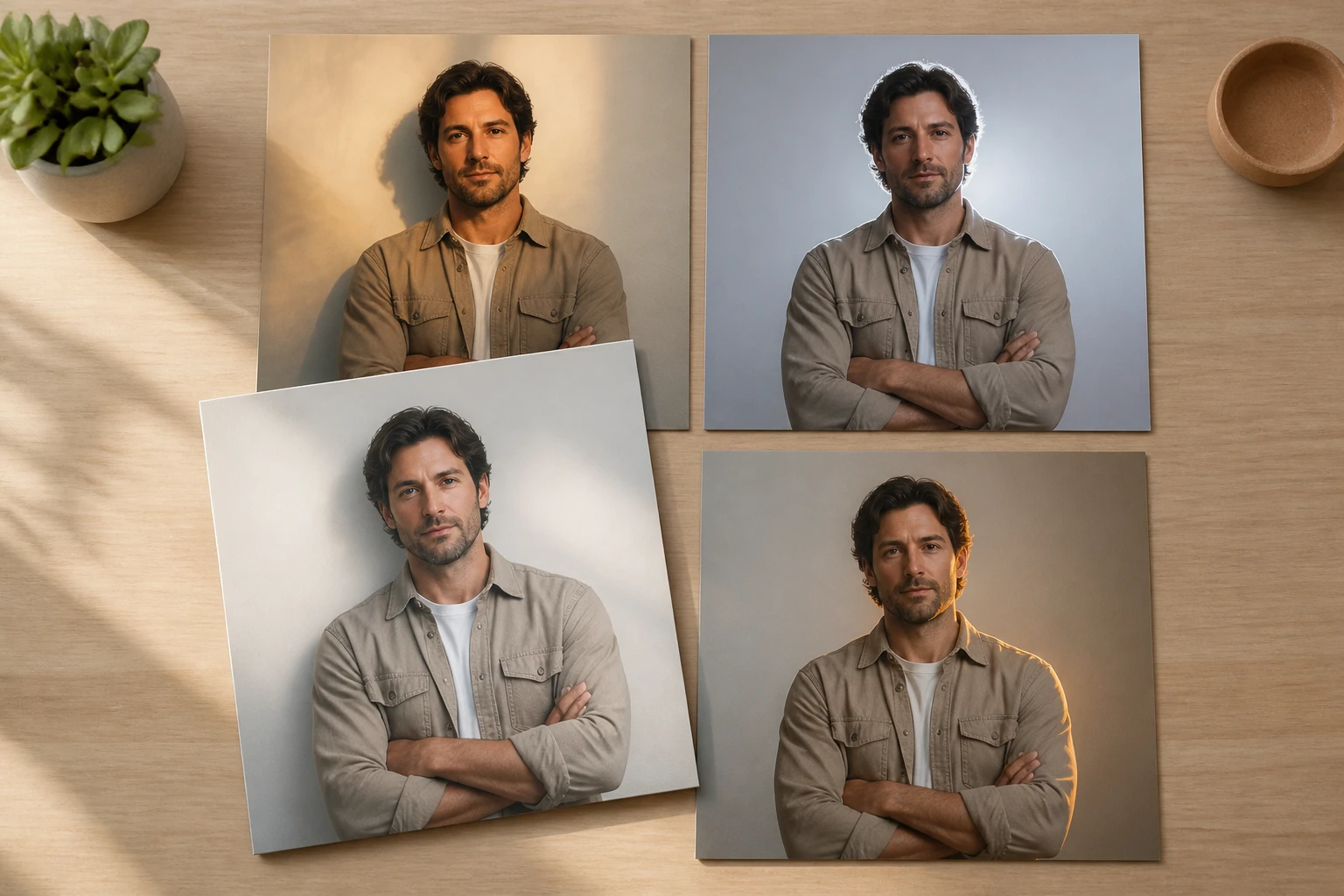
Four prints of the same man each lit differently while his pose and framing stay identical

Step 03

Generate, Compare, Download

Press generate and VideoAI builds your cinematic photo, holding your subject and composition in place while it reworks the light and tone. Each prompt returns four options to compare, and the cinematic photo you keep saves at up to 4K, with no watermark and clearance for commercial use.

Where a Cinematic Photo Fits

The same cinematic vibe runs through every cinematic photo you make, across the moments you most want to keep.

01

Cinematic Portrait

A plain portrait gains feeling the moment the light picks a direction and the shadows deepen. The subject and framing stay in place; what shifts is how the light falls, so the cinematic photo reads with real presence instead of a flat, evenly lit look. Choose this when one person should hold the frame.

02

Cinematic Headshot

A work headshot does not have to be a flat shot against a white wall. Keep the same subject and let a directional key light give it some weight, so your profile picture looks composed and intentional. Pick this when you want a professional cinematic photo that still feels like a real photograph.

03

Cinematic Engagement Photos

Engagement pictures often come out uniformly sweet and a little the same. A touch of backlight and a darker, quieter tone brings out the story between two people, so the cinematic photo feels like a moment rather than a pose. Reach for this when mood matters more than a bright, cheerful frame.

04

Cinematic Wedding Photo

Wedding day light is never yours to control, between overcast skies, dim rooms, and mixed indoor bulbs. Settle on one look and the whole run of images shares a single tone, so a full gallery reads like one film. Good for pulling a chaotic shoot into a single cinematic photo tone.

05

Cinematic Street Photography

Street frames can fall flat because the light on the day was simply even and dull. Rearrange where the light lands and lift the contrast, and the cinematic photo starts to carry some weight. Use this when a candid shot deserves more presence than the moment gave it.

06

Cinematic Family Photos

Family group shots do not always have to be everyone grinning at the lens. They can be one quiet frame with real depth of light, an unhurried still worth hanging on a wall. Turn to this when you want a keepsake with atmosphere, a cinematic photo you would be glad to print.

Who Reaches for This Look

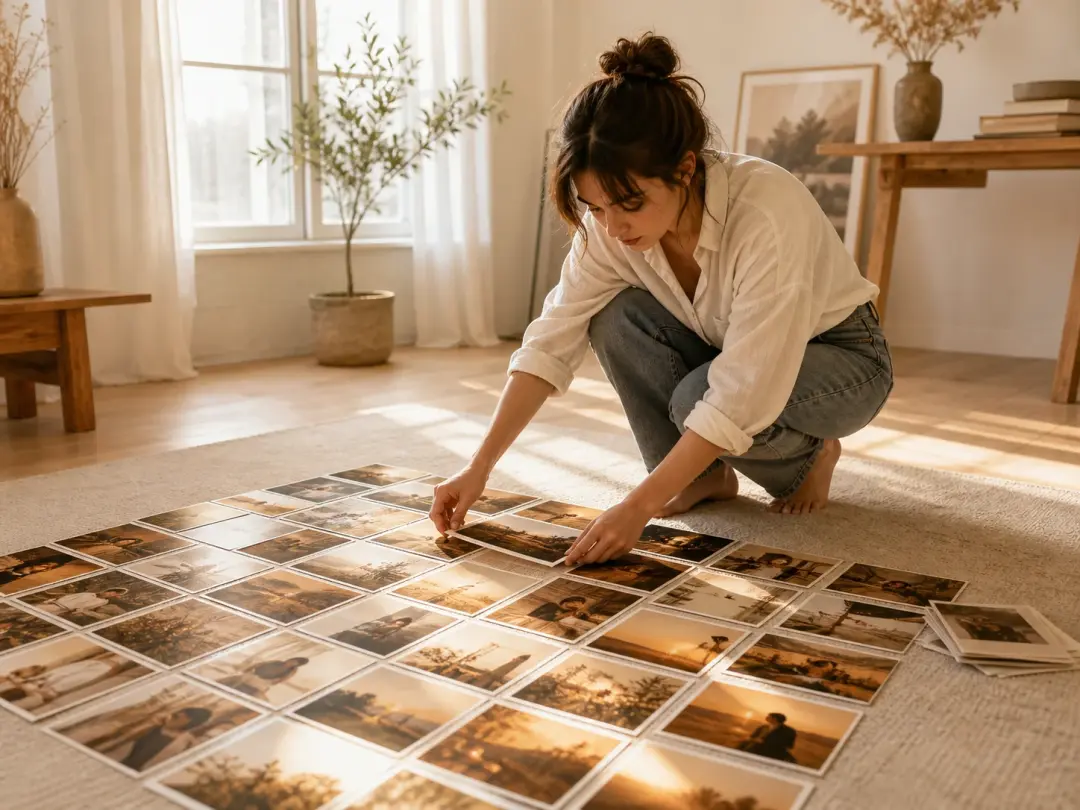
A creator laying out printed photos on a rug that all share one warm directional cinematic tone

Creators Posting Every Day

If you publish images constantly, your feed needs one tone instead of drifting warm on one post and cold on the next. Set a single cinematic style once and every cinematic photo you post stays visually of a piece, which keeps a page looking deliberate rather than assembled from stray shots.

Professional headshot lit with a directional key light for a composed look

People Minding Their Image

When you care how you come across professionally, you want a cinematic photo that looks capable without stiffening into an ID shot. The same subject under a considered light reads as polished and self assured, the kind of professional cinematic photo that suits the places a work profile lives.

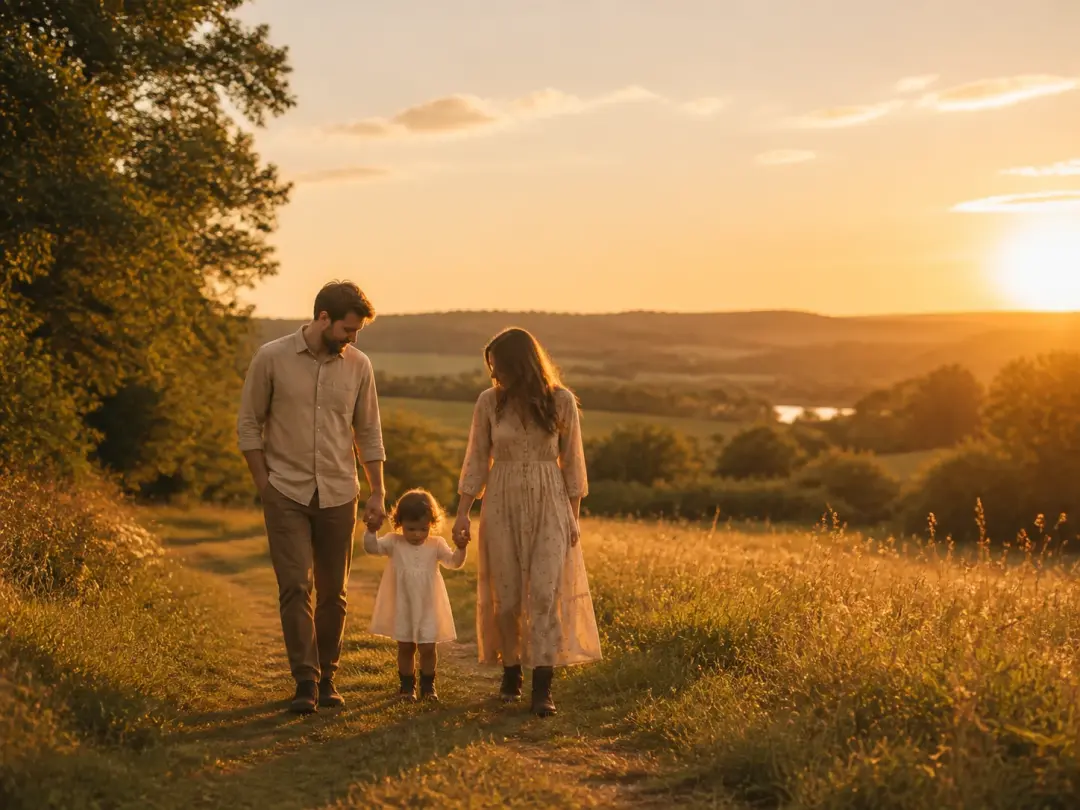
Couple and family photos sharing one cinematic look ready to print or share

Moments Worth Keeping

Engagement, wedding, and family pictures are the ones you keep for years, so they deserve to look like real work rather than a quick snap. One consistent cinematic look gives every cinematic photo in the set the feel of a small story, whether printed or shared.

Built Into Every Cinematic Photo

The controls that shape each cinematic photo, the lighting you direct, and the finished cinematic look you take away.

A kitchen table with a coffee cup and newspaper rendered in a settled warm film grade

One Preset for the Film Feel

You do not have to define what cinematic means on your own. The film look sits in a ready preset, so choosing it is the whole action, and VideoAI handles the repaint from there. This cinematic filter is where the cinematic photo effect begins, a preset you pick once and the frame gets regenerated with that feel.

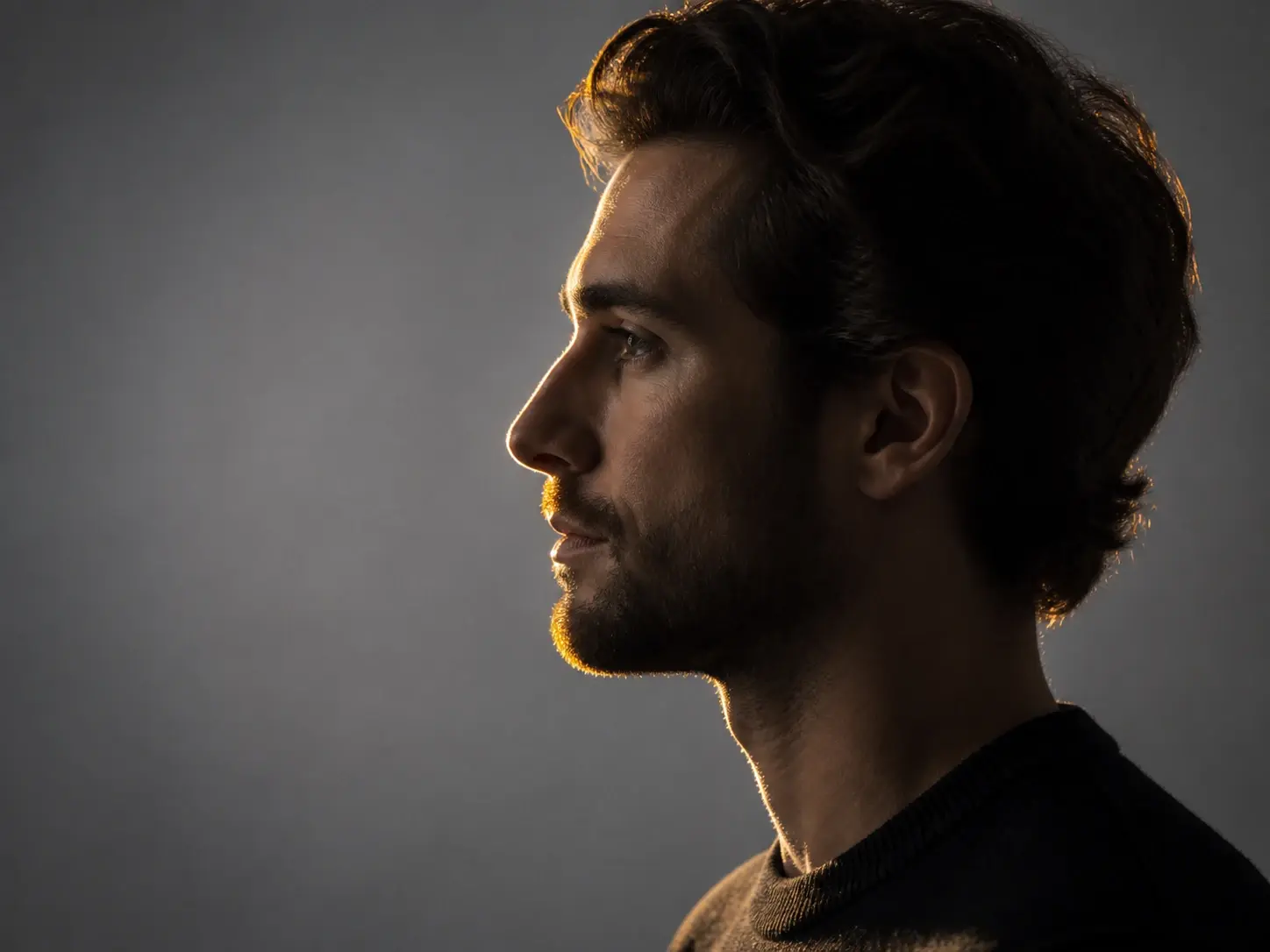
A profile portrait with one warm rim light tracing the forehead, nose and chin from behind

Say Where the Light Falls

Want a side rim light to trace an outline, or one warm wash across the whole frame? Name the direction the light comes from and the color you want, and it follows. Leave it alone and that choice passes to the AI, so lighting stays a control you reach for only when it matters.

A seated woman whose pose and framing stay unchanged while a warm directional beam is rebuilt

Your Subject Stays in Place

What changes is the light and the tone, while your subject, the content, and the framing stay right where they were. That makes for a cinematic edit you can trust, because the result still reads as the photo you brought, only lit like a film.

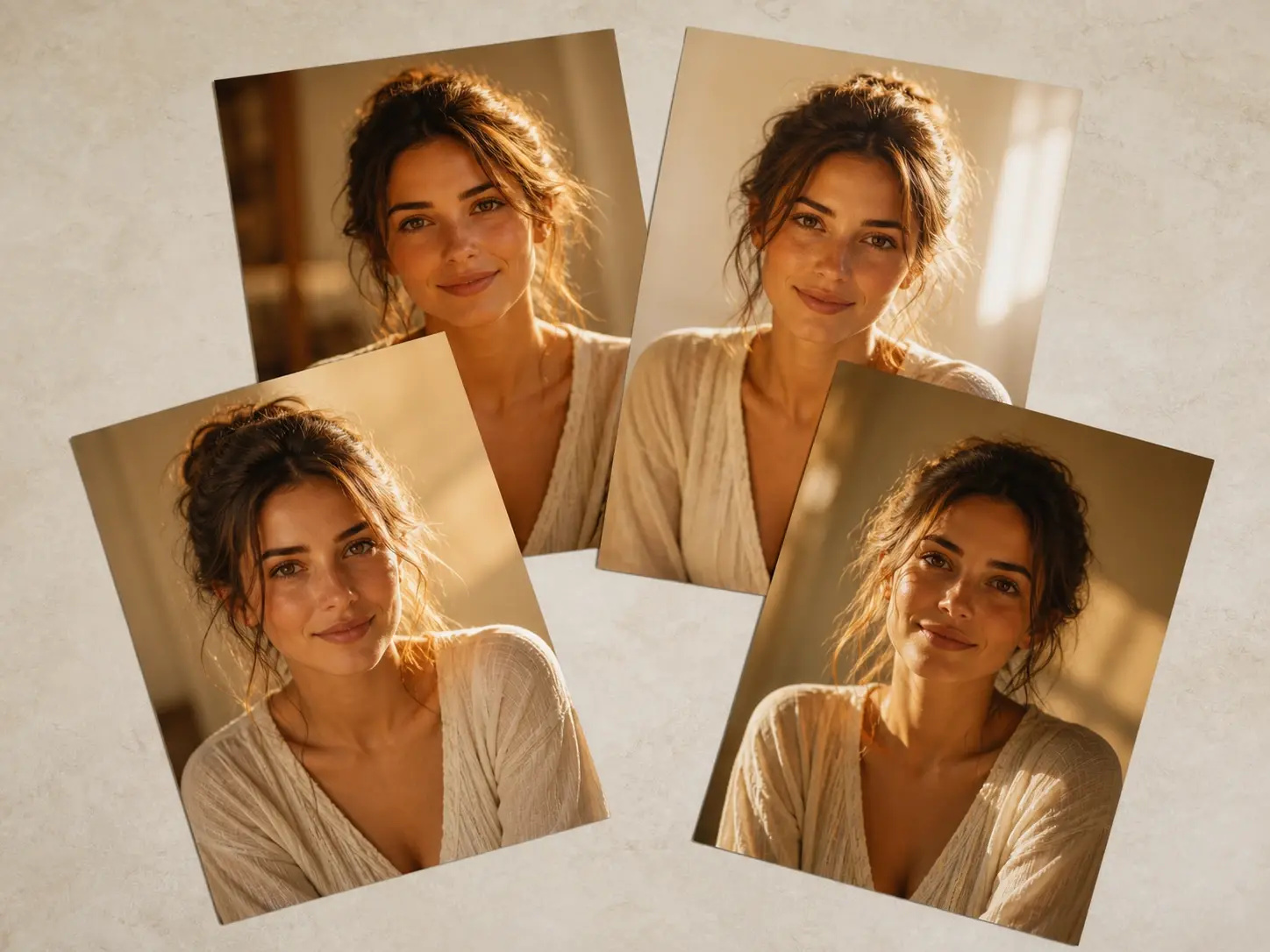
Four glossy prints of the same warmly lit portrait overlapping on a pale studio table

Ready to Use at 4K

Every cinematic photo saves at up to 4K with no watermark and clearance for commercial work. A single prompt hands you four options to weigh, and kept cinematic photos sit in your workspace, where you can rewrite the description and run them again.

FAQ

Questions Before You Try It

It is a still that carries the qualities of a movie frame: light with a clear direction, shadows that hold their weight, a settled color tone, and a sense that the image belongs to a larger story. Here, that whole cinematic look is one preset you select, and the repaint does the rest.

The difference is mostly in the light. An everyday shot tends to be lit flat and evenly, with colors going their own way, while a film frame has light that comes from somewhere and a tone that pulls together. Point the light where you want it, set its color, and a plain image starts to read like a cinematic photo.

Start by uploading a photo or typing a description of the scene. Pick the cinematic style preset, and if you like, say where the light comes from and what color it should be. Generate, then compare the four options and download the frame you want. Making a cinematic photo takes those three moves.

It borrows from cinema, where every frame is lit and composed on purpose. So the cinematic photo meaning people reach for is a picture that feels authored rather than grabbed: deliberate light, a held mood, a consistent tone. On this page that feeling is a ready preset you pick, and the frame is repainted from there, and the light is yours to place.

You do not need a photo on hand. Skip the upload and describe the scene in words, and VideoAI generates the image from that text alone. That is how you create cinematic photo results from scratch, starting from an idea instead of a file.

Yes. Name the direction the light comes from and the color you want, or switch the overall mood to something like studio light, golden hour, rim light, or backlight. It is optional, though; leave it untouched and the preset alone still gives you a finished cinematic photo.

The repaint reworks the light and the tone while your subject, the content, and the framing stay in place, so the result still reads as the photo you brought, now lit like a scene from a film. What moves is the mood, not who or what is in the frame.

Two numbers matter here. You can upload up to 30 photos in one batch, and for any single description the tool returns four options to choose from. They answer different needs, so keep them apart: 30 is how much you bring in, four is the set of choices you get back.

Every finished frame saves at up to 4K with no watermark, and downloading is built in. Kept pieces also stay in your workspace, where you can reopen one, rewrite the description, and run it again. That makes a cinematic photo editor you return to instead of a single export.
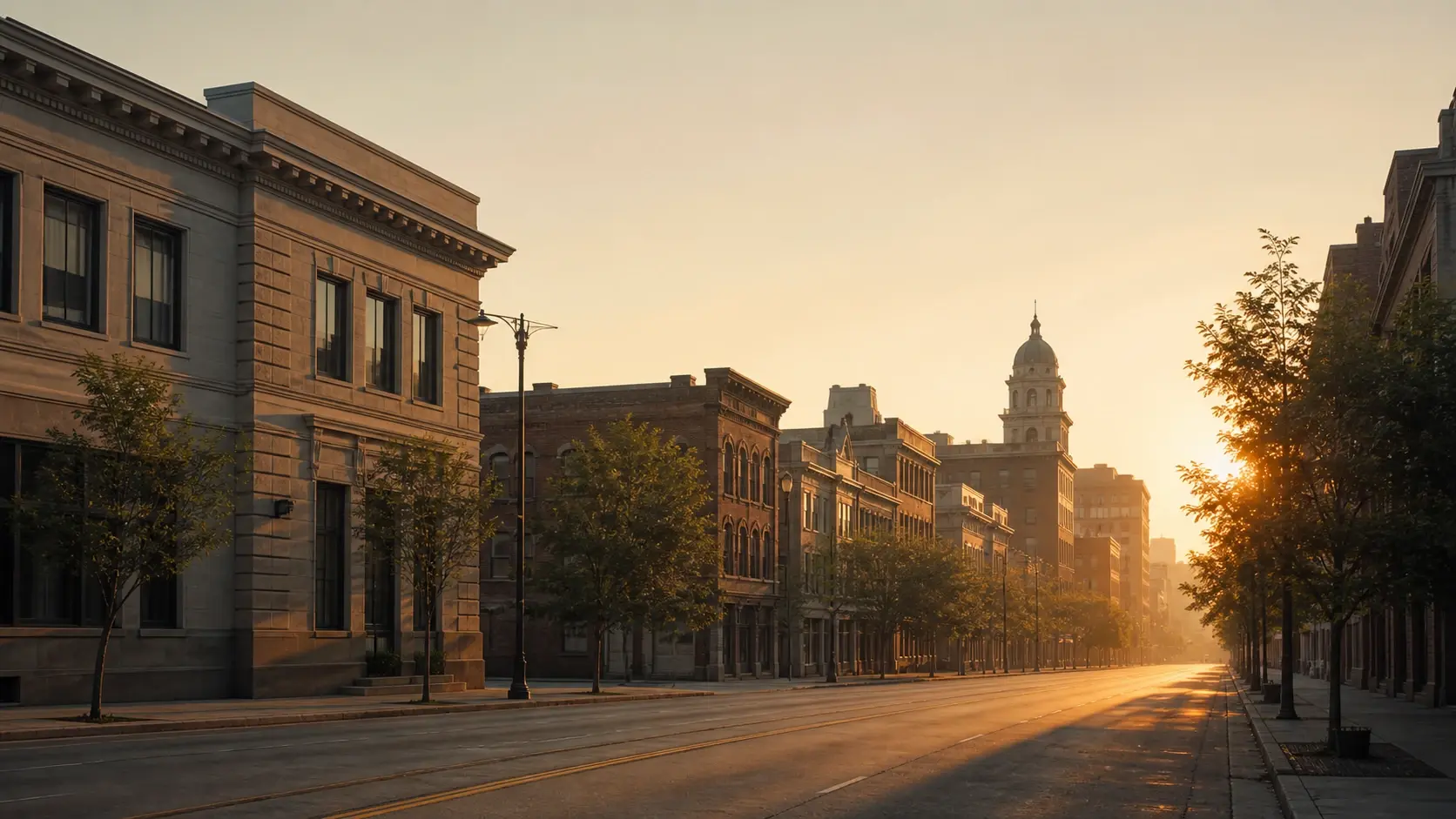
A wide golden hour street with one long shaft of warm side light raking across the frame

Give Your Photo the Film Look

Bring a photo or just describe the scene, choose the cinematic film look, and watch your first cinematic photo come back ready to compare.

Get Started
Cinematic Photo - Film Look for Portraits - VideoAI