

Step 01
Bring The Starting Material
Choose a template or describe a blank concept, then add the images, video, audio, or logo that should guide the social media video maker.

Create With Direction
Turn a social idea into a controlled video with VideoAI, choosing the format, scene direction, pacing, and on screen text before you generate.

VideoAI keeps the creative decisions visible, from the first reference image to the final frame.
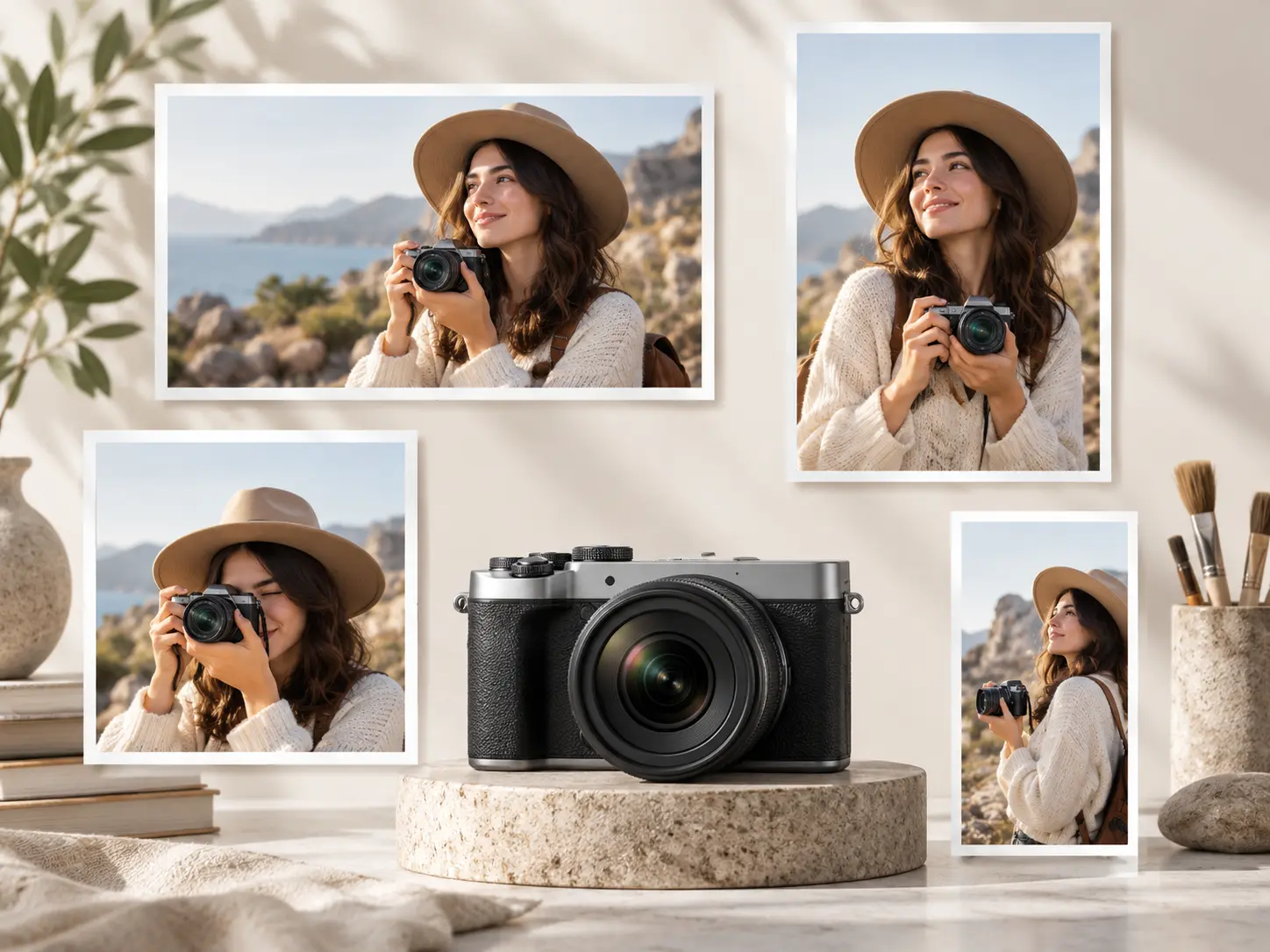
Build the same concept for 16:9, 9:16, 1:1, or 4:5, so your video maker for social media fits the placement you are preparing.
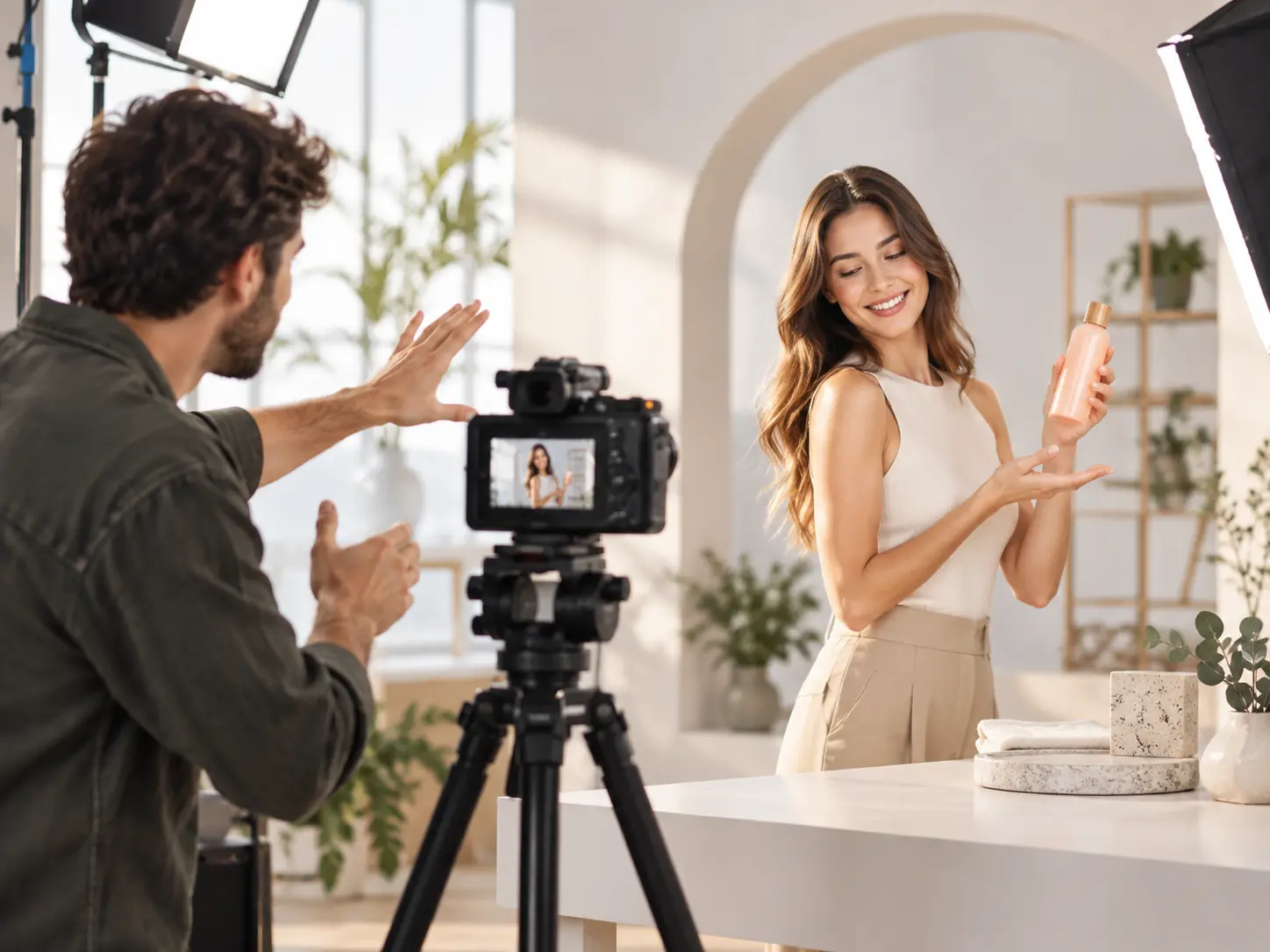
Describe the subject, action, camera movement, pacing, and words inside the frame with prompts that keep your creative intent in view.

Bring in a logo and name the title or action prompt you want shown in the image, keeping key brand details part of the generated scene.

Review the result, give VideoAI a text instruction for the next direction, and create multiple versions when comparison will help.
You decide what each segment should say and show, while VideoAI generates from the detail you provide.
Step 01
Choose a template or describe a blank concept, then add the images, video, audio, or logo that should guide the social media video maker.

Step 02
Write what the subject does, how the camera moves, how the pace changes, and which words should appear in each timed segment.

Step 03
Preview the generated video, adjust it with a text instruction, choose another frame when needed, and extend the result for a longer story.
Start with the decision your audience needs to understand, then shape the visuals around that purpose.
A product team needs one clear demonstration for a horizontal campaign placement and another for a vertical short video. They reuse the concept with different framing and compare the results before choosing a direction.
A brand campaign needs 9:16, 1:1, and 4:5 versions with different subject positions. The team guides each composition so the central message stays visible in every frame.
A social team wants to test more than one opening before continuing the story. A short form video maker helps them generate several directions, review the first moments, and extend the strongest one.
A freelance marketer has a client logo, reference media, and a campaign title to bring together. The social video maker combines those inputs into a directed scene for client review.

Plan the subject, camera movement, pacing, and frame text yourself, then use VideoAI to turn that direction into a repeatable social media video creator workflow.

Develop one campaign idea across several formats, include the brand logo, and compare versions before selecting the output that fits the intended placement.

Gather a client brief, reference assets, and desired on screen words in one project, then refine the generated result through clear text instructions.

Bring an idea, a few useful assets, and a clear creative direction to your first VideoAI result.
Get Started