

Stardew Valley Portrait Maker
Use the stardew valley portrait maker to turn a photo, sketch, or character description into a farm-game style pixel portrait. Keep the hairstyle, outfit, colors, and expression you define, then review, revise, and download a clean result for profiles, stories, community posts, or an original character sheet without drawing every pixel yourself.

Build a Pixel Portrait Around Your Character
Each control exists to protect recognition, consistency, and the farm-game look instead of applying a generic pixel filter.
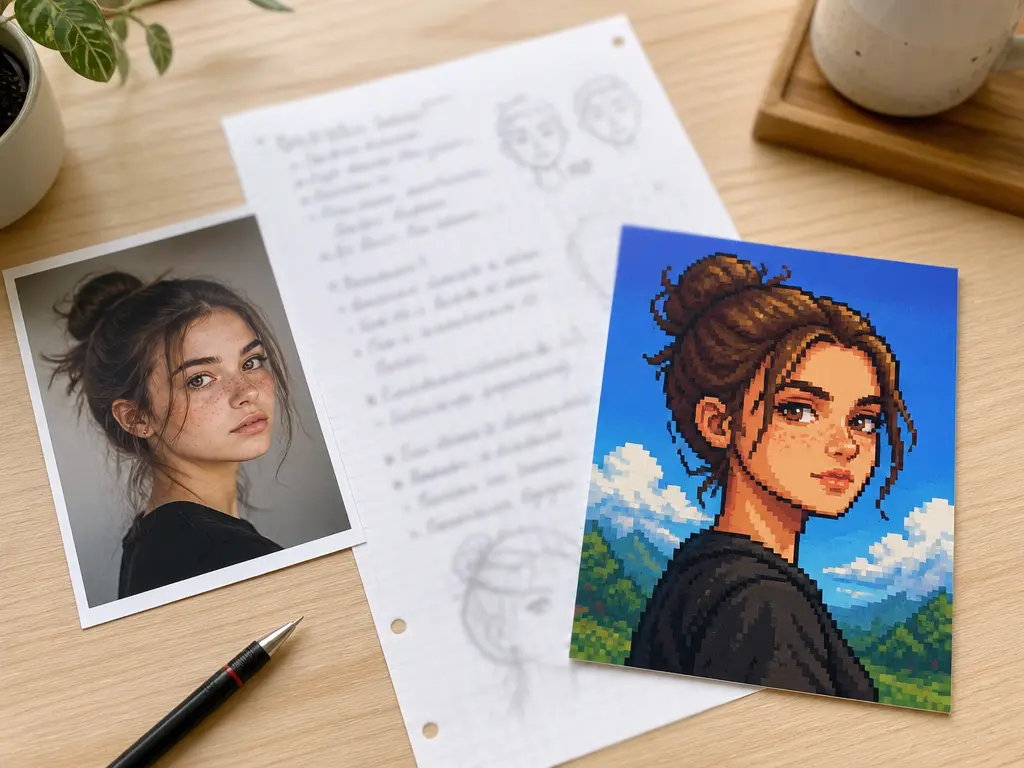
Start From a Reference or a Description
Bring in a photo, sketch, or previous character image when specific features matter. You can also start with words when the character is still forming. Describe the face shape, hair, clothing, palette, and expression, then let the stardew valley portrait maker interpret those details like a stardew character creator. Starting from a visible reference helps the result stay close to what you already recognize, while a prompt gives you room to design someone new without drawing every pixel yourself.
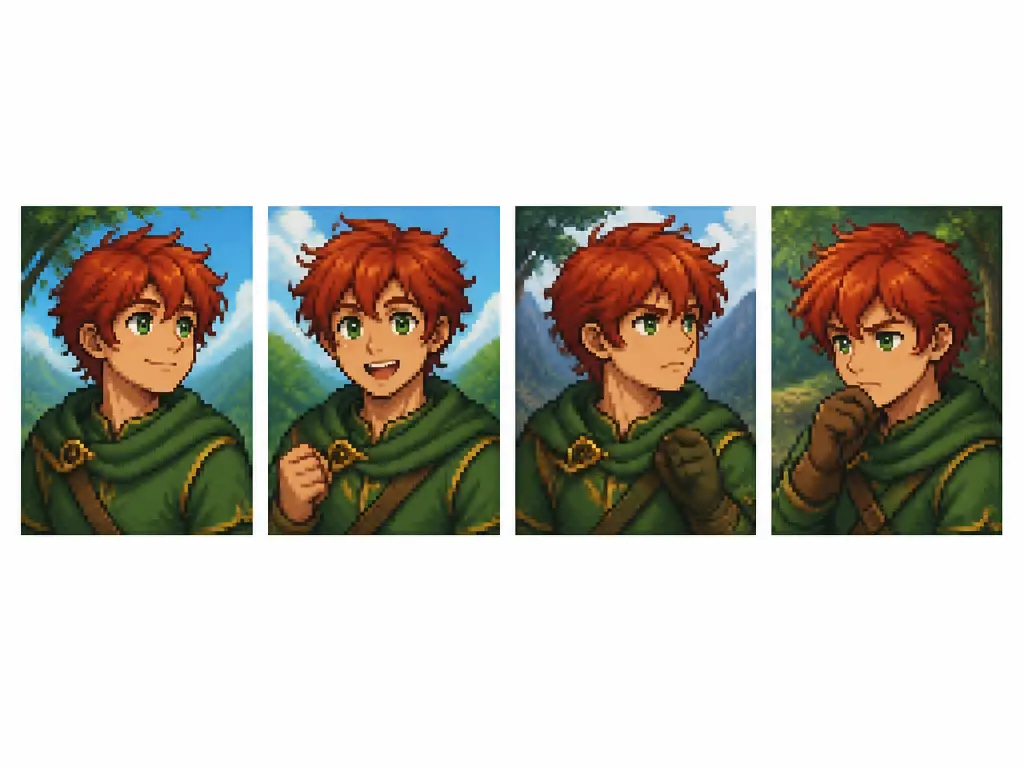
Lock the Details That Make the Character Recognizable
Keep the hairstyle, eye color, skin tone, outfit shape, and signature accessory in the prompt so each new attempt still feels like the same person. This matters when you make several expressions, seasonal outfits, or profile versions. Instead of accepting whatever the model invents, describe which features must remain fixed and which parts may change. The result becomes a consistent character reference you can build on rather than a one-off image that loses its identity at the next generation.
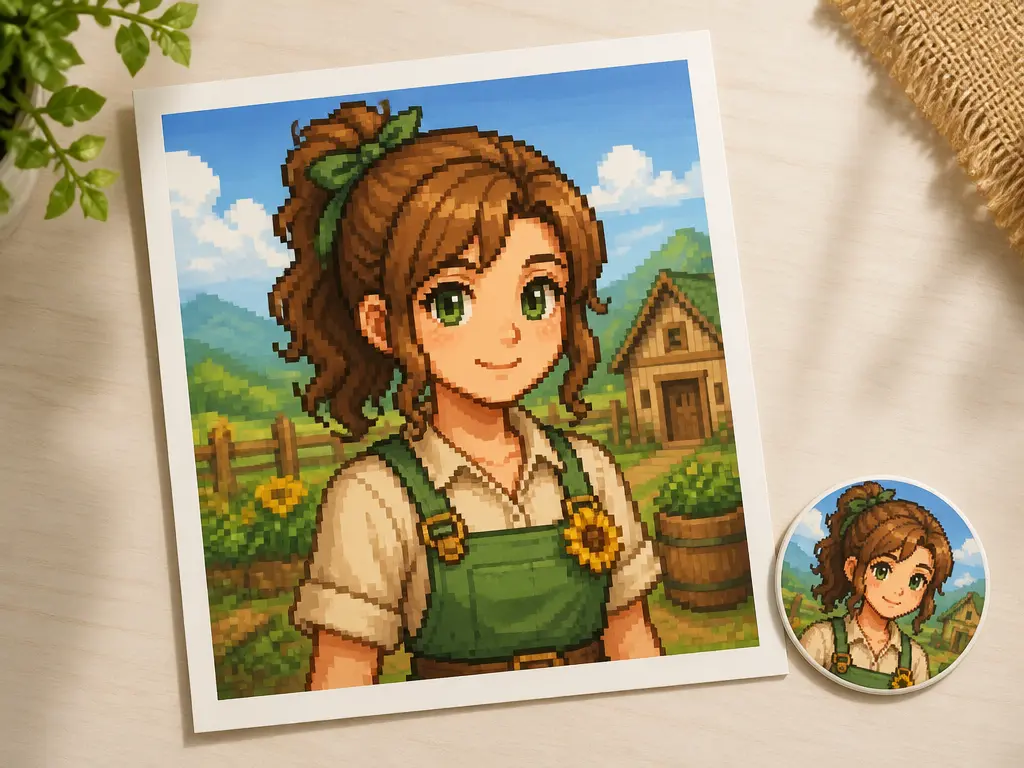
Shape the Pixel Style and Final Crop
Ask for the pixel density, head-to-shoulder crop, background treatment, and color range you want. A portrait for a social avatar needs a readable face at small sizes, while a character card may need more outfit detail and breathing room. The stardew valley portrait maker can vary those choices without turning the image into a blurry low-resolution thumbnail. Review the result at full size and at avatar scale, then refine the prompt if the face, silhouette, or color balance needs another pass.
Create a Pixel Portrait in Three Steps
Move from an existing reference or a simple character idea to a portrait you can inspect and revise.
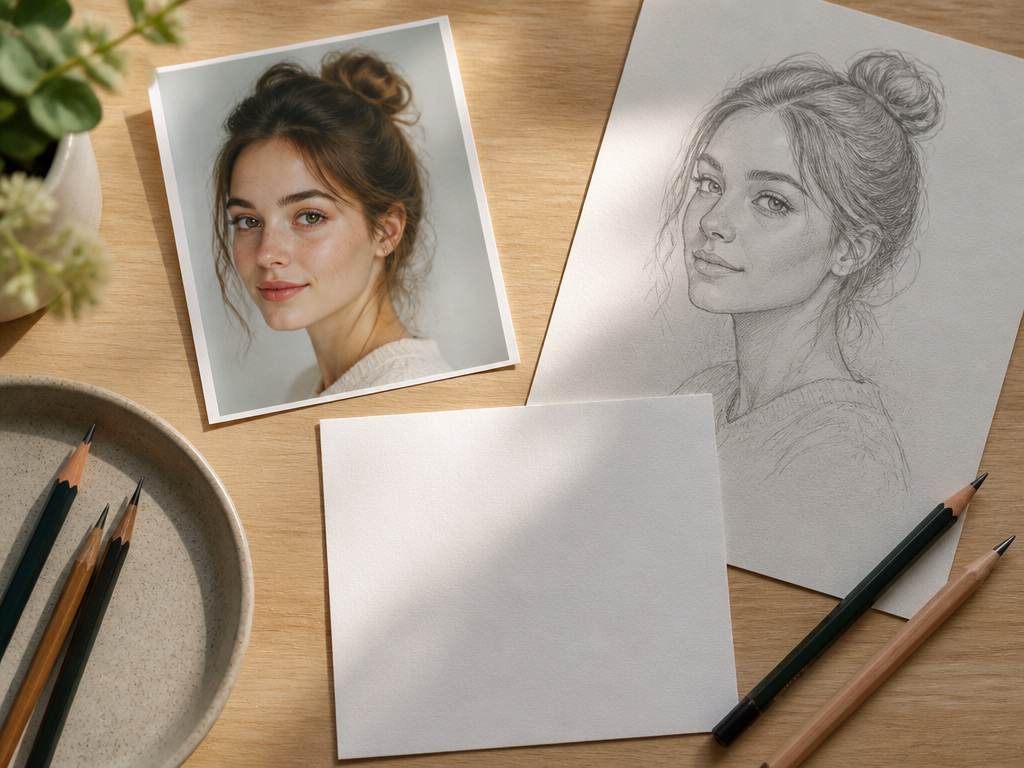
Where This Pixel Portrait Maker Fits
Use it for a single avatar or a connected set of character images, while keeping the result distinct from generic pixel art and official game assets.
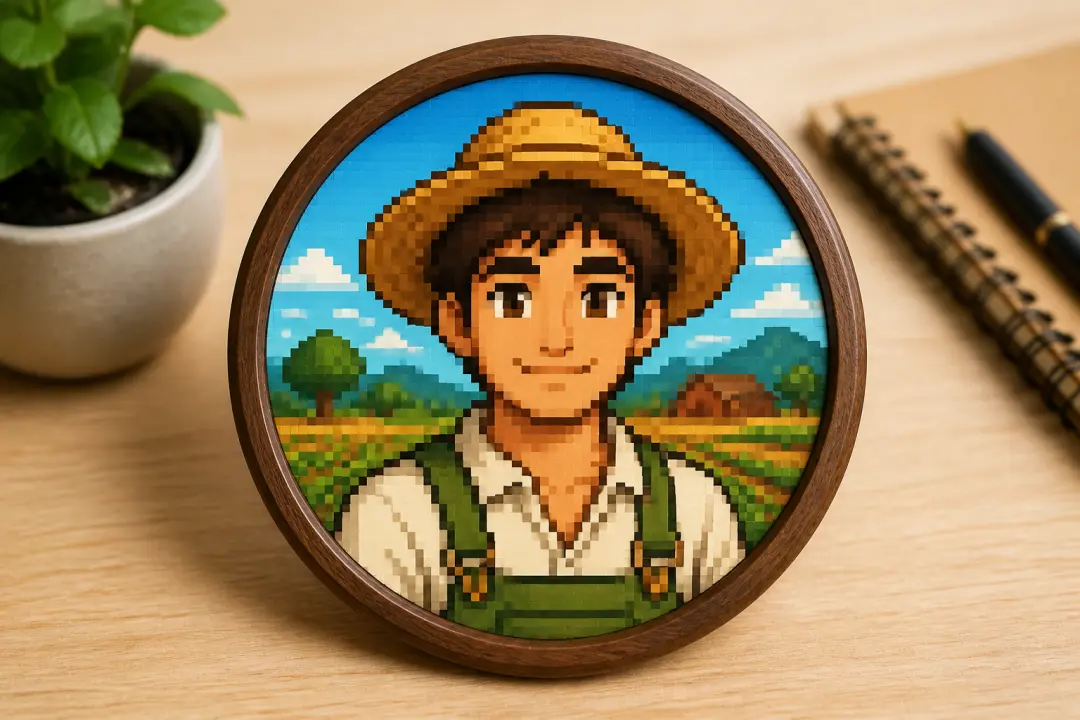
Community Profile Portraits
Create a farm-game style avatar for a forum, stream, roleplay group, or social profile. Keep the face and outfit recognizable at small sizes, choose a simple background, and test the crop before using it as your public image.
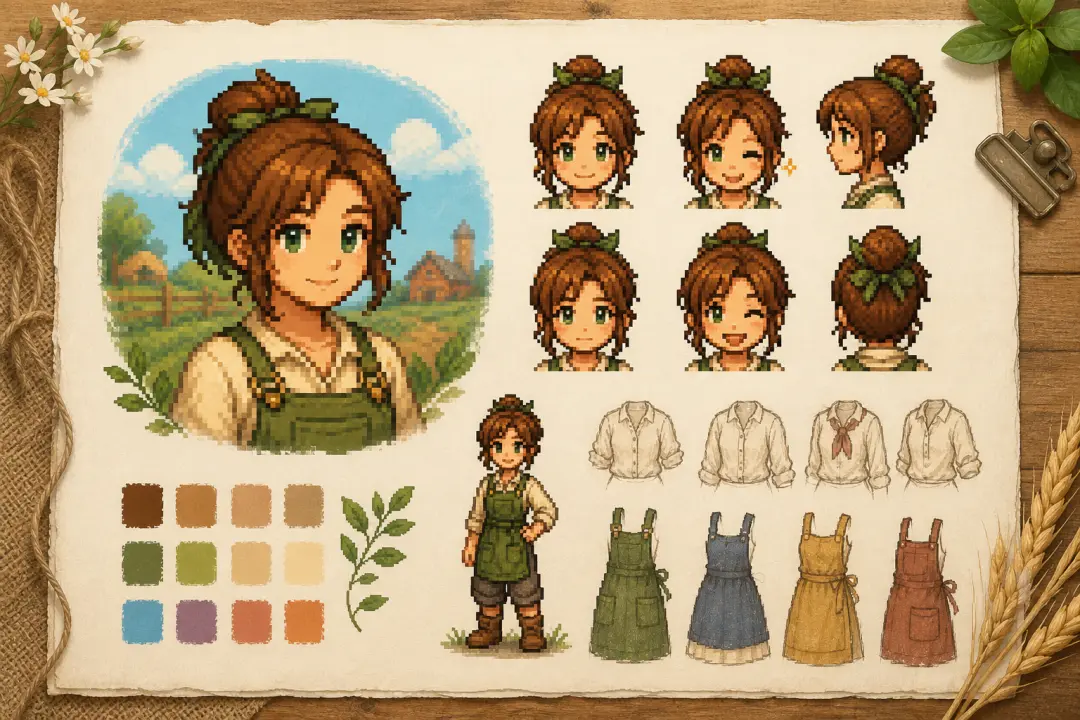
OC Character Sheets
Turn a written original character into a visual anchor for a character sheet with a stardew valley oc maker workflow. Keep the hair, clothing, colors, and key accessory stable while you generate expressions or alternate outfits for the same person.
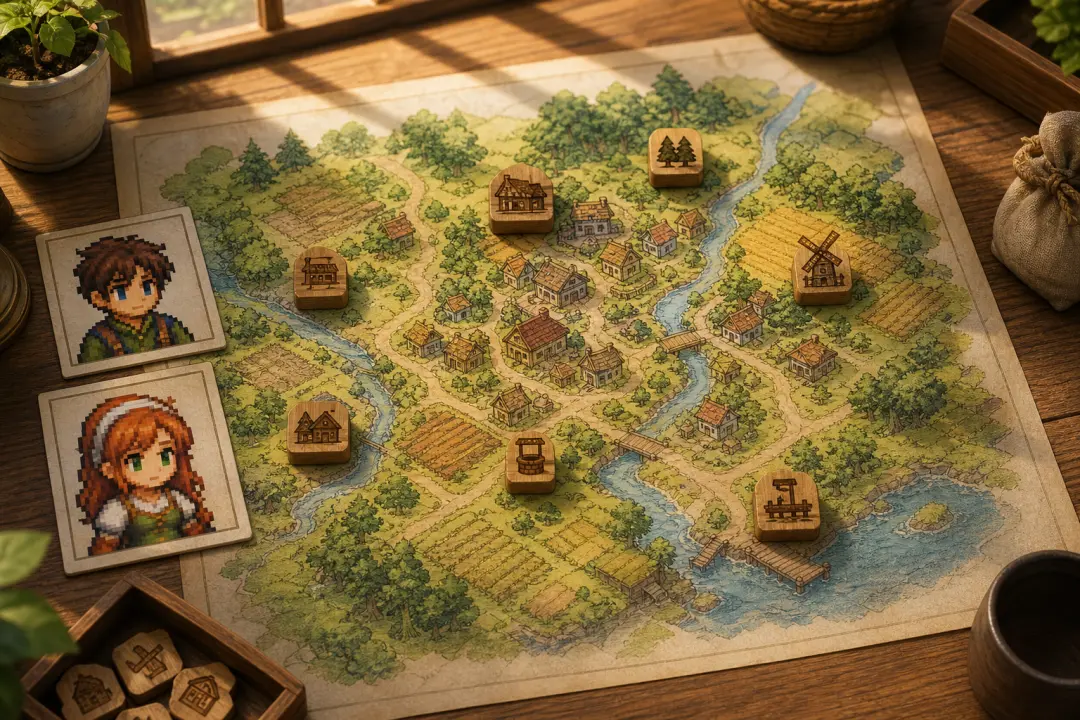
Story and Mod Concepts
Explore a new villager, merchant, adventurer, or family member before committing to final artwork. The portrait becomes a discussion draft for a story, tabletop campaign, mod concept, or small game project rather than a claimed official asset.
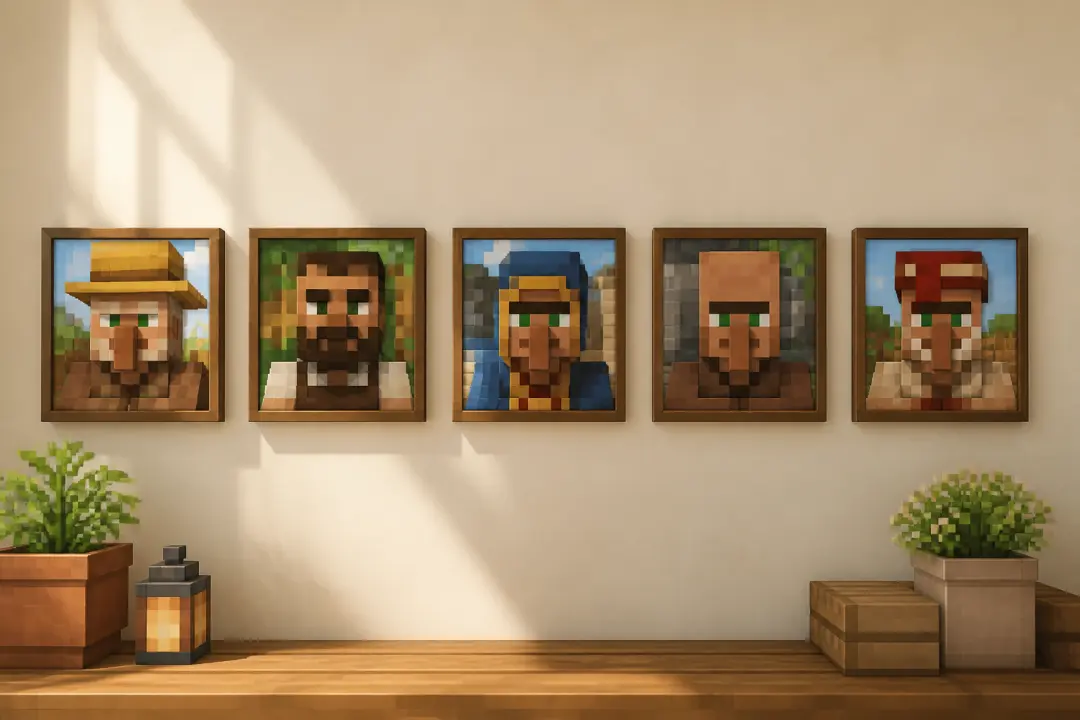
Series Art With One Visual Language
Make several portraits for a cast while keeping the pixel density, palette, crop, and lighting consistent. Use the first result as the style reference for later characters so a group image feels connected instead of looking like unrelated images.
Made for Different Kinds of Character Builders
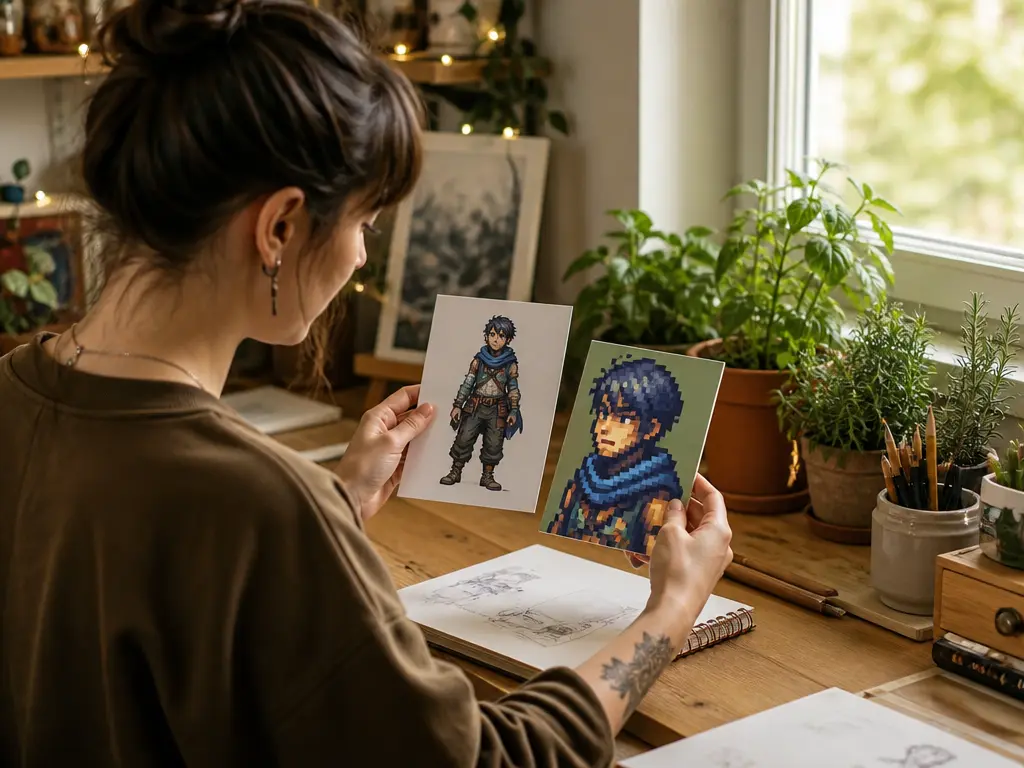
Turn Your Character Into a Profile Portrait
Bring a screenshot, reference image, or clear description of your in-game character and make a portrait that still feels like that person. Focus on the features you recognize, then review the face and outfit before using the image in a community profile.
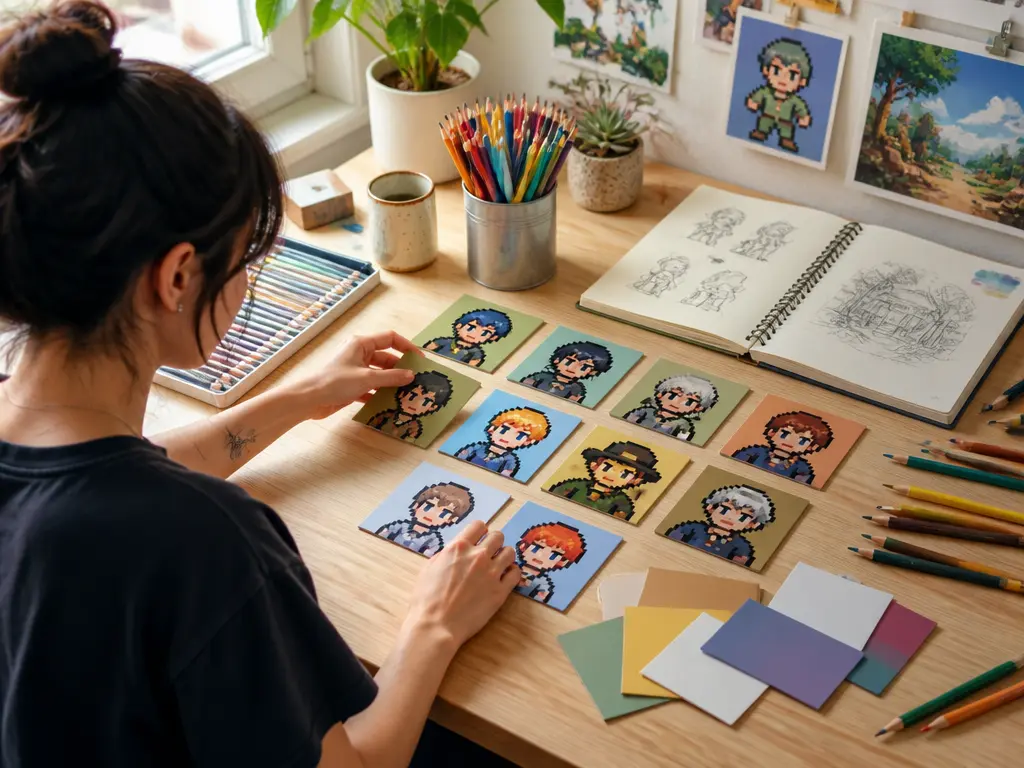
Give a Written Character a Stable Visual Anchor
When an original character exists mostly in notes, build a portrait that makes the hairstyle, clothes, colors, and expression concrete. Keep those details in the prompt so later portraits can support a story, reference sheet, or fan project with a consistent identity.
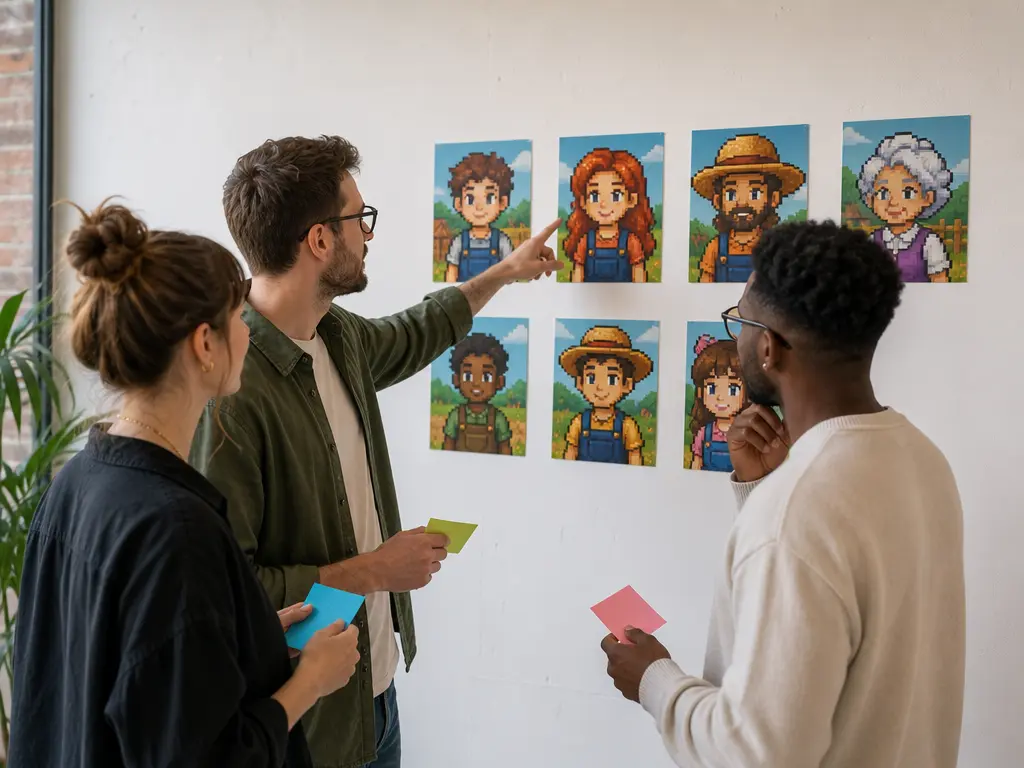
Create Discussion Drafts Before Final Art
Use the tool to explore a villager, merchant, or story role before production art begins. Team members can compare visible options, agree on the direction, and then carry the chosen details into the next stage without treating the generated image as a final asset.
Explore Related Character and Pixel Tools
Stardew Valley Portrait Maker Questions
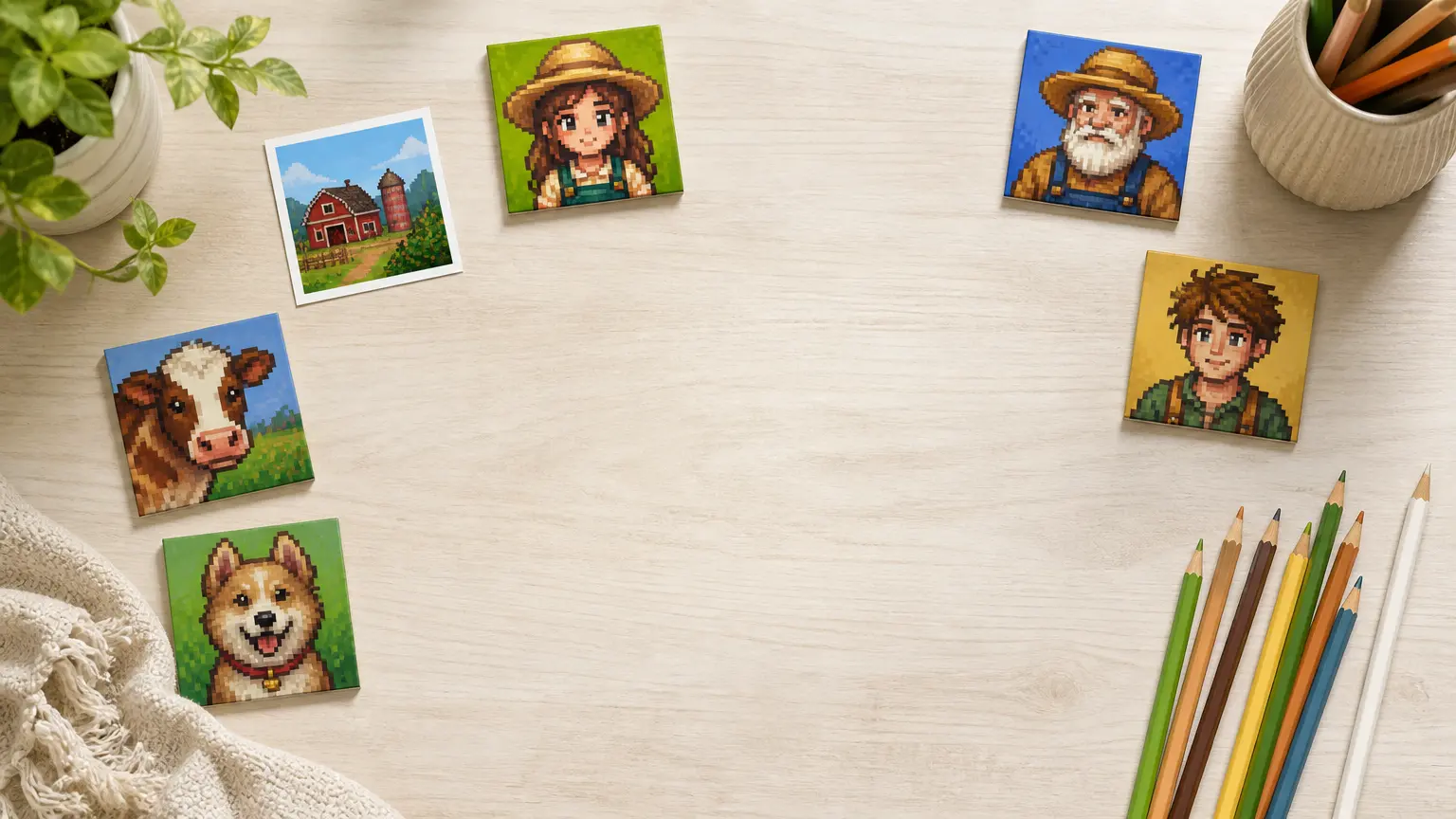
Create a Farm-Game Portrait That Still Feels Like Your Character
Start with a reference or a clear character description, refine the pixel details, and download the portrait that reads best at full size and avatar scale.
Get Started