
Step 01
Provide the video footage
Upload the video material you want to shape for the ad. This gives VideoAI the source it needs for the selected or described creative goal.

Use tiktok ad editor to shape a clearer TikTok ad from your footage while you choose the creative goal and review the result.
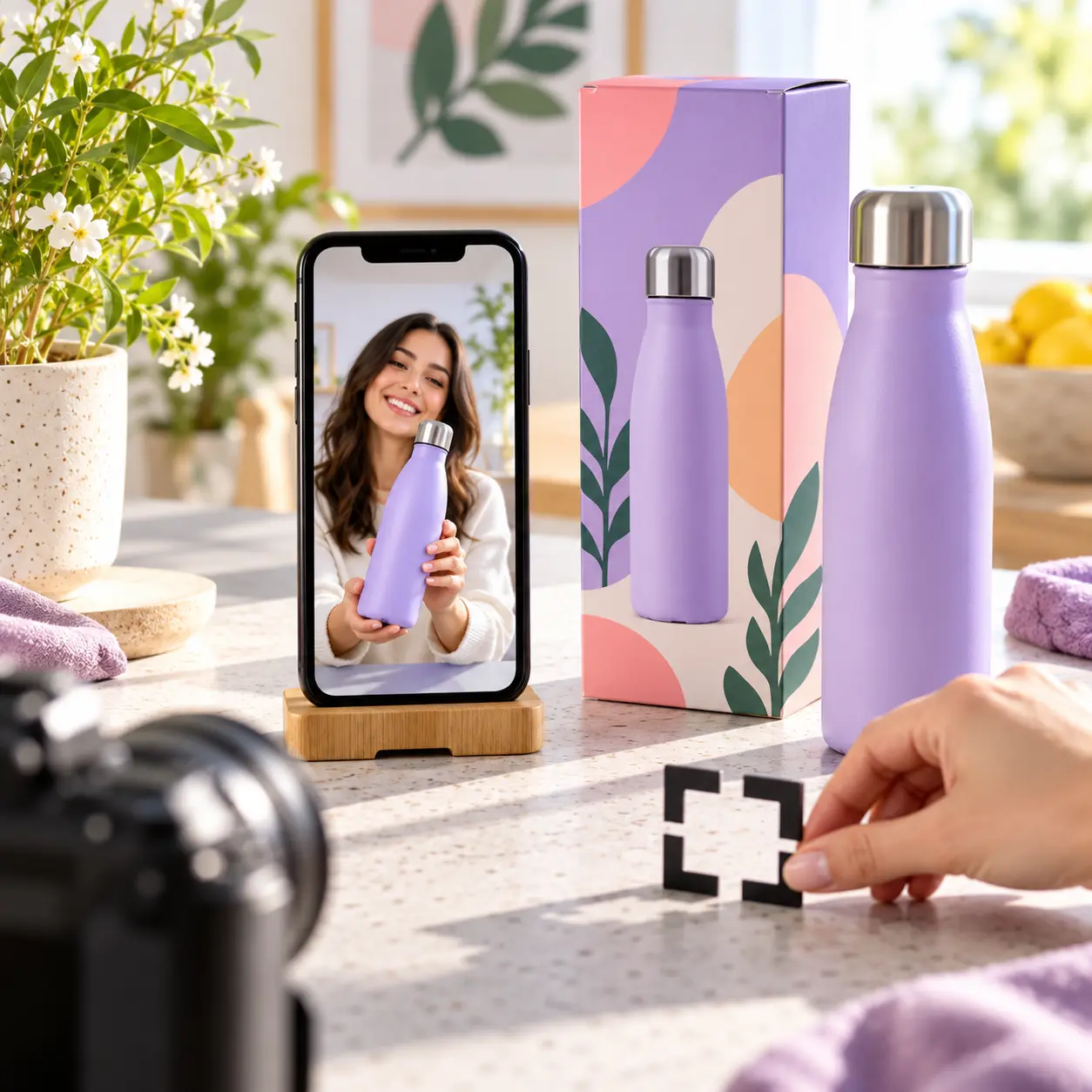
An ad focused workflow begins with your footage and your advertising decision, then gives you a result to inspect.
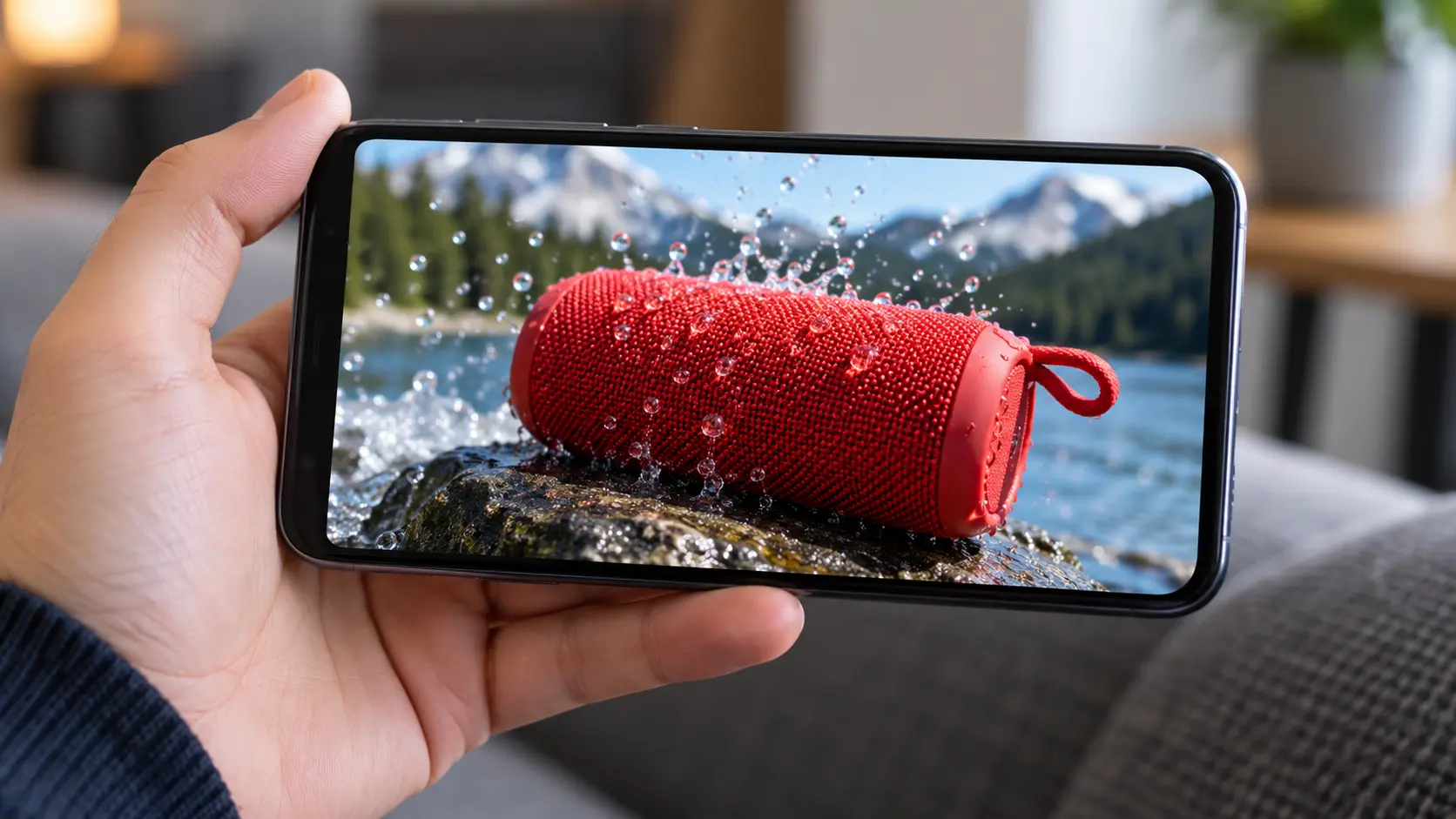
A video shaped around an advertising objective gives the creator a clearer result to review. The tiktok ad editor keeps the workflow centered on the supplied footage and the goal you choose.

A more deliberate message starts with the choice you provide. Describe the desired outcome or select a confirmed path, and VideoAI processes the footage around that direction.

The processed video is ready for inspection before you take it out of the workflow. Check whether the result matches your creative intent, then download it when the direction is right.
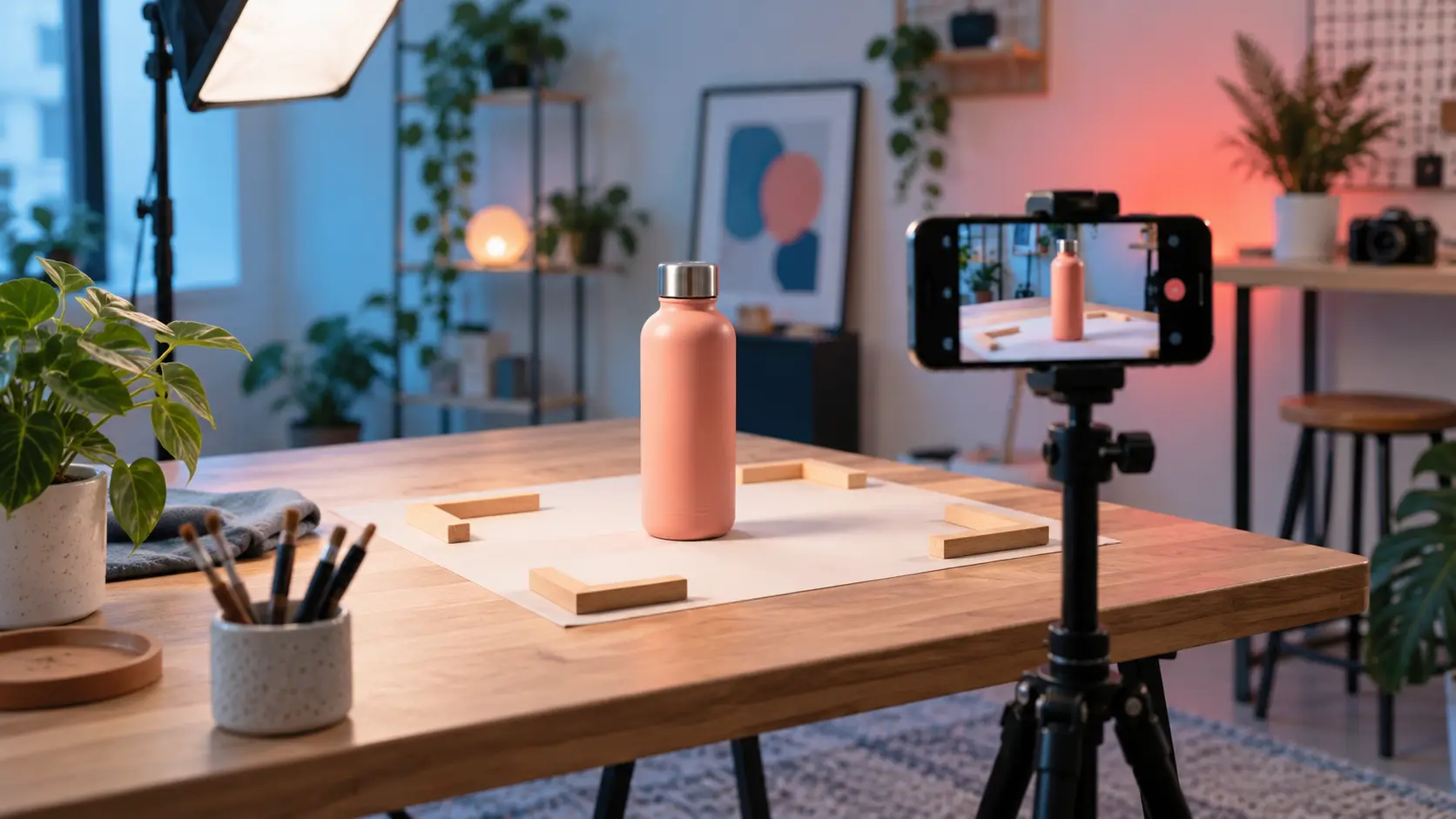
Creators searching for a tiktok ad maker can start from a specific video goal instead of a broad editing brief. VideoAI keeps the sequence practical: footage, goal, processing, review, and download.
Move from supplied footage to a reviewed downloadable result in a clear sequence.
Step 01
Upload the video material you want to shape for the ad. This gives VideoAI the source it needs for the selected or described creative goal.

Step 02
Choose a confirmed processing path or describe the result you want in clear terms. The tiktok ad editor uses that direction to process the supplied footage.

Step 03
Inspect the processed video against your intent, then download the result when it matches the direction you set. This keeps the final choice with you.
Choose a practical starting point based on the footage and advertising decision in front of you.
A short product clip needs a clear advertising direction. For a tiktok video ad maker workflow, give VideoAI the footage, choose or describe the goal, and review a focused video result when deciding which message to carry forward.
A brand content team has existing campaign footage but needs to shape it around a specific ad brief. A tiktok advertising video maker workflow lets the team set that goal, inspect the processed result, and choose it when the creative direction needs a visible check.
A promotion needs a concise video treatment built from supplied material. Use the tiktok promo video maker path to state the desired outcome, then inspect the result before downloading the version that fits the brief.
A product demonstration needs the supplied footage to carry one clear selling point. Describe that advertising goal in VideoAI, review the processed output, and choose this path when the product story should guide the edit.

Advertising creators need to decide which message the footage should carry. The tiktok ad editor helps them provide the video, set that direction, and review a result built for the decision.

Upload your footage, choose or describe the advertising goal, review the result, and download the video with VideoAI.
Get Started