





Controlled business video creation

Business Video Animation Maker

Shape a business video from a clear brief, controlled scenes, and the references that define your message.

Business animation storyboard with timed scenes, logo, screen text, and voice references

Make video animation for business your own

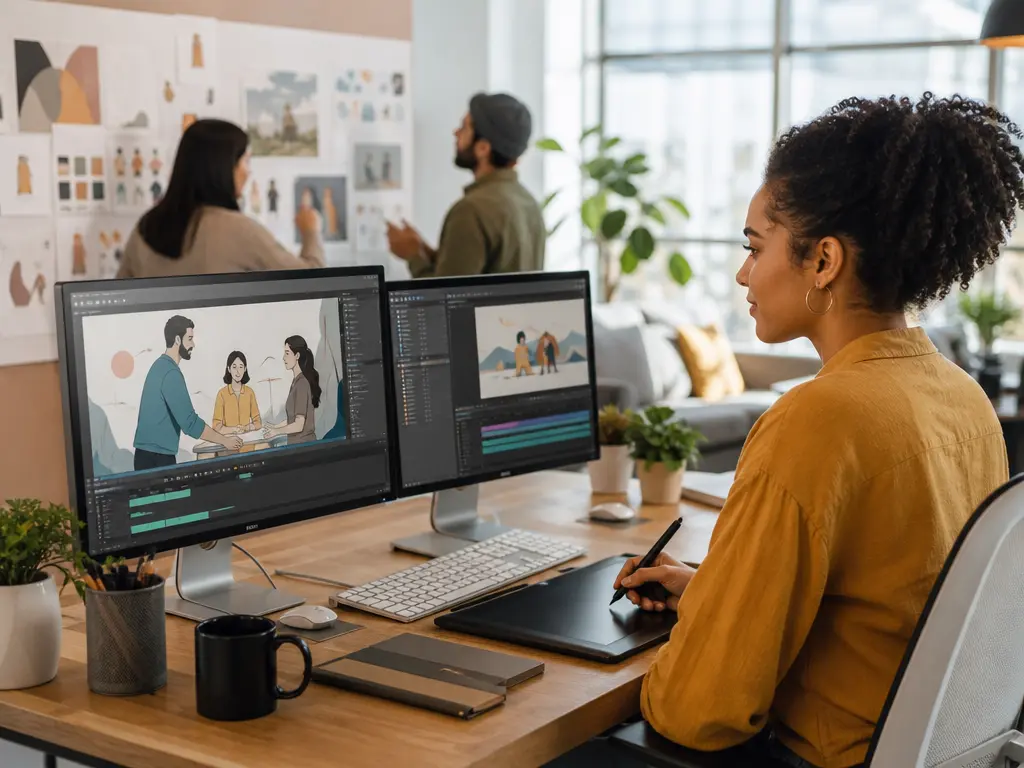
Small business team planning a service animation with logo and scene notes

Small business marketing teams

Small business marketing teams can shape an animated corporate video around a service, offer, or campaign message. Describe the audience and desired scenes, then add a logo or reference image so VideoAI gives the team a focused draft for a homepage or social placement.

Shape video animation for business

VideoAI keeps video animation for business tied to the scenes, references, and output choices you define.

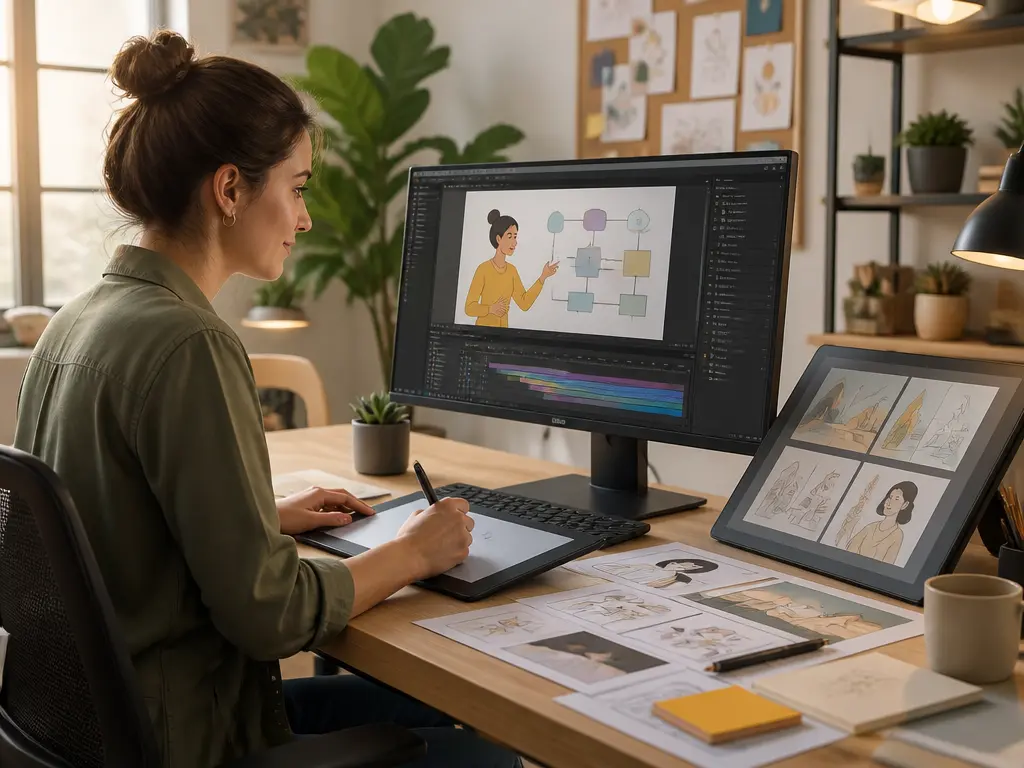
Storyboard view with timed business scenes, actions, text, and music cues

Timed scene control

A clear sequence gives video animation for business a practical structure. Write each shot by the second with its action, screen text, music, and rhythm, then let VideoAI generate a corporate animated video that follows your storyboard.

Business video frame showing a logo, screen text, and branded scene layout

Logo and screen text

A visible logo and readable words keep an animated company video aligned with the brand message. Add the logo, on screen text, and supporting reference materials before generation, then review how those elements appear in the finished scene.

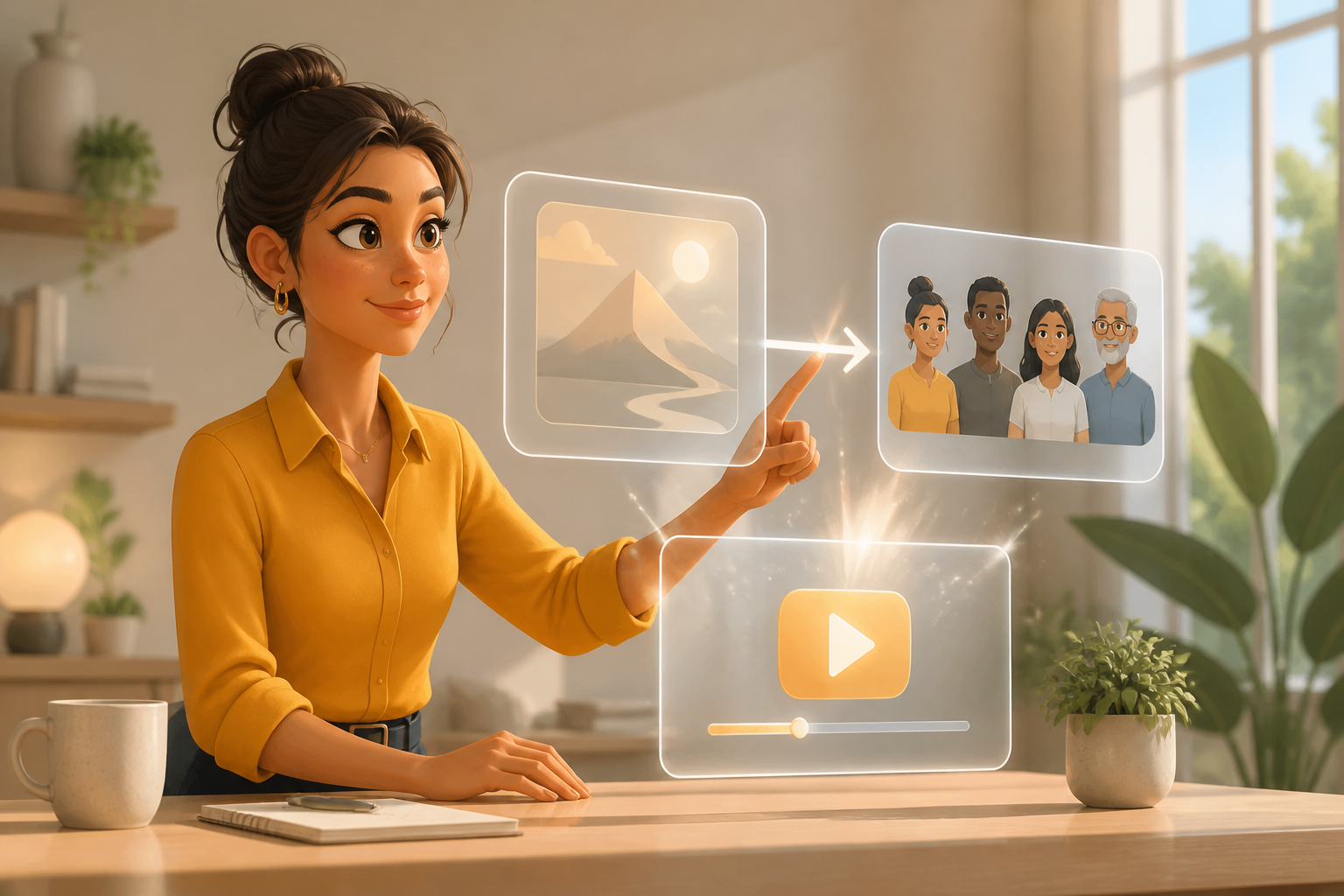
Template and custom storyboard choices for a business explainer video

Templates or custom storyboards

Start with a template or preset when the message already has a shape, or describe a custom storyboard from zero. This gives corporate animation videos a defined starting point while leaving the scene order and wording in your hands.

Business animation scene with voiceover, background music, and sound references

Voice, music, and sound

Give an animated video for business a specific tone by adding a voiceover, background music, or sound reference. VideoAI uses those inputs with your visual direction, helping the final corporate video animation match the intended pace and emphasis.

Bring video animation for business into focus

Move from message to preview in three practical stages, with control over inputs, timing, and export format.

Writer defining a business audience, message, and storyboard direction

Step 01

Define the message and audience

Write the business topic, intended audience, and the visual point you want the viewer to understand. You can describe the desired result from zero or begin with a template or preset, giving your video animation for business a clear starting direction.
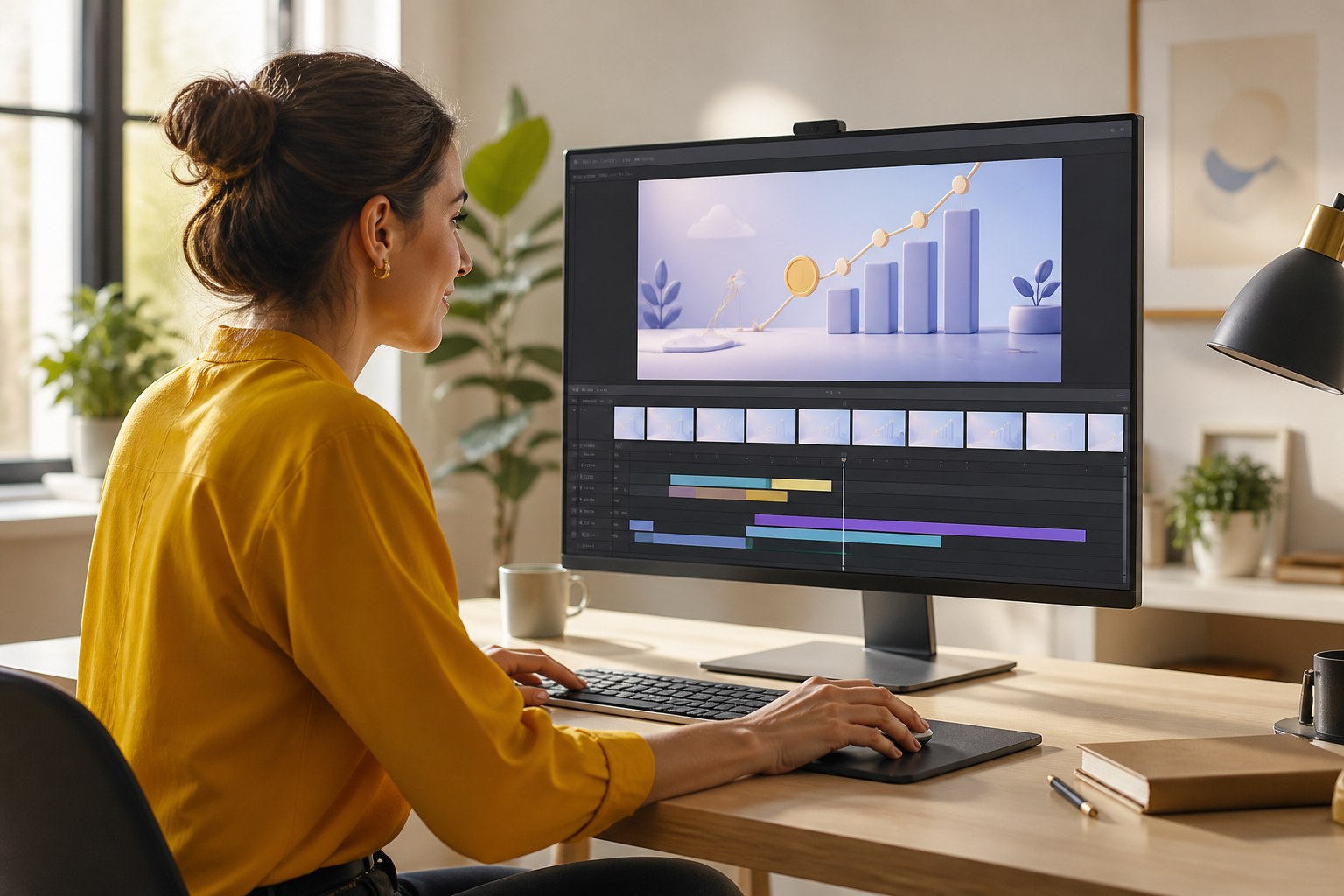
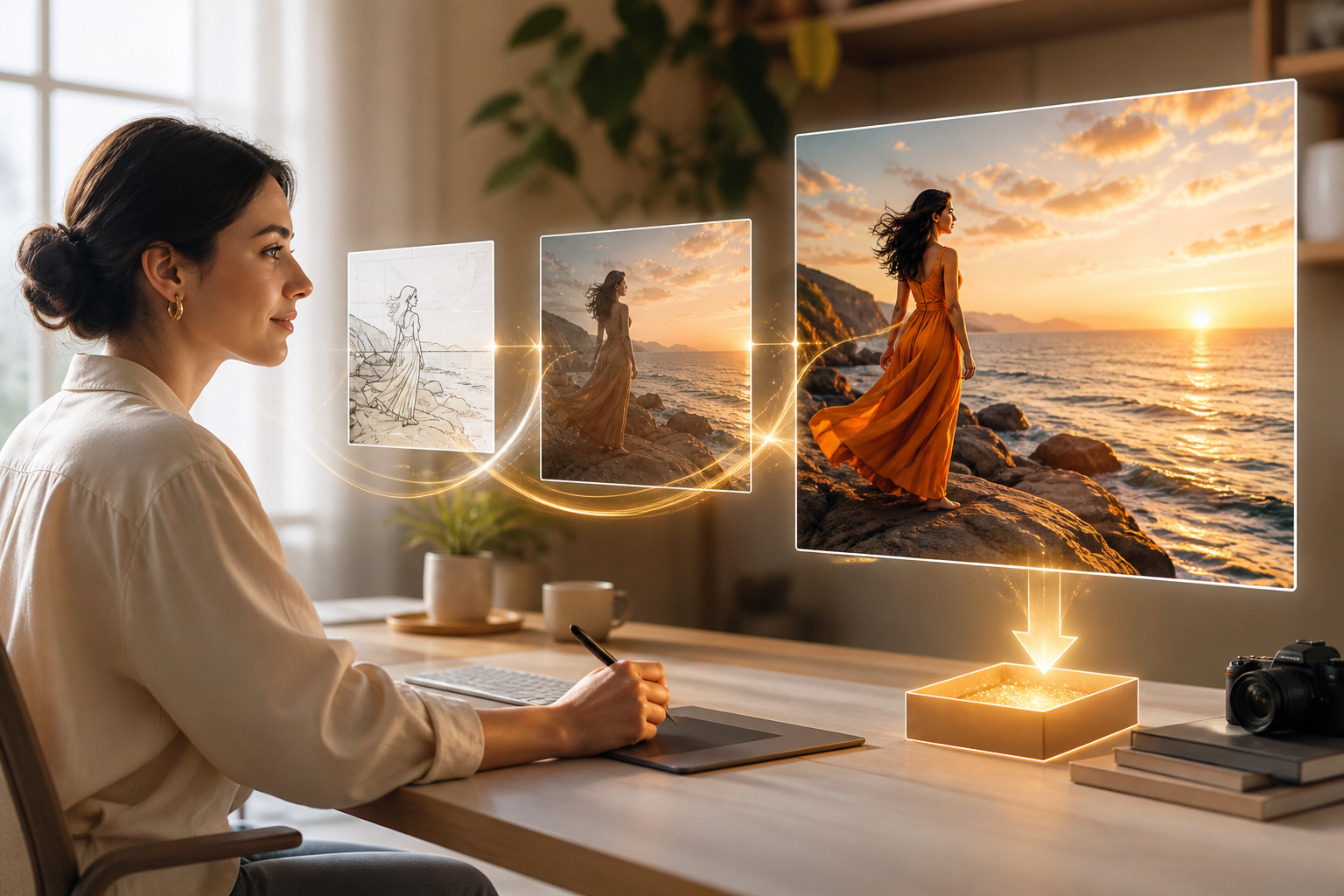
Workspace with logo, reference visuals, voiceover, music, and timed scenes

Step 02

Add references and timing

Upload or add the logo, reference images, reference video, music, or voiceover you want to guide the result. Then write each scene by the second, including actions, screen text, and rhythm, and use @ to assign each reference its purpose.

Preview screen with revised business animation and landscape or vertical exports

Step 03

Preview, refine, and export

Preview the generated video, give a text instruction for the next version, and choose 16:9, 9:16, 1:1, or 4:5 for the intended placement. Each generation can run up to 30 seconds, and a video extension lets you continue the sequence.

Choose video animation for business by goal

Start from the business decision, then shape the scenes and output around where the message will appear.

Animated Business Video

A product team needs to explain a complex workflow before a buyer sees the demo. Map the steps with timed scenes, add reference images or video, and use VideoAI to produce an animated business video that makes the process visible. Pick this format when the audience needs to understand sequence and action.

Animated Company Video

A small company is introducing a new service and needs a concise story for its website. Start from a template or describe the scenes from zero, then add a logo, voiceover, and screen text for a company animated video that keeps the message easy to follow. Choose this route when brand context matters as much as the offer.

Animation For Business

An internal communications team must explain a policy or training topic across offices. Set the audience and message, then plan movement, words, and pacing with a voice or music reference; the result is an animated corporate video suited to internal viewing. This route fits recurring explanations that benefit from a consistent visual structure.

Animated Videos For Business

A B2B team has one product brief but several placements to prepare. Build the scenes, review the draft, and export landscape, vertical, square, or 4:5 versions for the website and social channels. Choose this approach when the same message needs a different frame for each placement.

FAQ

Video Animation for Business FAQs

Yes. VideoAI is a self serve generation tool, not a done for you corporate video production service. Animated corporate video production describes your user controlled workflow, where you set the brief, scenes, timing, and references.

Add a logo, on screen text, and reference materials before generation, then review their placement in each finished scene.

Yes. You set the timing, action, screen text, music, and rhythm for each scene, while VideoAI turns that direction into a generated video.

Choose a template or preset for a starting structure, or describe a custom storyboard from zero and direct the result scene by scene.

Select 16:9 for landscape, 9:16 for vertical, or use 1:1 and 4:5 when those placements fit the message.

After previewing, give a text instruction for the next version and guide the changes through prompt driven regeneration.

Each generation can run up to 30 seconds, and you can continue the sequence with a video extension when the story needs more room.
Start video animation for business video creation scene

Start video animation for business

Describe the message, add the references that matter, and shape a business video you can review for its intended placement.

Get Started
Video Animation For Business Online - VideoAI