
Step 01
Provide the video and goal
Upload your video material and describe the improvement you want, or select the confirmed video quality enhancement path that fits your project.

Sharper edges, less visible noise, and a cleaner overall look, with control over the enhancement path you choose.

See the visible result first, then choose the processing direction that supports your video goal.

Sharper edges and clearer faces are the visible result. VideoAI analyzes the uploaded footage and applies ai video cleanup to improve clarity and reduce visible noise.
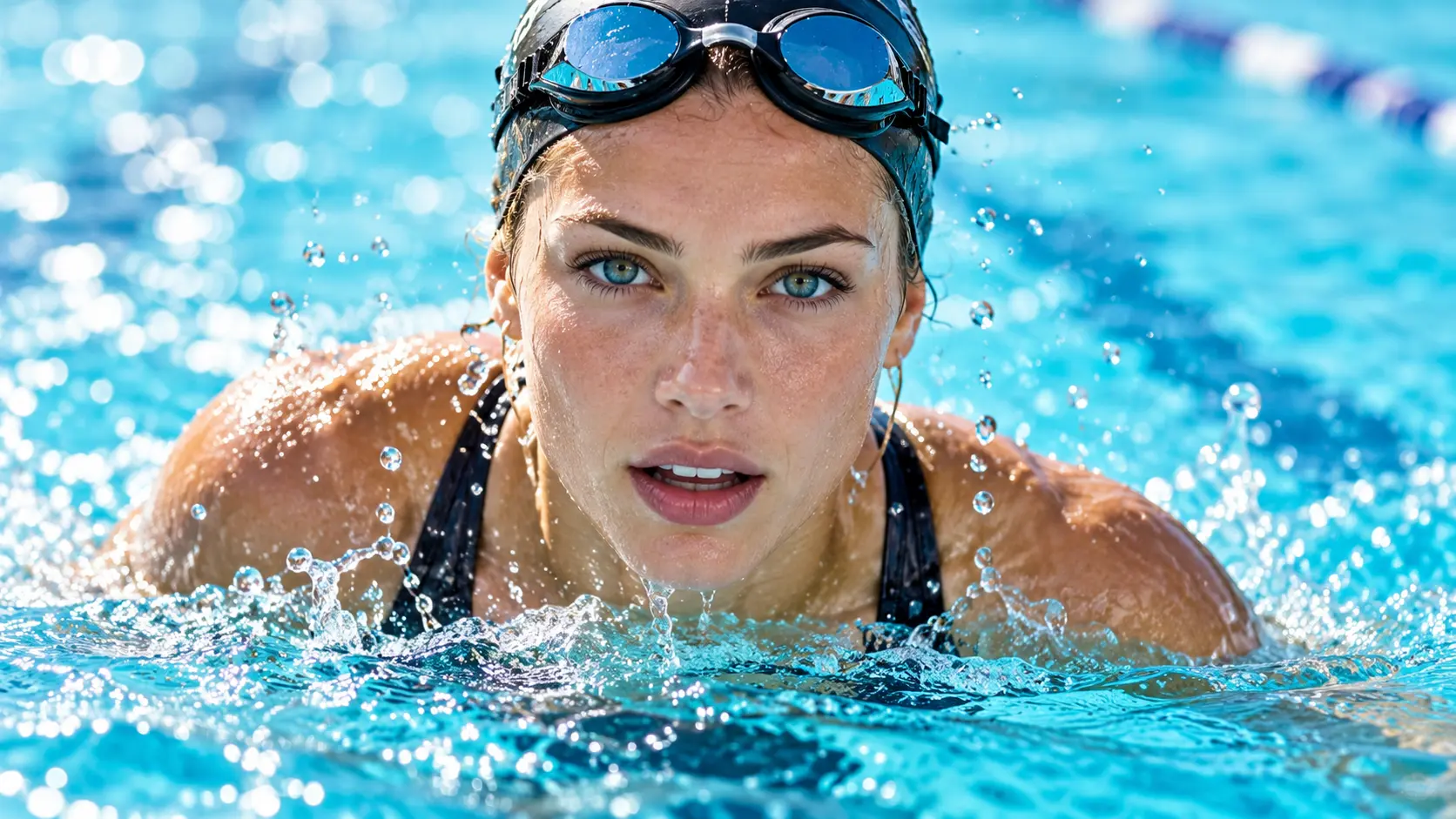
When compression leaves a clip soft or noisy, choose a quality enhancement path to clean up video quality and improve the way the scene reads.

The workflow keeps the decision with you. Describe the result you want or choose the confirmed enhancement path, then review how the clean video looks before downloading it.

VideoAI keeps the video cleaner workflow focused on clearer footage, reduced noise, and a better overall look for the next edit, review, or publishing step.
Provide the footage, guide the intended result, and inspect the processed video before downloading it.
Step 01
Upload your video material and describe the improvement you want, or select the confirmed video quality enhancement path that fits your project.

Step 02
Video cleaner analyzes the video and processes the selected path to improve clarity, reduce visible noise, and refine the overall look.

Step 03
Review the processed video to confirm that the visual result matches your goal, then download the finished footage for your next step.
Choose a practical starting point based on what your footage looks like today.
A speaker looks less defined after recording in difficult conditions. Choose a clarity focused path and review a cleaner face and sharper edge detail for the next cut.
A location clip carries visible noise across darker areas. Provide the video, guide the enhancement goal, and check a calmer overall image before using it in the project.
A previously compressed export looks soft when viewed again. Use the video cleaner workflow to improve clarity and inspect the result before adding it to a new post.
A working draft needs a more consistent visual impression before feedback. Let VideoAI process the chosen path, then download the reviewed result for the next edit.

Improve clarity and reduce visible noise before a social clip, campaign video, or explainer reaches your audience. VideoAI helps you shape the result around the footage you provide.

Upload your footage, choose the improvement you want, and review the result with VideoAI.
Get Started