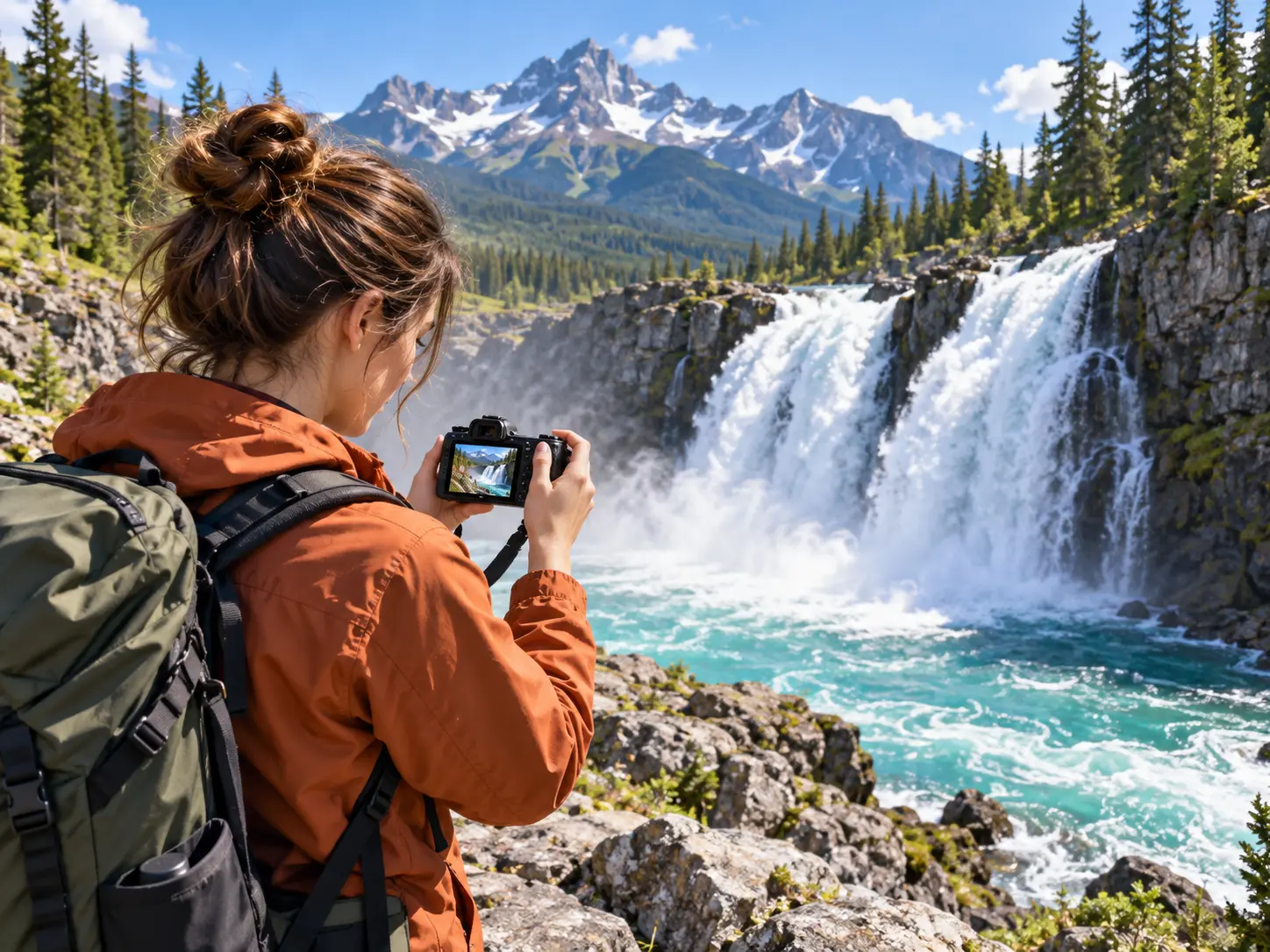
Step 01
Provide your video material
Upload or provide the video you want to improve, then identify the footage that needs clearer visible detail.

Improve usable video footage with deblurring and noise reduction. This is visual enhancement for videos that still play, not recovery of corrupted or unplayable files.

VideoAI keeps the process focused on the visible result you want to evaluate.

Sharper edges give subjects and objects a clearer outline, helping you judge whether a soft clip is ready for your intended video.

Cleaner scenes make important details easier to inspect when background grain or low light affects the original footage.

AI enhancement reconstructs visible detail to give the processed video a more readable appearance for review and creative planning.

A clear review step lets you inspect the result and decide whether it supports the video direction you have in mind.
Move from your source video to a reviewed enhancement result in three clear steps.
Step 01
Upload or provide the video you want to improve, then identify the footage that needs clearer visible detail.
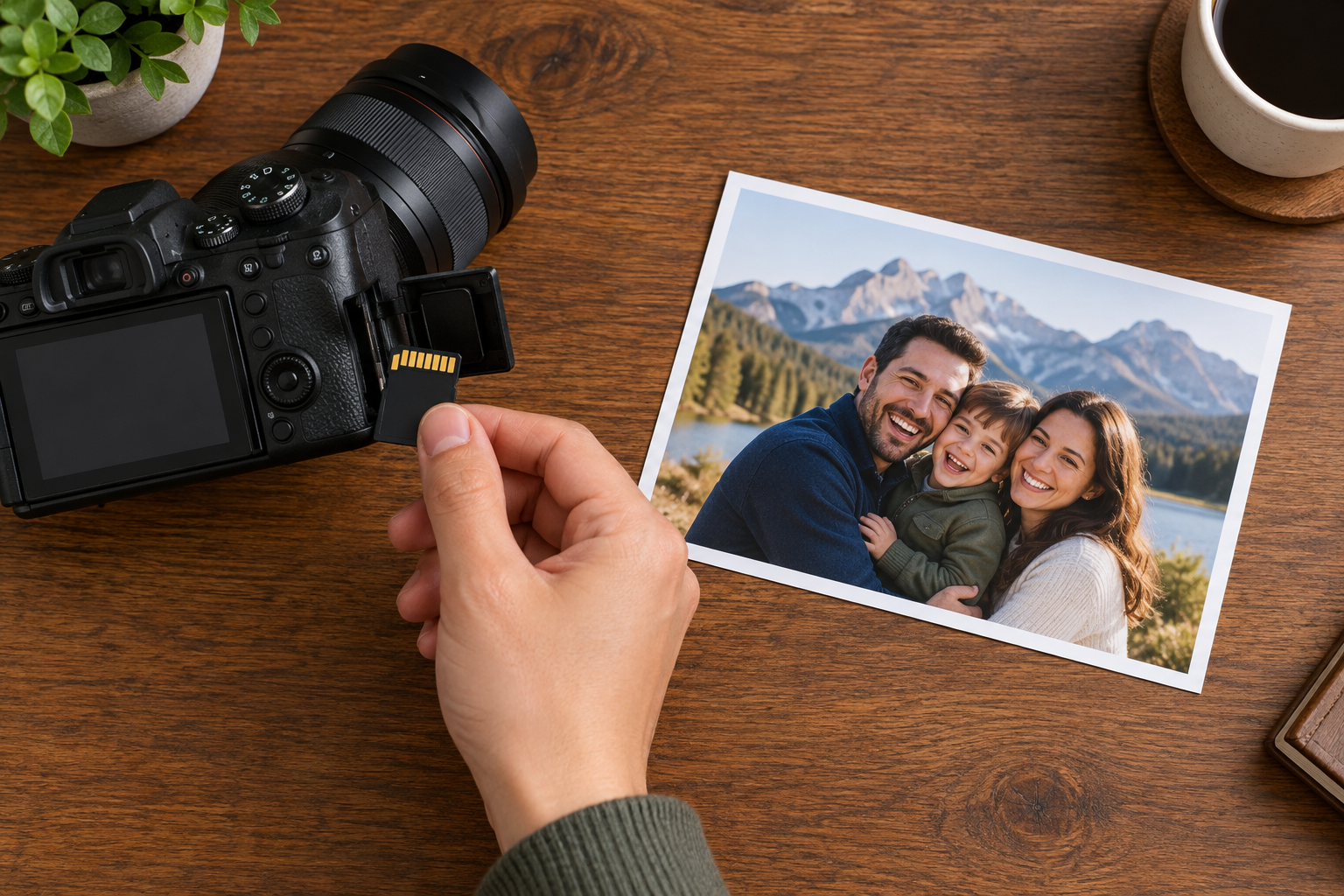
Step 02
Select the confirmed processing path that matches your goal, such as reducing blur, lowering noise, or rebuilding visible detail.

Step 03
Let AI process the footage, inspect the result for sharper edges and cleaner scenes, then download the enhanced video.
Give everyday footage a clearer visual starting point for your next creative decision.
A subject looks soft after movement or difficult capture conditions. Use VideoAI to guide the footage through a deblurring path and bring visible edges back into focus.
Dark scenes or crowded backgrounds carry distracting noise. Choose noise reduction to create a cleaner view that is easier to assess and edit.
A clip has lost visible detail after compression. Process it through an enhancement path so the result gives your edit a cleaner foundation.
A client video needs a more readable visual finish before the next decision. Review the enhanced result in VideoAI and decide how it fits the final cut.

Content creators can use free video repair online to improve the clarity of a key clip, then judge whether its edges and visible details support the planned post.

Upload your footage, choose an enhancement path, review the visible result, and continue with the version that supports your project.
Get Started