
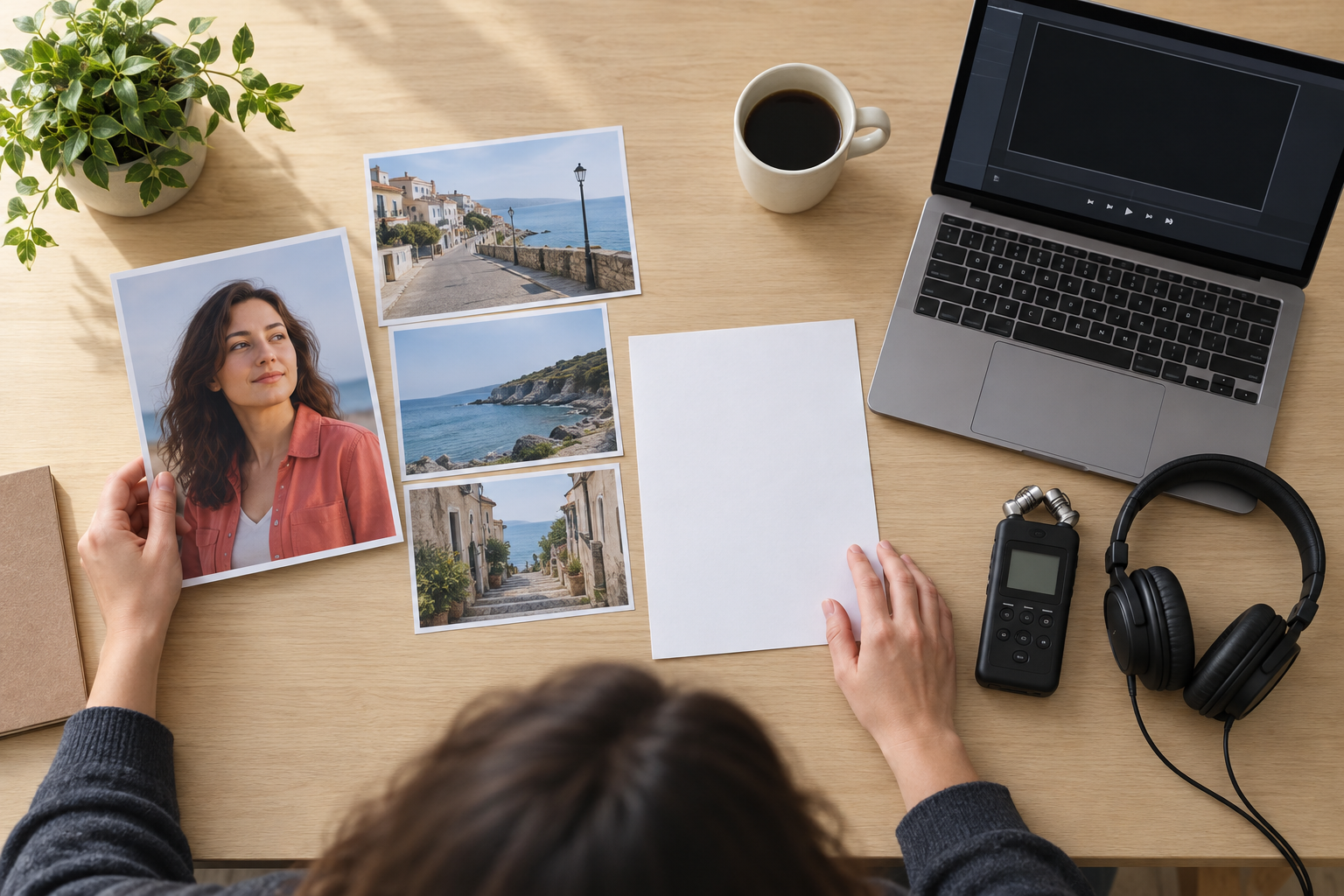
Step 01
Add the references you want to guide the video
Start in VideoAI with a text idea, or add image, video, and audio references to your workspace so you can reuse them across versions.

VideoAI turns your text, images, clips, and audio references into a new video shaped by your scene plan, timing, and creative intent.
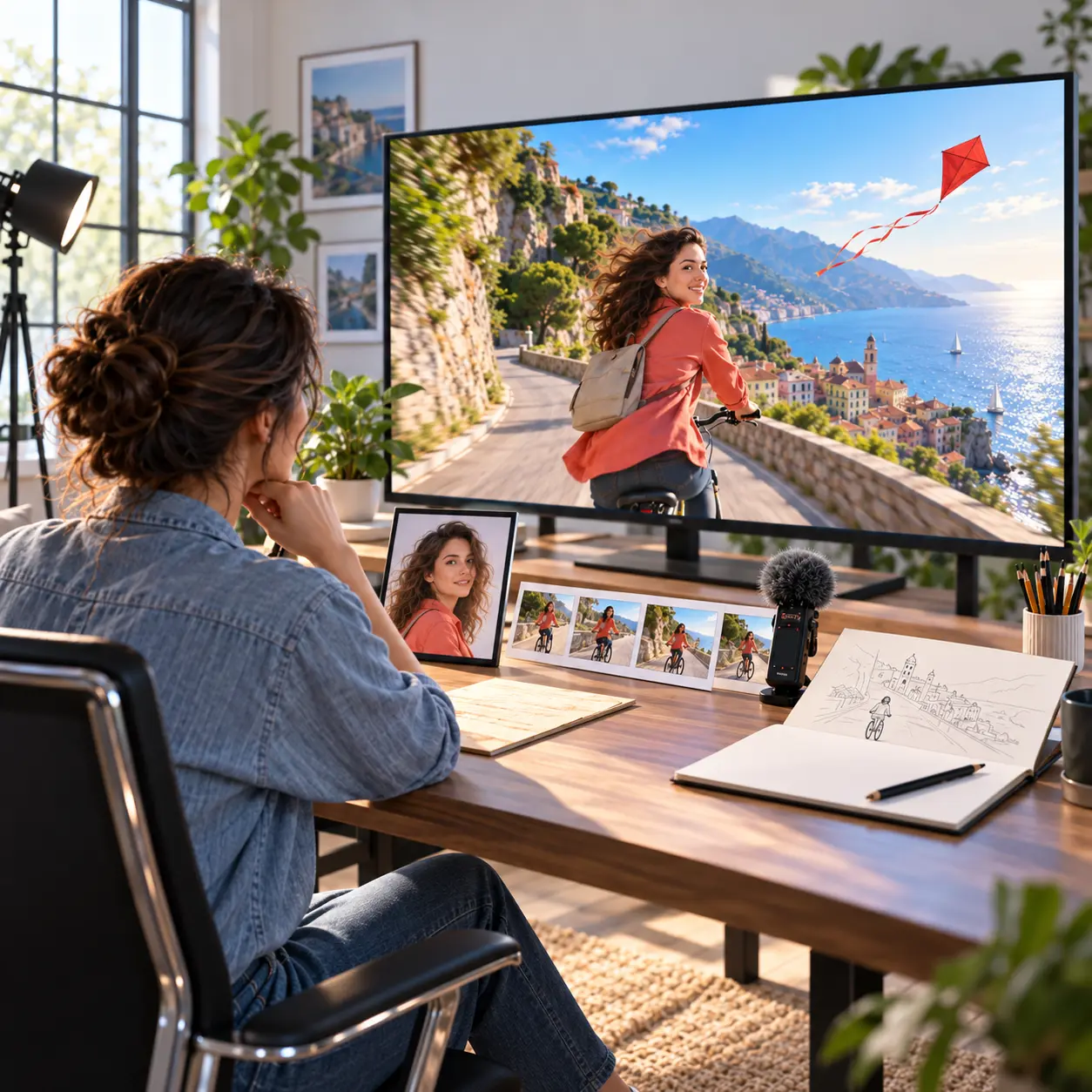
Build the result in a clear order, from reference inputs to preview and MP4 download.
Step 01
Start in VideoAI with a text idea, or add image, video, and audio references to your workspace so you can reuse them across versions.
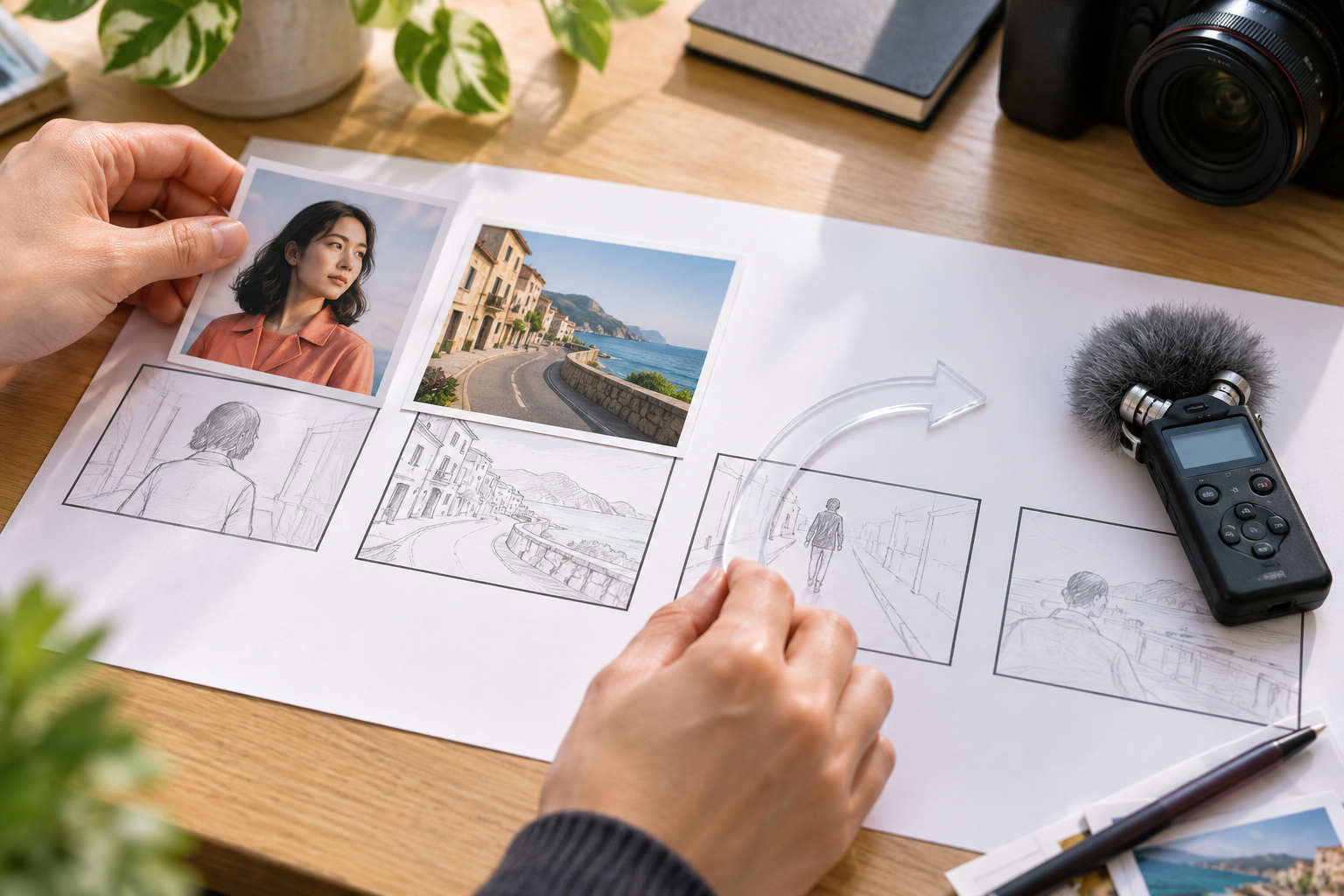
Step 02
Use @ to mark a subject, first frame, scene, camera movement, or sound reference, then write what happens in each time segment.
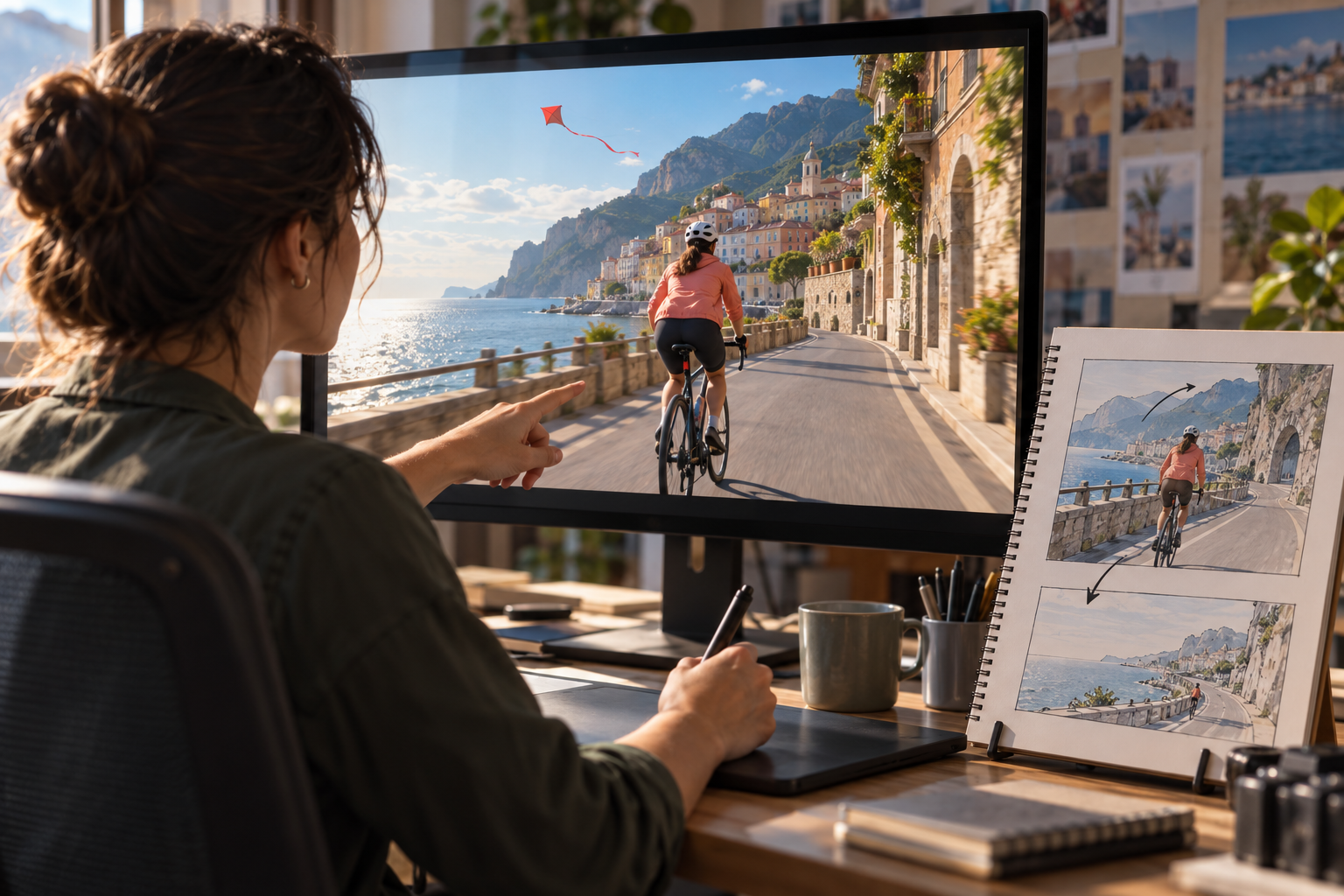
Step 03
Create the new video, review the result, then ask for the next version in text before downloading an MP4 when it is ready.
Use the same reference driven workflow when the idea needs visuals, movement, and sound to line up.
A product page needs a short explainer, but the source materials are scattered. Add product photos, a short reference clip, and narration notes in VideoAI, then guide a polished sequence around the key message.
A creator has photos, a mood clip, and a music direction for a 9:16 post. The ai composite video maker helps map those inputs into a new vertical video with clear scenes and pacing.
An educator wants visuals to follow a spoken explanation. Pair image references with scene notes and voice direction, then use VideoAI to create a short teaching video that stays on topic.
A campaign idea needs a quick visual version before production decisions. Combine message notes, visual references, and sound intent into an ai composite video online for review.

Creators can turn photos, short clips, music direction, and text prompts into short videos for social formats while keeping control of subject, scene, and rhythm.

Marketing teams can use VideoAI to test a product or campaign idea with specific visuals, movement, and audio references before deciding on the next production pass.

Educators can plan an explanation by segment, attach visual references to each part, and shape a new video that follows the lesson structure.
VideoAI gives creators practical choices over references, scene flow, format, and revision.
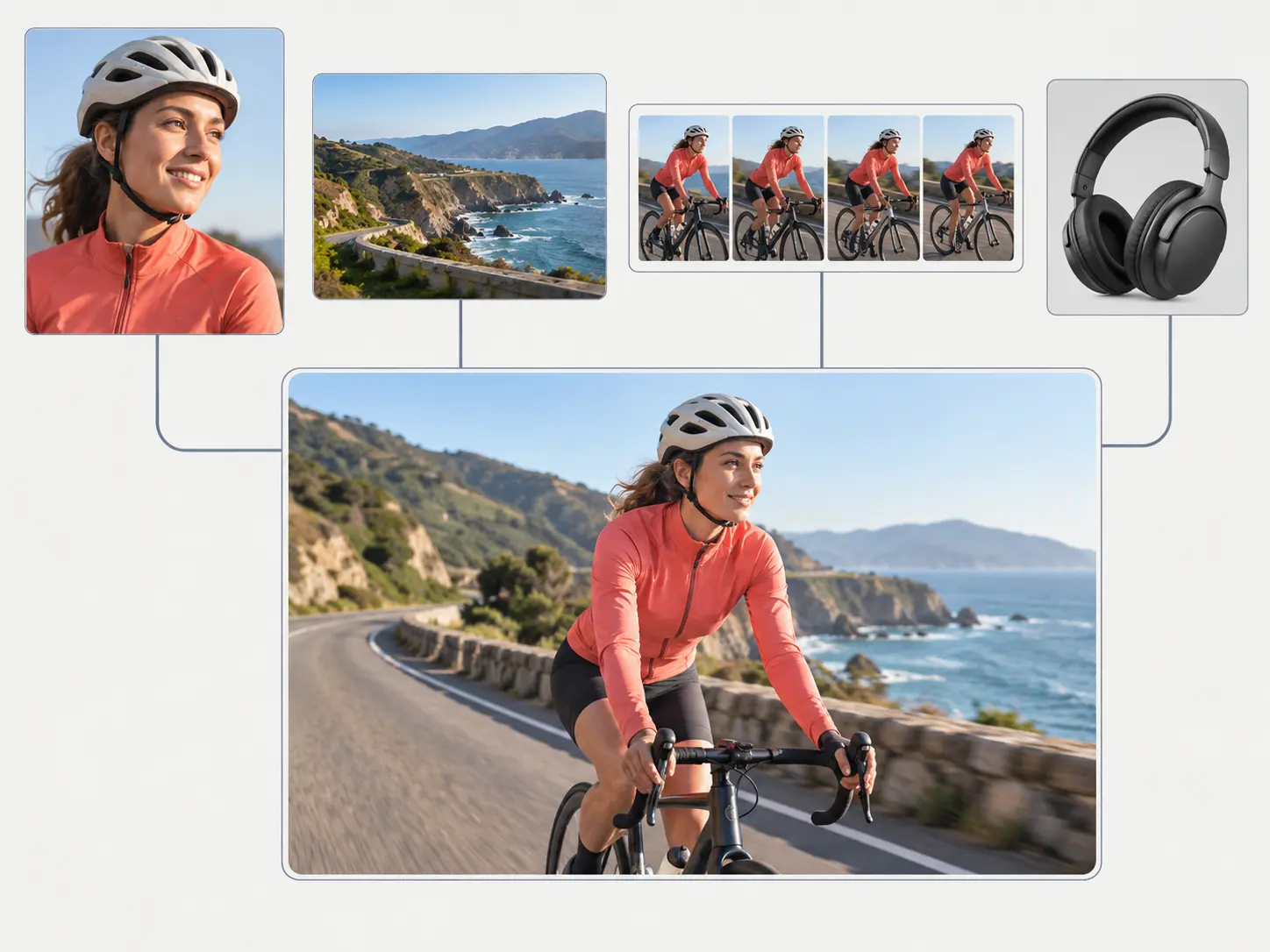
Text, images, video, and audio can guide the same new video, so the subject, setting, movement, and sound intent stay connected.
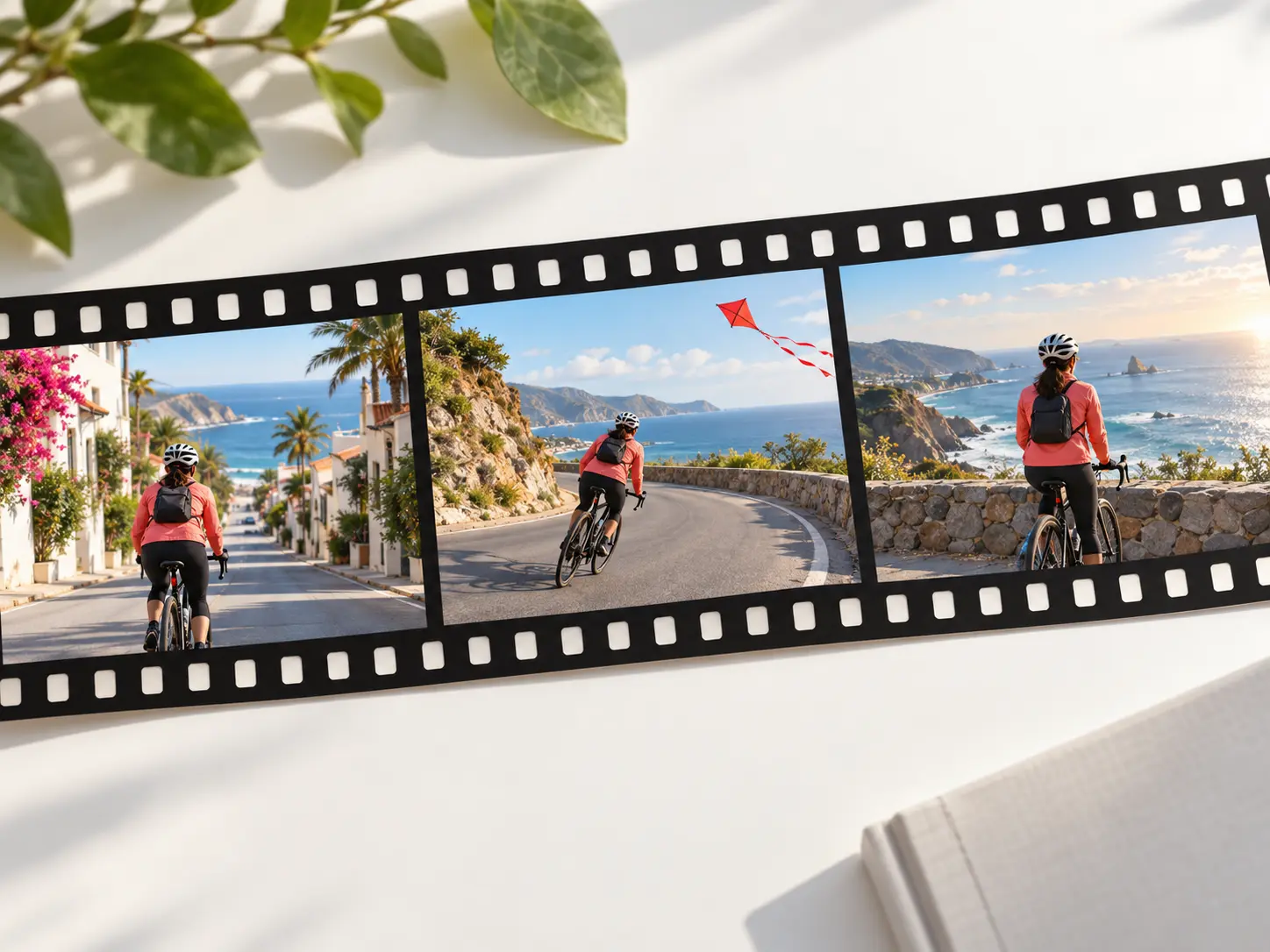
Write what should happen in each time segment, attach references where they matter, and keep the creative plan readable before generation.

Multiple images can guide a connected video, helping the subject and visual style remain recognizable across shots.
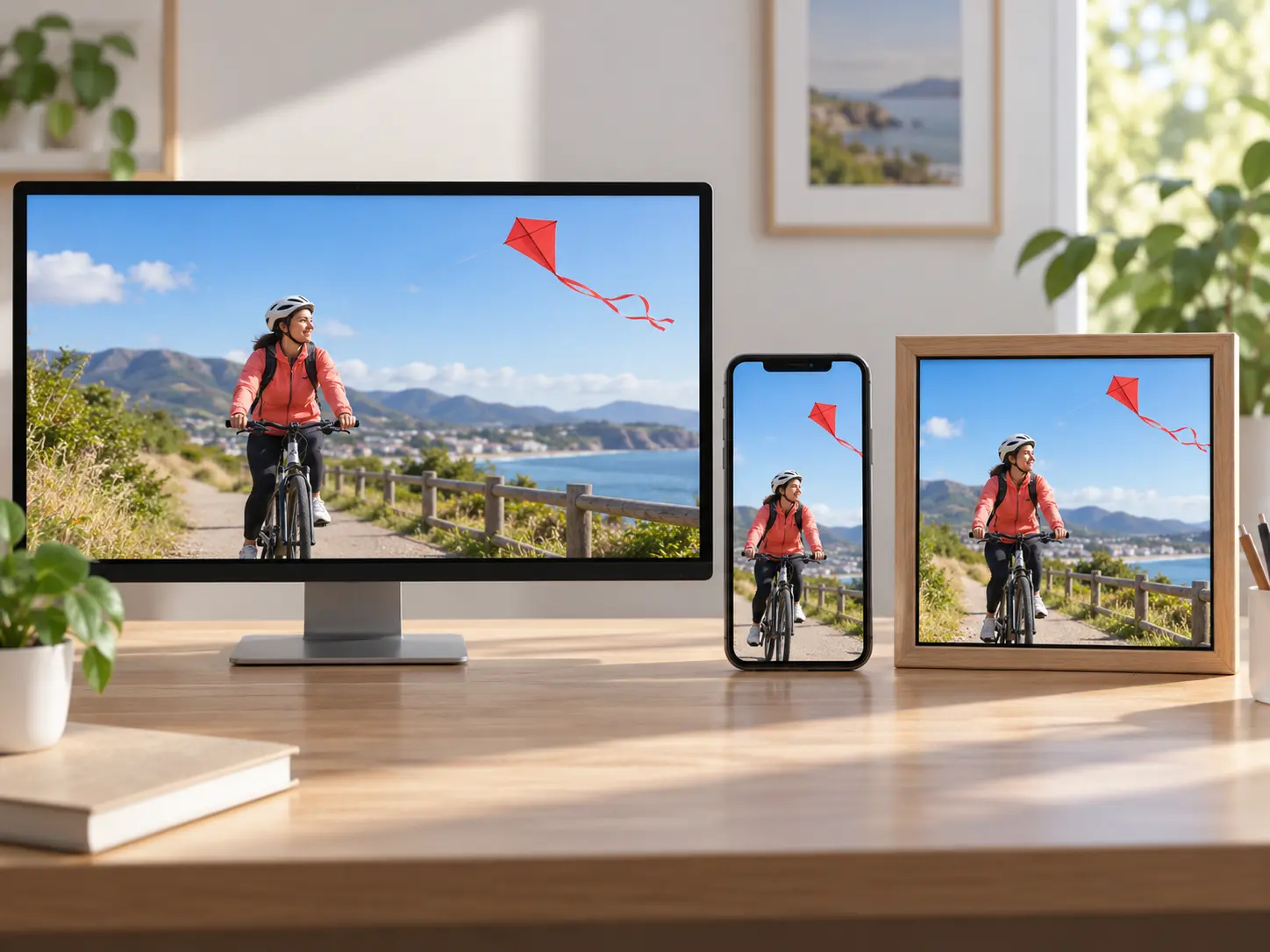
Choose 16:9, 9:16, 1:1, or 4:5 for the intended placement, then download an MP4 up to 4K with no watermark.

Bring your idea, assign each reference a role, and generate a new video built around your scene plan.
Get Started