Step 01
Add The Goal And References
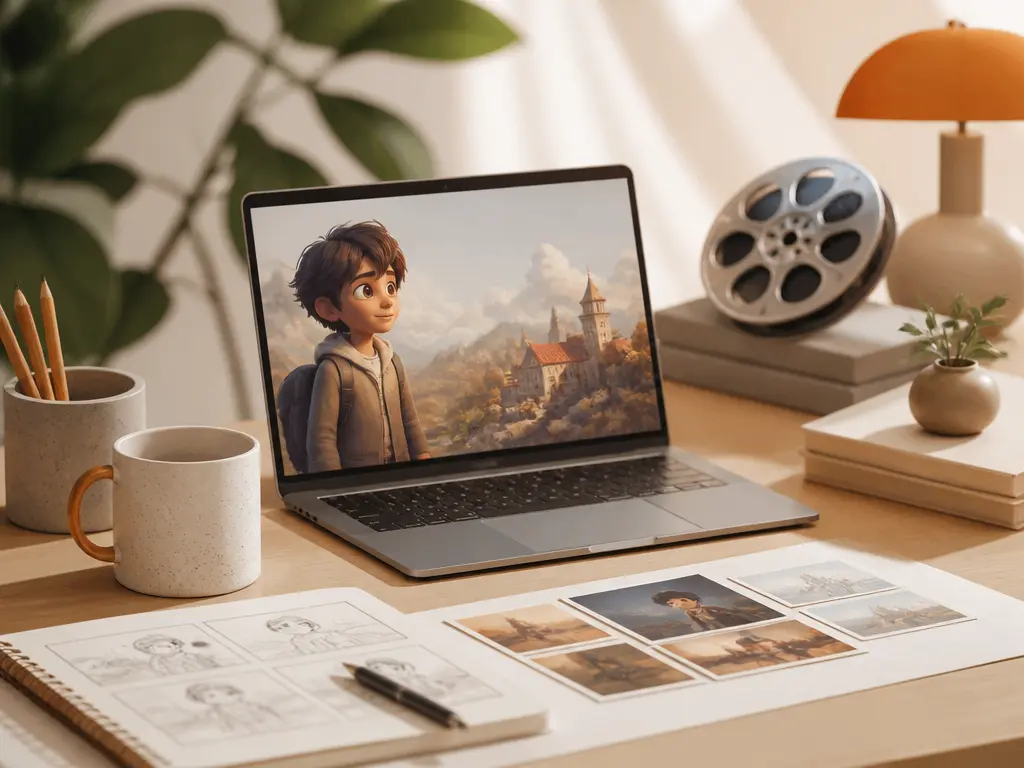
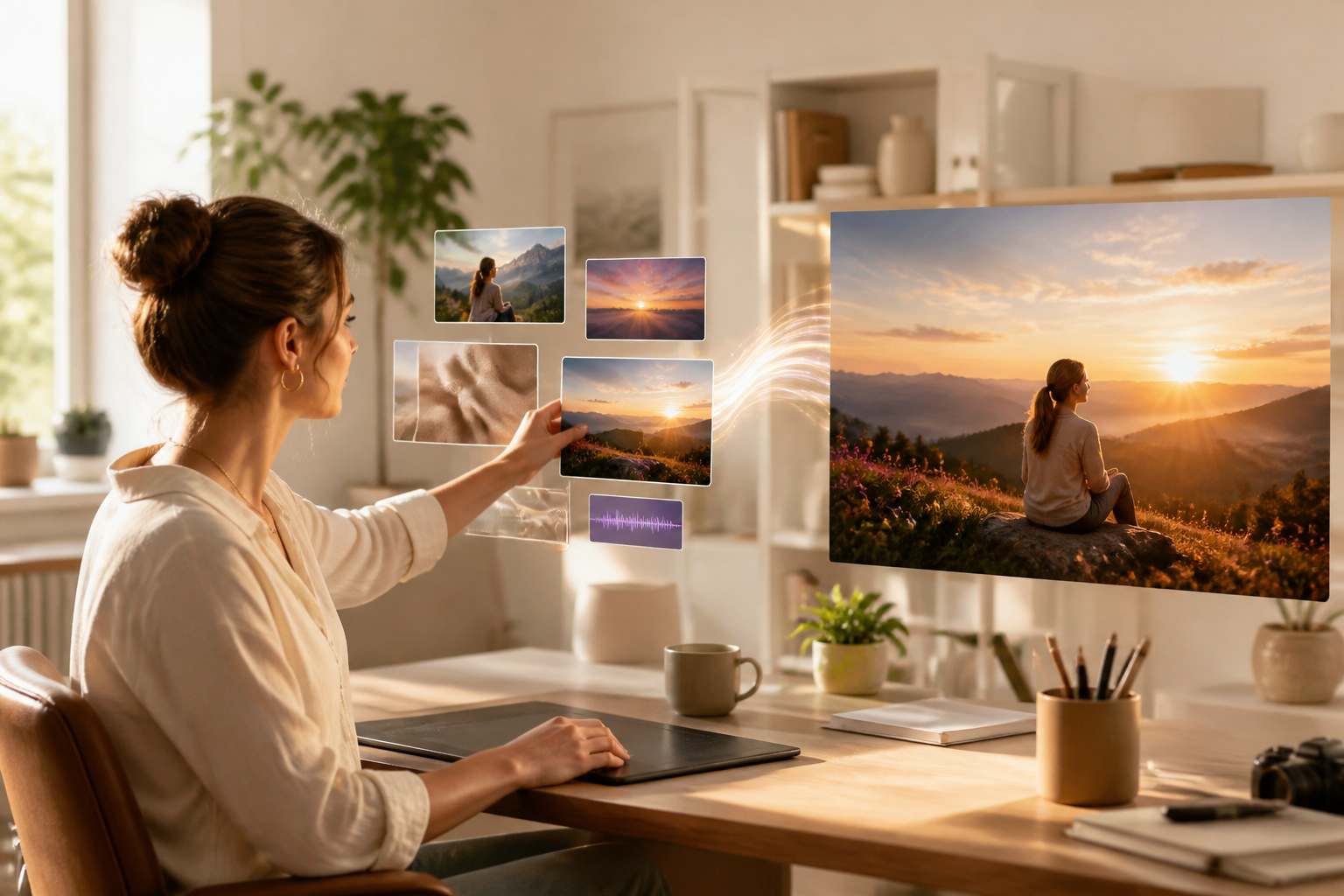
Write the goal or script, then upload image, video, and audio references when they clarify the look, motion, or sound you want. These materials enter your workspace, where the animated character generator lets you reuse them while building the project.
Step 02
Set The Scene Controls
Select the aspect ratio, style, or template that fits the intended output. Arrange scenes by time segment, describe the character action in each one, and use @ to decide how every reference guides the result.
Step 03
Preview, Revise, And Download
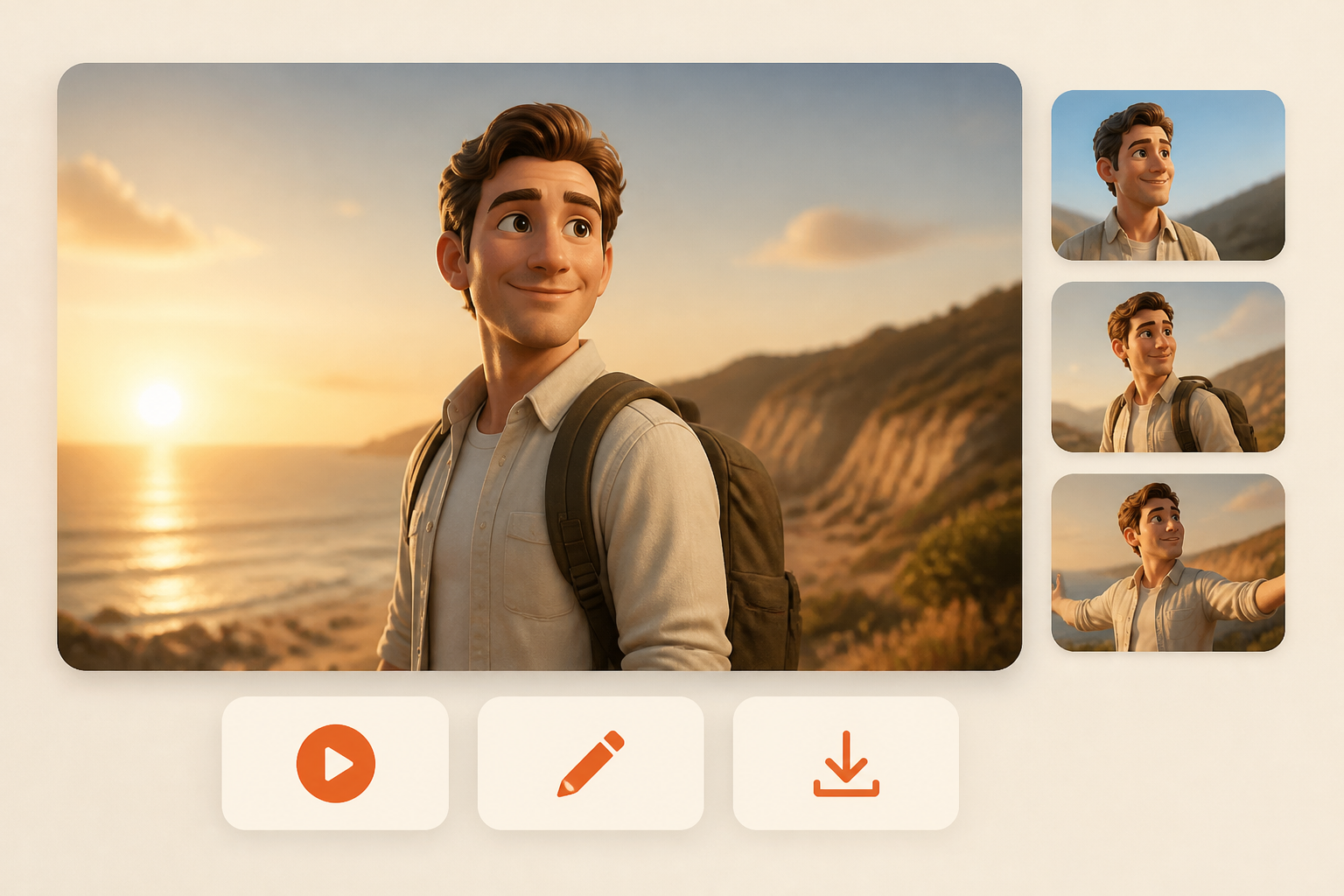
Generate the video and inspect the preview. If a scene needs a different action or visual detail, describe the change in text and produce the next version before you download it.