

Beer Poster Maker
A beer poster maker gives you a fast way to turn a beer style, a venue, and a rough slogan into a finished poster concept. Describe the mood, the colours, the glassware, and the background you have in mind, then compare several directions before refining the one that fits your taproom, festival, or product launch. Use it to explore a beer poster trend, mock up a design for a client, or produce artwork you can hand straight to a printer.
What A Beer Poster Maker Gets Right
A poster has to survive a busy wall, a phone screen, and a printer, so the useful controls are the ones that protect the layout.
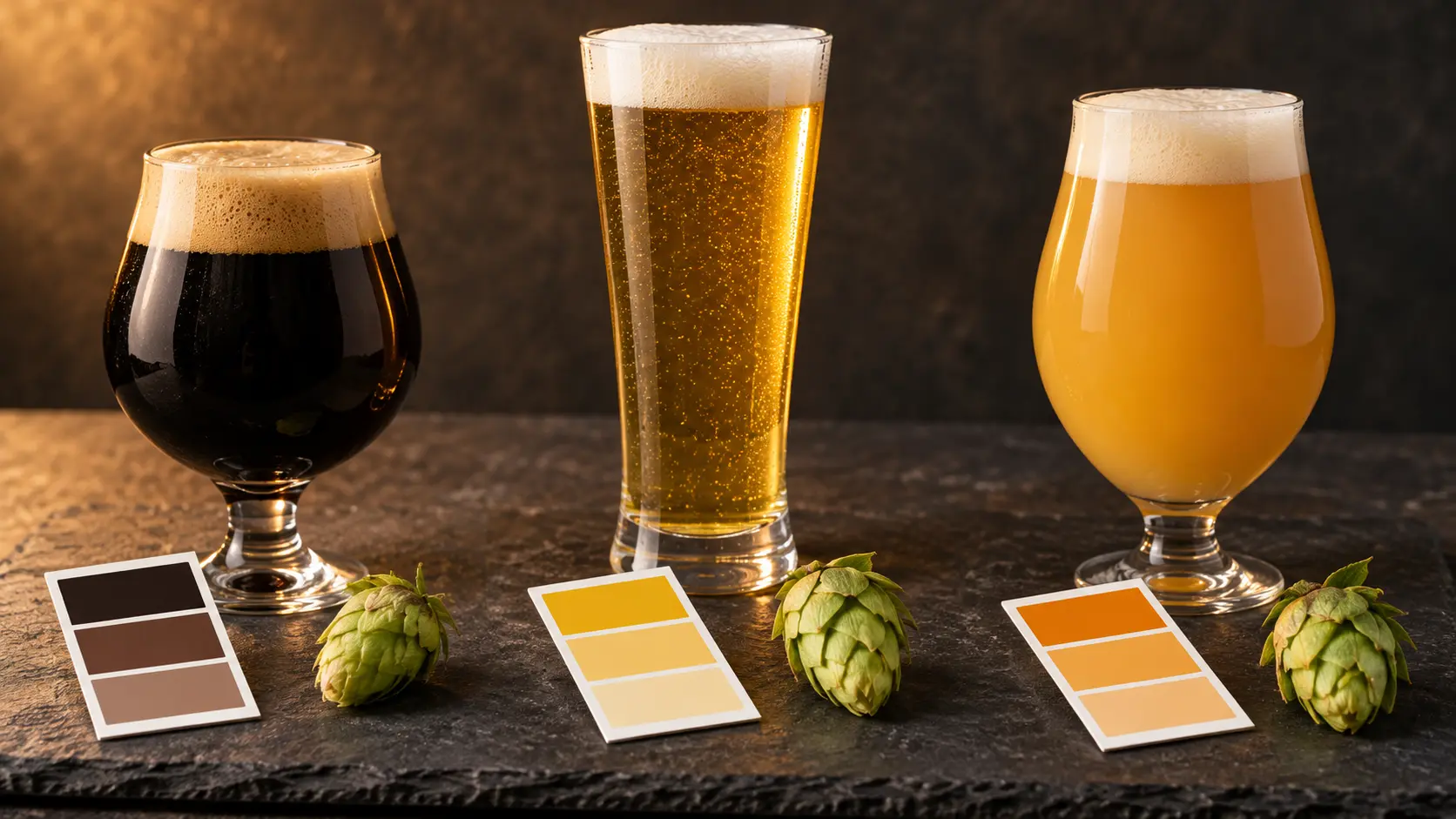
Start From A Beer Style, Not A Blank Canvas
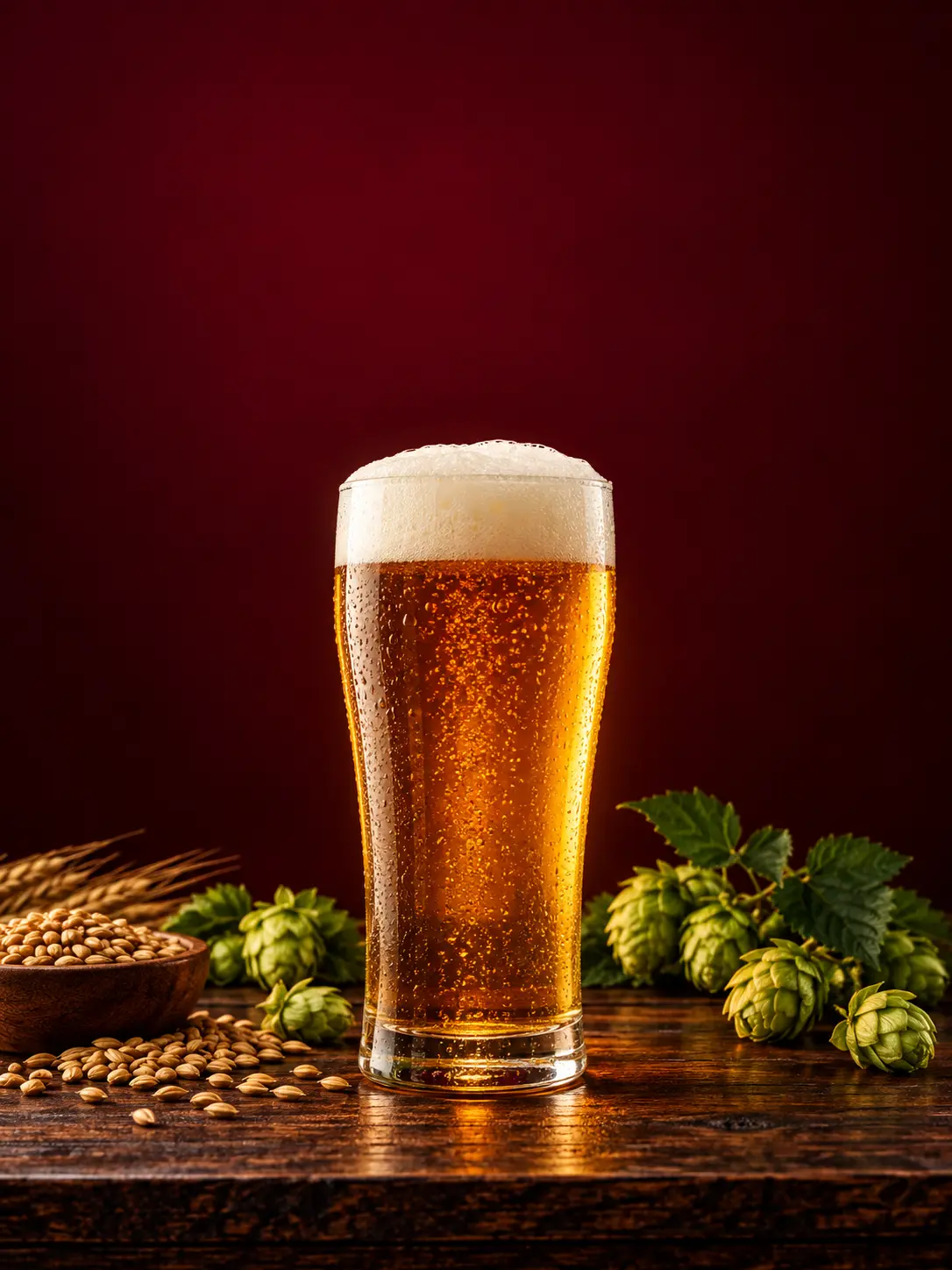
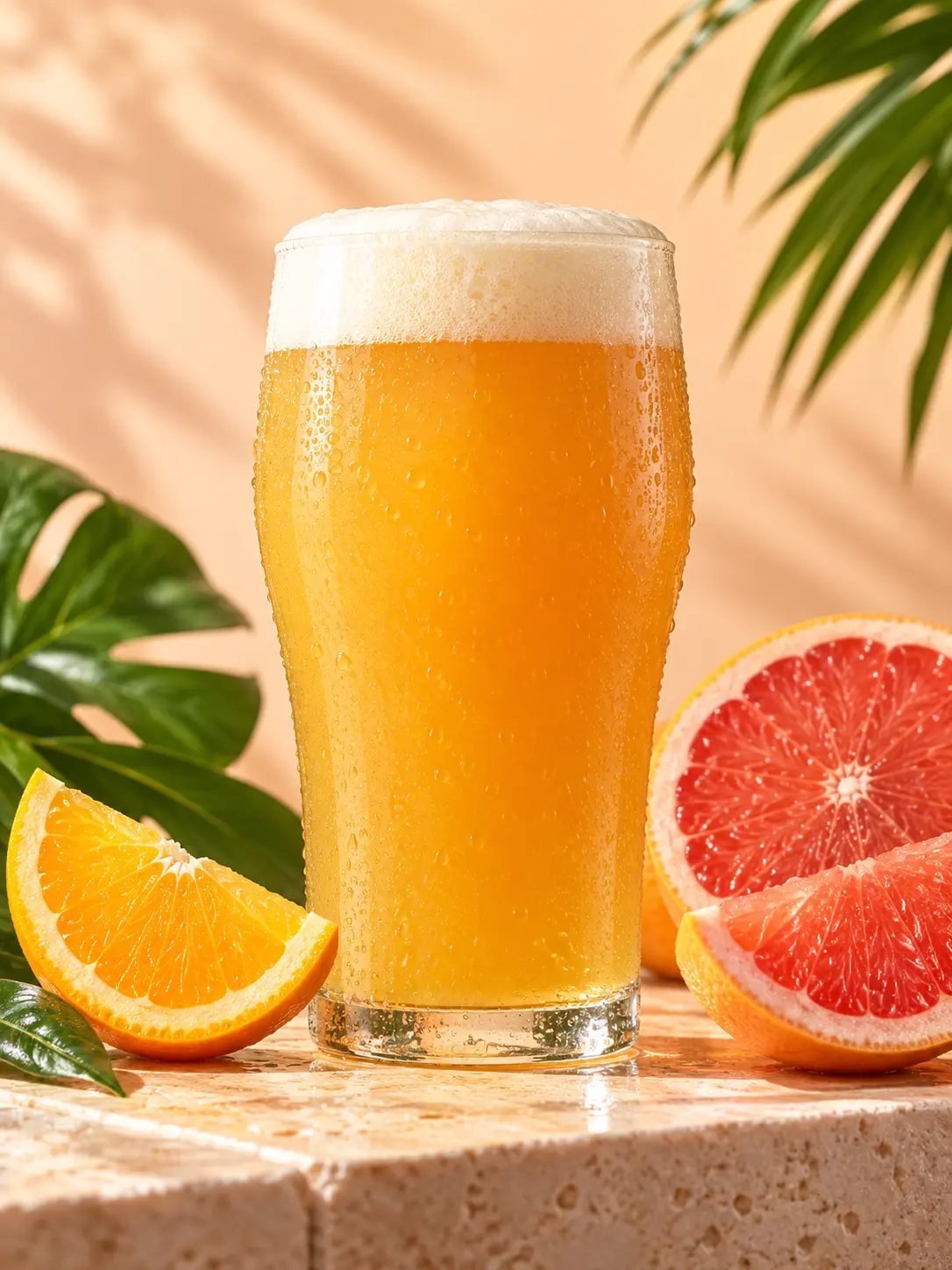
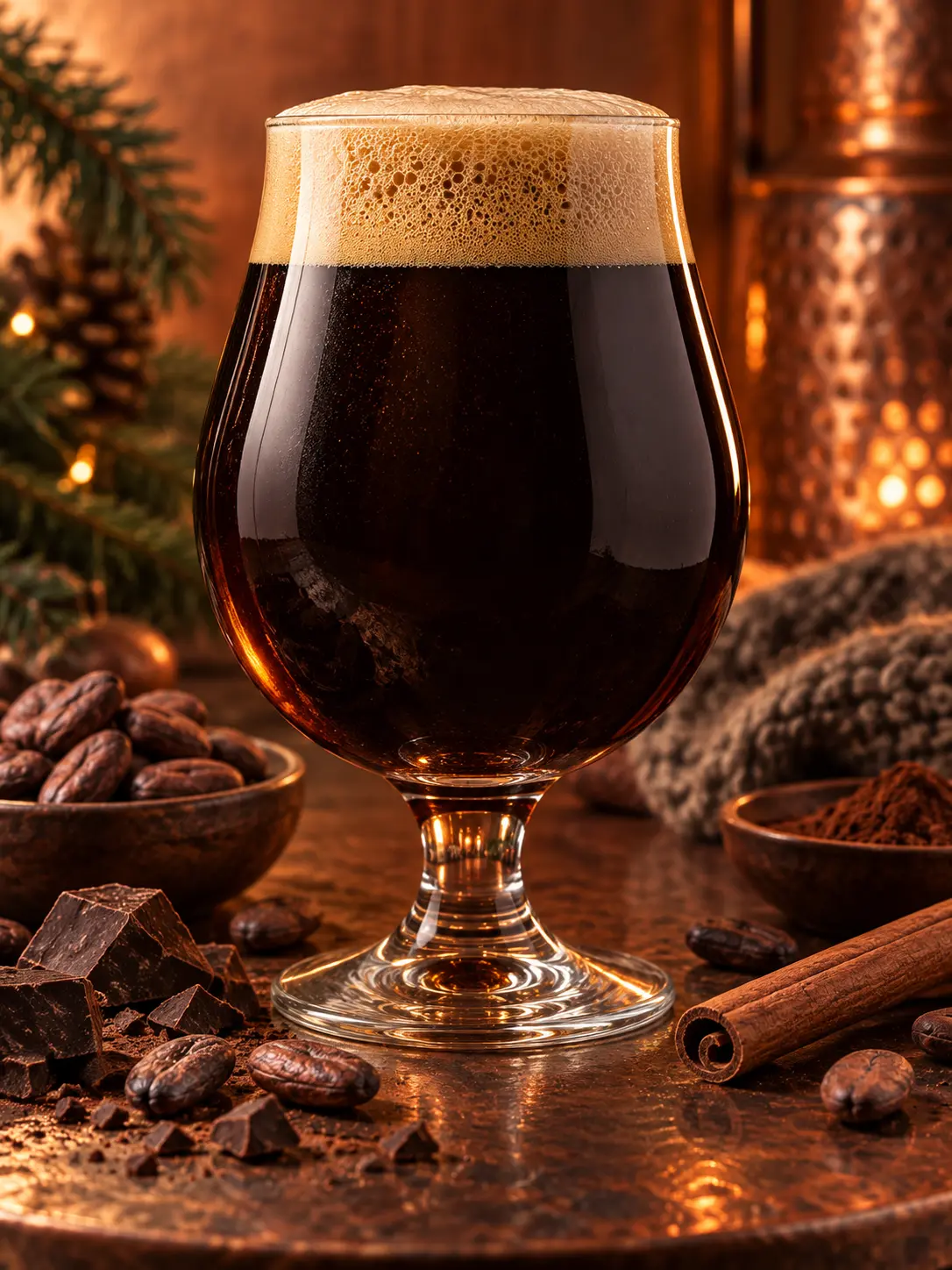
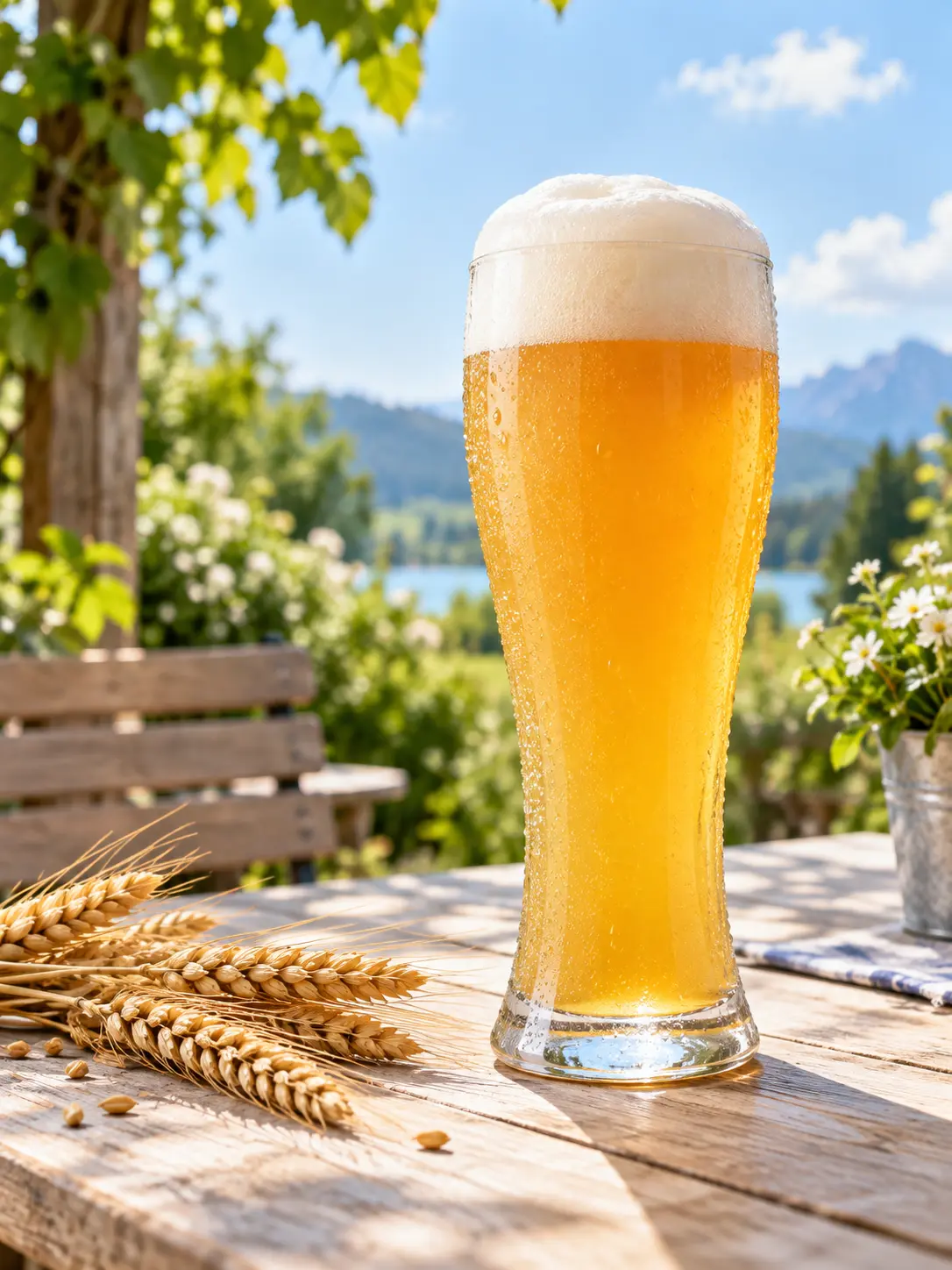
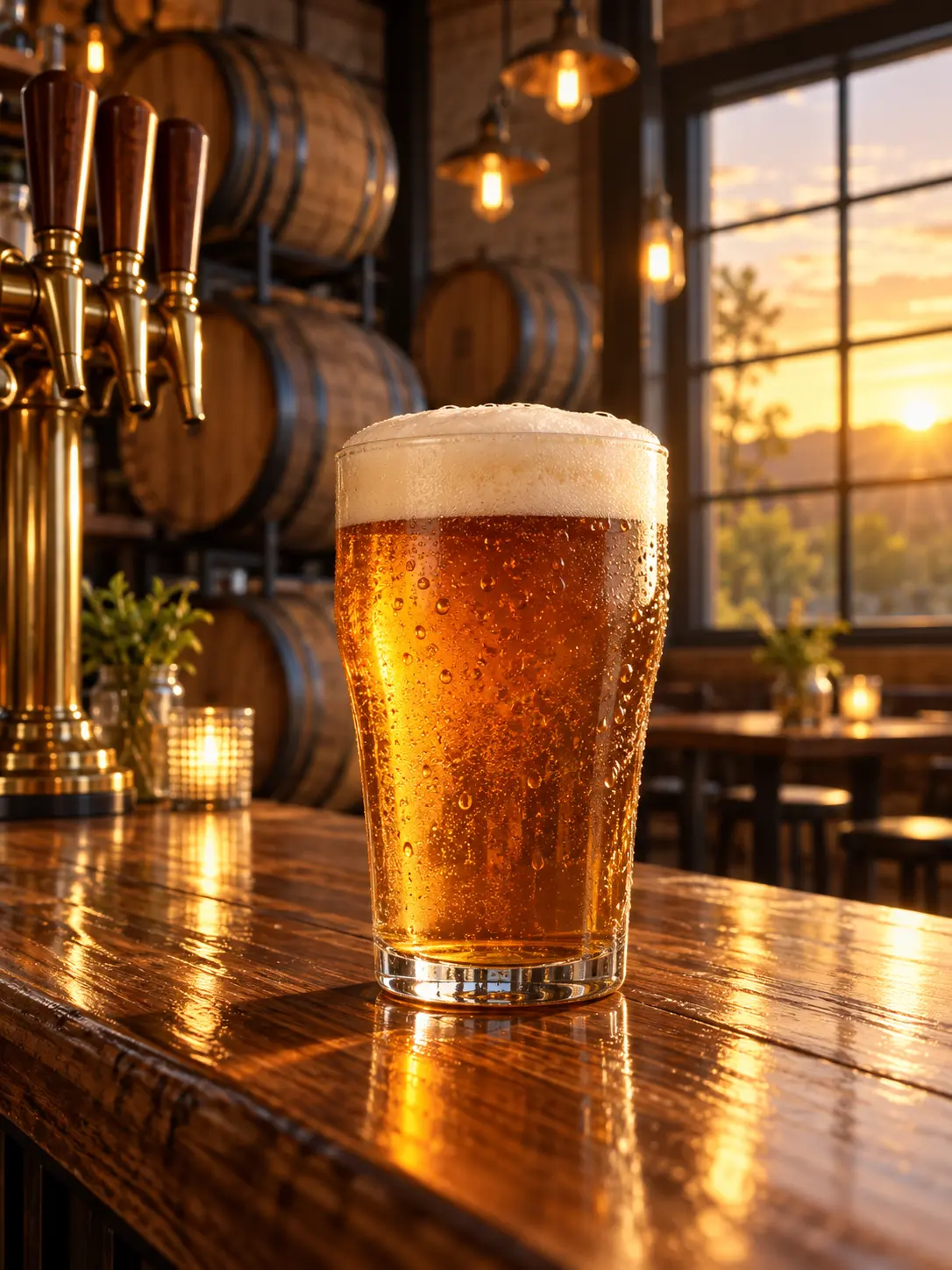
Tell the beer poster maker whether you are working with a crisp pilsner, a dark stout, a hazy IPA, or a fruit sour, and describe the glass, the pour, and the setting. Matching the artwork to the actual beer keeps the poster honest and gives viewers a reason to believe the design belongs to your brand rather than a stock template.
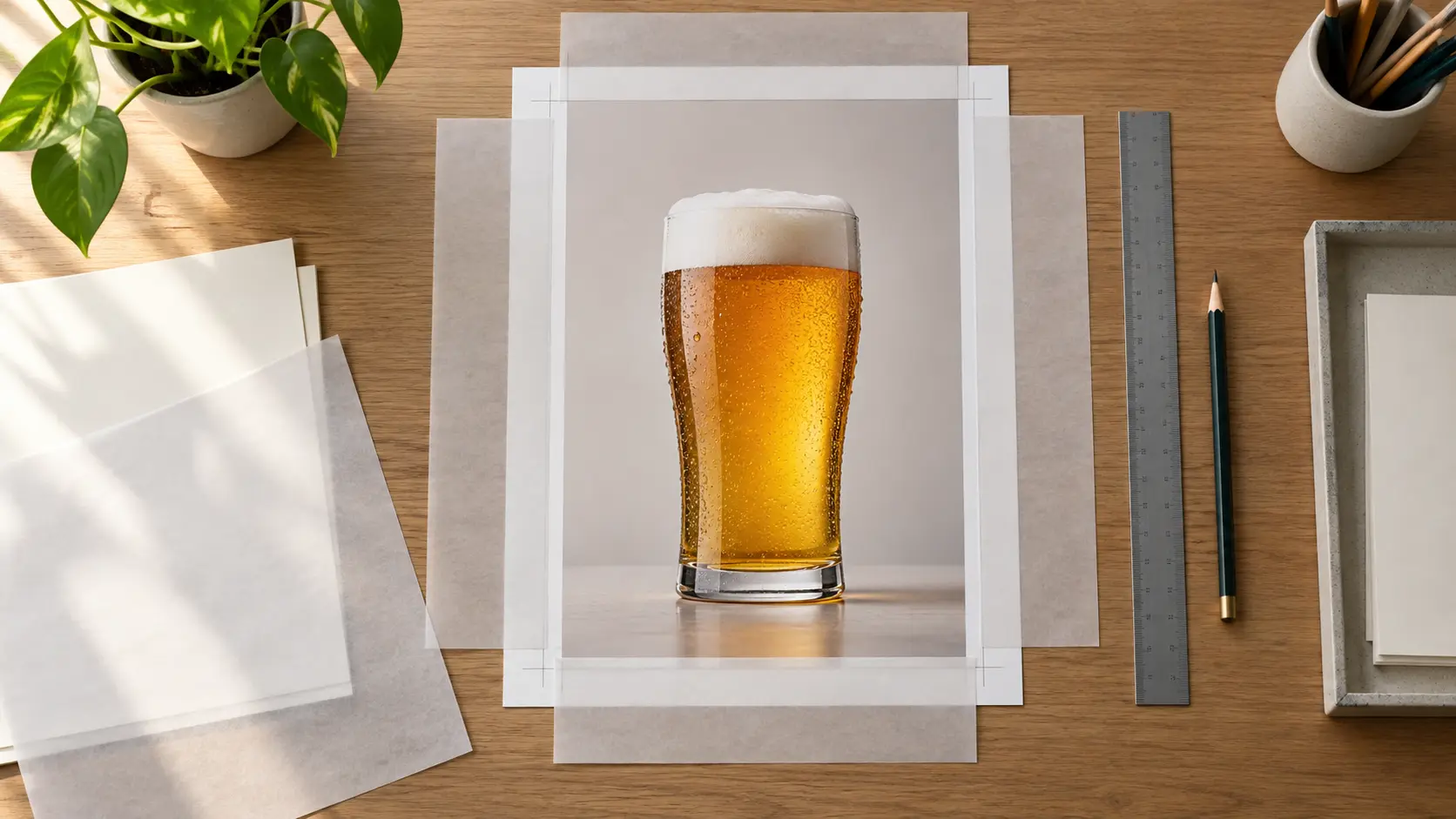
Control The Layout And Leave Room For Type
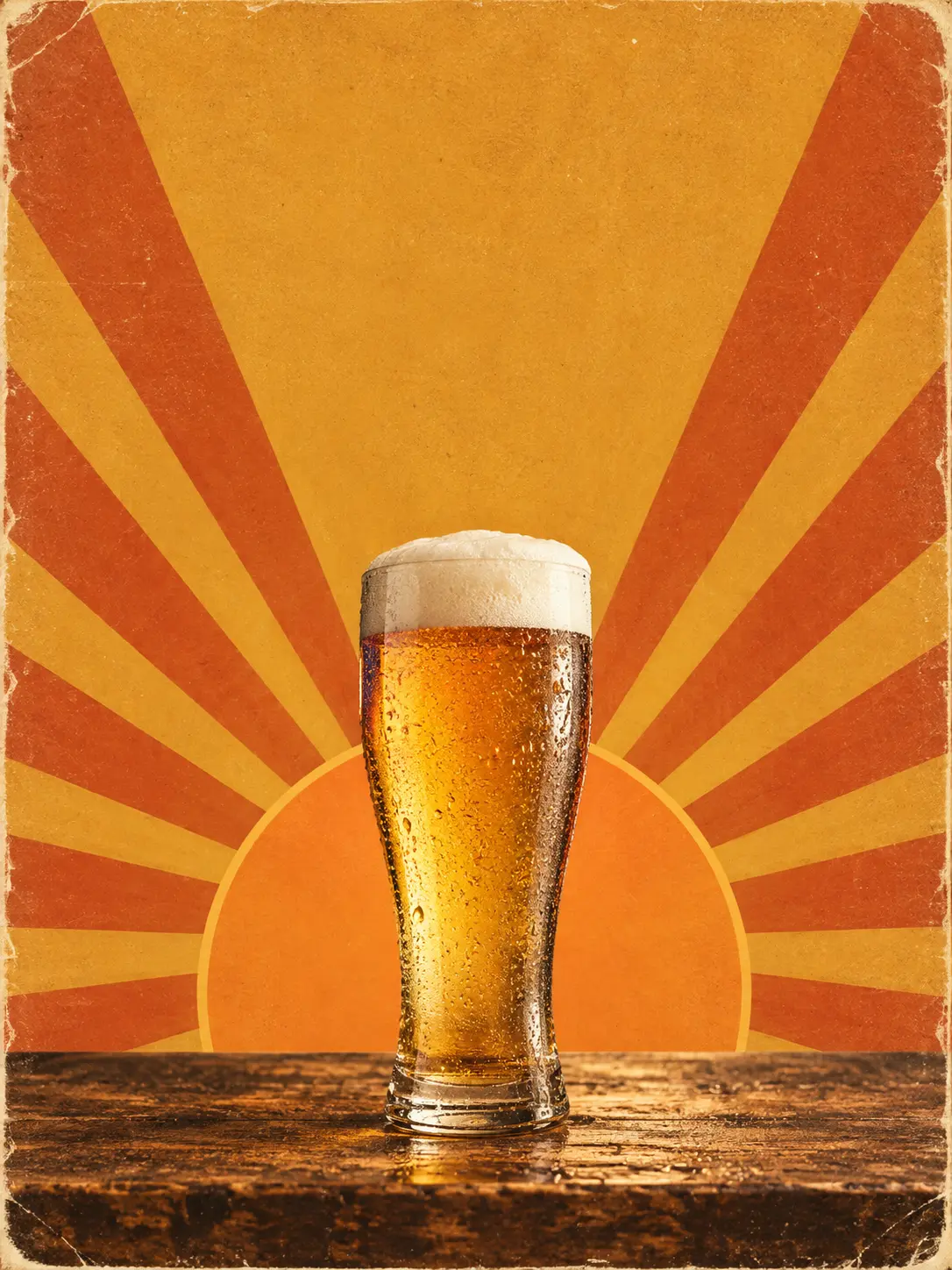
Headline text belongs in a layout tool, not inside a generated image. Ask the beer poster maker for open space along the top, bottom, or one side, then place the event name, date, and venue yourself. That separation keeps small print legible, lets you fix a typo in seconds, and stops the artwork from inventing unreadable lettering.
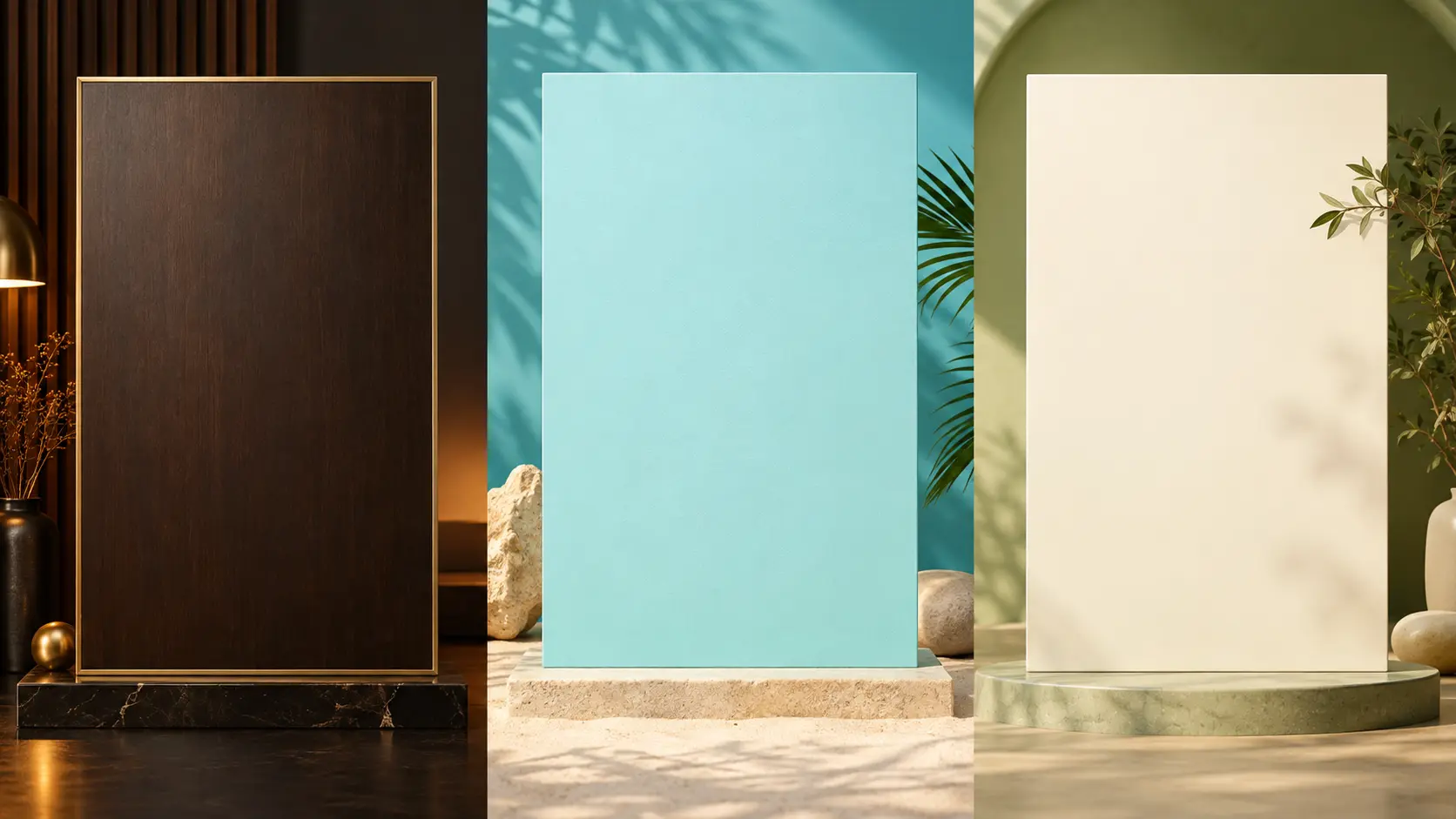
Match The Mood Of The Venue Or Brand
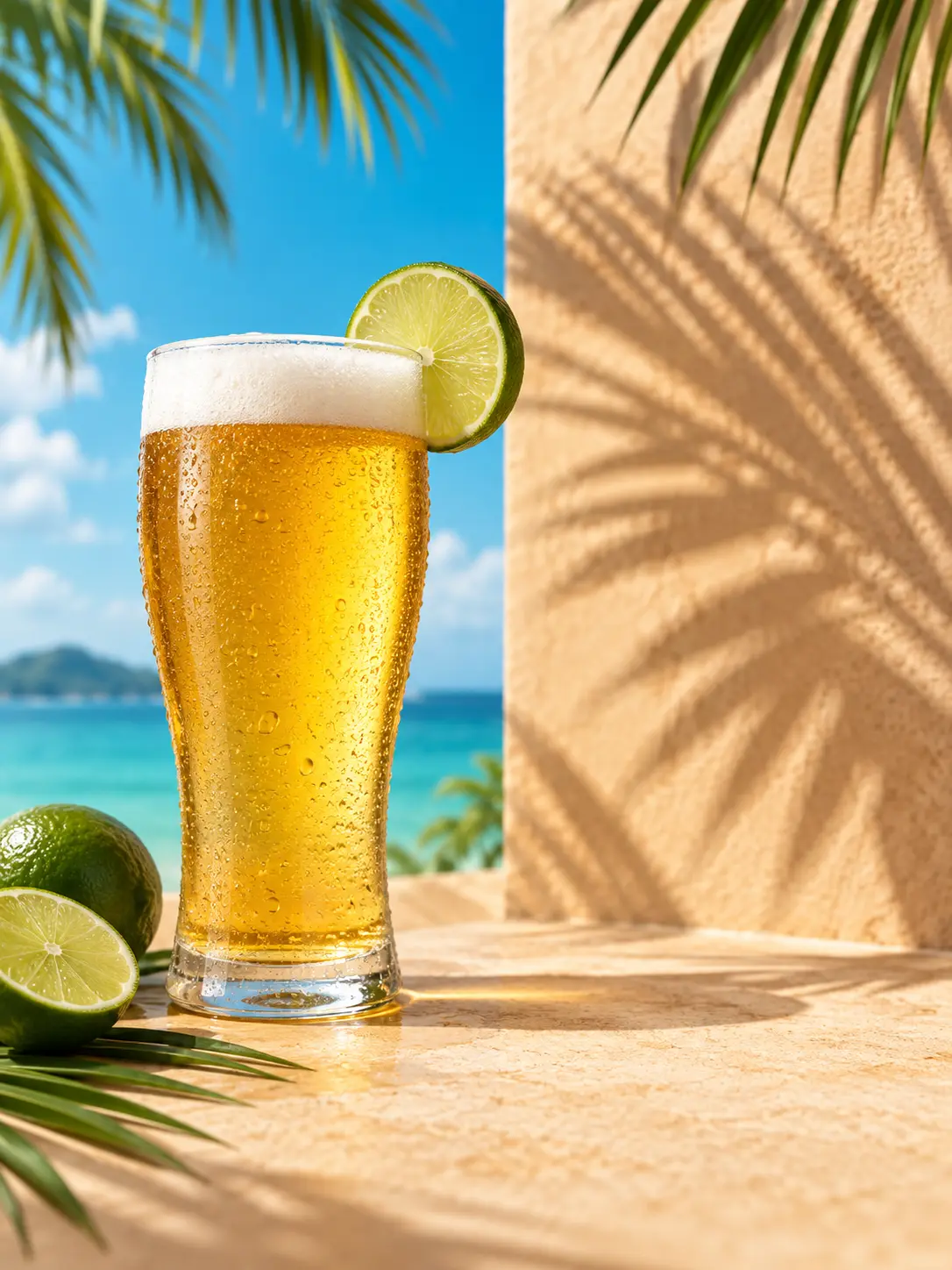
A basement taproom, a beach bar, and a family brewery need different visual signals. Direct the beer poster maker toward a colour palette, a lighting style, and a level of detail that fits the room, then keep those choices consistent across a series so every poster still looks like it came from the same place.
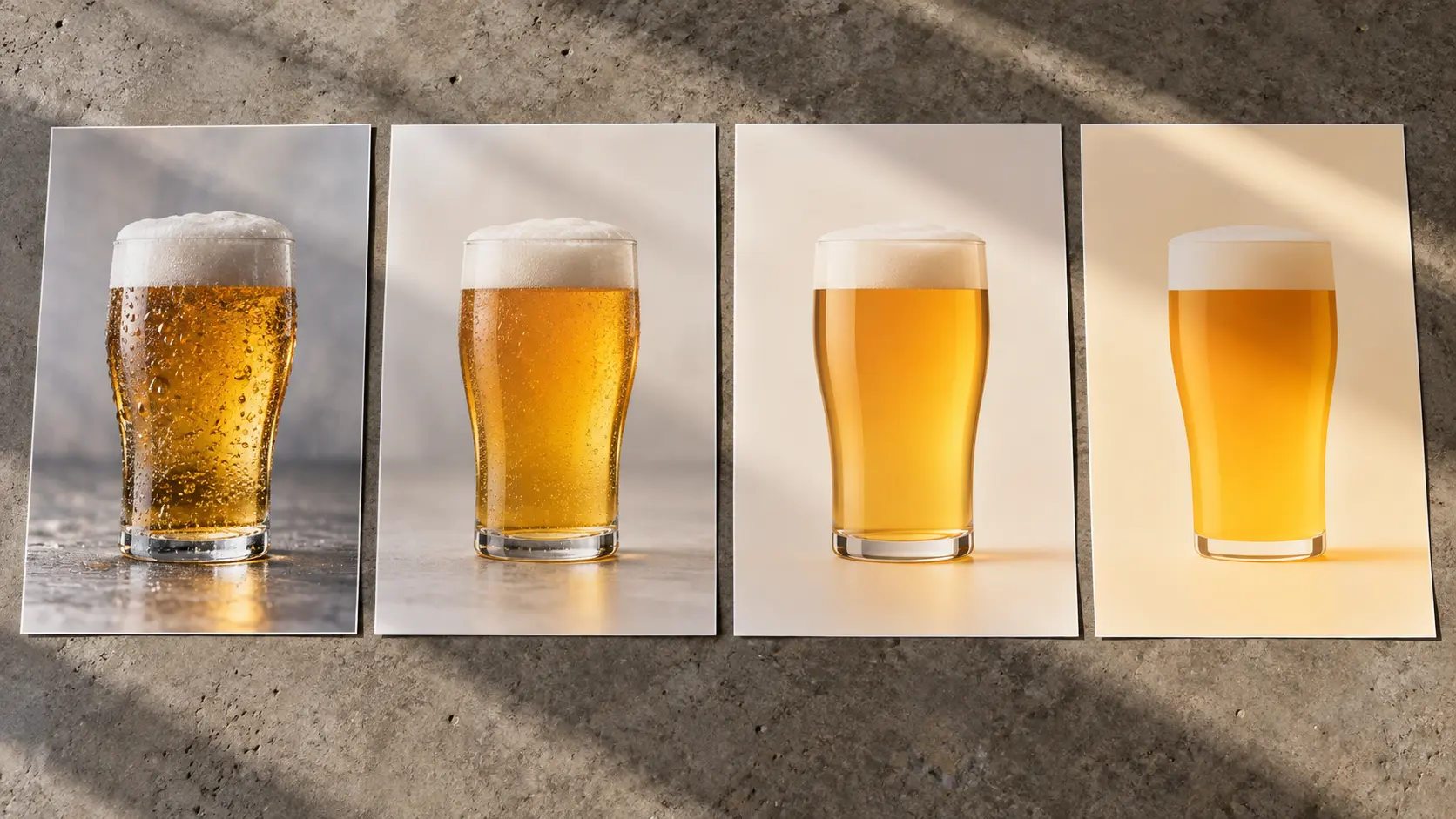
Iterate On One Poster Without Rebuilding It
Change one thing at a time. Swap the glass, warm the light, simplify the background, or shift the palette, and keep the parts that already work. Working this way with a beer poster maker turns a vague idea into a controlled design, and it means a small client revision does not send you back to the start.
From Brief To Beer Poster
Work through the same six steps every time and the beer poster maker stays predictable, even when the brief changes at short notice.
Describe The Beer And The Occasion
Name the beer style, the serving glass, the setting, and the reason for the poster. A tap takeover, a wedding reception, and a bottle release need different energy, so say which one you are designing for before you write anything about colour.
Choose A Composition And Palette
Decide where the eye should land and where the headline will sit. Ask the beer poster maker for a centred subject with open space above, a low horizon with room underneath, or an off-centre composition with a clear margin down one side.
Generate Several Directions
Run the same brief more than once and compare the results side by side. Look for the strongest silhouette, the cleanest background, and the most believable pour. The beer poster maker is most useful when you treat the first image as a starting point rather than the answer.
Reserve Space And Add Your Own Type
Place the event name, date, venue, and any sponsor marks yourself in a layout tool. Keep the poster artwork free of generated lettering so every detail stays accurate and every line remains legible at the final print size.
Refine The Chosen Direction
Take the direction that worked and change one thing at a time. Ask the beer poster maker for warmer light, a tighter crop, or a simpler background, and keep the version that still reads as a beer poster at thumbnail size.
Export, Check, And Print
Review the finished design at thumbnail size before you commit. If the beer poster maker output still reads from across the room, export it at the resolution your printer asks for and request a proof before the full run.
Beer Posters For Every Kind Of Pour
The same beer poster maker covers a quick social post and a full print run, as long as you know which format you are designing for.
Brewery Release Posters
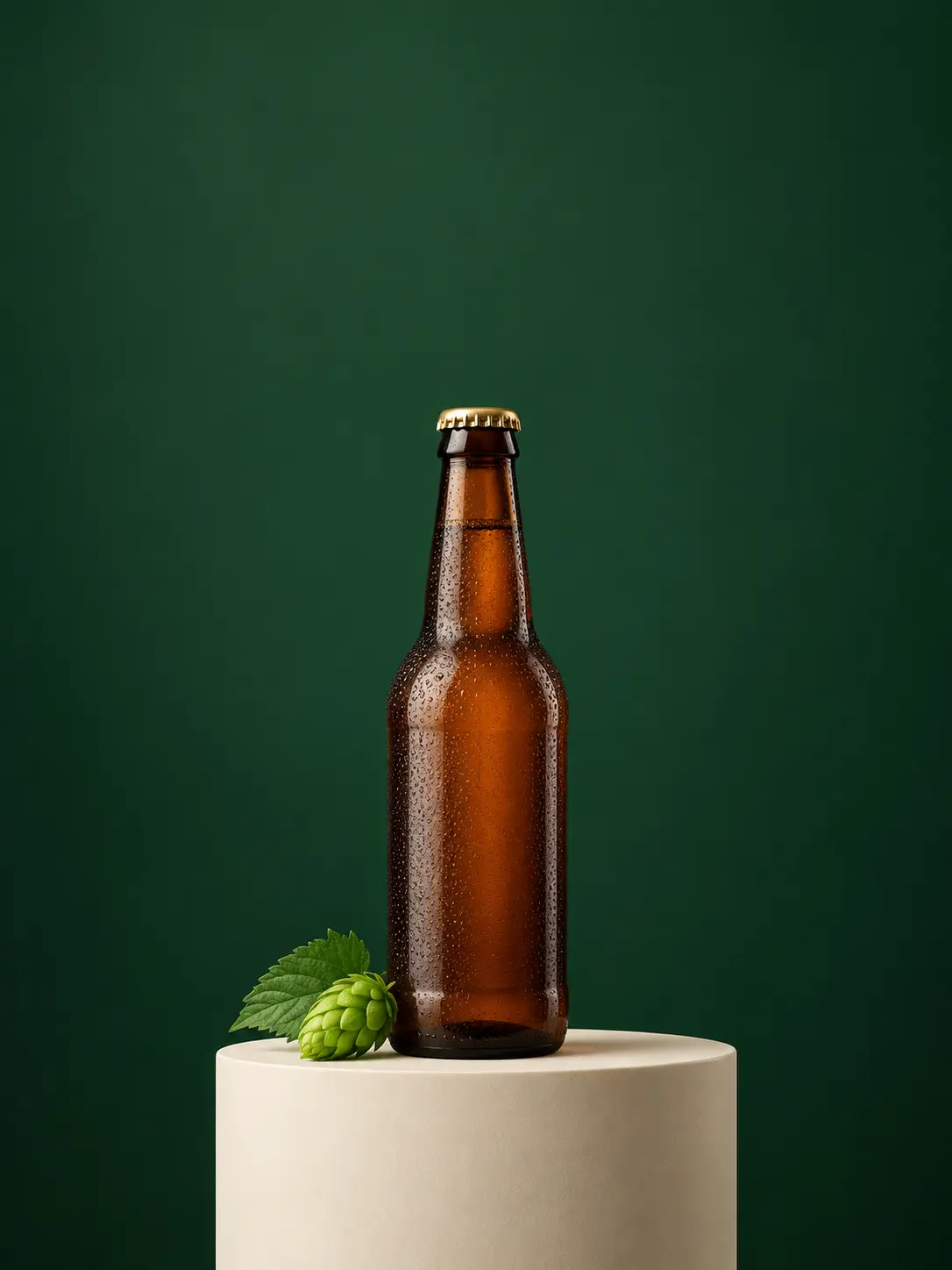
Announce a seasonal beer, an anniversary batch, or a limited bottle with artwork built around the glass, the colour, and the story behind the brew. A brewery poster for a taproom wall follows the same brief. Keep the house palette so the new release still belongs to the brewery.
Beer Festival And Oktoberfest Artwork
Build a poster for a beer festival, an Oktoberfest night, or a tap takeover with a strong focal point and space for a date, a venue, and a list of beers. The beer poster maker also covers Oktoberfest posters and a printed beer menu board, so a bar can dress the room and the taps from one brief.
Bar Promotions And Happy Hour
Fill a quiet Tuesday with a bright craft beer poster for a happy hour, a quiz night, or a new tap. A clear focal point and high contrast matter more than fine detail when the poster is only seen from across a busy room, so treat it as a fast beer poster design exercise rather than a full brand campaign.
Short-Video Poster Content
The beer poster trend and its short-video spin-offs reward speed. Make a colourful poster in minutes, export it, and use it as the background or the opening frame of a clip rather than waiting on a full design cycle.
Who Uses A Beer Poster Maker
Brewery Taproom Owner
A taproom needs fresh artwork for every seasonal release, anniversary, and weekend event. Instead of briefing a designer for each one, use a beer poster maker to explore a direction in the morning and put the finished design on the wall by the afternoon. Keep the house colours fixed and let the beer style drive the rest of the composition.
Bar and Event Promoter
Quiz nights, tap takeovers, and beer festivals all need a poster that reads from across a room. A beer poster maker lets you test bold headline space, high-contrast colours, and one strong focal point before you commit to print. Run two or three options past the venue, then refine the winner rather than starting again.
Home-Brew Hobbyist
When you bottle a batch for friends, decent artwork makes the project feel finished. Use a beer poster maker to build a design around the style you brewed, add your own batch name later in the layout, and print a short run for the people who helped you drink it. It turns a kitchen hobby into something worth keeping.
Beer Poster Maker Questions
Explore Related Design Tools
Design Your Next Beer Poster
Describe the beer, the occasion, and the mood, and let the beer poster maker turn it into artwork you can take to print.
Get Started