

Step 01
Describe the marketing message
Write the product, service, or event point you want to show, and add your own images, video, logo, or audio references for the first draft.

Cartoon video marketing
VideoAI helps you turn a product, service, or event message into cartoon marketing videos while you choose the visuals, sound, aspect ratio, and next revision.
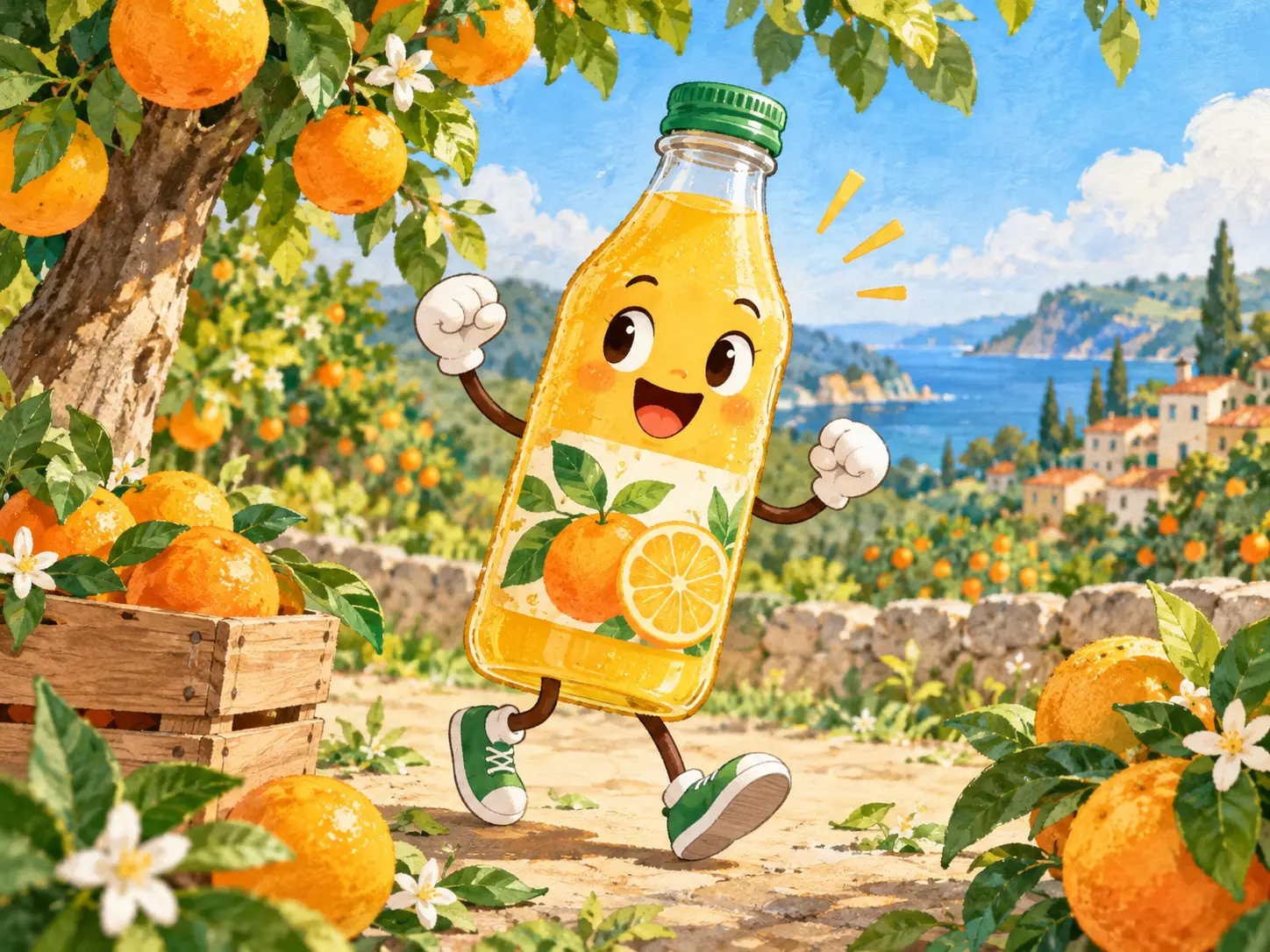
Decide what the viewer should understand first, then use VideoAI controls to keep the message, visuals, and sound aligned.

Select a cartoon, animation, or illustration style direction so your cartoon marketing videos start with the visual language you want for the offer.

Write what happens in each segment, from opening hook to product view, explanation, and ending, so the story follows your intended order.

Upload images, clips, logo files, or audio references, then use @ to assign each one a clear role in your cartoon marketing video maker prompt.

Add voiceover, music, sound effect direction, and short on screen text so the cartoon video marketing message carries through sight and sound.
Start with the message, add references, guide the style, then preview and refine the next version in VideoAI.
Step 01
Write the product, service, or event point you want to show, and add your own images, video, logo, or audio references for the first draft.

Step 02
Choose a cartoon style and a template or blank start, then specify each time segment, screen text, voice direction, music, and aspect ratio.

Step 03
Review the generated result, describe the visual or pacing changes you want, then download an MP4 up to 4K when the version fits.
Use cartoon marketing videos when the message needs a clear visual path rather than a filmed setup.
A consulting offer or online service can be hard to film. Build a cartoon scene that shows the problem, the service idea, and the action a viewer should take.
When product photos need a visual frame, combine your image reference with a cartoon style and a short sequence that introduces the benefit first.
Set the opening, key details, and final reminder in order so the viewer sees what is happening, why it matters, and when to respond.
Prepare the same campaign idea for 16:9, 9:16, 1:1, or 4:5 so the layout matches the place where the video will appear.

VideoAI helps owners turn a product or service explanation into cartoon marketing videos using their message, logo reference, and preferred visual tone.
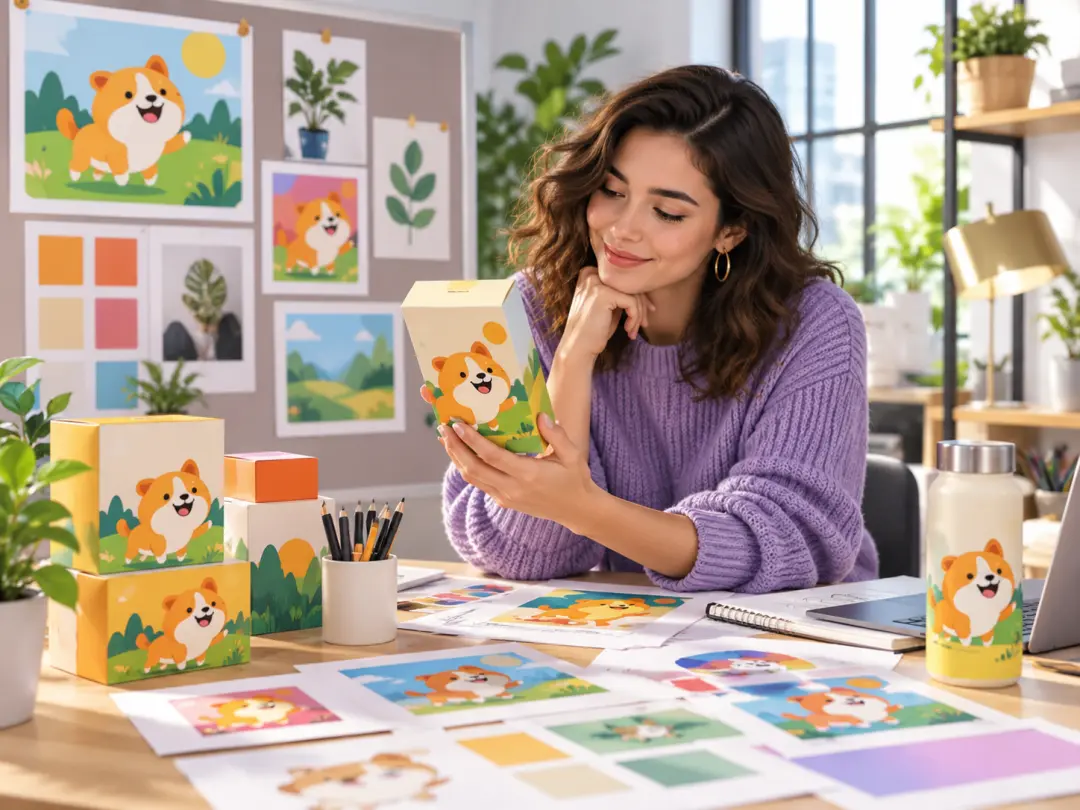
Use VideoAI to choose the cartoon direction, arrange launch points by segment, and preview a short MP4 version before making text based revisions.
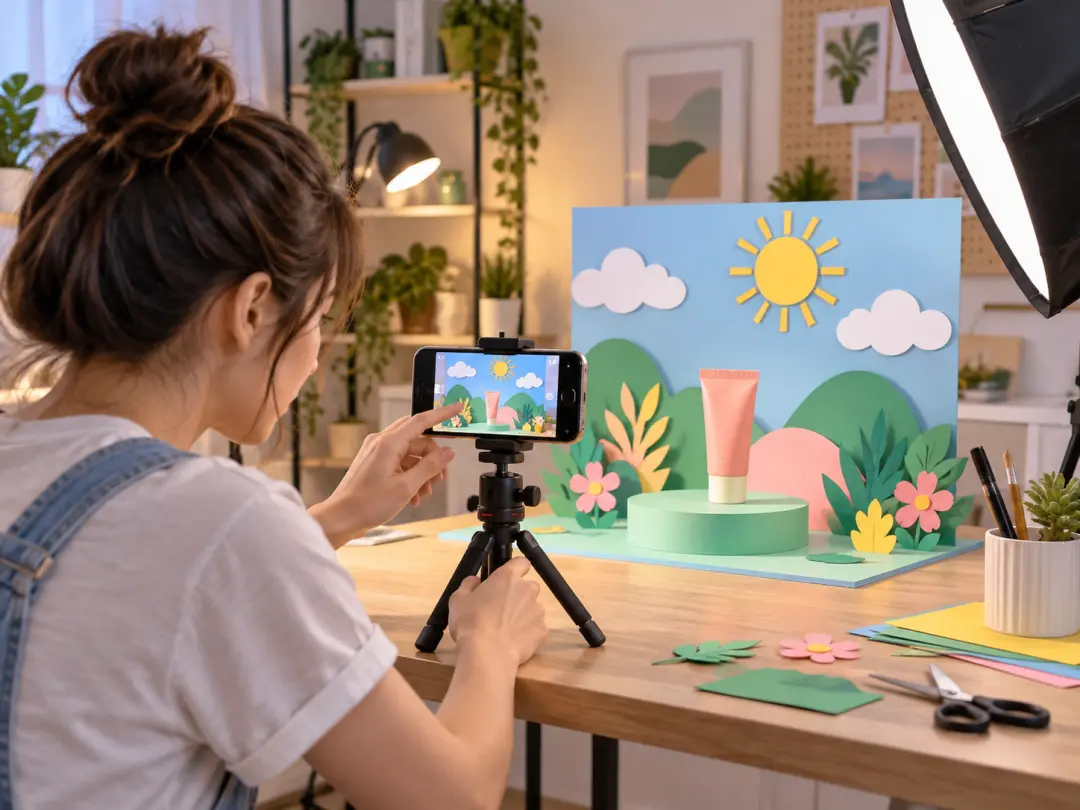
Creators can start from a campaign idea, add saved workspace references, and guide cartoon video marketing versions for social, client, or explainer needs.

Bring your message, references, style direction, and sound notes into VideoAI, then shape the next MP4 version with text revisions.
Get Started