Emoji Cat Maker

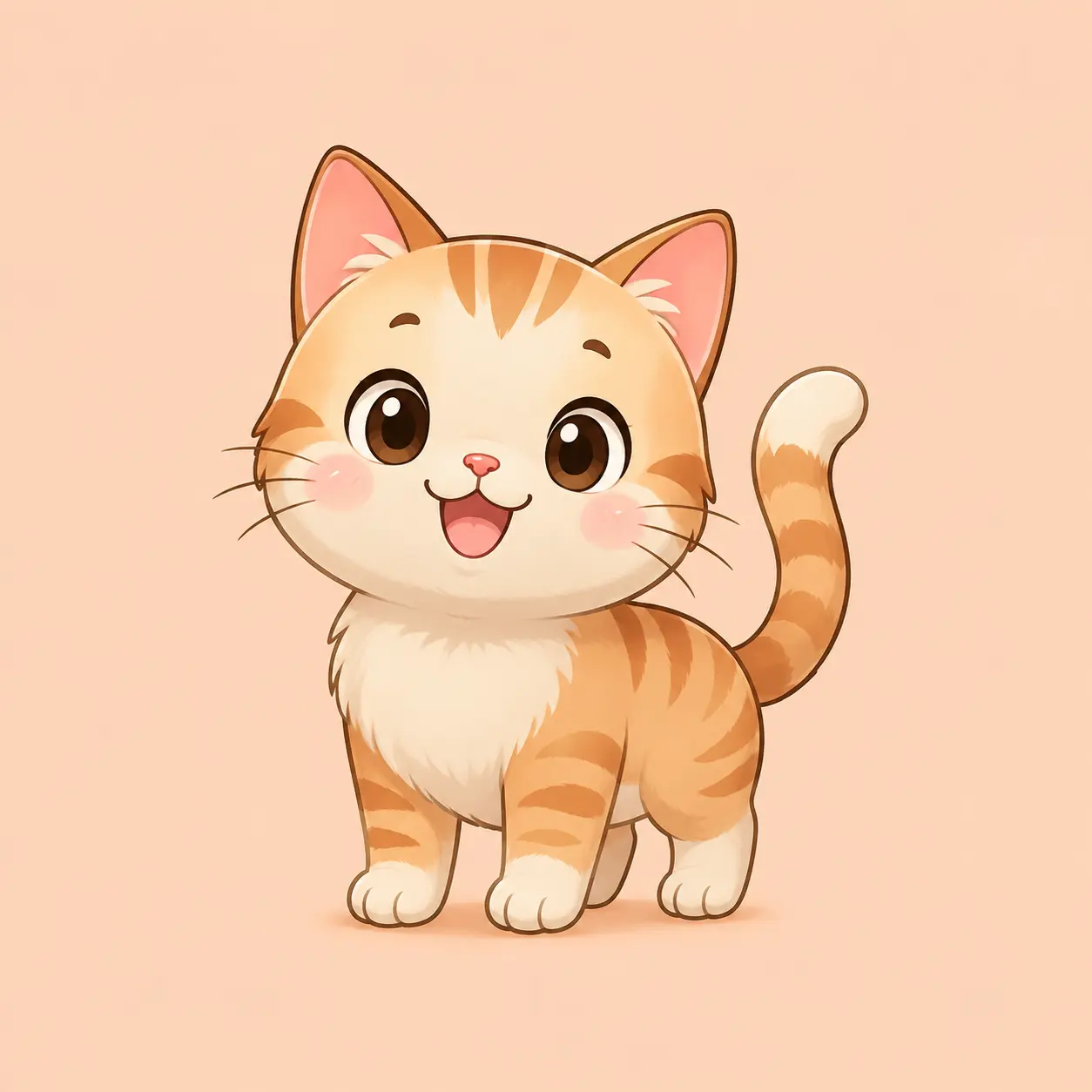
A generic cat sticker never quite looks like the cat you had in mind, and that is what an emoji cat maker should fix. Describe the expression, colour, and pose you want, or upload a photo of your own cat, and the maker turns it into a full-body sticker with a clean silhouette. Keep the same character across moods, so one cat emoji becomes a matching pack for chats, channel emotes, or printables.

Custom emoji cat maker result of a happy round-faced cat on a plain background

What the Emoji Cat Maker Does

Four jobs the emoji cat maker is built for, from one expressive face to a full pack that still matches your cat.

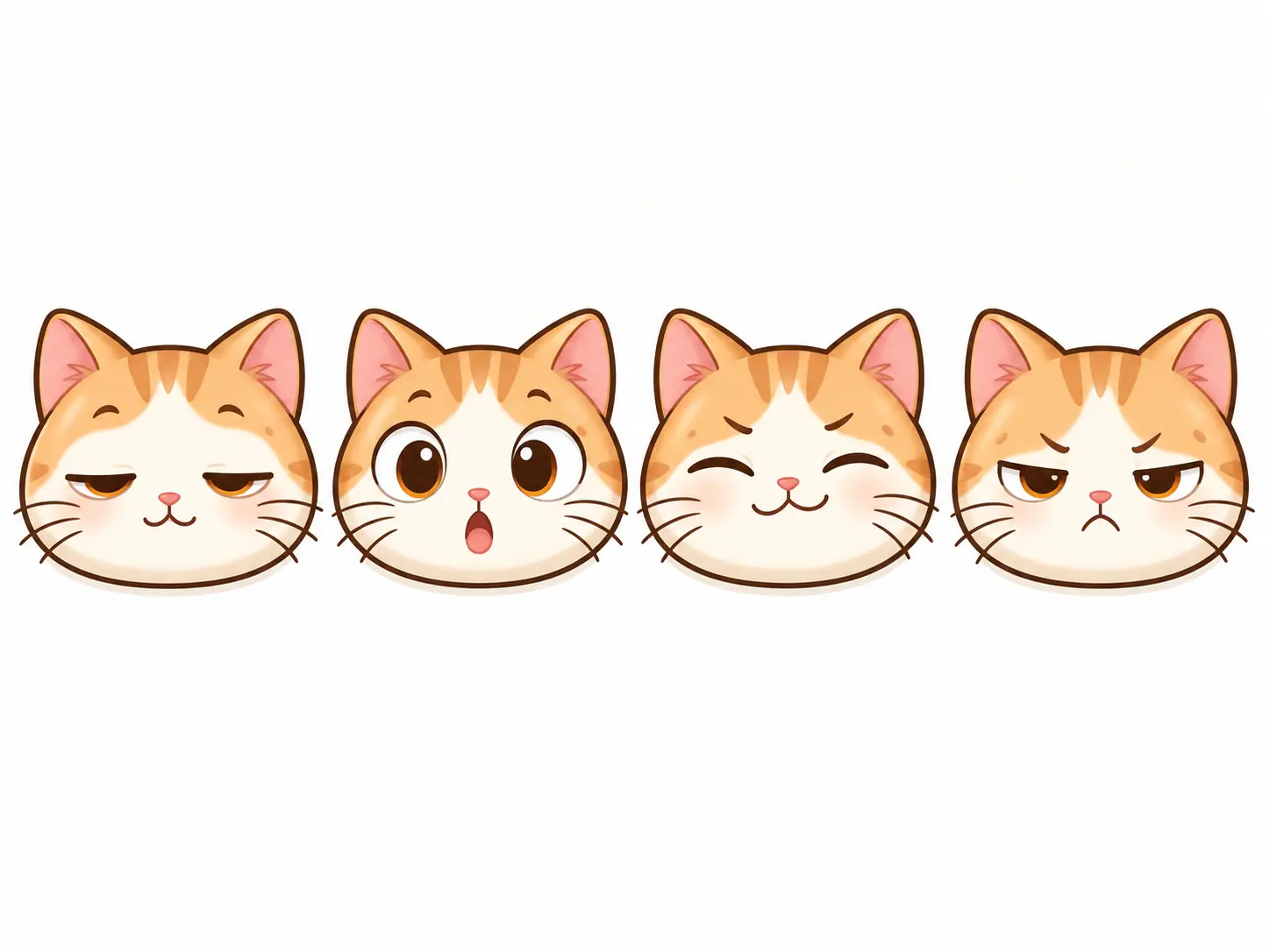
Four custom cat expressions from an emoji cat maker showing sleepy, surprised, smug and annoyed moods

Give One Cat a Whole Range of Moods

The point of an emoji cat maker is personality, and that starts with the face. Ask for a sleepy blink, a shocked stare, a smug grin, or a tiny angry frown, and the maker shapes the eyes and mouth to match. Set the fur colour and markings once, and the same cat can carry a whole range of moods while still looking like one character. That consistency is what makes a set usable in real chats instead of a pile of unrelated stickers.

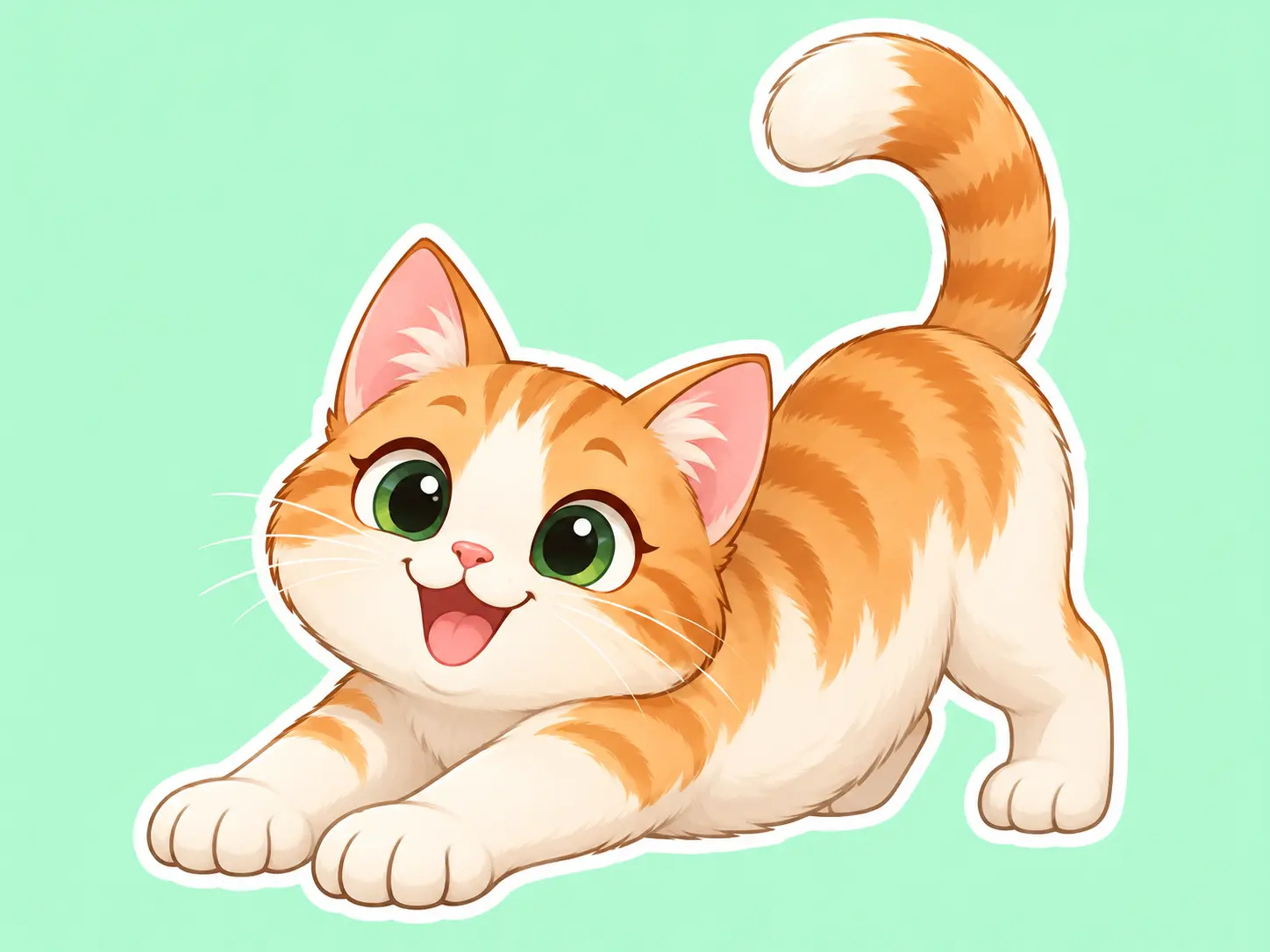
Full-body cat emoji maker sticker of a stretching cream-and-ginger cat on mint

Make a Full-Body Cat, Not Just a Face

Some reactions need more than a face, which is why the full-body option matters. Build a cat that sits, stretches, dances, or holds a tiny object, and keep the whole figure inside a clean square so it stays readable when it is scaled down in a message. The maker keeps the proportions cute and the silhouette simple, so the pose still reads at small size on a busy chat background.

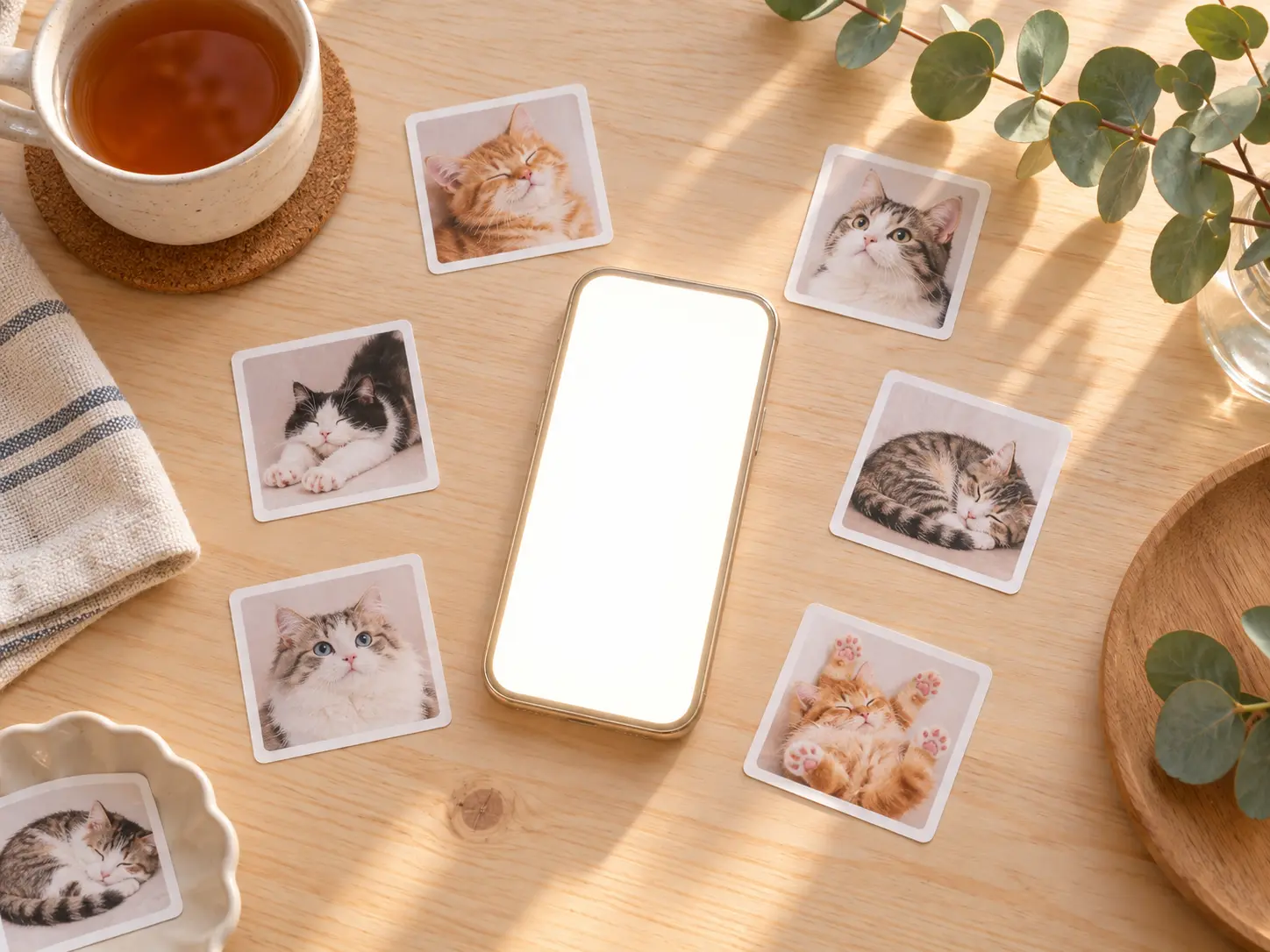
Printed cat emoji stickers arranged around a phone for chat use

A Sticker That Still Reads When It Is Small

A cat emoji maker is only useful if the result drops cleanly into a conversation. VideoAI produces a finished square sticker with a simple background and a clear silhouette, so the cat reads well beside text bubbles and inside a reaction tray. Generate a small set in one session, keep the same character across moods, and you have a personal emoji pack instead of a single one-off image.

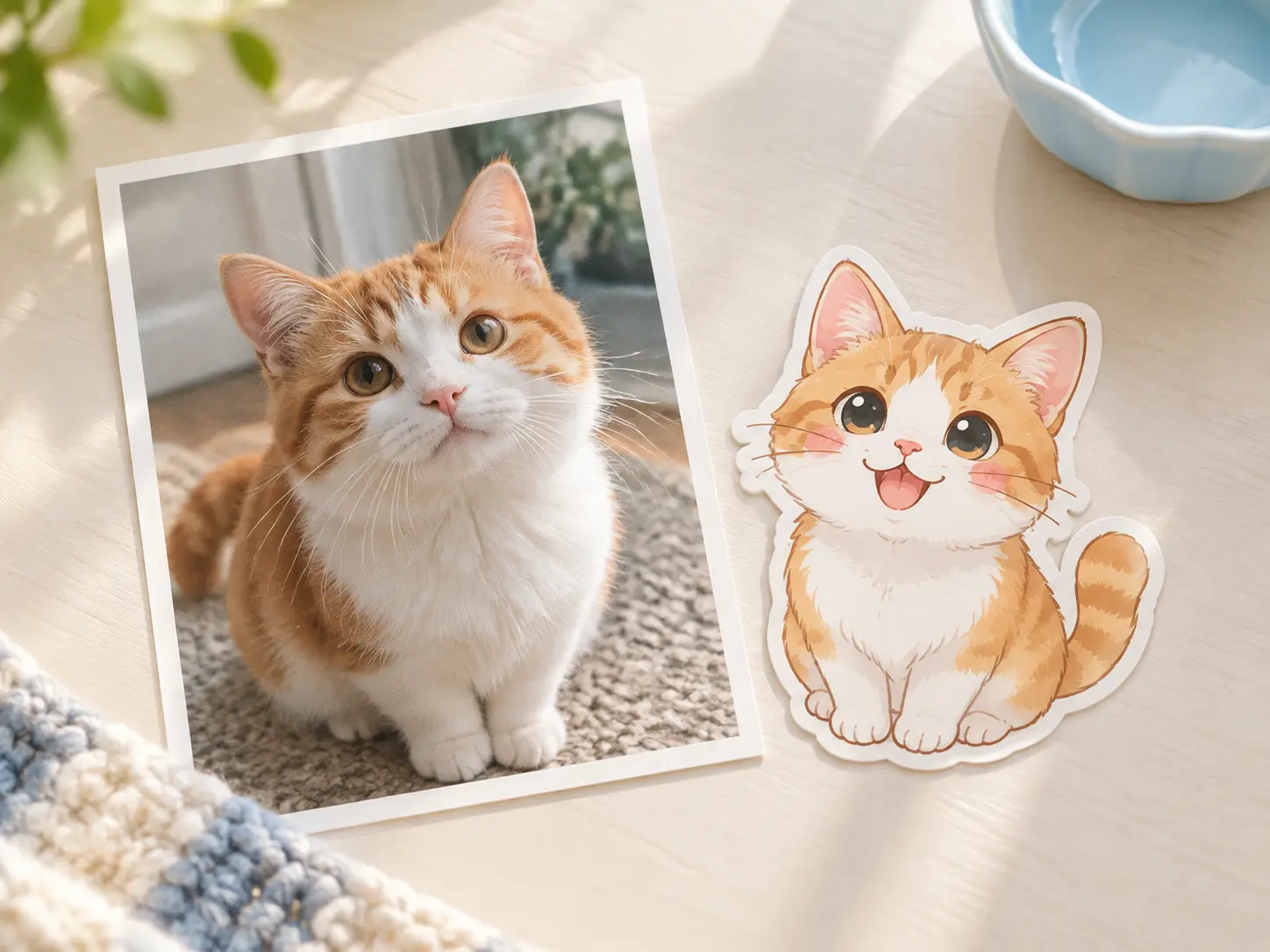
Real cat photo beside a matching emoji cat maker sticker with the same markings

Turn Your Own Cat Into a Sticker

If you already have a photo or a drawing, upload it as a reference and let the emoji cat maker follow the fur pattern, ear shape, and eye colour. You can ask for the look to stay close to the original or to become more cartoon-like. This is how a picture of your own pet becomes a recognisable emoji without tedious drawing, and you can change the expression while keeping the markings you love.

How to Make an Emoji Cat

Three steps from a reference or an idea to a finished cat sticker with the emoji cat maker.

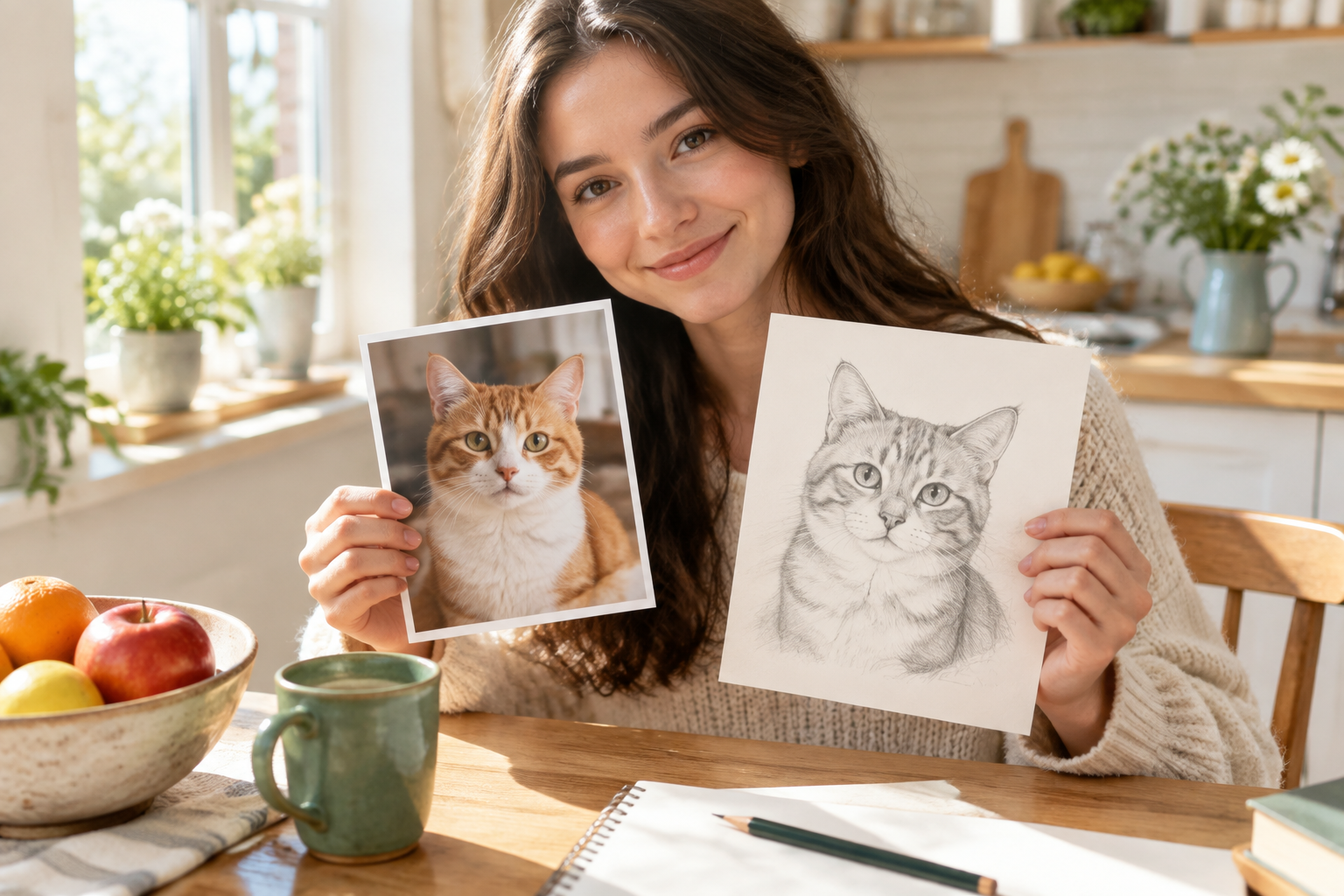
Cat photo and sketch laid out as a reference for the emoji cat maker

Step 01

Upload a Reference

Start with a photo of your cat, a sketch, or another emoji you like, or skip the upload and begin from a description. A reference helps the emoji cat maker capture the fur pattern, ear shape, and colour that make your cat recognisable. A clear, well-lit photo works better than a dark or blurry one.
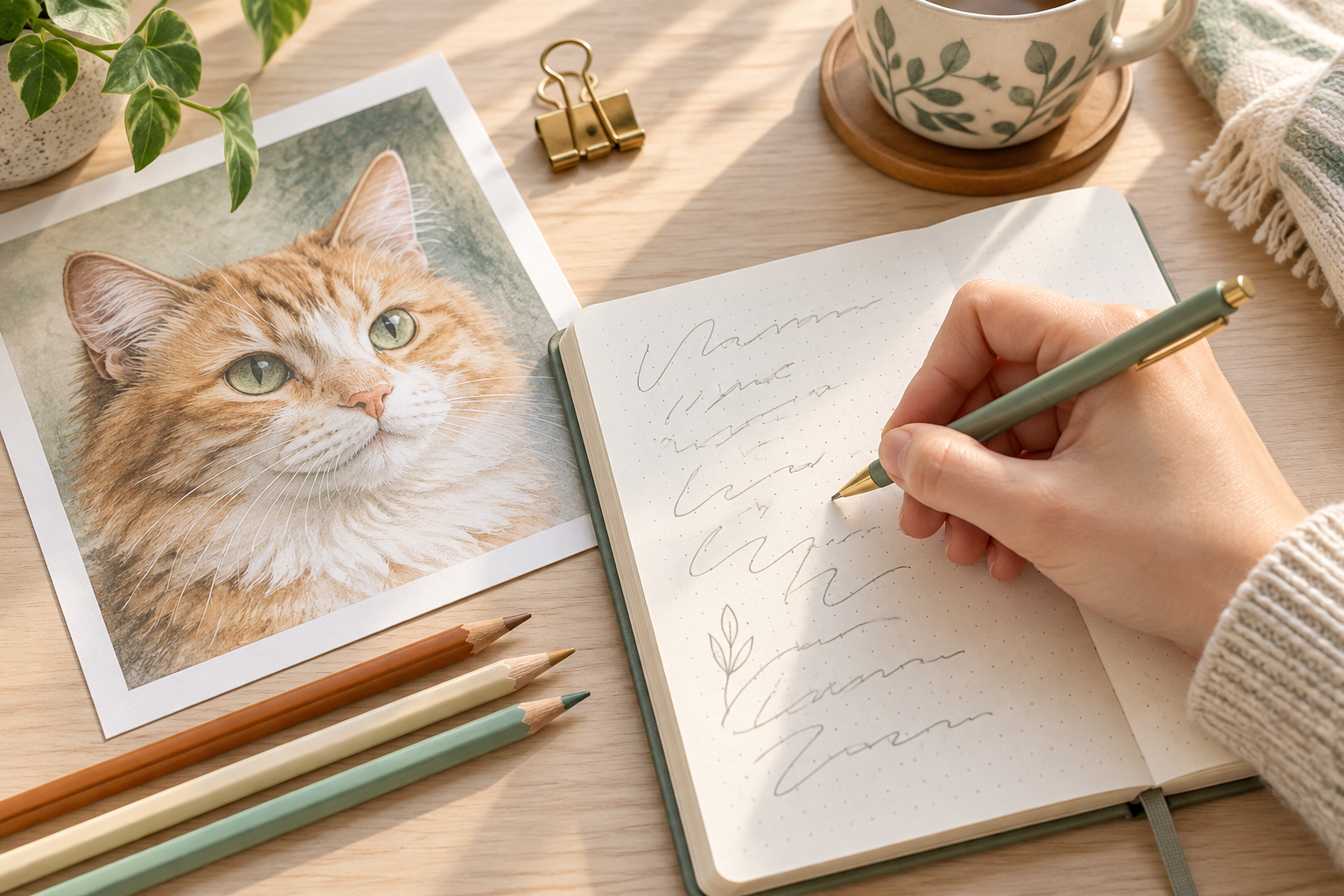
Notebook and coloured pencils used to describe a custom cat emoji

Step 02

Describe the Cat Emoji

Write a short description of the expression, pose, and style you want, such as a happy full-body cat with big eyes and a clean flat background. Keep the request focused on one cat so the emoji cat maker does not have to choose between competing ideas. Mention the colours and markings you want to keep from the reference.

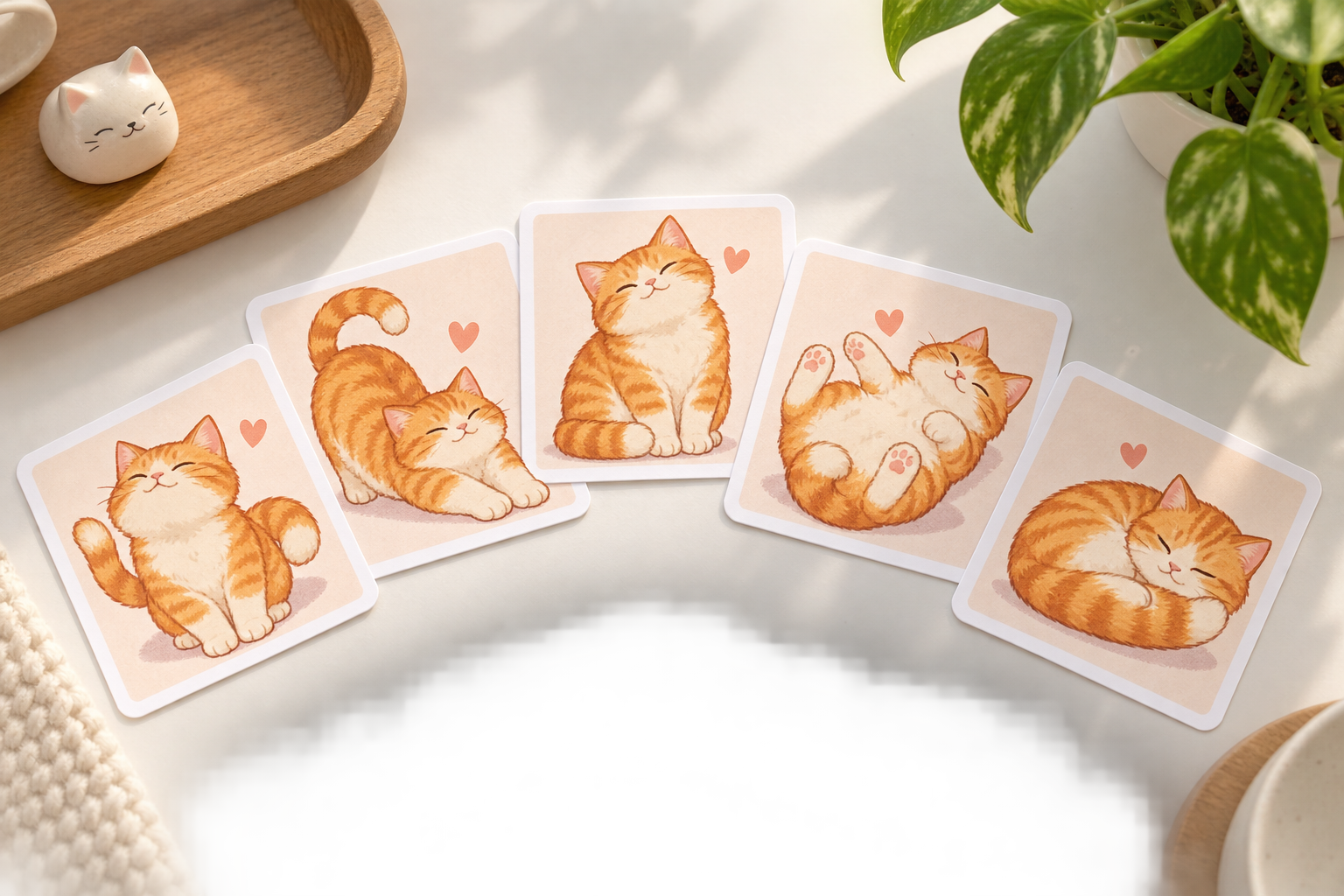
Finished cat emoji stickers fanned out on a bright desk ready to download

Step 03

Download the Sticker

Generate the cat emoji, review the pose and expression, and download the square result when it looks right. The finished sticker stays clean at small sizes, so it works in chats, streams, and printed craft projects. If you want a matching set, keep the same description and reference image and generate more poses so the whole pack shares one look.

Where Cat Emojis Get Used

One cute cat character from the emoji cat maker can carry chats, channels, and paper projects.

Person using a set of custom cat emoji stickers for chat reactions

Chat Reactions

A custom cat emoji earns its place when it reacts the way you actually type. Build moods for happy, tired, excited, and unimpressed, then drop them into group chats and direct messages. Because the maker keeps one recognisable design, the set feels like a personal reaction pack rather than a pile of unrelated stickers.

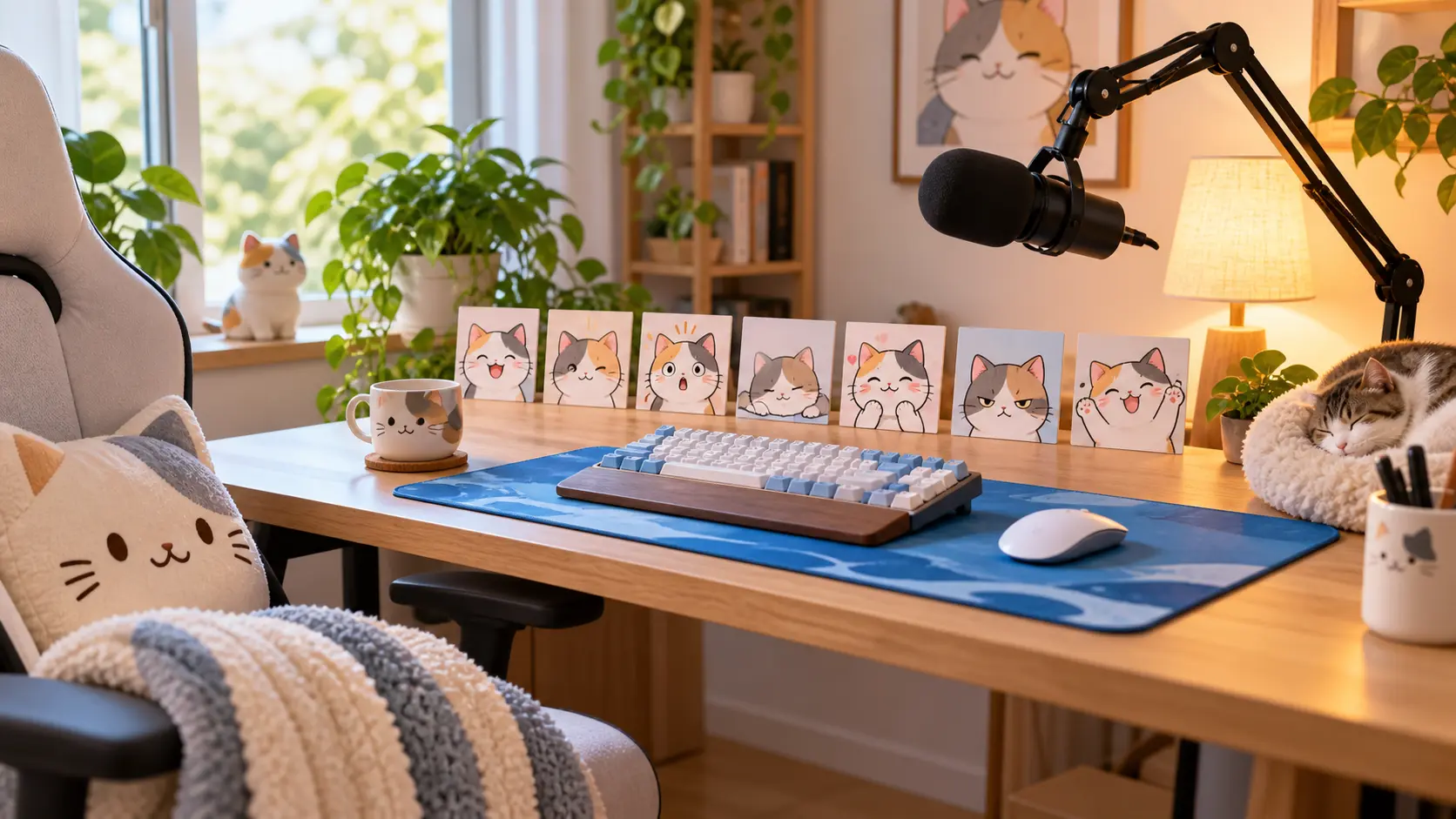
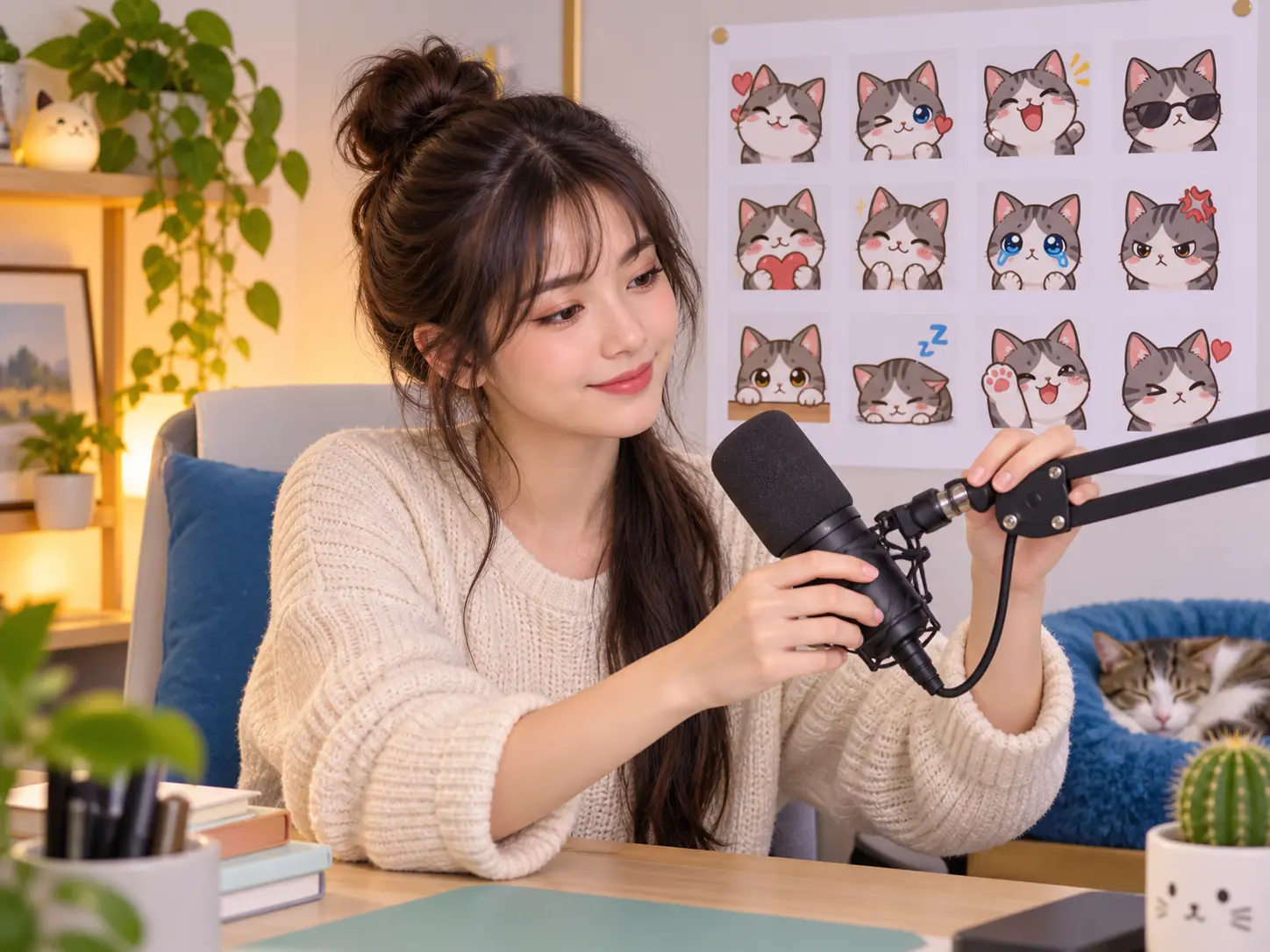
Streaming desk with a set of custom cat emotes lined up for a channel

Streams and Channels

Streamers and community managers use the emoji cat maker to build custom cat emotes that reward regulars and give chat a visual language. Create a small family of expressions in one style, keep the outlines clean so they read at tiny sizes, and use them as channel rewards, overlays, or loyalty badges that match your channel mascot.

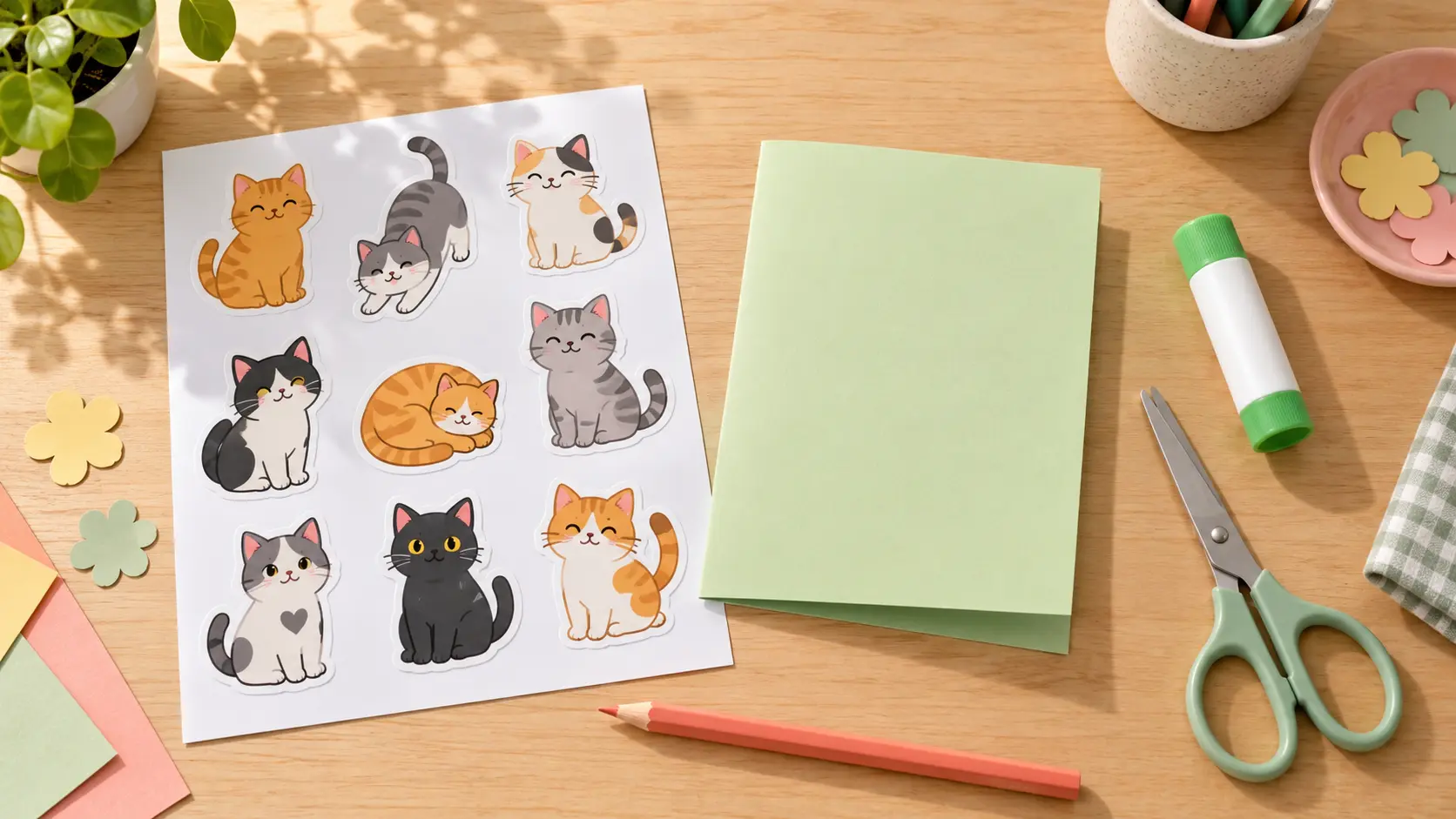
Printed cat emoji stickers with craft supplies on a bright table

Crafts and Printables

Cat emojis are not only digital. Print a set for stickers, planner pages, greeting cards, or a child activity sheet. The maker keeps the design clean and the shapes simple, so the result is easy to cut out and reuse. Generate several moods in a matching style, then print them at a size that suits the project.

Who Uses an Emoji Cat Maker

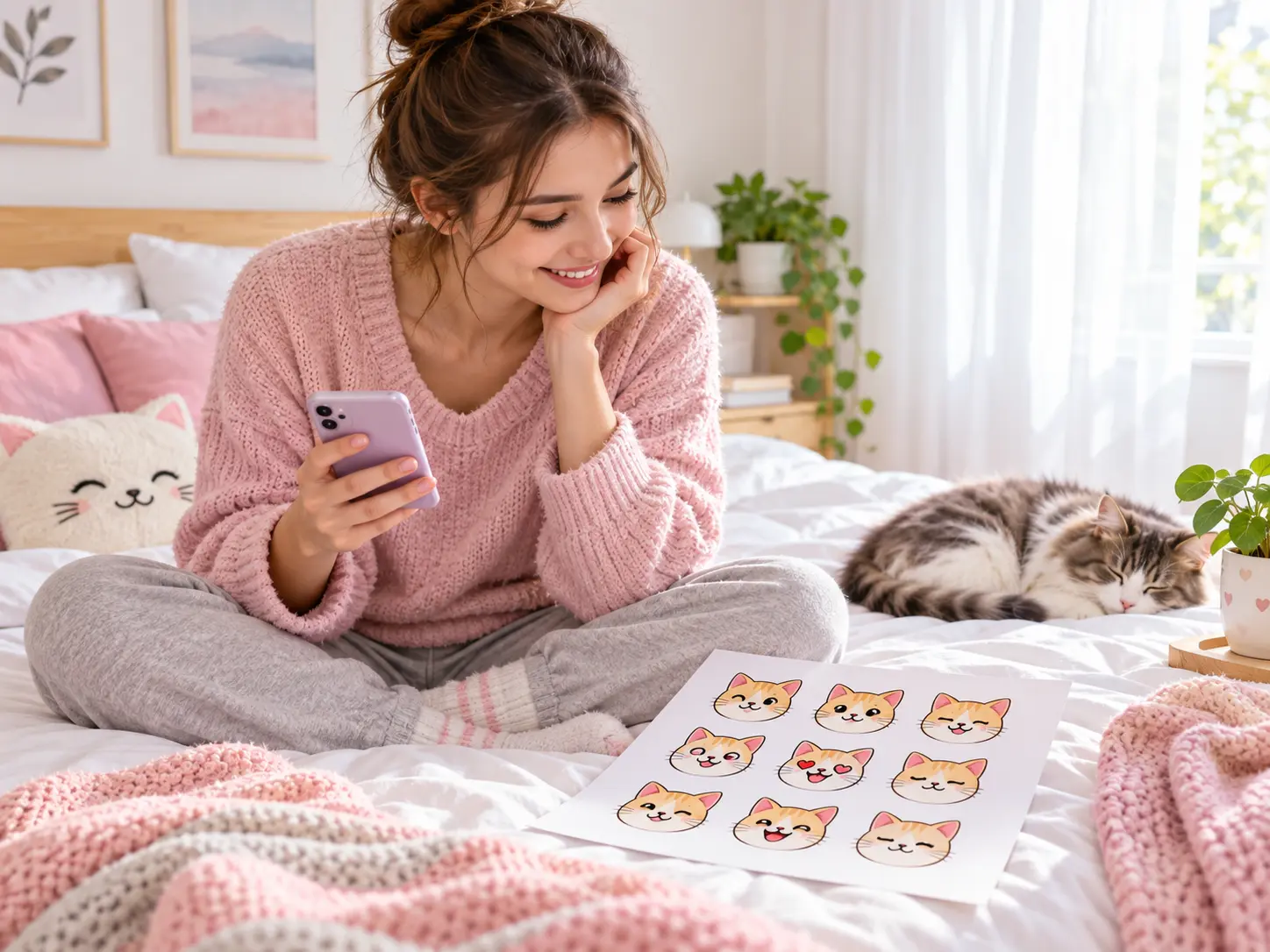
Person on a bright bed choosing custom cat emojis for social chat

Chat and Social Users

If you spend time in group chats, a personal cat emoji says more than a stock reaction. Make a set that matches your sense of humour, then reach for your own sticker whenever a stock one nearly fits but not quite.

Emoji Cat Maker Questions

An emoji cat maker creates a custom cat sticker from a text prompt or a reference photo. You can ask for a cheerful waving cat, a sleepy loaf, or a whole set of moods for a chat pack. The result stays clean and simple so it still reads when it is scaled down in messages, streams, or printed craft projects, and you can rerun the maker to build a matching family of stickers.

Yes. Ask for a full-body cat emoji and describe the pose, such as sitting, stretching, dancing, or holding a small object. The maker keeps the whole figure inside a square frame with safe margins, so the tail and paws stay visible and the sticker still reads at small sizes. Rerun it with a new pose to build a consistent full-body set.

Upload a clear photo of your cat and describe what should carry over, such as the fur pattern, eye colour, and ear shape. The emoji cat maker uses the reference to guide the new sticker while letting you change the pose or expression. Bright, uncluttered photos give the most recognisable result, and you can keep the same reference across several runs so the maker produces a consistent character.

Yes. Keep the same description and reference image, then change only the expression or pose between runs. That gives you a matching family of cat emotes instead of unrelated stickers. A consistent set reads better in chat and makes a stream channel or reaction pack feel intentional, so the character stays recognisable wherever you use it. Save the description with the finished set so future cat emojis can be added in the same style.

The default style is a cute, clean cartoon sticker with simple shading and a clear outline, but you can push it toward flat vector shapes, soft painted art, or a more detailed illustration. The style words in your prompt control the finish, and the maker keeps the cat character consistent across moods. Try one style first, then vary it once you have a look you want to reuse.

Yes. The square sticker works as a channel emote, a reward graphic, or a printable for cards, planner pages, and craft projects. Keep the silhouettes simple so they read at small sizes on screen, and print at a size that matches the craft. If you plan to sell items that use the stickers, check the current pricing and terms first.

VideoAI includes a free credit allowance for new accounts, so you can try the cat emoji maker before subscribing. Downloads are watermark-free. If you plan to build a large emote pack or use the stickers commercially, check the current pricing to choose a plan that matches your volume. Start with one sticker or a small reaction set, then decide whether a larger pack or commercial use needs a paid plan.
Soft peach backdrop with open space for the emoji cat maker call to action

Make a Cat Emoji That Looks Like Yours

Describe the cat or upload a reference photo, then download a full-body sticker you can use in chats, as a channel emote, or on paper.

Get Started
Emoji Cat Maker - Create Custom Cat Emojis | VideoAI