Fisheye Filter

Free to start: upload a photo, pick the look, and the fisheye filter redraws the whole frame with a bulging center and edges that curve inward.

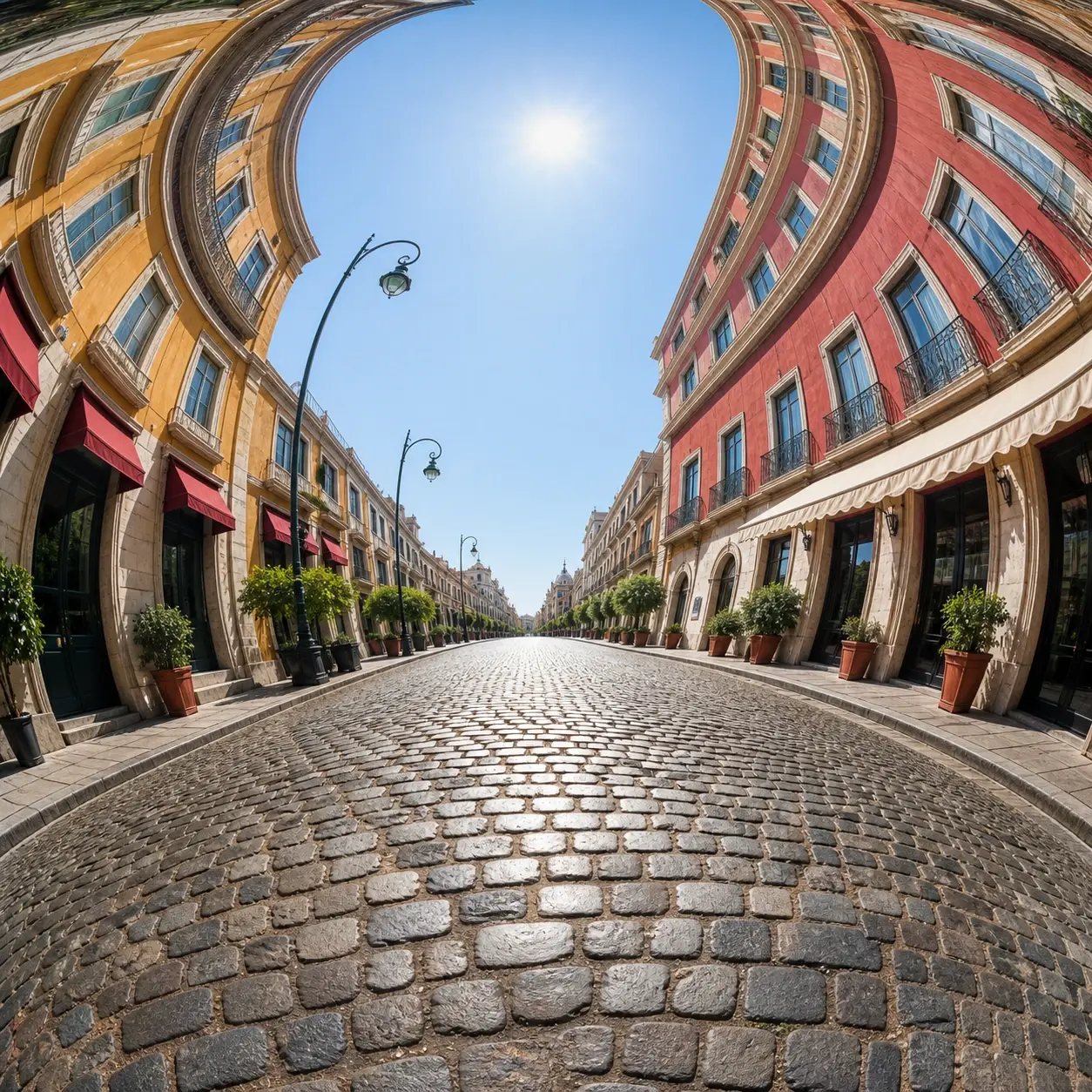
A city street redrawn with a fisheye filter, center bulging and buildings curving inward

Fisheye Filter Looks People Actually Want

Four ways creators put the fisheye photo effect to work.

01

Fisheye Pfp

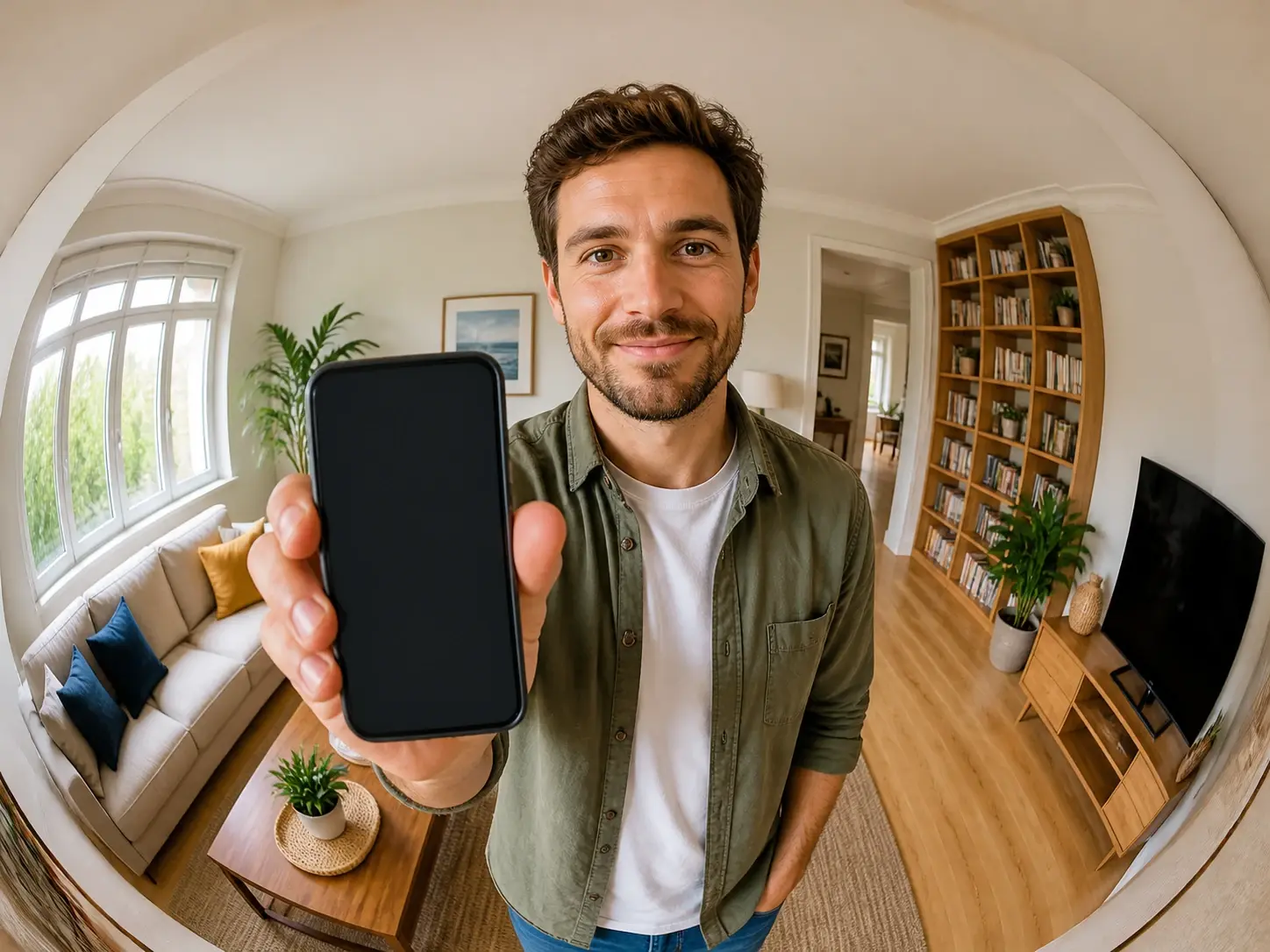
Tired of an avatar that blends in with every other one? The fisheye filter pushes your face right up to the glass while the corners pull inward around it. Upload a single shot, choose the style, and download it at a square ratio that drops into a profile slot exactly.

02

Fisheye Portrait

A straight, tidy headshot can read a little flat. The fisheye filter brings the camera in tight and the whole face carries more tension, while friends still know at once who they are looking at. Because it reshapes the geometry and not the identity, a fisheye lens portrait keeps the person recognizable.

03

Fisheye Lens Meme

Some jokes only land once the proportions go fully absurd. Shove a face toward the fisheye filter, let everything around it warp, and the reaction writes itself. One ordinary photo turns into that exaggerated fisheye image without anyone holding real glass to their nose.

04

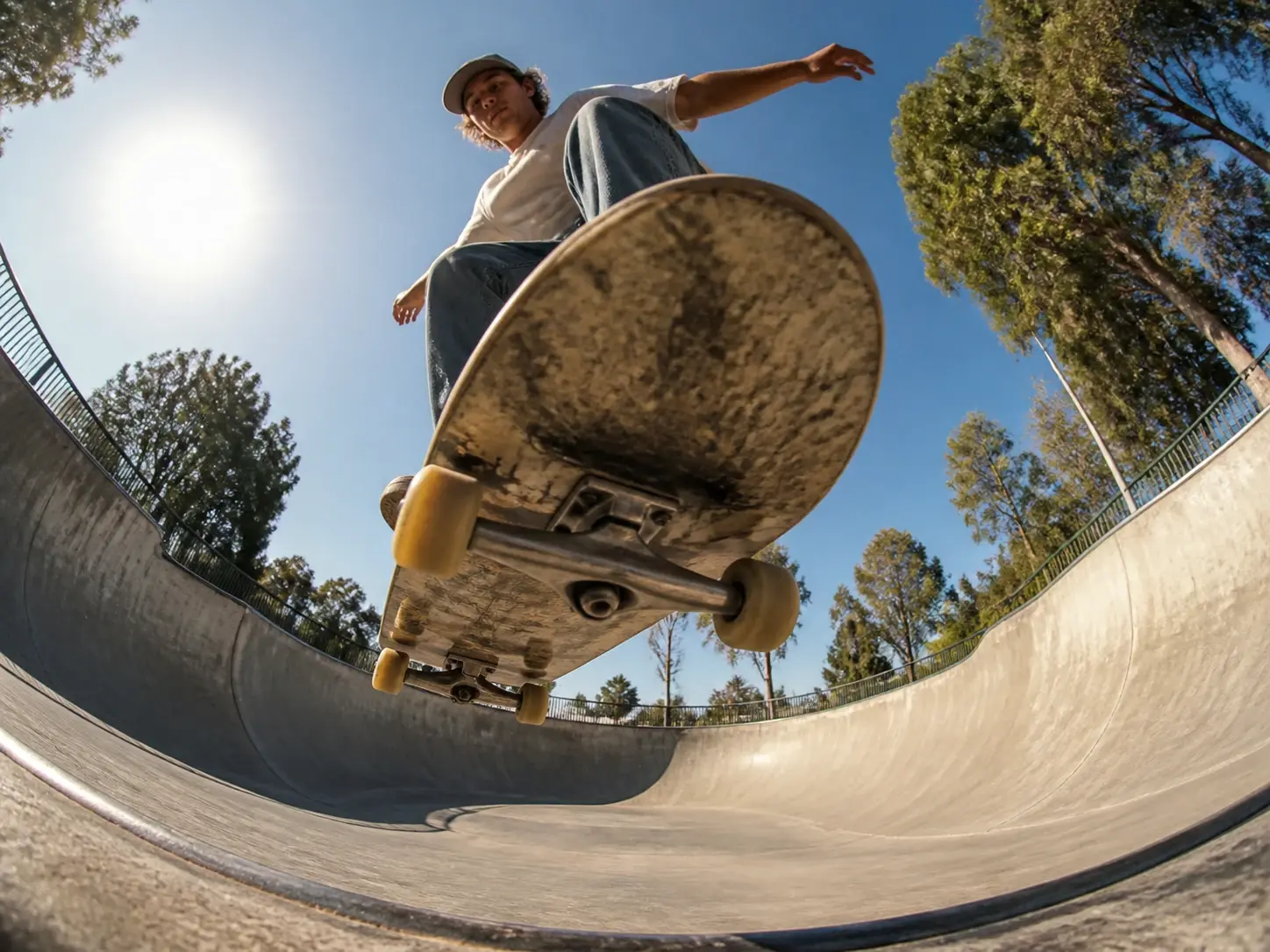
Fisheye Lens Skateboarding

Board photos have always leaned on that low, ground hugging, wide angle where the deck looms huge and the background wraps around it. Feed in a skate photo you already have and it takes on the same fisheye lens effect the culture grew up on, so that iconic angle becomes doable without that lens in your bag.

Who Reaches for This Bent Look

Skater mid trick with a fisheye lens skateboarding look, deck large and background curving inward

Skate and Street Shooters

This angle is the native language of skate photography, yet the glass is pricey and rarely in your bag when the trick actually happens. Pull in a photo you already shot and the fisheye filter carries the same wide, warped feel. Even a fisheye lens photoshoot built around a session becomes doable for someone who never owned that kind of wide glass in the first place.

Inside Every Fisheye Filter Render

The pieces that shape how your fisheye filter turns out.

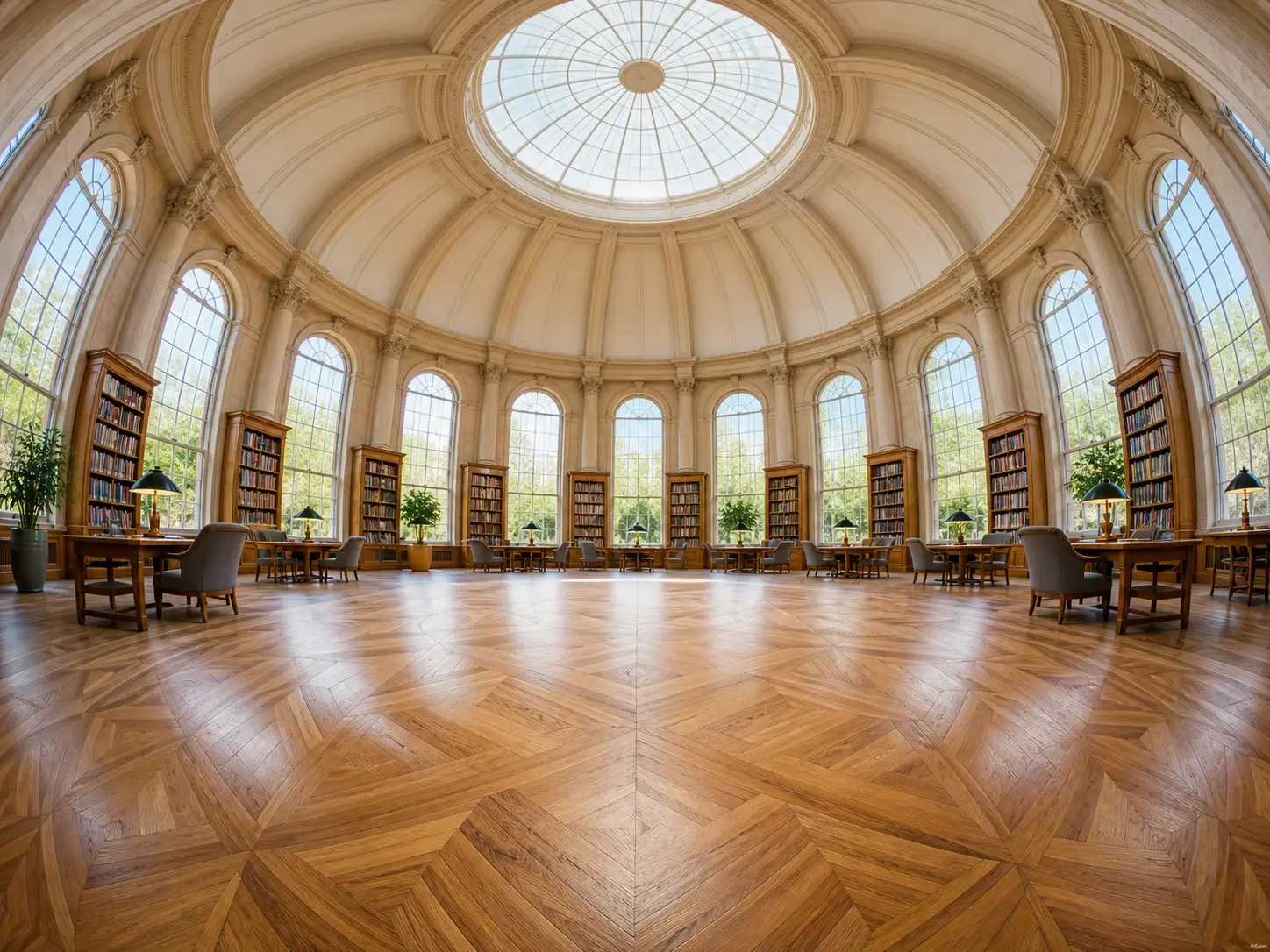
A domed reading room redrawn with a true fisheye, the floor swelling forward and the arches bending back

A View Built Around the Bend

The fisheye filter swells the center forward and curves the edges back, the way a wide lens actually sees a room. VideoAI generates that fisheye camera effect as part of the picture instead of dragging a mesh across a flat photo, so the bend lives in the scene rather than sitting on top of it.

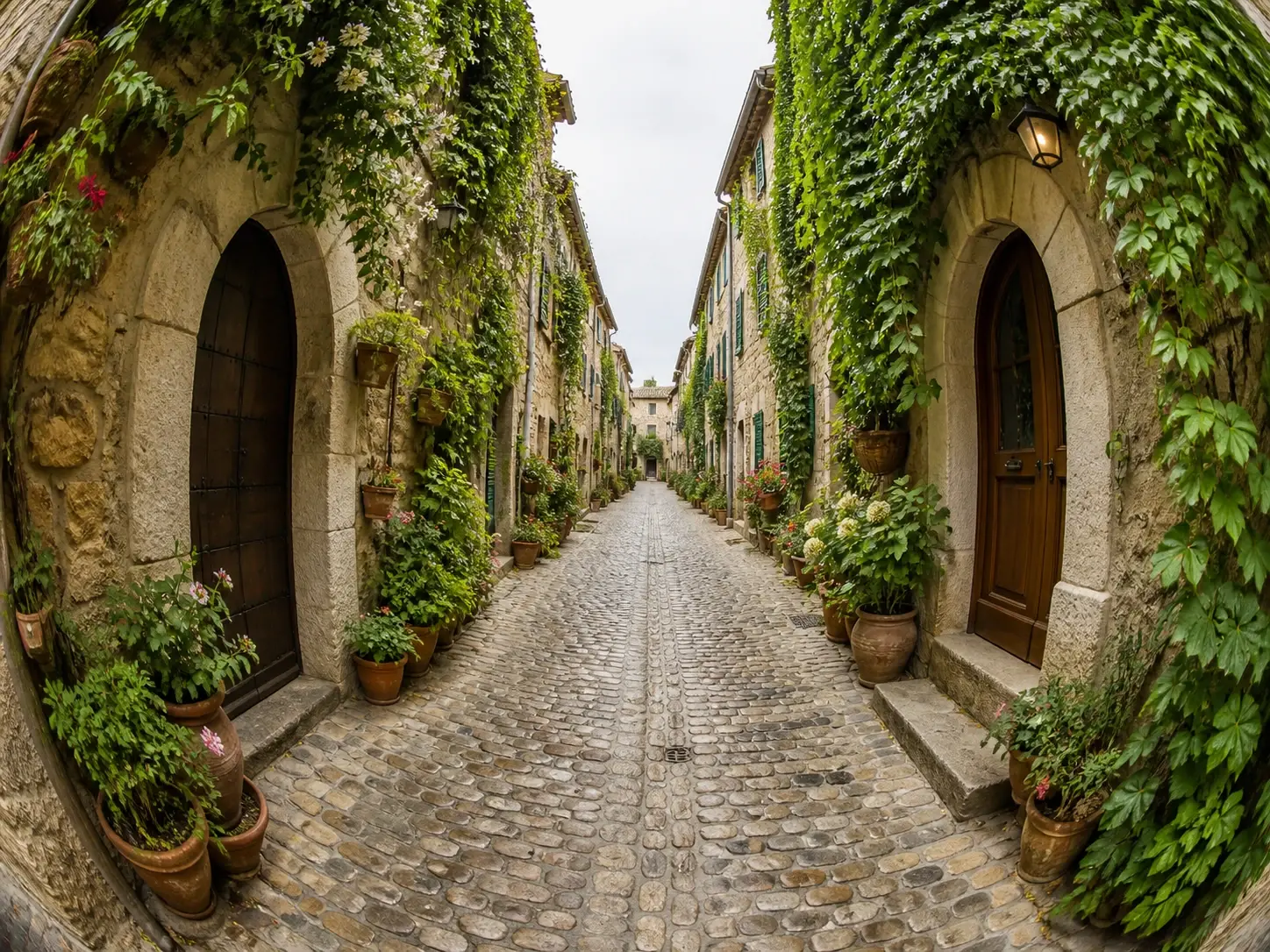
A cobbled alley bent by a fisheye curve judged to keep the cobbles and doorways readable

You Pick, the AI Bends

You choose the style and hand the shot to the fisheye filter, which decides how far to bend it for you. One pick sets the whole direction, and the fisheye effect comes back judged for that photo. That keeps the work to a single choice rather than a panel of controls.

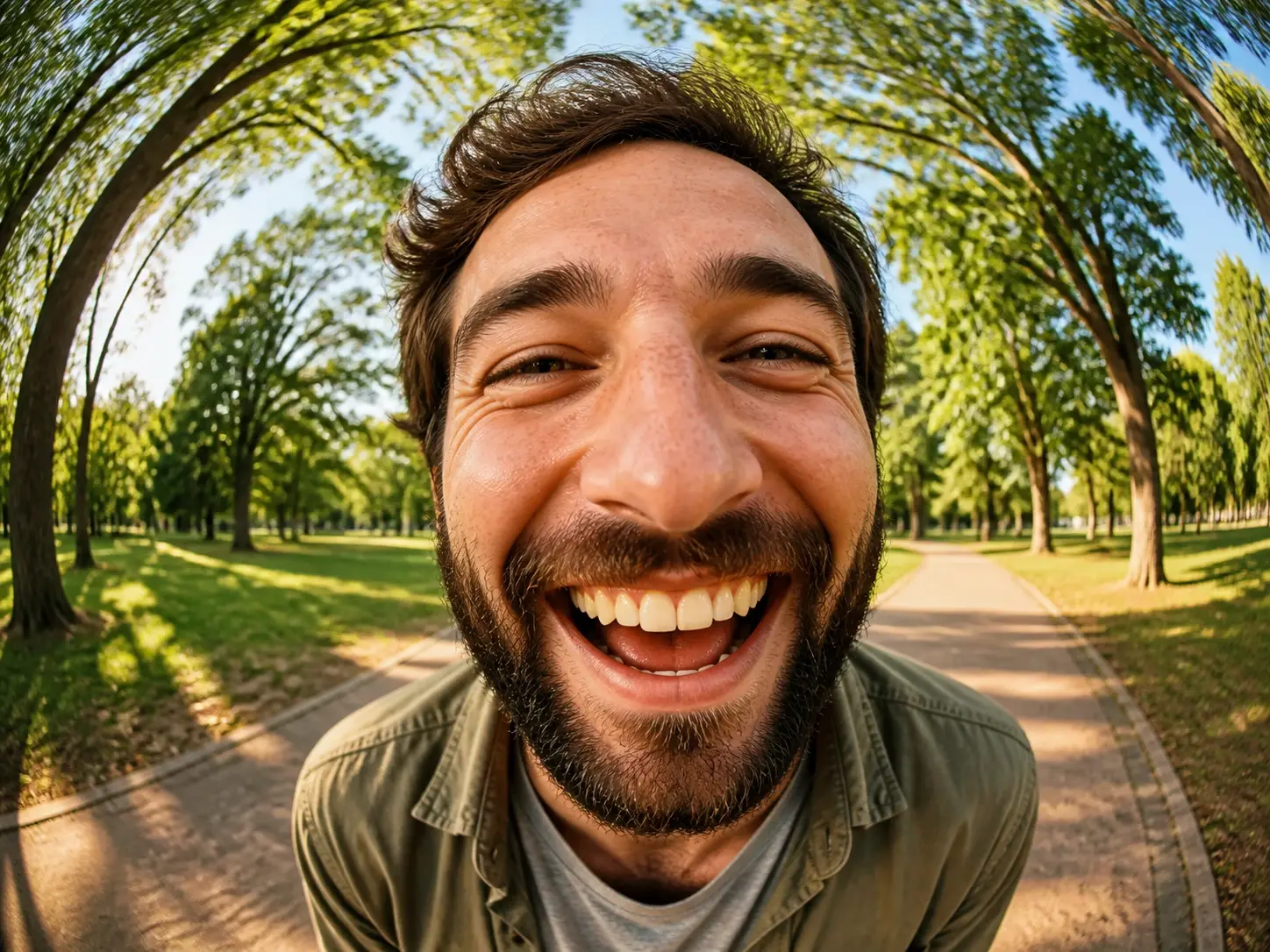
A recognizable face in a fisheye photo, features bent by the lens yet clearly the same person

The Person Still Reads as Them

The fisheye filter pulls and stretches the frame, yet who and what is in it stays recognizable. A friend glancing at the result still clocks the face right away. The geometry is what shifts; the subject in your fisheye photo remains the same subject.

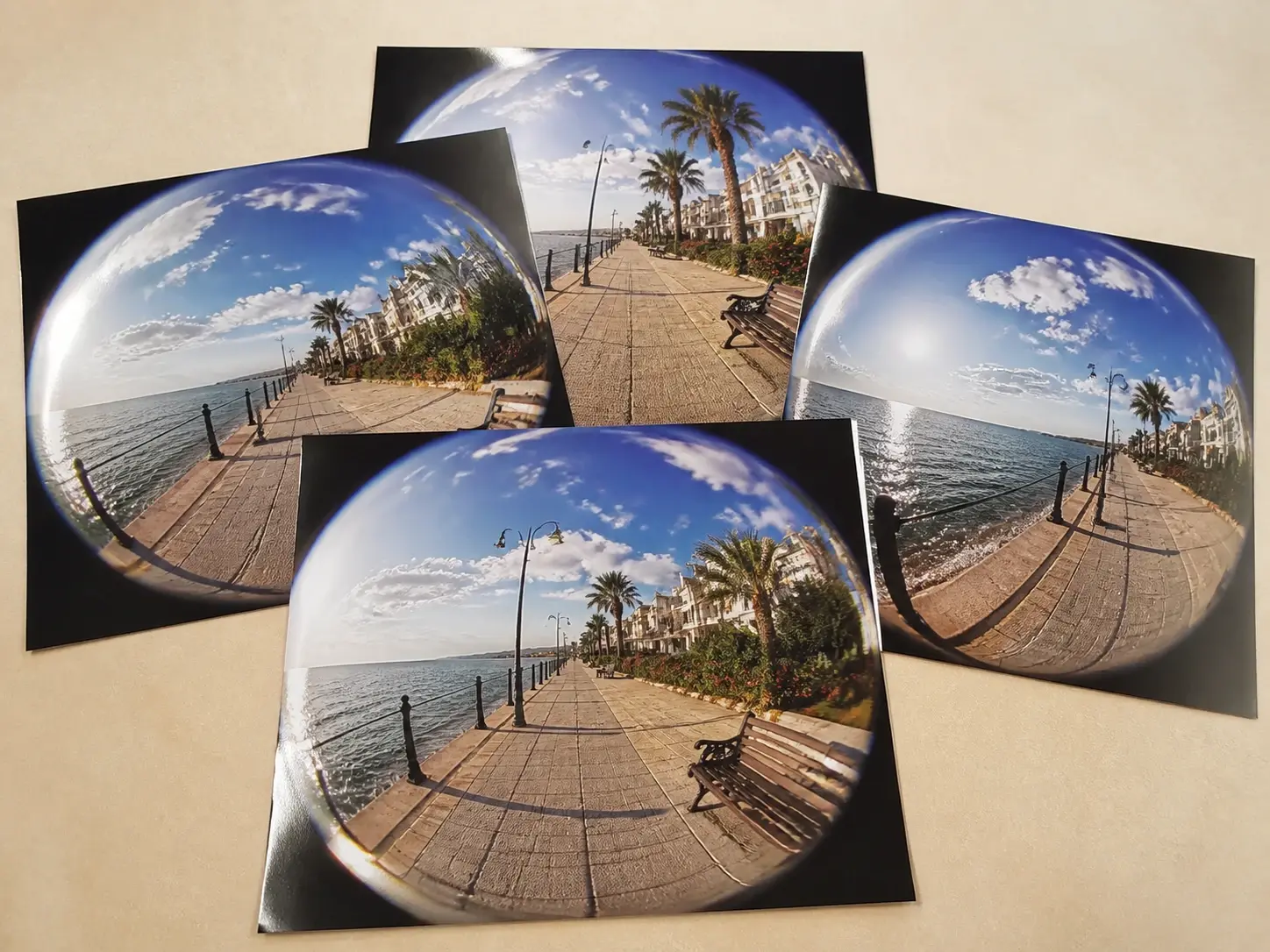
Four large prints of the same fisheye promenade view overlapping on a studio table, none carrying a watermark

Four Takes, Ready to Use

Four versions come back from the fisheye filter in a single pass, so you can keep the framing you like best. Each finished fisheye picture downloads at up to 4K, carries no watermark, and is cleared for commercial work. Save one and it lands in your workspace to revisit later.

From Photo to Fisheye in Three Steps

Two ways to apply a fisheye lens effect: bring a photo or describe one.

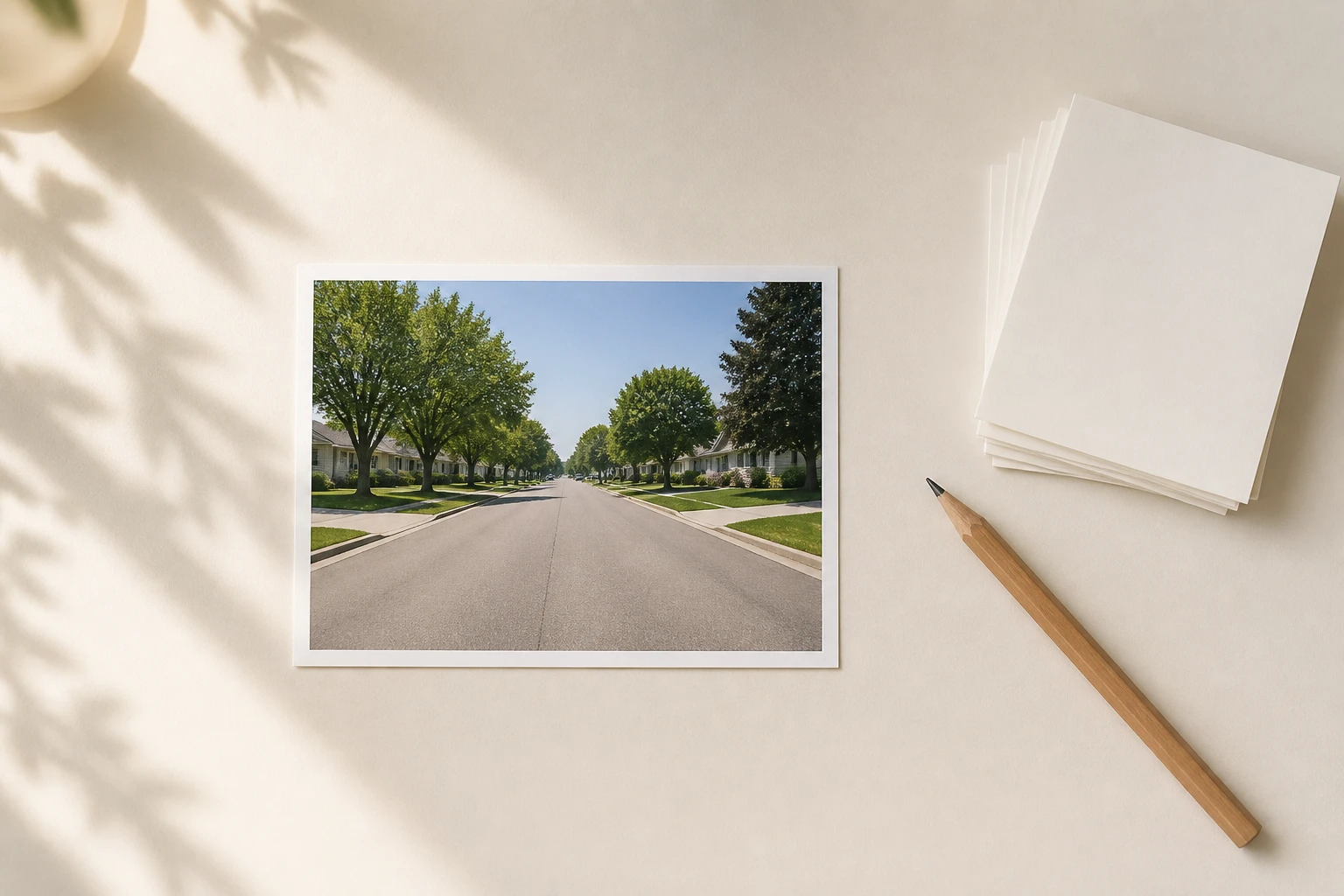
One ordinary print of a straight suburban street lying alone on a clean pale desk

Step 01

Add Your Photo or a Prompt

Upload a photo in a common image format and it saves to your own workspace, ready to reuse next time. No shot on hand? Skip the upload and type a description instead, naming the fisheye photo you want in plain words.
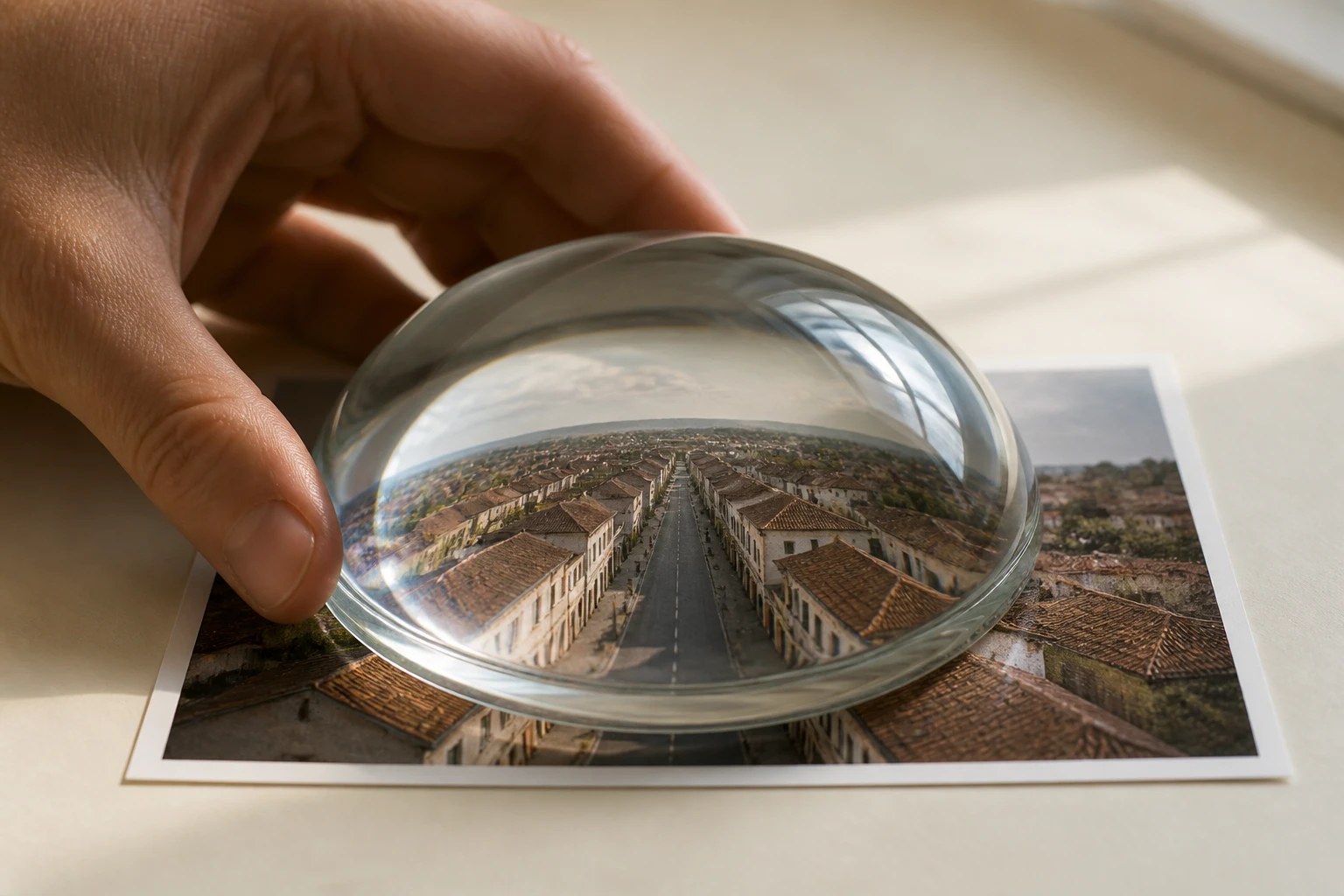
A convex glass dome held over the street print, bulging the road and rooftops beneath it

Step 02

Pick the Fisheye Style

Choose the fisheye and wide angle style from the preset list, or describe the framing you want, such as a low, close, ground level view. That is the whole control: you set the direction and the fisheye filter reads how far to bend from there.

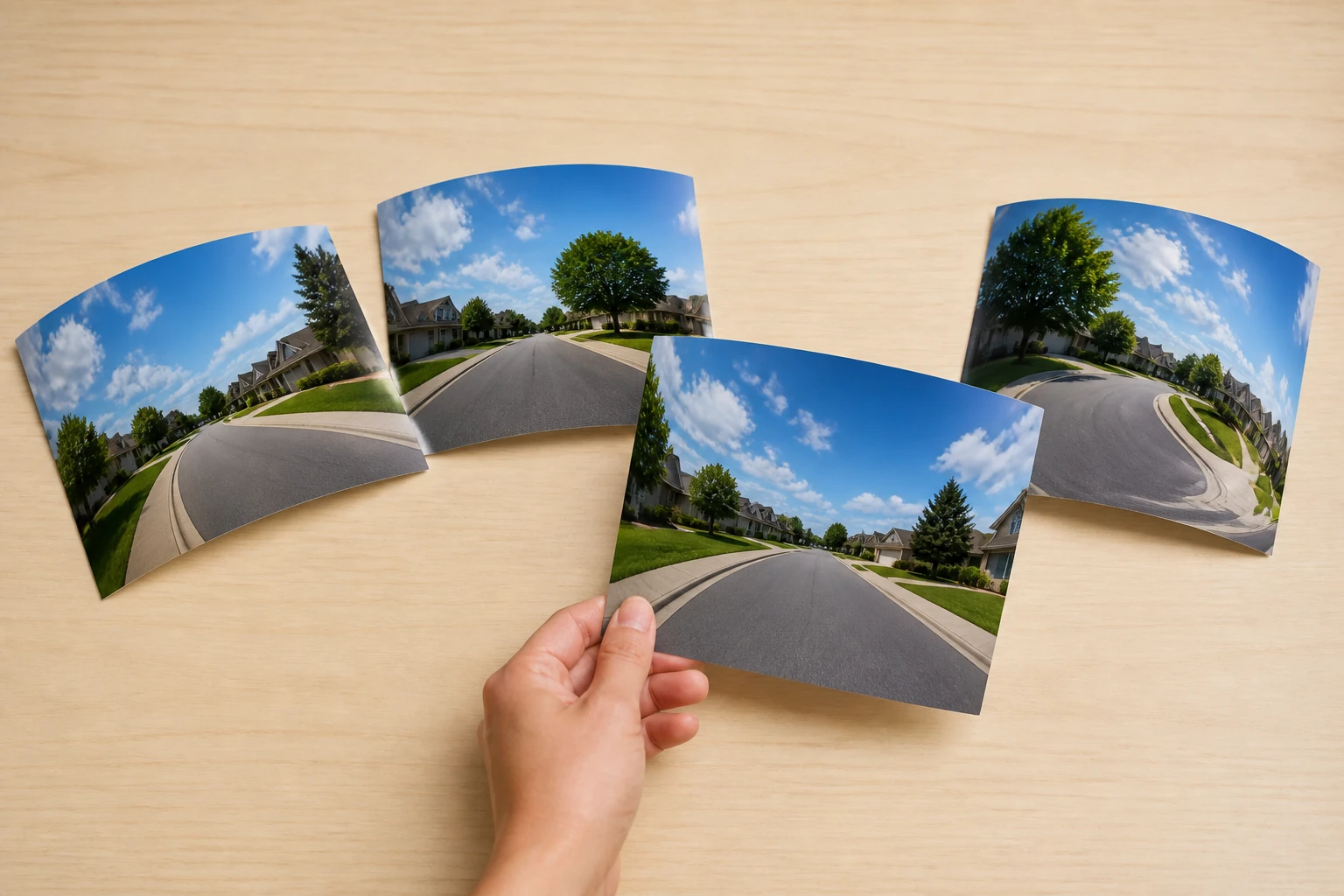
Four prints of the same street each bent differently, with one slid forward as the pick

Step 03

Generate, Then Refine

Hit generate and let the fisheye filter redraw the entire frame into the wide, bent view, or build one straight from your words. Four candidates come back at once, so download the one you want at up to 4K, or head back to your workspace to adjust the description and run it again.

FAQ

Questions Before You Bend a Photo

It opens in your browser, so there is nothing to install to get a fisheye effect online. Upload a photo, choose the style, and the fisheye filter returns a result ready to download. Image generation includes 10 starter credits, enough for five pictures.

Open the fisheye filter in your browser, upload a photo, and pick the wide angle style; a finished shot comes back within seconds and saves to your workspace. You can grab it whenever you like.

A real fisheye comes from a super wide lens that makes the center bulge and the edges curve inward. Without that glass, upload a photo and choose the fisheye style, and the AI redraws the frame into the same wide view. That is the short version of how to get the fisheye effect with the fisheye filter, working from an image you already have.

The fisheye filter bends the geometry, but who and what is in the frame stays the same, so the key features of your subject carry through. Someone looking at a fisheye portrait still knows the person at a glance.

You pick the style and leave the amount to the AI, which reads each photo and decides how far to curve it. That keeps the fisheye filter down to one choice instead of a row of dials.

Yes, files from the fisheye filter are cleared for commercial use, arrive without a watermark, and download at up to 4K. That covers most social, campaign, and client needs.

They sit in your own workspace, where you can reuse them or delete them yourself whenever you want. Coming back later, you can reopen a saved fisheye filter render and change the description for a fresh version.
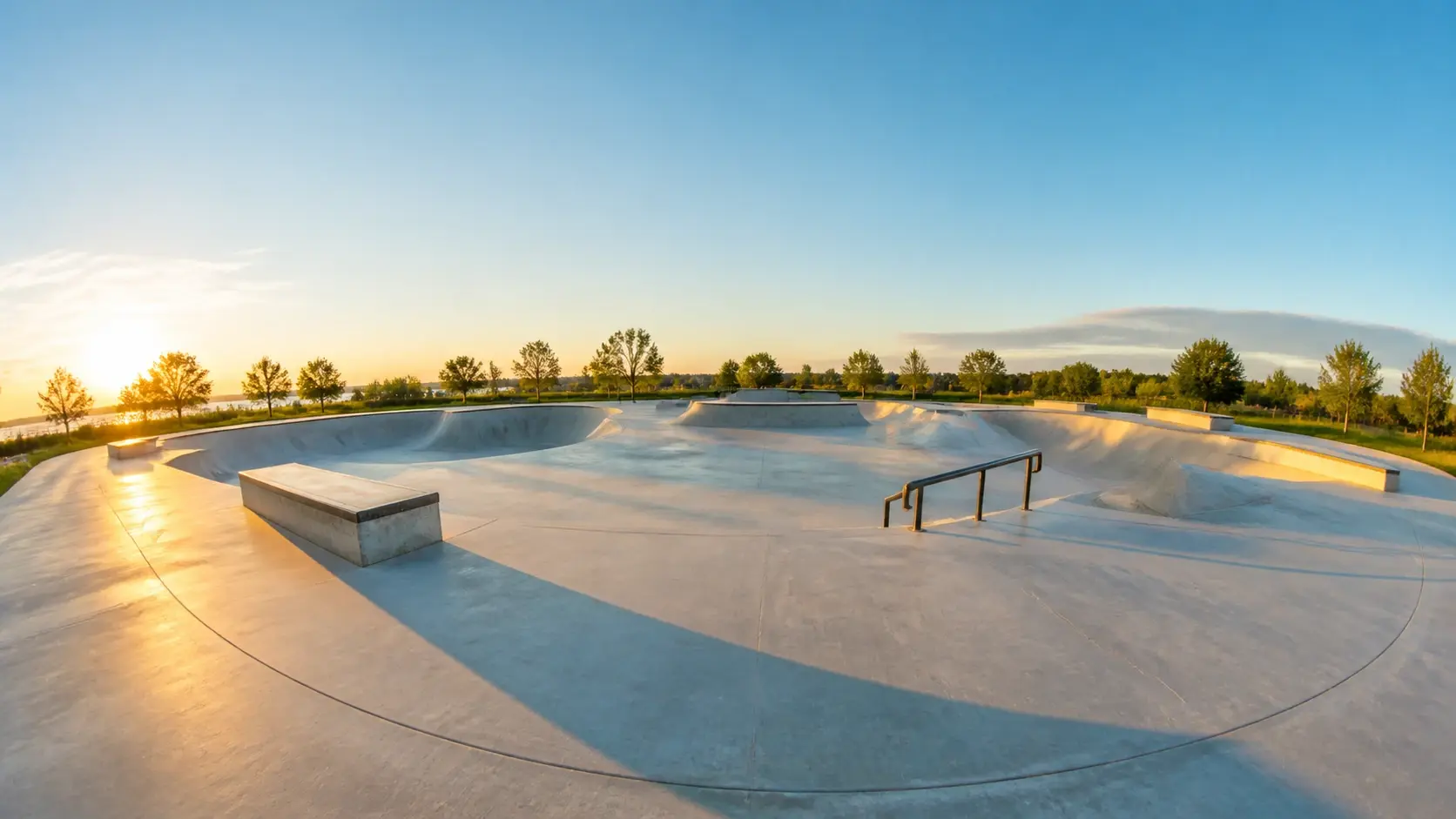
An empty skate plaza at golden hour with the ground swelling and the horizon curving at both edges

Try the Fisheye Filter Now

Bring one photo, choose the bent look, and see your first VideoAI result in seconds.

Get Started
Fisheye Filter - Turn Photo Into Fisheye - VideoAI