
Step 01
Describe the Identity and Use
State who or what the flag represents and where it will appear. Mention the preferred color palette, main symbol, structure, and style, but keep the prompt focused enough for one design to have a clear center.

Use this Flag Generator or AI flag generator to turn a written idea into an original flag, sigil, coat of arms, or faction symbol. Describe the colors, divisions, central shape, and mood, then compare several directions that stay readable at thumbnail size. Refine the strongest result for a story, game, event, club, or design concept before downloading the final image.
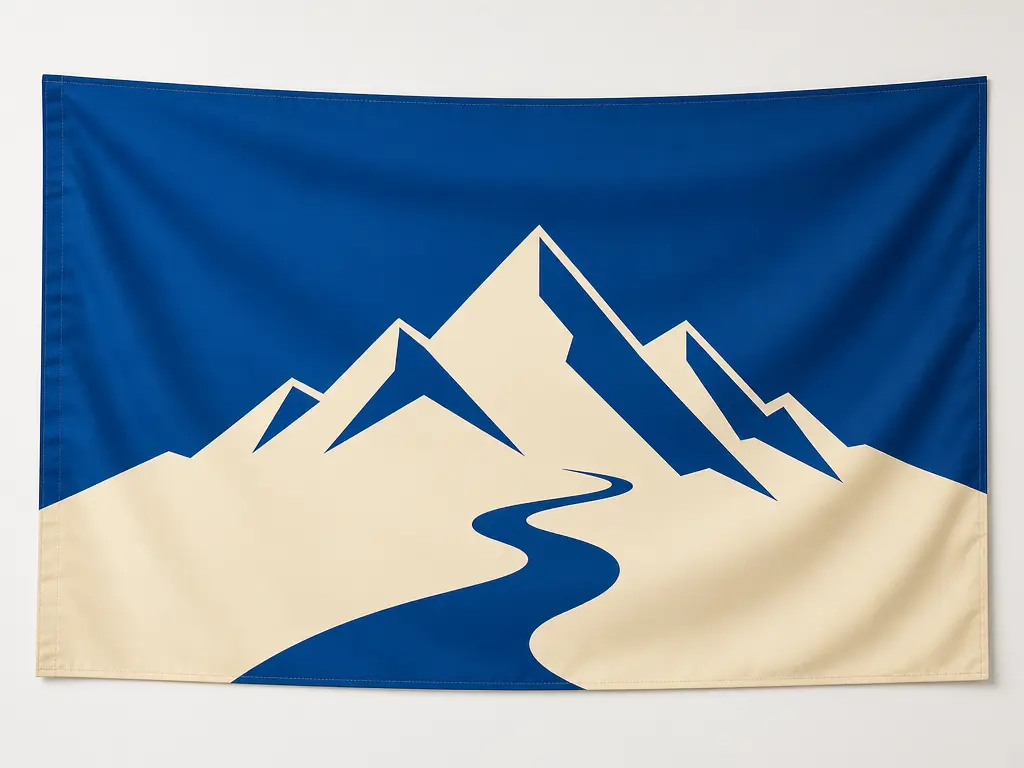
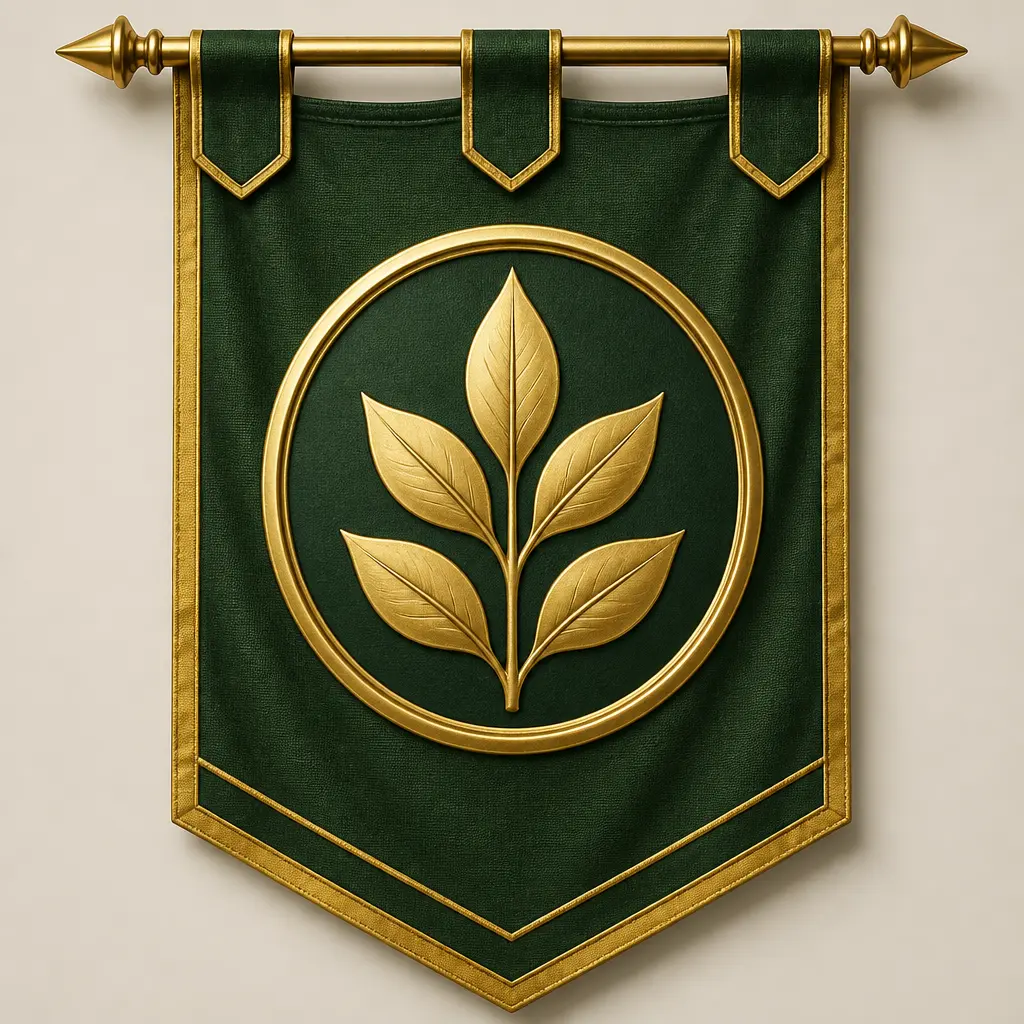

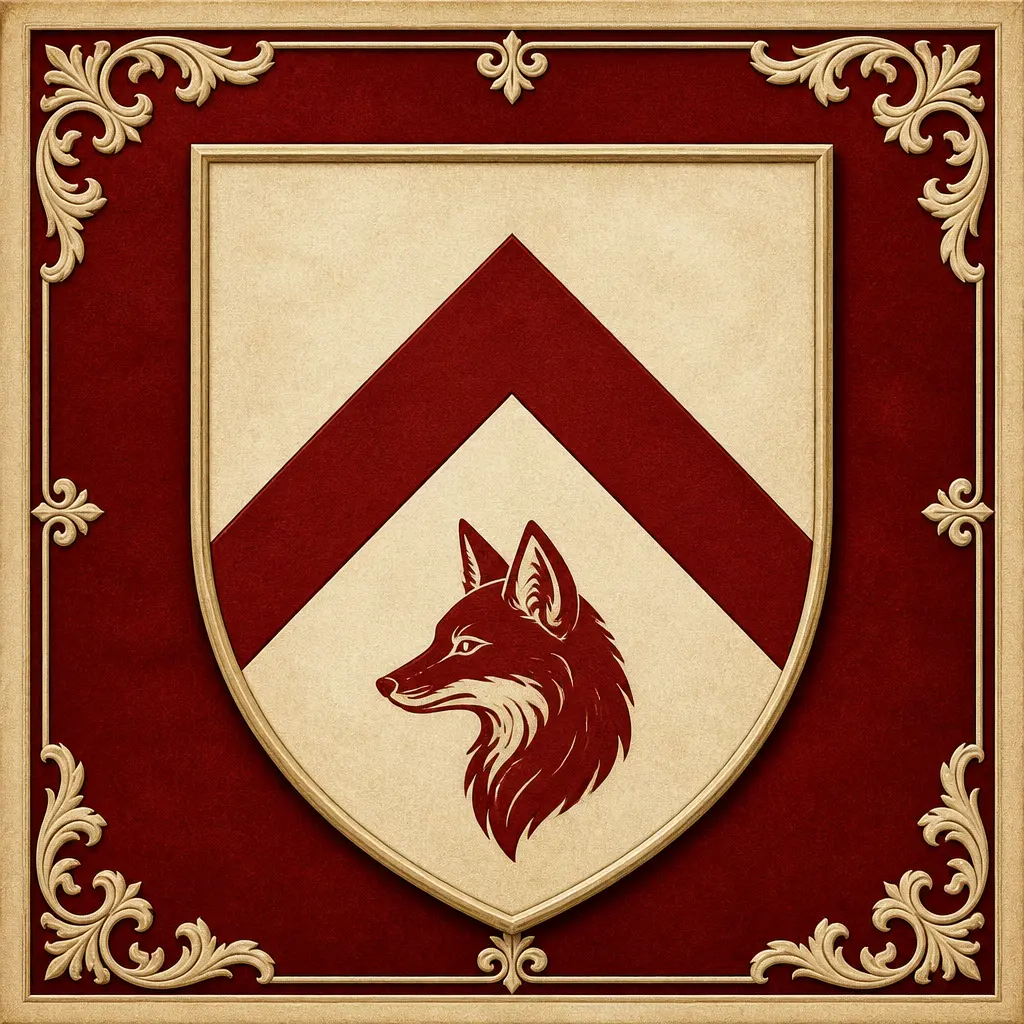
The Flag Generator helps you describe the symbolism first, then test whether the design still reads when it becomes small.
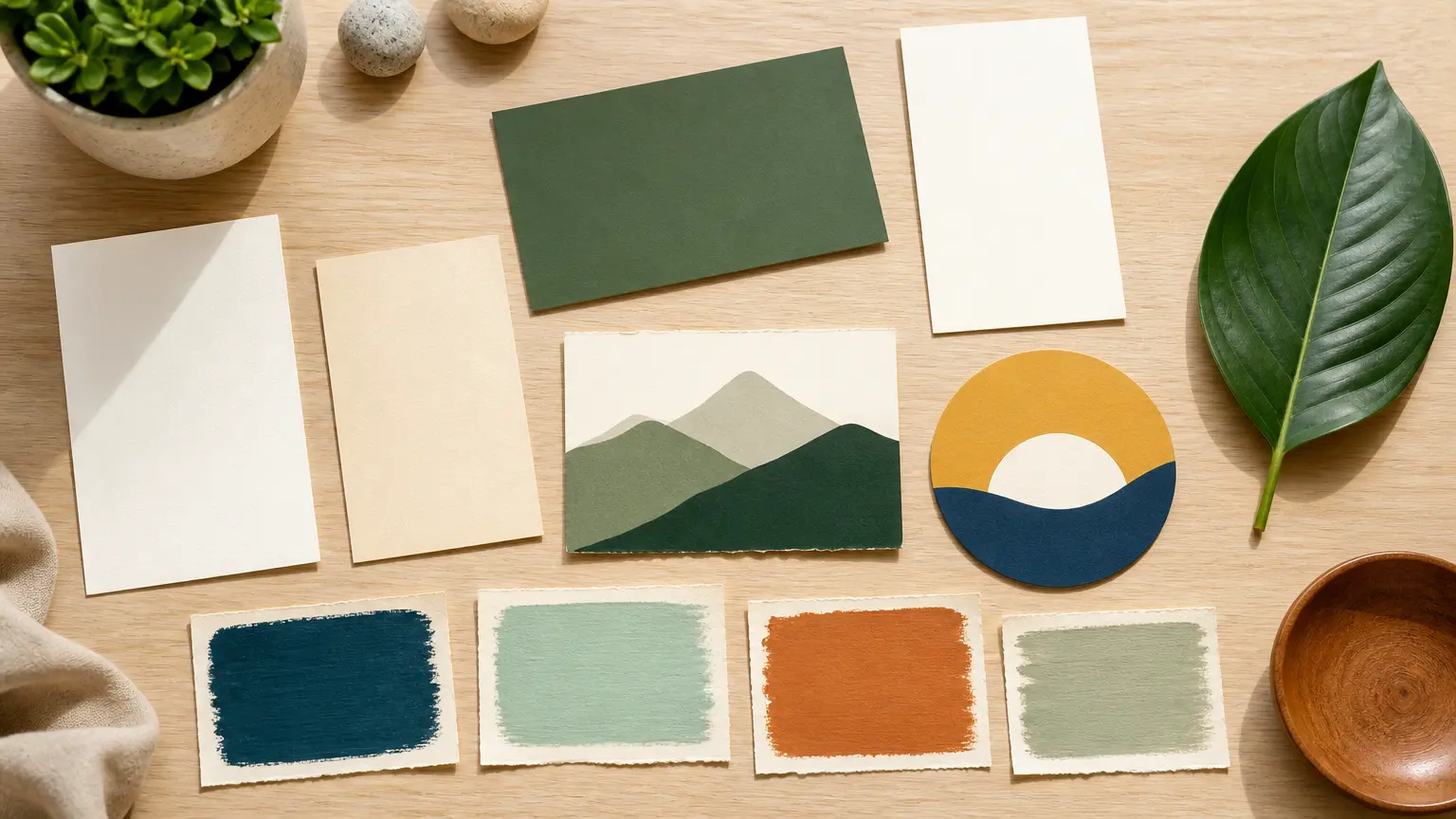
Start with the meaning you want the flag to carry. Name the place, faction, event, community, or family idea, then explain which qualities should feel central, such as unity, exploration, protection, craft, or renewal. Use simple visual metaphors that can survive a small image. The Flag Generator works best when the prompt focuses on a few strong ideas instead of a long list of unrelated symbols. That gives the design a clear hierarchy and makes later revisions easier to judge.
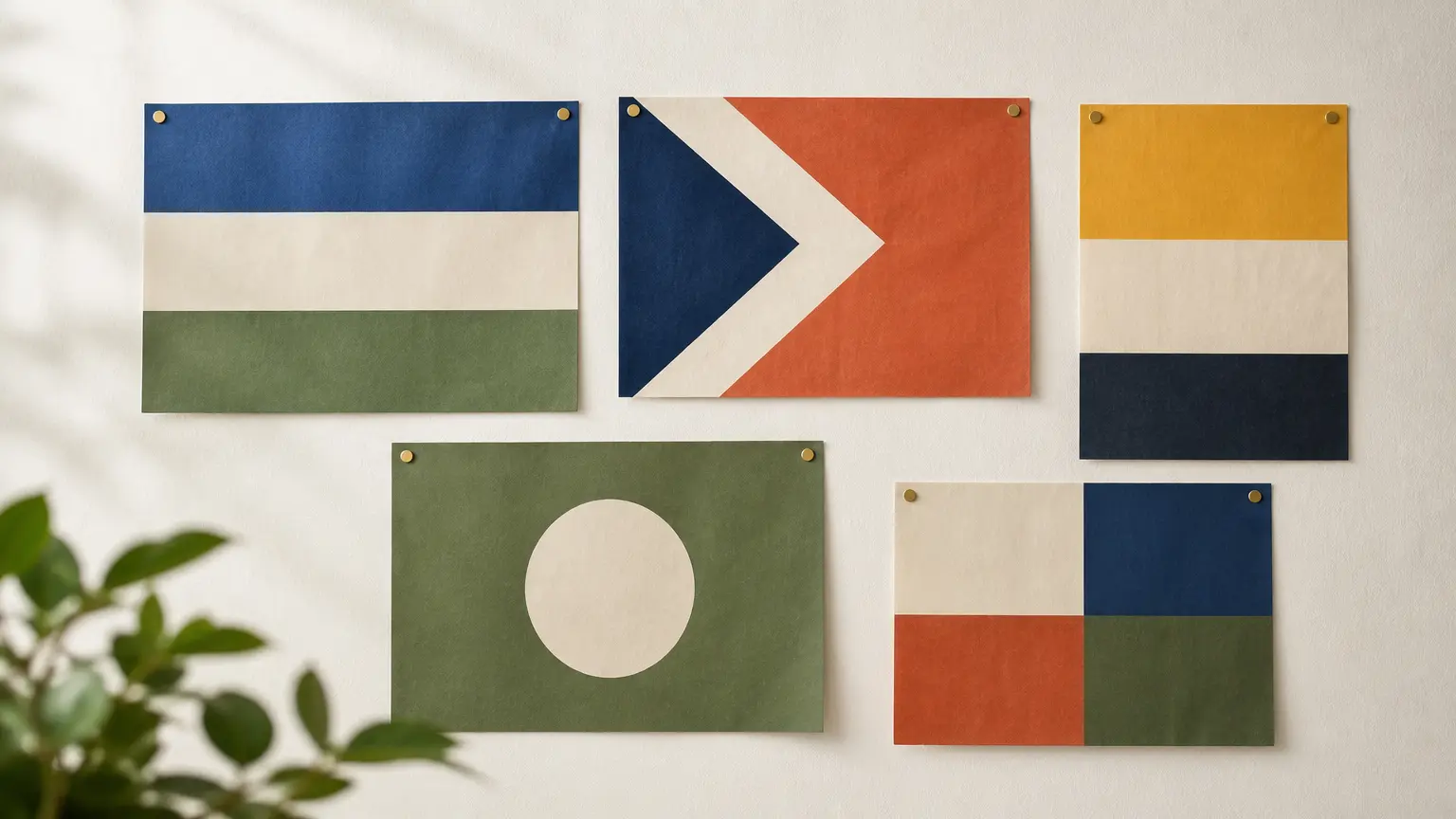
Tell the Flag Generator which colors should dominate, which divisions or stripes to use, and where the main symbol belongs. High contrast helps a design remain visible on fabric, screens, stickers, and small avatars. Avoid placing many similar colors next to one another because they merge at a distance. Review the composition as a silhouette first, then inspect fine details. If the flag feels crowded, remove a symbol or simplify the field before adding more decoration.
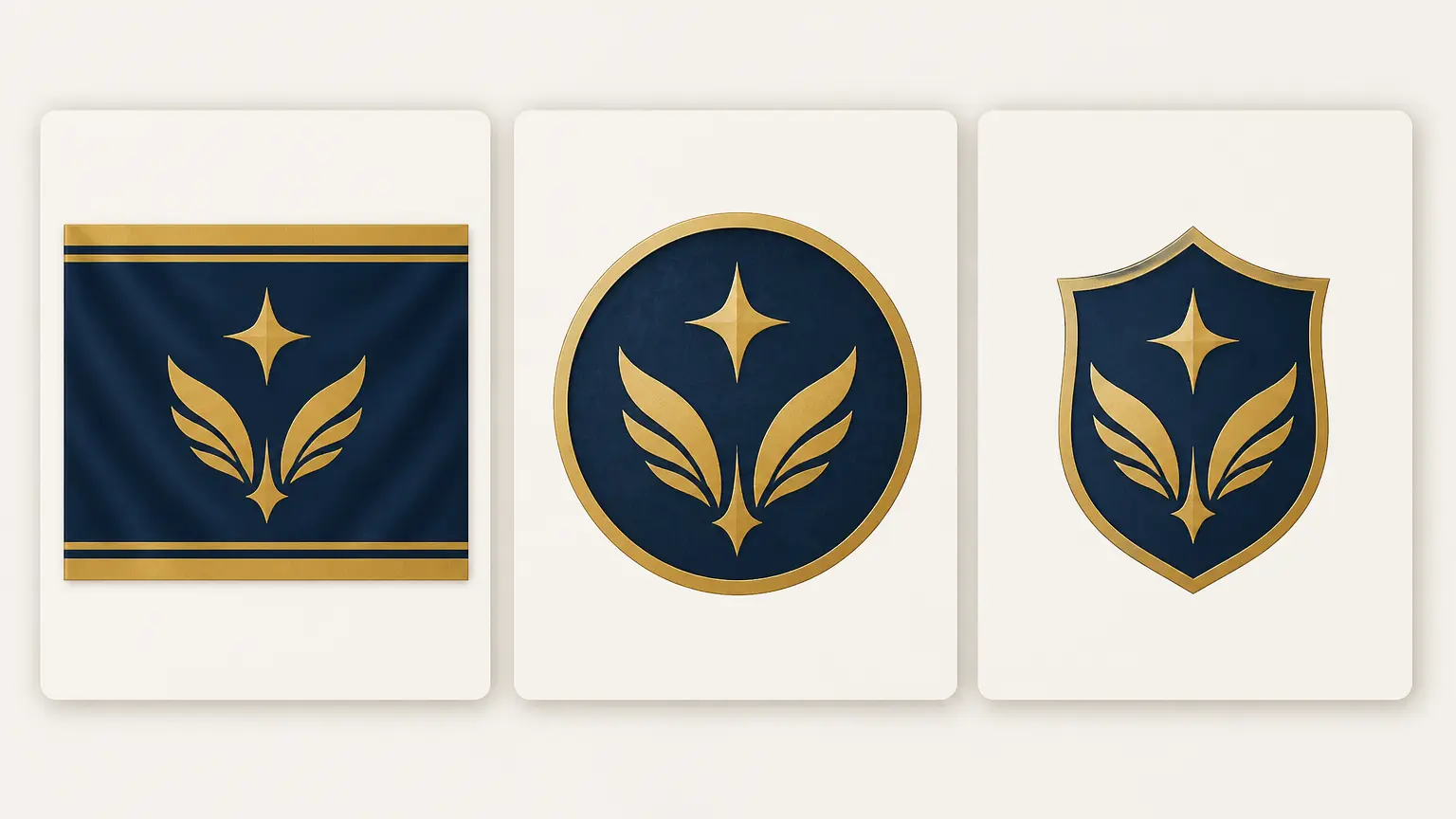
Not every identity mark needs the same rectangular format. A faction may need a cloth flag, a fantasy order may need a rounded sigil, and a family idea may need a heraldic emblem. Ask the Flag Generator for the structure that fits the use and keep the central symbol consistent across versions. This lets you compare a practical banner with a more decorative symbol while preserving the meaning and color system behind the original concept, including a sigil generator direction when a flag is not the right final shape.
Write the identity brief, generate a visual direction, and refine for clarity before you download.
Step 01
State who or what the flag represents and where it will appear. Mention the preferred color palette, main symbol, structure, and style, but keep the prompt focused enough for one design to have a clear center.
Step 02
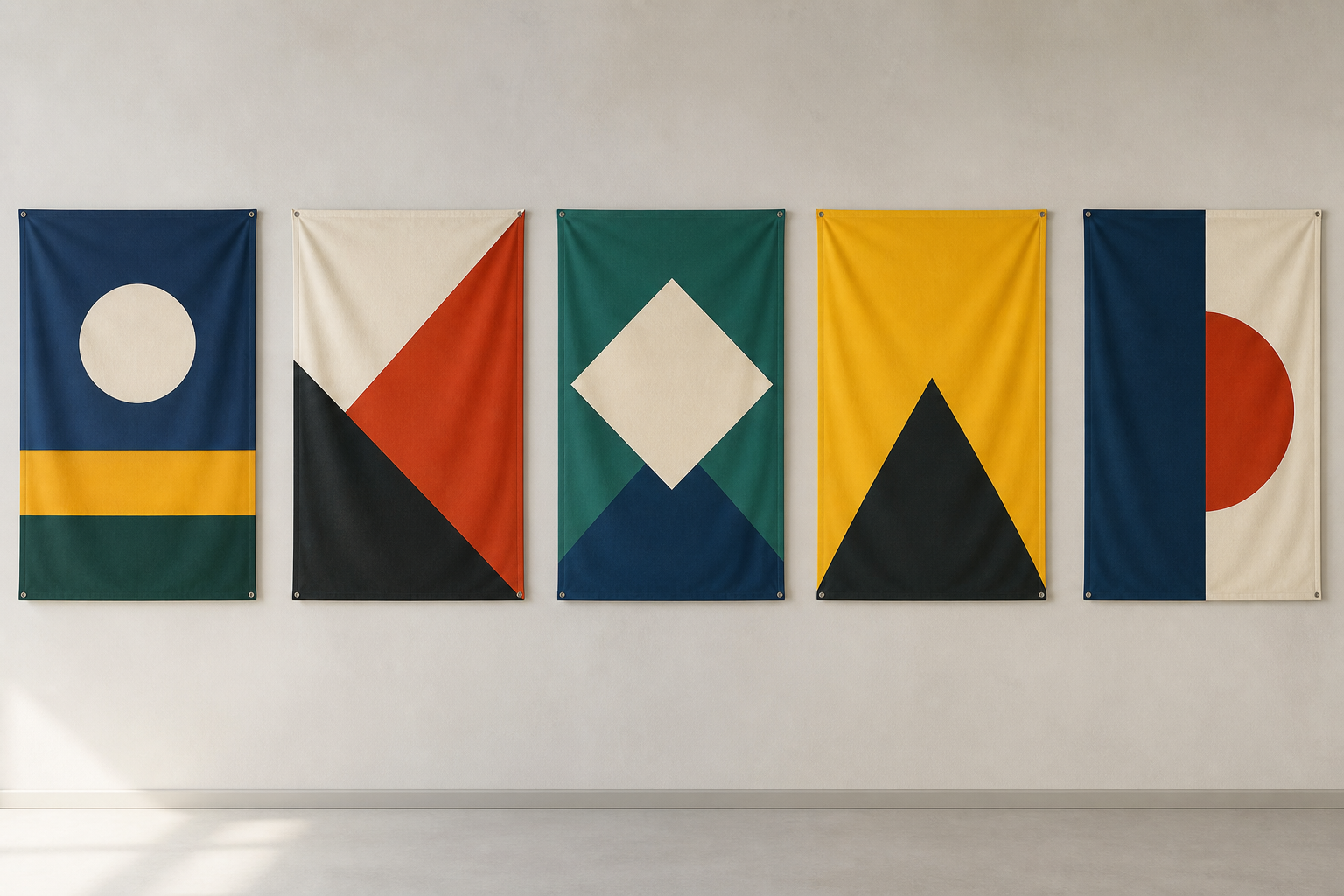
Let the Flag Generator produce multiple interpretations of the same idea. Compare field divisions, symbol scale, contrast, and overall mood before choosing a favorite. Strong concepts should still be understandable when viewed as a small thumbnail.
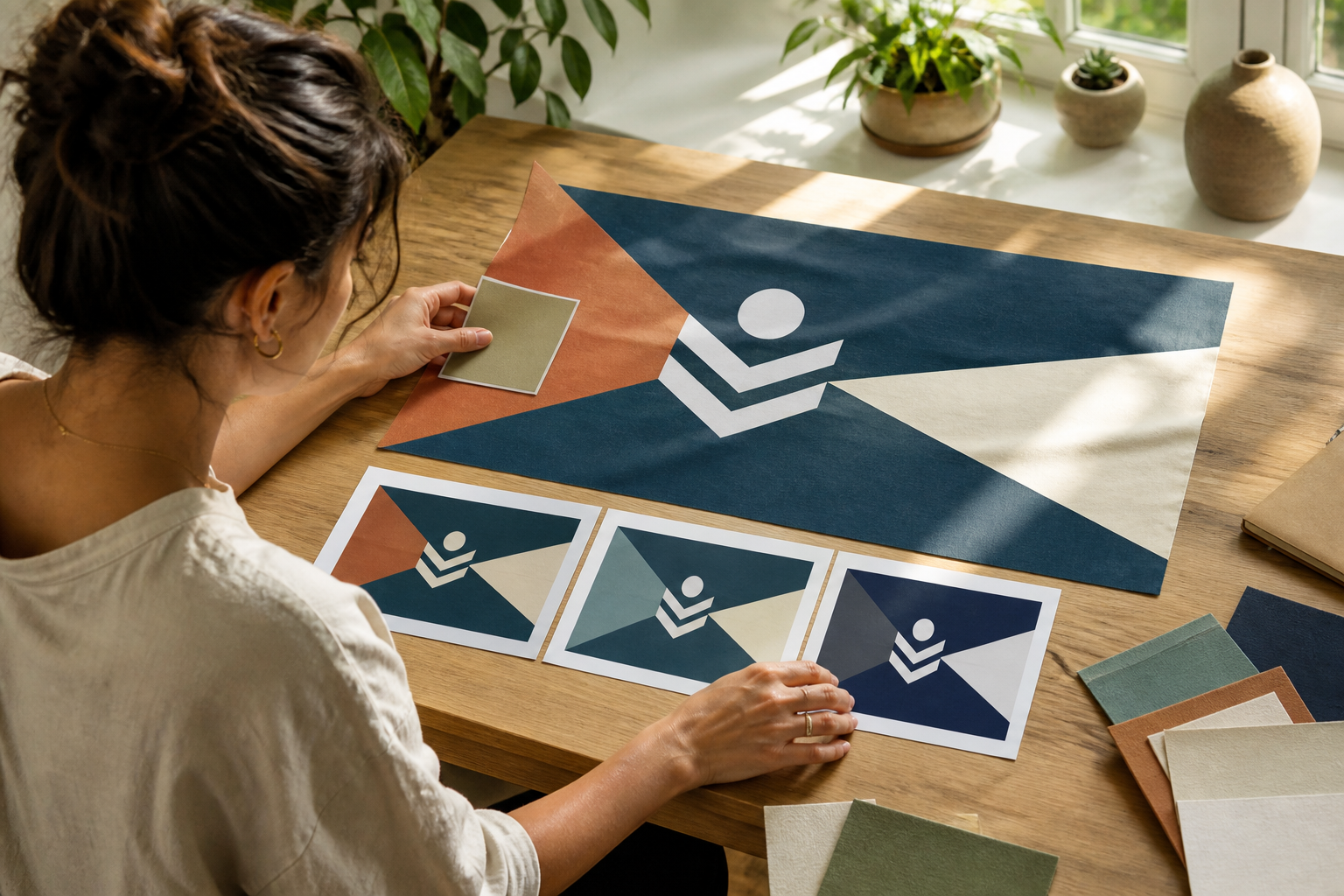
Step 03
Adjust the winning direction by simplifying shapes, increasing contrast, or moving the main symbol. Check that the result is original and appropriate for the intended context, then download the image for presentation or further design work.
Use the tool for original concepts and visual exploration, not as a source of official national or protected symbols.
Give a worldbuilding project a believable identity system. Describe geography, values, history, and visual traditions so the Flag Generator can act as a country flag generator for a fictional place, creating a symbol that feels connected to the setting rather than decorative at random.
Create banners for guilds, teams, kingdoms, or rival groups. Keep the main shape distinct and reuse the palette across several flags so players can recognize each faction quickly at a glance.
Develop a non-official concept for a club, festival, meetup, or internal event. Start with the shared idea and venue, then test colors and symbols that remain readable on signs, badges, and small profile images.
Turn a family story, personal motto, or fantasy role into an emblem without copying an existing coat of arms. Describe meaningful colors and one or two strong symbols, then simplify until the personal reference remains clear.
Use the Flag Generator as a fast concept partner for a creative exercise. Give it a new theme, palette, or constraint each round, then compare which results work as flags instead of ordinary logos or illustrations.
Writers can explore national colors, guild symbols, and faction structures before commissioning final art. Keep the prompts tied to the story and avoid using protected real-world emblems as a direct model.

Teams can produce several flag directions, compare them at screen and thumbnail sizes, and choose a concept before spending time on production. Keep one palette and symbol family when a set of teams needs to feel related.
Use the Flag Generator for high-level heraldic exploration, then simplify the strongest idea yourself. Check that the result is original, avoid claiming formal recognition, and add precise details only after consulting the relevant tradition.
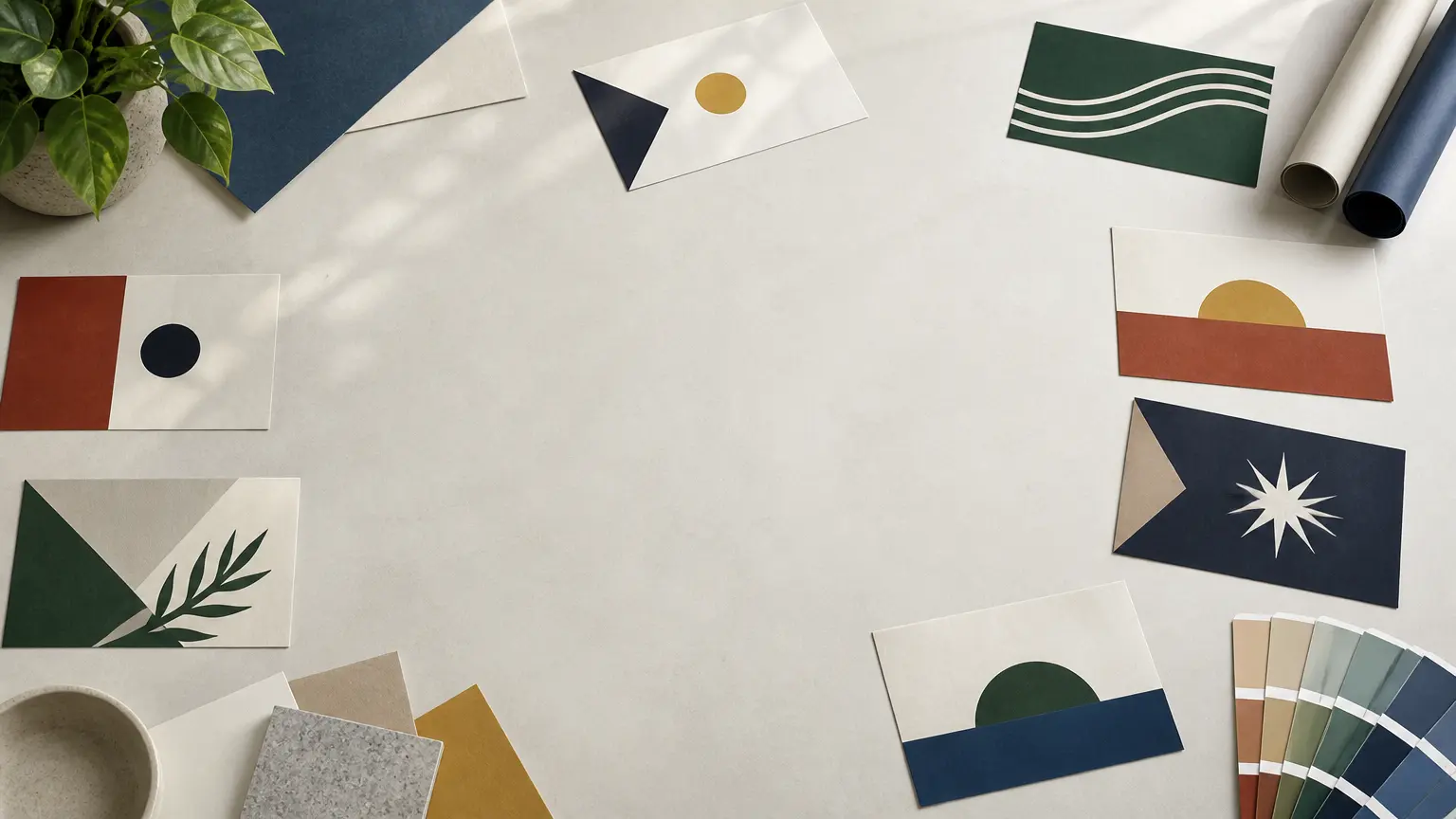
Describe the meaning, colors, and symbol, then use the Flag Generator to explore original directions for your world, team, or event.
Get Started