

Step 01
Start with your reference mix
Write the funny video idea, then add images, clips, or audio references when they help define the face, scene, voice, or opening frame.

VideoAI comedy video creation
Turn a joke idea, reaction image, or character setup into a short video where you decide the timing, sound, and final adjustment notes.

VideoAI keeps the creative decision in your hands from the first idea to the MP4 export.
Step 01
Write the funny video idea, then add images, clips, or audio references when they help define the face, scene, voice, or opening frame.
Step 02
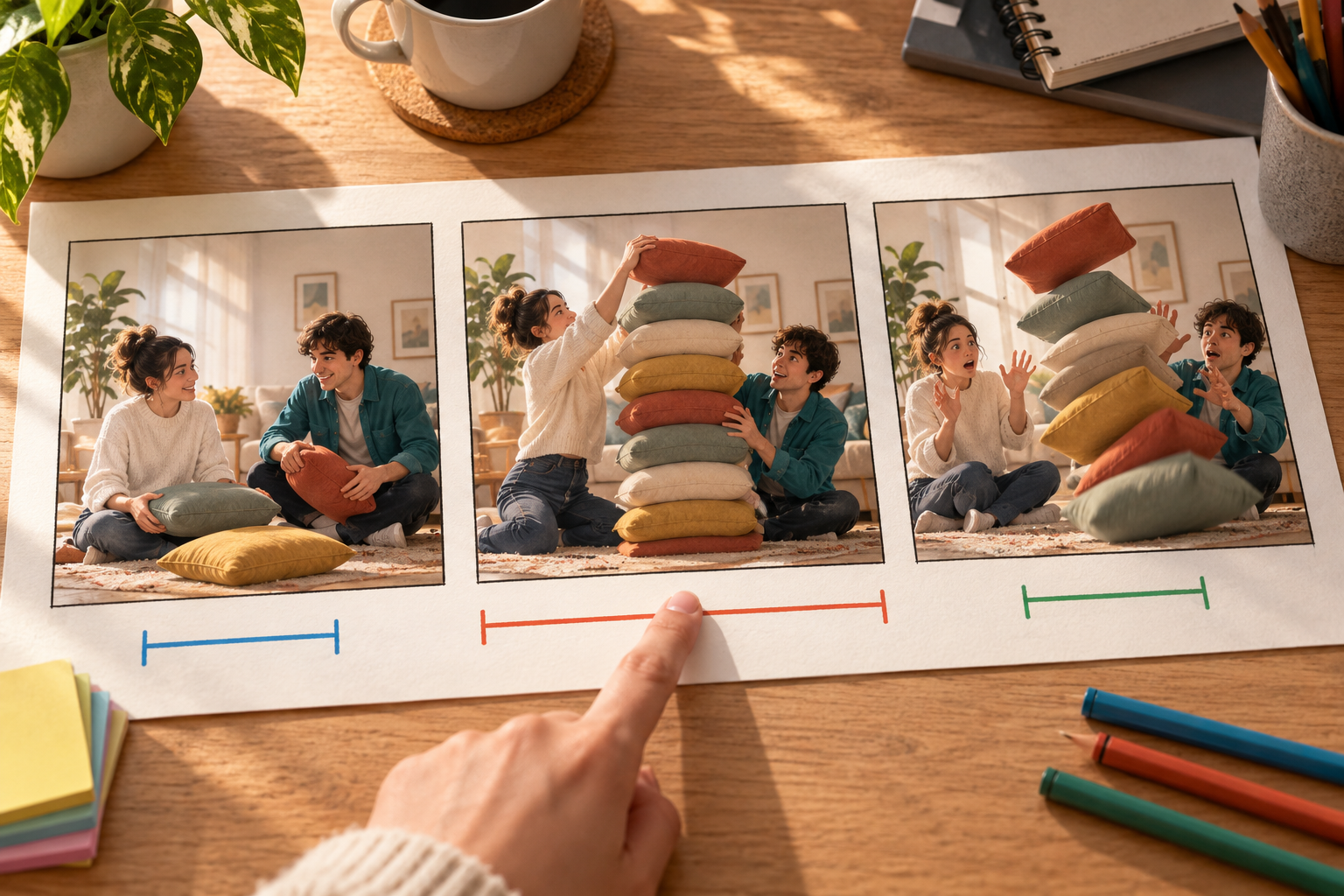
Use time ranges to describe the setup, action, reaction, and ending. Add @ references for subjects, scenes, camera movement, or sound direction.

Step 03
Choose the aspect ratio, style, voiceover, music, sound effects, or lip sync path, then preview and tell VideoAI what to adjust next.
Use the same workflow for social clips, client drafts, explainers, and short reaction formats.
A single expression can become a short reaction scene. Add the image, describe the movement and sound, then shape the moment as a video meme maker online workflow.
When the joke depends on a setup and a reply, write each beat in order. VideoAI helps keep the subject, scene, and style consistent across shots.
For vertical, square, or feed placements, define the visual punchline before generating. The funny video maker turns that direction into a short MP4 draft.
Use a product reference, original character, or everyday situation to make a humorous version for campaigns without adding production overhead.

Creators can bring a joke, reaction image, or recurring character into VideoAI and guide each beat instead of rebuilding every version from scratch.
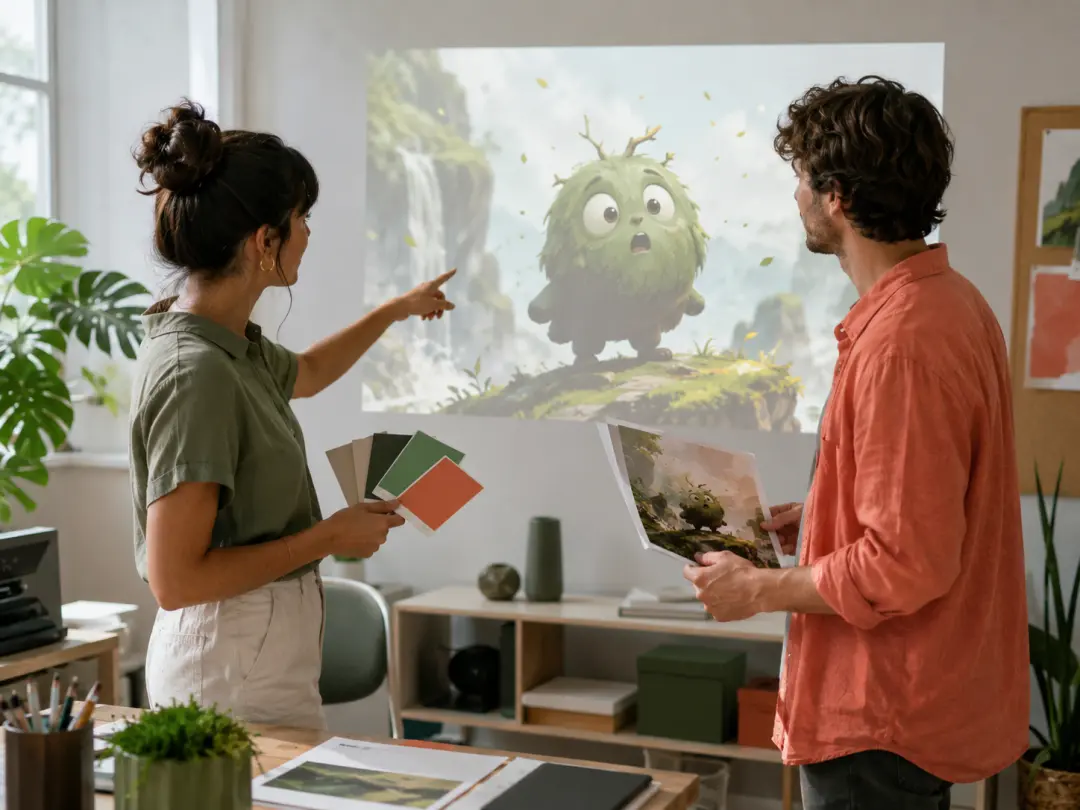
Teams can test social video concepts with brand references, selected styles, and clear sound direction before choosing the strongest draft.

Educators and presenters can open a lesson or demo with a short exaggerated scene, then refine the action and rhythm by text.
Each VideoAI feature is built around a visible choice the creator makes before generation.
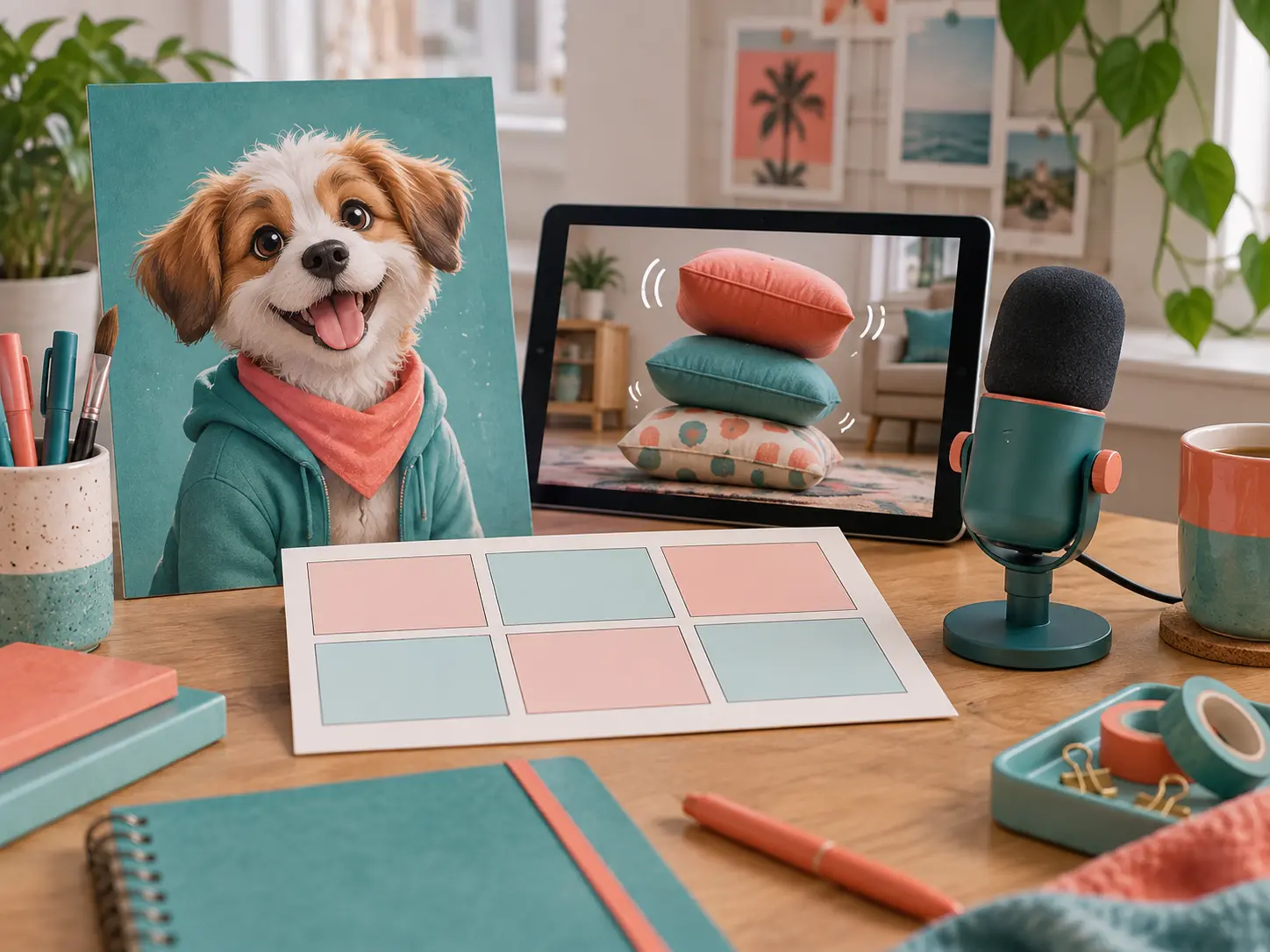
Combine a written idea with reference media so the ai meme video maker has the subject, scene, voice, or sound cue you intend.

Write what happens in each time range, from setup to reaction. That structure tells the funny video maker where the joke should land.
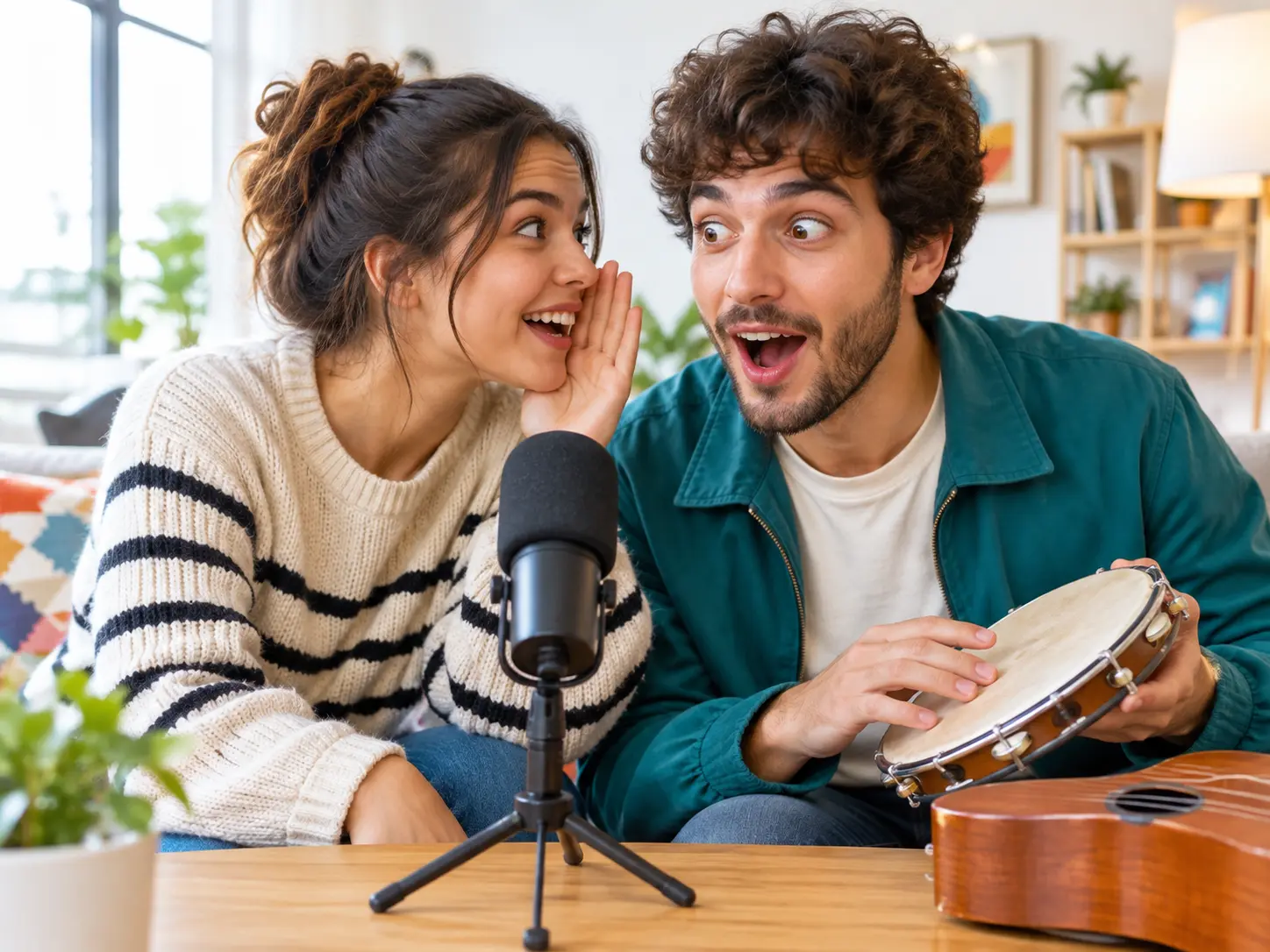
Add voiceover, reference audio, background music, sound effects, or photo lip sync when sound is part of the joke.

Download MP4 video up to 4K in 16:9, 9:16, 1:1, or 4:5. Single generations can run up to 30 seconds and continue from there.

Open VideoAI, add the idea or reference media, then guide the scene timing, sound, and revisions in your own words.
Get Started