

Step 01
Provide the source idea
Enter text, a script, or confirmed reference material, then describe the opening, visual direction, and project goal in enough detail for the first generation.

For cinematic video projects
Turn text, scripts, or reference material into a cinematic opening while you choose the visual direction, aspect ratio, and workflow settings.

Each choice links the source idea to the opening you review and refine.

A defined idea gives the opening a clear starting point. VideoAI uses your text or script to guide the generated video toward the subject and project goal you provide.

Reference material gives the project a concrete visual starting point. Add it with your text or script, then shape the generated result around the direction you want to review.

The selected aspect ratio determines how the opening is arranged within its frame. Choose it with the visual direction before generation so the result serves the intended project use.

After VideoAI generates the video, inspect the result against your project goal, adjust the direction or workflow settings when needed, and export the version you choose. This review flow is central to the movie intro maker tool.
Move from a defined idea to a reviewed opening in three practical steps.
Step 01
Enter text, a script, or confirmed reference material, then describe the opening, visual direction, and project goal in enough detail for the first generation.
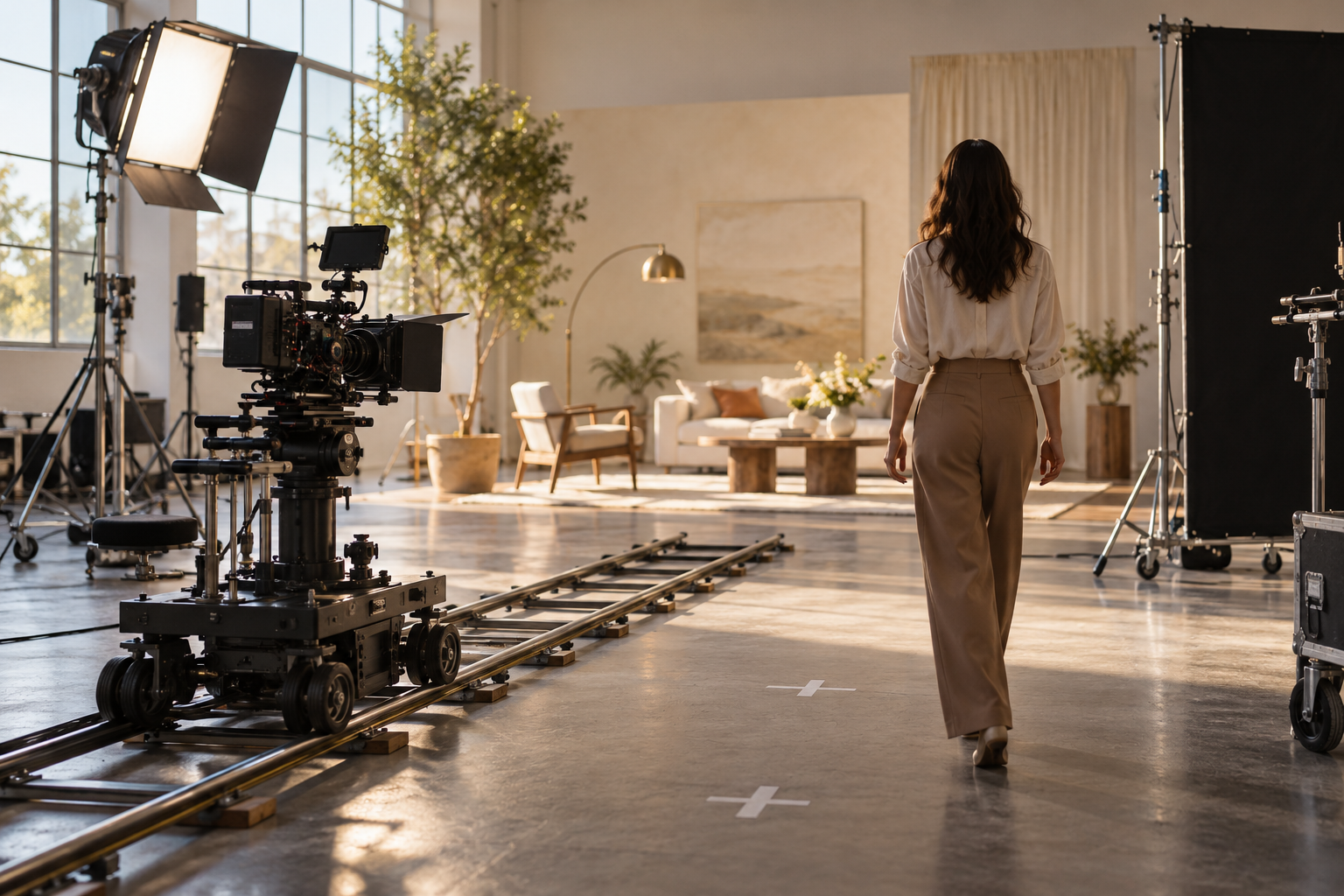
Step 02
Select the visual direction, aspect ratio, and workflow settings that fit the intended video. These choices give you a clear basis for judging the generated opening.

Step 03
Generate the video, inspect the opening, and continue adjusting the direction or settings when another pass better fits the project goal. Export the version you choose.
Begin with the moment your audience should see first, then guide the result around the project goal.
A new film project needs an opening that establishes its visual direction before the story begins. Give VideoAI text, a script, or reference material, choose the aspect ratio and workflow settings, and review the generated result as the first scene.
A campaign team comparing movie intro maker templates needs a way to shape its own visual start. Provide the campaign text or script to VideoAI, set the visual direction and aspect ratio, and choose the opening that fits the message.
An explainer video must introduce its subject before the details arrive. Organize the key idea in text or a script, select the workflow settings, and review a focused opening that leads into the explanation.
A client presentation calls for an opening aligned with an agreed creative direction. Use the movie intro maker tool with text or reference material, inspect the generated video, and refine the choices before export.

Content creators using a movie intro maker online can turn a rough story idea into a defined opening by providing text, a script, or reference material. They choose the visual direction and aspect ratio, then review the result against the intended story.

Small businesses can organize a campaign or explainer around one clear opening goal. VideoAI uses the supplied text, script, or reference material as the starting point, while the team selects the direction and aspect ratio for review.

Video producers can keep a client video tied to its intended creative direction. They provide the available text, script, or reference material, set the workflow choices, and inspect the generated opening before export.

Bring your text, script, or reference material into VideoAI and shape the opening around your project goal.
Get Started