








From Brief To Video

Product Video Creator

Turn a clear creative goal into a usable video while keeping control of the references, scenes, style, and revisions.

Product video creator workspace with storyboard scenes, product images, and video preview

Product Video Creator For Real Work

Choose the starting point that matches the video decision in front of you, from a quick demo to a complete brand explanation.

App Demo Video Maker

An app launch needs a clear path through the interface. Add screenshots, screen recordings, or a written script, then guide each scene with timing and movement details. The result is an app demo video maker workflow that keeps the product visible and the message easy to follow.

Product Launch Walkthrough

A new product deserves more than a static announcement. Describe the launch story, add product images or footage, and shape the sequence around the detail viewers need to see. Pick this product video maker approach when the final video must explain value in a focused, visual order.

Social Campaign Cut

A social campaign often starts with a strong idea and several reference assets. Use text, images, video, and audio to set the direction, then revise the scenes until the pacing matches the campaign. This demo video maker path suits creators who need a concise result with a defined visual point of view.

Brand Explanation

A complex offer becomes easier to understand when each idea has its own scene. Start from a template or describe the concept from zero, assign references with @, and build a clear explanation for customers or clients. Choose this product demo video maker workflow when the story matters as much as the visuals.

Product Video Creator For Every Role

Social creator shaping product video scenes with reference images and a preview timeline

Shape Short Form Ideas

Social creators can move from a rough concept to a defined video by combining a written direction with images, clips, or audio references. VideoAI keeps the product video creator workflow focused on scene choices, so each moment supports the intended post.

Brand team reviewing campaign scenes, product references, and a generated video preview

Build Consistent Campaign Stories

Brand content teams can begin with a template or a blank description, choose a visual direction, and arrange scenes by time segment. The product video creator gives the team a practical way to review the output and request text based revisions before delivery.

Independent producer organizing client assets, timed scenes, and a revised video preview

Keep Client Work Moving

Independent producers can collect client references in the workspace, decide what each asset should influence, and shape the final sequence through written changes. VideoAI supports a product video creator process that keeps creative decisions visible from first brief to export.

Product Video Creator With More Control

Decide what goes in, how scenes unfold, and what changes before the final video leaves your workspace.

Product video creator using text, product photos, video clips, and audio references

Use Every Useful Reference

Text, images, video, and audio can all inform the same project. Add the references that define the product, message, or mood, then use @ to assign each asset a purpose. This gives the ai product video maker a clearer creative direction to follow.

VideoAI template selection beside a custom product demo brief and scene preview

Start From A Template

A template gives you a structured starting point when the project already fits a familiar video pattern. You can also describe the result from zero when the idea needs a more specific shape. The product demo video maker keeps both routes open for different creative goals.

Timed storyboard with product scenes, visual directions, and action notes

Direct Each Scene

A product video becomes easier to judge when its scenes have clear timing and action. Describe what should happen in each segment, select the frame and style direction, and keep refining the sequence until the product reads the way you intended.

Generated product demo preview with written revision notes and updated scenes

Preview And Refine

The generated preview shows how your choices work together. When a scene needs a different emphasis, describe the change in text and continue revising. Product video creator lets you stay close to the intended result through review and iteration.

Product Video Creator From Brief To Export

Follow a focused path from source material to a reviewed video you can download and use.

Creator adding a product goal, script, images, video, and audio references to VideoAI

Step 01

Add Your Goal And References

Begin with the purpose, script, or description for the video. Upload images, video, or audio references when they carry important product detail, then keep those materials available in your workspace for the next decisions.

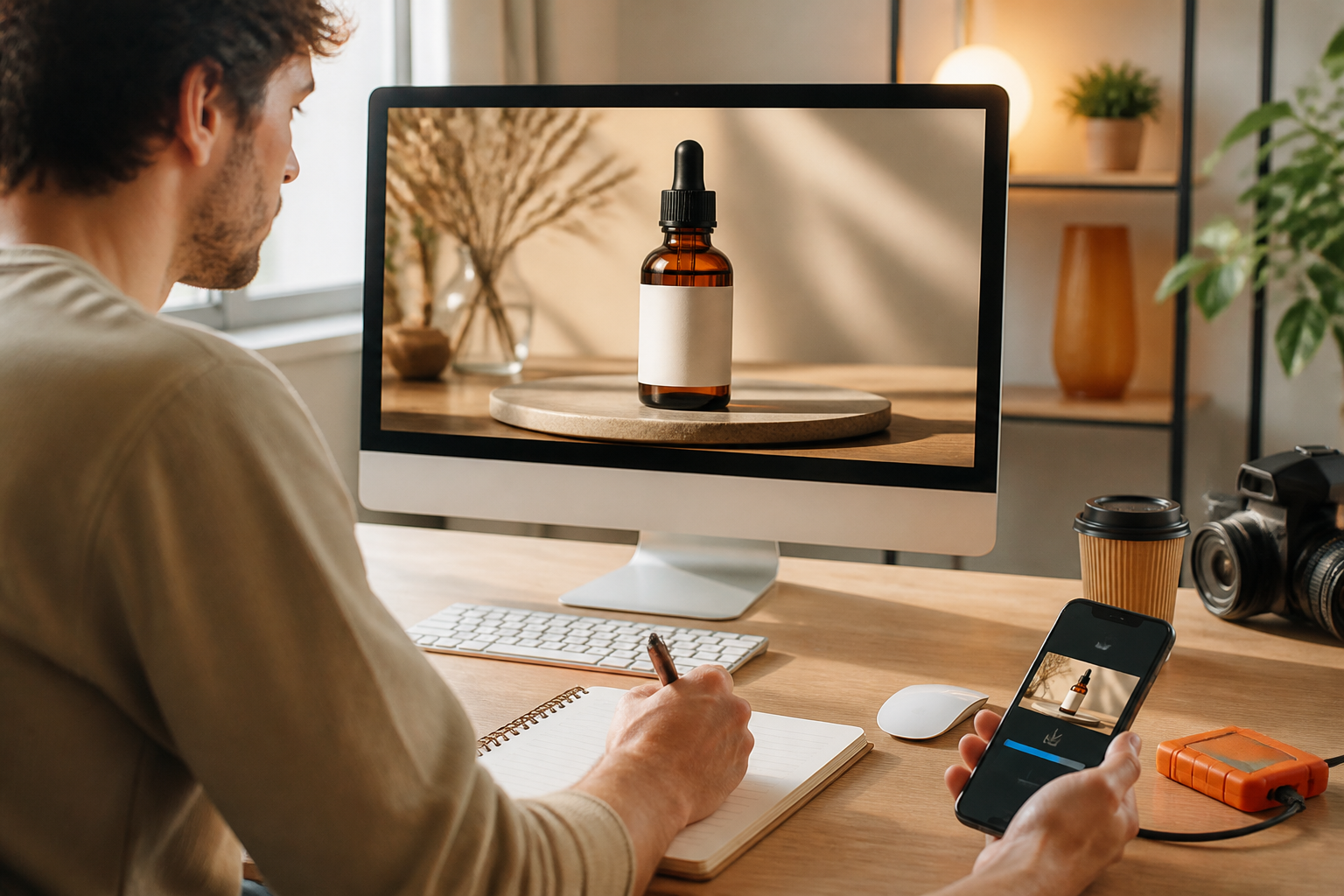
Creator arranging timed product scenes with a selected style, frame, and reference usage

Step 02

Arrange The Visual Direction

Choose the frame, style, or template that fits the project. Describe each scene by time segment, explain the desired action, and use @ to show how specific references should guide the output.

Creator previewing a generated product video, writing revisions, and downloading the result

Step 03

Preview, Revise, And Download

Generate the video and review the preview before delivery. If the result needs a different scene or emphasis, describe the change in text and continue the product video creator workflow until the output is ready to download.

Product Video Creator Questions Answered

A product video creator can begin with a goal or script and use image, video, and audio references to shape the result. These materials are added to the workspace for the project.

Describe the visual action for each time segment, choose the frame and style direction, and use @ to assign a reference its intended purpose. The product video creator follows those choices when generating the sequence.

VideoAI supports a template starting point as well as a description written from zero. That makes the product video creator useful when you have a clear goal but still need to develop the scene plan.

After reviewing the preview, describe the change you want in text and continue refining the result. This keeps the product video creator process connected to your creative judgment.

The product demo video maker workflow supports product explanations, feature walkthroughs, campaign pieces, and client presentations using the references and scene direction you provide.

Batch generation lets you create multiple videos for a campaign while keeping the source materials and finished work available in your workspace for reuse.

Videos generated with VideoAI can be used commercially, making the product video creator suitable for campaign content, product communication, and client work.

The product video maker supports output without a watermark, so the reviewed video is ready for the intended presentation or publication.

You can start with 10 free credits and use them to test the product demo video maker workflow from reference input through preview and download.
Bright creative video scene for Product Video Creator

Turn Your Brief Into Video

Bring your goal, references, and scene decisions into VideoAI, then shape the result through preview and revision.

Get Started
Product Video Creator - Demo Video Maker | VideoAI