
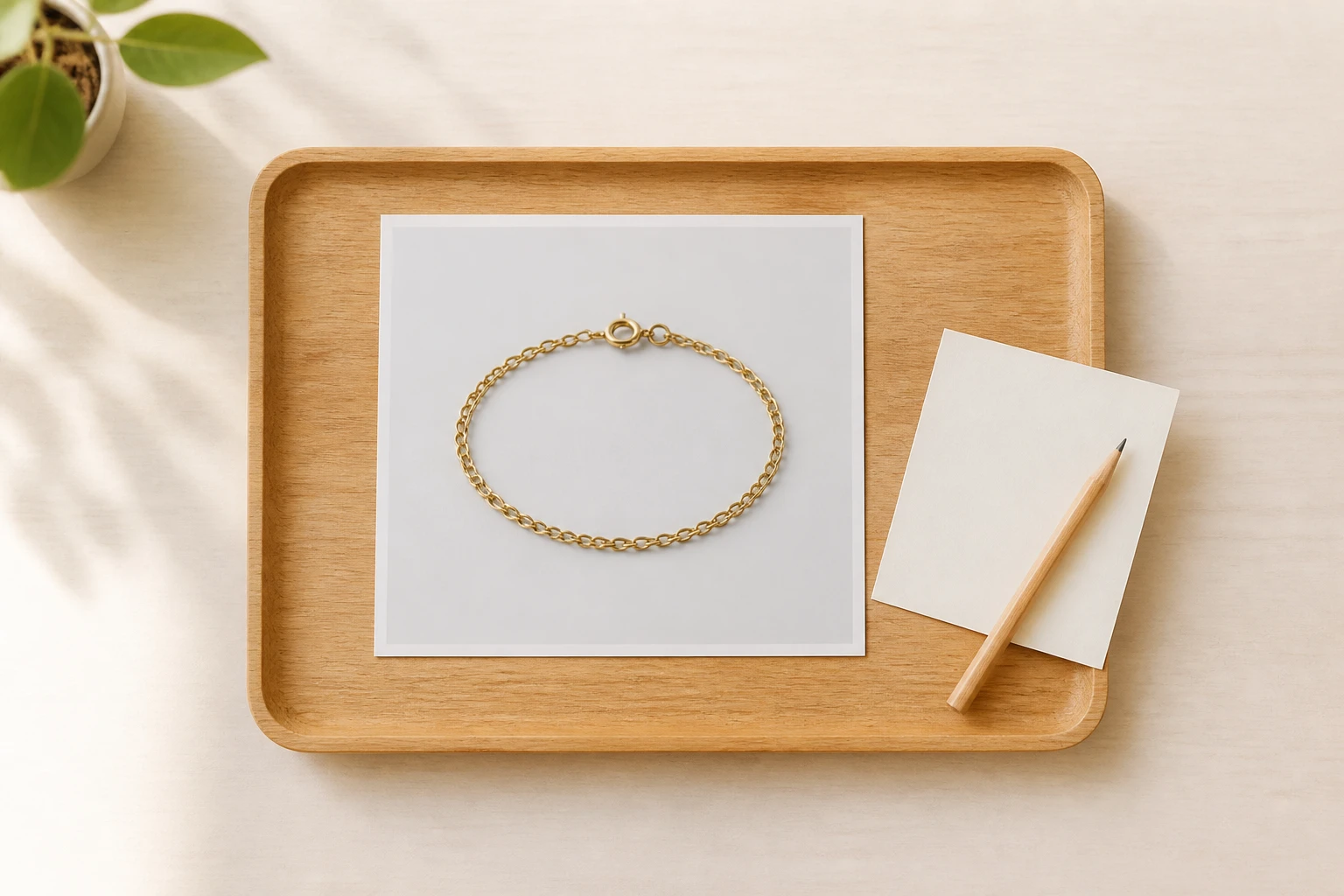
Step 01
Upload or Describe Your Shot
Add a photo in a common image format and it saves to your own workspace for later reuse, or skip the upload and describe the scene in words when you have no photo on hand.

Pick a sparkle style or describe the shimmer you want, and VideoAI adds the sparkle effect along the light already in your photo, with the people and objects left as you shot them.
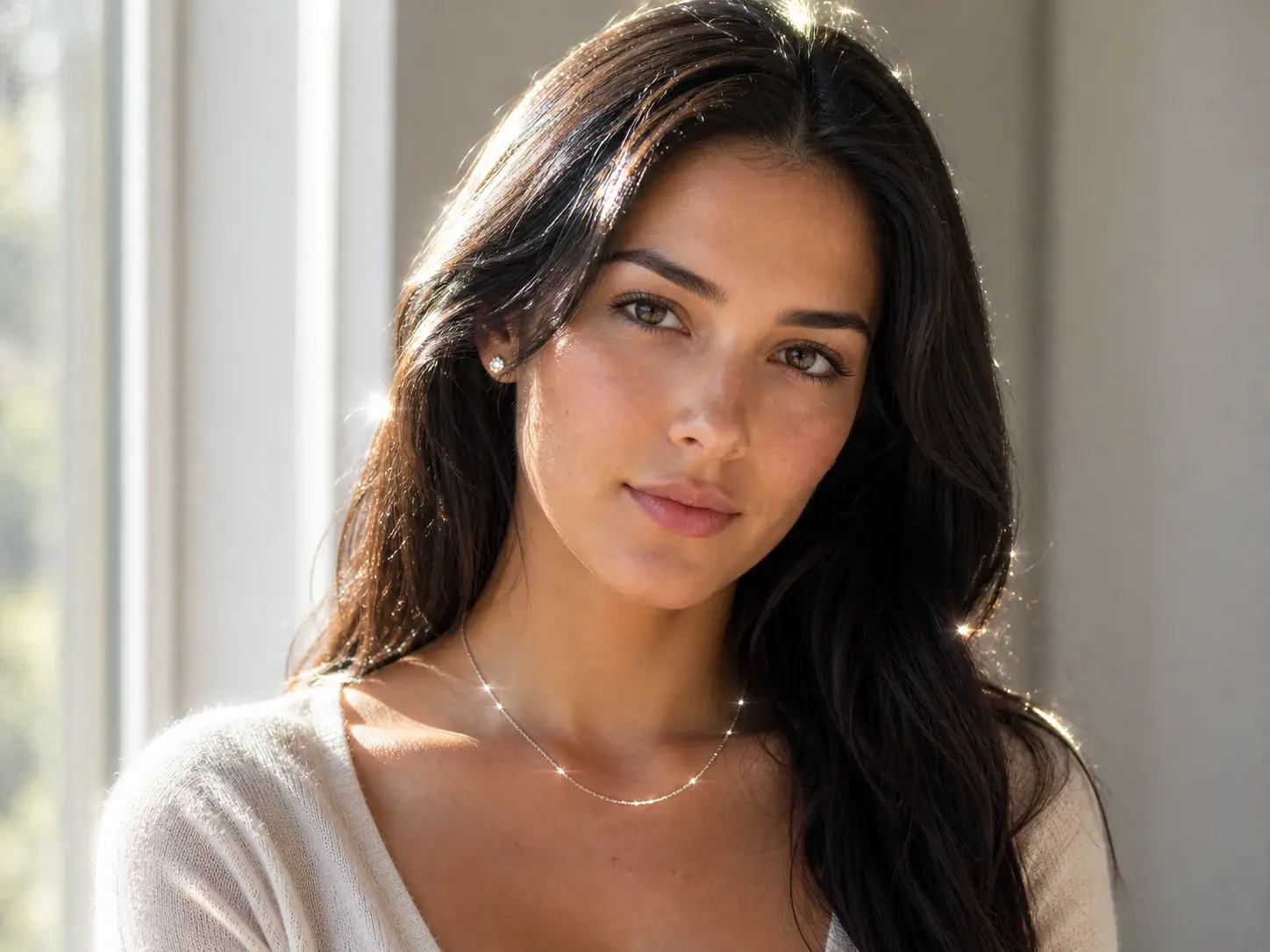

No picture on hand? Try with one of these
Pick a look, keep your photo intact, and let the sparkle effect land where the light already is.
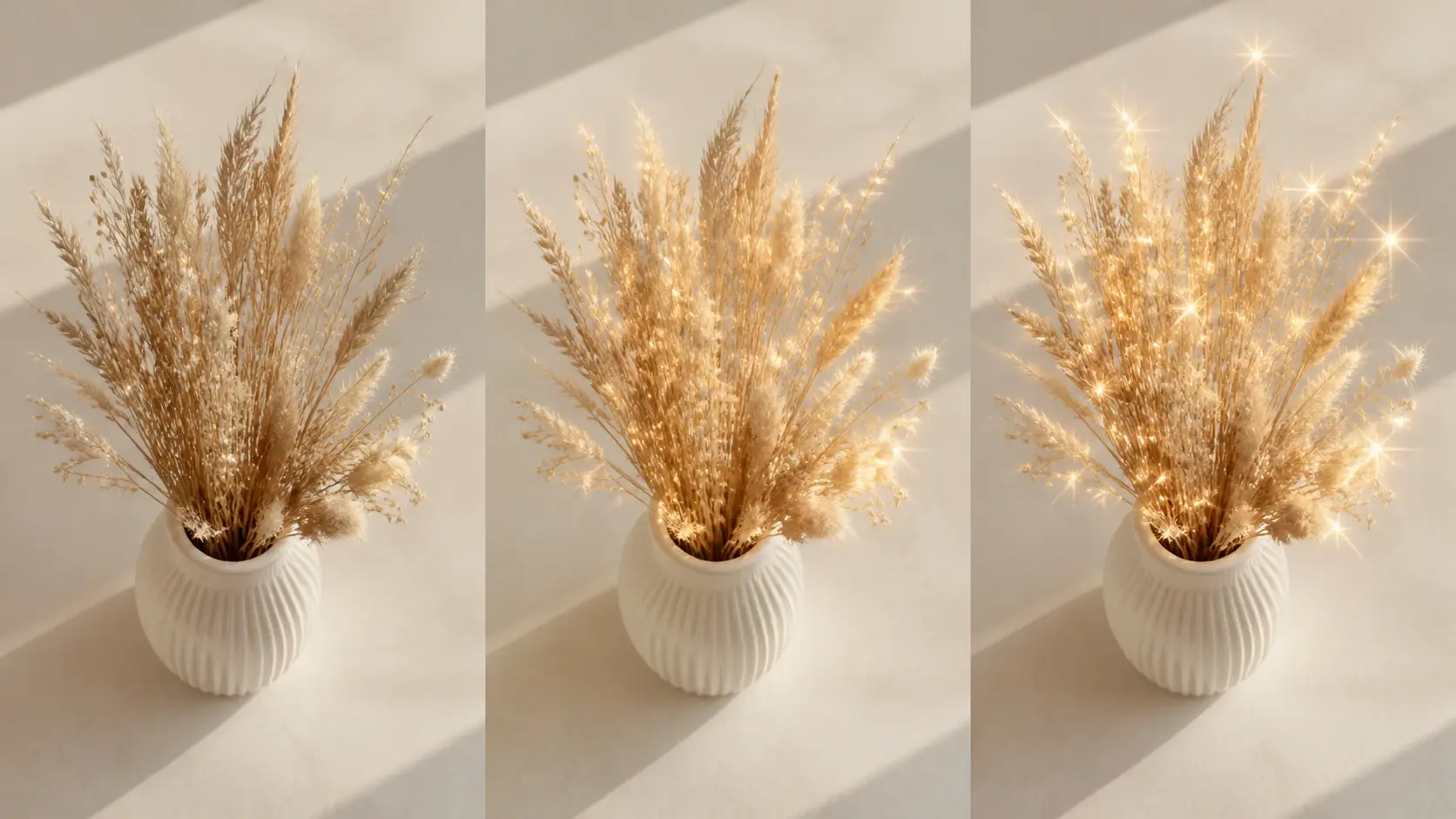
Open the style list, choose your sparkle effect, and generate a photo with light on it right away, without describing the whole style yourself. It works like a sparkle filter you pick in one tap. Each preset is a starting point you can still steer with a short prompt.
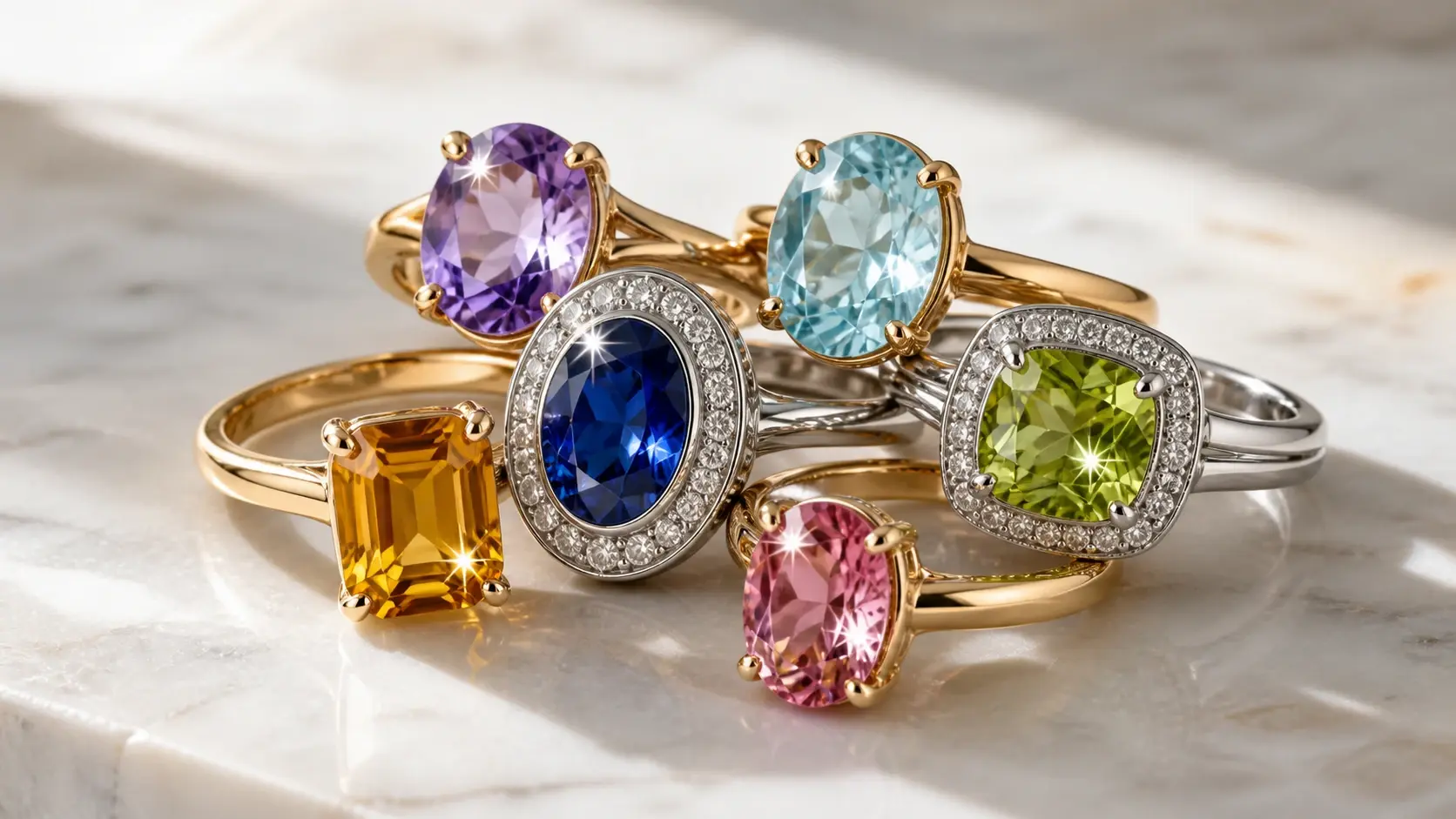
Upload a shot and the sparkle effect lands along the style you picked. This is the quickest way to add sparkles to photo work you already have, and you can add glitter to image files in the usual formats.
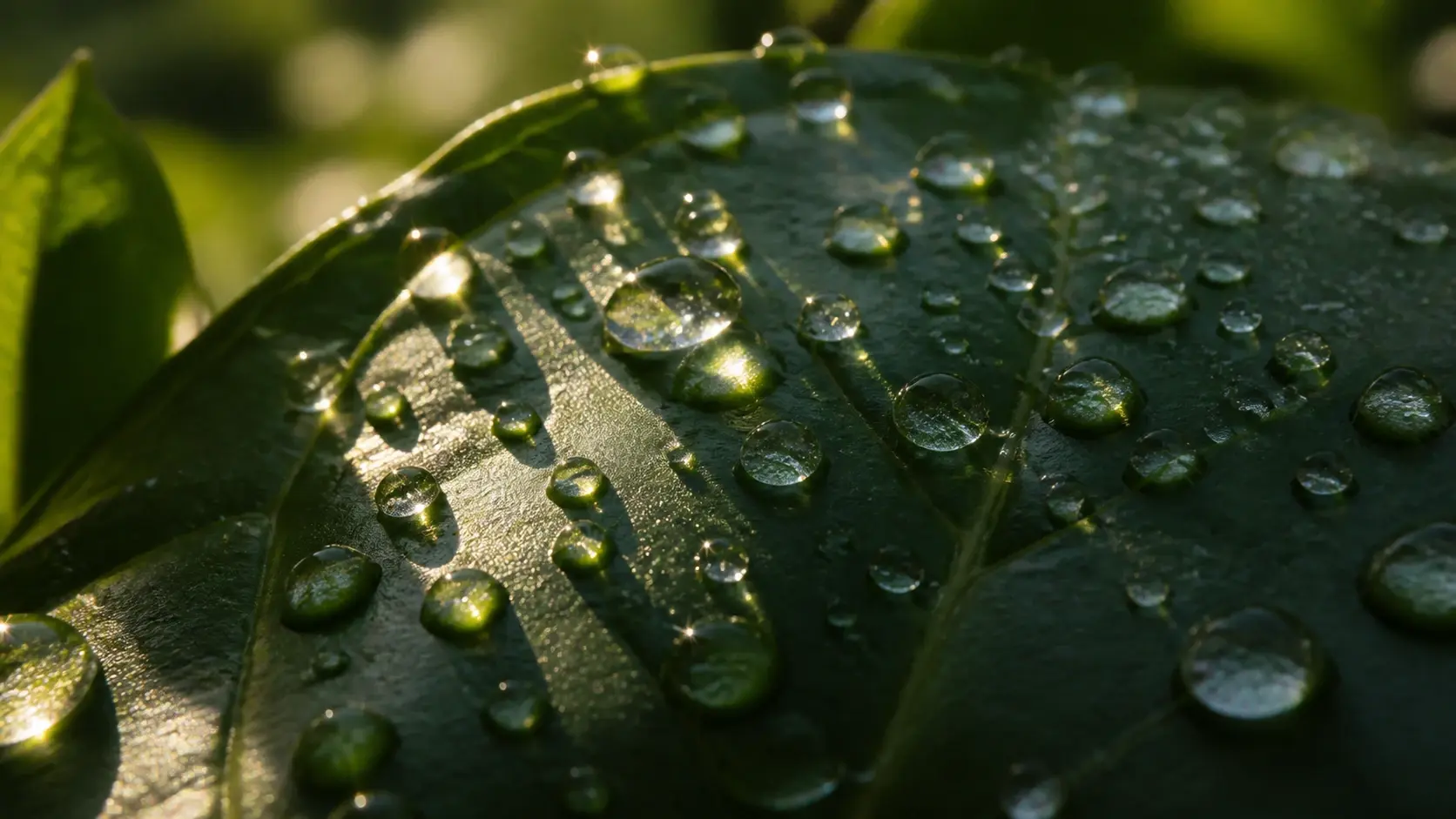
The glow is generated from the light and content already in your shot, so it reads as part of the scene rather than a layer dropped on top. On a bright ring or a wet surface, it lands where the light already falls. That is how the sparkle effect on photos stays believable.

The style choice sets the look for you, so brightness, density, and grain are decided for you instead of by hand. Write a short prompt if you want a specific feel, and a glitter effect comes out balanced without hours of tuning.
Three moves take you from an upload to a finished sparkle effect you can download.
Step 01
Add a photo in a common image format and it saves to your own workspace for later reuse, or skip the upload and describe the scene in words when you have no photo on hand.
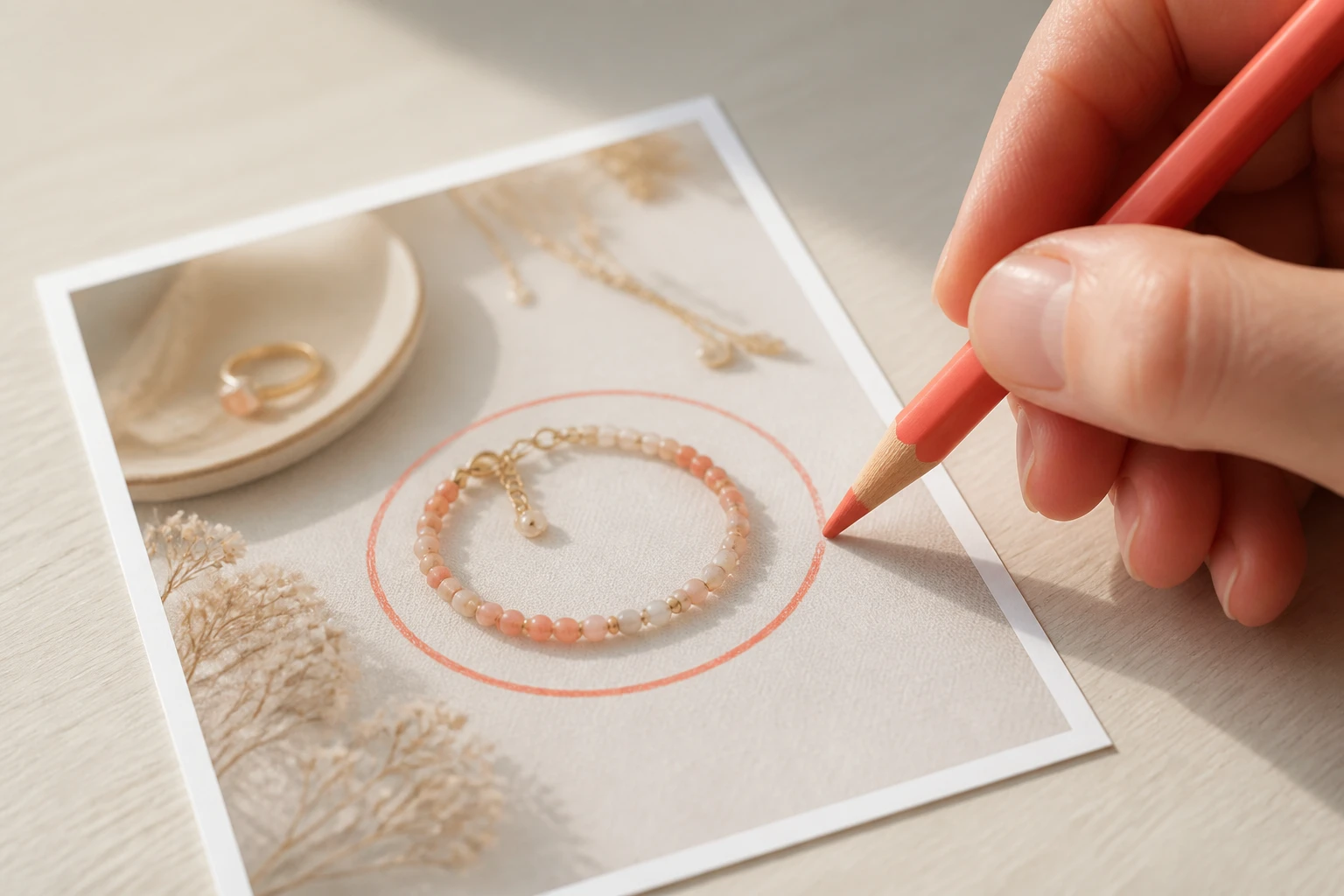
Step 02
Choose your sparkle effect style or write the shimmer you want. If only one spot should shine, circle that area or name it in your description, such as the jewelry, the hair ends, or the light on glass.
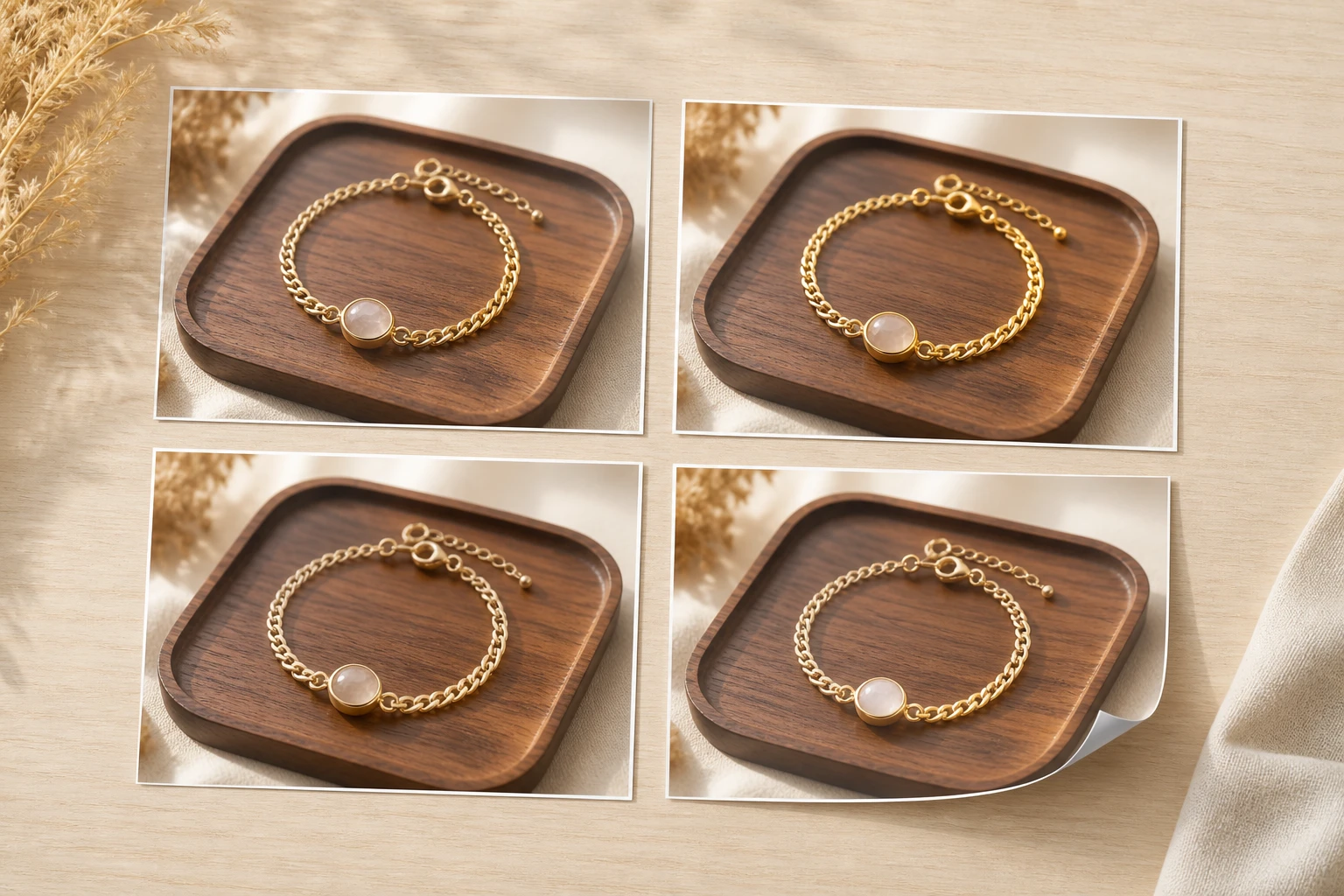
Step 03
Generate to get four candidates from one description, compare them, and download the one you like at up to 4K with no watermark. Anything you make stays in your gallery, so you can reopen it and change the prompt instead of starting over.
Real photos where a little added light does the work.
A wedding portrait already looks good and only needs a touch more light than the day gave it. Add the sparkle effect and the couple, the dress, and the room stay unchanged, with the shimmer reading as if it belonged there.
Jewelry, makeup, and glassware often lose their catchlight in a flat photo. Circle the piece so it sparkles while the rest of the frame holds still, and the product becomes the thing that draws the eye.
A quick group shot headed for a card or an invitation can feel a little quiet. A round of the sparkle effect lifts the celebration energy without turning the photo into something it is not.
When a whole batch of posts needs the same treatment, aligning each frame by hand eats the afternoon. One style across the set holds every frame together, which is glitter effect for photos done at scale.

These shots cannot take a heavy edit before they start to look false, so the point is a restrained glow. Pick a quiet style, and the sparkle effect sits lightly on a wedding or family photo without redrawing the moment.
Explore
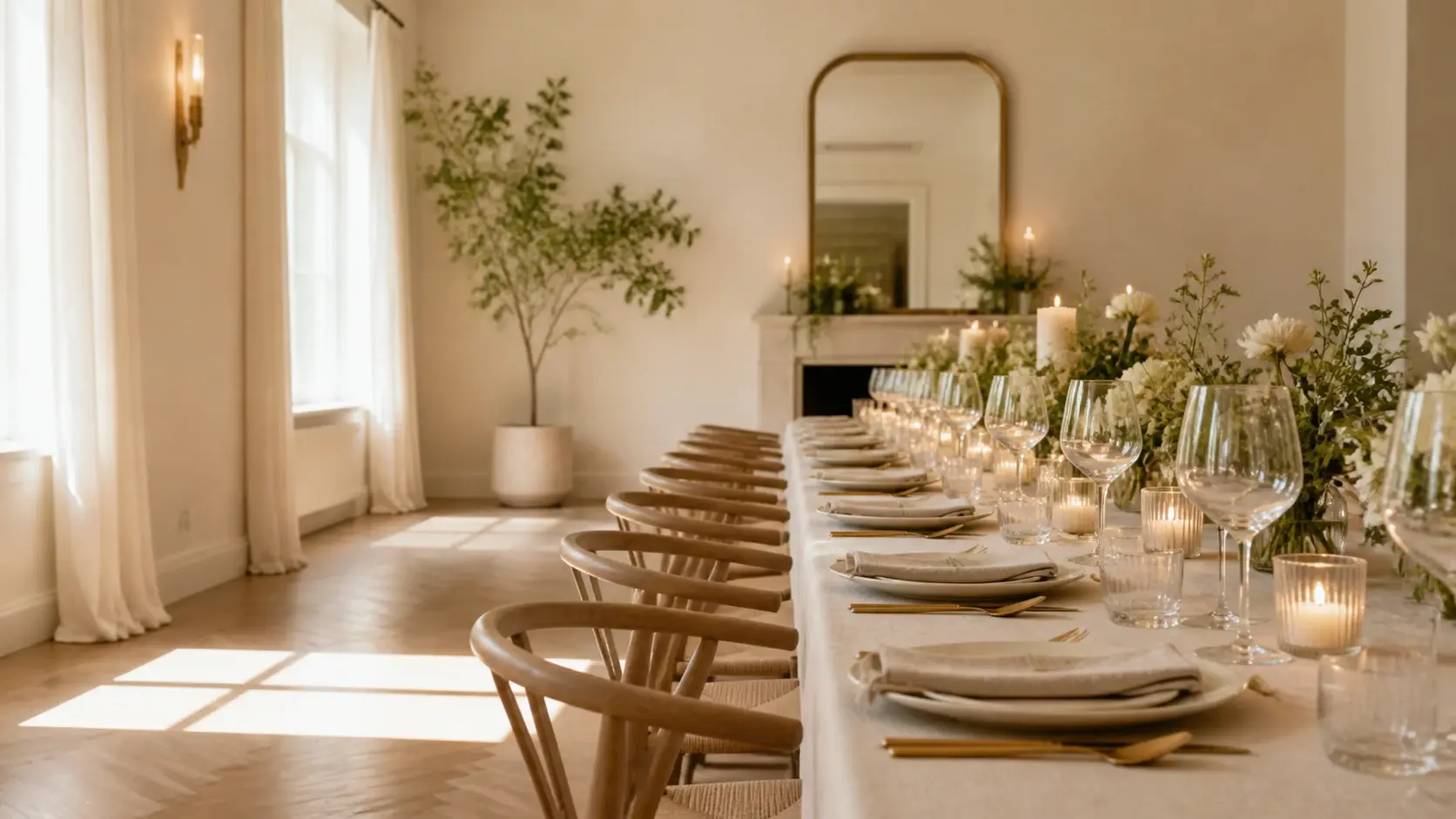
Upload a shot or describe one, pick a sparkle style, and download your sparkle effect at up to 4K with no watermark.
Get Started




























