
Step 01
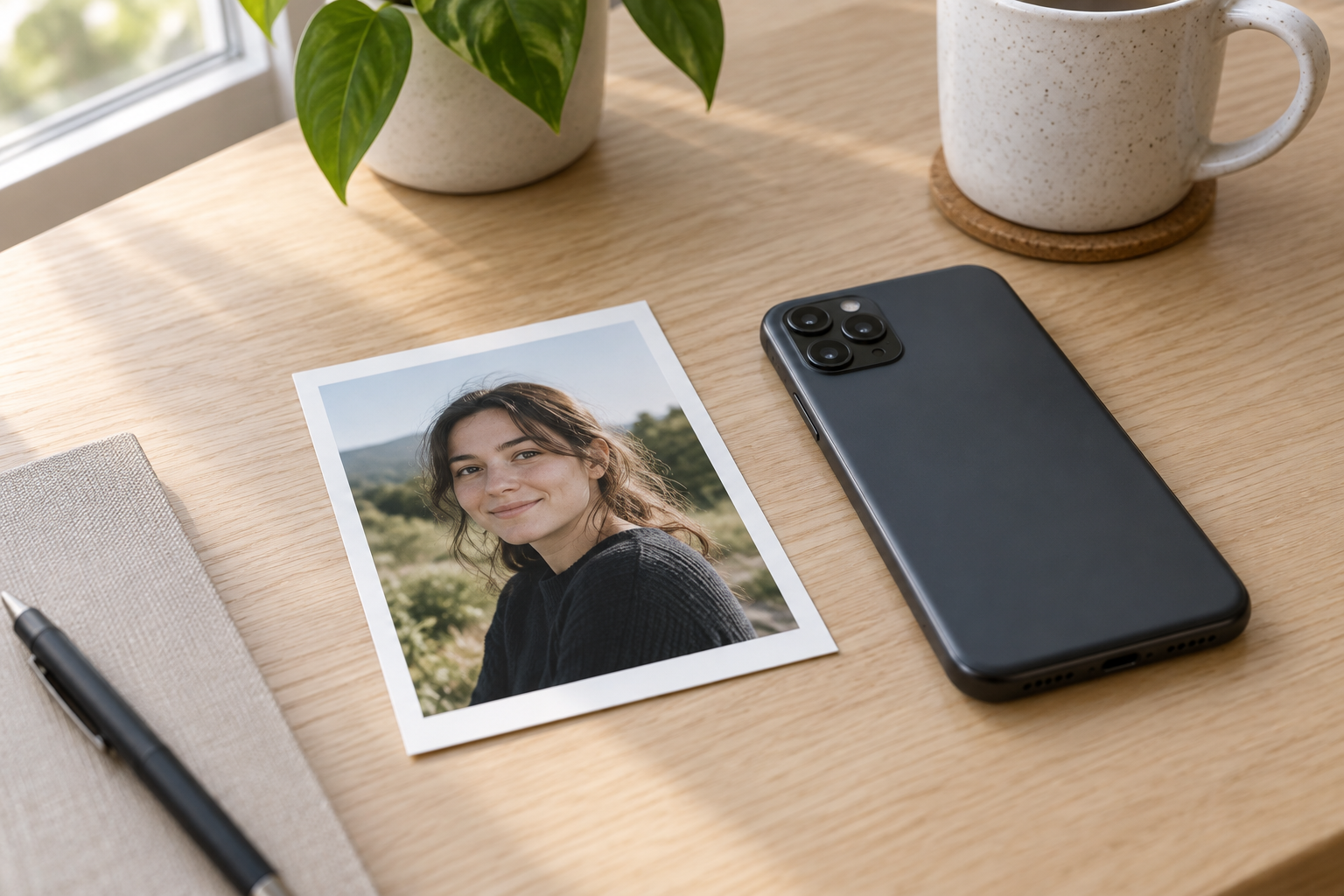
Upload Your Photo
Add a JPG, PNG, or WebP with a clear main subject and enough edge definition.

Turn photos into line drawings in one focused workflow for prints, tracing, engraving, or graphic layouts. Upload a portrait, pet photo, product shot, or building detail, then guide how much shading, fine detail, and background information the outline should keep. VideoAI preserves the recognizable subject and original composition while producing a clean result you can review and download.
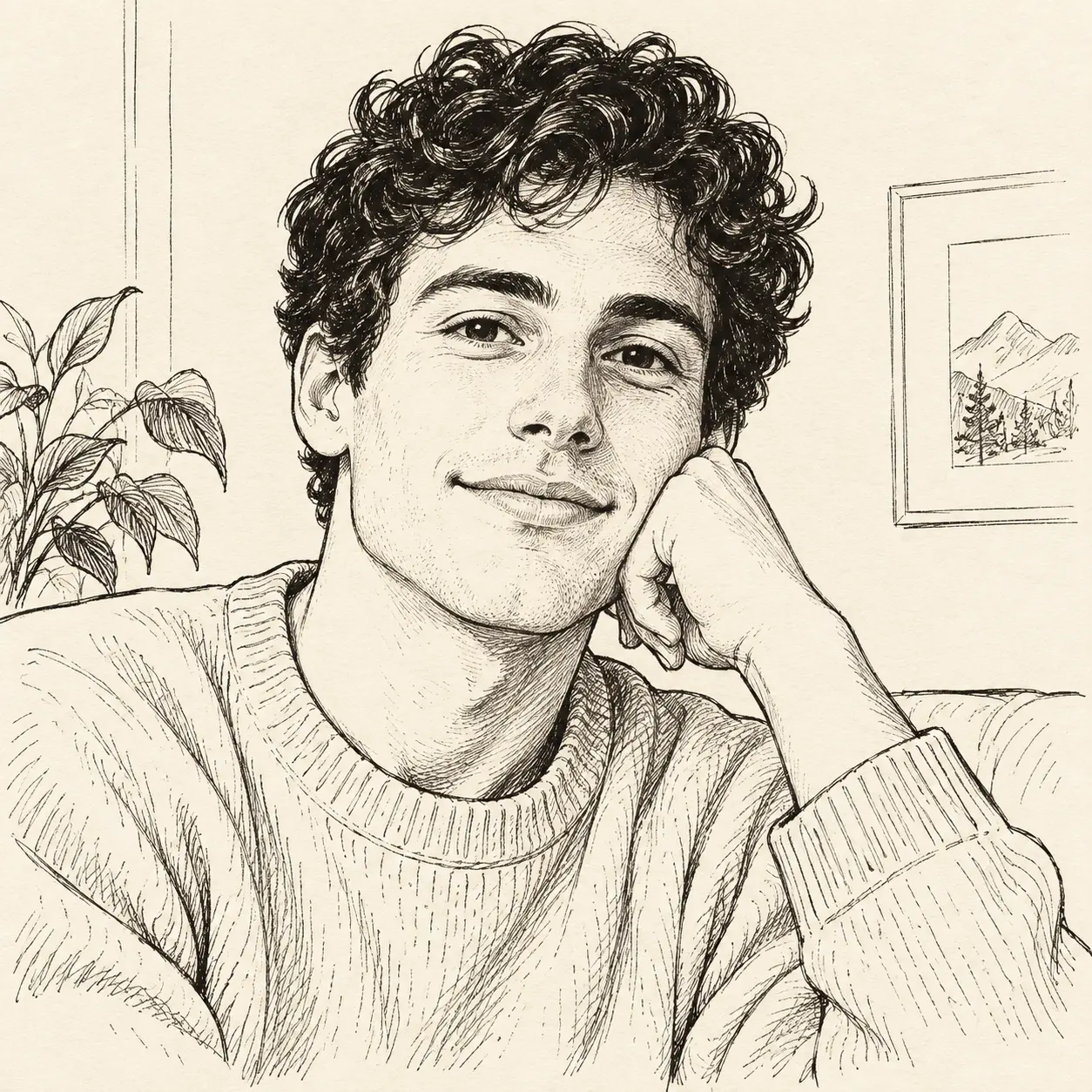

No picture on hand? Try with one of these
Turn photos into line drawings with three practical controls: edge clarity, line density, and background simplification. For a clean photo outline, each decision keeps the original subject readable while removing photographic texture that would make tracing, printing, or graphic placement difficult. The aim is not a loose sketch or a coloring page, but a deliberate line drawing from photo references that remains faithful to the main silhouette and important internal shapes.
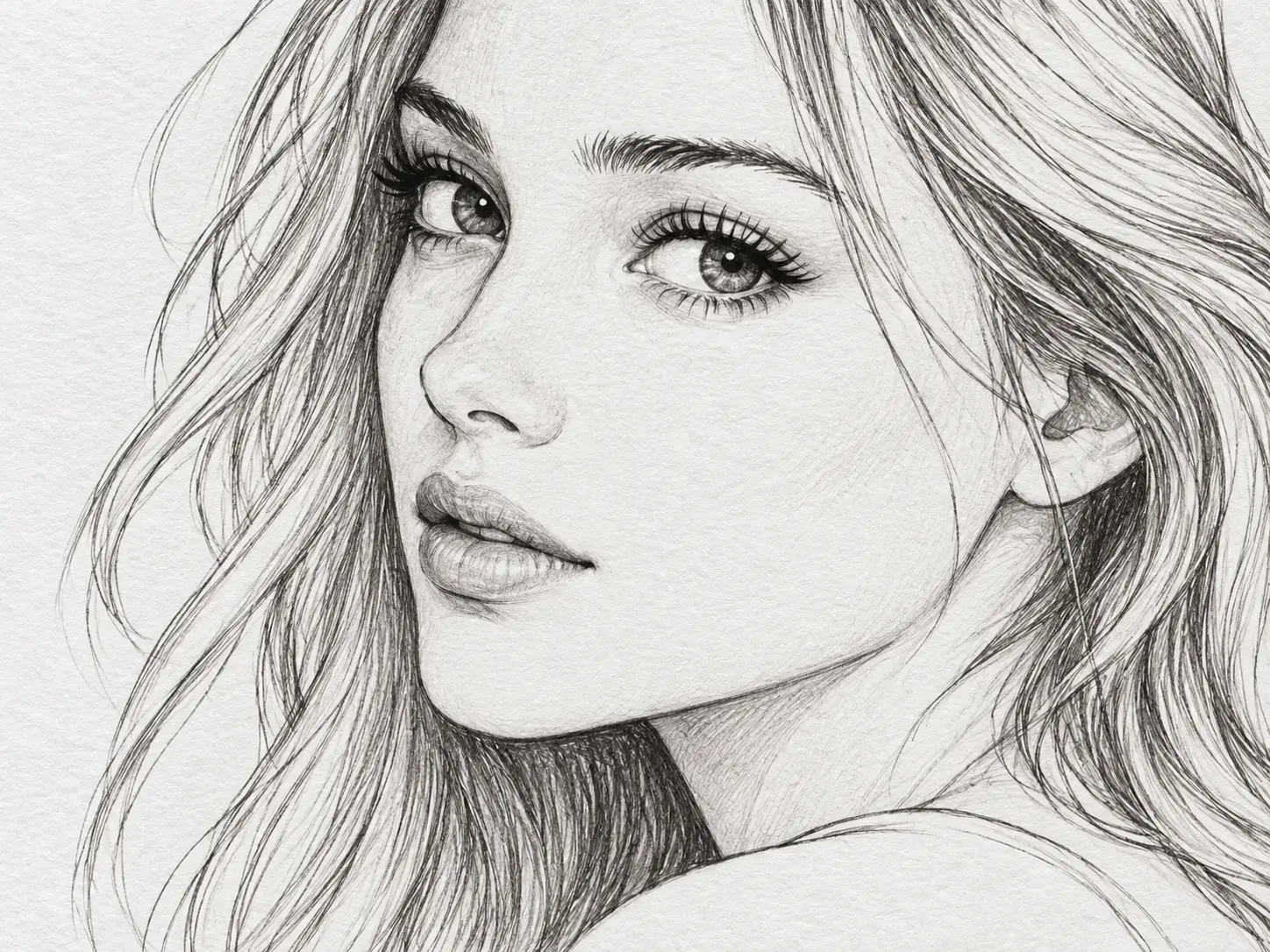
Turn photos into line drawings while keeping the silhouette and the details that make the subject recognizable, such as eyes, ears, window frames, product seams, or distinct architectural lines. The tool can create line output without turning every texture into noise. Hair, fur, and fabric may be simplified, but their direction and outer shape should still read clearly when the image is viewed at print size.
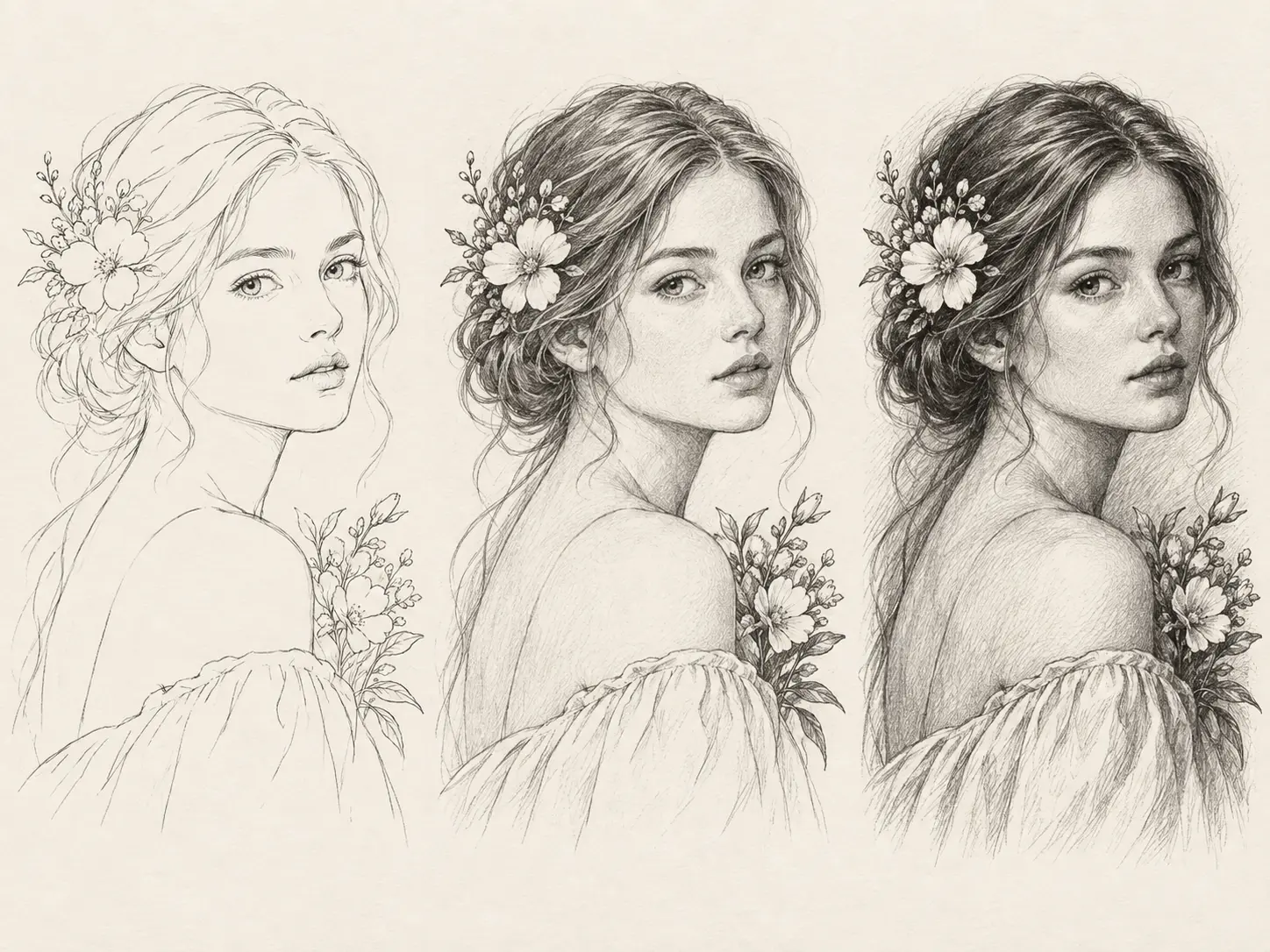
A simple outline needs fewer marks; a detailed line drawing can retain more internal contours and light shading. Describe whether the result should be minimal, medium, or detailed, then review the balance between clarity and visual weight. If the first pass feels busy, reduce texture and preserve only the marks that explain form, depth, and recognizable structure.
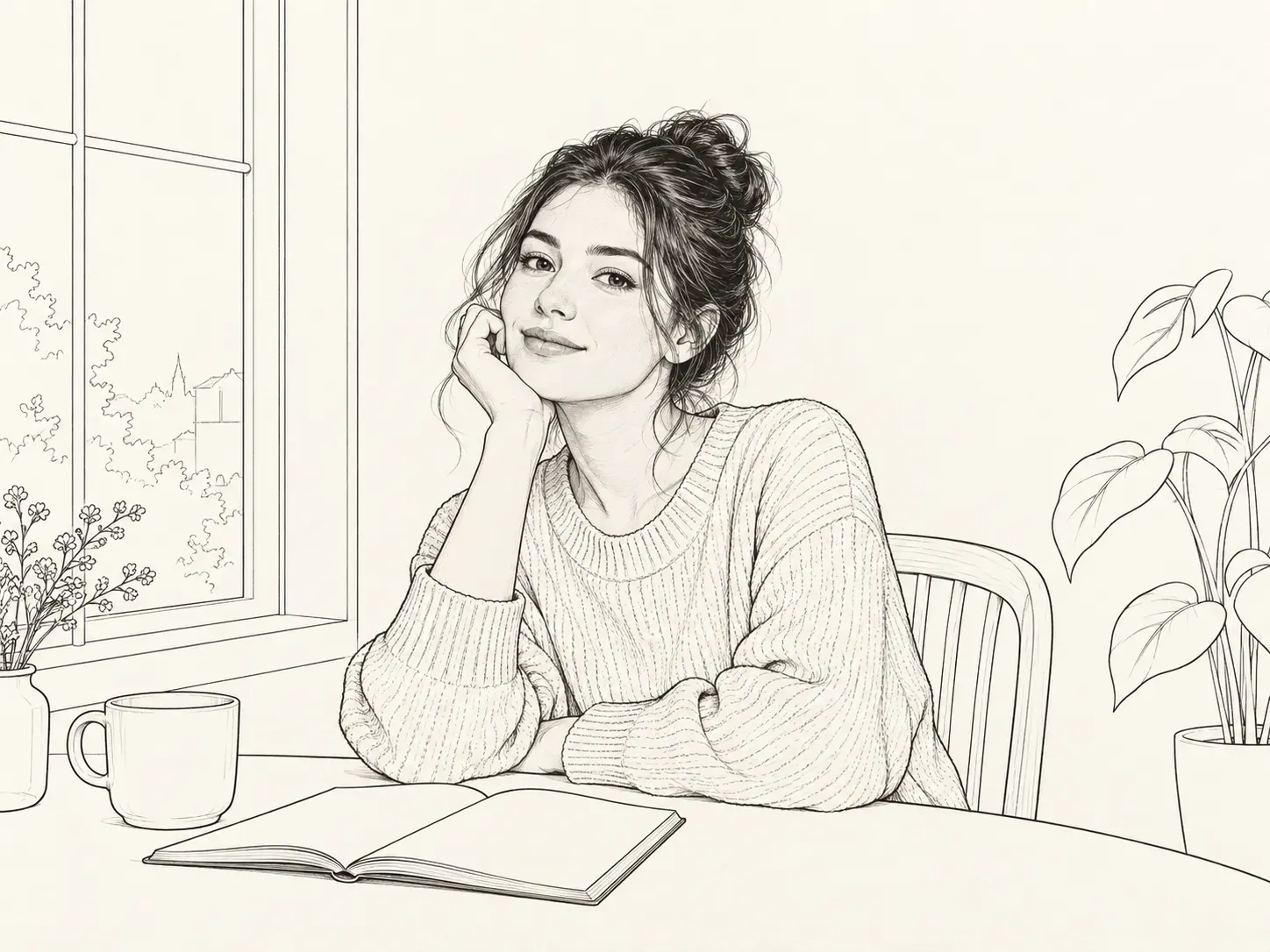
When you turn photos into line drawings, backgrounds can support a subject or compete with it. Ask for a plain field, a few structural cues, or a simplified version of the original setting, depending on the final use. This makes an outline photo easier to trace, place into a layout, or print on fabric. Keep the composition and crop intact while removing tonal information that is not essential to the idea.
The turn photos into line drawings workflow stays short because the uploaded image already carries the composition you want to keep. You provide the visual direction, compare the result against the original, and download the version that best balances clean edges with enough detail. No drawing skill is required, and every pass starts from the same photo so you can judge each change against a stable reference.
Step 01
Add a JPG, PNG, or WebP with a clear main subject and enough edge definition.
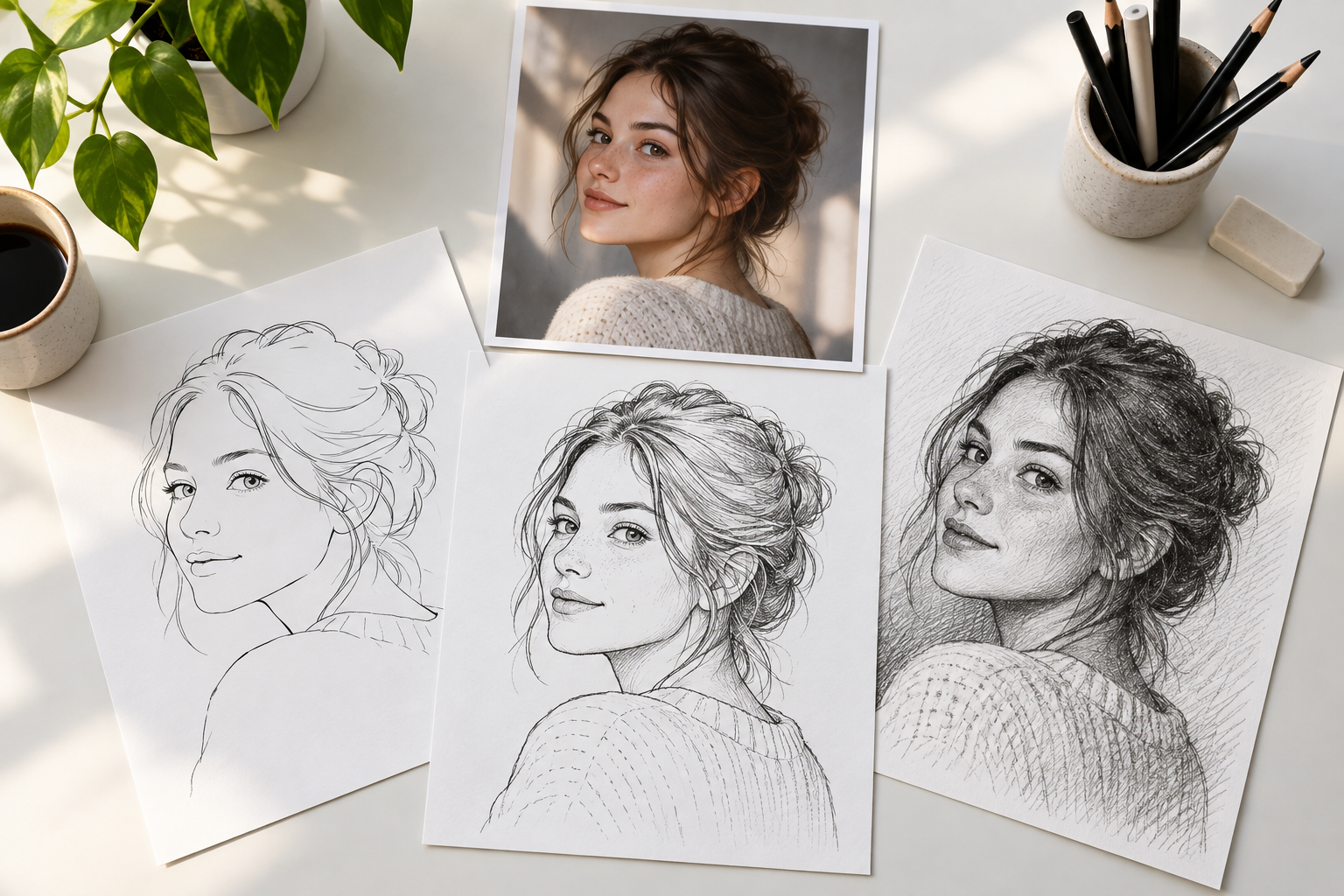
Step 02
Describe a minimal outline, detailed contour drawing, or monochrome line-art treatment.
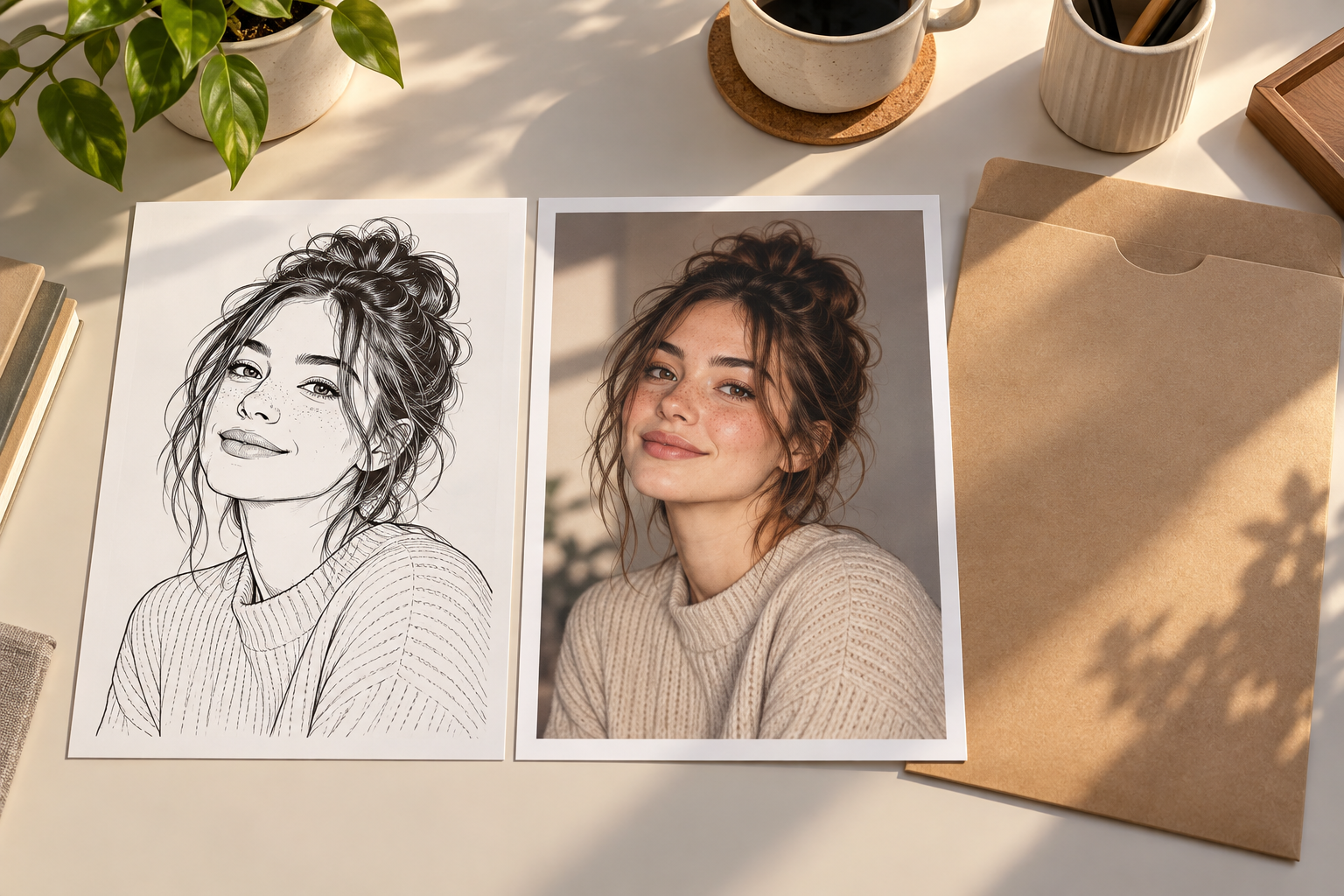
Step 03
Compare the result with your upload, refine the wording, then save the strongest outline.
Reach for this workflow when an existing photograph has the right subject and framing but needs to become a simpler graphic asset. It suits keepsakes, craft references, and commercial layouts where a clean photo outline is more useful than photographic color. The original photo remains the visual reference, so the result stays tied to the exact subject, pose, and composition chosen at the start.
Convert a favorite family portrait or pet photograph into a clean outline for a framed print or personal gift.
Prepare a simplified line drawing from photo references for tracing, cutting, embroidery, or laser engraving.
Turn a product photo into an outline that can sit over a light catalog, packaging, or instructional layout.
Create a clear photo to line art draft to discuss composition with an artist before final detailing begins.
Start with an existing image, choose the outline direction, and download a cleaner graphic version for your next project.
Get Started