

Twitter Banner Maker
Use this Twitter banner maker to create a Twitter or X header in a wide 3:1 composition, with the subject, colors, and visual direction shaped around your profile.




Design a Header With a Twitter Banner Maker
A useful header is more than a wide image: it protects the focal point while the profile frame changes around it.
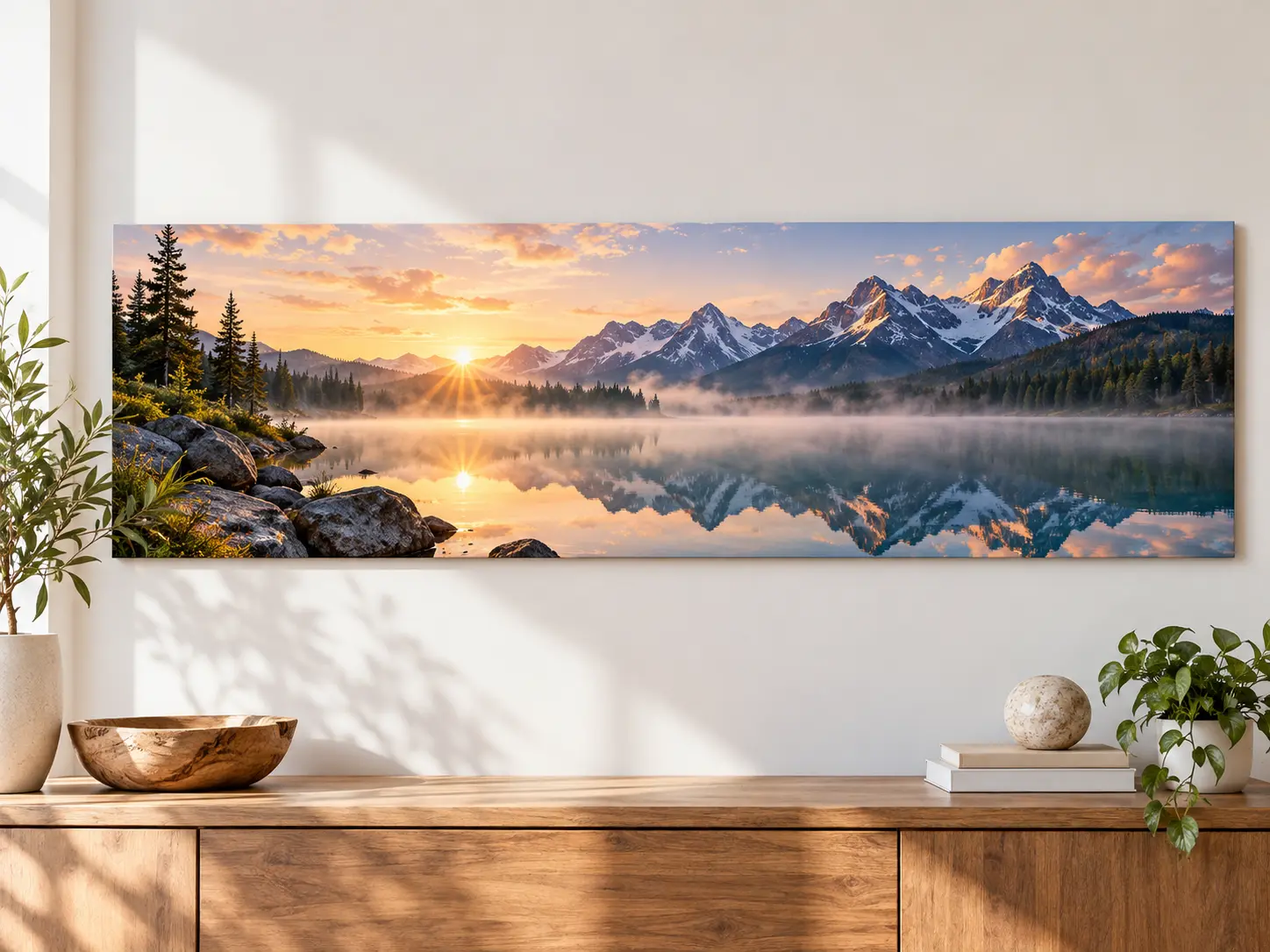
Start with a 3:1 Composition
A Twitter banner maker starts with a 3:1 composition because X commonly recommends a 1500 by 500 pixel header. Compose for that long strip from the start instead of stretching or cutting down a square image.

Protect the Avatar Overlap Area
Use a Twitter banner maker to keep faces, logos, and other critical details away from the lower-left region where the profile photo can overlap. Responsive cropping still varies, so preview the downloaded banner on the real profile.
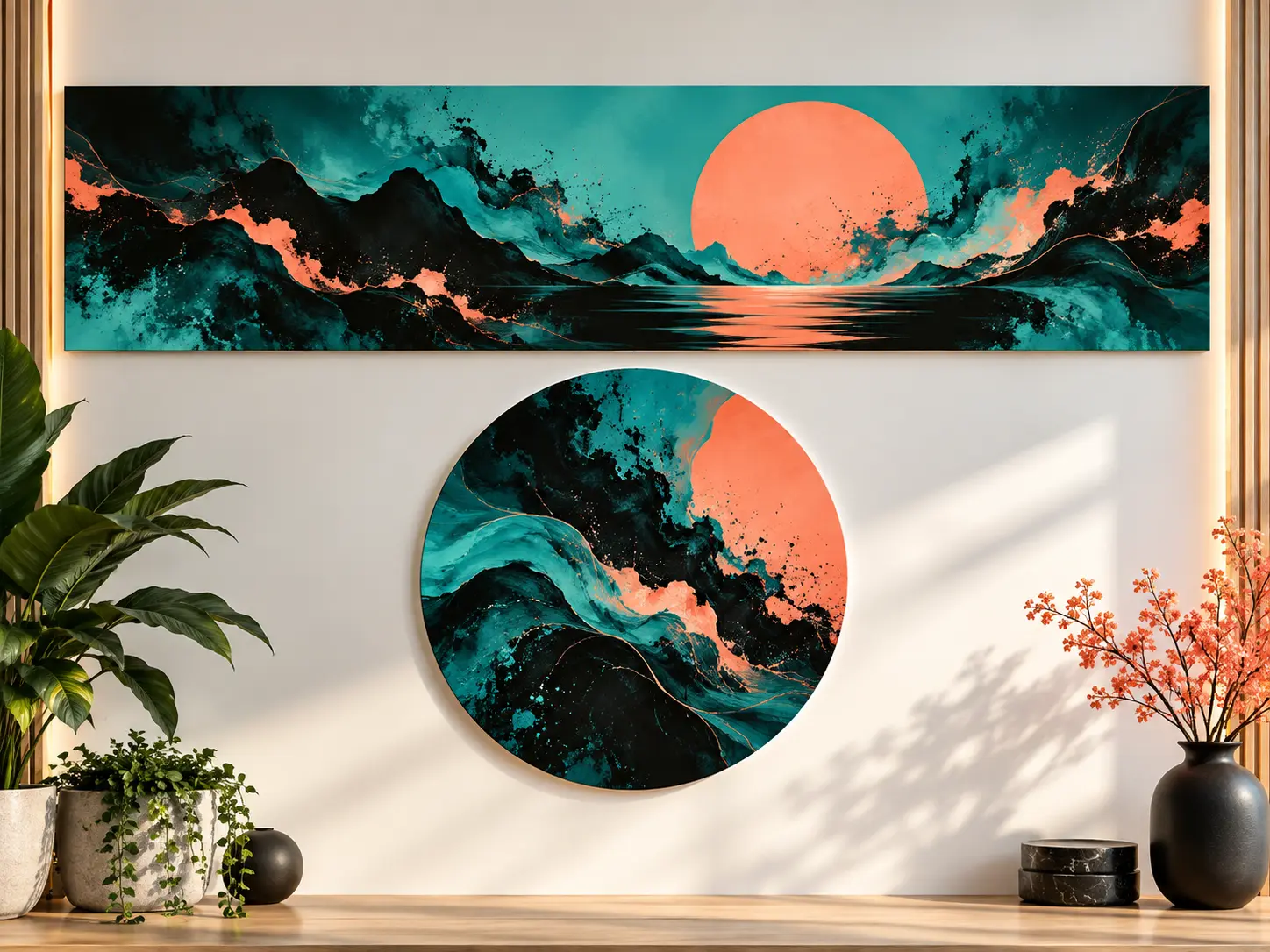
Match an Existing Visual Identity
A Twitter banner maker can match your avatar colors, content niche, brand palette, and familiar visual objects. Upload only reference assets you are authorized to use.

Refresh the Header for a New Moment
Use the same Twitter banner maker to generate alternatives for a launch, season, event, role change, or content shift. Keep the stable brand cues and change only the campaign subject or mood for a more coherent profile.
How to Use a Twitter Banner Maker
Plan the focal point and crop before you worry about decoration.
Describe the Profile
Enter your niche, mood, palette, focal subject, and a 3:1 composition. Ask for uncluttered space away from the lower-left avatar overlap.
Generate and Refine
Compare several directions at small size. If the subject is too close to an edge or the scene is too busy, make that correction explicit and regenerate.
Download and Preview on X
Review any lettering, export the selected image, and upload it to a test or live profile to check desktop and mobile crops before treating it as final.
Twitter Banner Ideas for Real Profiles
Choose what the header needs to communicate before choosing a style.
Creator and Personal Brand
Show the subject, craft, or visual world behind your posts while keeping the banner coordinated with the avatar.
Business Profile
Use brand color and one product or market cue, avoiding a crowded list of claims that will be unreadable on small screens.
Student or Job Seeker
Create a polished, simple header around a field of study or professional direction without turning the profile into a dense resume graphic.
Launch, Event, or Community
Refresh the scene for a release or seasonal moment while preserving the visual cues followers already recognize.
Who Uses This Twitter Banner Maker
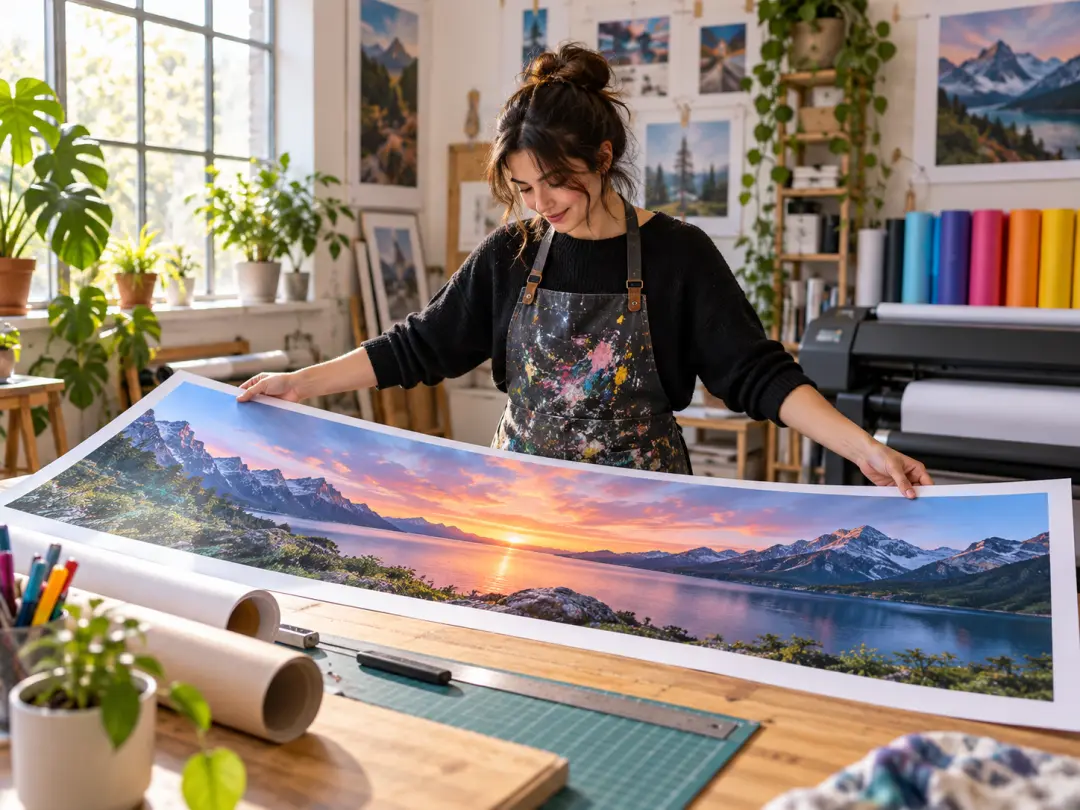
Creators
A Twitter banner maker helps you build a recognizable header around your subject matter, tools, and palette, then update the scene without losing the underlying identity.

Businesses and Founders
Turn one positioning idea or product cue into a restrained visual header that complements the profile rather than repeating every line of the bio.

Students and Communities
Create an intentional profile look for a field, club, event, or shared interest without needing advanced design software.
Twitter Banner Maker Questions
Explore Related Banner Tools
Make the Top of Your Profile Feel Intentional
Create a wide Twitter or X banner with a clear focal point, your visual identity, and room for responsive cropping.
Get Started