

Step 01
Upload Your Reference
Provide a clear source photo or type a descriptive prompt. VideoAI reads the facial structure to prepare the initial distortion map.

Control the distortion and generate the exact reaction asset you need for your next sequence. Upload a reference photo or type a prompt, adjust the warp intensity until the expression matches your creative intent, then export the transparent layer for immediate timeline use.
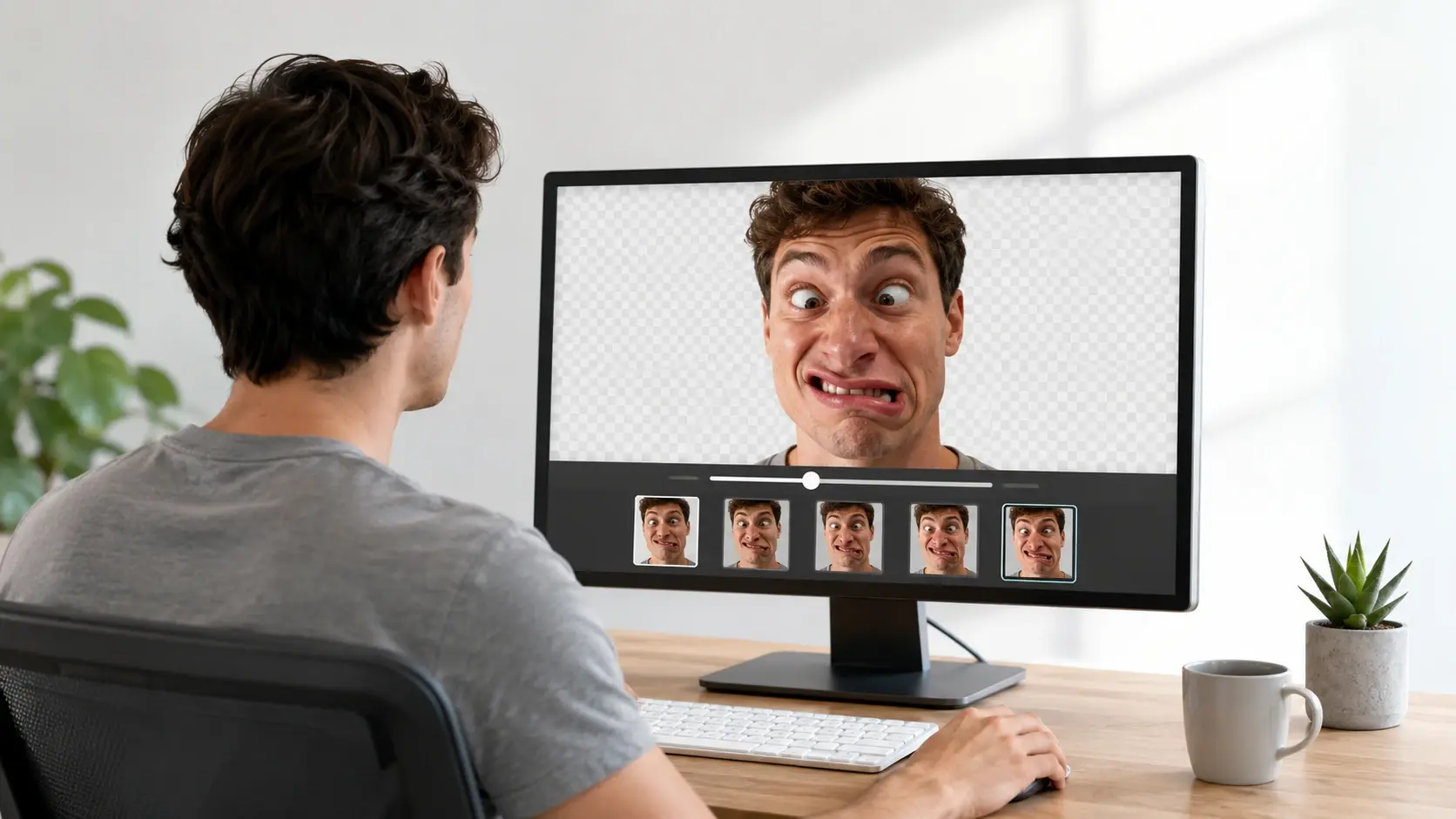
Follow these steps to apply the ugly face filter online and control the final output.
Step 01
Provide a clear source photo or type a descriptive prompt. VideoAI reads the facial structure to prepare the initial distortion map.

Step 02
Set the intensity of the ugly face filter to match your desired comedic effect. Review the preview before you commit to the final render.
Step 03
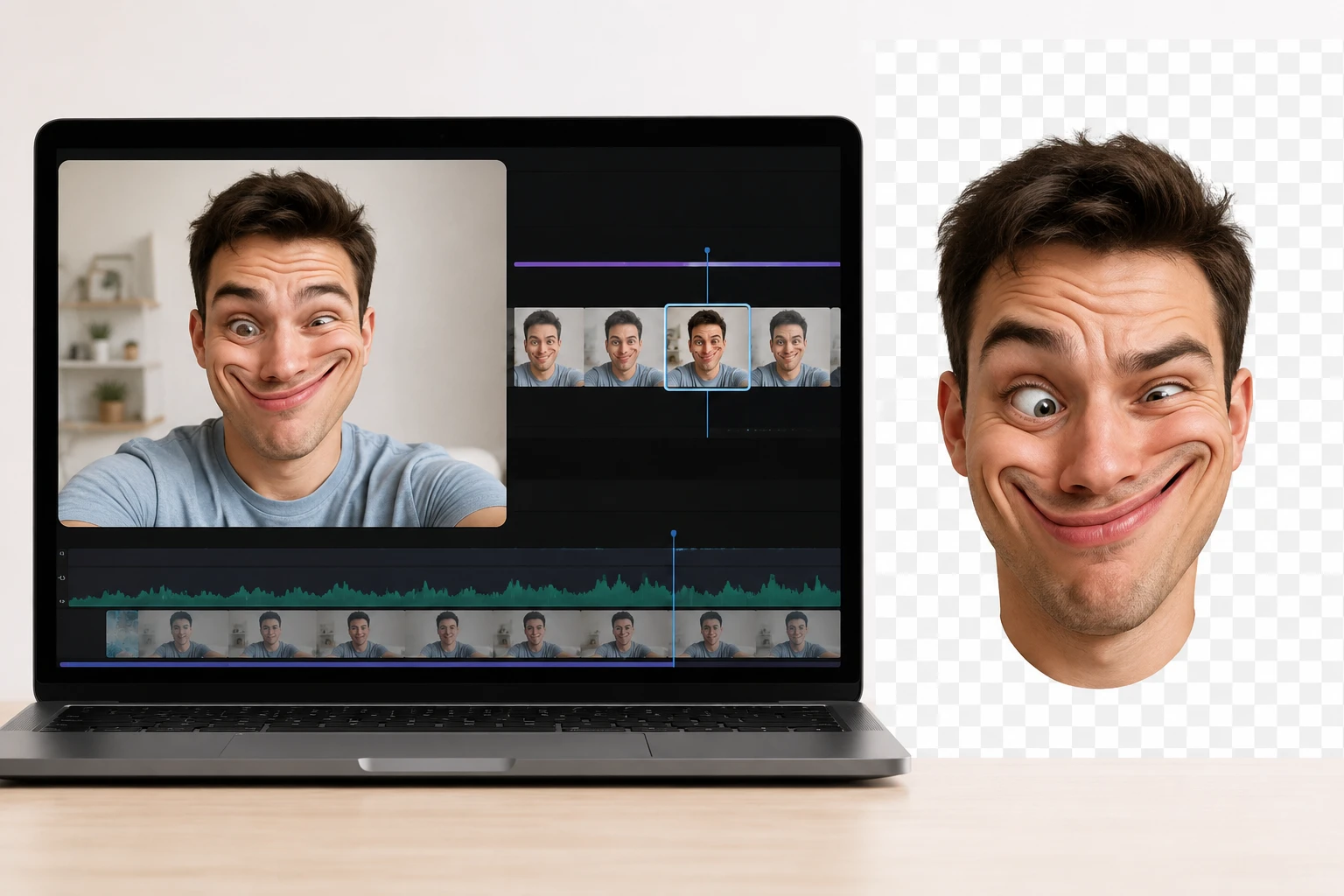
Confirm the adjustments and generate your funny face maker output. The system provides a high resolution transparent file ready for your editing timeline.
Manage the exact look of your ugly ai generation with precise adjustment tools.
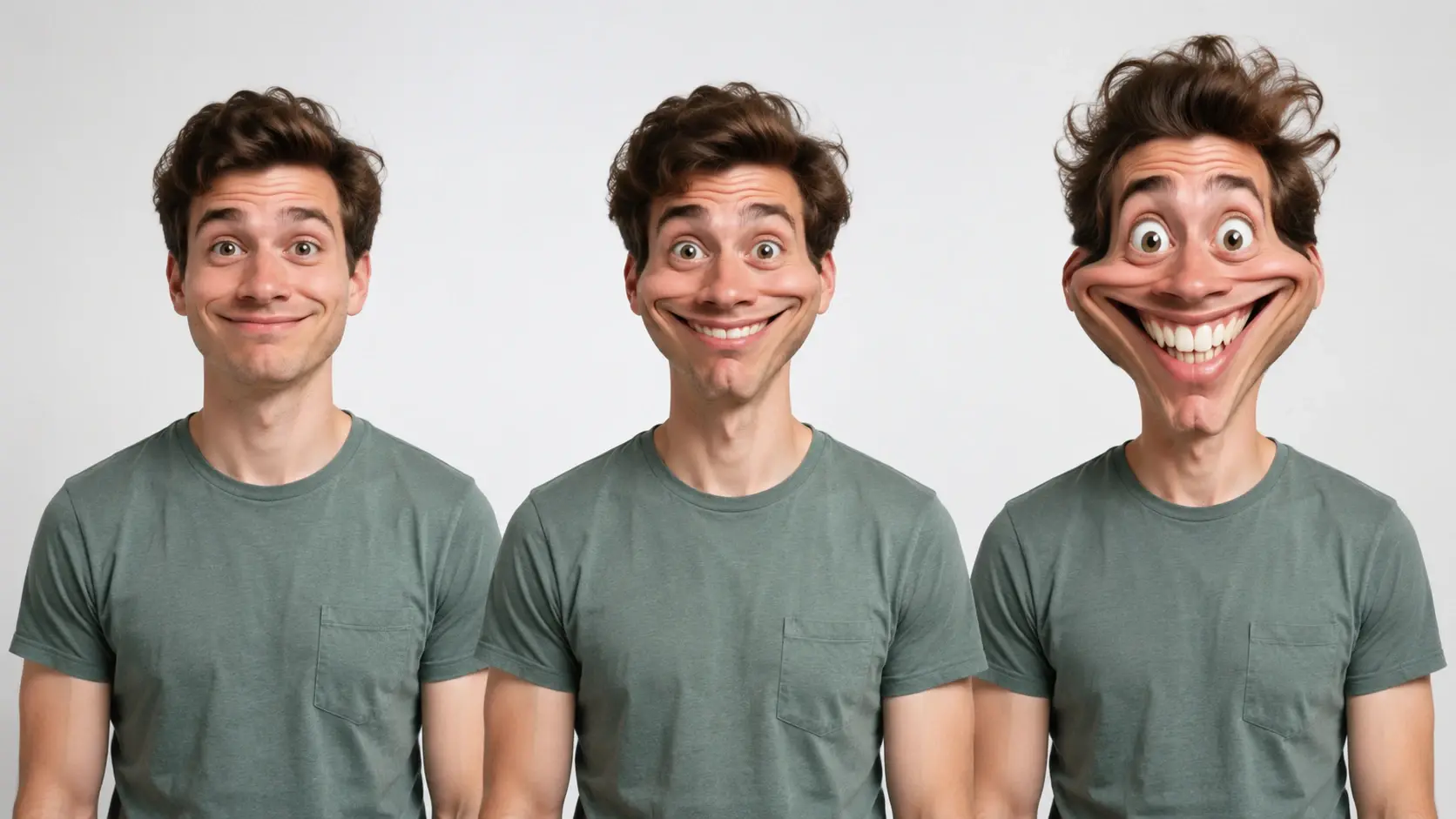
Scale the distortion from a slight face warp online to a completely exaggerated expression. You retain full control over the final comedic impact. When your reference photo has clear lighting, the output retains more natural skin texture.

Select multiple subjects in one frame and apply the ugly filter ai to each person. Review the individual distortion levels before exporting the group shot. Output clarity depends on the original image resolution.

Place your generated ugly face onto a different body for friendly pranks. Match the lighting and angle to complete the visual joke. Requires a clear view of the target body.

Generate your meme face generator asset with a clean transparent background. Drop the file directly into your project without manual masking. Complex hair edges might require slight manual cleanup.
See how digital producers use this tool to build engaging social content.
I needed a reliable ugly face maker for my reaction videos. This tool gives me the exact exaggerated look I want without complex software.
Content Producer
The ability to distort face online and export a clean transparent file saves me hours. I drop the asset straight into my editing timeline.
Meme Creator
For quick visual jokes, this funny face generator delivers. The adjustable intensity lets me match the humor to the specific video.
Comedy Vlogger
Using the ugly face editor is incredibly straightforward. I upload a reference and get a high quality sticker for my community posts immediately.
Community Manager
If you want consistent comedic assets, this tool works perfectly. The warp face online feature keeps the original lighting intact while changing the expression.
Digital Artist
I use the make me look ugly feature for thumbnail reactions. The output is always sharp and the transparent background makes compositing simple.
Thumbnail Designer
Explore

Upload a reference photo and adjust the distortion to match your creative intent.
Get Started


























