


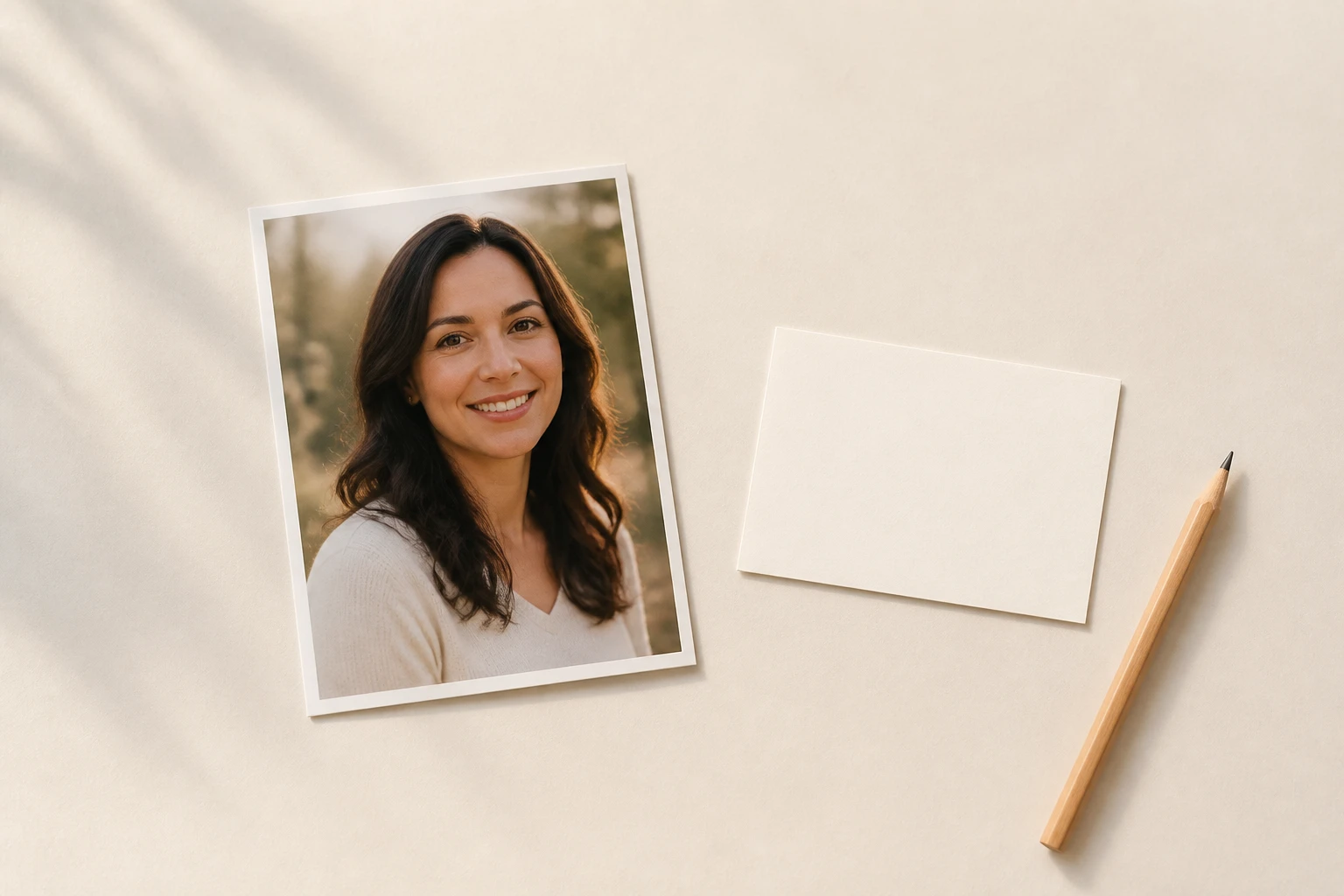
Step 01
Add A Photo Or A Prompt
Upload one photo in a common image format, or skip the upload and describe the figure you want in words. Whatever you add stays in your workspace for next time.

Upload one photo, pick the collectible figure style, and name what goes on the box and inside it, then get four boxed collector figures back, plus 10 free credits to start.
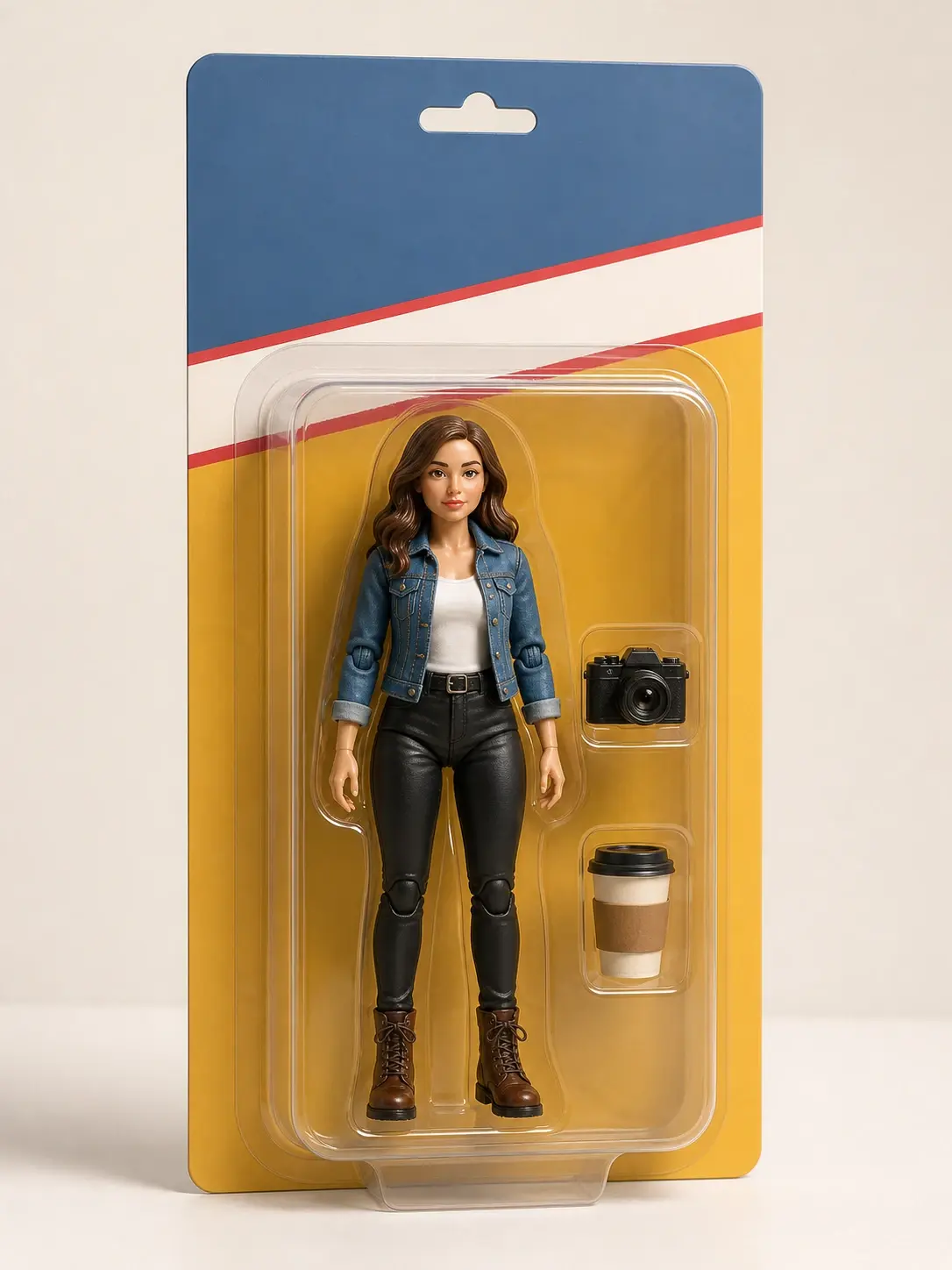
Real reasons people open the ai action figure generator, from trend posts to farewell gifts.
Your feed is full of boxed collector figures and you want one too, without hunting for the right prompt somewhere else. Upload a photo, pick the figure style, and get your own boxed figure image to share, right in step with the ai action figure trend.
Someone on the team is moving on and you want a keepsake that fits them. It is a simple way to turn photo into action figure form: upload their picture, write their nickname on the box in the image, and pack in the props they use every day.
The family dog deserves a spot on the shelf too. Upload a pet photo and the coat markings and ears still read as your own animal, boxed like a collector figure you would keep on your own shelf.
A still image is a good start, but you want it to move. Send your finished figure into VideoAI as source material and build a short clip where the figure turns on the shelf.
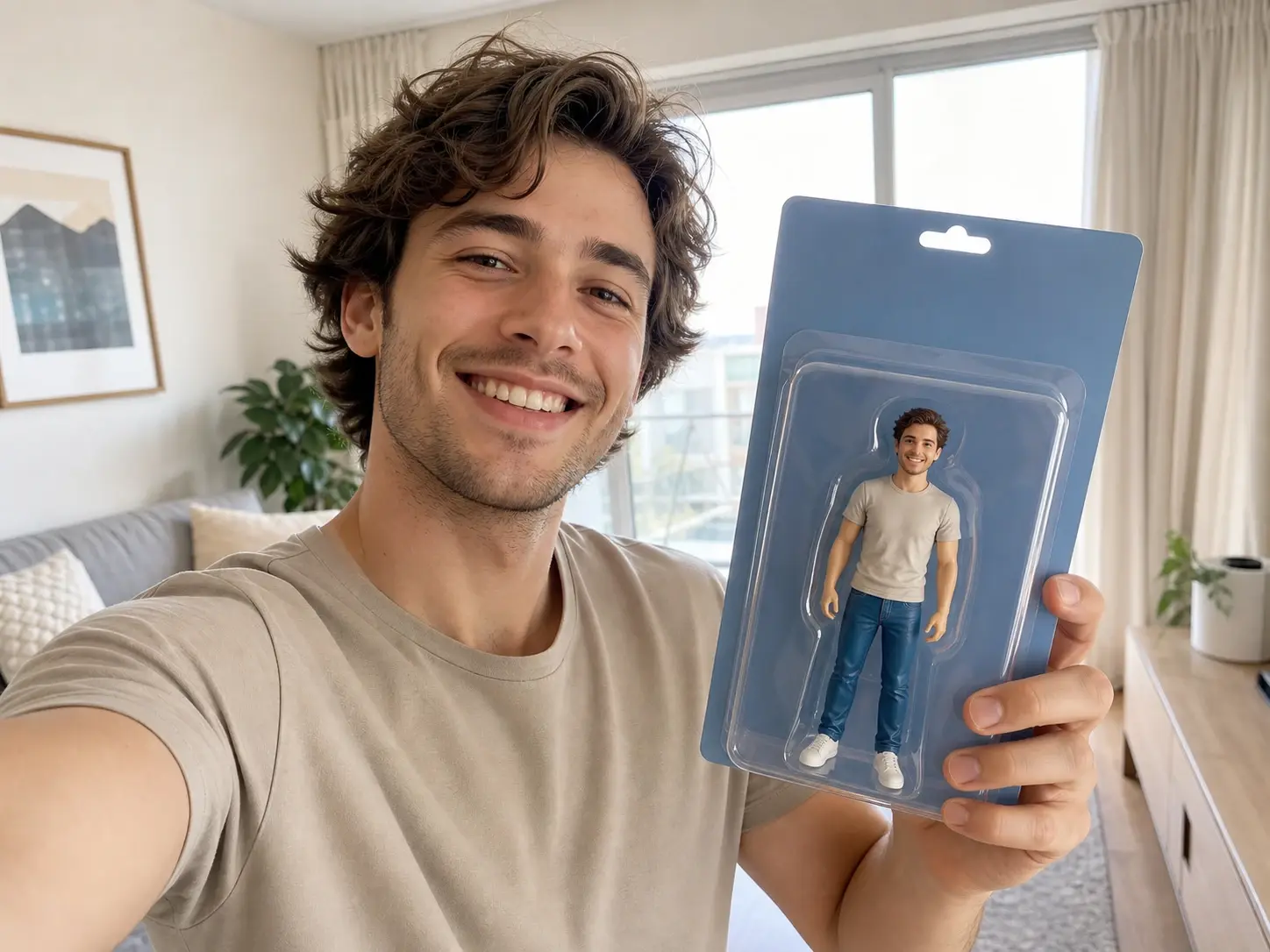
You keep up with what is spreading online and want a boxed figure of your own to share. Pick the figure style, describe the box, and get an image ready to post.
Every card is one thing you can count on from this ai action figure maker when you build a boxed figure.
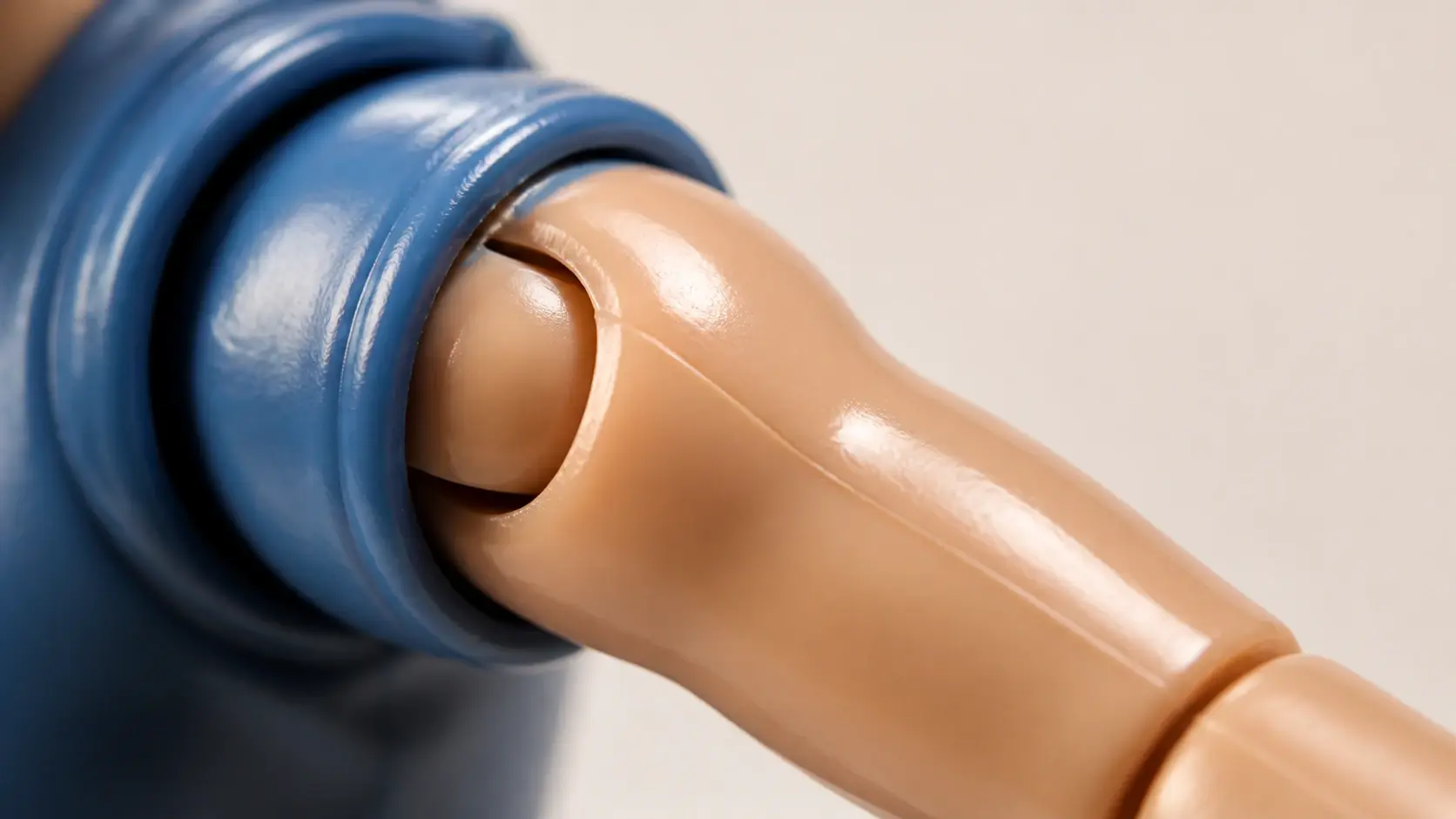
You do not have to describe what toy plastic looks like. The collectible figure style already sits in the preset list, so this ai figurine generator sets the base while your words handle the rest.
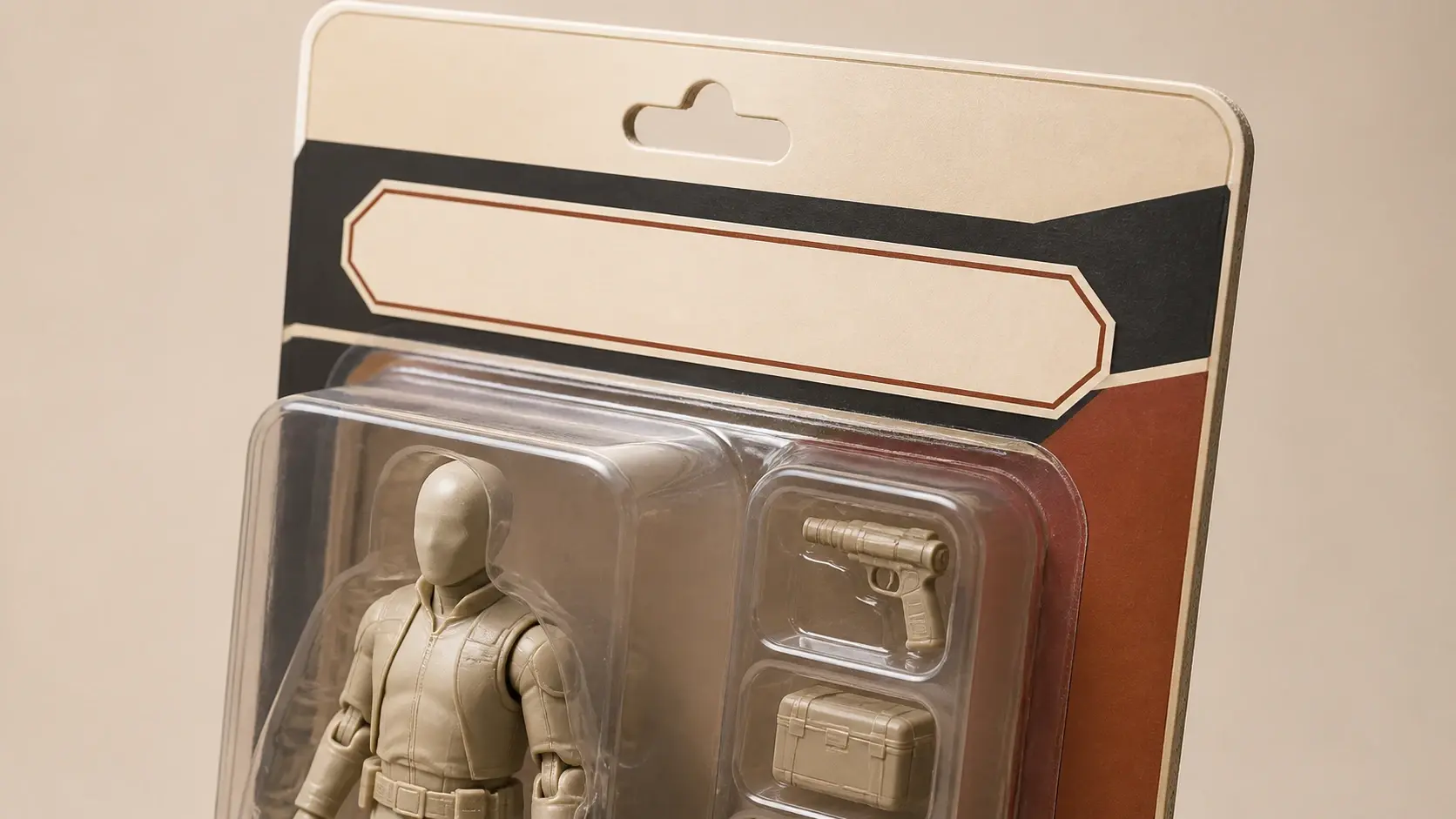
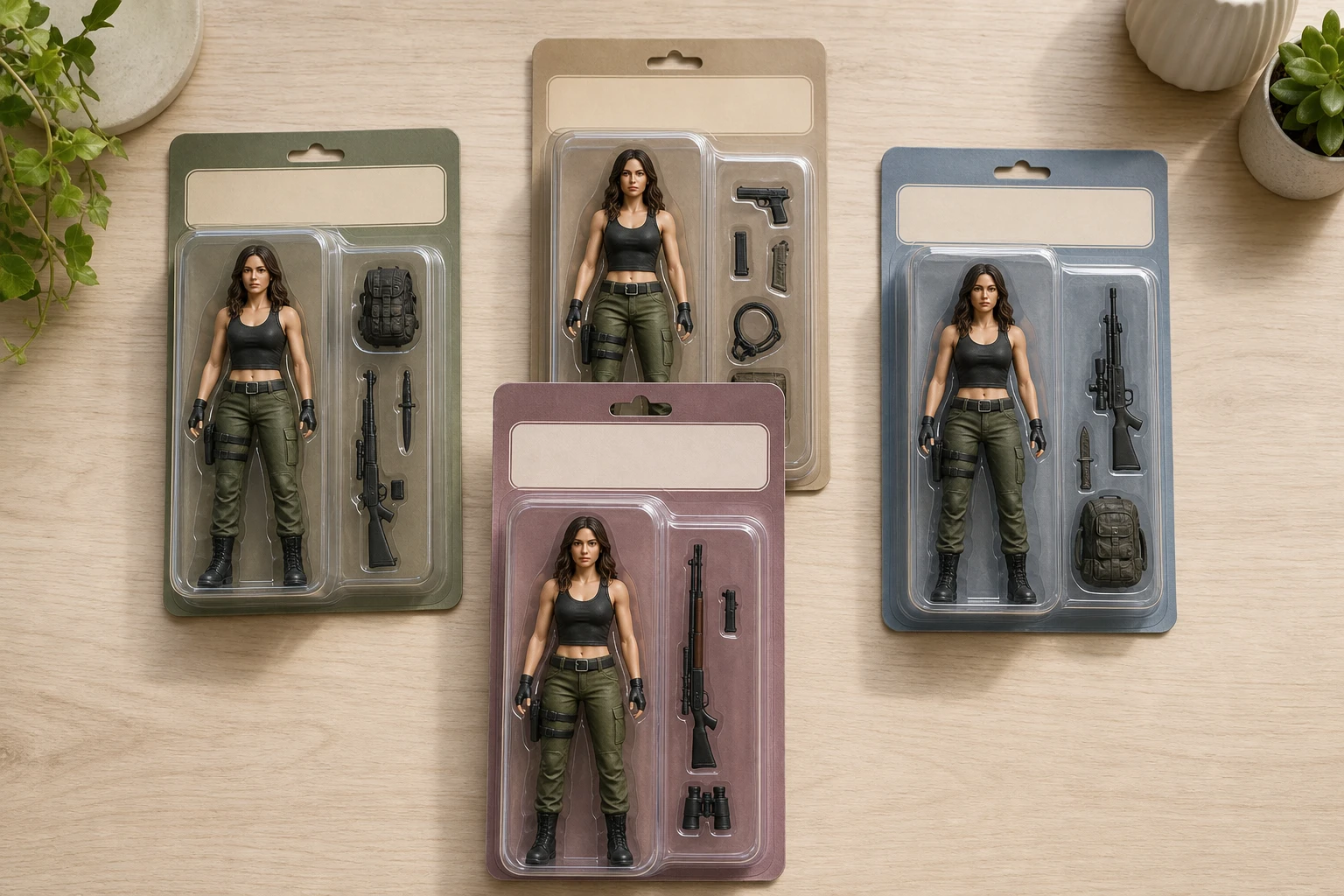
The blister shell, the backing card, and the name and title you write all land in the same image. As an action figure generator that renders text, this pack detail is the part people notice first.
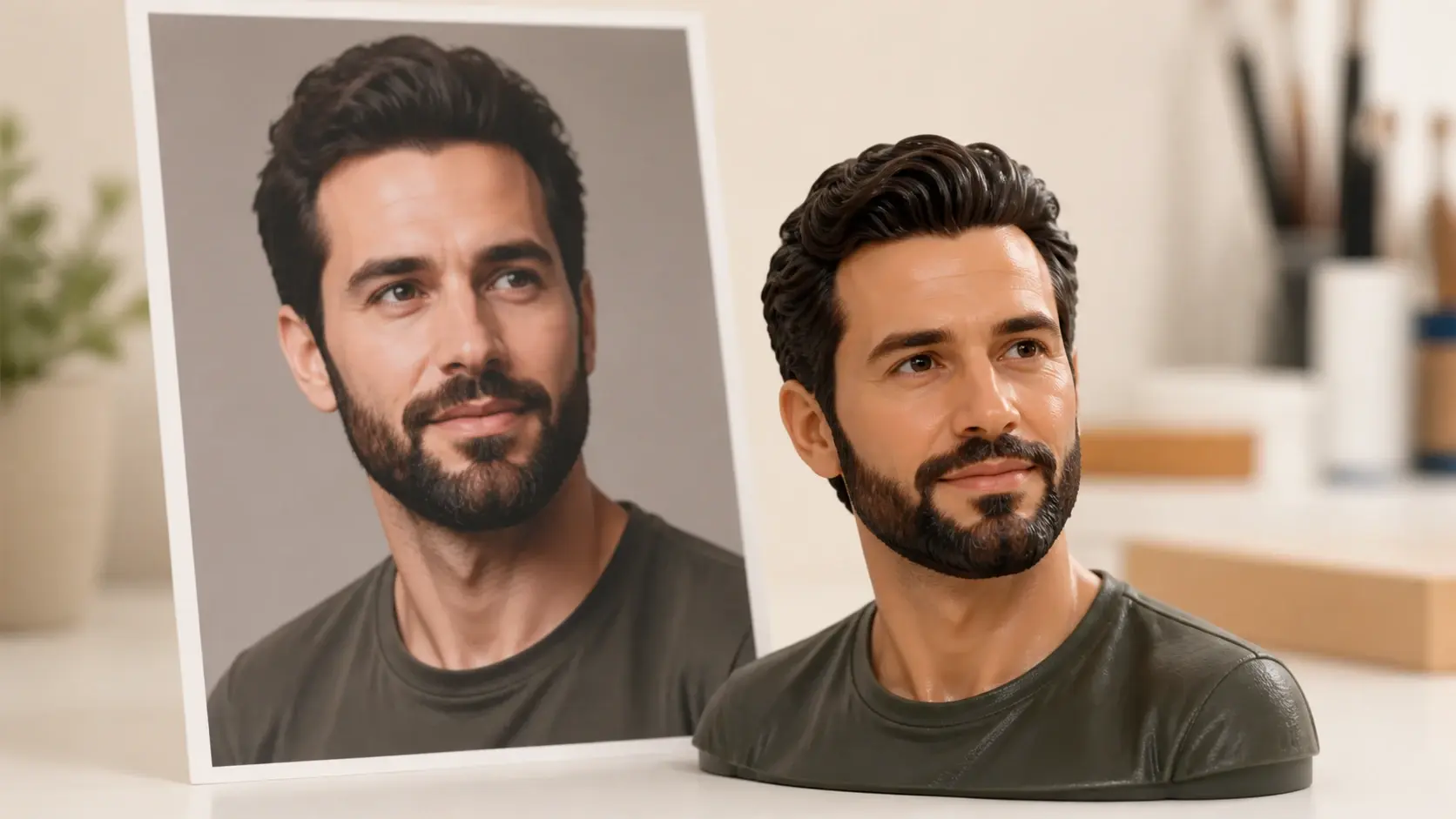
Once the photo becomes an ai generated action figure, the face structure, hairstyle, and expression still read as you, which is what sets a real likeness apart from a generic ai toy generator result.
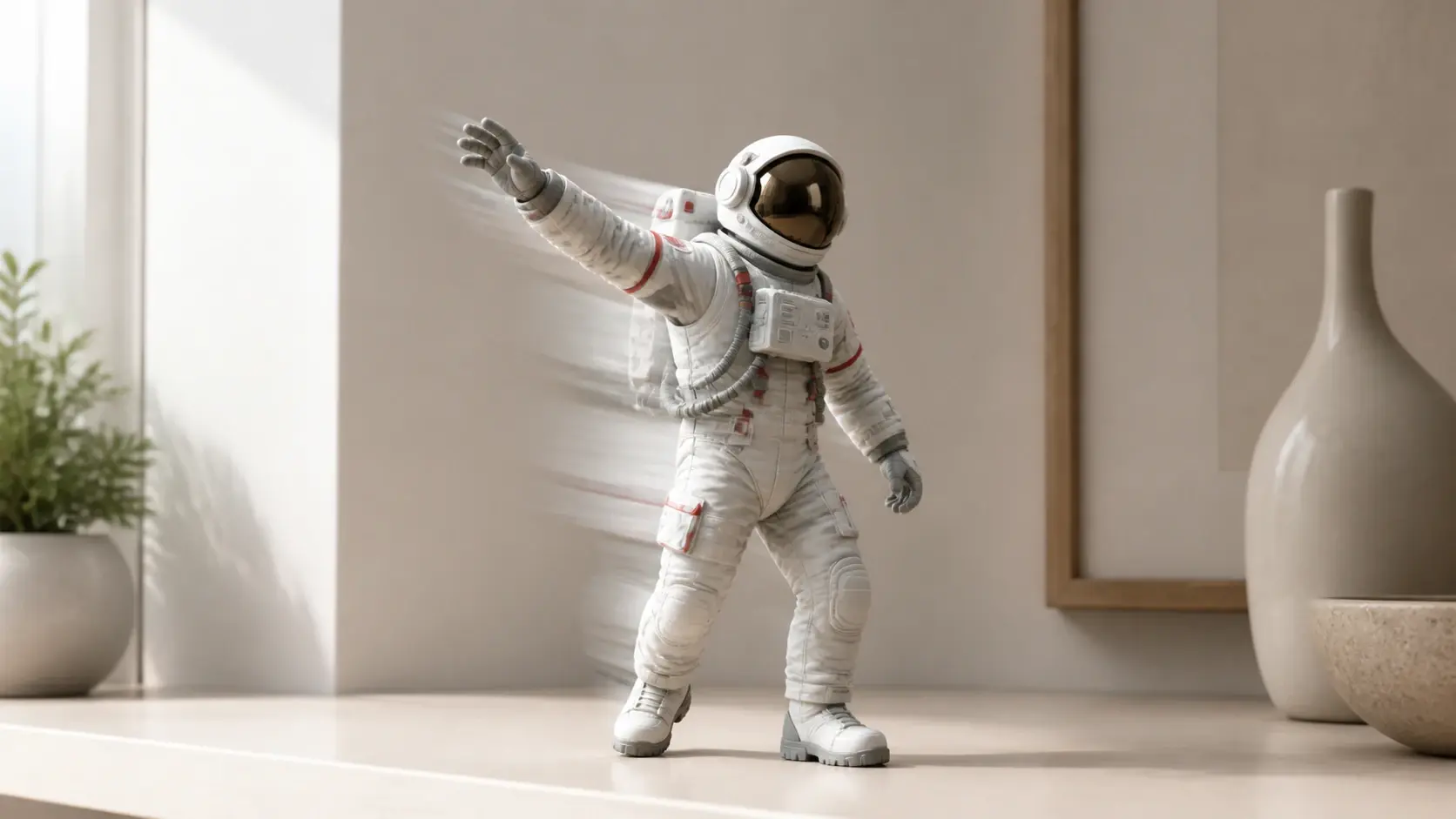
Most tools stop at the picture. Here your figure image becomes source material inside VideoAI, so the same shelf figure can turn, tilt, and move in a short clip without switching apps.
From a photo or a prompt to four boxed figures you can download.
Step 01
Upload one photo in a common image format, or skip the upload and describe the figure you want in words. Whatever you add stays in your workspace for next time.
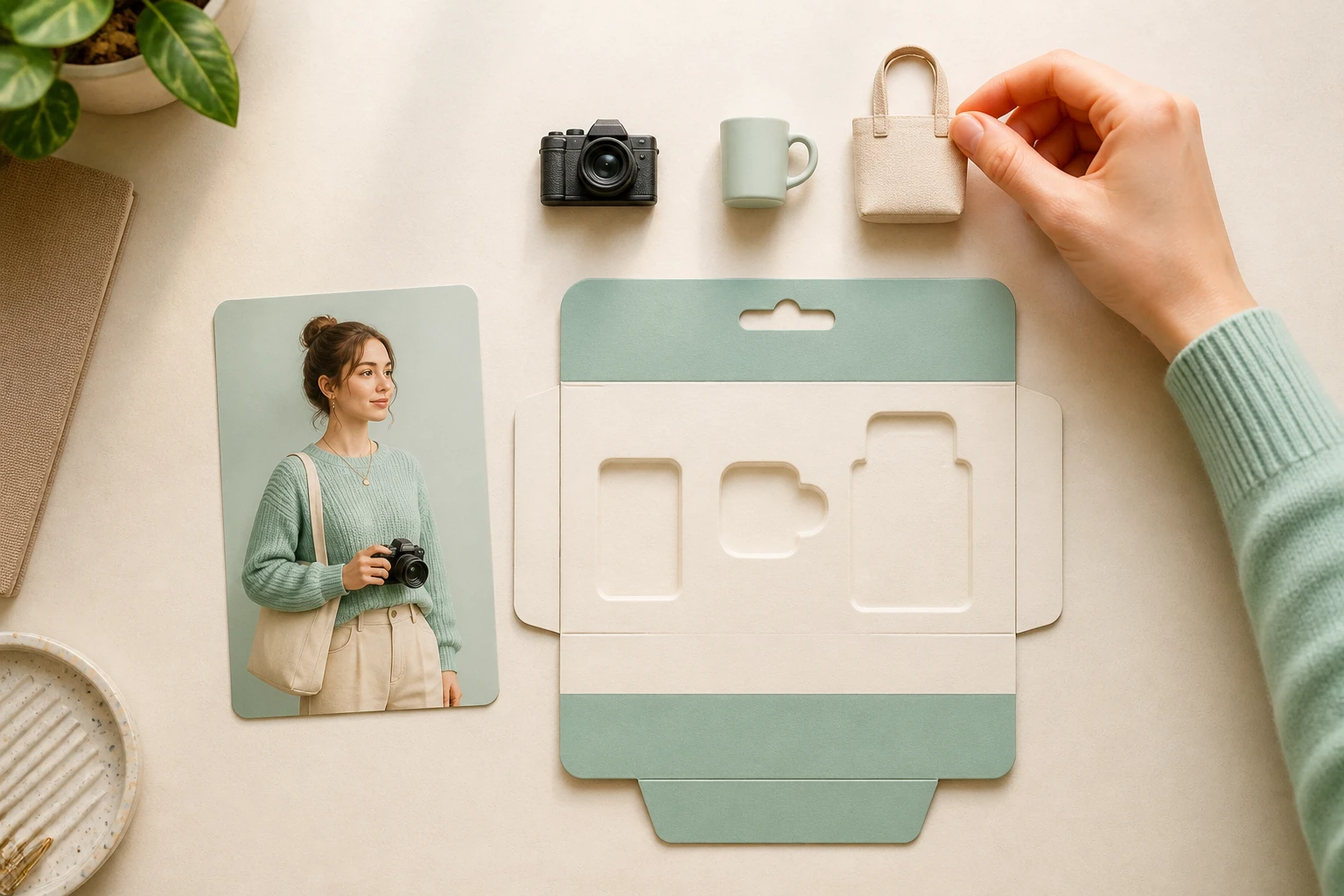
Step 02
Choose the collectible figure style to set the base look, then name what goes on the box and which props sit inside. The style and your words control the result, so you move straight to generating.
Step 03
Run it and you get four different versions from the one description. Download the one you like in 4K with no watermark, or output it square to use as an avatar. You can also reopen it in your workspace and adjust the description again.
Explore
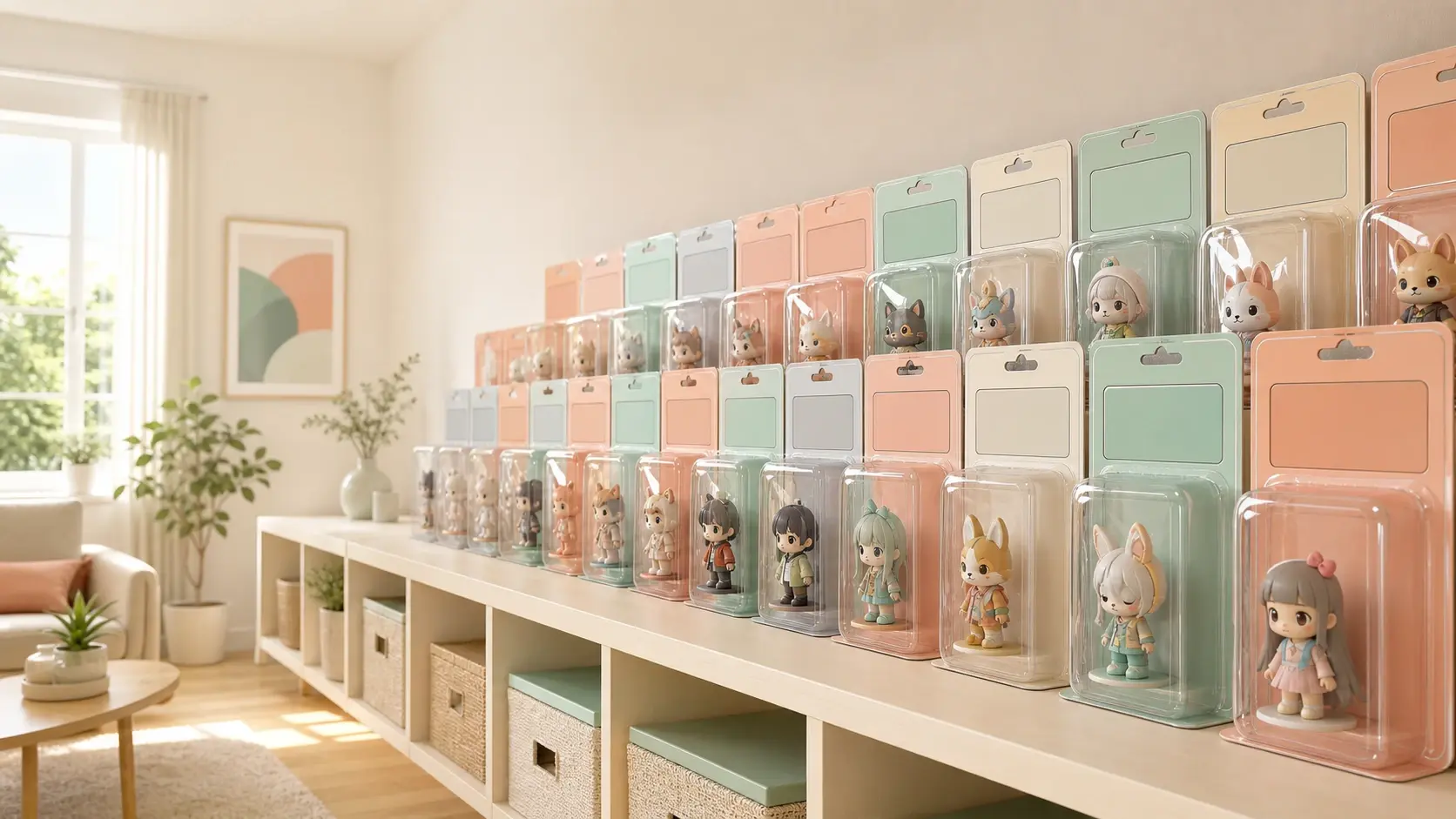
Upload a photo, pick the figure style, and get four boxed figures back to share or turn into a clip.
Get Started


























