

AI Baby Meme Maker
Start with a baby photo or a short idea, then describe the expression, scene, and joke you want. This AI baby meme maker workflow turns that direction into a playful original image you can refine, download, and share. Add a reference photo for a stronger likeness, or create an AI baby meme from text when you do not have a picture ready.
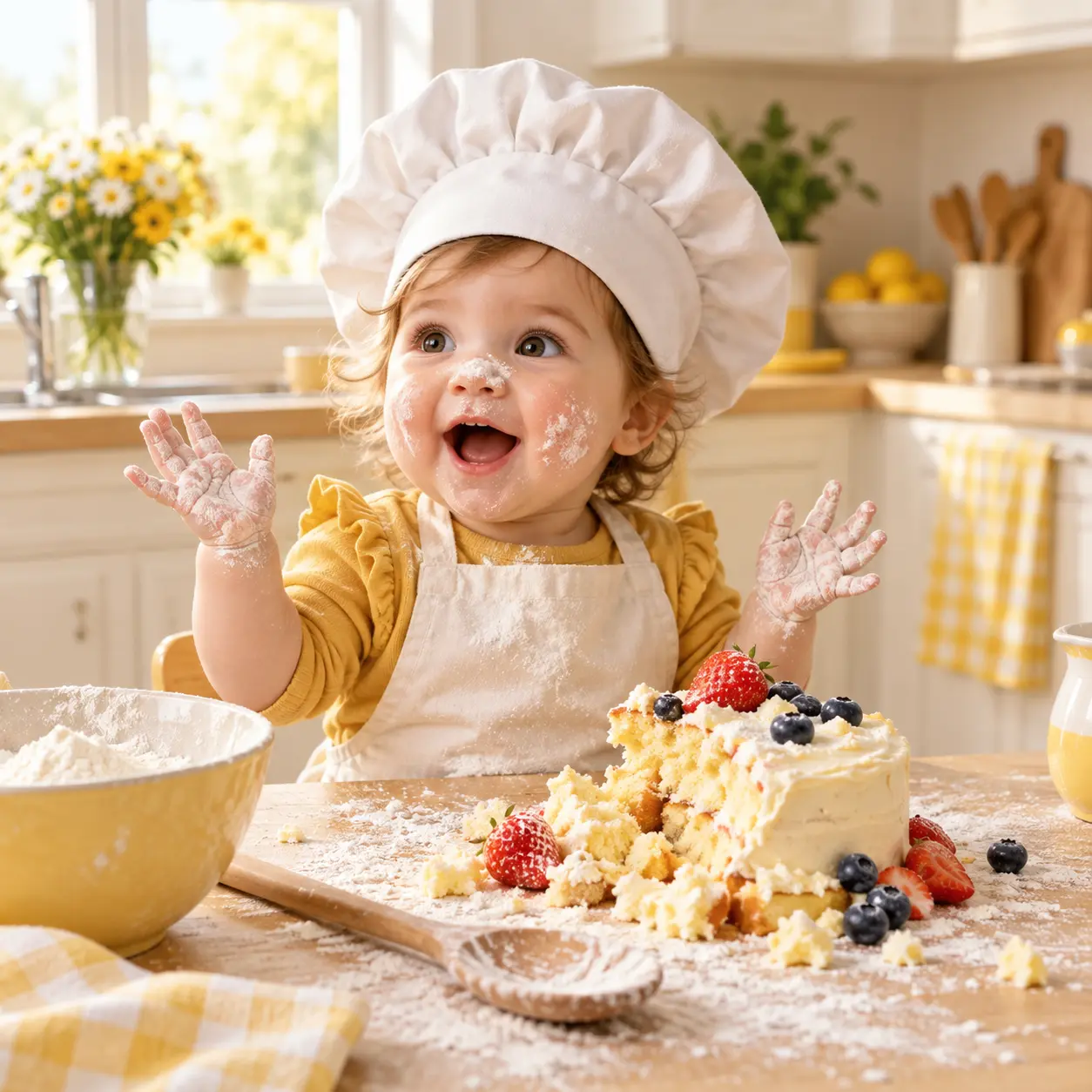
What This AI Baby Meme Maker Can Do
Build a funny baby image from a photo and a clear idea, then refine the reaction, setting, and visual style.
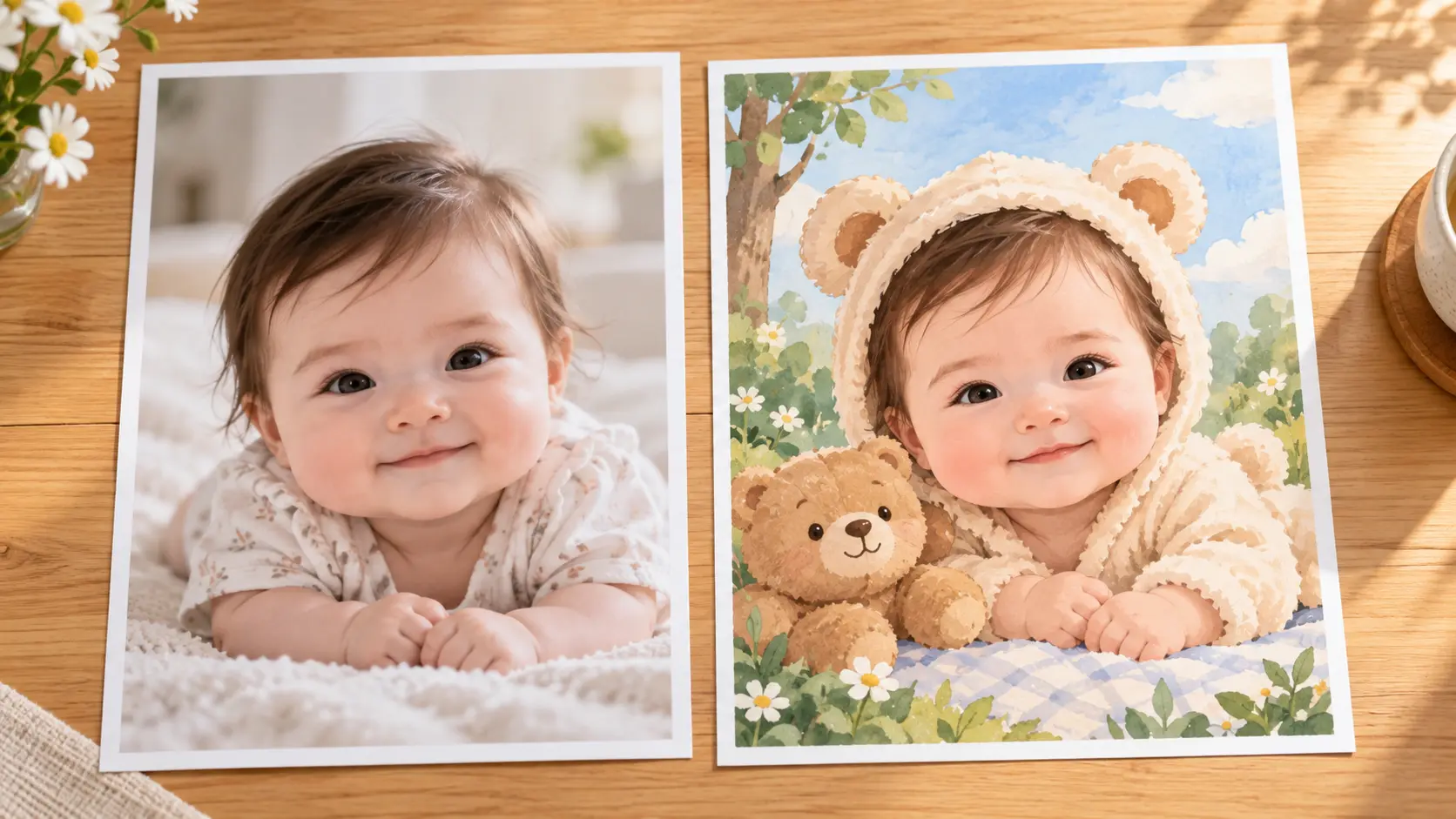
Start From A Baby Photo
Upload a clear photo when you want the AI baby meme maker to keep the result close to a real expression, pose, or facial feature. The reference guides the result while the prompt changes the scene around it. A better source photo gives the model clearer information about face shape, expression, and pose. Keep the face unobstructed, use even light, and avoid heavy filters so the final image stays recognizable while the prompt supplies the comic concept.
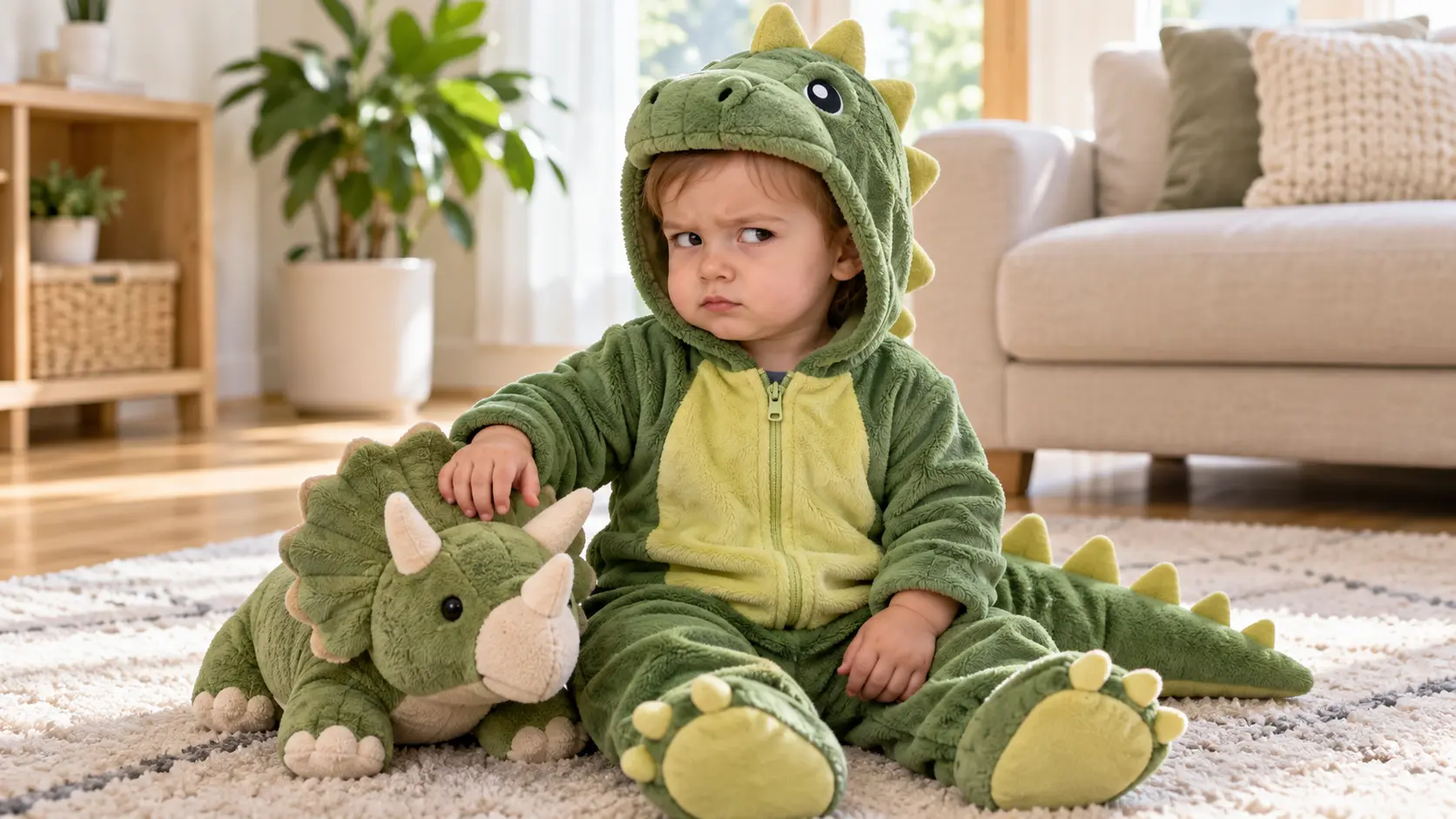
Direct The Expression And Scene
Describe whether the baby looks surprised, unimpressed, triumphant, or suspicious. Then set the setting, costume, props, and camera angle so the AI baby meme maker can build a clear comic situation. Write the joke as a visible situation rather than a caption, so posture, props, and setting carry the meaning. Keep one main reaction and one clear setting; too many competing details make the baby look busy instead of funny.
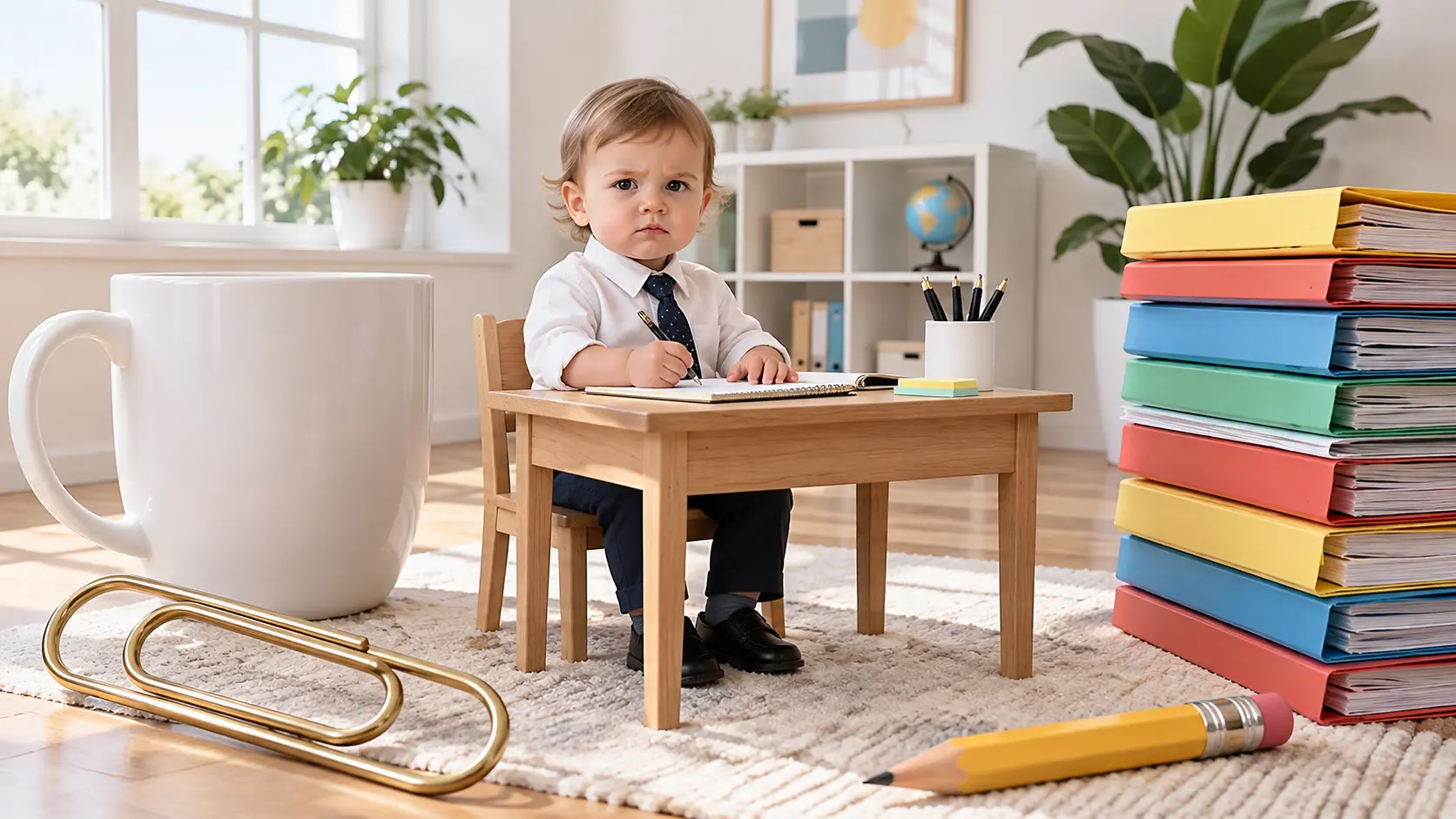
Keep The Joke Easy To Read
Strong AI baby meme ideas use one obvious contrast: a serious face in a silly setting, a tiny subject with a huge prop, or an innocent reaction in a chaotic moment. The image should communicate that contrast before a caption is added. After the first pass, remove anything that distracts from that contrast, including extra characters, tiny props, or a background that competes with the face. A simple composition also leaves room to add a caption later without covering the expression.
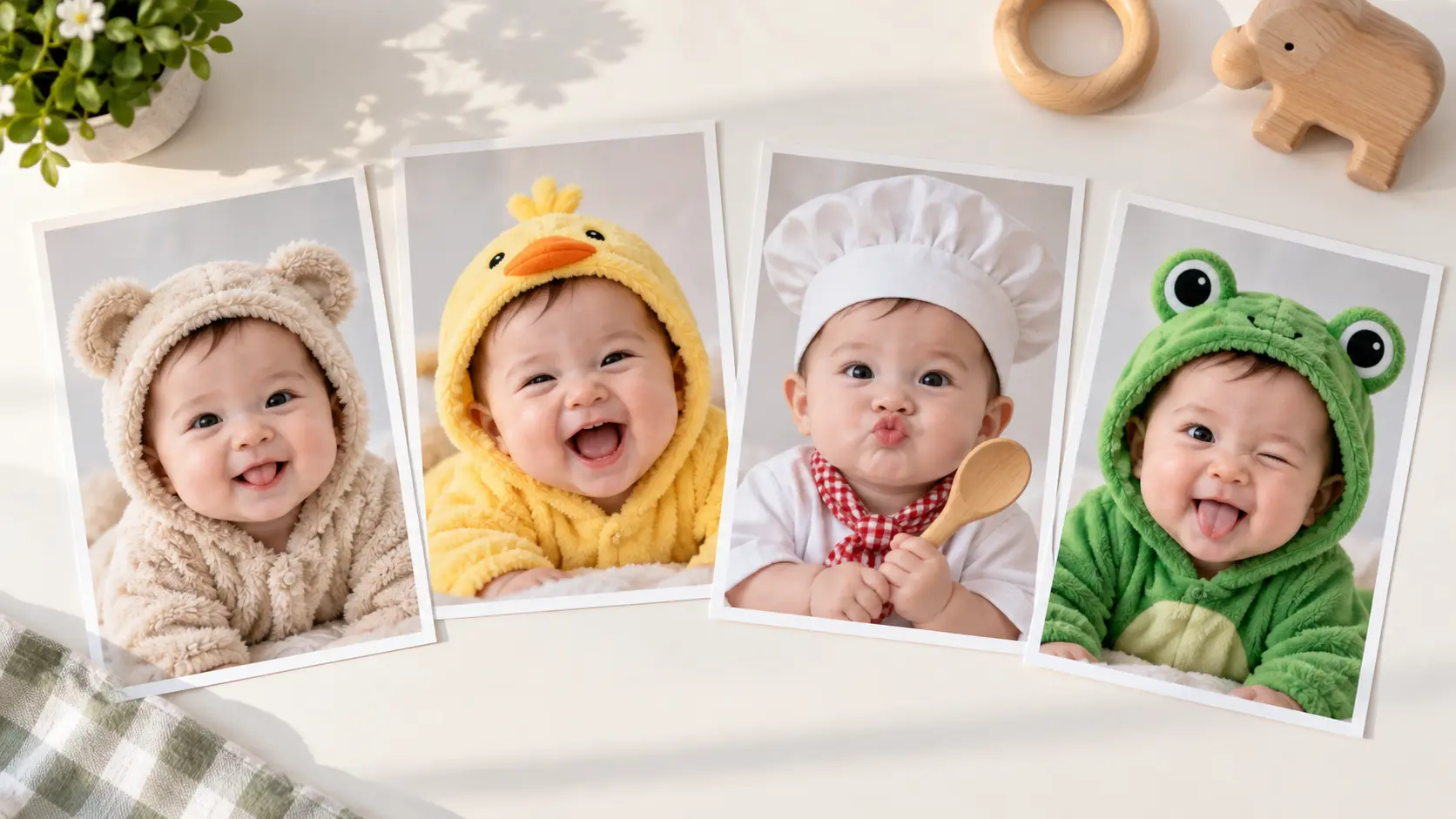
Refine The AI Baby Meme Maker
Review the first image and adjust one detail at a time. Change the expression, background, outfit, or level of realism without rebuilding the whole idea, then choose the version that feels funniest and clearest. Use the same prompt structure when comparing versions so the change is easy to judge. Keep the strongest face and pose, then adjust only the detail that weakens the joke; this preserves what already works and makes each iteration faster.
How To Use An AI Baby Meme Maker
The workflow keeps the setup short and leaves room to refine the joke.
Add A Baby Photo
Upload a photo with a clear face and expression, or describe the baby from scratch when you do not need a specific likeness. Good lighting and an unobstructed view make the AI baby meme maker easier to control.
Describe The Meme Idea
Name the expression, situation, costume, props, and visual style. The AI baby meme maker works best when the prompt has one funny contrast and enough scene detail to make the image feel intentional.
Generate And Refine
Create the first version, compare it with the source or your prompt, and change one detail if needed. Use the AI baby meme maker to download the result when the expression, framing, and joke all land clearly.
Where An AI Baby Meme Maker Fits
Three situations where a custom baby image is more personal and more useful than a generic template.
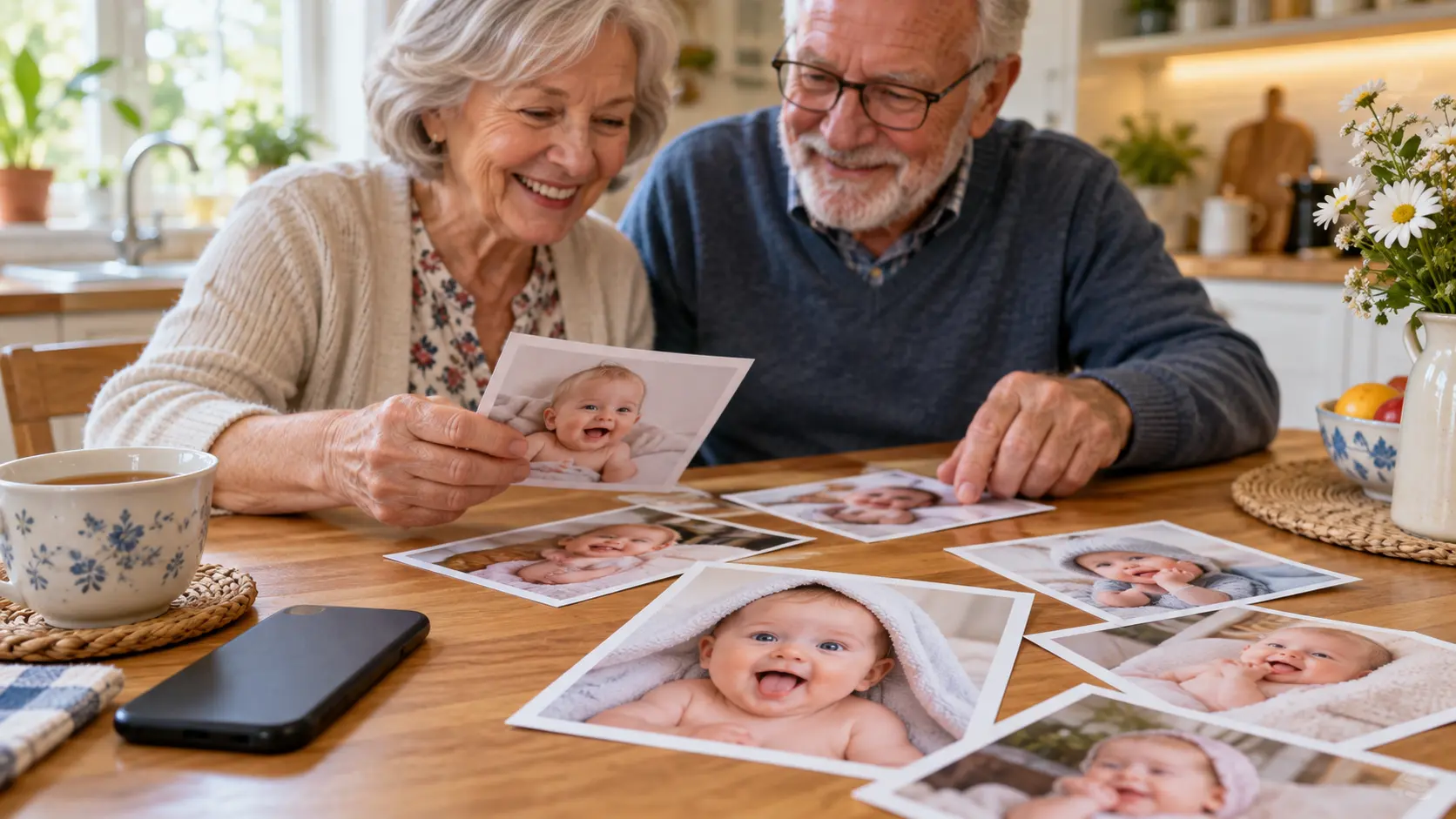
Family Group Chats
Send a funny baby image that connects to a family inside joke instead of searching for a template that almost fits. Use a real expression, add a recognizable setting, and turn the AI baby meme into a quick reaction for the group. Keep the joke affectionate and easy to understand.
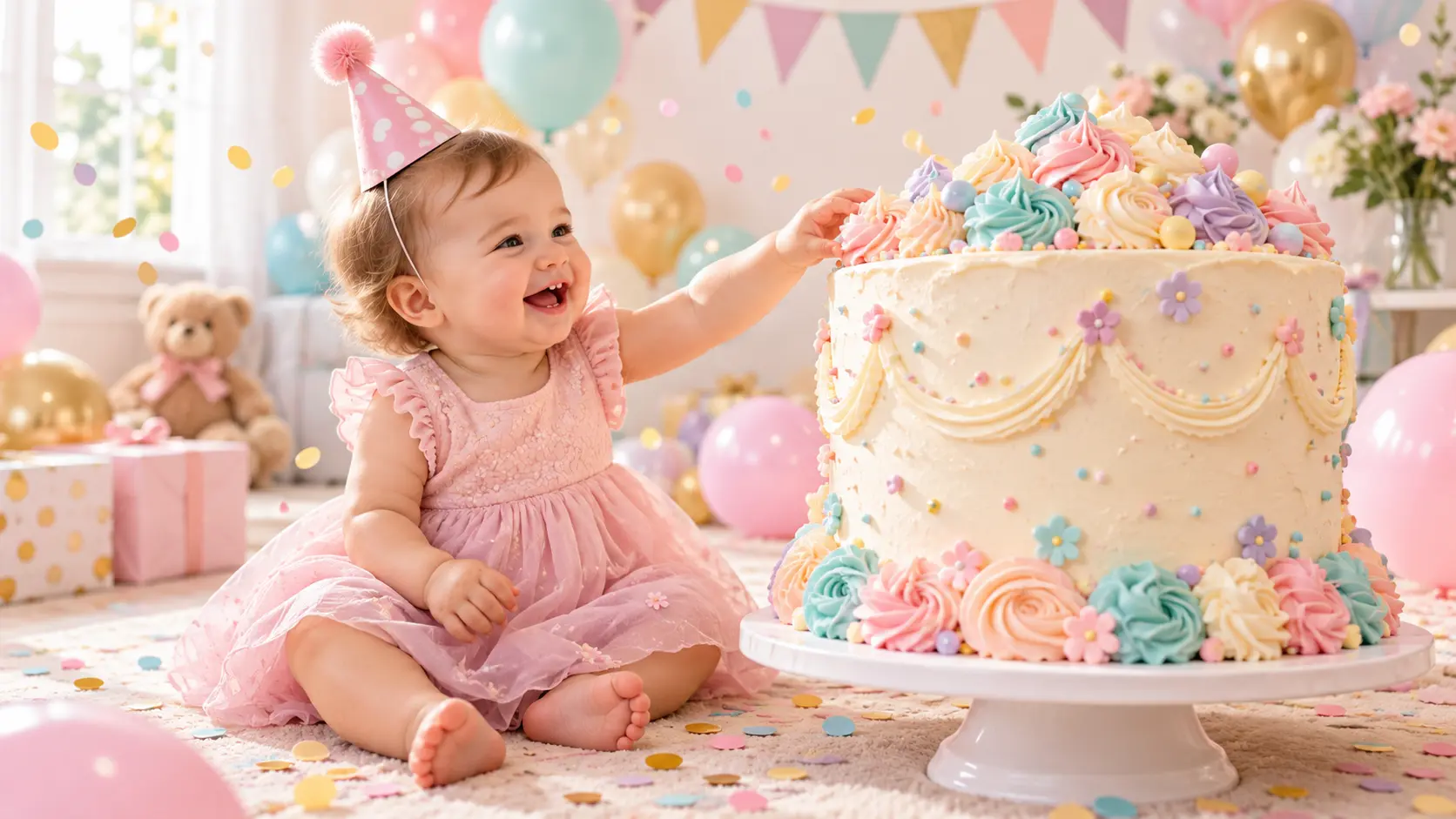
Baby Shower And Birthday Posts
Celebrate a milestone with an AI baby meme maker image that matches the party theme, age, or personality. A tiny party hat, an oversized cake, or a mock award ceremony gives the image a clear occasion while the baby remains the focus.
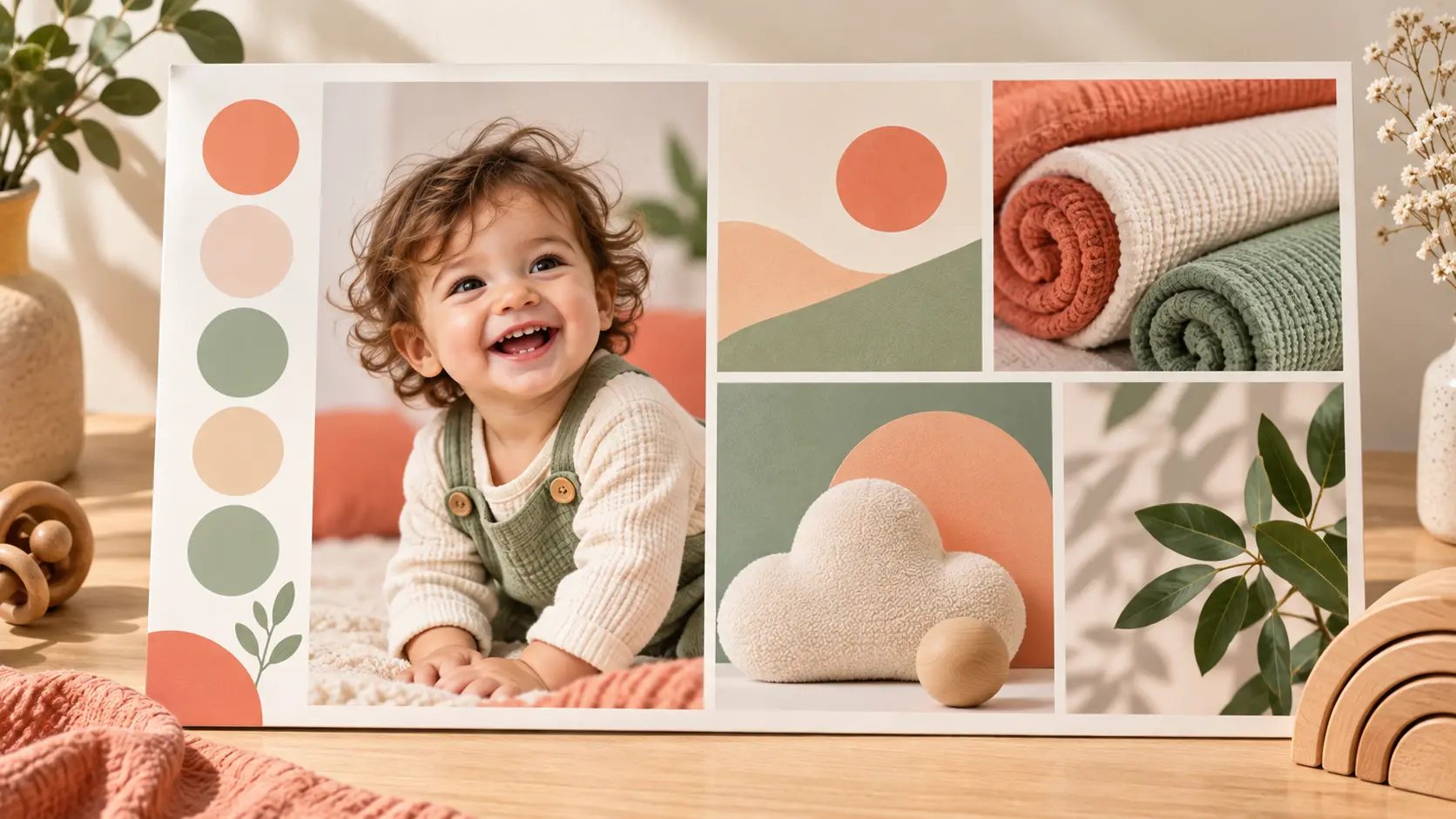
Social Content For Baby Brands
Parenting brands and creators can turn a simple product idea into a playful AI baby meme for a social post. Use the image to communicate the reaction, not the product alone, and keep captions, claims, and usage rights aligned with the campaign.
Why Use An AI Baby Meme Maker
A custom baby image can feel personal, fast, and easy to adapt across different posts.
Personal, Not Generic
Start with a real baby photo when likeness matters, so the AI baby meme maker result feels connected to the person instead of borrowing a stranger from a template.
Faster Idea Testing
Describe several reactions or settings and compare the results without building each scene from scratch by hand.
Easy To Iterate
Change the expression, costume, background, or camera angle one detail at a time while keeping the original idea recognizable.
Reference-Guided Likeness
A clear photo gives the generator useful structure for the face, pose, and expression, especially when the prompt keeps the composition simple.
Flexible Humor Styles
Move from cute and wholesome to dramatic or absurd by changing the scene, not the whole workflow.
Made For Sharing
Create a square image for a post, a vertical version for stories, or a wide crop for a header when the layout needs another shape.
Who Uses An AI Baby Meme Maker
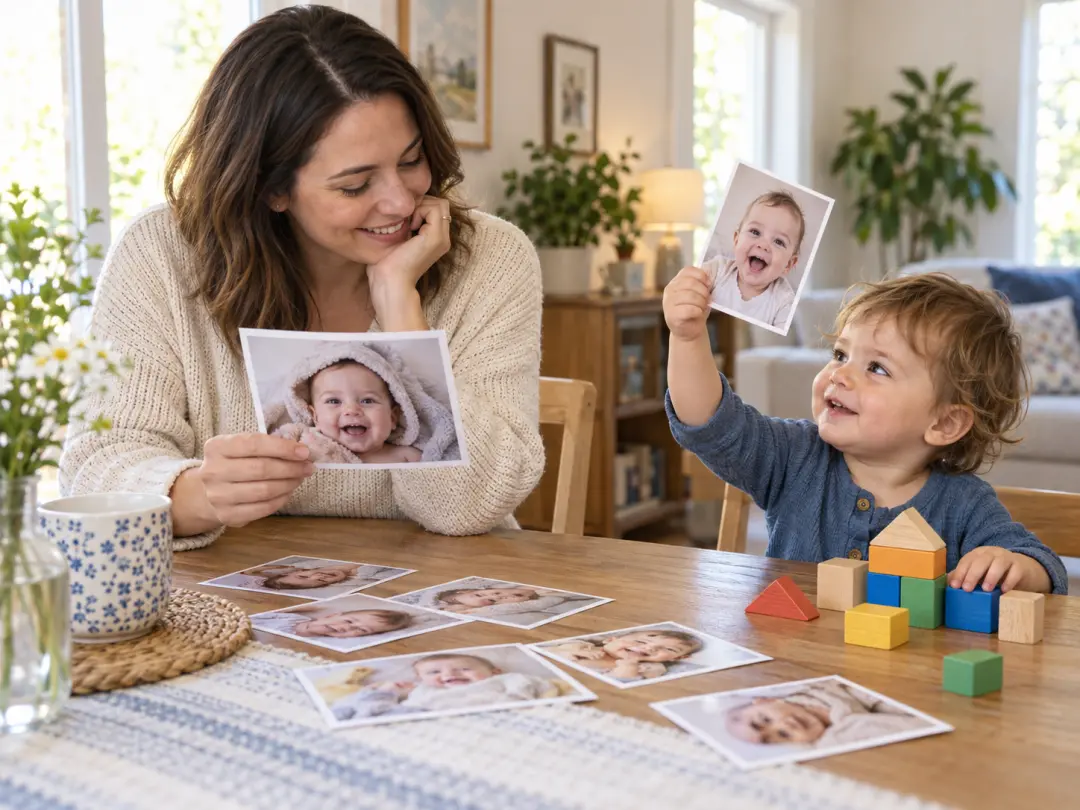
Parents and family creators
Use the AI baby meme maker for family chats, milestone posts, and affectionate inside jokes using a photo that already means something.
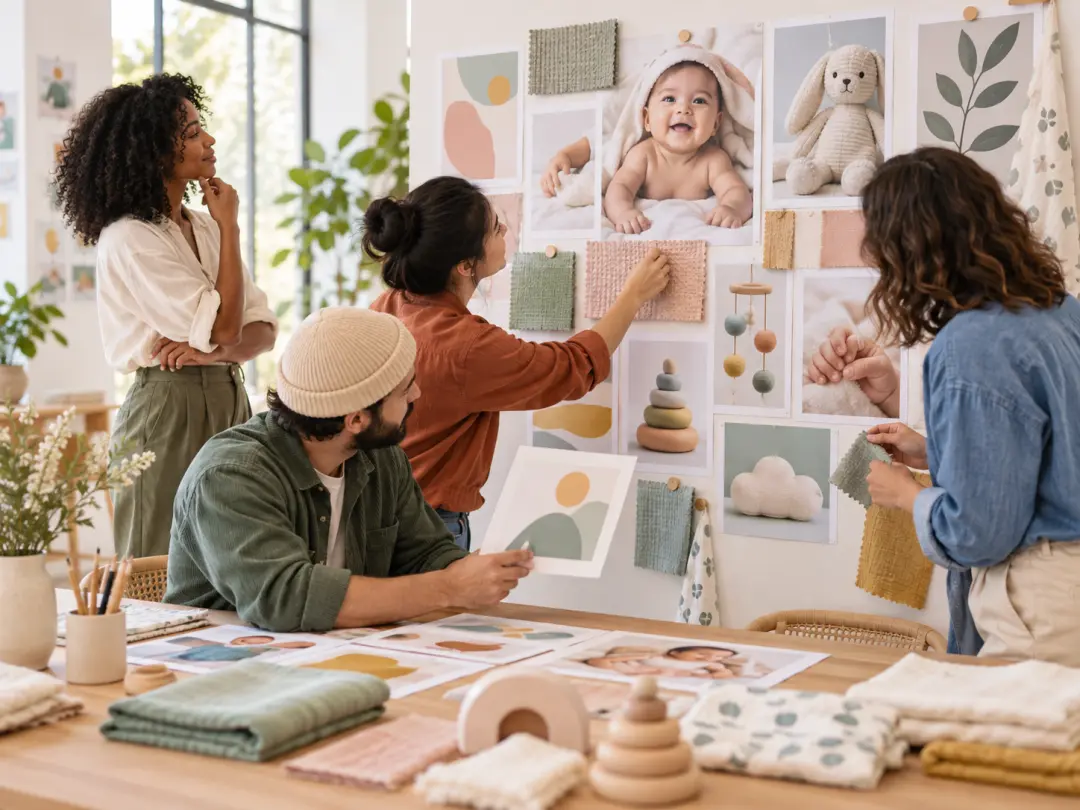
Baby and parenting brands
Create distinctive campaign imagery for social posts while keeping the concept, claims, and usage rights reviewable.
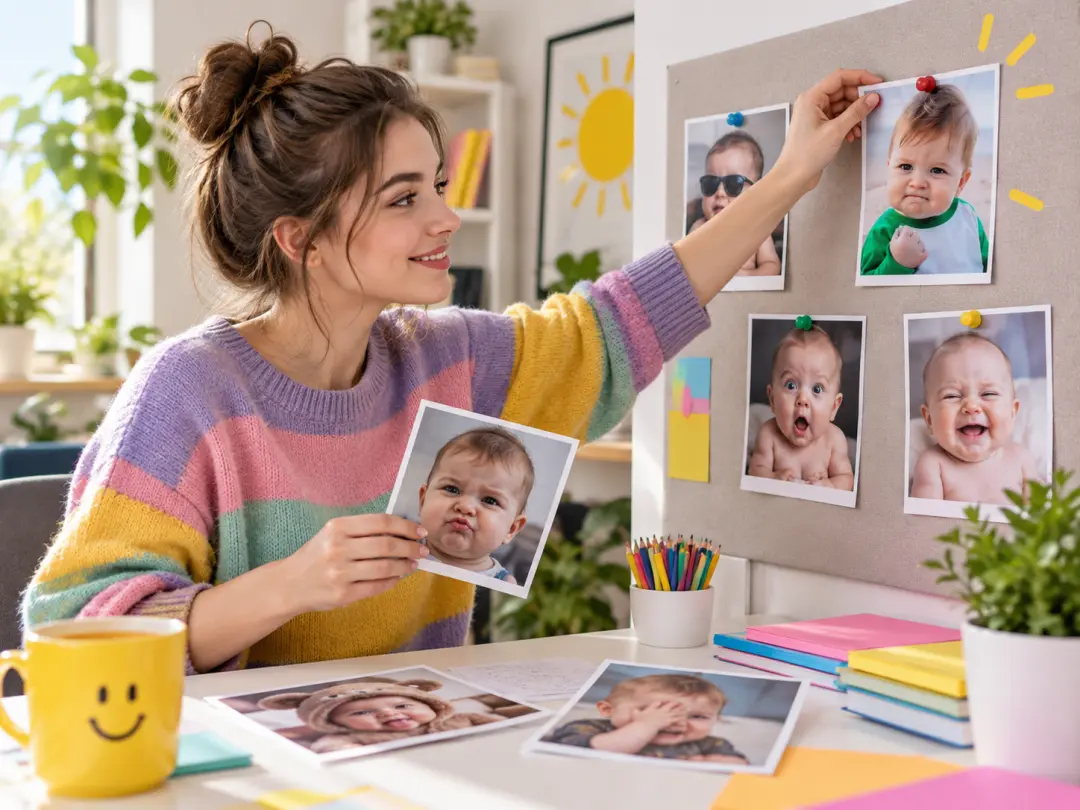
Meme account creators
Test reactions, recurring characters, and timely jokes with an AI baby meme that fits the account voice.
AI Baby Meme Maker Questions
Related baby and meme tools
Create With The AI Baby Meme Maker
Add a photo or describe the joke, then generate a playful baby image ready to refine and share.
Get Started