
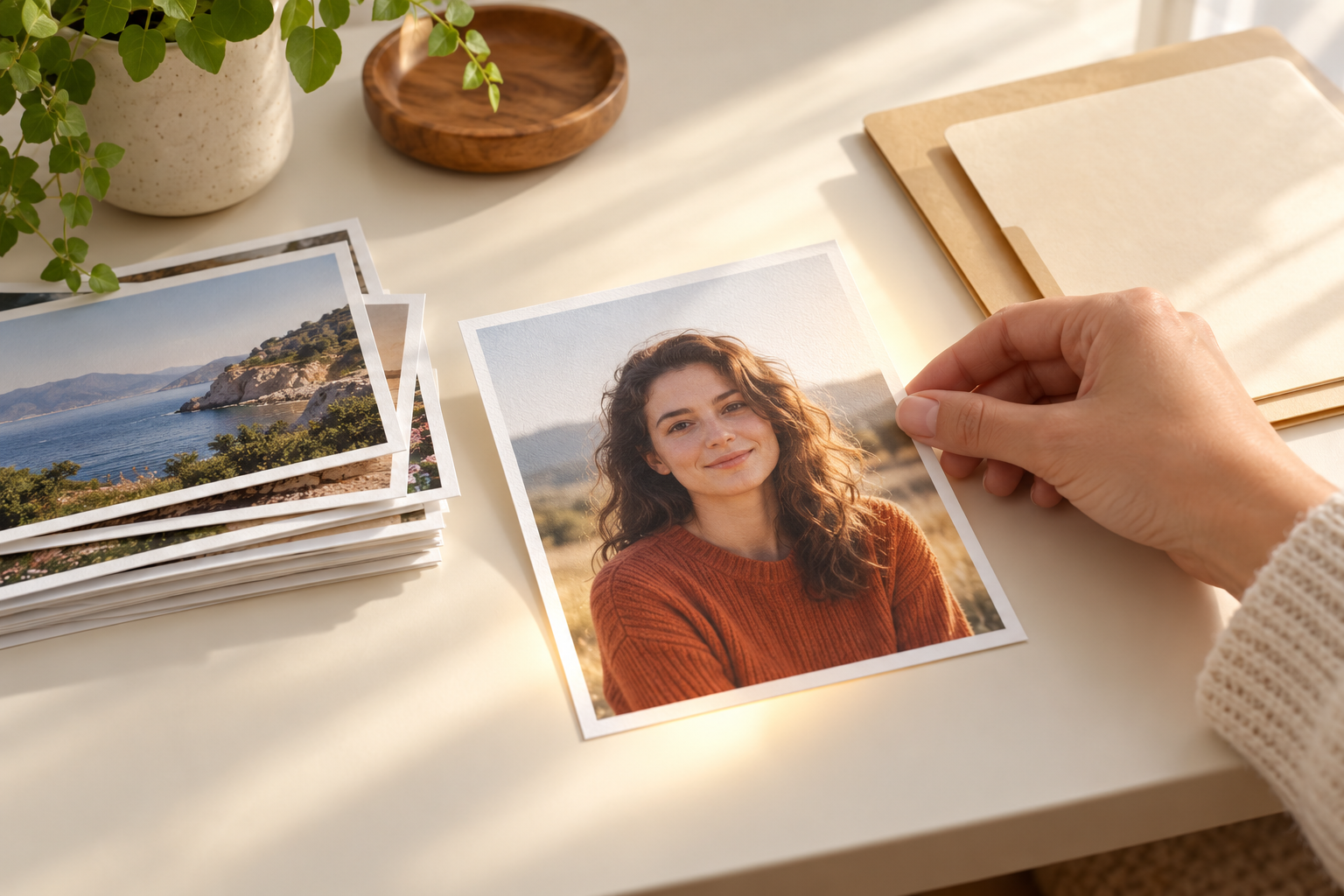
Step 01
Upload The Picture You Want To Change
Add a clear JPEG, PNG, or WebP file and mention anything that must stay the same, such as the face, the pose, or the shape of the subject.

Upload a picture, describe the change you want in plain words, and the AI image modifier rebuilds the shot with that edit applied. Swap the background, change the light, restyle the subject, or rework one small detail, and get a fresh image while the file you uploaded stays exactly as it was.
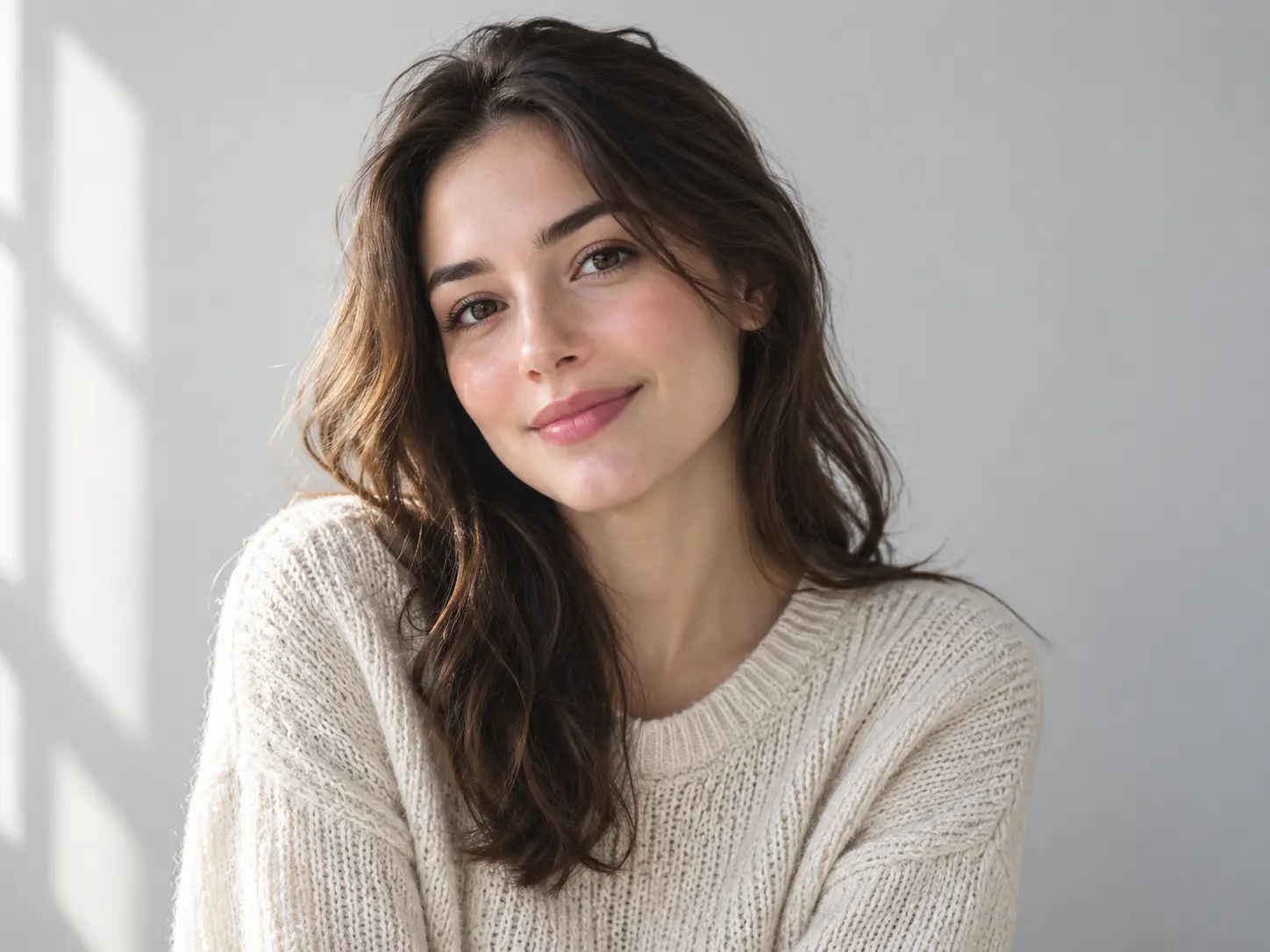
This tool edits an existing picture from your words. Add a photo, describe the change, and the AI image modifier returns a new version instead of a set of sliders you have to fight with.
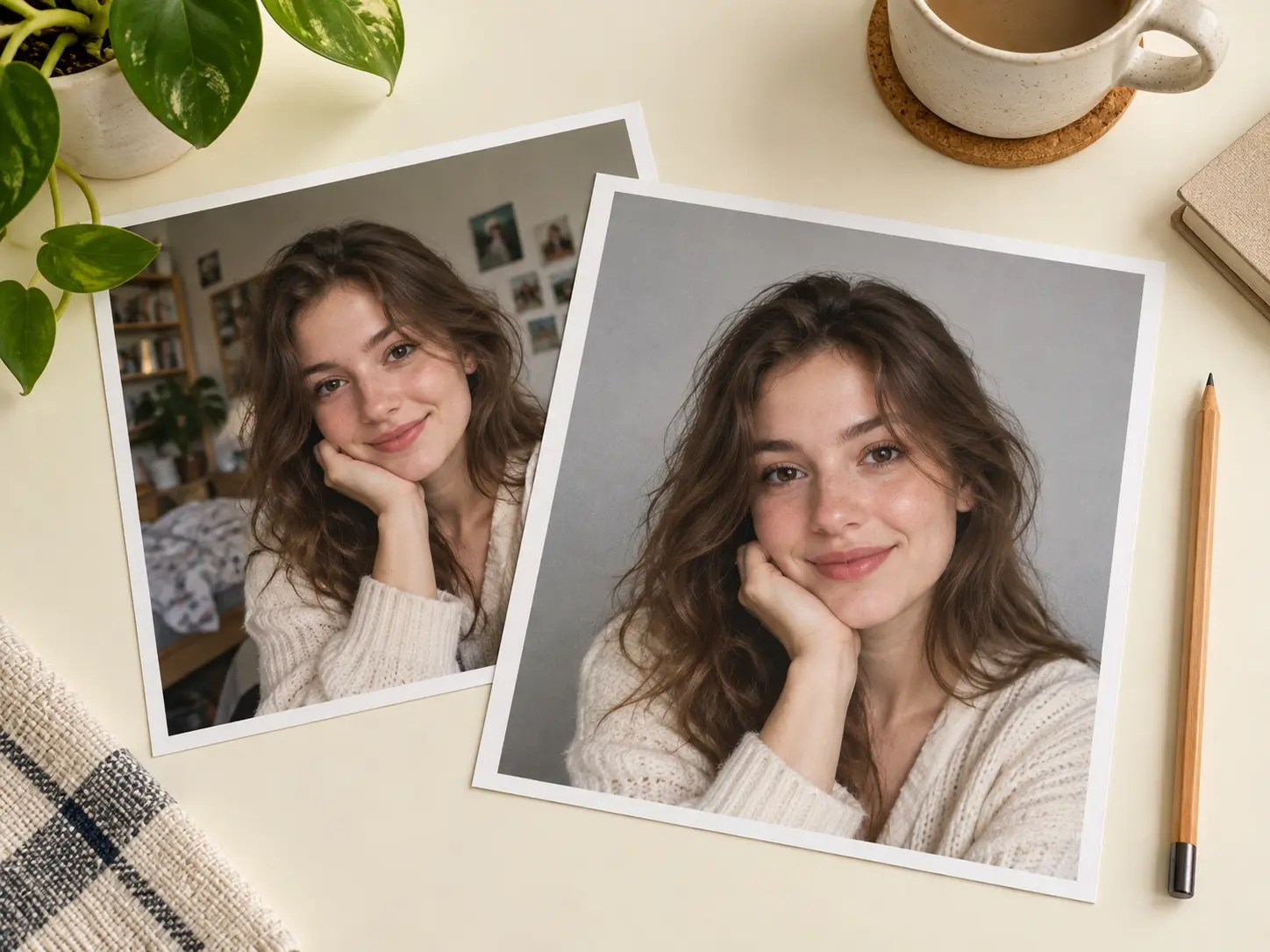
You describe the change and the tool does the work, so there are no masks, adjustment layers, or brush settings to learn. Make the AI image modifier swap a colour, lift the exposure, or soften a shadow in one sentence, then compare the result against the original before you keep it.
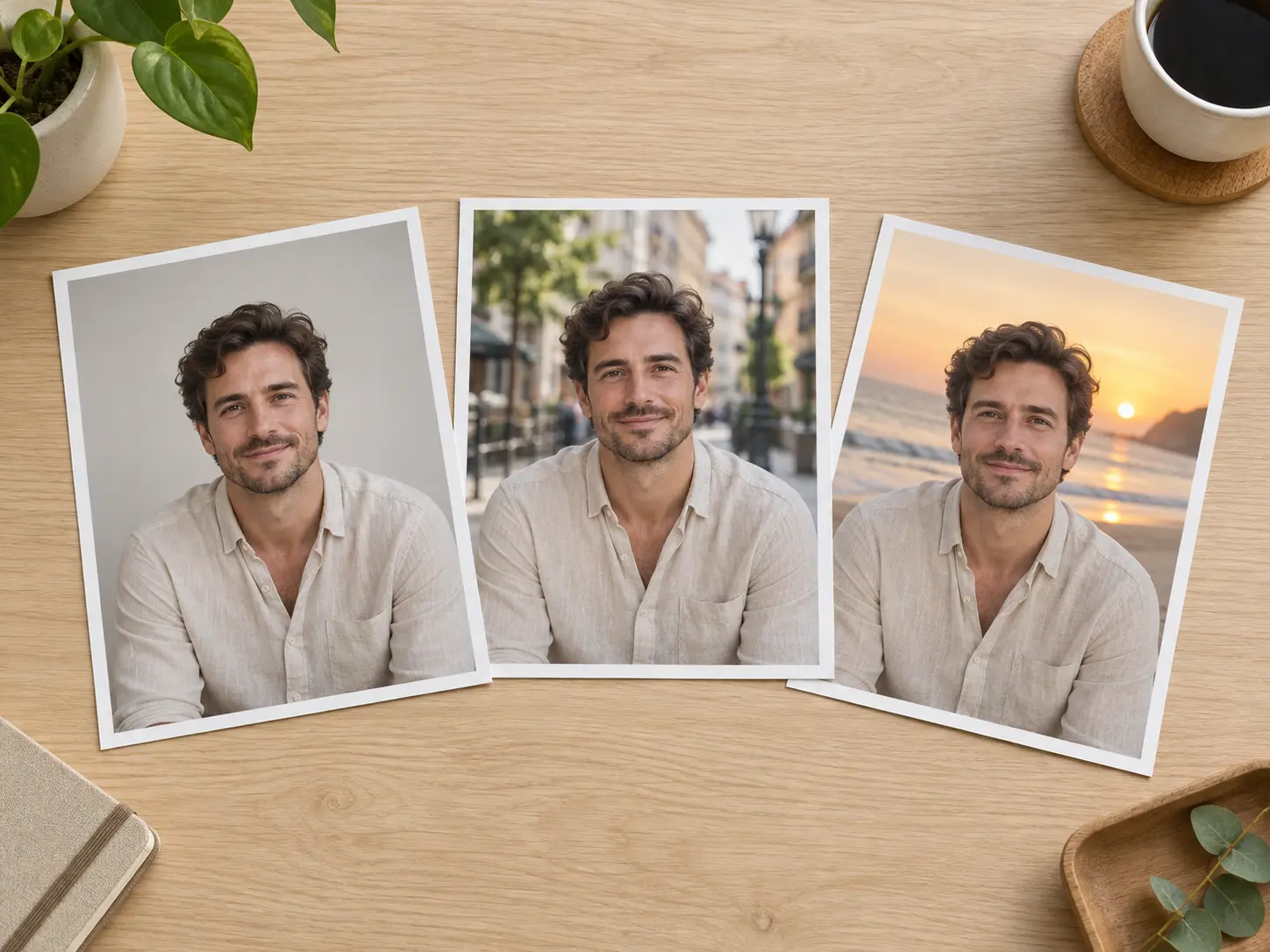
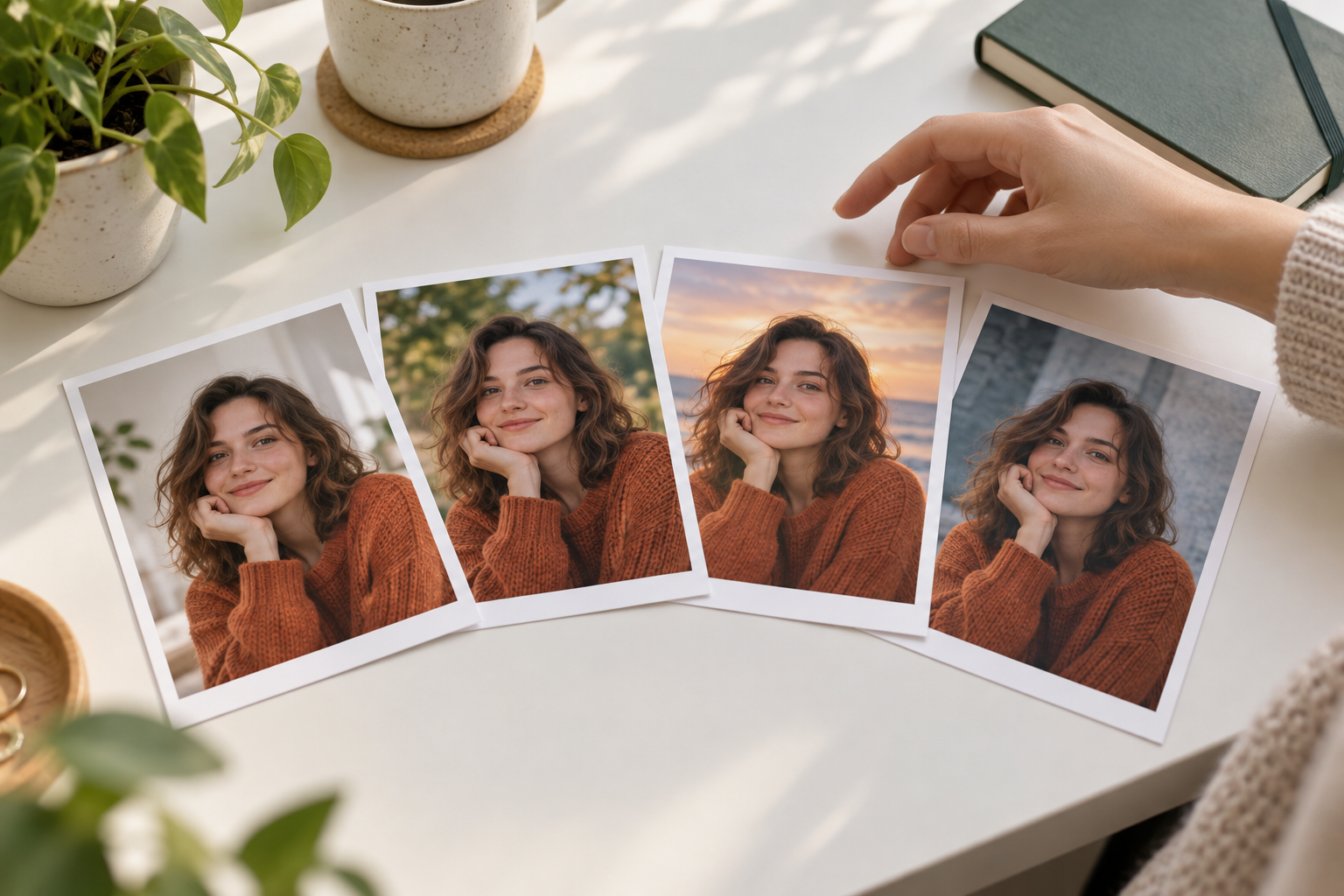
A dull background is one of the easiest things to fix. Keep the person and change what sits behind them, from a plain studio wall to a city street or a beach at sunset. The AI image modifier holds the subject in place while the setting is rebuilt around them, which saves a full reshoot.
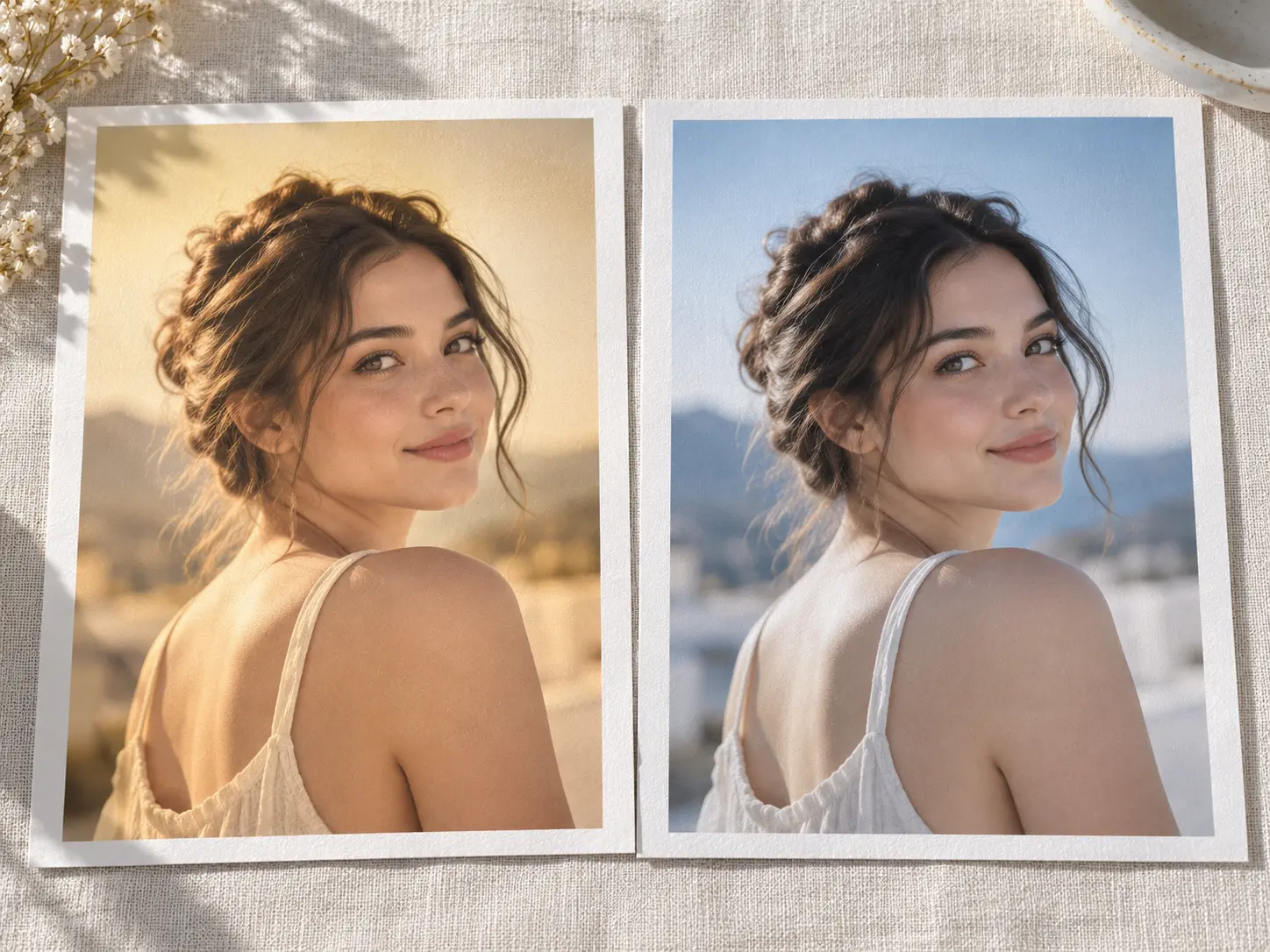
You do not have to lose the shot you already like. Ask for a new colour grade, a different outfit, or a painted finish and the AI image modifier returns a restyled frame that keeps the pose and the framing. That makes it quick to test a few directions before you settle on one.
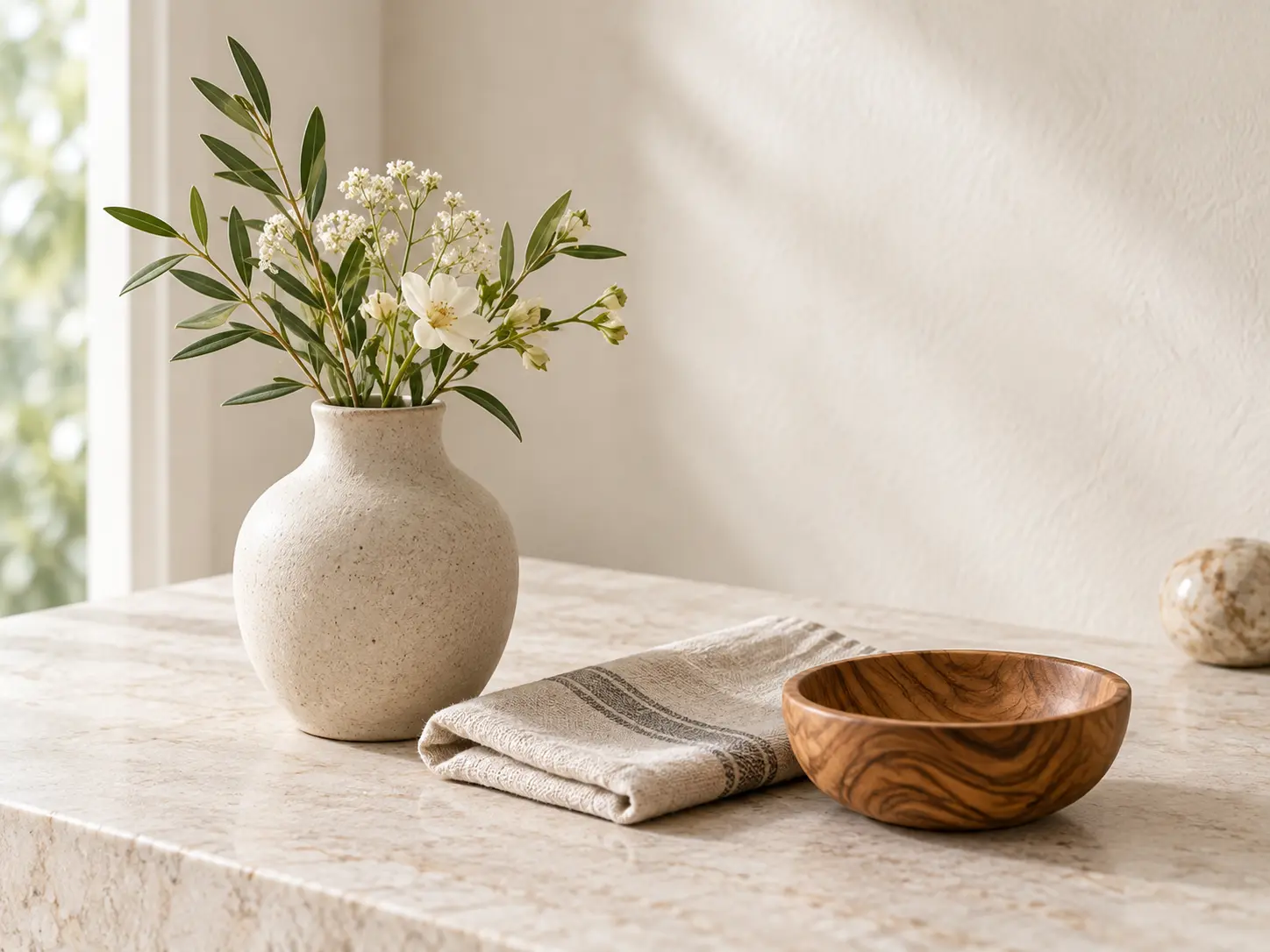
Small problems are often the reason a photo never gets used. Remove a stray object, tidy a loose strand of hair, or change the colour of one item without rebuilding the whole scene. The AI image modifier works on the detail you name and leaves the rest of the picture alone.
Three steps take an uploaded photo and a short instruction to a finished edit you can download.
Step 01
Add a clear JPEG, PNG, or WebP file and mention anything that must stay the same, such as the face, the pose, or the shape of the subject.

Step 02
Write the edit in one sentence. The AI image modifier follows the words you give it, so a new background, a colour shift, or a brighter mood only needs a short, specific line.
Step 03
Generate a set, compare each option against the original, and refine the wording if a detail drifts. Save the version you like best and download it at full resolution.
These are the edits people hand to an image modifier ai workflow instead of a manual editor.
Tidy a product shot by removing clutter, straightening the background, or matching the light to the rest of the catalogue, all from one written instruction.
Move a headshot onto a neutral background or warm the light so it sits better on a CV, a portfolio, or a social account without booking a new shoot.
See how a photo looks in a different season, city, or colour grade before you spend time on a real shoot, then keep the direction that works best.
Remove a distracting object, change one colour, or soften a harsh shadow so an otherwise good shot becomes usable again.
The workflow keeps the parts people actually need and drops the parts that slow an edit down.
You describe the change in plain words and the AI image modifier handles the rest, so there is no software to learn before you start.
Every edit returns a new file, so the picture you uploaded stays safe and you can always compare the result against the source.
Generate several directions in one pass, compare them side by side, and keep the one that fits without starting the edit again from scratch.
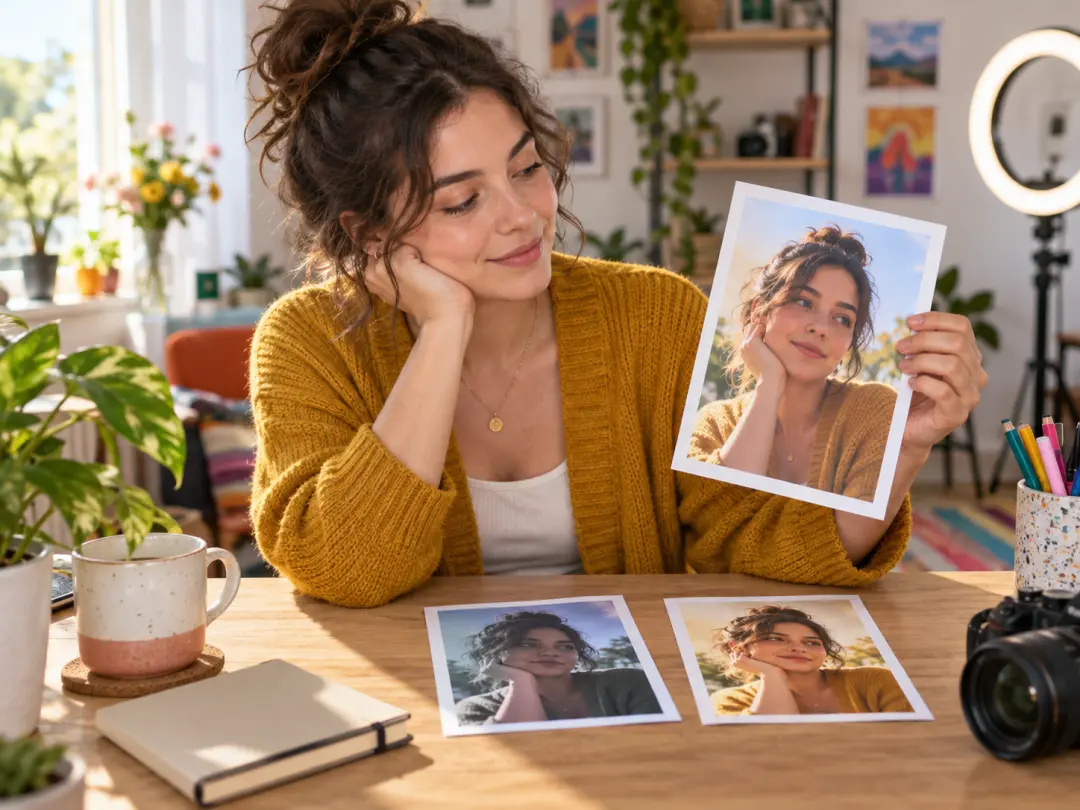
You need fresh images for posts without a full shoot each time. The AI image modifier turns one good photo into several versions, which keeps a feed varied while the person in the frame stays recognisable.
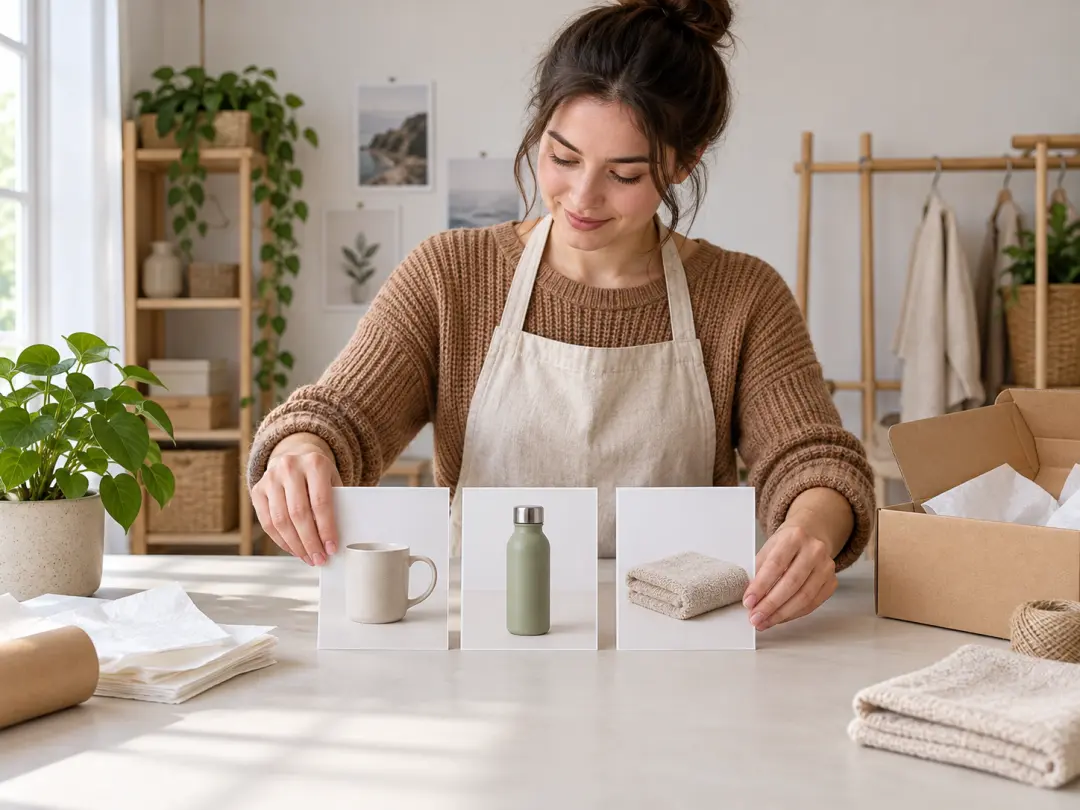
Product photos shot in different rooms rarely match. Use the tool to swap backgrounds and balance the light so every listing photo shares one clean look, which is faster than editing each file by hand.

A campaign needs the same shot in several moods and formats. Run the photo through the AI image modifier to test a warmer grade, a new setting, or a bolder colour before you brief a designer.
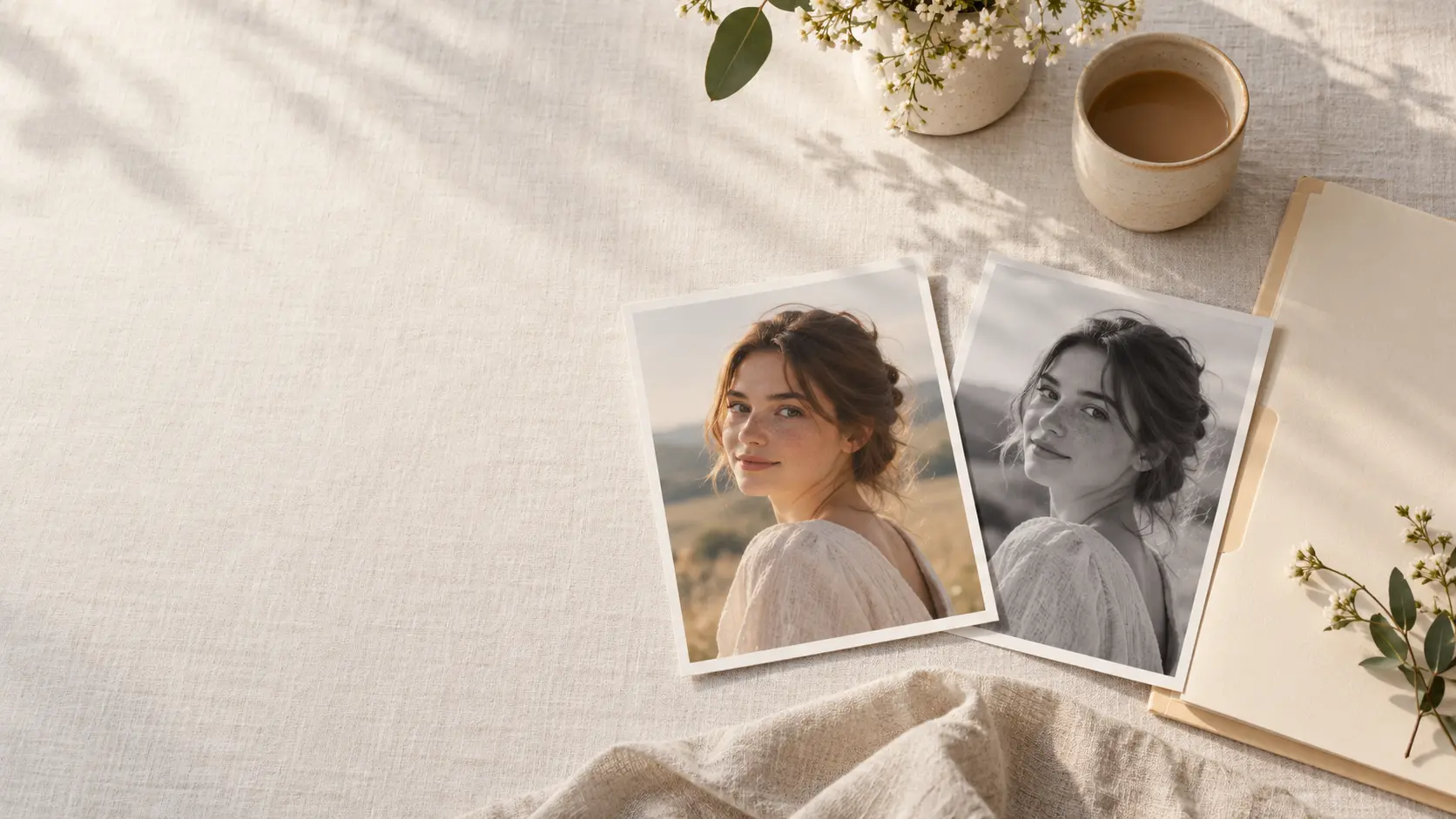
Upload a photo, describe the change, and let the AI image modifier build the version you want.
Get Started