

Step 01
Upload the Photo You Want Cleaned
Add a photo in a common image format from your device. Your upload stays in your workspace, so you can reuse it later or come back to it, and you can send more than one photo through in a row.

Brush over anything you do not want and clean up image erases it, then rebuilds the covered background so the fix blends into the scene.
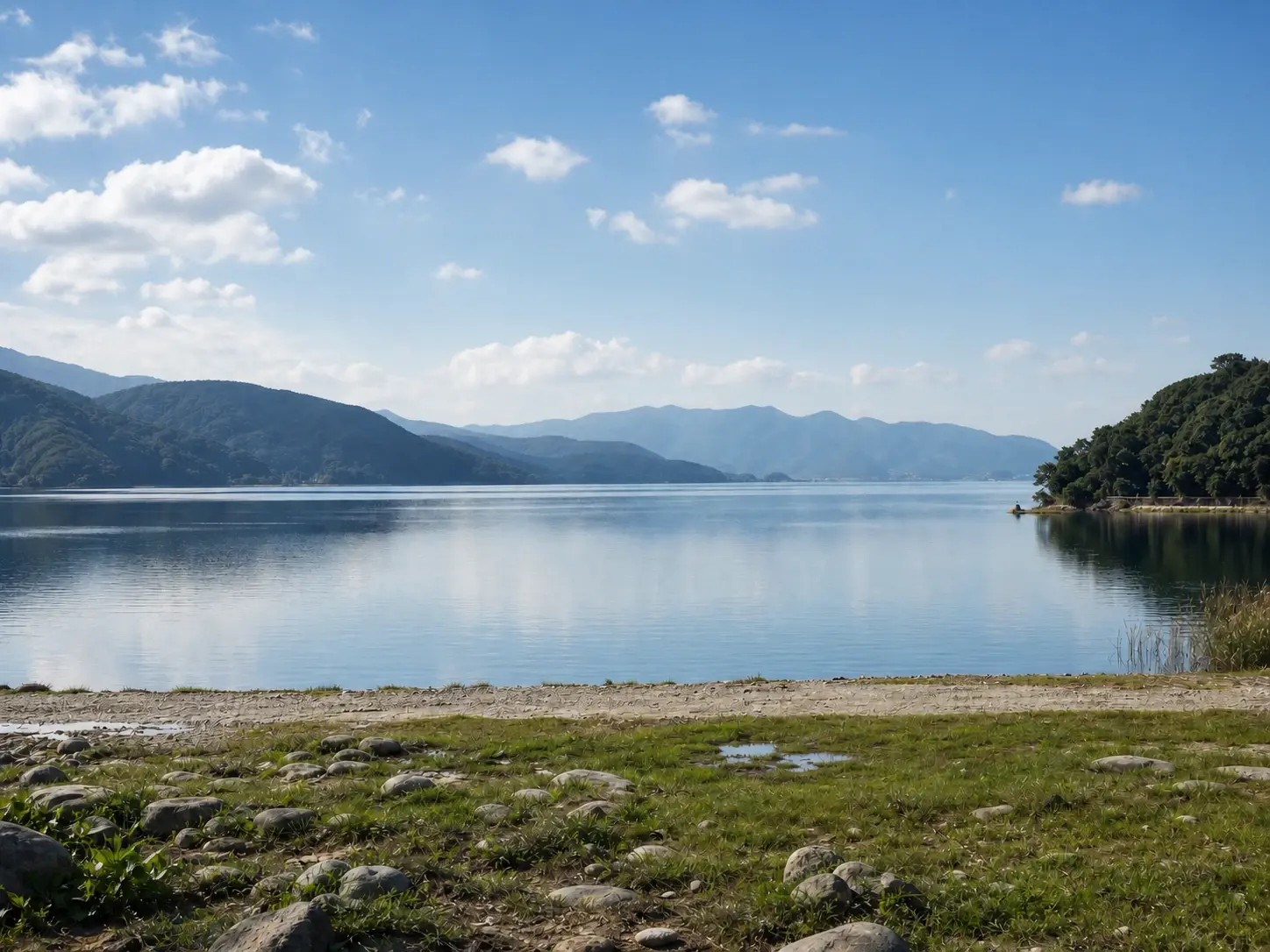
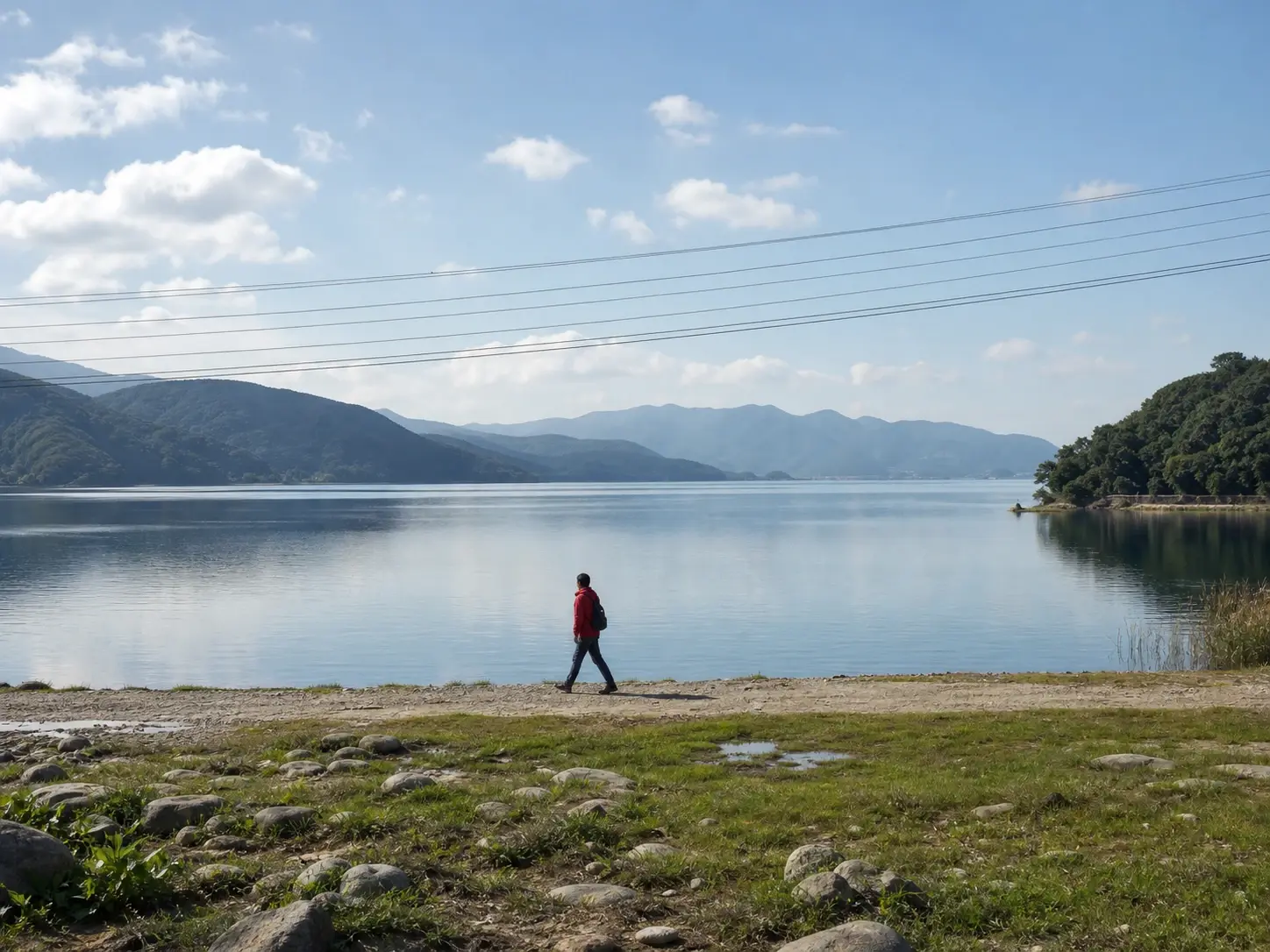
No picture on hand? Try with one of these
Here is what VideoAI does when you clean up image, from picking what to erase to rebuilding the space it leaves behind.
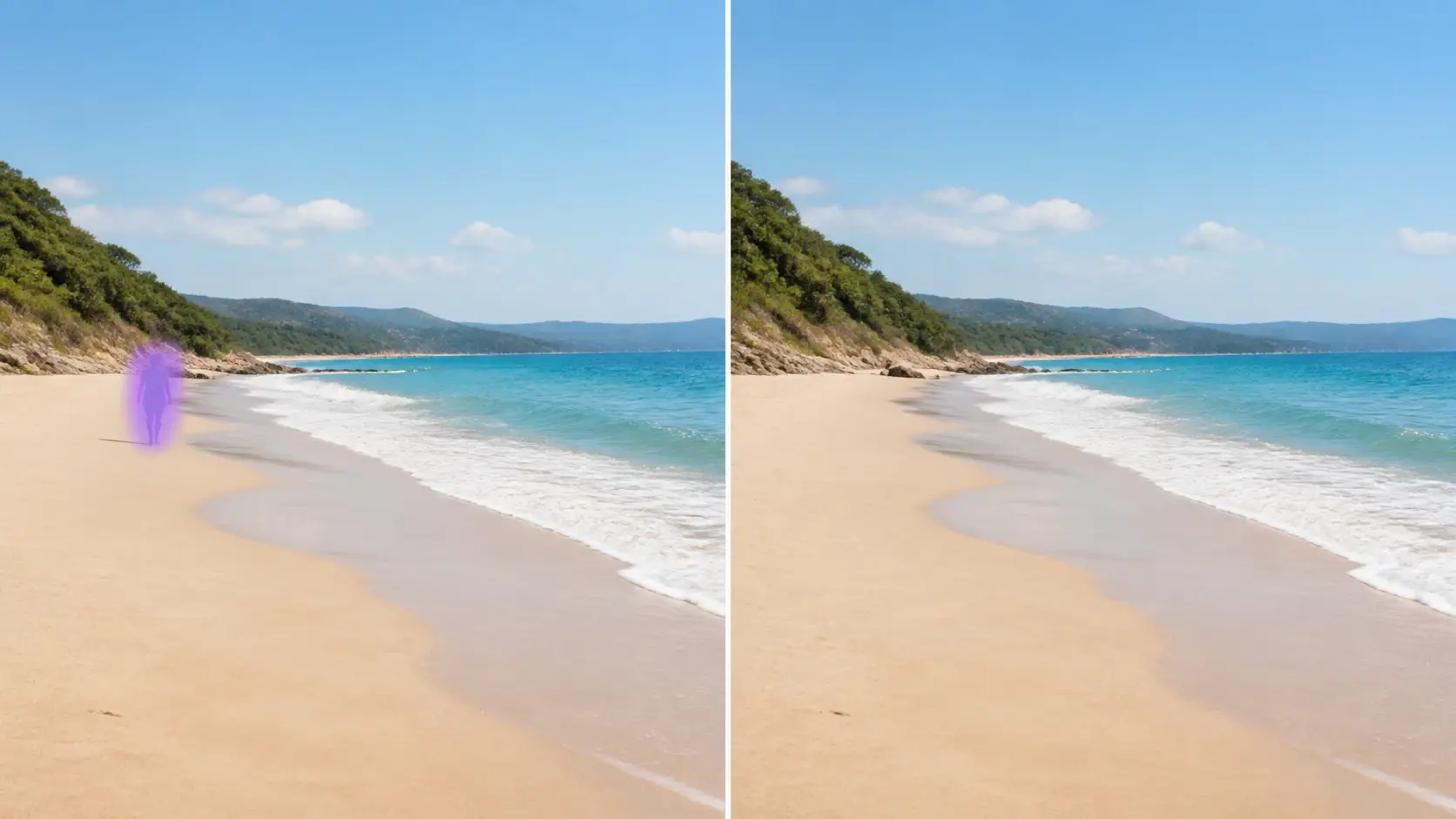
Paint a brush over the object you want gone, or type a short prompt that names it. Either way, you decide what stays in the frame, and clean up image never picks for you. This control is what makes VideoAI a precise clean up picture ai, not a one click filter.
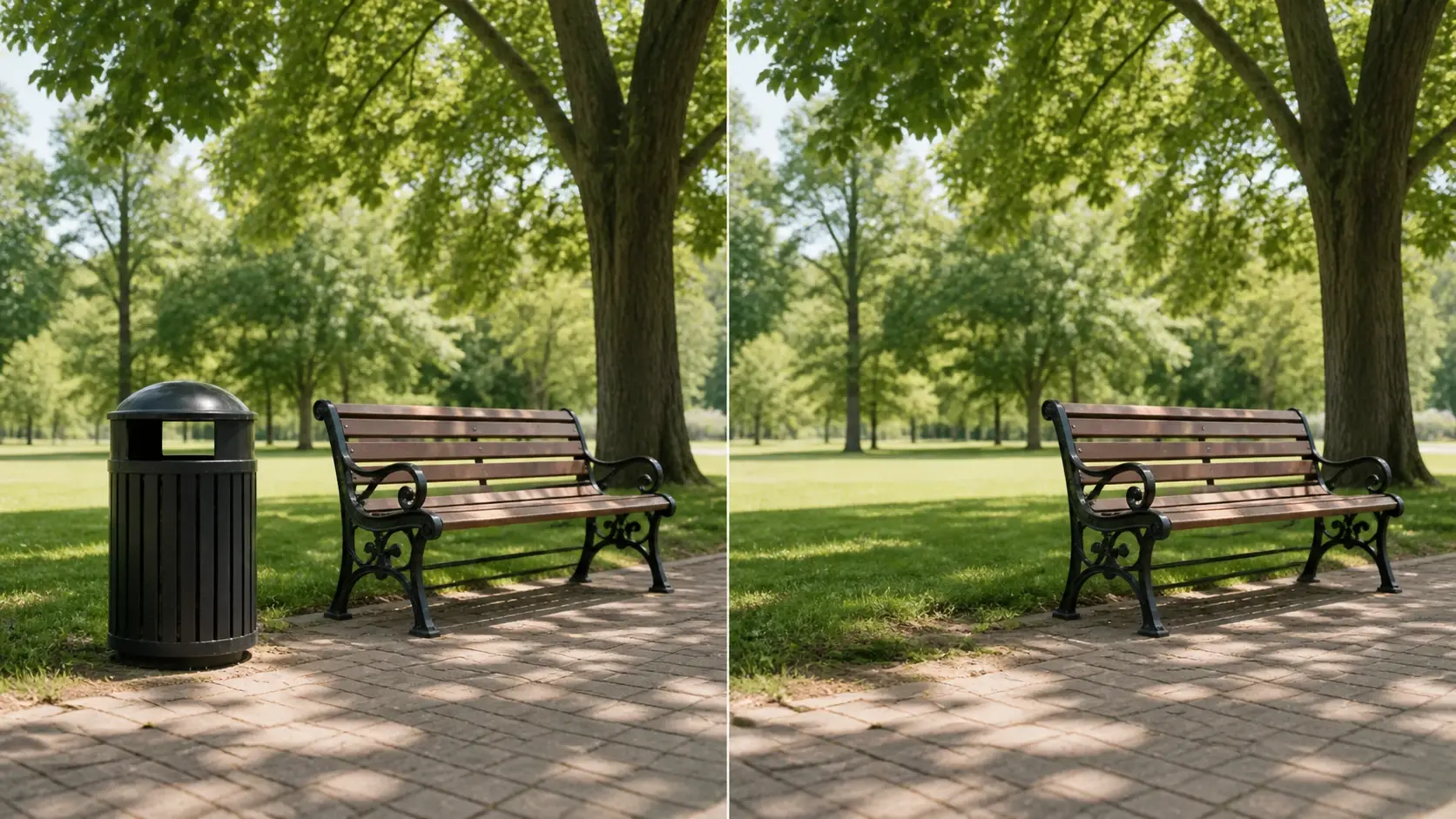
Once the object is gone, clean up image reads the pixels around the gap and redraws what was hidden, matching the nearby texture and light. You get filled space that follows the scene, not a blur or a colored patch. As a picture cleaner, it rebuilds instead of smearing.

Begin free with 10 credits, enough for five images, and download every result with no watermark. The cleaned shot is ready to post on social, list on product pages, or drop into a campaign after you clean up image. That makes VideoAI a real image cleanup step, not a demo.
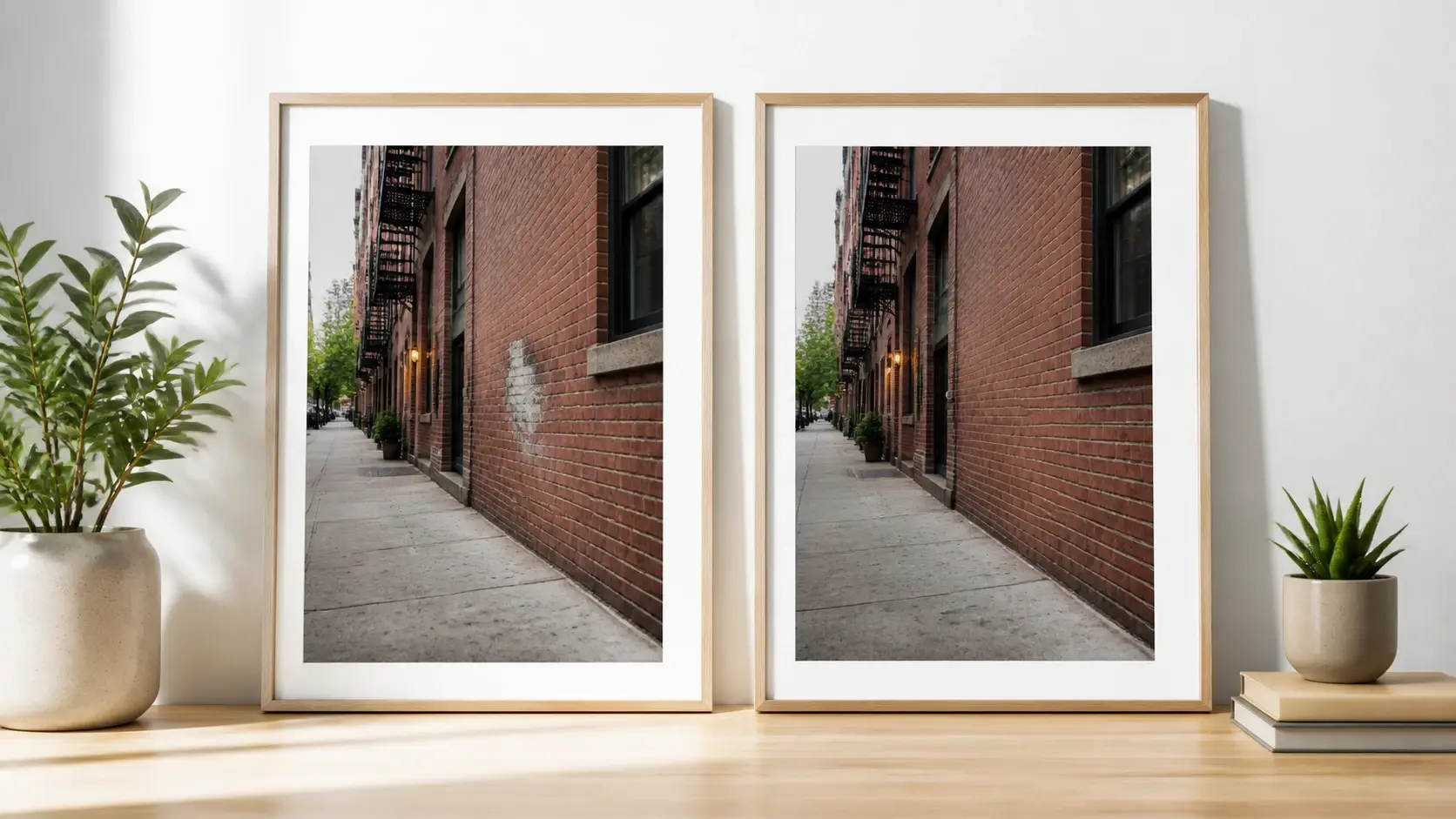
If an edge still shows or the filled area looks off, brush the same spot and clean up image runs it again, with no need to upload from scratch. Repeating on one area is where an image cleaner earns its keep, since real photos rarely clear in a single pass.
From upload to a clean download, here is how VideoAI handles a clean up image online.
Step 01
Add a photo in a common image format from your device. Your upload stays in your workspace, so you can reuse it later or come back to it, and you can send more than one photo through in a row.
Step 02
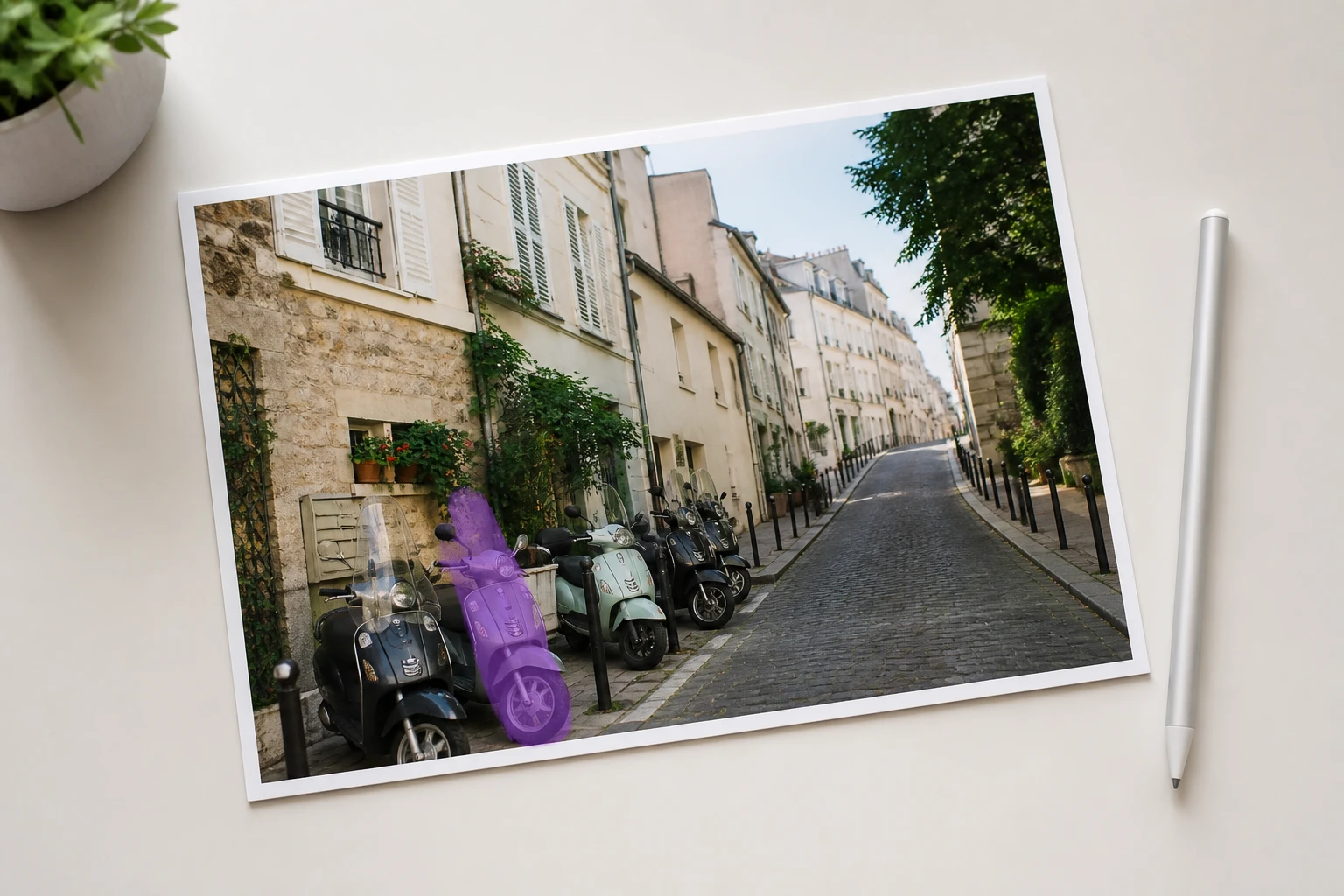
Brush over whatever you want gone, covering its shadow if you like, or type a prompt that names the object. You decide here, not the tool, so it only removes what you mark. This is how you remove unwanted things from photo frames on your terms.
Step 03
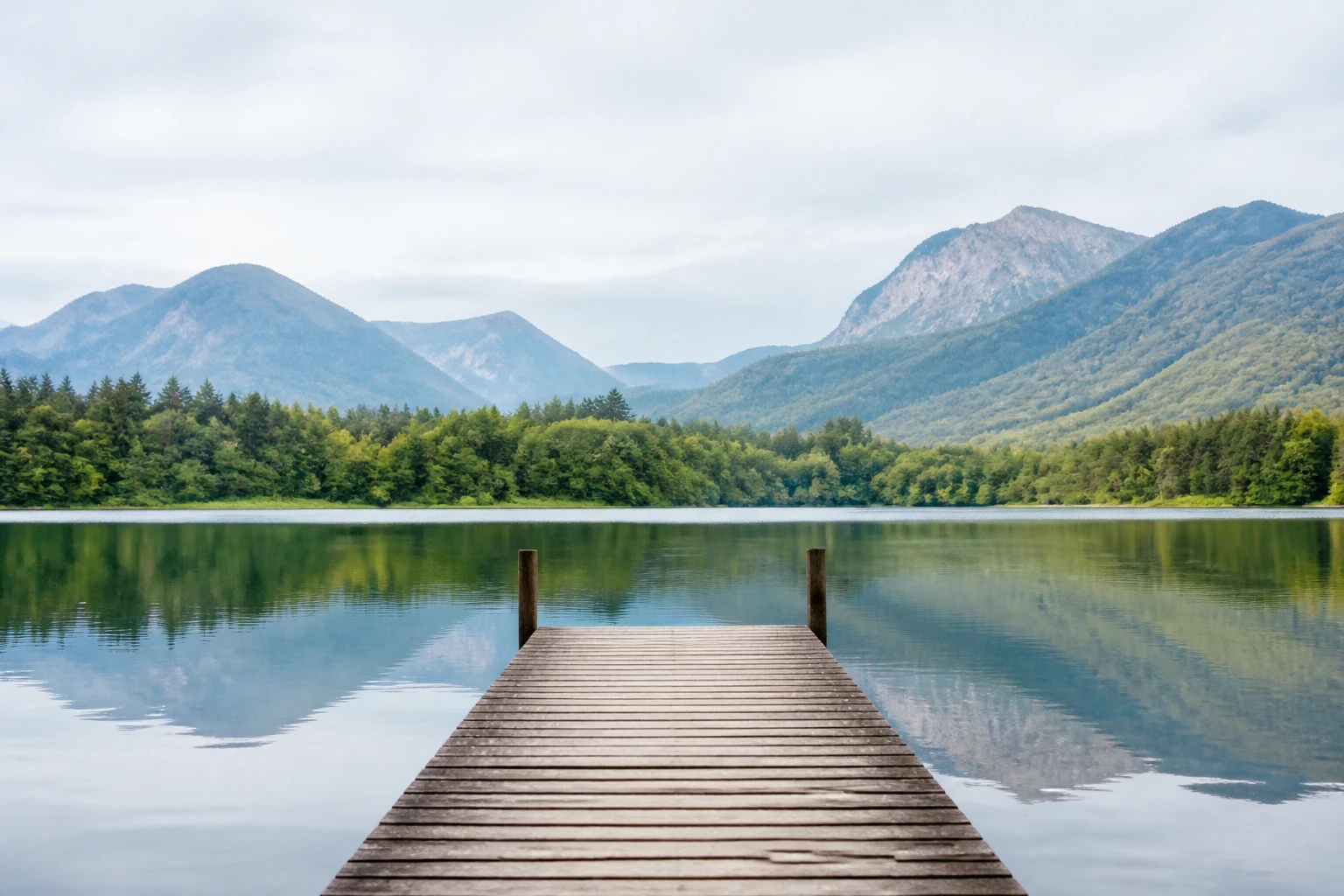
Press generate and VideoAI erases your selection, then fills the background behind it. If a spot is not right, erase it again on the same area. Your download keeps the original sharpness, reaches up to 4K, carries no watermark, and is ready for commercial use.
A few situations where a quick clean up picture online saves you a reshoot.
You shot in a hurry and the space behind your subject is piled with things that pull the eye. Paint over those areas to remove objects from background piles, and VideoAI fills the scene back in so your subject stands out. Clean up image suits portraits shot in a room no one had time to tidy.
Odds and ends sit on the desk, the floor, and the corner, leaving the frame with no resting point. Circle each stray item one by one and let the space close up behind it, keeping only what you meant to show. A tidy shot reads faster to anyone scrolling past.
A hilltop or a sunset looks great until a few wires cut across the sky, and no angle hides them. Brush along each line and VideoAI paints the sky back over it, layer for layer. The AI covers that line using the tones and gradient of the sky around it, so the filled area follows the light of everything near it.
Someone strolled through the back of your group photo, or another shopper drifted into the frame. Mark that person and the slice of scene they covered returns in their place. It saves you from waiting for an empty background that never quite comes.

Your footage is grabbed on the go, and a reshoot costs more than a quick fix. Clean up image wipes the two or three eyesores out of the frame and the shot is ready to post. VideoAI works as a fast photo cleaner so you keep your publishing pace.
Explore
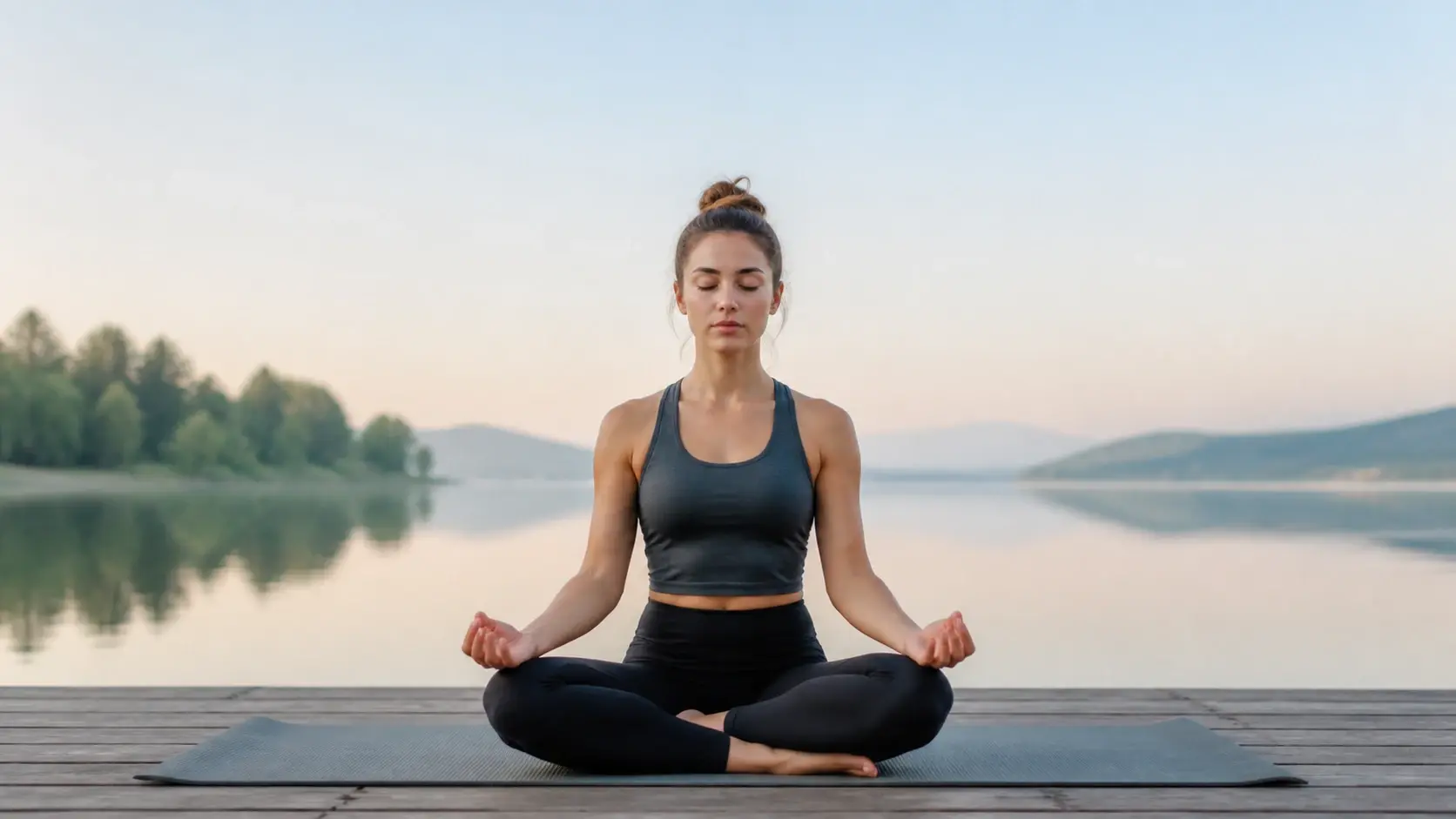
Upload a shot, mark what does not belong, and let VideoAI clean up image online while it fills the space back in.
Get Started




























