

Free Animation Tools for Different Workflows
Free animation tools serve different workflows: frame-by-frame drawing on mobile, open-source desktop production, browser templates, or AI-generated motion. This source-based VideoAI guide keeps those categories separate and does not claim a universal winner or shared hands-on test. Product and plan sources were reviewed September 17, 2026.
How to Compare Free Animation Tools by Workflow
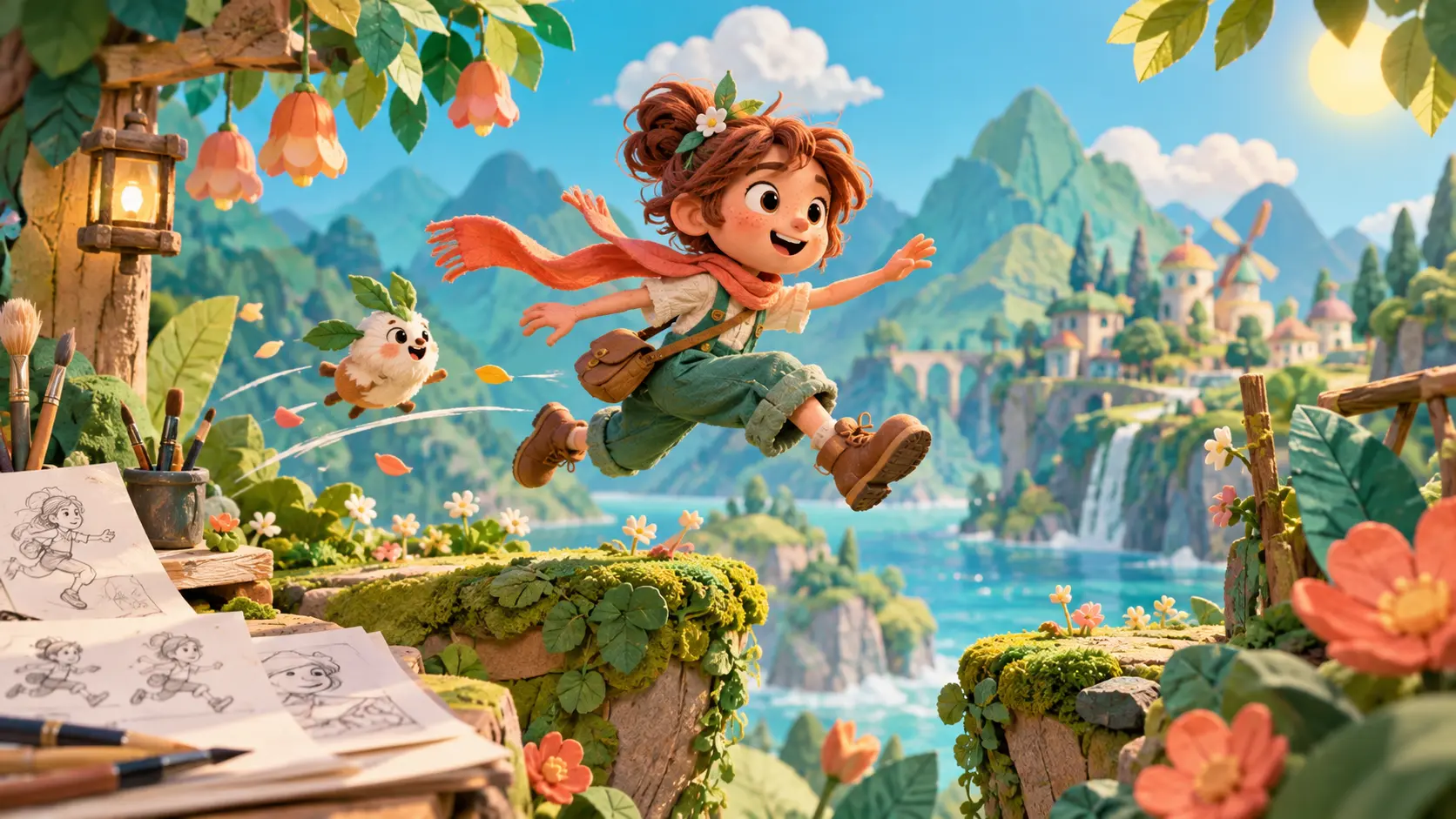
A mobile drawing tool, a desktop production suite, a template video maker, and an AI generator are not interchangeable even when all appear for the same search.
Mobile Free Animation Tools for Frame-by-Frame Work
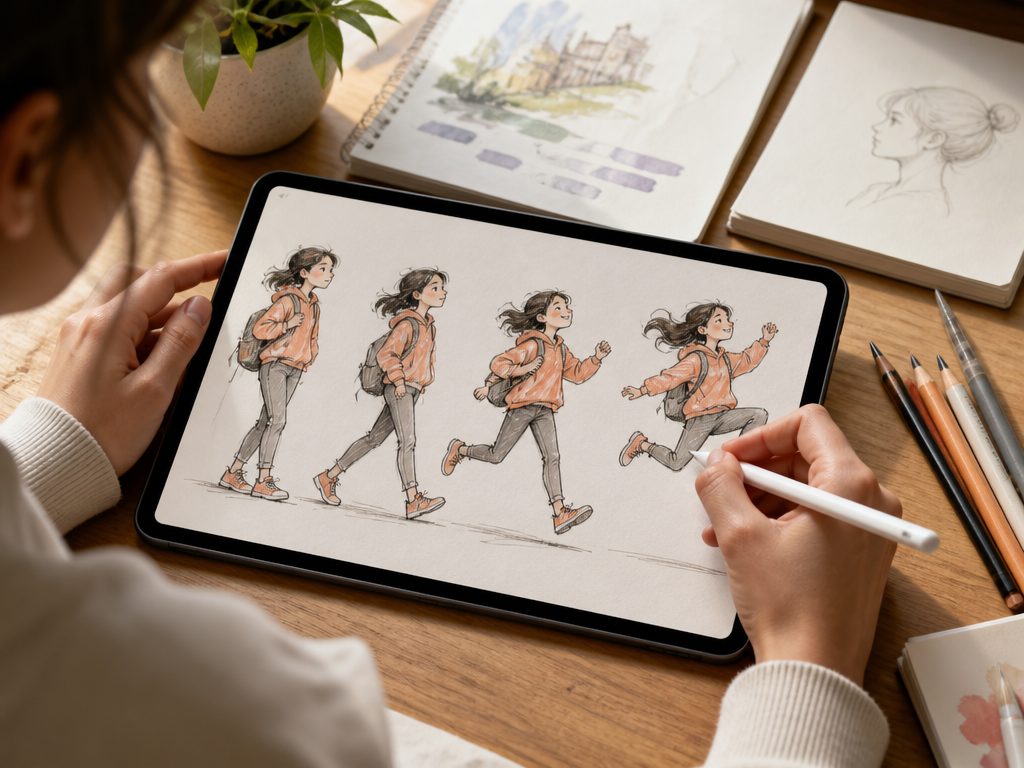
Among free animation tools, these mobile products focus on drawing and timeline control. Free status and current store pricing still need a publication-day check.
FlipaClip - accessible mobile 2D animation
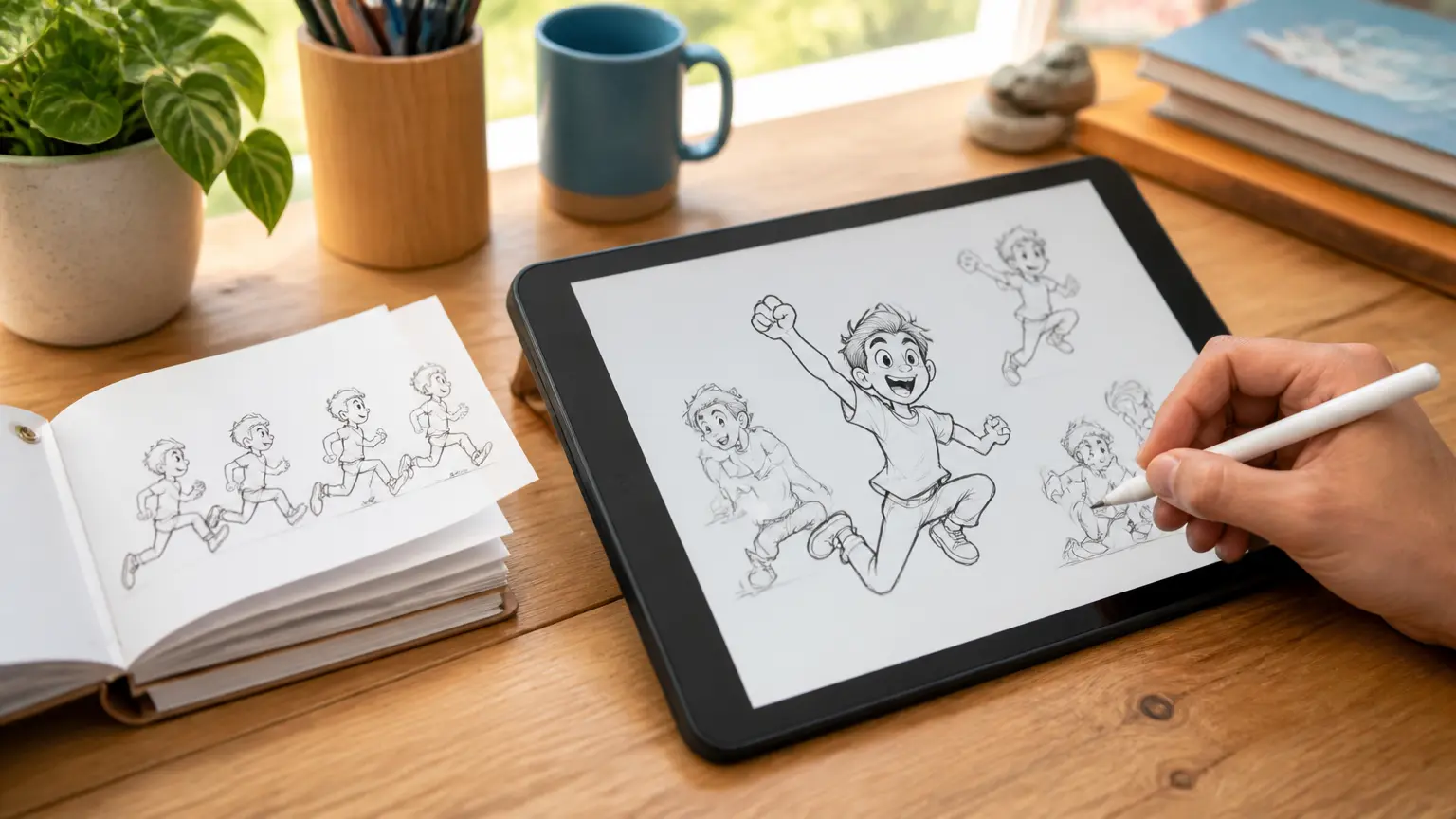
For mobile drawing, FlipaClip's official site describes frames, drawing tools, audio, onion skinning, grids, frame management, image or video import, and distribution across Apple, Google Play, Chromebook, Amazon, and Huawei stores. The reviewed homepage does not establish every current free-plan or export limit, so do not call it completely free without a store-level check.
RoughAnimator - paid hand-drawn control across platforms
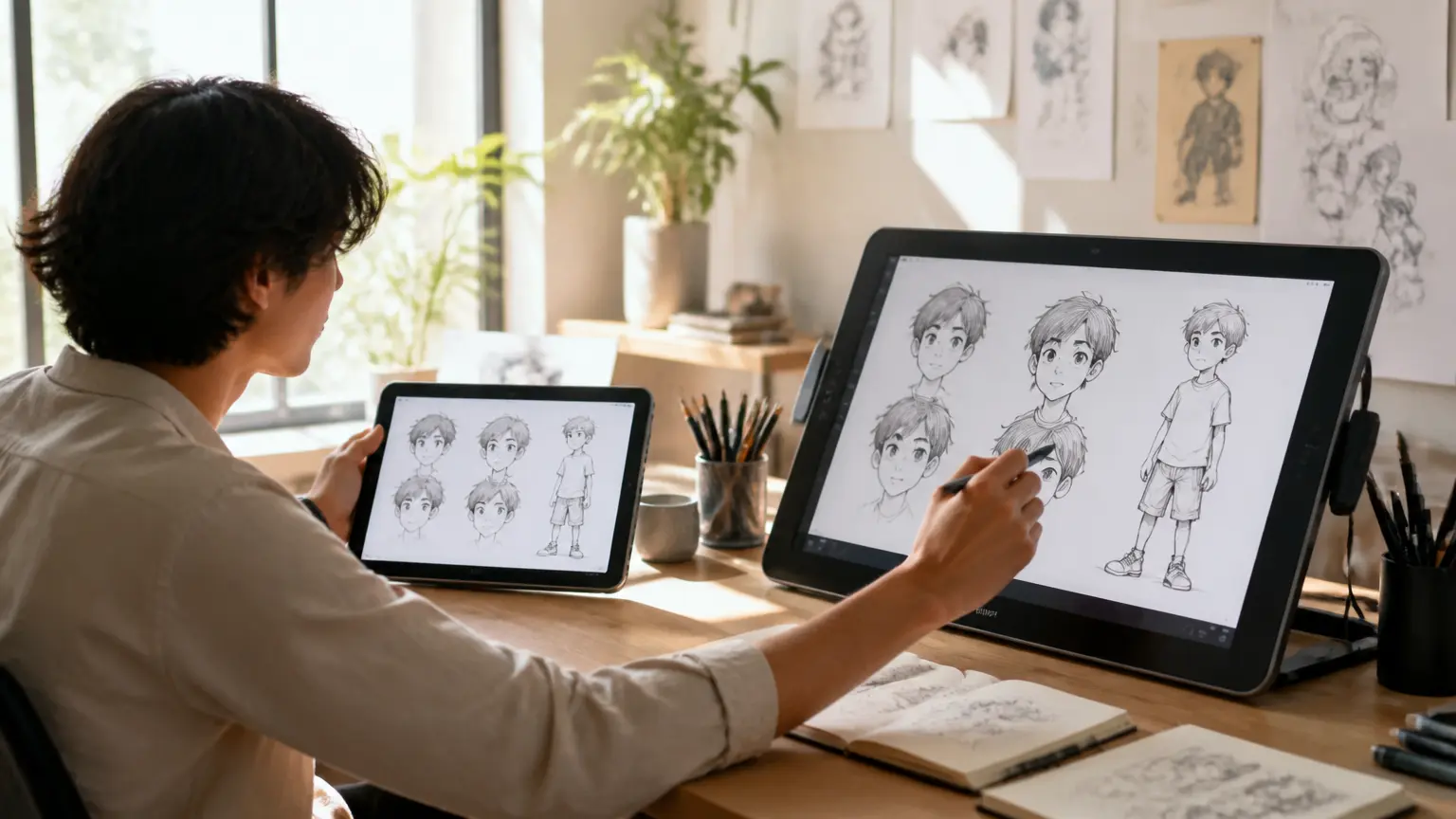
RoughAnimator supports iPad, Android, Mac, and Windows and describes unlimited timeline layers, exposure control, onion skinning, audio, rotoscoping, stylus input, and video, GIF, or image-sequence export. It showed a low one-time price and desktop trials when reviewed; it is not a free-forever recommendation.
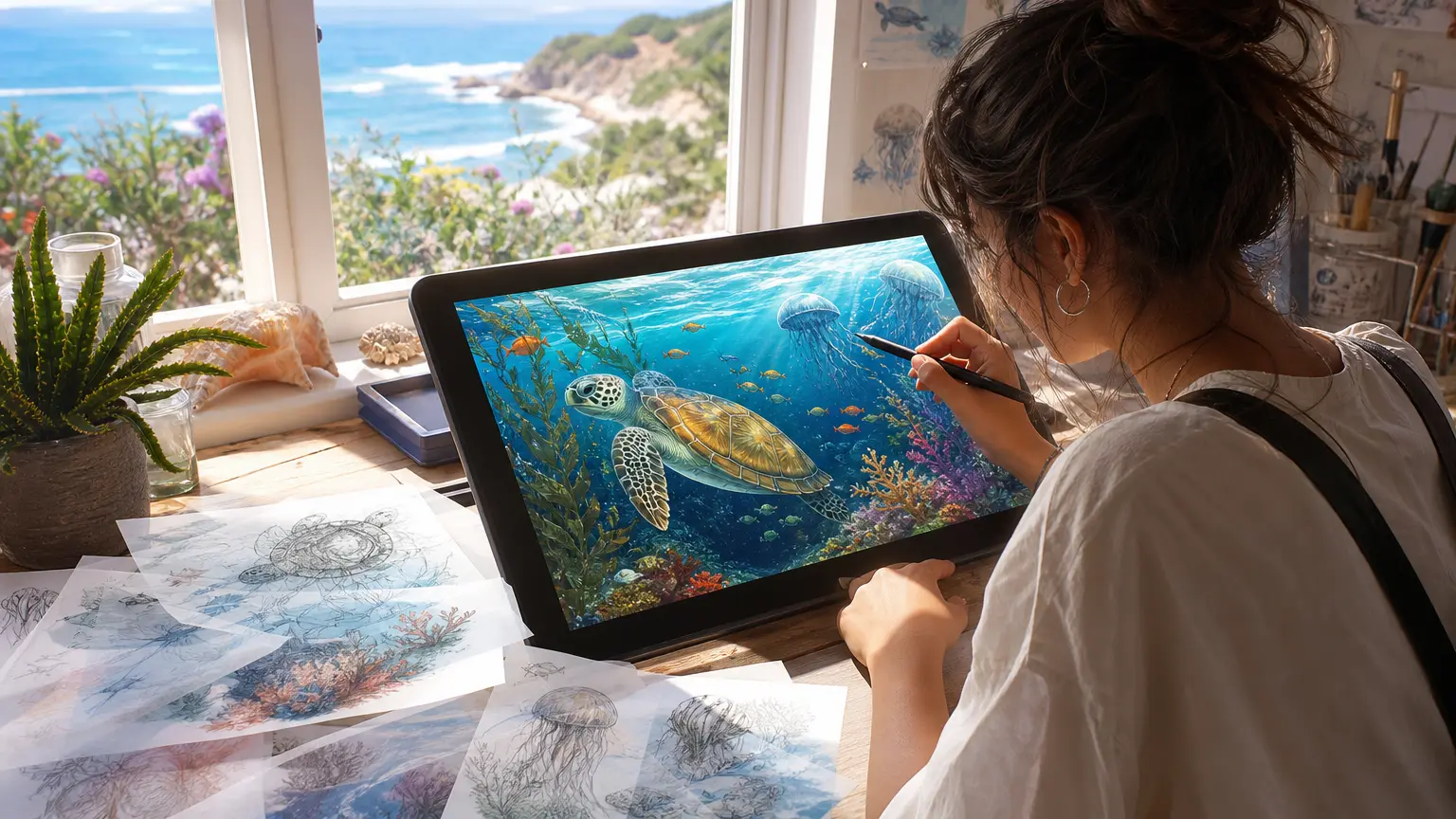
ToonSquid - feature-dense iPad animation
ToonSquid's official site describes traditional animation, keyframes, motion paths, raster and vector brushes, morphing, video and audio layers, symbols, bones, effects, and a layered timeline. It is iPad-focused and says no ads or subscriptions; that does not mean the product is free.
Free Desktop and Open-Source Animation Tools
For free animation tools on desktop, compare drawing, painting, tweening, and production workflows rather than treating every program as interchangeable. These desktop tools have clearer permanent-free paths, but their workflows and learning curves differ substantially.
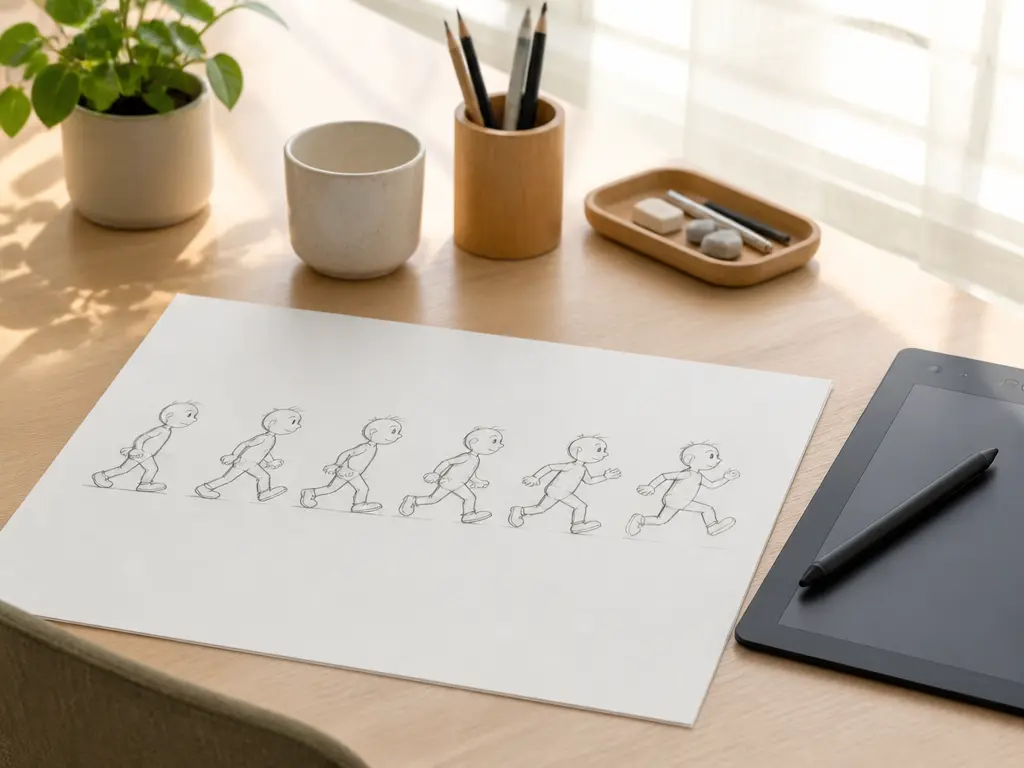
Pencil2D - a simple hand-drawn starting point
Pencil2D describes a lightweight raster-and-vector workflow for Windows, macOS, Linux, and FreeBSD. The project states that it is completely free and open source, including commercial use. Its focused scope can suit learning and straightforward 2D work.

Krita - animation for illustrators and painters
For artists comparing free animation tools, Krita states that it is free and open source with no trial or subscription. Its animation workspace includes multiple layers, audio, timeline playback and scrubbing, onion skinning, interpolation, frame timing, and video or image-sequence export. Its painting-first identity is a strength and a workflow difference to disclose.
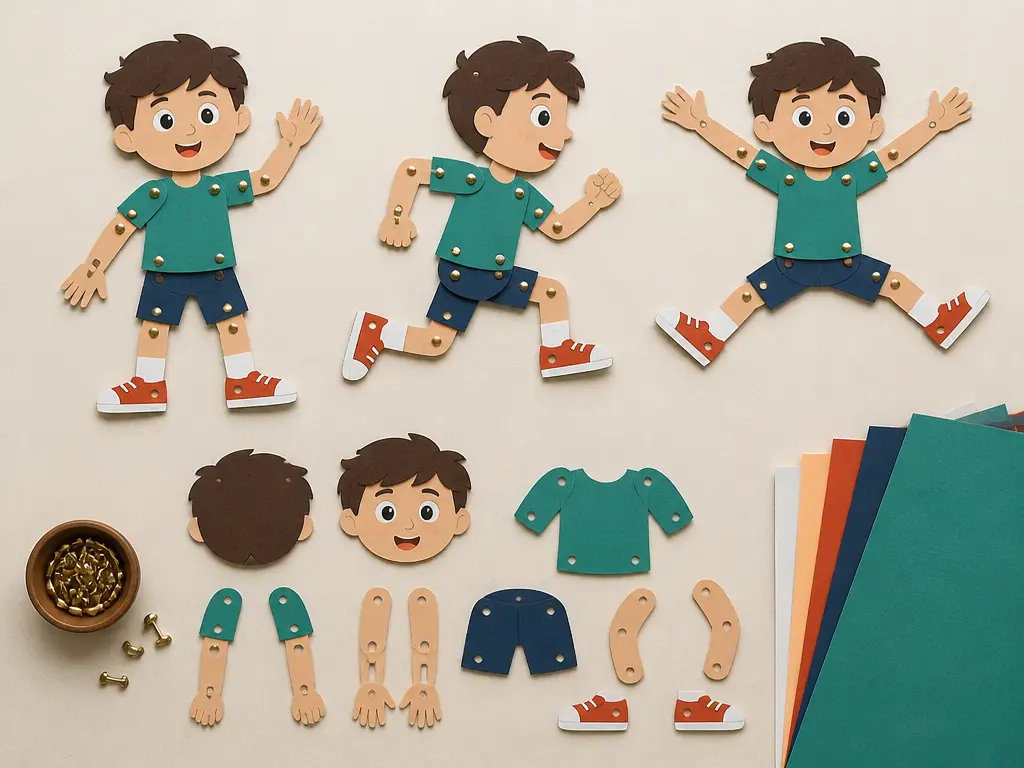
Synfig - vector tweening and cut-out rigs
Synfig is a free GPL desktop product for Windows, Linux, and macOS. It uses vector and bitmap artwork, automatic in-betweening, layers, filters, bones, and linked parameters. Choose it when reducing hand-drawn in-between frames matters more than reproducing a mobile flipbook workflow.
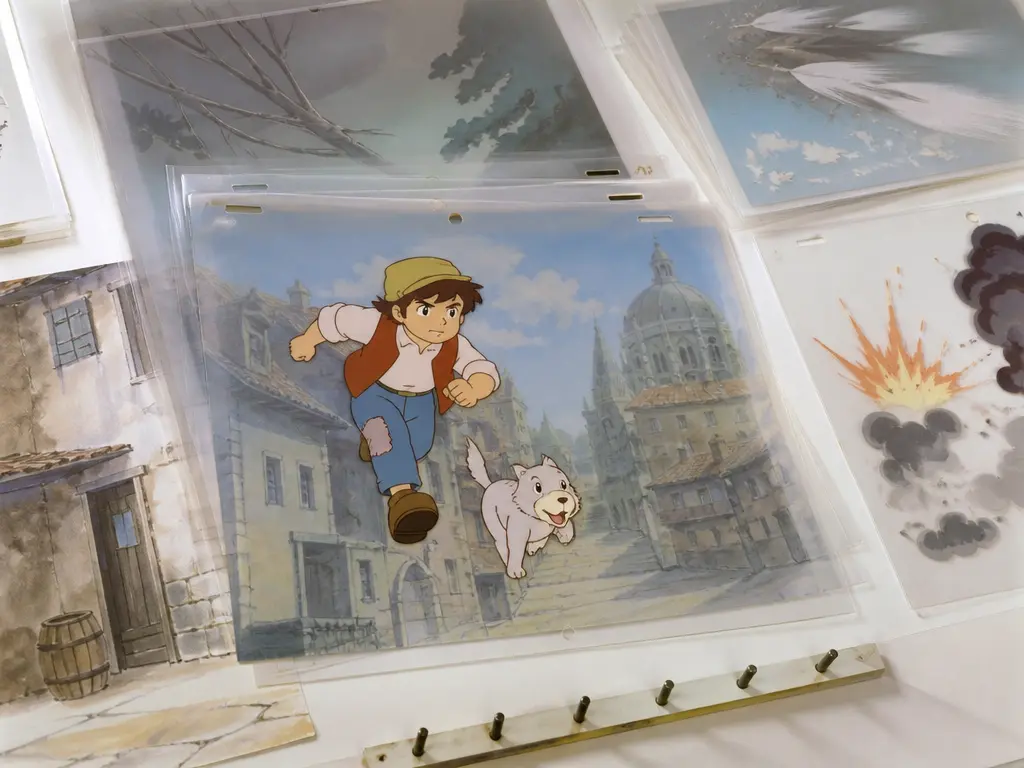
OpenToonz - production-oriented 2D
OpenToonz is open source and states that it is free for commercial and non-commercial projects. Its official site describes scanning, digital painting, xsheet and timeline interfaces, node-tree effects, raster and vector support, and compositing. The depth can increase setup and learning effort.

Blender Grease Pencil - hybrid 2D and 3D
Blender is free and open source. Its story-art page describes 2D drawing inside a 3D viewport, onion skinning, layers, stroke sculpting, rigging, modifiers, multiframe editing, and 2D/3D scene integration. The broad ceiling comes with a larger learning surface.
Browser-Based Free Animation Tools and Templates
No-download intent spans quick GIFs, interactive media, animated design, and full explainer videos. Compare output and free-plan boundaries inside the correct subcategory.
Wick Editor - browser animation and interactive media
For browser-based animation, Wick Editor presents itself as free and open source for animations, games, and interactive projects, with a web editor and downloadable beta. The scripting and interaction model is useful for more than linear video but may add complexity for a simple GIF.
Brush Ninja - quick GIF and stop-motion work
Brush Ninja offers a free browser drawing-to-GIF tool and a separate camera-based stop-motion maker. Its clearest fit is quick beginner, classroom, GIF, and stop-motion creation rather than long-form production.
Canva - template-led animated design
Canva's animation maker centers motion paths, animated text, transitions, templates, graphics, stock video, and soundtrack syncing. The core tool is presented as free while several AI, background, and resizing actions are marked Pro. It is not a traditional frame-drawing program.

Animaker - explainers and character-led videos
Animaker targets explainer, training, onboarding, and marketing video with characters, templates, stock assets, subtitles, voices, and translation. Its official pricing FAQ states that a free plan can create and download videos with limited premium assets and a watermark; paid plans remove the watermark.
Free Animation Tools for Browser-Based AI Generation
These generators can generate or restyle motion quickly, but they do not automatically replace frame drawing, onion skinning, tweening, rigs, or exact keyframe control. Compare their starter credits or free-generation limits separately from permanently free desktop tools.
Adobe Firefly - prompt and image-to-animation in Adobe workflows
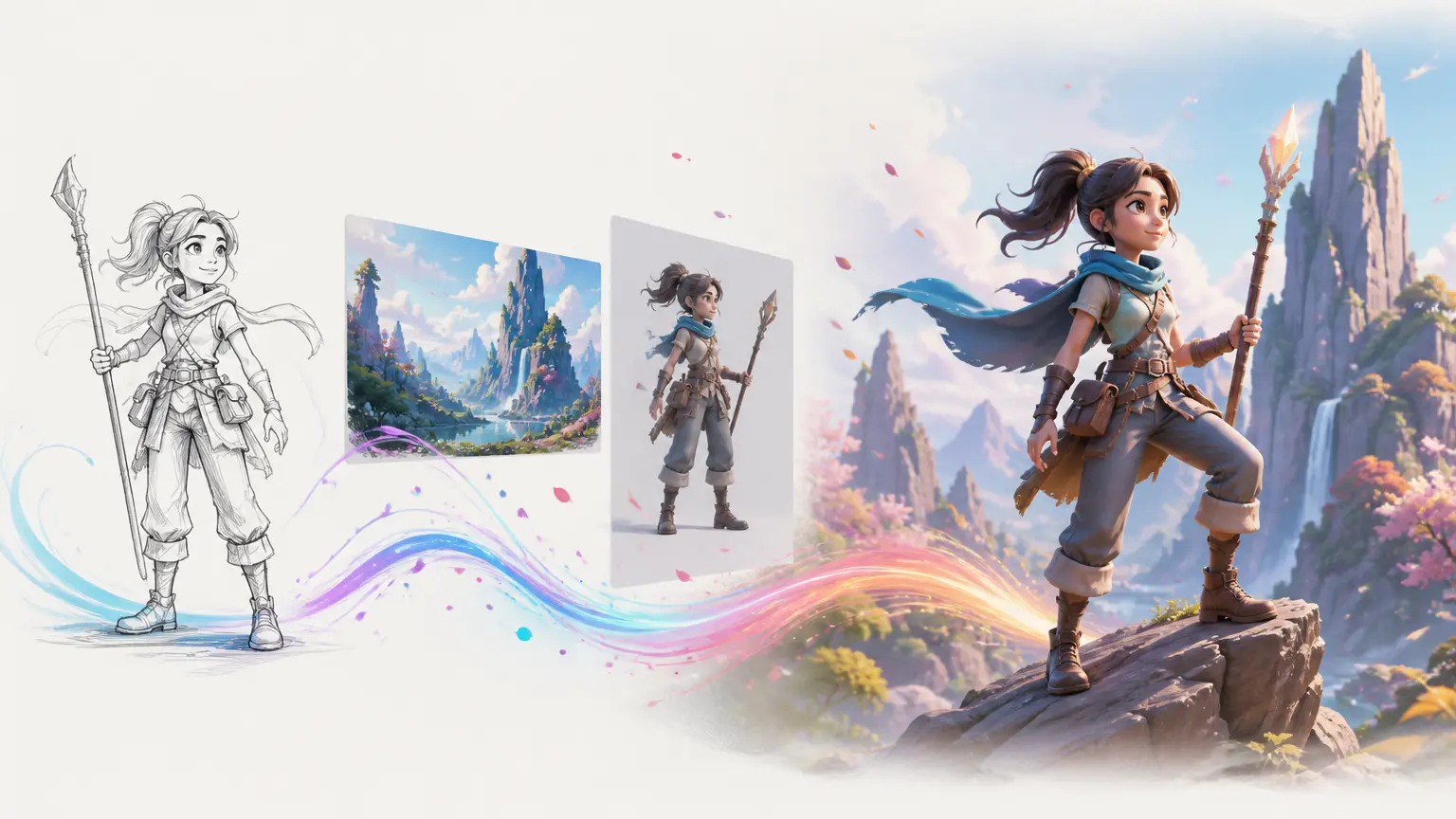
Adobe's official page describes starting from text, sketches, character designs, or still images and producing 2D or 3D animated clips with style and motion control. A free account receives free daily generations; exact allowances and partner-model access should be checked on the current plan.
DomoAI - restyling and character motion
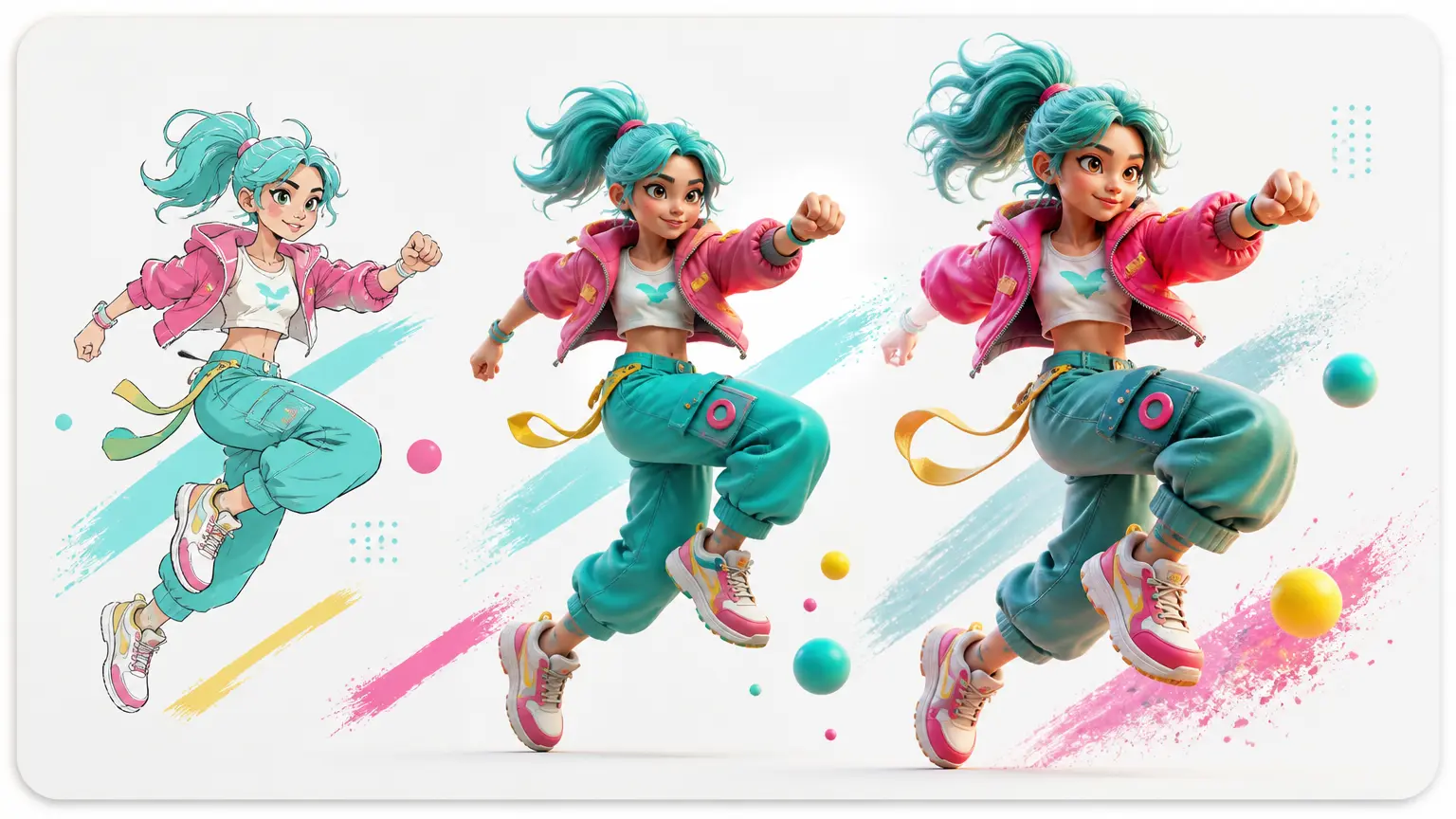
DomoAI's official site describes text-to-video, image-to-video, video-to-video, frames-to-video, talking avatars, motion-reference character animation, style references, lip sync, upscaling, and background replacement. Its free path uses starter credits, not a claim of unlimited creation.
VideoAI - multimodal browser-based AI animation
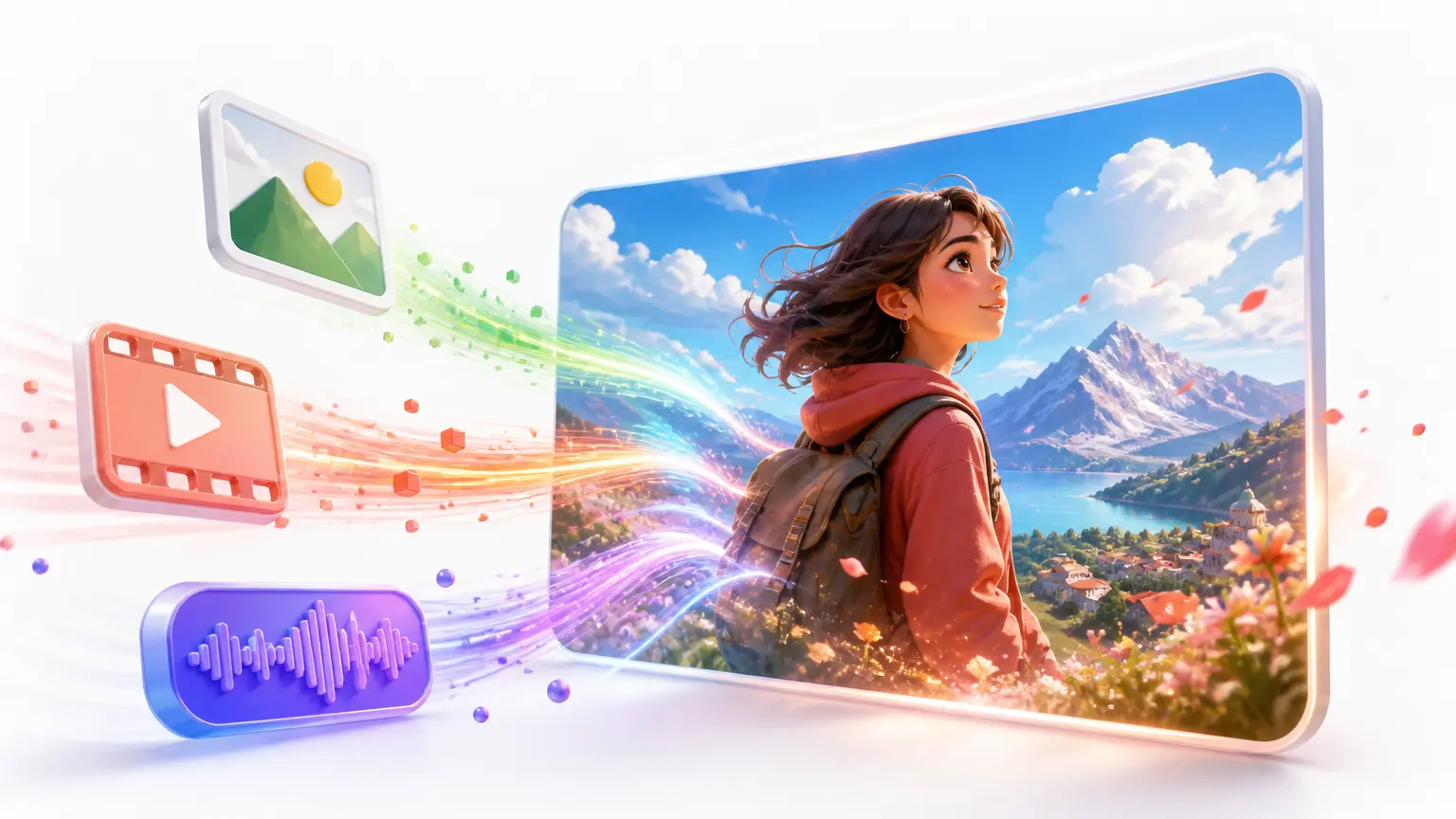
VideoAI is a browser-based animation and video generator, separate from desktop drawing and mobile frame-by-frame tools. It combines text, image, video, and audio references with user-directed shot timing, voiceover, music, and animation, cartoon, or illustration style directions. Confirmed video output includes MP4, up to 4K, 10 starting credits, commercial use, batch generation, and no visible watermark. Native iOS or Android versions are not confirmed. VideoAI is not claimed to provide frame drawing, onion skinning, rigs, manual keyframes, GIF, or image-sequence export.
Use Precise Free Labels for Free Animation Tools
Animation tools can follow several business and licensing models. Put the label, watermark, and output boundary in the main comparison instead of hiding it in a note.

Free and open source
Free open-source animation tools in this group include Pencil2D, Krita, Synfig, OpenToonz, Blender, and Wick Editor. Commercial use and license details still belong to each project's current terms.
Free browser tool
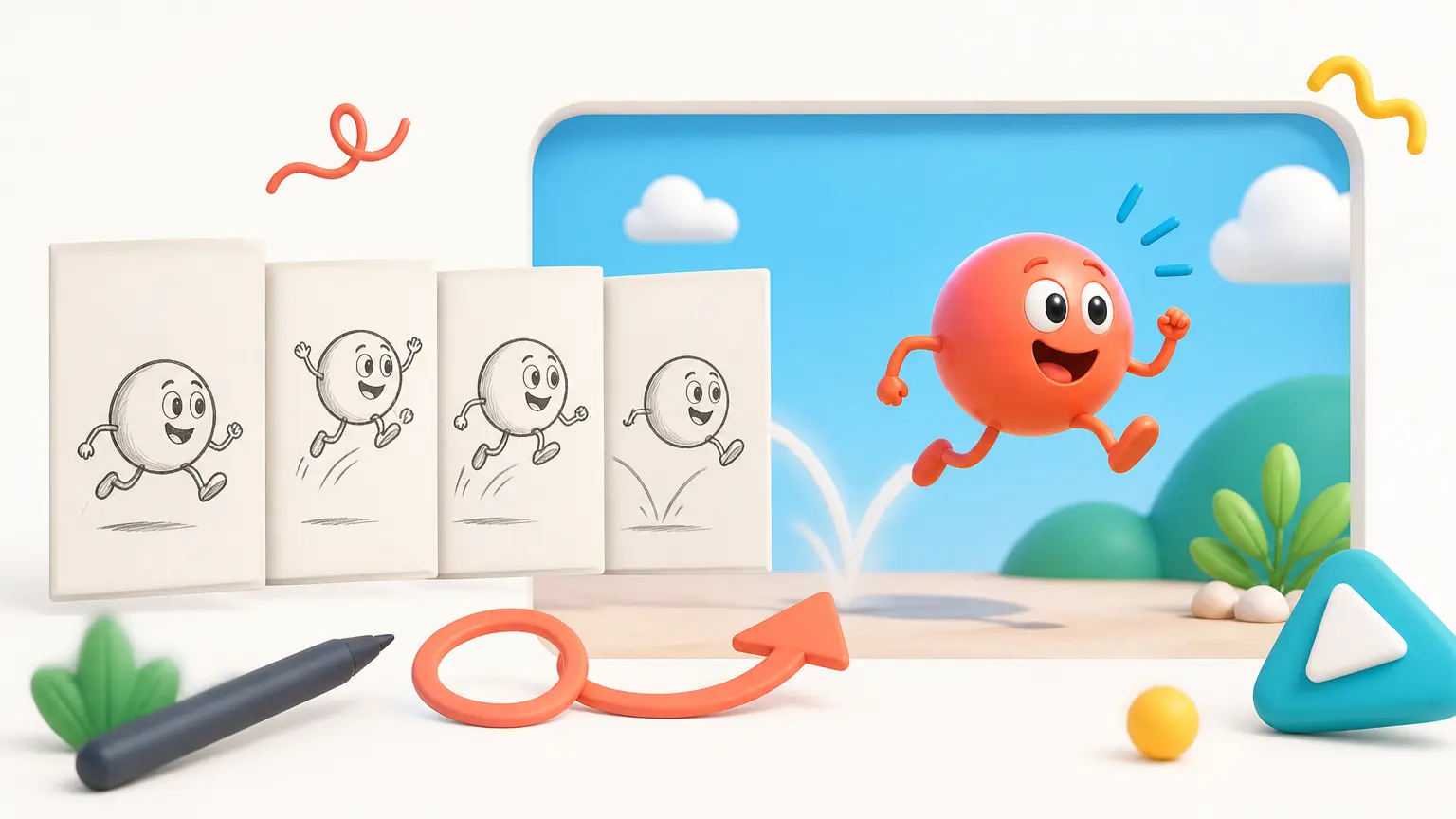
Brush Ninja has a clear free browser story with a focused GIF and stop-motion scope. Browser access alone does not prove every export, privacy, or commercial-use condition for unrelated tools.
Freemium plan
Canva and Animaker combine free access with paid assets or features. Animaker's reviewed free export includes a watermark; Canva marks several advanced actions Pro.
Free credits or generations
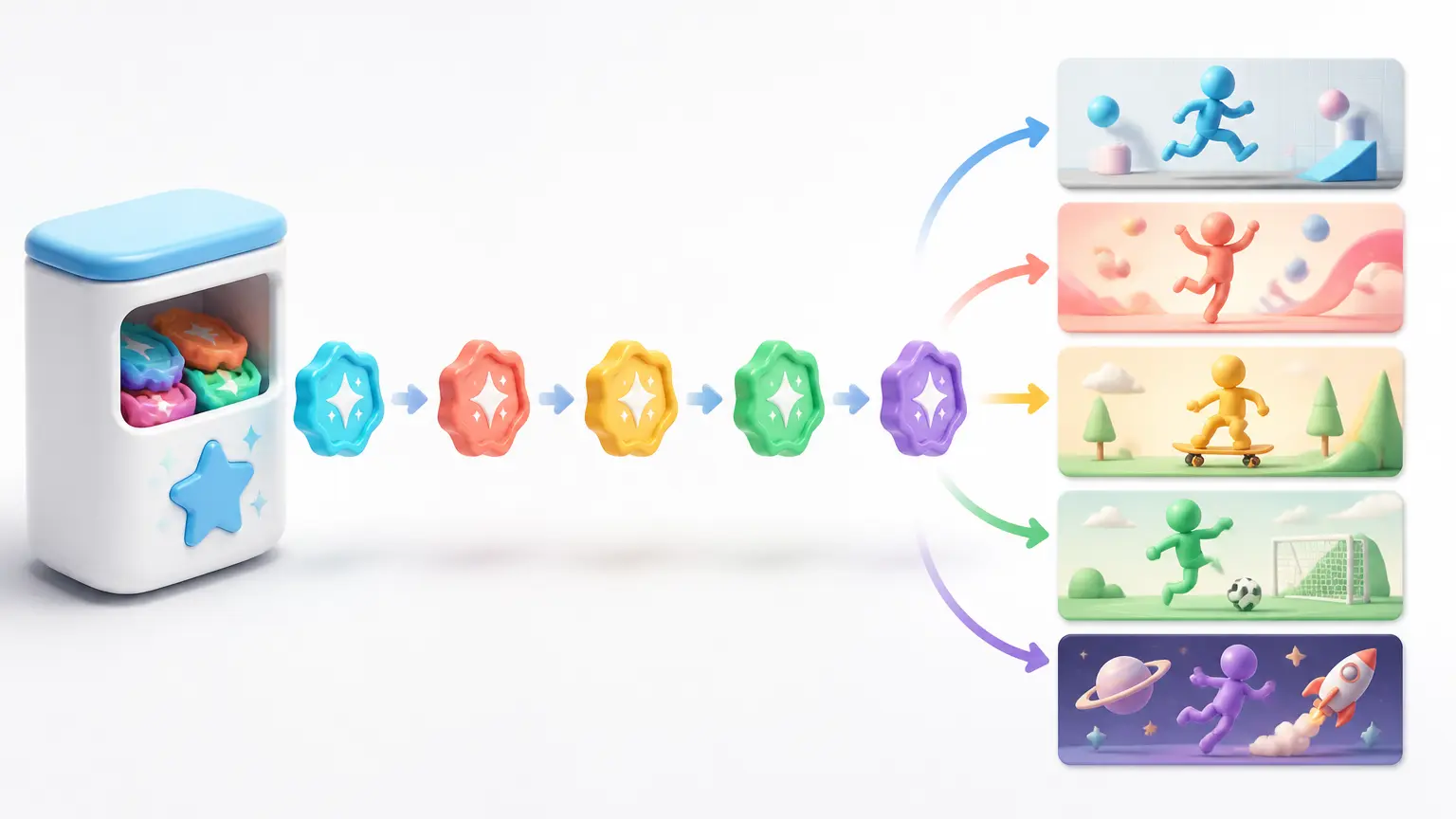
Adobe Firefly, DomoAI, and VideoAI use limited free generations or starter credits. Report the allowance and reset conditions without calling it unlimited free animation.

Paid one-time product
RoughAnimator and ToonSquid can be useful value choices without qualifying as free-forever products. A one-time purchase and a no-subscription policy should not be rewritten as free.

Free boundary not yet verified
FlipaClip's reviewed homepage establishes features and platforms but not the complete current free-plan, ad, layer, watermark, or export boundary. Keep the field unconfirmed until the current store listing and product are checked.
Choose Free Animation Tools by Your Goal
These free animation tools are category starting points supported by public sources, not a universal numbered ranking or a claim that the page tested every product.
Draw frame by frame on mobile
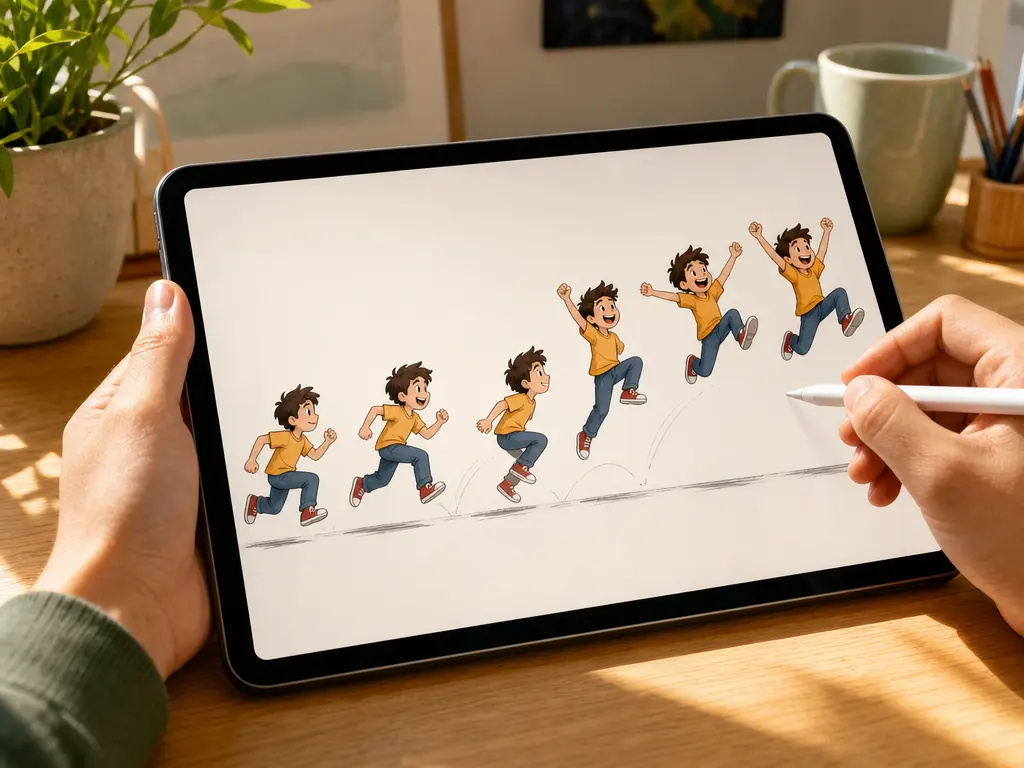
For mobile frame-by-frame work, start with FlipaClip for broad availability, then compare RoughAnimator for paid cross-platform depth or ToonSquid for a feature-rich iPad workflow. Verify current prices and free limits.
Learn hand-drawn animation on PC
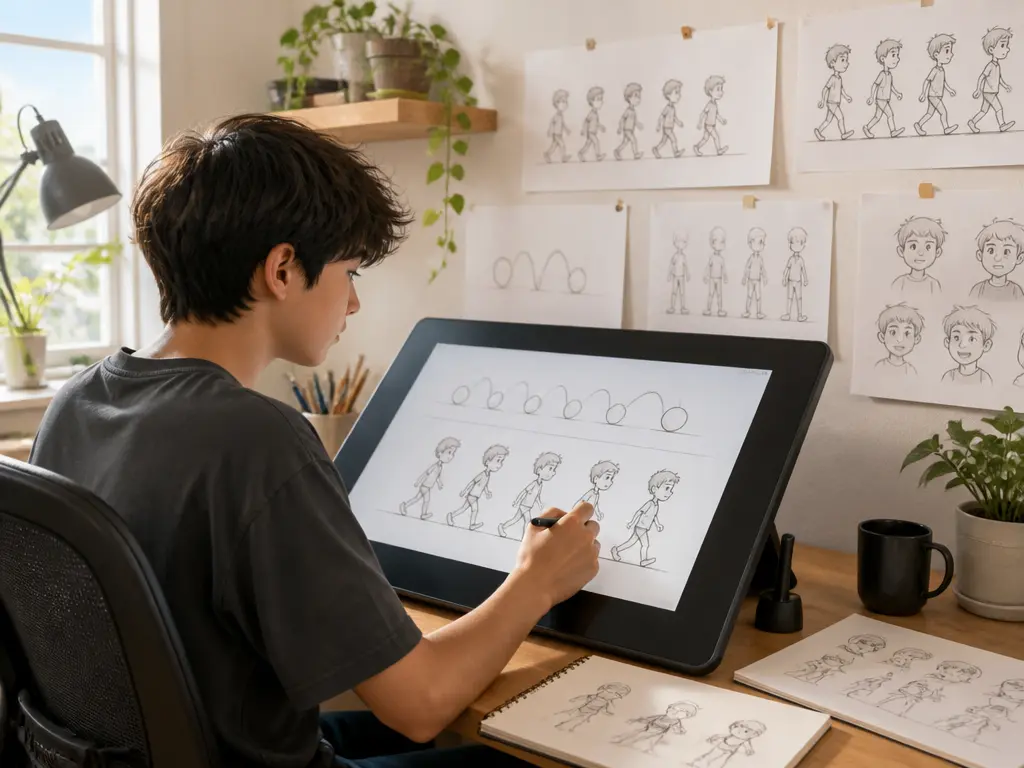
Start with Pencil2D for a focused interface or Krita when painting and illustration tools matter. Both have clearer open-source paths than a time-limited trial.
Tween or rig instead of drawing every frame
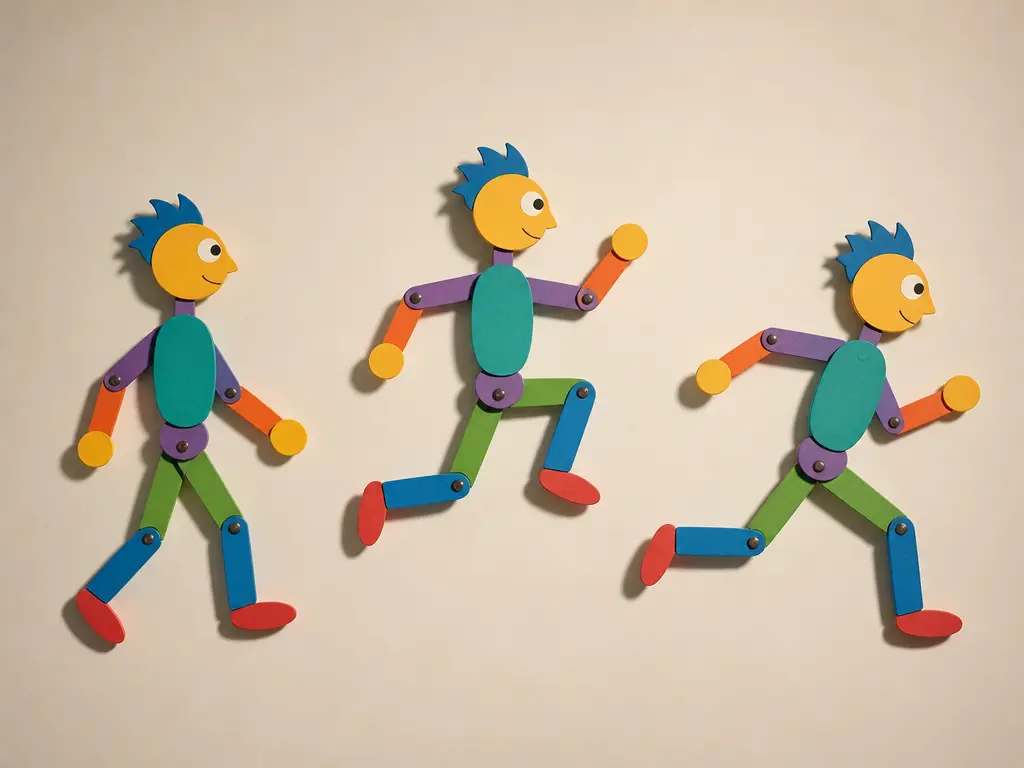
Start with Synfig for vector tweening and bones, OpenToonz for a deeper 2D production pipeline, or Blender when 2D and 3D must share a scene.
Animate online without a desktop install
Start with Brush Ninja for a quick GIF, Wick Editor for interactive work, Canva for animated design, or Animaker for template and character explainers. Check login, watermark, asset, and export rules.
Generate motion from prompts or references
Compare Firefly, DomoAI, and VideoAI inside the AI category. Test input control, continuity, credits, output, commercial terms, and the ability to correct a result instead of comparing them to drawing programs by one total score.
Related VideoAI Animation Tools
Free Animation Tools Questions
Which Free Animation Tools Fit Your Workflow?
Among free animation tools, use VideoAI for browser-based animation and video generation from text plus image, video, and audio references. Choose a traditional animation program when you need drawing, onion skinning, rigs, or manual keyframes.
Get Started