

Free Editing Websites
Free editing websites list browser tools for retouching, cleaning up, and resizing photos without a desktop install. This guide explains what a competent browser editor actually does, which tasks belong in a quick online editor, and where the limits are. You can test the workflow on this page: upload an image, describe one change, and review the result before you compare other options.
What Free Editing Websites Should Cover
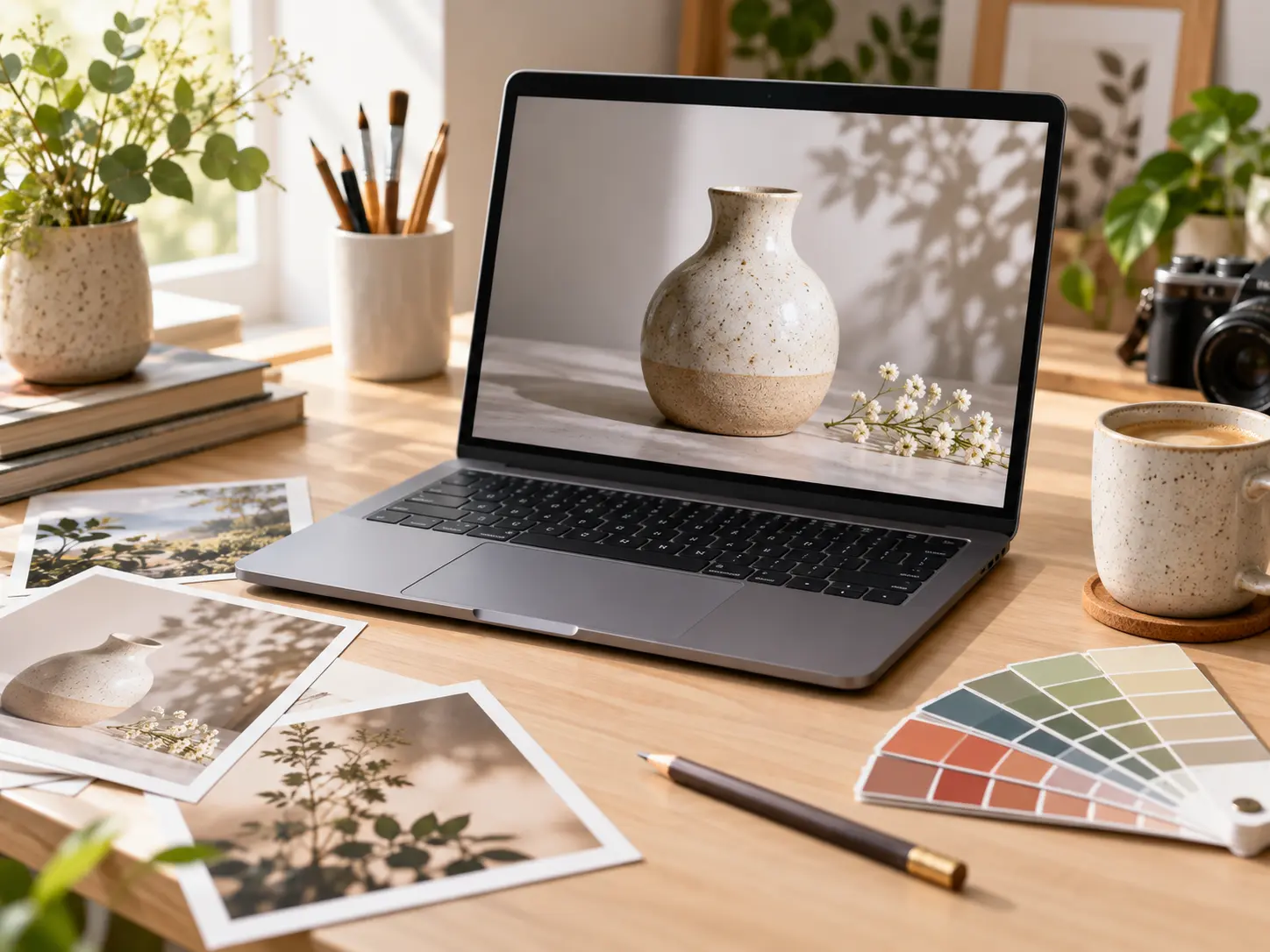
A good free editing site handles routine image tasks in a browser, states its limits clearly, and lets you compare the result with the original.

Everyday Photo Cleanup
The strongest free editing websites handle the small jobs first: brightening a dull photo, removing a blemish, straightening a horizon, or clearing a distracting object. These are the changes people need before a listing, a post, or a document. A clean browser workflow keeps the task short, and a good free editor shows the result clearly enough that you can judge the edges and texture without guessing.

Background and Object Changes
Background replacement and object removal are the features people look for most in a free image editor. A dependable tool rebuilds the area around the change instead of leaving a hard patch, and it lets you upload a second image when a new backdrop is needed. Check reflections, contact shadows, and hair or fur edges before you treat the result as finished, because those details decide whether the edit reads as natural.
Resize, Crop, and Composition
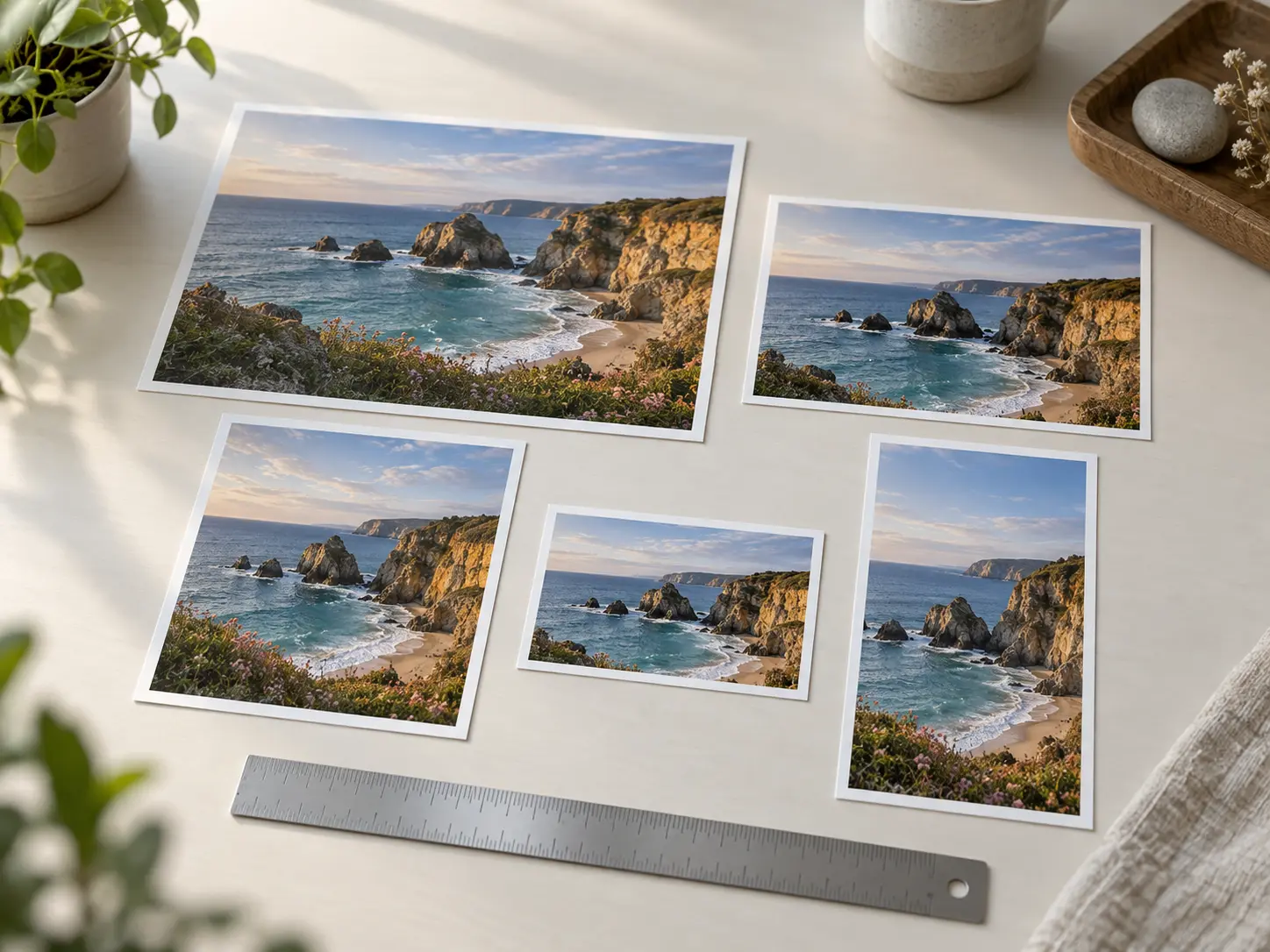
A free editing site should help you prepare an image for a specific place: a marketplace listing, a social post, a slide, or a banner. That means cropping to a target proportion, adding space around a subject, and checking that the important detail survives the new frame. Compare the export at its intended display size rather than at full zoom, since a composition that looks fine on a large screen can fall apart in a small one.
Fast Direction with AI Prompts
Newer free editing sites let you describe a change in plain language instead of hunting through layered menus. That is faster for a rough direction such as shifting the light or simplifying a busy scene, but it is not the right tool for exact typography, locked brand colors, or print-ready color control. Treat the prompt result as a starting point, then check the details that matter for your use.
When to Reach for a Browser Editor
These are the everyday jobs where a browser editor saves the most time.
Marketplace Listings
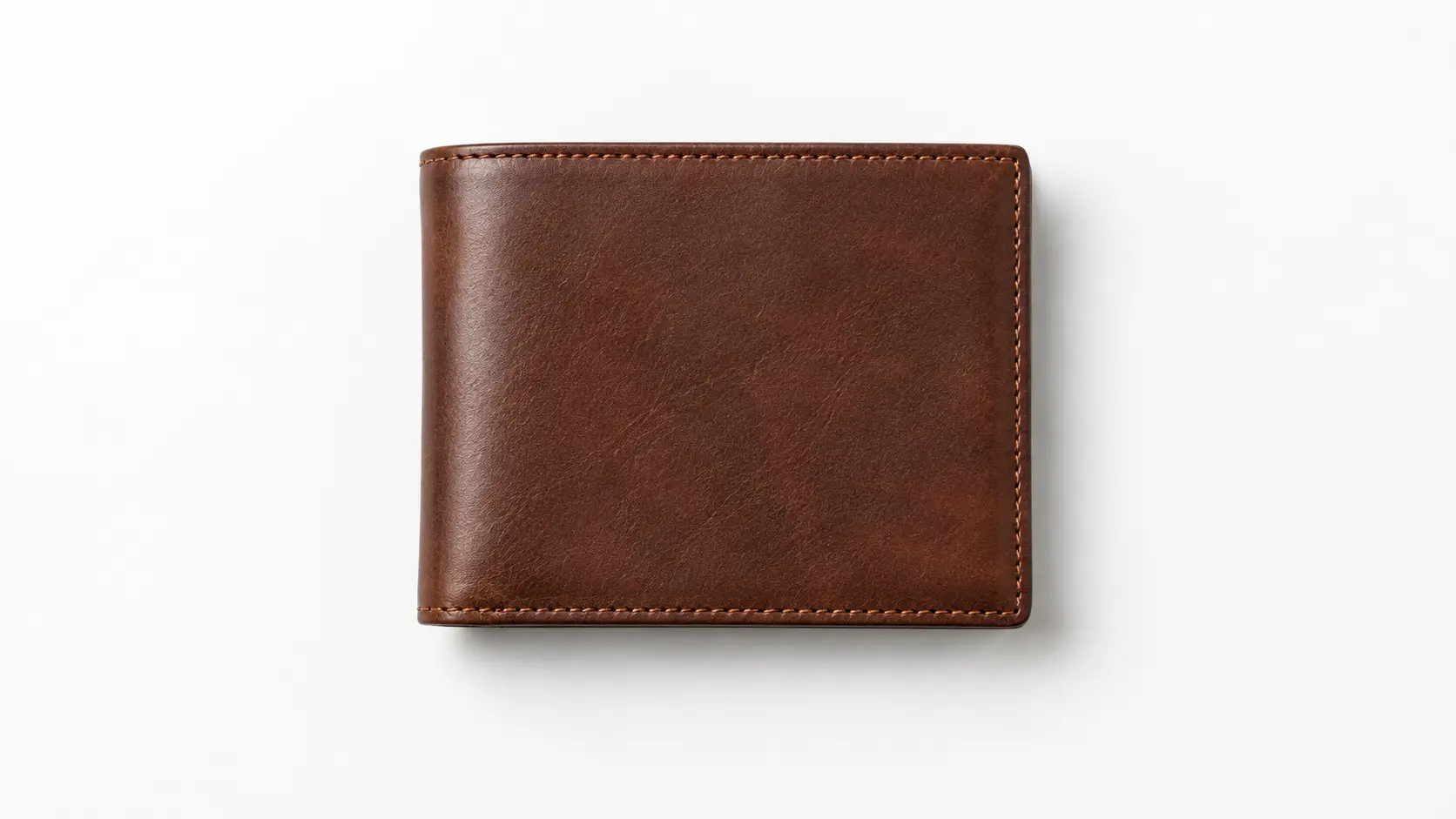
Clean a product photo, simplify the background, and crop to the shape a marketplace expects. Free editing websites keep the change quick, while you still verify labels, color, and product shape.

Social Media Posts
Reframe a photo for a square or vertical post, add headroom for a caption, and adjust the mood. Check each crop at thumbnail size so the subject still reads on a small screen.
Blog and Article Images
Remove a distraction, extend a background, or create a consistent header image for a page. A browser editor covers the routine work without a full design rebuild.
Personal Photo Fixes
Brighten an underexposed shot, tidy a background before printing, or remove an object from a family photo. Keep the original so you can compare before sharing.
Presentations and Slides
Crop an image to a consistent frame and clear clutter so a slide reads at a glance. An online photo editor is useful when the change is visual rather than typographic.
Quick Mockups
Drop a design onto a real surface, soften a busy backdrop, or test a color direction before committing. Use the editor for exploration, then rebuild final assets with precise controls.
What to Compare Across Free Editing Websites
Before you settle on one option, check these points against the job in front of you.
Real Task Coverage
Check whether the editor actually covers the change you need, not just the category name on the homepage.
Upload and Format Support
Confirm the file types it accepts and whether the export keeps enough quality for your destination.
Result Quality
Look at edges, texture, and color after the edit rather than trusting a small before and after thumbnail.
Clear Limits
A free editing site should state its resolution, watermark, and usage limits instead of hiding them until export.
Review and Undo
You need to compare against the original and step back from a change that does not work.
Price After the Free Tier
Know what a paid plan adds before you build a workflow around a free tier that may change.
Free Editing Websites FAQ
More Free Image Editing Tools
Edit a Photo in Your Browser
Upload an image and make a practical change with the free editing workflow on this page.
Get Started