

Change Image Resolution Online

Image Resolution Changer

An image resolution changer lets you change the pixel dimensions of a photo without rebuilding it from scratch. An image resolution changer can lower resolution to shrink a heavy upload or raise it when a placement needs more pixels. Upload the file, choose a new width and height or a percentage, and decide whether to preserve the original proportions. Review the result at full size before you download.

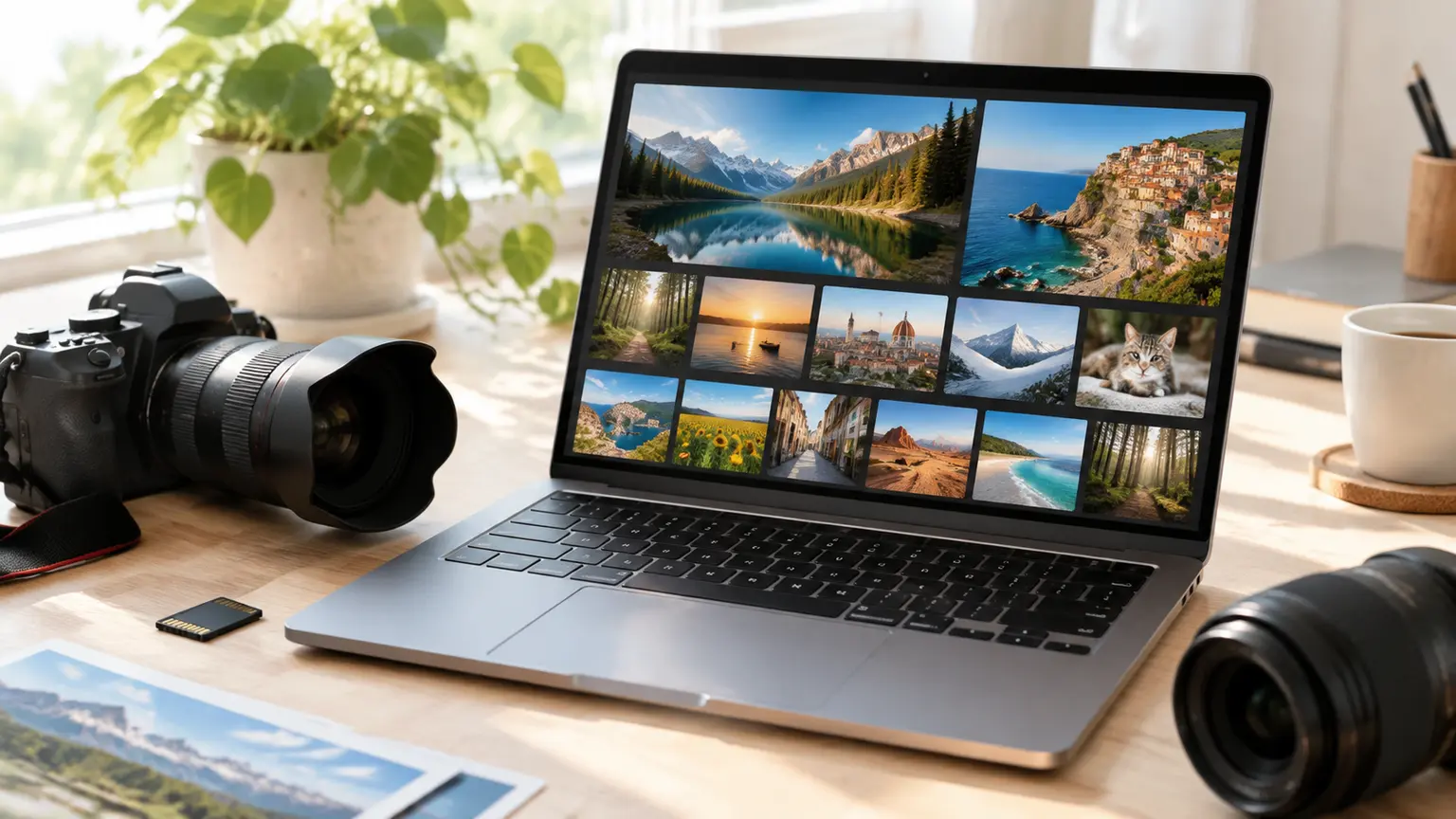
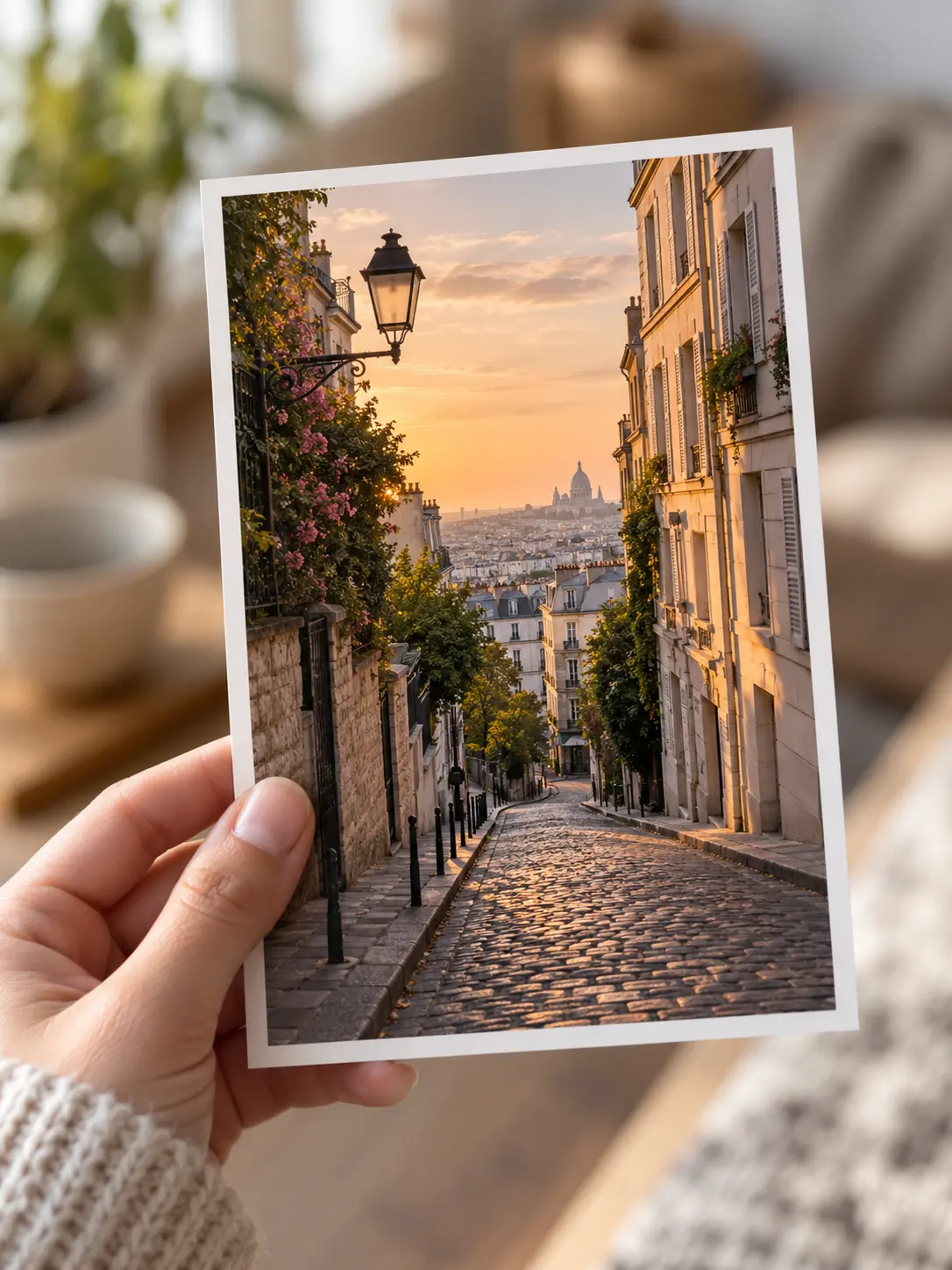
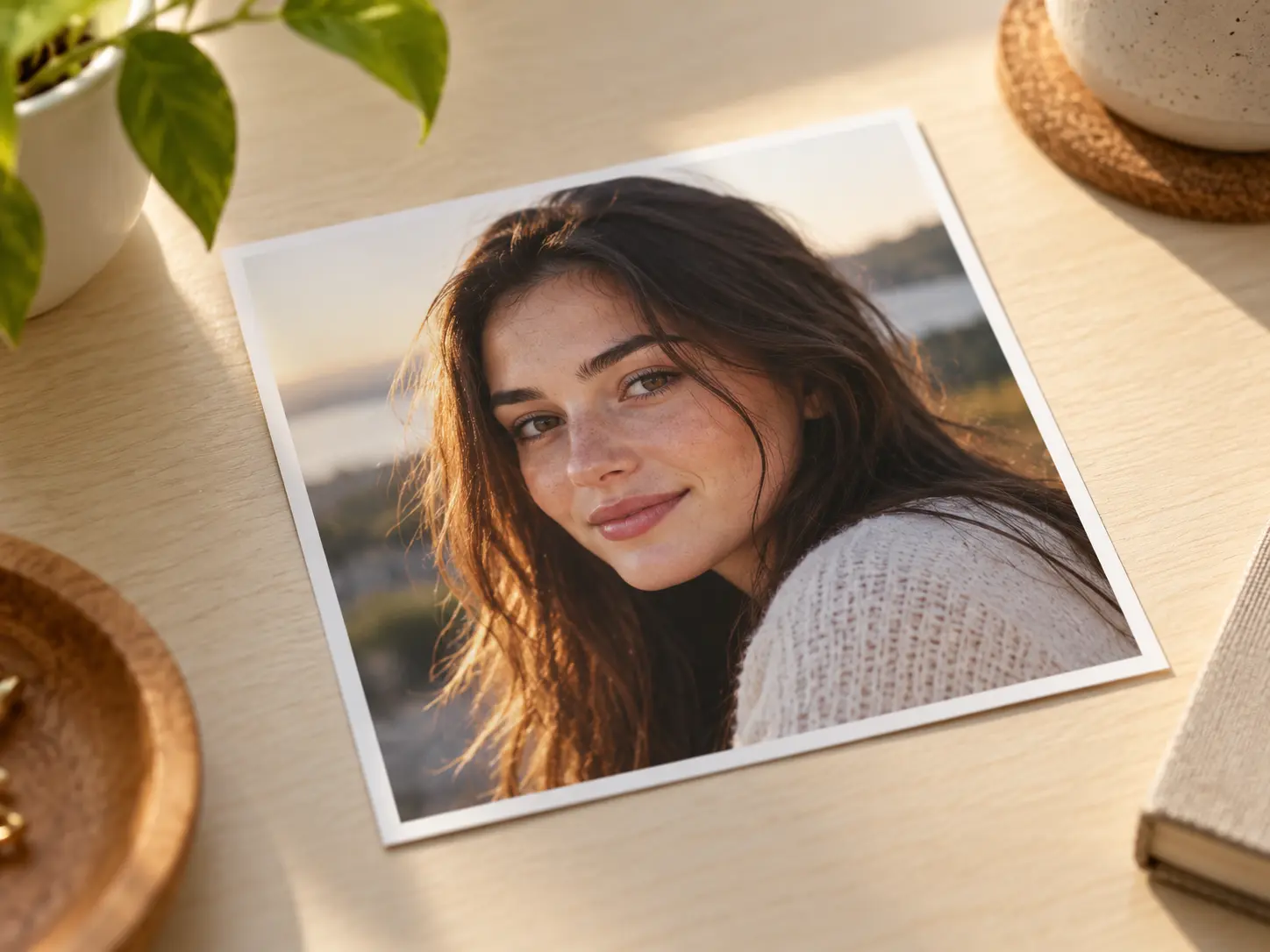
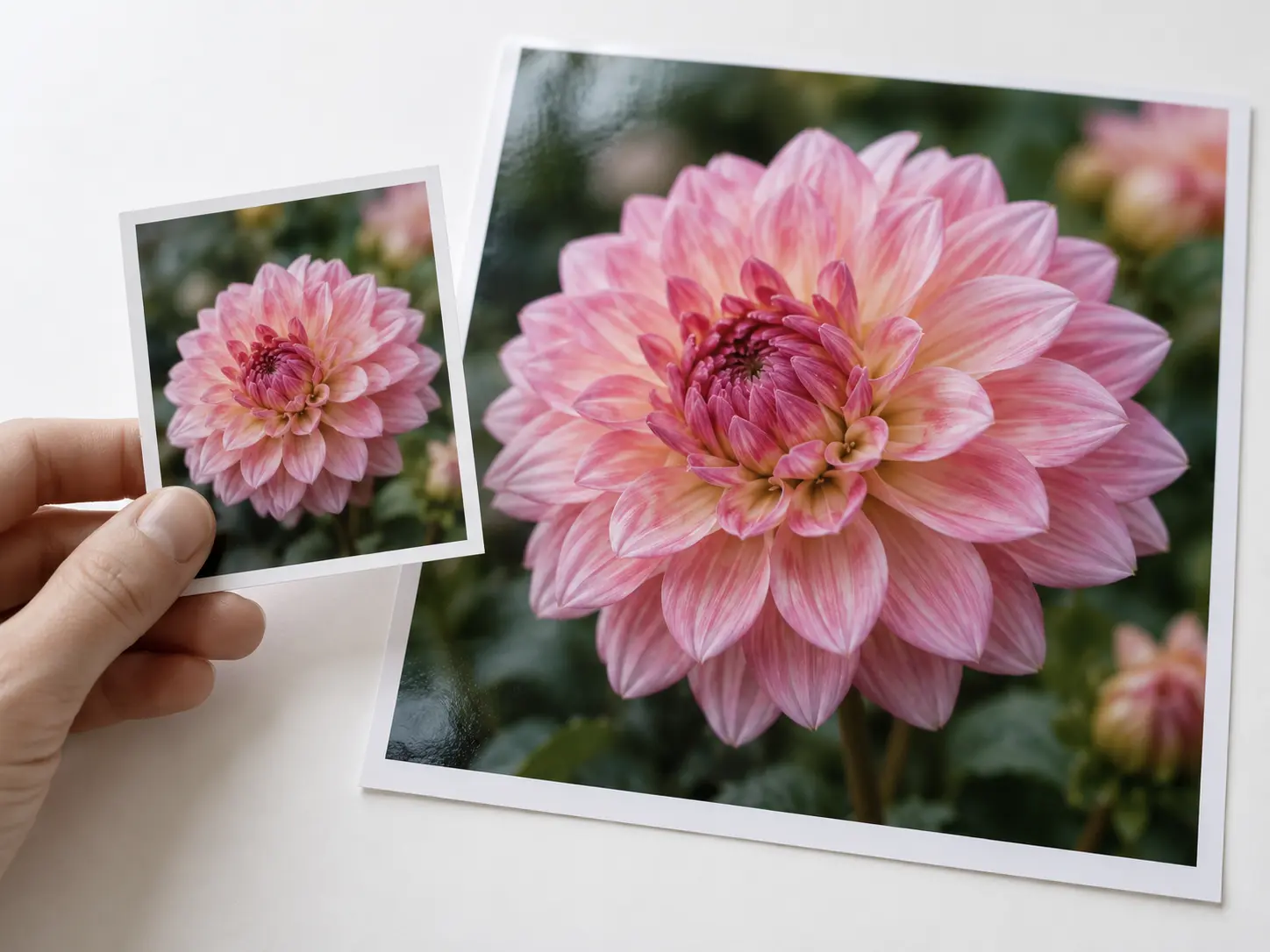
  • Image resolution changer comparing a low-resolution photo with a sharper result
    Higher detail
  • Image resolution changer reducing a large photo to a smaller pixel size
    Smaller file
  • Image resolution changer changing the pixel dimensions of a product photo
    New dimensions
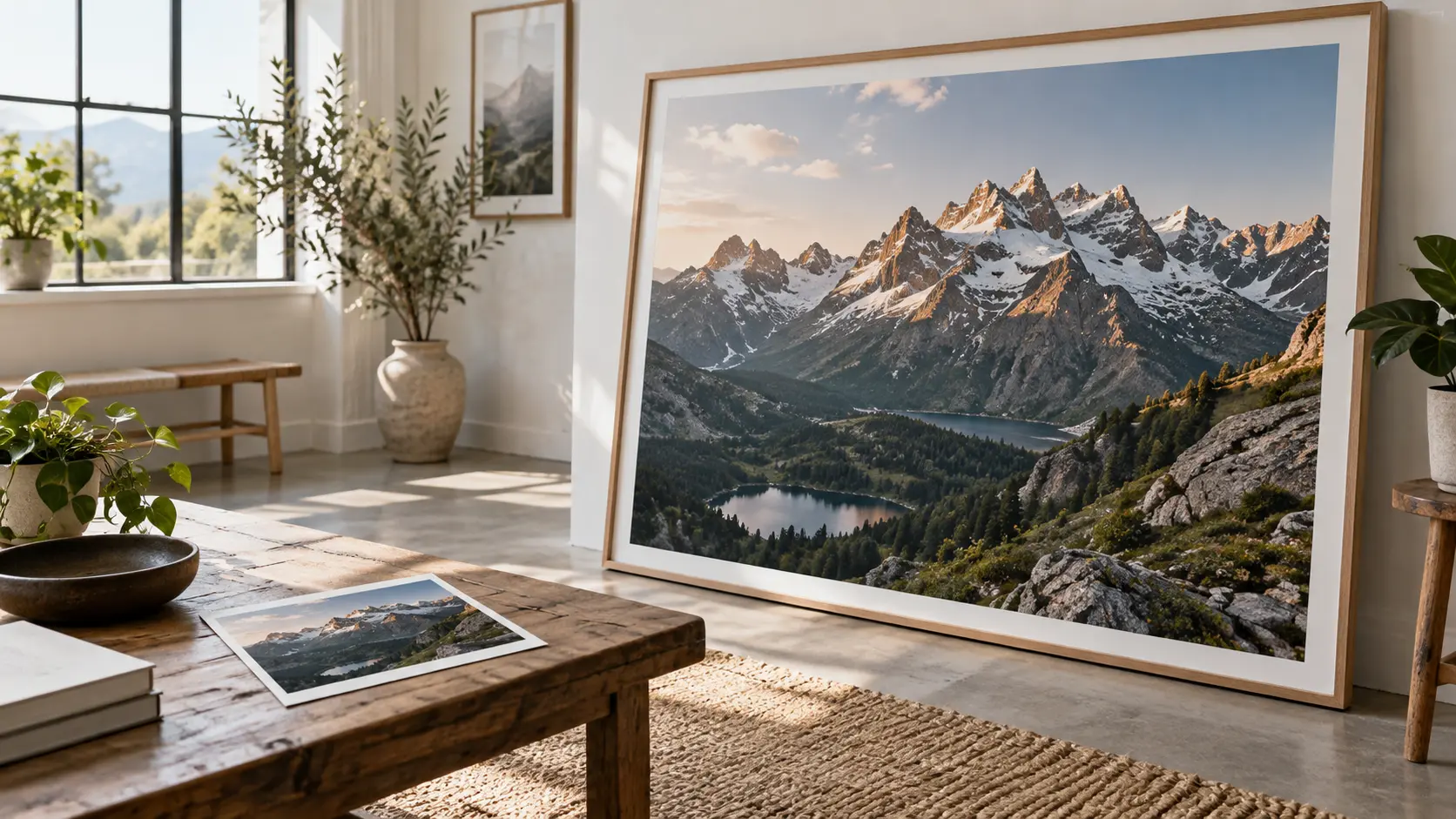
  • Image resolution changer preparing a photo at print resolution
    Print ready
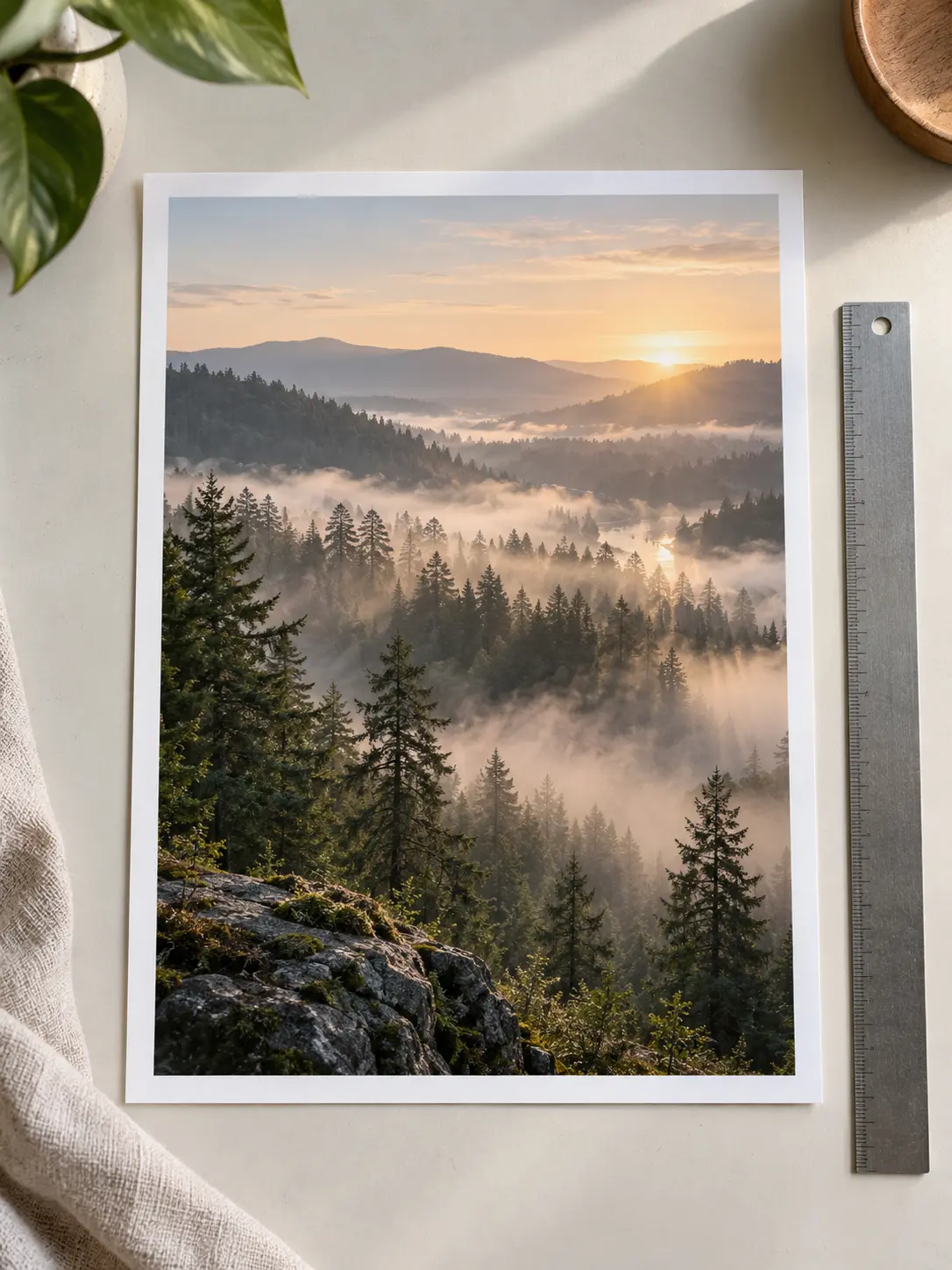
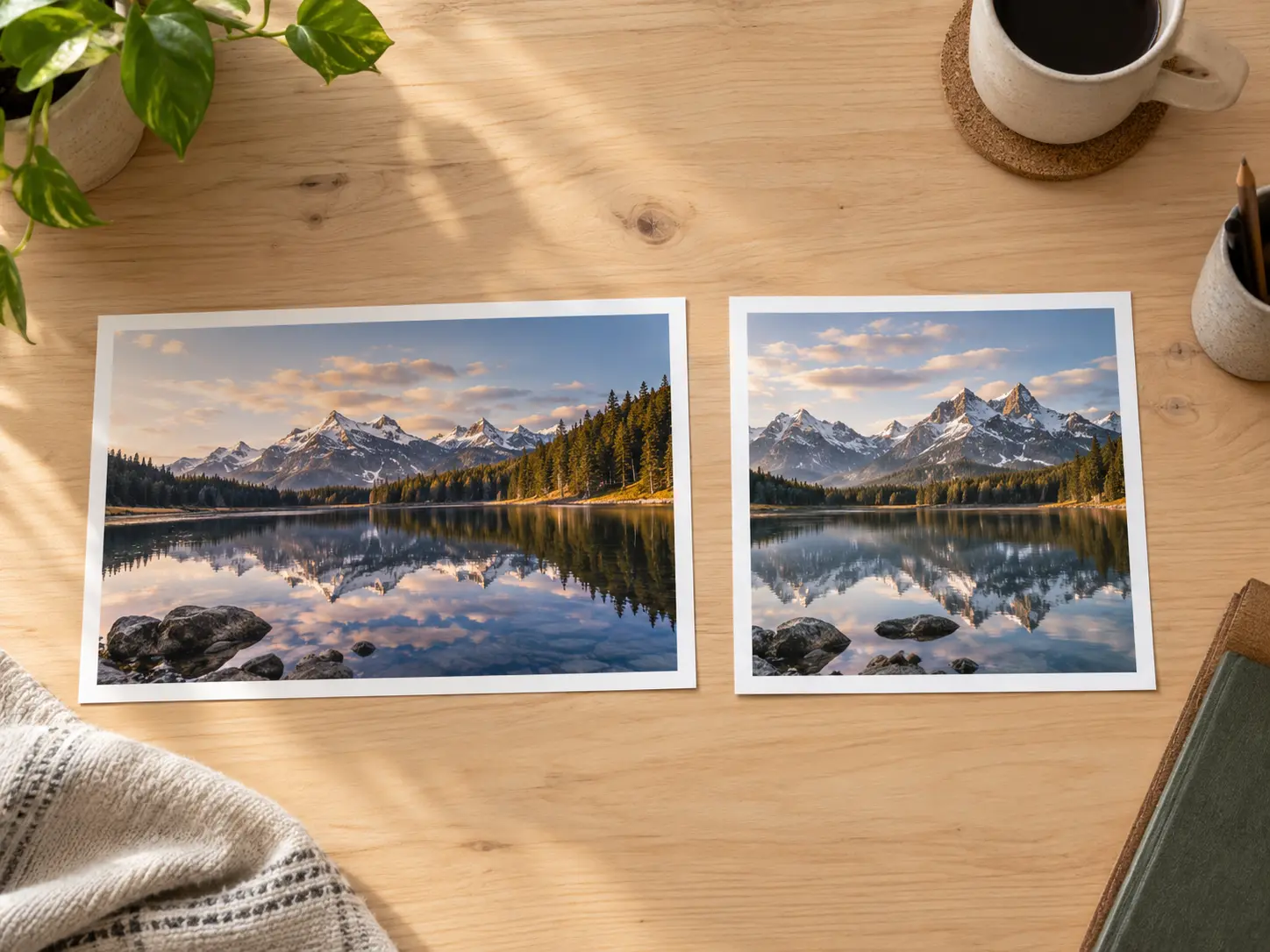
  • Image resolution changer resizing a landscape photo while keeping its aspect ratio
    Aspect ratio locked
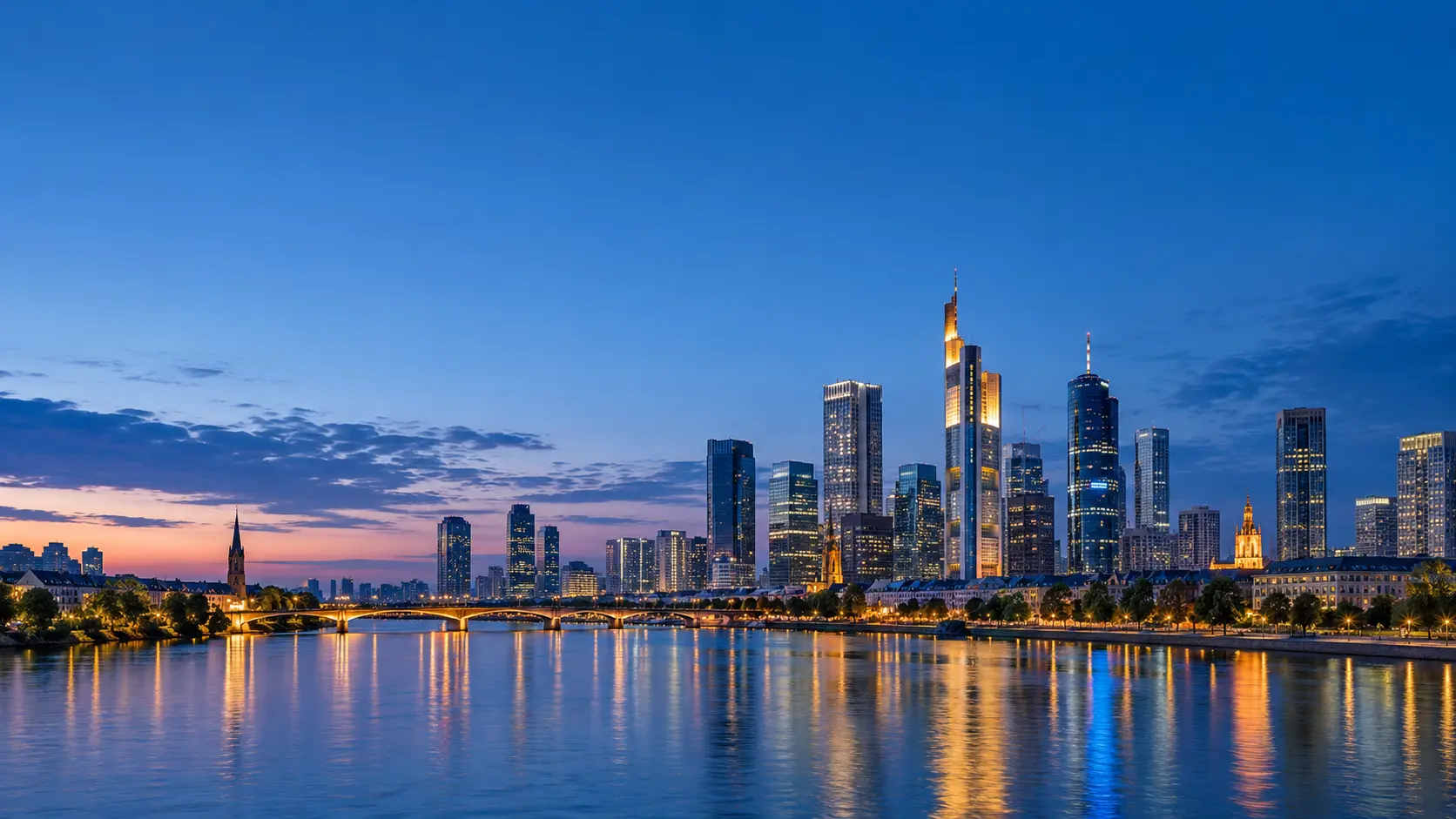
  • Image resolution changer preparing the same photo for a social post size
    Social size

What an Image Resolution Changer Can Do

Resolution is about pixel dimensions, so an image resolution changer helps you move the size of an image in the direction the file actually needs.

Image resolution changer lowering a large photo to a smaller pixel size

Reduce the Pixel Count

Reduce a very large photo to a practical pixel size for a website, email, or marketplace upload. A lower resolution cuts file weight and speeds up delivery when a page has many images. Check the result at its final display size rather than at full zoom.

Image resolution changer increasing the pixel dimensions of a small portrait

Raise the Pixel Dimensions

When a placement needs more pixels than the source provides, the tool can generate a larger version instead of leaving you with a soft, stretched file. It adds detail as it scales, so faces, edges, and fine texture stay readable for print, a banner, or a storefront image.

Image resolution changer keeping the original aspect ratio while resizing pixels

Preserve the Aspect Ratio

Most photos need the original proportions kept, otherwise faces and products stretch. Set a new width and let the height follow, or enter both values and compare with the source. Locking the ratio is the safest way to avoid distortion and keep a set of images consistent.

Image resolution changer comparing before and after pixel dimension results

Compare Before and After

Compare sharpness, noise, and edge detail at the size where the image will actually be used, then keep the version that serves the placement. If the smaller file looks soft or the larger file looks artificial, adjust the dimensions and generate again.

How to Resize Image Pixels

Three steps take a photo from its original pixel size to a version that fits the placement.

Source photo uploaded to the image resolution changer with its original pixel size

Step 01

Upload the Source Image

Add a JPEG, PNG, or WebP file and confirm the current pixel dimensions before you change anything. Starting from the largest, sharpest copy gives the image resolution changer more detail to work with in either direction.
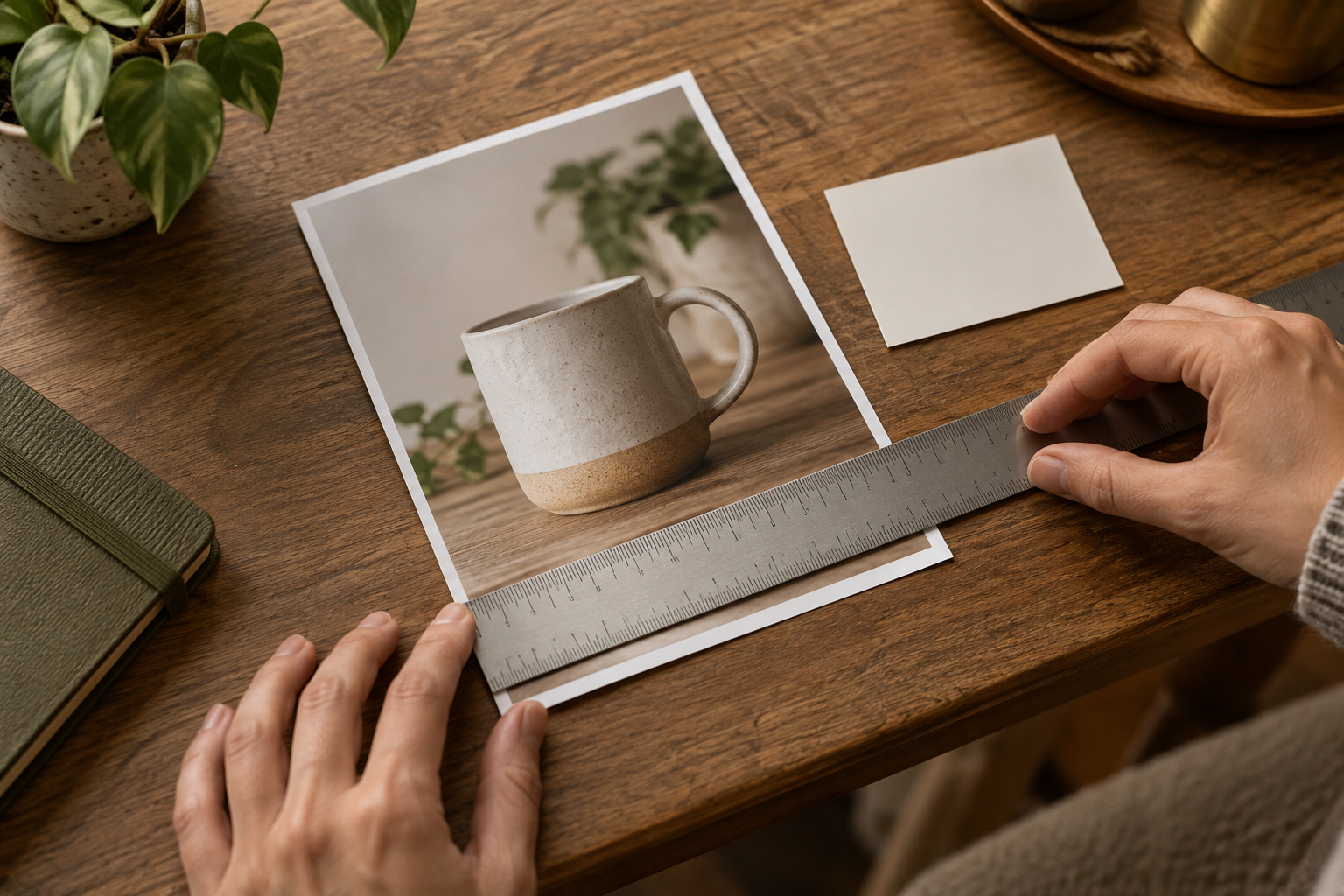
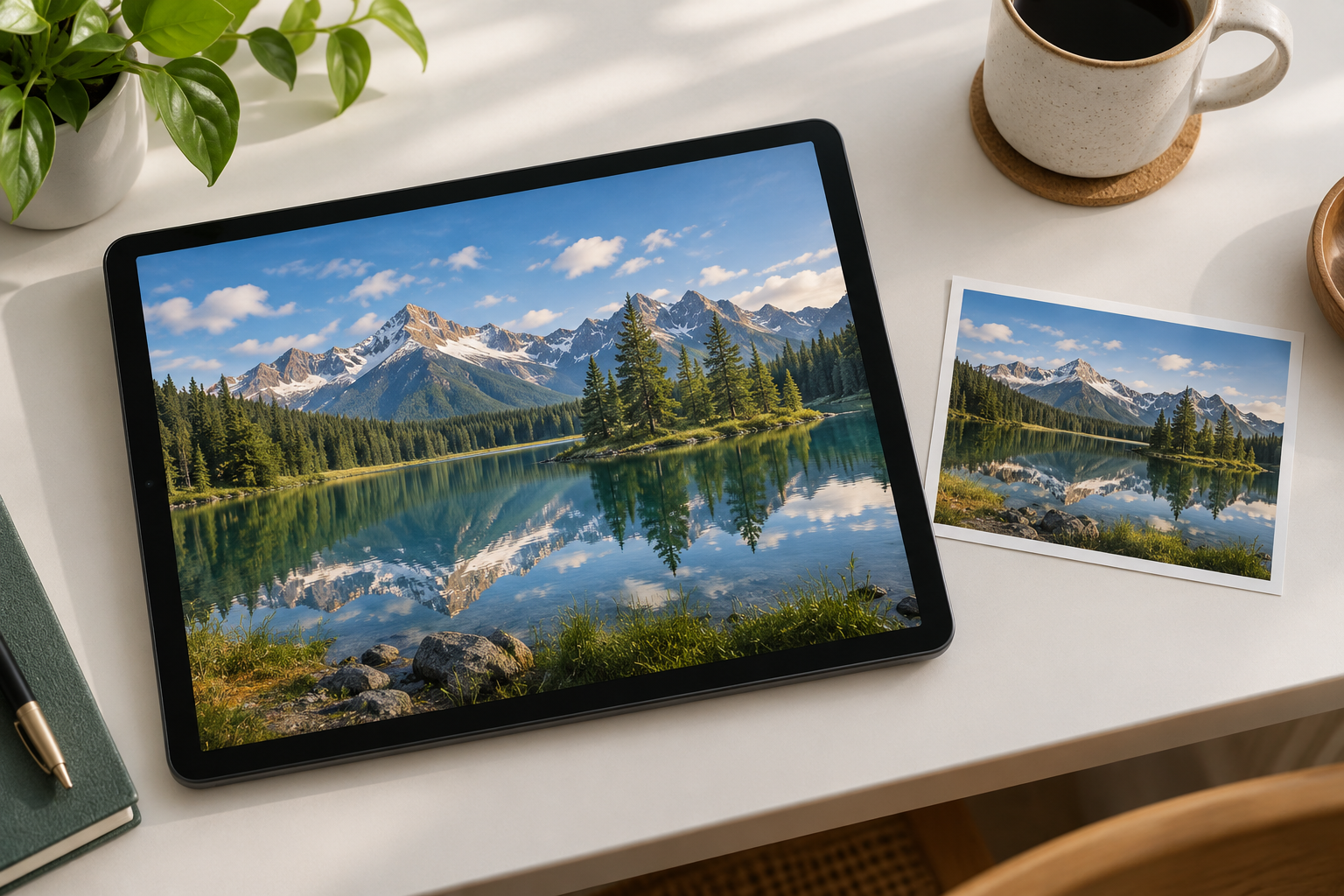
Image resolution changer interface setting a new width, height, and pixel target

Step 02

Set the Target Resolution

Enter a new width and height or a percentage of the original. Keep the aspect ratio locked unless the destination clearly needs a different shape, and choose whether the file should become larger or smaller.

Resized result from the image resolution changer reviewed before download

Step 03

Review and Download

Compare the resized image with the source at full size. Check sharpness, noise, and edges, then download the version that matches the destination without carrying more pixels than it needs.

When to Use an Image Resolution Changer

The same pixel change supports web delivery, printing, and platform-specific upload limits.

Image resolution changer shrinking a heavy camera photo for faster web loading

Shrink a Heavy Photo

Lower the pixel dimensions so a large camera file uploads quickly and loads fast on a page. Lowering the pixel count keeps the photo intact without a reshoot.

Image resolution changer preparing a photo to meet a marketplace upload limit

Meet an Upload Limit

Marketplaces, forms, and portals often cap file size or pixel dimensions. Set the resolution to the required range so the upload is accepted while the subject remains clear.

Image resolution changer increasing pixels for a printed photo at a larger size

Prepare a Print

Raise the pixel dimensions when a photo needs to hold up at a larger printed size. Check the result at the intended output scale, not a small preview.

Image resolution changer standardizing a product catalog to one pixel size

Standardize a Catalog

Resize a set of product images to one pixel size so a grid looks consistent. Keep the ratio locked so each item keeps its natural shape.

Image resolution changer adjusting pixels for a square social media format

Fit a Social Format

Change the pixel dimensions for a square, vertical, or wide social post and check the crop before publishing. Confirm the subject stays inside the safe area.

Image resolution changer setting pixel dimensions for a presentation slide image

Convert for Presentation

Lower resolution for slides and documents so decks stay light, or raise it for a large display. Match the pixel size to the screen or page it will appear on.

Who Uses an Image Resolution Changer

Photographer using an image resolution changer to prepare a smaller web copy

Photographers preparing delivery files

Create a smaller web copy from a large master file or produce a larger version from a cropped detail. Keep the original resolution so you can return to it later.

Why Use This Image Resolution Changer

An image resolution changer keeps pixel changes practical instead of turning them into a full editing project.

Change Pixels in Either Direction

Reduce a heavy file or raise the pixel dimensions of a small one from the same upload control.

Keep the Original Ratio

Lock the proportions so faces, products, and landscapes do not stretch when the size changes.

Preview Before You Export

Compare sharpness and noise with the source at the size the image will actually be used.

Match a Platform Requirement

Set a pixel size that satisfies a marketplace, form, or CMS instead of guessing and re-uploading.

Reduce File Weight

Lower the resolution of an oversized image so a page, email, or deck loads more quickly.

Standardize a Image Set

Bring a group of photos to one pixel size so a grid, catalog, or carousel looks consistent.

FAQ

Image Resolution Changer FAQ

An image resolution changer changes the pixel dimensions of an image, making the file larger or smaller. It can reduce a heavy photo for faster loading or raise the pixel count when a placement needs more detail. The result is a new file at the size you choose, while the original stays untouched for comparison.

Reducing the pixel dimensions removes detail, so the file becomes smaller but can lose fine texture if the change is severe. Raising the resolution adds pixels and can keep an image readable at a larger size, though it cannot recreate detail that was never captured. Review the result at the intended display size.

Keep the aspect ratio locked while you set the new width or height, so the other dimension scales with it. Only unlock the ratio when the destination truly needs a different shape, such as a square social post. Compare the result with the source to confirm the subject keeps its natural proportions.

Resolution describes the pixel dimensions of an image, while file size describes how much storage the file uses. Increasing resolution usually increases file size, and lowering it usually reduces file size, but compression and format also matter. Check the exported weight for the destination.

You can start from the upload control on this page and resize an image in the browser. Account, storage, and export limits may depend on the current product state, so confirm any prompt before uploading a large or private file. Keep the original for a later revision.
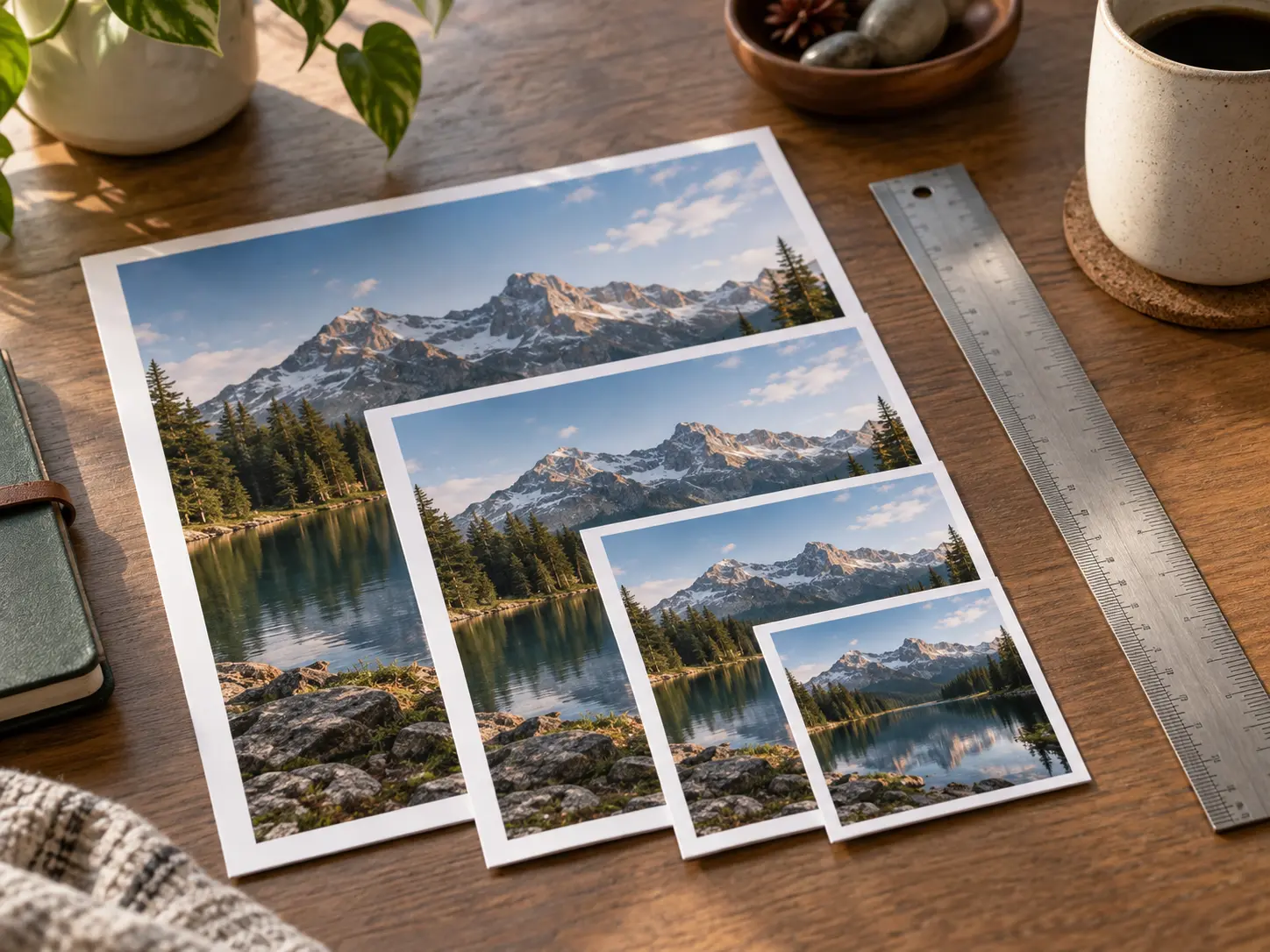
Image resolution changer workspace with photos shown at several pixel sizes

Change Your Image Resolution

Upload a photo, set the new pixel dimensions, and download a version sized for the placement.

Get Started
Image Resolution Changer - Resize Image Pixels | VideoAI