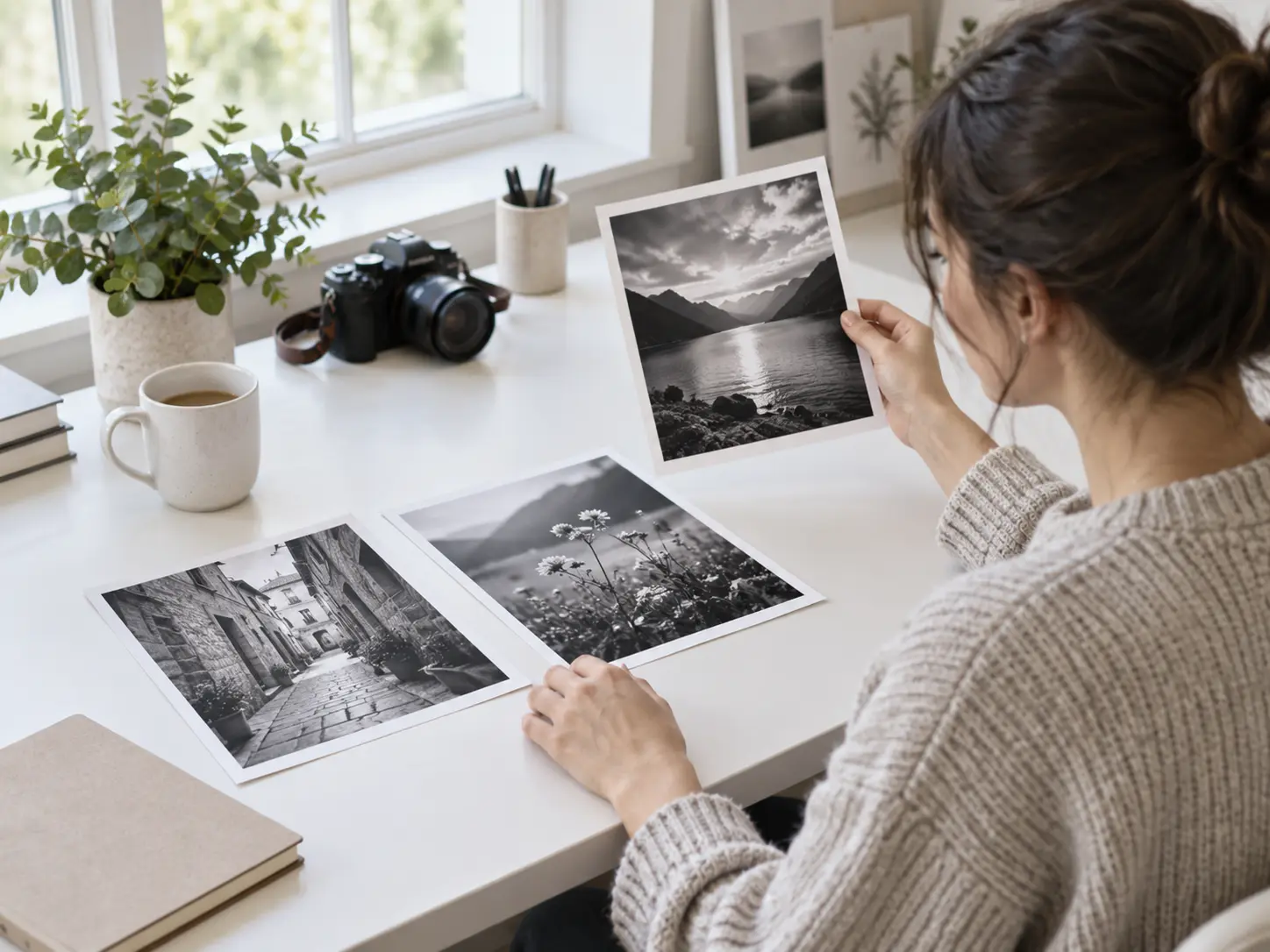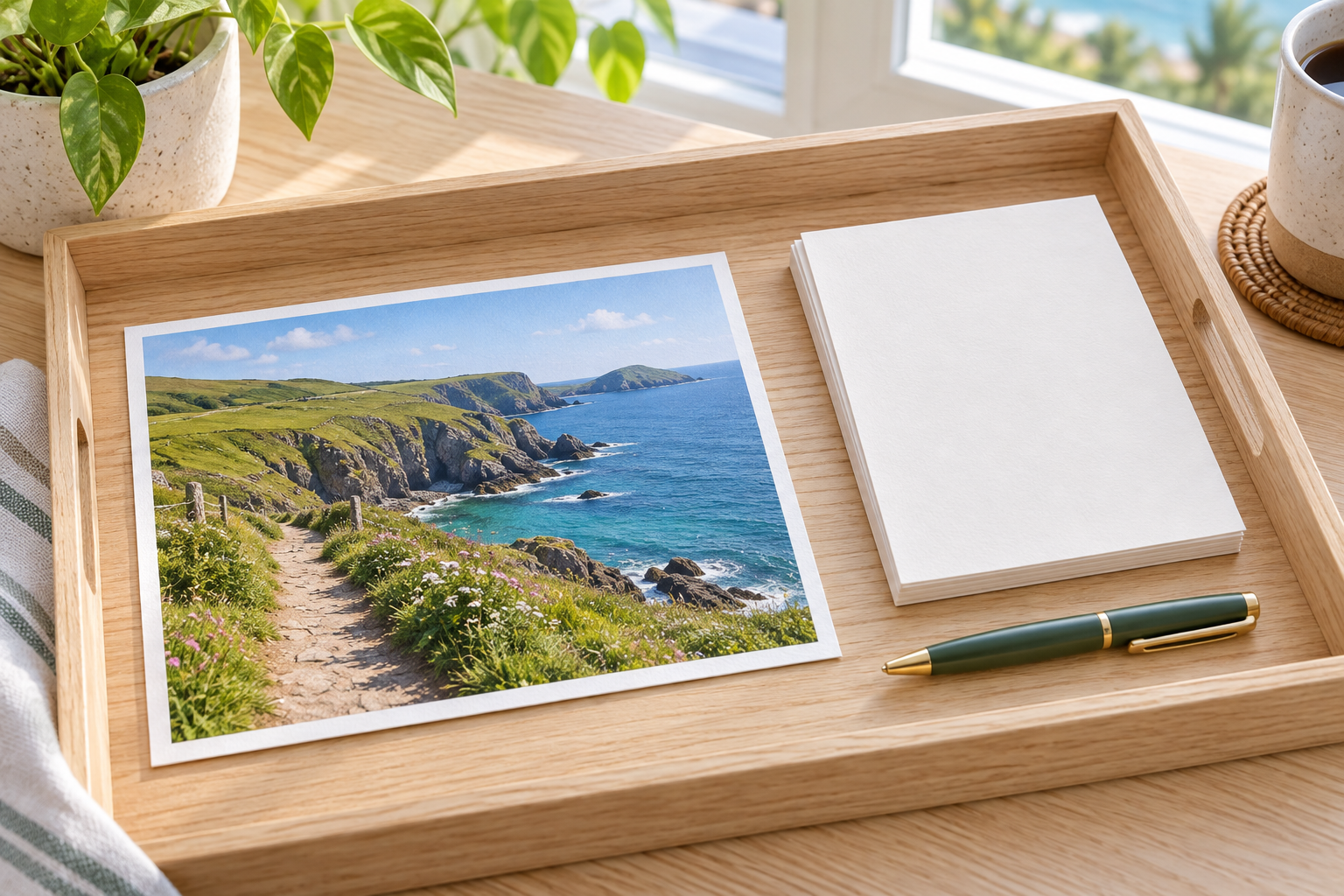
Step 01
Add A Colour Photo
Drop in a JPEG, PNG, or WebP file in full colour. The photo lands in your own workspace, ready to reuse or delete, and the original is never altered.

Add a colour photo and let the converter make image black and white in seconds, keeping the framing, the faces, and the detail of the shot exactly where they were. The whole change happens in the browser, so you go from full colour to a clean grey frame without opening an editor or touching a single slider.


No picture on hand? Try with one of these
The converter reads the colour in every pixel and rebuilds the shot in shades of grey, so the result keeps the same framing, faces, and detail as the file you supplied.
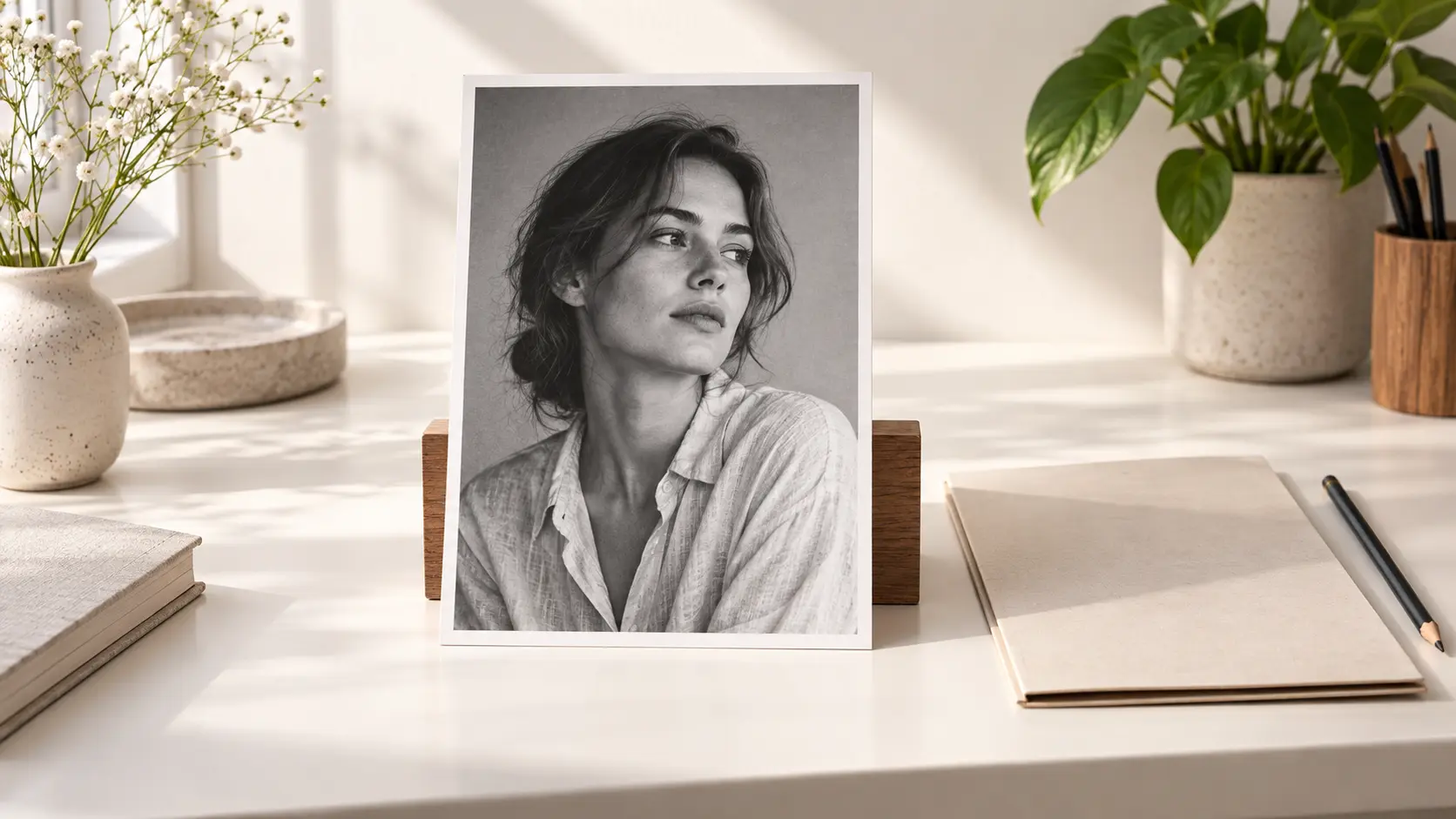
There is nothing to mask and nothing to layer. When you make image black and white here, one upload and one press of the button are the whole setup, and the tool returns a grayscale version alongside the untouched original.
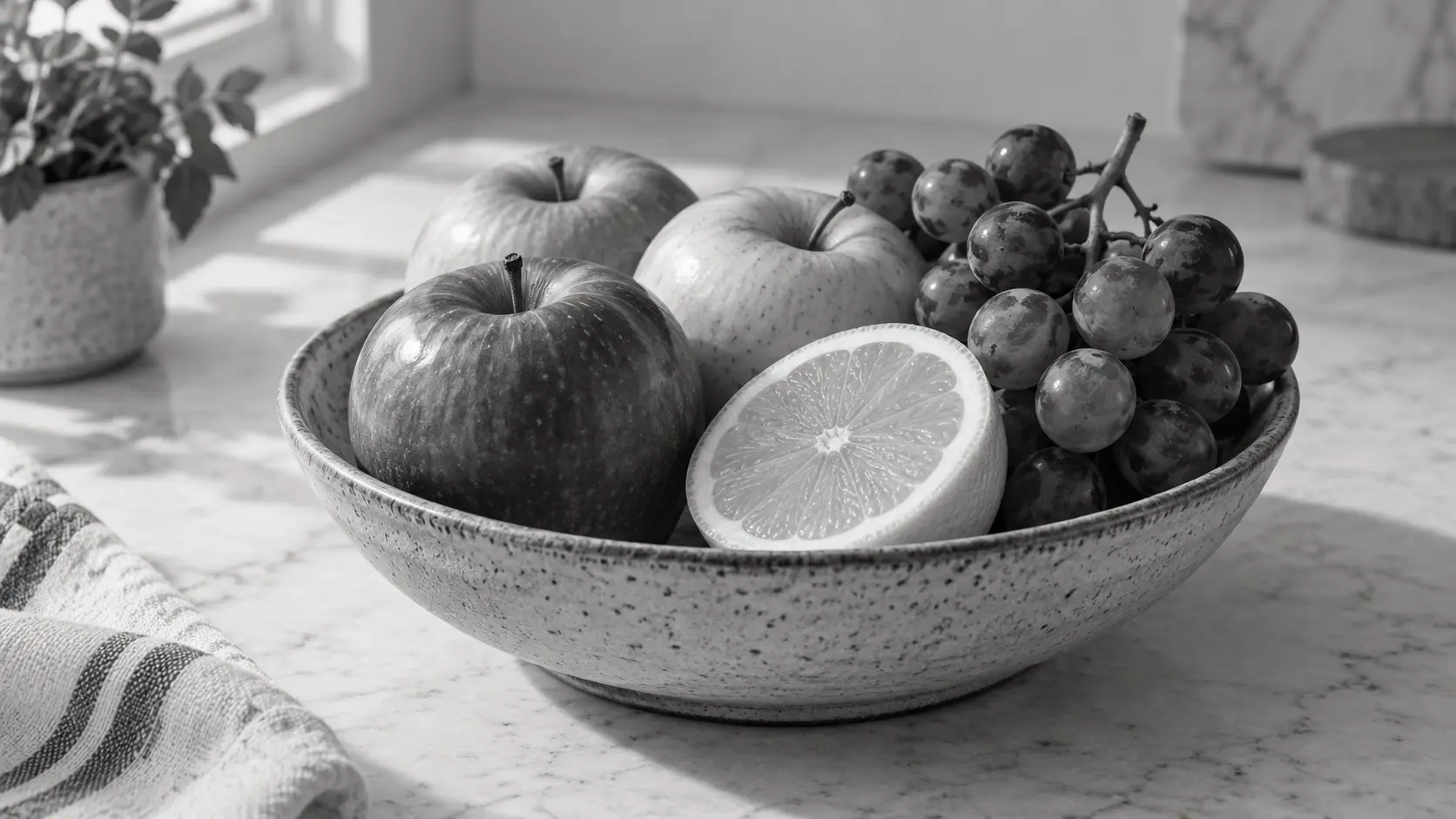
A plain desaturation flattens a picture. This converter weighs each colour channel so reds, greens, and blues land on different greys, which keeps skin soft and lets strong colours read as clear contrast.

The file is processed at full resolution, so fine lines, hair, and text on signs stay crisp instead of turning mushy. You keep the detail of the original shot rather than a soft, low quality copy.
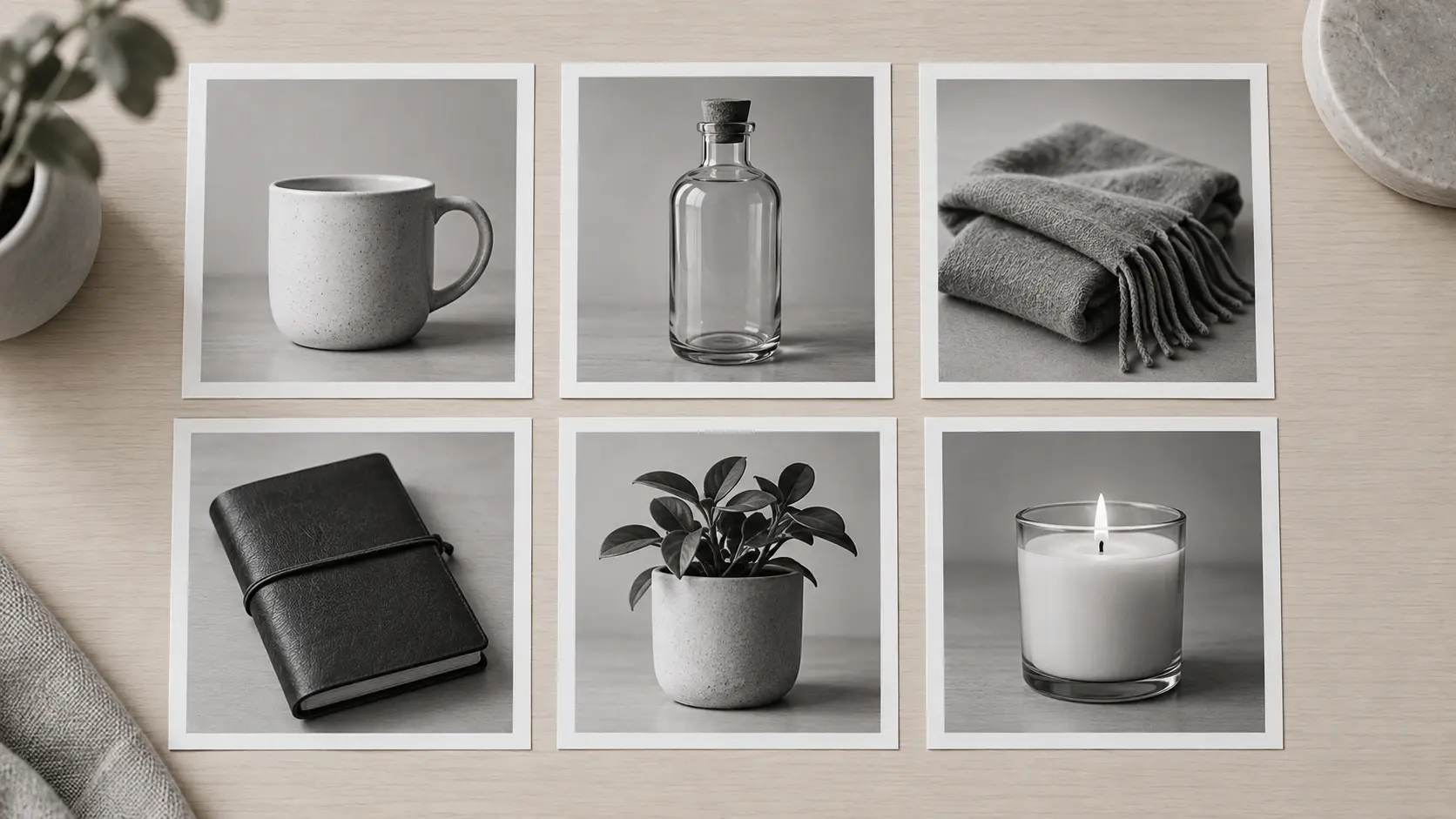
Send several photos together and the tool returns every frame in the same grey treatment, which keeps a product set or a photo series consistent. It is the fastest way to make image black and white for a batch that has to look like one collection.
Three short steps take a colour photo to a finished black and white image you can download and use straight away.
Step 01
Drop in a JPEG, PNG, or WebP file in full colour. The photo lands in your own workspace, ready to reuse or delete, and the original is never altered.
Step 02
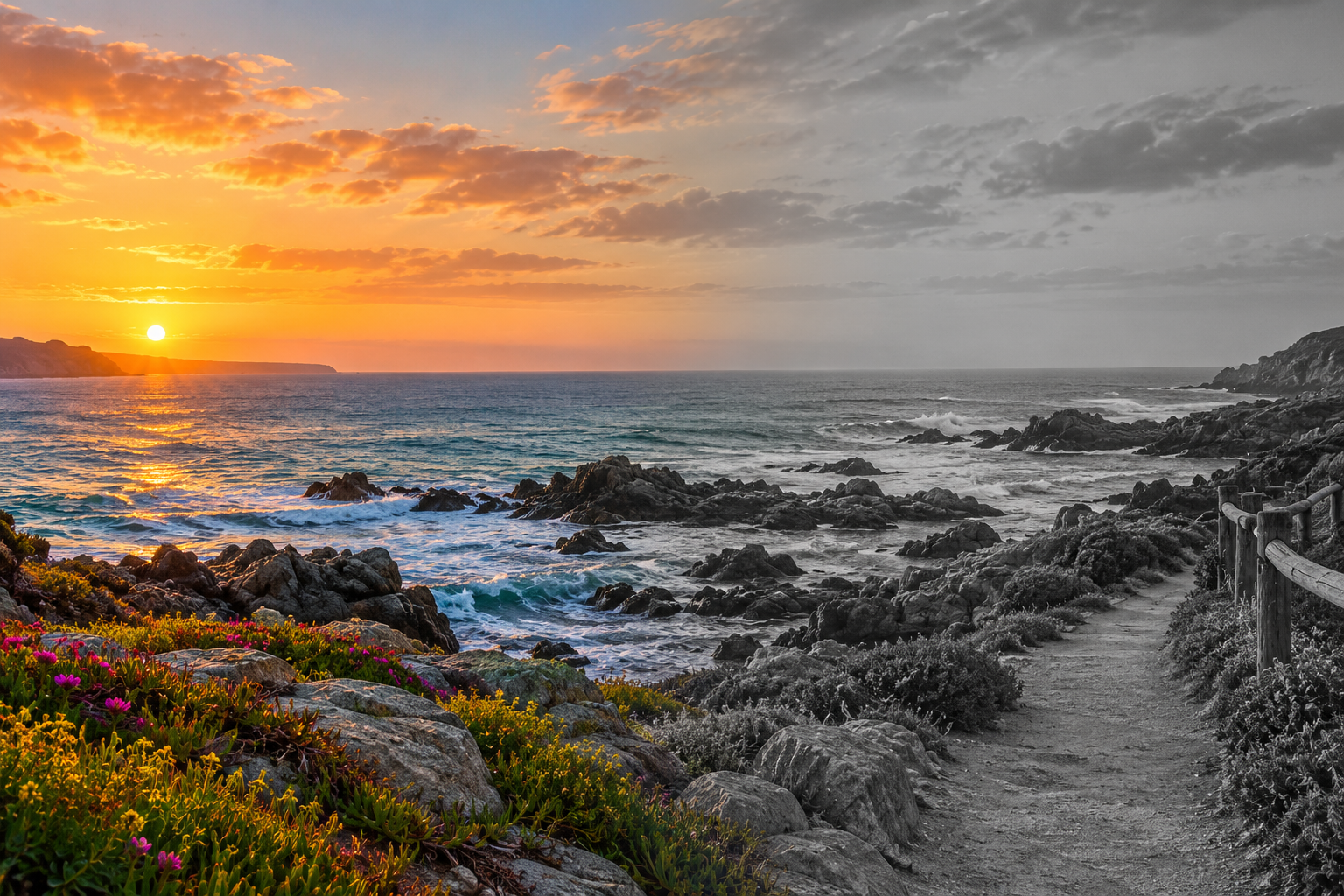
Pick the standard black and white look, or make image black and white with a softer tone, a little grain, or extra contrast if you want an older print feel.
Step 03
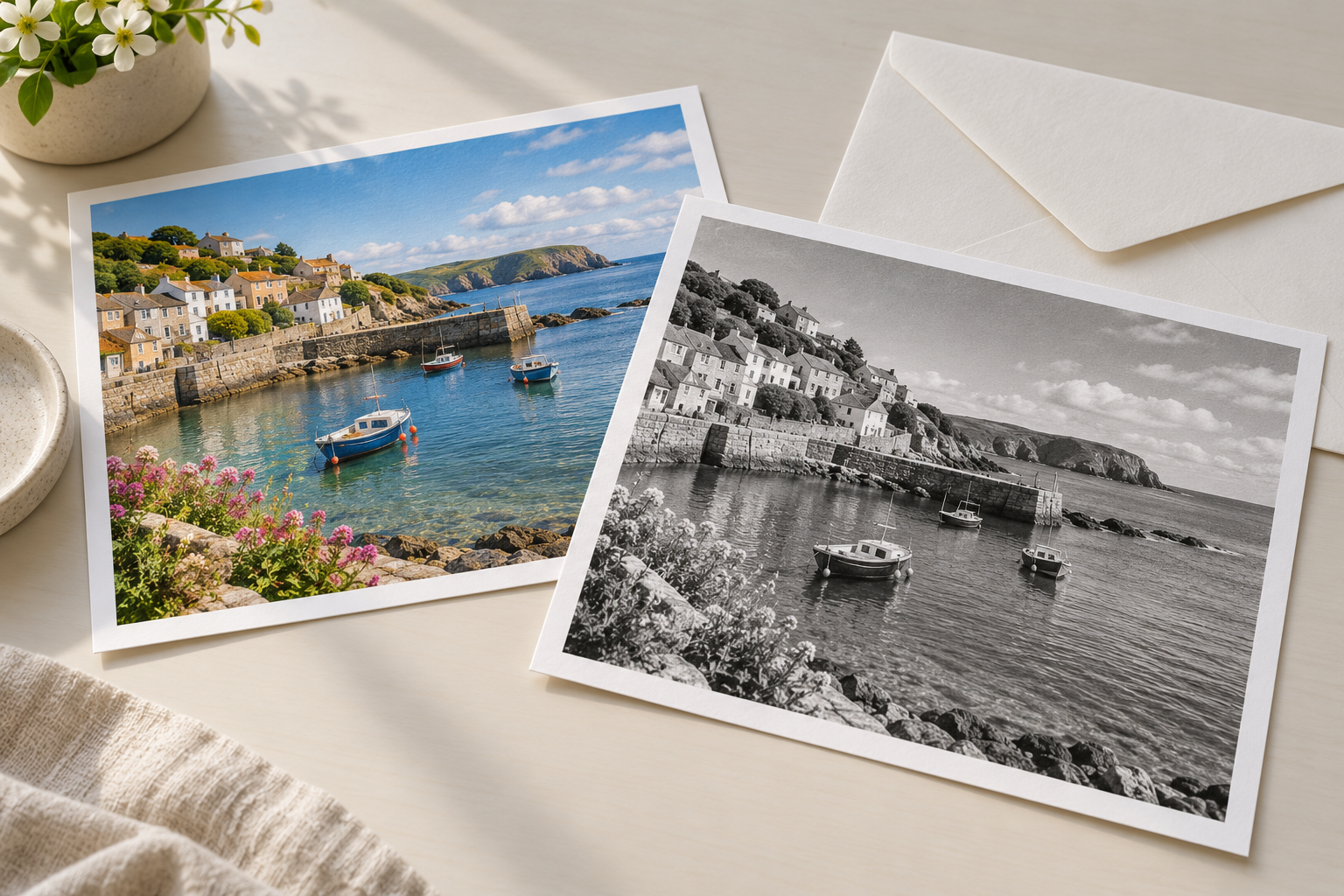
Press the button and the converter returns the finished frame. Make image black and white for one shot or a whole batch, then download each result at full resolution with no watermark.
These are the jobs people bring to a grayscale converter instead of a full editing program.
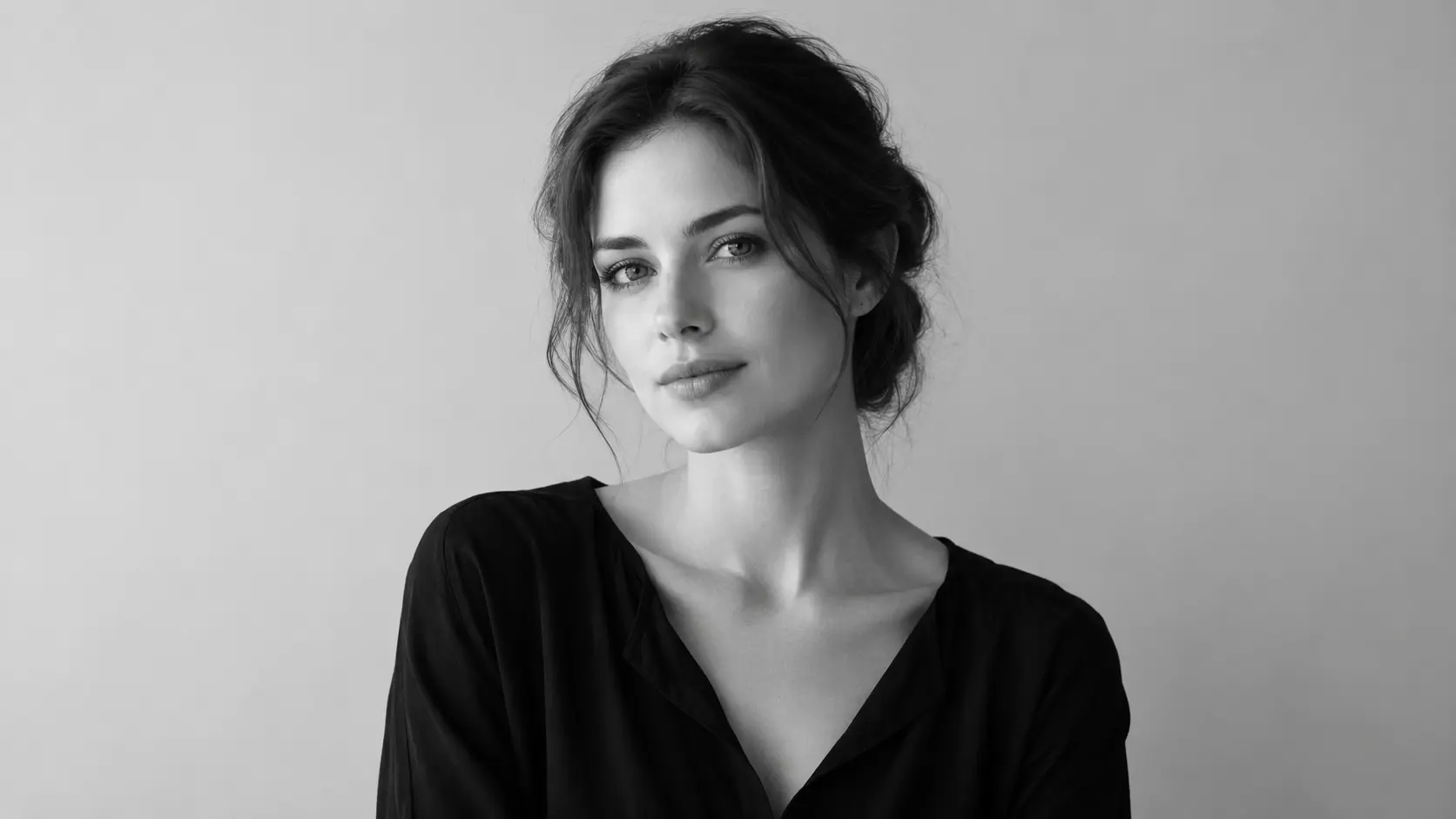
A busy shirt or a bright wall can pull attention away from a face. Strip the colour out and only light and outline remain, so make image black and white turns one portrait into a quieter, more focused frame.
A shop catalogue looks tidier when every item shares one treatment. Run the whole set through the converter and each listing photo becomes a matching black and white image, which is quicker than editing them one at a time.
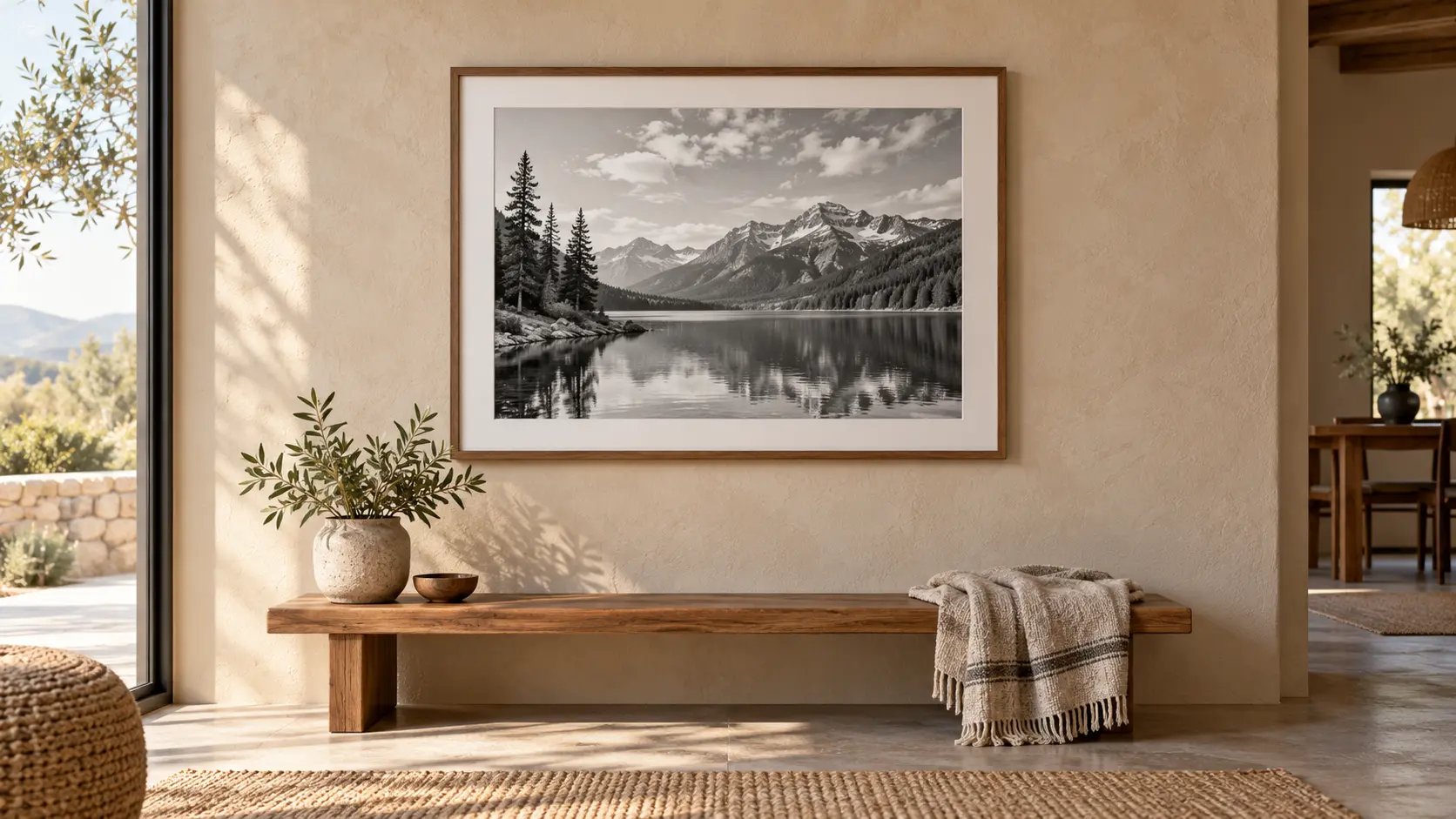
A high contrast photo often suits a frame or a print better without colour. Make image black and white at full resolution and the result is ready to print, with the deepest greys and the highlights kept intact.
The workflow keeps the parts people actually need and drops the parts that slow an edit down.
There is nothing to install and no layers to learn. Make image black and white for a single shot right in the browser with one upload.
The conversion runs on the full size file, so the black and white image keeps the sharpness and the framing of the photo you started with.
Send a whole set through one pass and every frame lands on the same grey treatment, which keeps a feed, a catalogue, or an album looking deliberate.
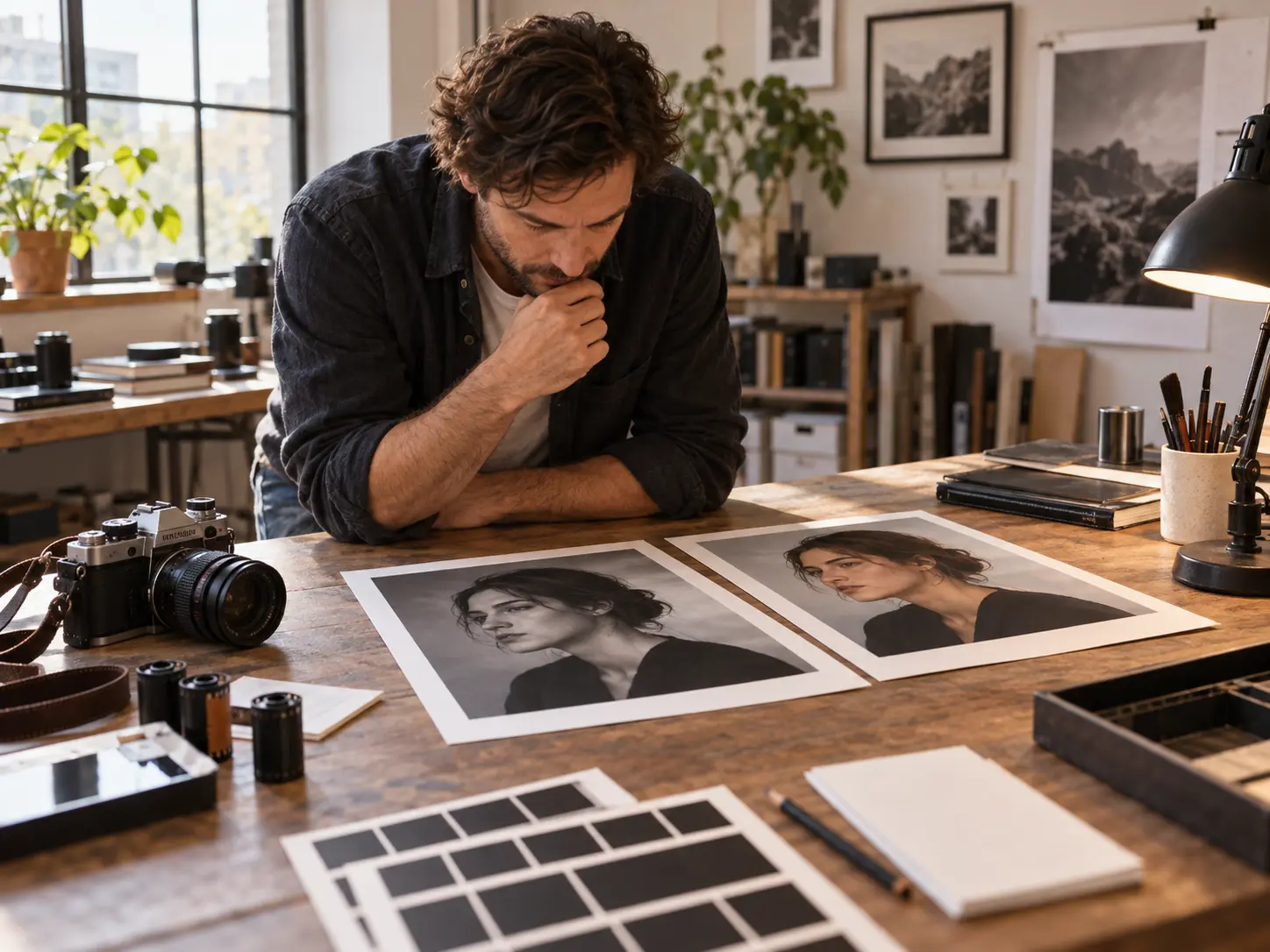
You need a fast grayscale proof before you commit to a full edit. Upload the shot, make image black and white in one pass, and judge whether the light and the composition still hold without colour.
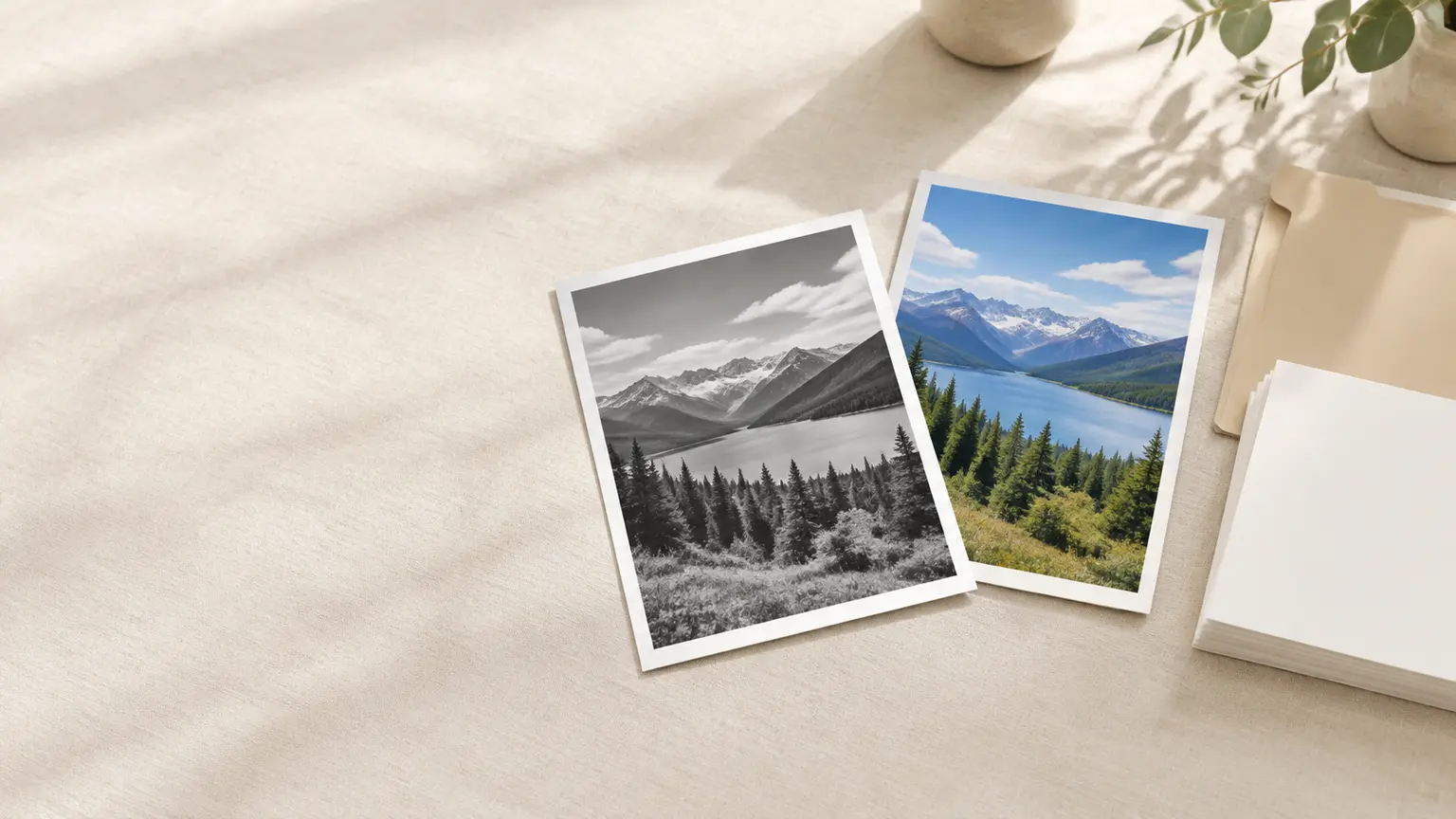
Upload a colour image, convert it to grayscale in one pass, and download the finished frame.
Get Started