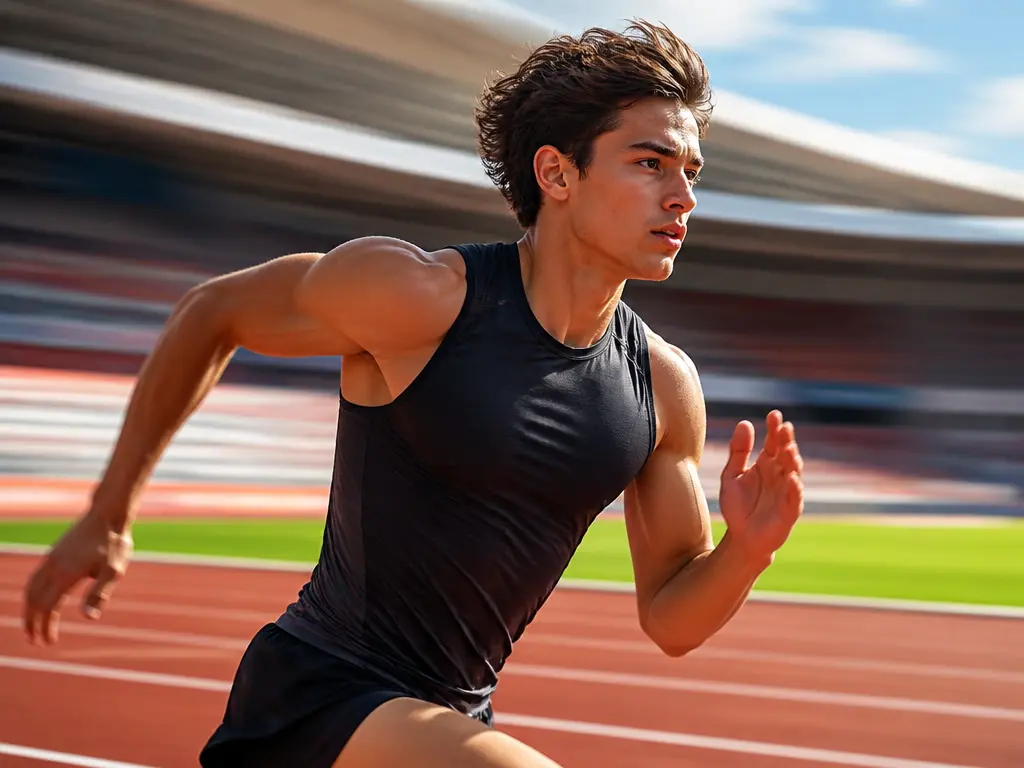
Motion Blur

Turn a static photo into a directional action image with motion blur. Upload the shot to add motion blur to a photo, describe which way the subject is moving and what must stay sharp, and VideoAI creates speed trails around the frame while the face, product, or defining detail remains readable. Use it for sports, dance, campaign images, and any still photo that needs a clear sense of speed.

BeforeAfter
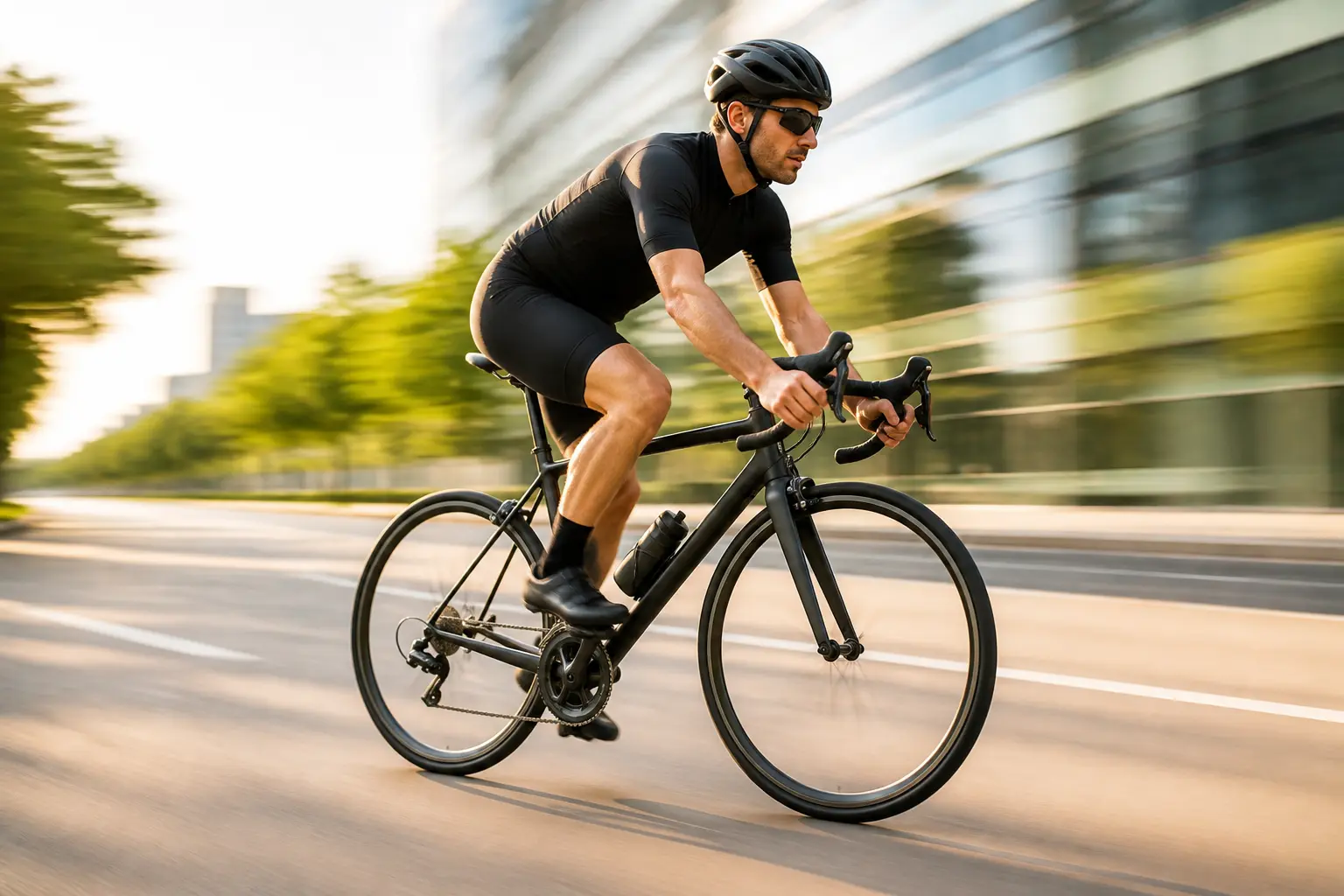
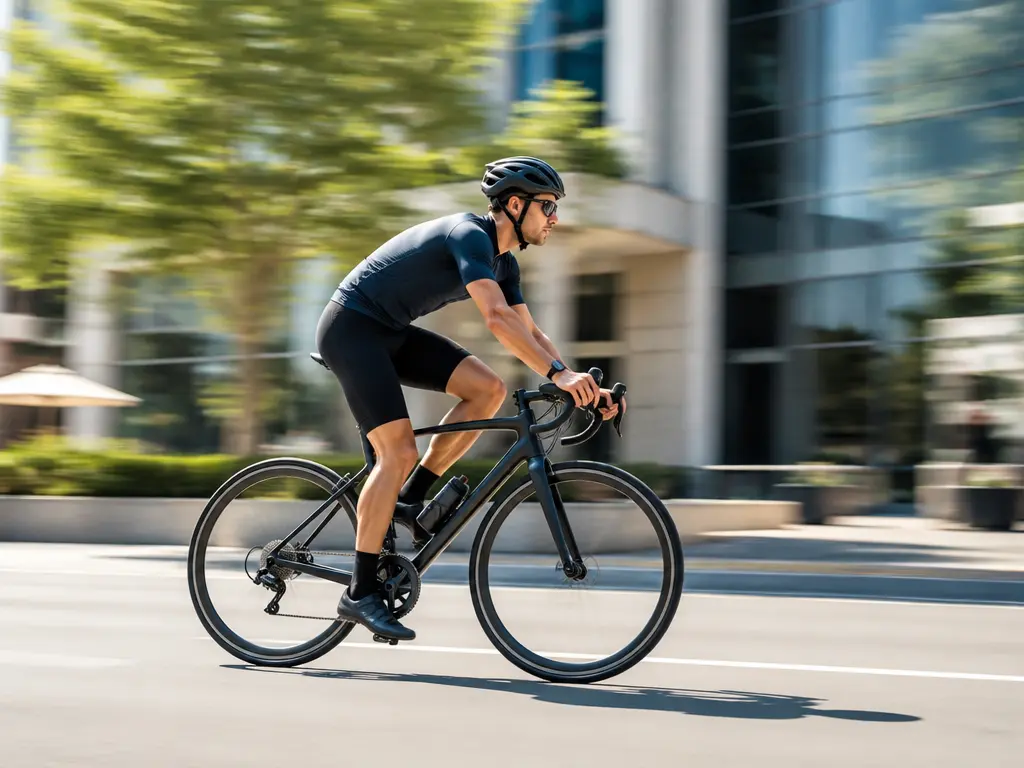
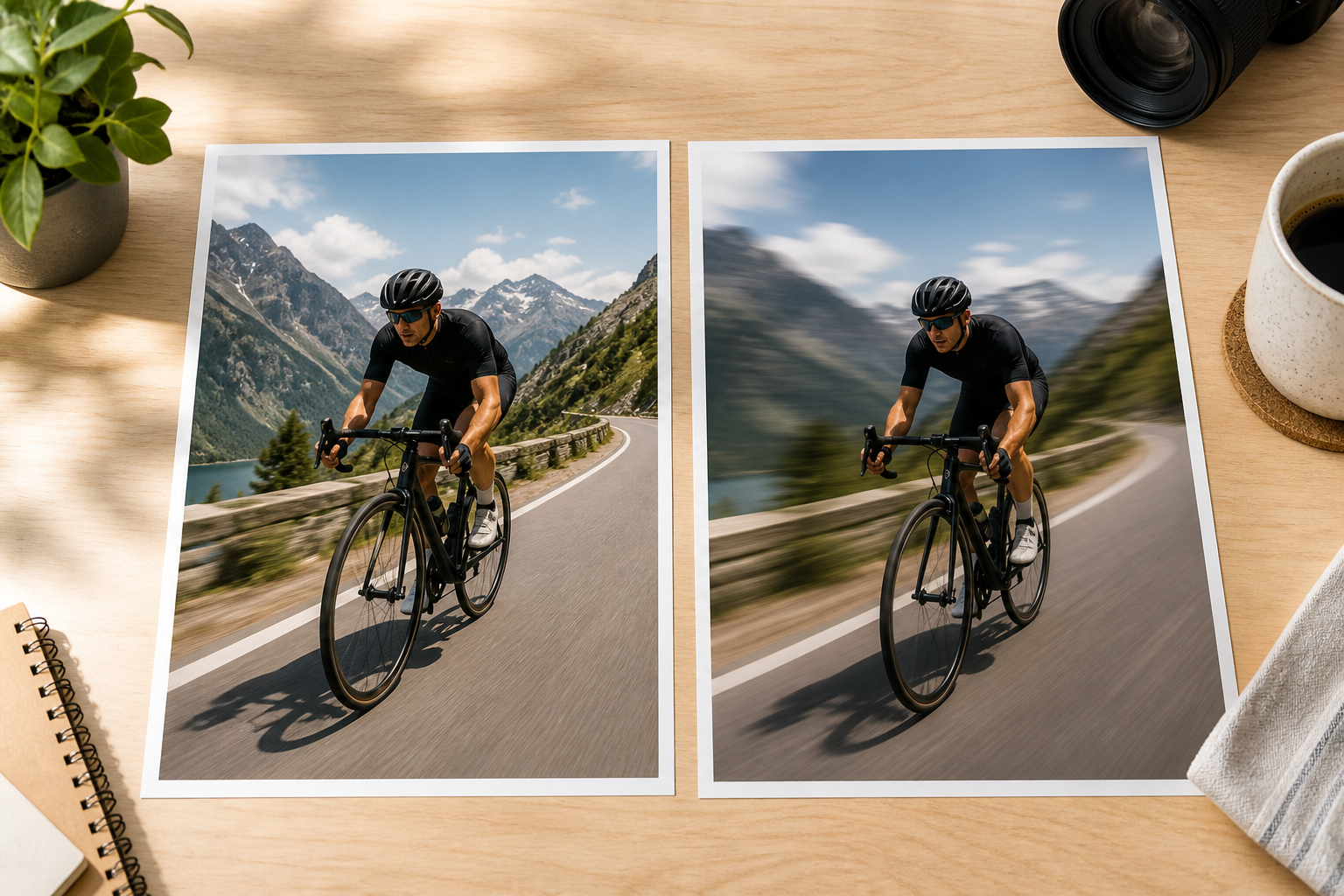
Cyclist with directional motion blur trailing behind while the rider stays readable
Sharp cyclist photo before directional motion blur is applied

No picture on hand? Try with one of these

Shape Directional Speed Instead of Blurring Everything

The motion blur workflow is built around movement, subject clarity, and natural transitions rather than a generic softening filter.

Photo diagram showing horizontal and diagonal motion directions

Point the Motion Through the Frame

Describe whether the subject moves left, right, toward the camera, or around a turn. Direction gives motion blur a readable purpose. A runner crossing the frame needs trails behind the body, while a car may need a horizontal background pull and sharp wheels. State the movement clearly so the result feels like an action photograph instead of a repeated ghost image or a soft layer placed over the picture.

Photo with a clear foreground subject and strong directional blur behind it

Keep the Important Subject Sharp

The strongest action photos still give the eye somewhere to land. Keep a face, jersey, product edge, vehicle body, or key pose clear while the surrounding movement carries the energy. Describe what must remain readable and how much blur the image needs. A light trail can suggest speed without hiding the subject, while a stronger pull creates a more dramatic panning effect for posters, sports edits, and social covers.

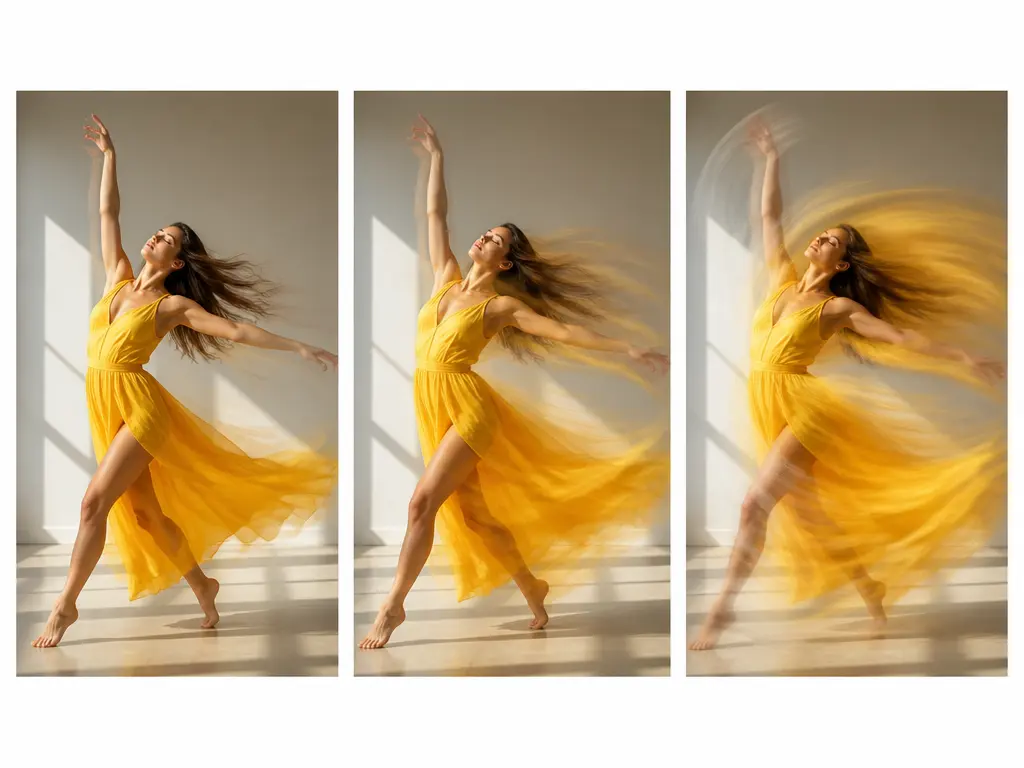
Three levels of motion blur strength compared on the same action photo

Control Strength and Edge Transitions

Motion blur can be subtle enough to suggest a fast turn or strong enough to imitate a long exposure. Adjust the description when the first version feels too soft, too clean, or too similar to ordinary blur. The goal is continuous movement around hair, wheels, fabric, and limbs without hard cutouts or repeated outlines. Review the edges at full size, then regenerate with a more specific direction or intensity when needed.

Add Motion Blur in Three Steps

Start with an existing image, define the movement, and review the result before downloading.

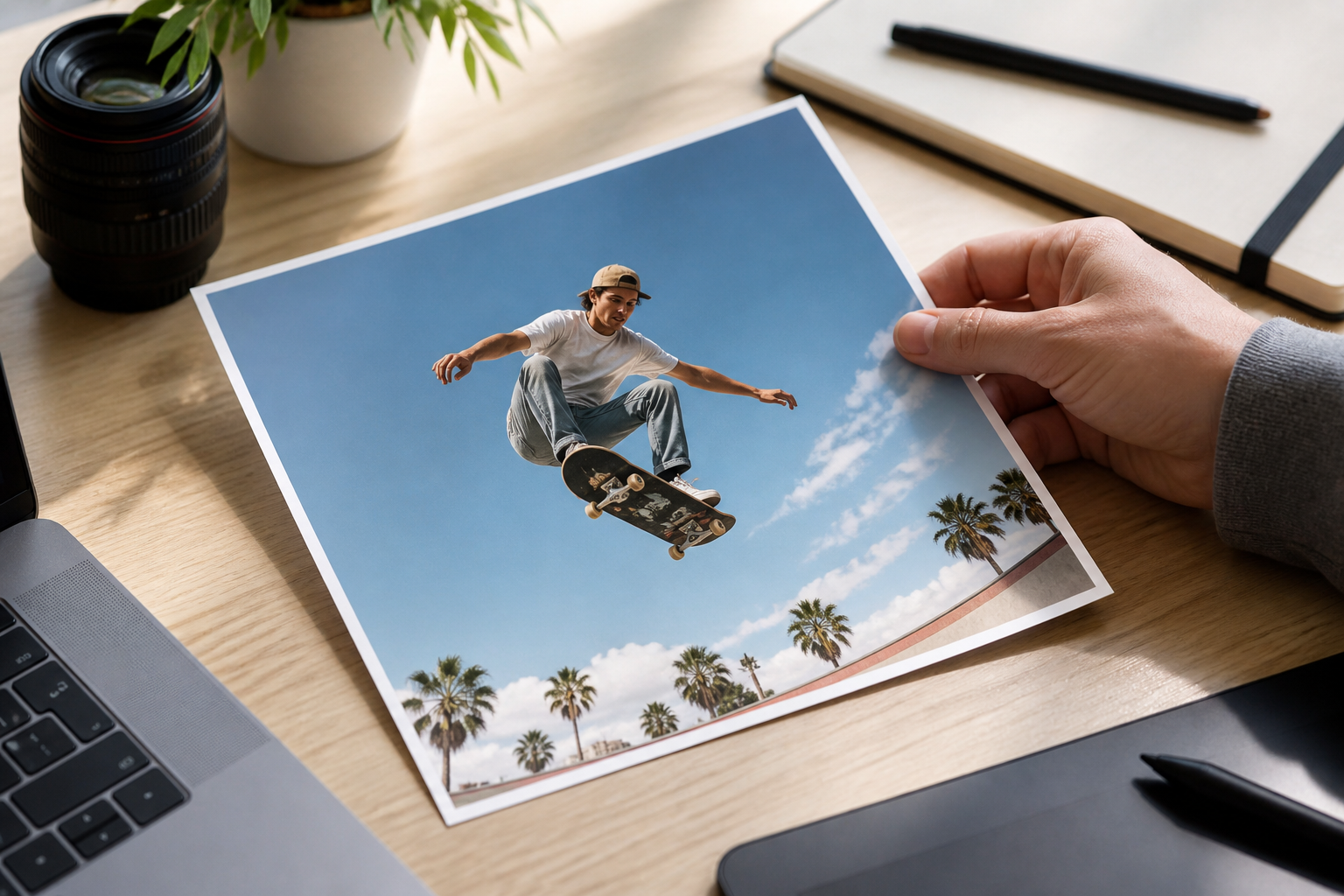
Sharp action photo being uploaded for a motion blur edit

Step 01

Upload a Clear Action Photo

Choose a JPG, PNG, or WebP image with a visible subject and enough surrounding space for the movement to travel. A sharp source gives the motion blur effect more structure to work with. Photos with heavy existing blur, severe compression, or a tightly cropped subject may need a smaller effect or a different image.
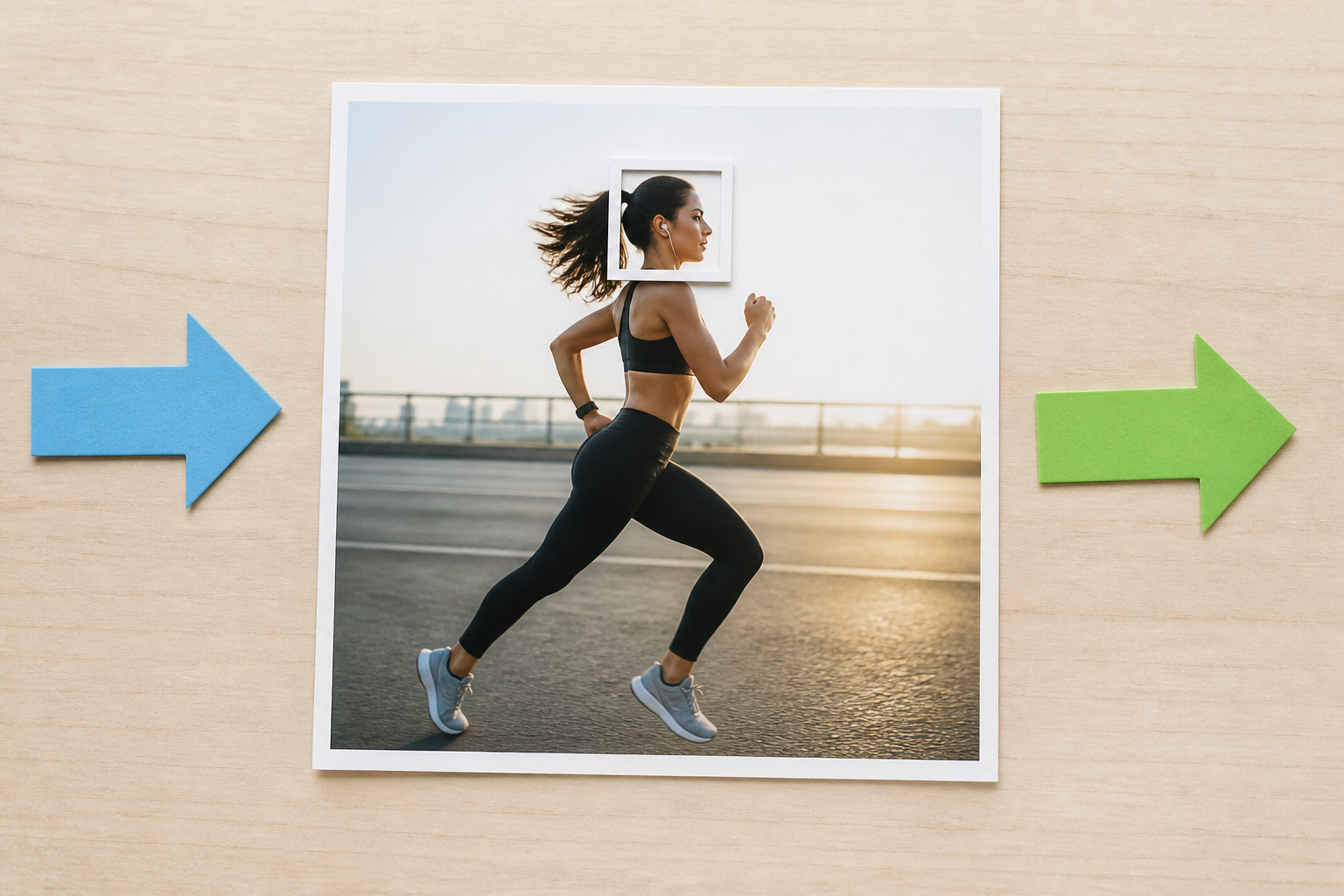
Action photo with direction and subject clarity notes arranged beside it

Step 02

Describe the Direction and Intensity

Name the direction of travel and the part that should remain clear. Ask for a gentle trail, a strong panning streak, or a specific mix around the subject. Mention the environment as well, because the motion blur should carry through the road, background, fabric, or surrounding air rather than stopping at a hard outline.

Original action photo and motion blur result compared before download

Step 03

Review the Motion and Download

Check whether the subject remains recognizable, whether the trails follow one believable direction, and whether the effect stops abruptly at an edge. If the image feels too soft, reduce the intensity; if it feels static, strengthen the movement. When the motion blur looks natural, download the new image and keep the original as a comparison.

Motion Blur Use Cases

Use directional movement when the image needs speed, energy, or a stronger sense of time without hiding the subject.

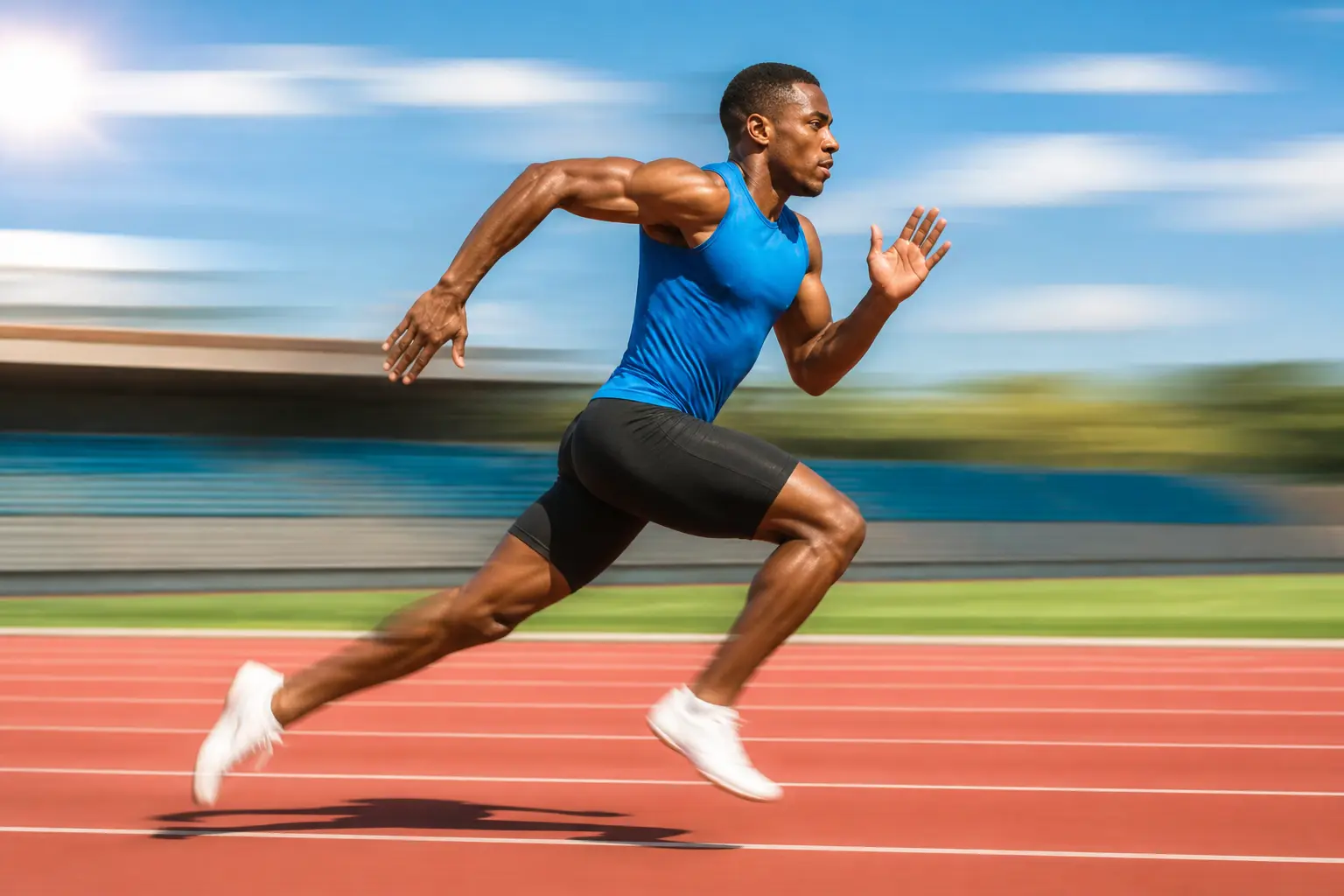
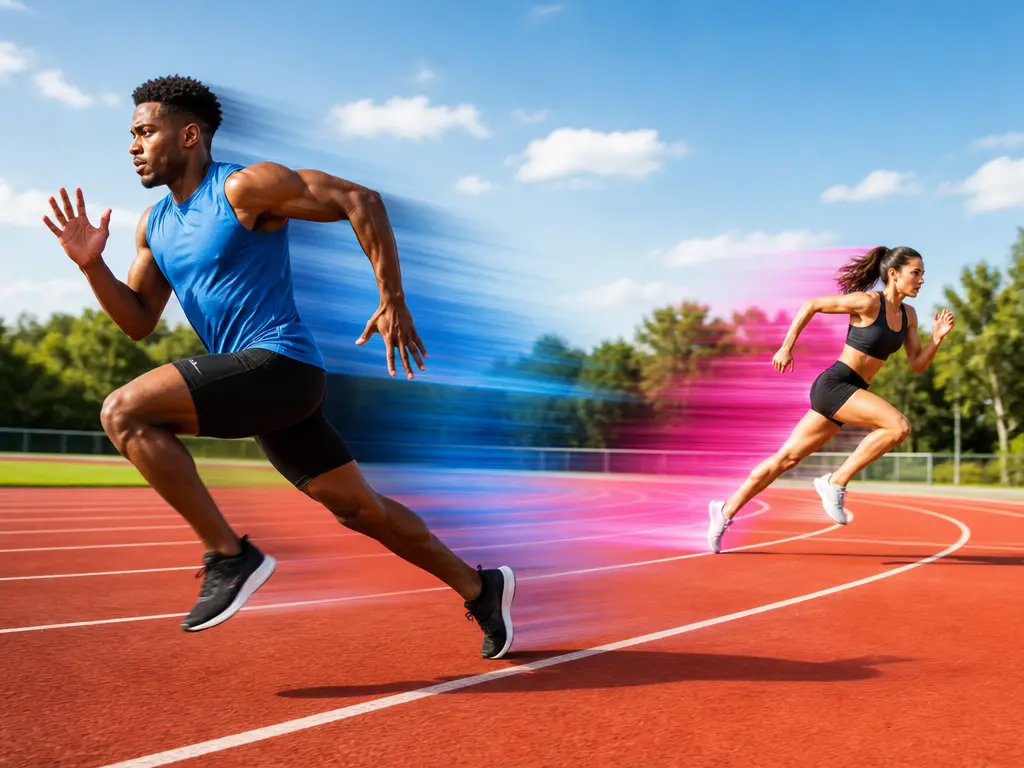
Runner with directional motion blur in a bright sports photograph

Sports and Fitness Posts

Give a runner, cyclist, dancer, or ball player stronger momentum while keeping the face and body position readable. Use the motion blur to follow the action across the frame, then check the result at feed size where the pose should still stand out clearly.

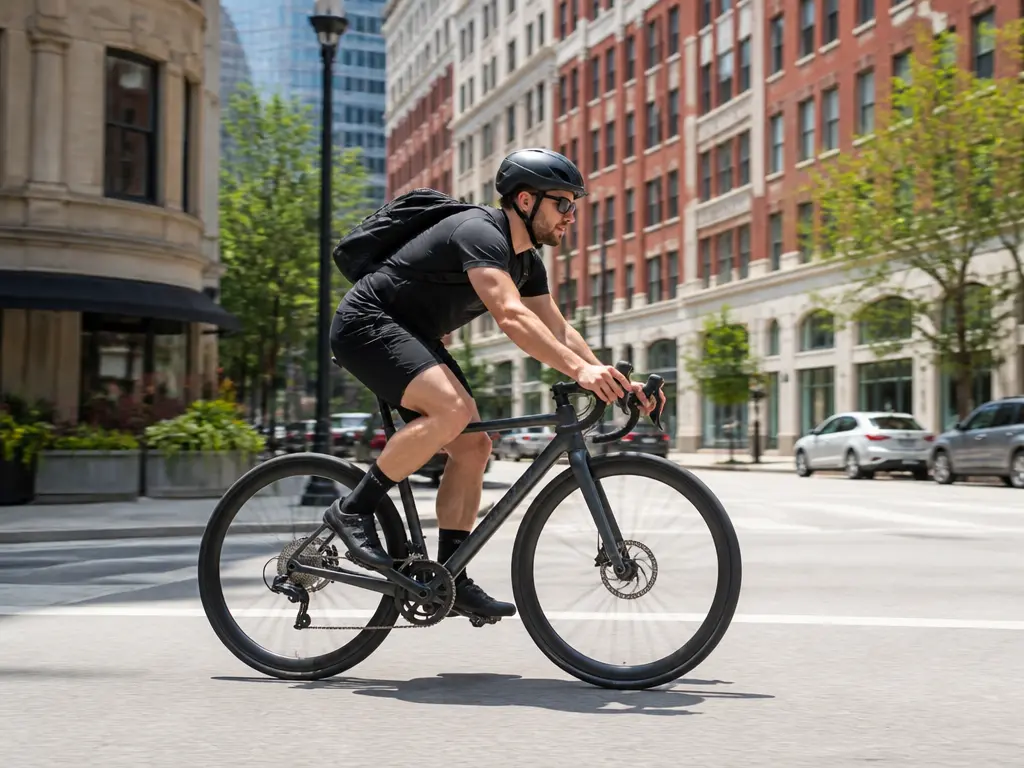
Vehicle moving through a city scene with natural motion blur and clear body design

Automotive and Product Motion

Show a vehicle, bicycle, shoe, or tech product moving through the scene. Keep the product silhouette and important design details sharp while the road, backdrop, or air carries the sense of speed. Review any reflections and logos before publishing the image.

Editorial campaign photo with open space and directional movement across the composition

Campaign and Editorial Visuals

Add a controlled sense of movement to a key visual without rebuilding the entire scene. Use one direction and intensity across a series so the images feel related, and leave enough clean space for any headline or product message that will sit over the final layout.

Who Uses Motion Blur

Action creator reviewing a motion blur photo in a bright training space

Make Still Photos Feel Like They Are Moving

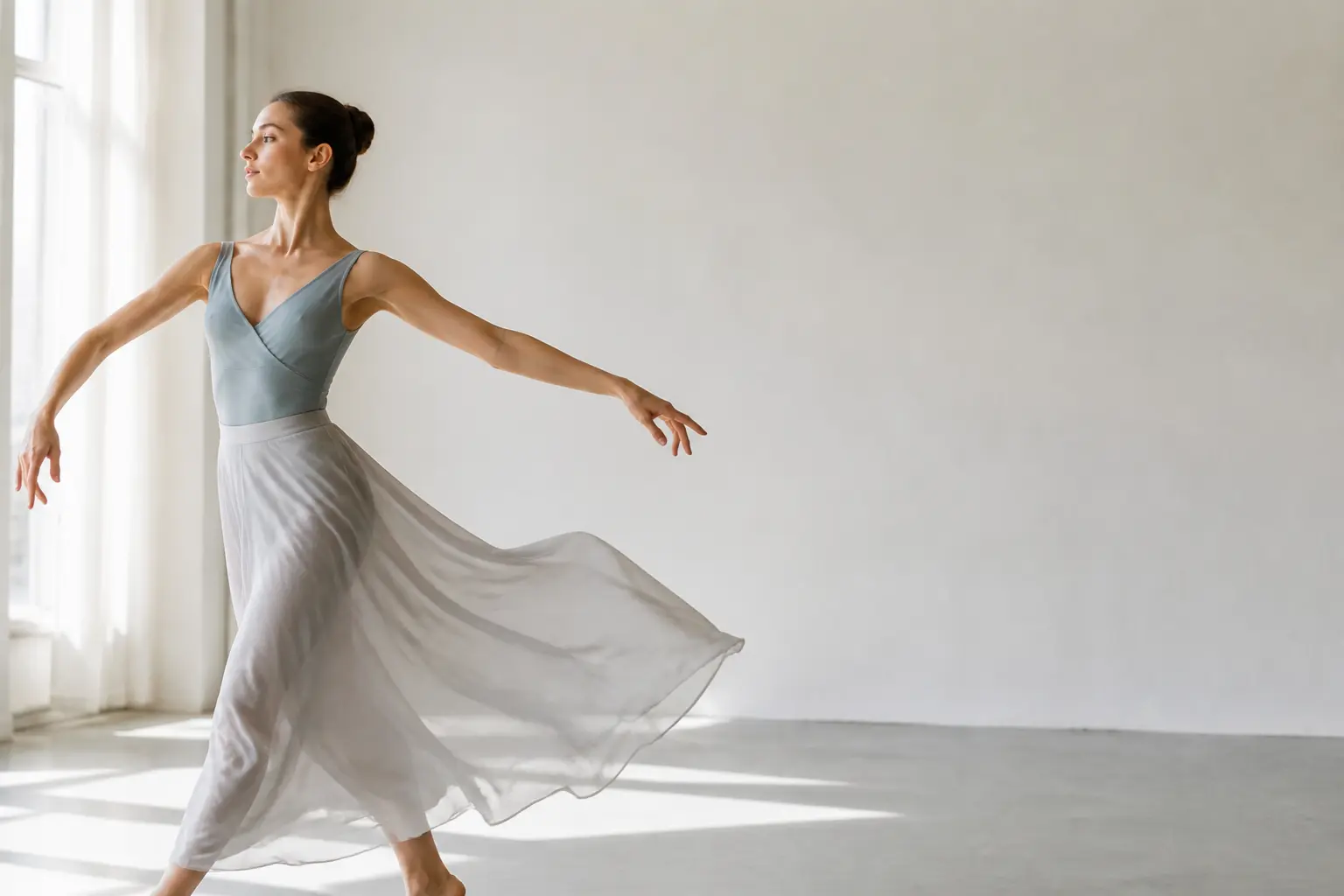
Sports, dance, and fitness creators use directional motion blur to make a frozen moment carry more energy. Keep the pose readable and choose a direction that matches the action rather than adding blur around the entire frame.

Photographer comparing sharp and motion-brushed versions of a street photo

Explore a Panning Look Without a Complex Composite

When a photo has the right composition but lacks movement, use motion blur to test a panning or slow-shutter direction. Compare several strengths, protect the subject, and keep the most believable result for a portfolio or client review.

Brand team reviewing a set of campaign photos with consistent motion blur

Create a Repeatable Motion Direction

Campaign and social teams can use one motion direction and intensity across a set of images so the series feels intentional. Keep the product or key message clear, leave room for layout copy, and test the effect before committing it to every asset.

Motion Blur Questions

Regular blur softens the whole area without a clear sense of movement. Motion blur follows a direction and creates trails that imply the subject or camera was moving. A runner moving left should show movement through the frame, while a car may pull the road and background into horizontal streaks. Use this motion blur tool or blur effect photo workflow when the image needs energy, speed, or time rather than a simple soft-focus effect.

Yes. Describe which part must stay clear, then place the movement in the surrounding area. Keep the main subject outside the strongest trail when possible. A crisp face, jersey, vehicle body, or product edge gives the viewer somewhere to focus. If the first motion blur result softens the important detail, reduce the intensity and repeat the clear-subject instruction in a new generation.

Use plain directional language: moving left to right, traveling toward the camera, turning through the frame, or stretching diagonally. Mention what should trail behind the movement and what should remain stationary. If the image contains several subjects, name the one that carries the motion. Clear motion blur direction prevents the effect from looking like disconnected smears across the picture. Review the result at full size.

Start with a moderate trail, then compare it with the original photo. A light motion blur effect can suggest a fast turn, while a stronger effect creates a panning or long-exposure look. Too much intensity can hide limbs, wheels, and product details. Review the result at full size and at the size where you plan to publish, then regenerate with a smaller or larger movement description.

No. Your uploaded image remains the source, and the motion blur result is returned as a new version. Keep the original file for comparison and future edits. If the effect does not work, return to the clear photo and change the direction, subject detail, or intensity instead of trying to repair a heavily blurred result. This motion blur workflow keeps the original available as your reference.

Use the tool only with images you own or have permission to edit. You are responsible for the source rights, any people or brands in the photo, and how the final image is presented. The motion blur workflow adds a visual treatment; it does not grant rights to an underlying photograph or remove restrictions attached to it. Review the final use before publishing.
Wide bright action scene with a clear subject and directional motion across the frame

Add Motion Blur That Follows the Action

Upload an action photo, set the movement direction, protect the readable subject, and download the version with the strongest sense of speed.

Get Started
Motion Blur - Add Motion Blur to Photos Online - VideoAI