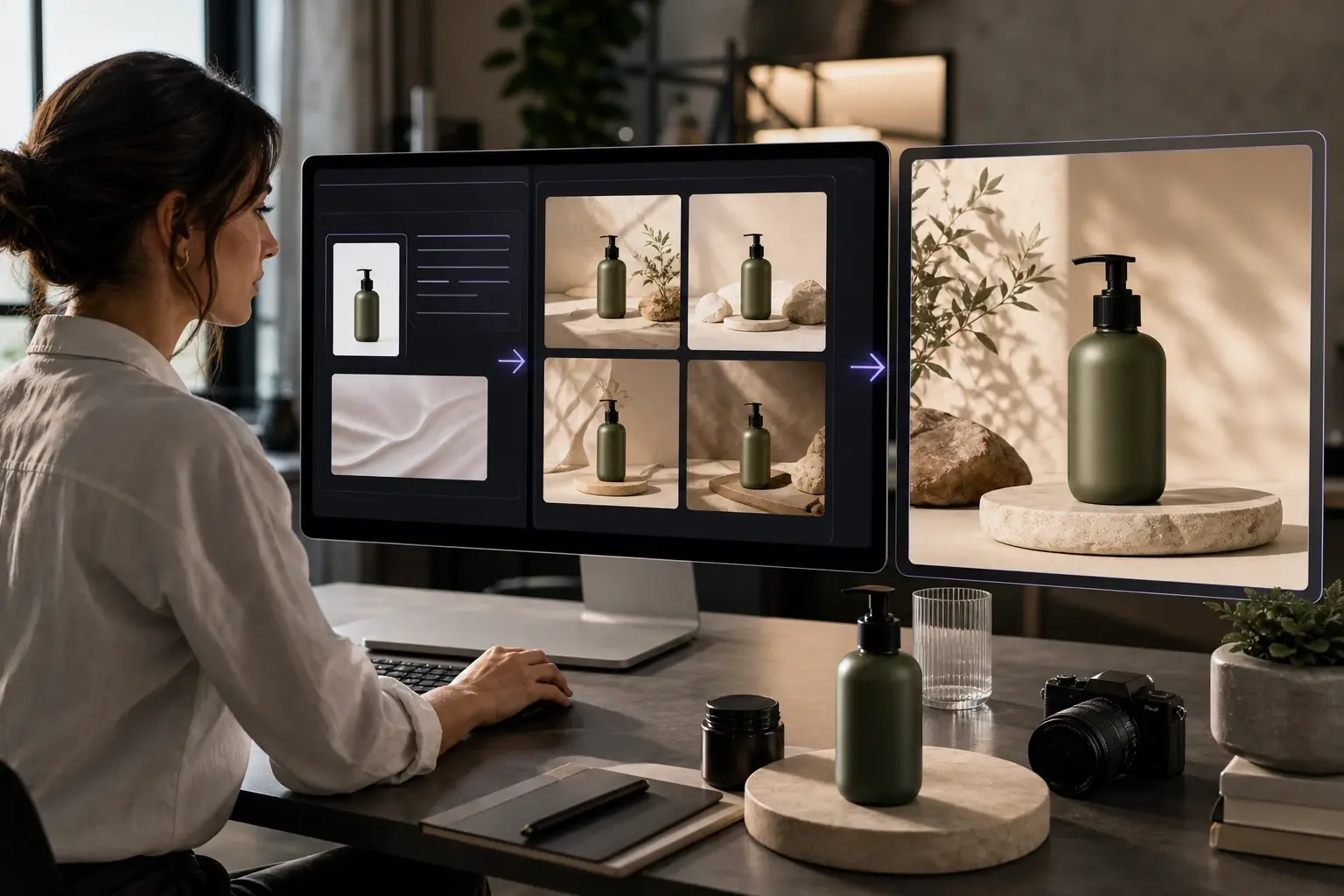
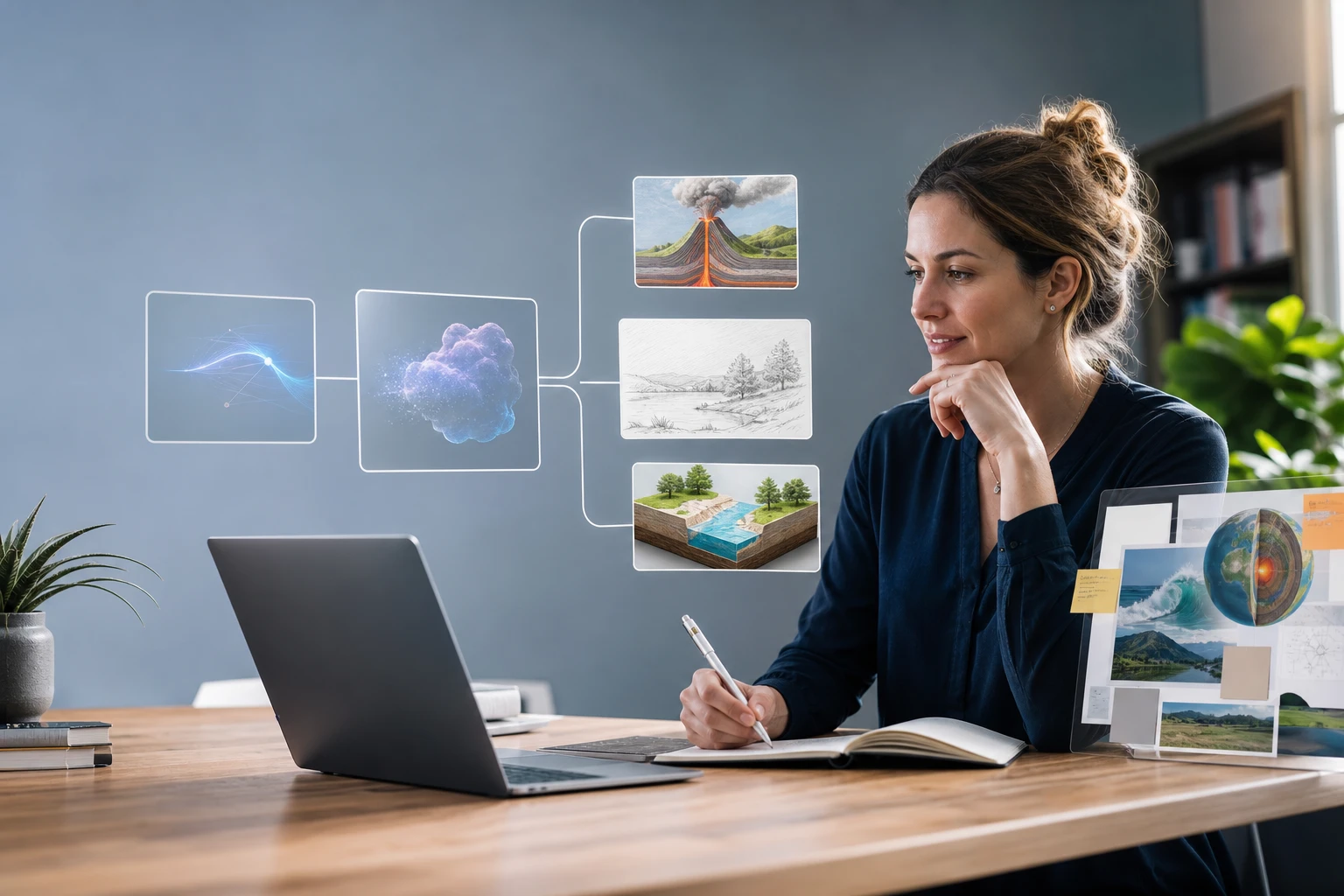
Prompt To Image AI Generator

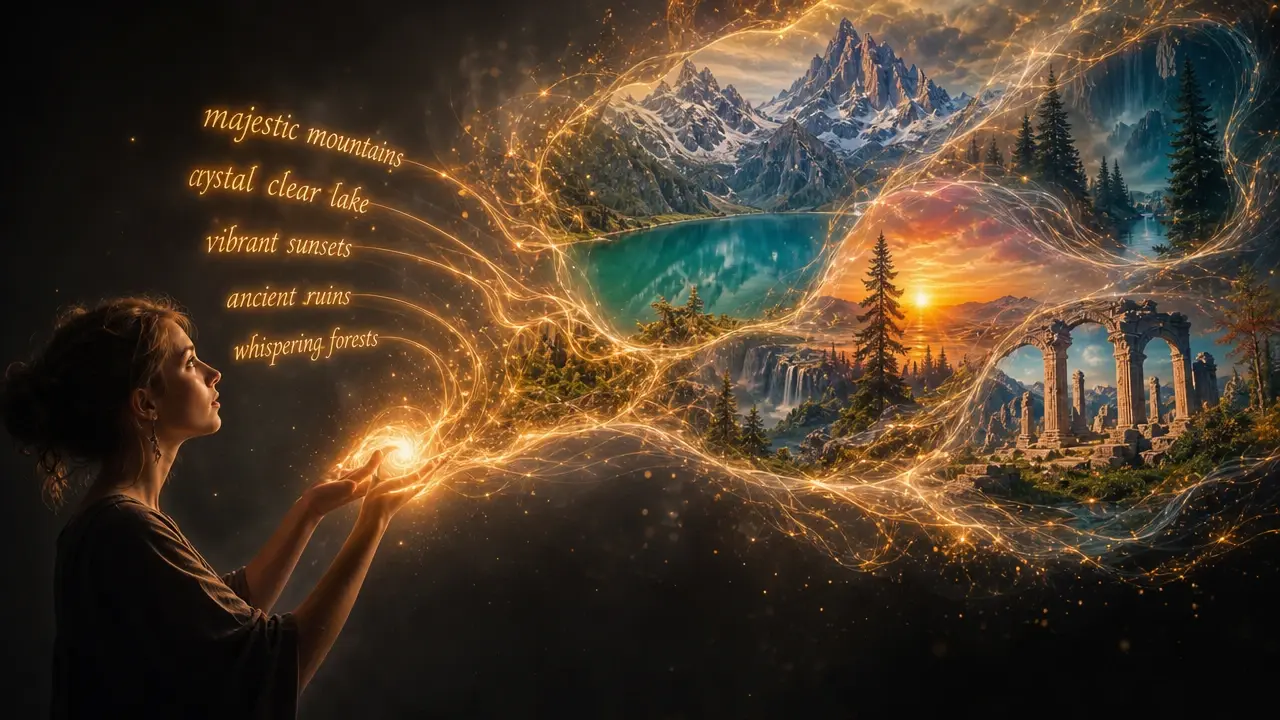
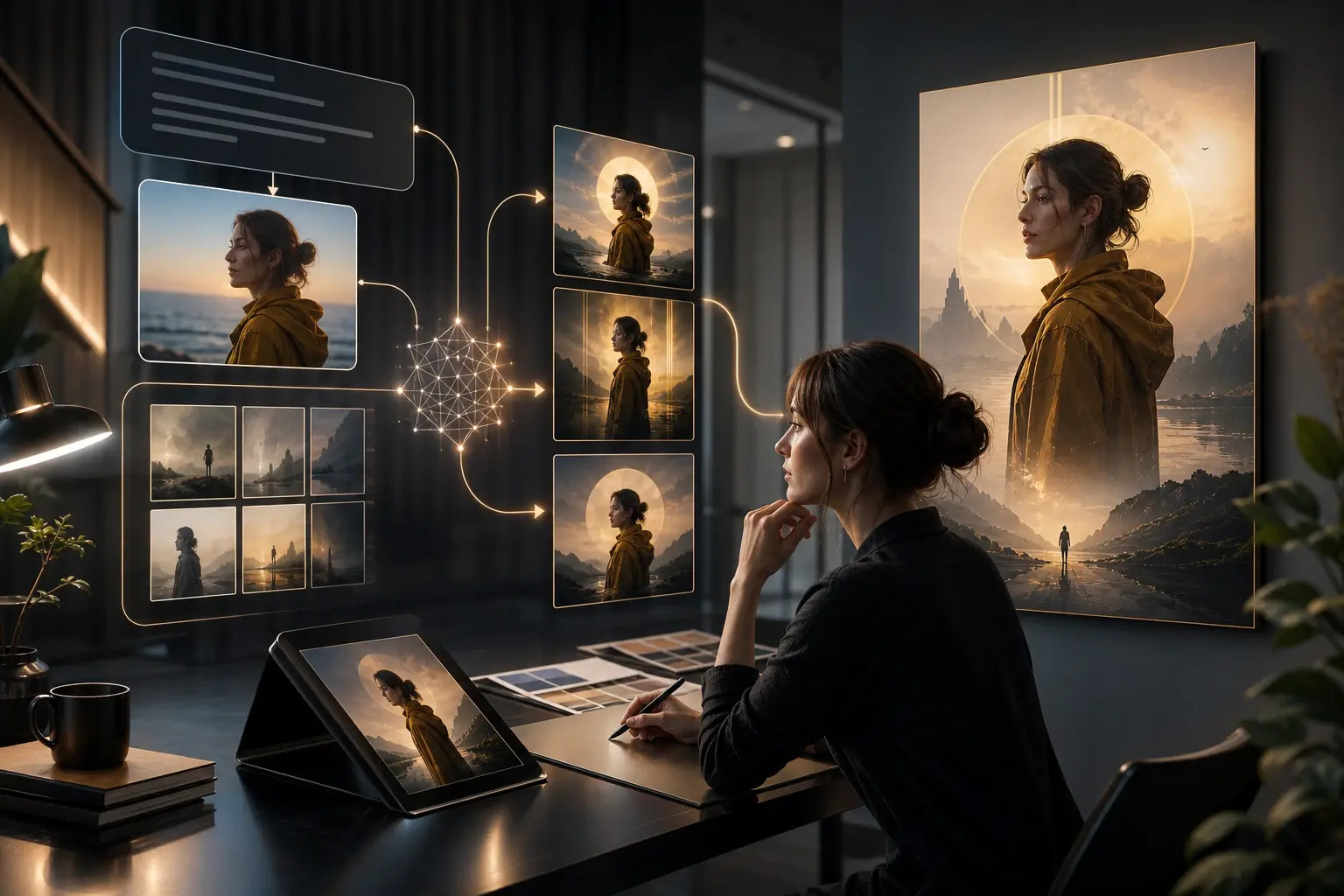
Describe the picture you want in plain words and VideoAI's prompt to image ai draws it from scratch, with the style, light, and framing set entirely by your prompt.

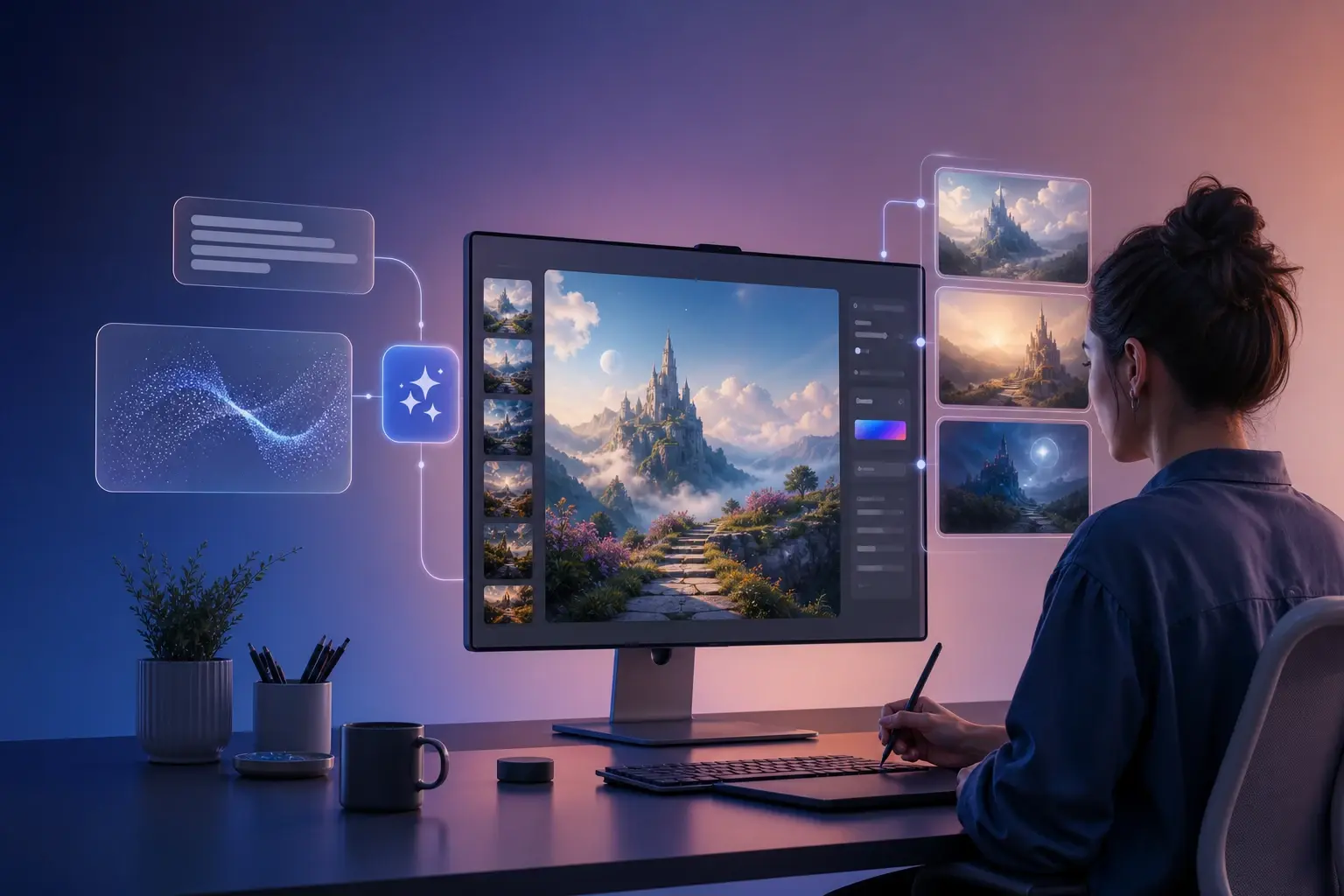
A written text prompt on the left and the finished VideoAI image it produced on the right

Why Creators Choose Prompt To Image AI

Everything about the picture comes from the words you write, so you keep control of each layer without digging through the menus a prompt to image generator usually hides behind.

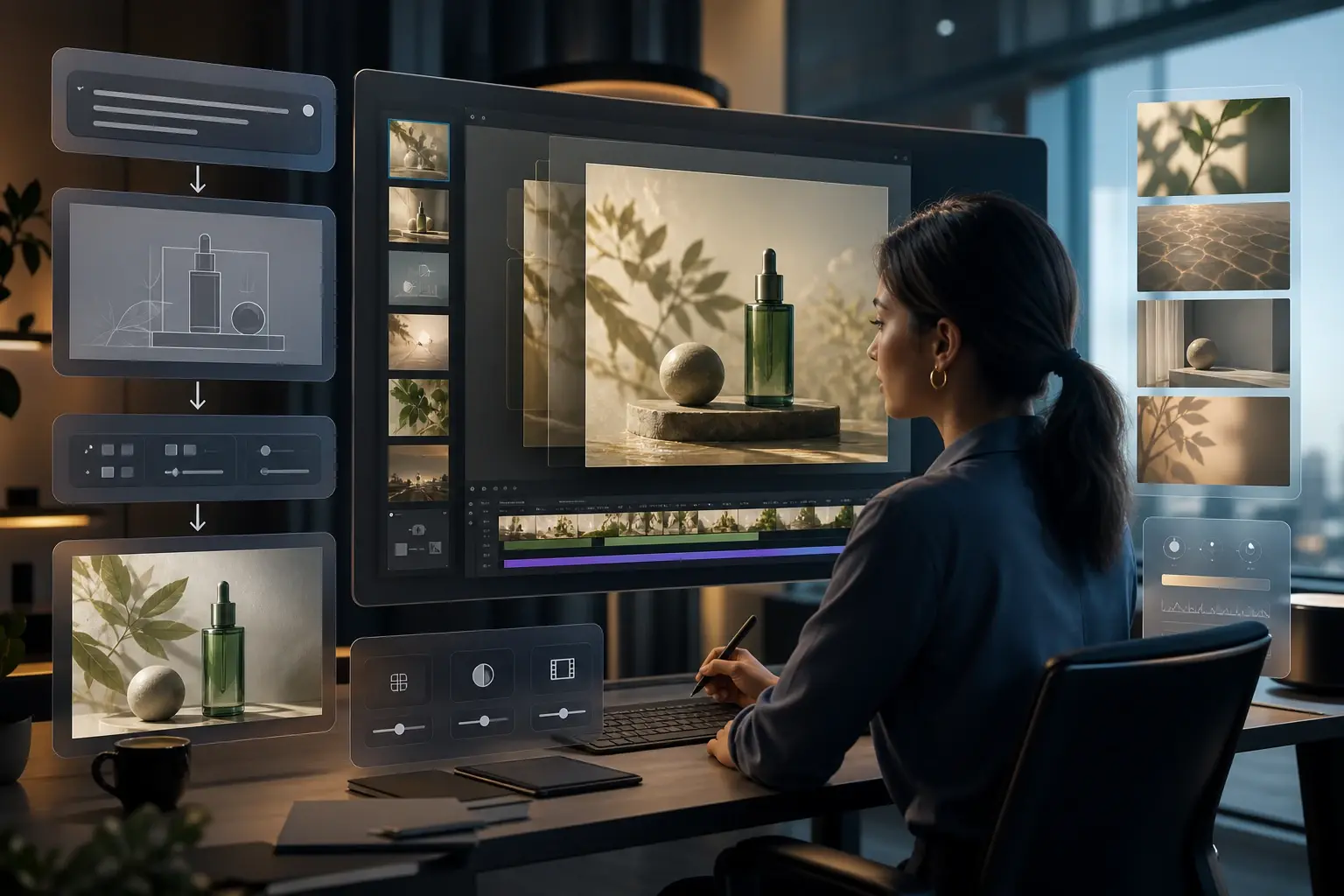
One text prompt split into subject, scene, style, and light layers beside its VideoAI image

Layered Prompt Control

Write your subject, scene, style, and light as separate layers of one prompt. When something looks off, you rewrite only that layer instead of starting over, so a change to the light does not disturb the composition you already like.

The same subject rendered in watercolor, cinematic, and flat illustration styles by VideoAI

Any Style, No Preset List

There is no style menu to scroll and no dropdown to limit you. A watercolor look, a cinematic frame, or a flat illustration is just a phrase you add to the prompt, which means the range of looks is as wide as the words you can describe.

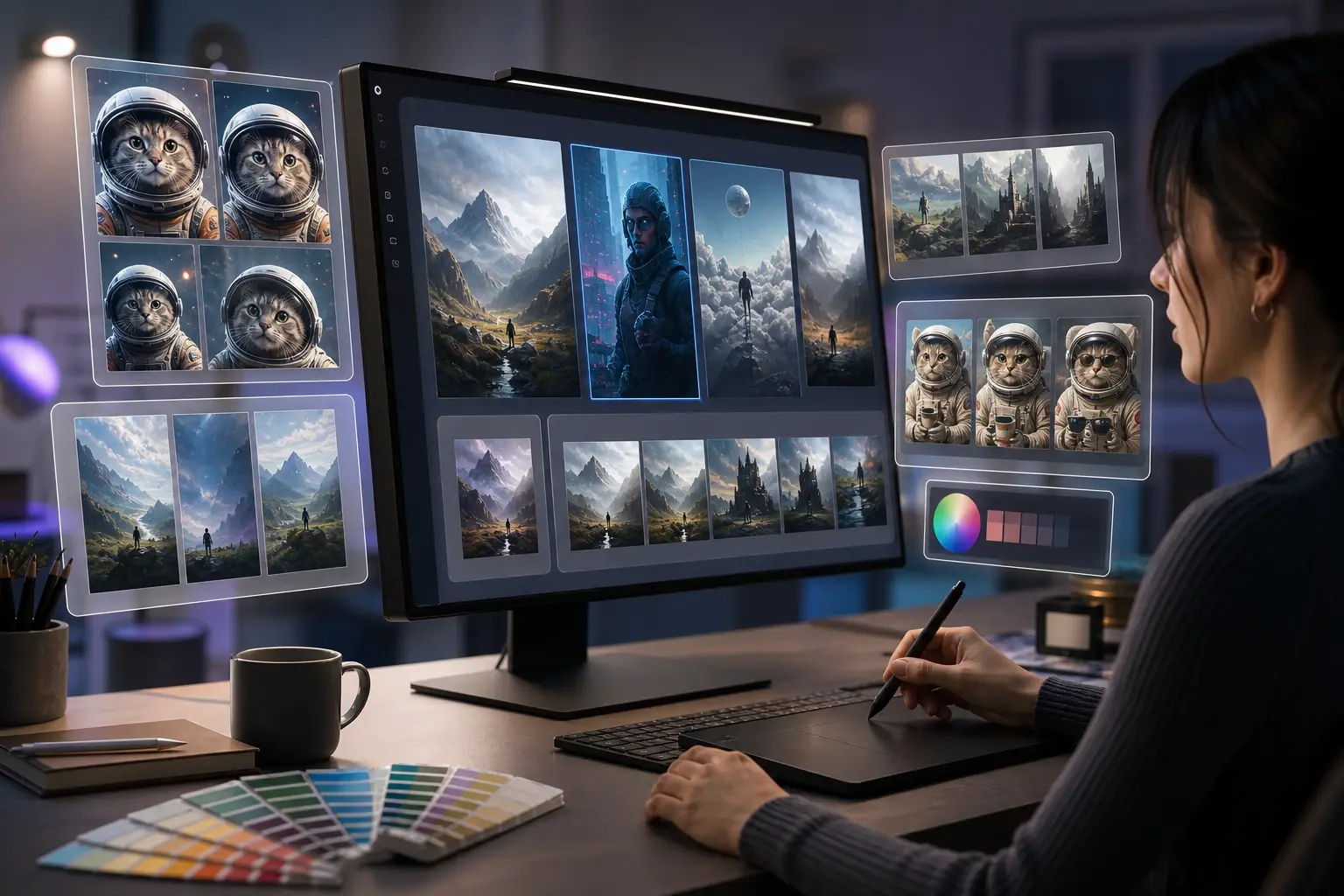
Several candidate images from a single prompt shown side by side in the VideoAI workspace

Several Options From One Prompt

Run a single prompt to image ai and VideoAI returns more than one image at once, so you can compare framing and mood side by side. Instead of guessing which wording worked, you pick the version that matches what you pictured and refine from there.

One consistent character shown across three different scenes generated by VideoAI

Keep A Character Consistent

Building a set of images around the same person? Keep the character description fixed and change only the scene or action in each prompt, and the same face carries across every image instead of drifting into someone new.

Write Layered Prompts, Watch Images Appear

As an ai image generator from prompt, VideoAI takes you from a blank text box to a downloadable image in three steps.

A text box showing a layered prompt describing an old fisherman on a storm coast at dawn

Step 01

Describe It Layer By Layer

In the text box, build your prompt in layers: the subject first, then the scene, then the style and light, and finally the mood or framing. For example, a close portrait of an old fisherman, storm coast at dawn, cinematic light, fine detail.
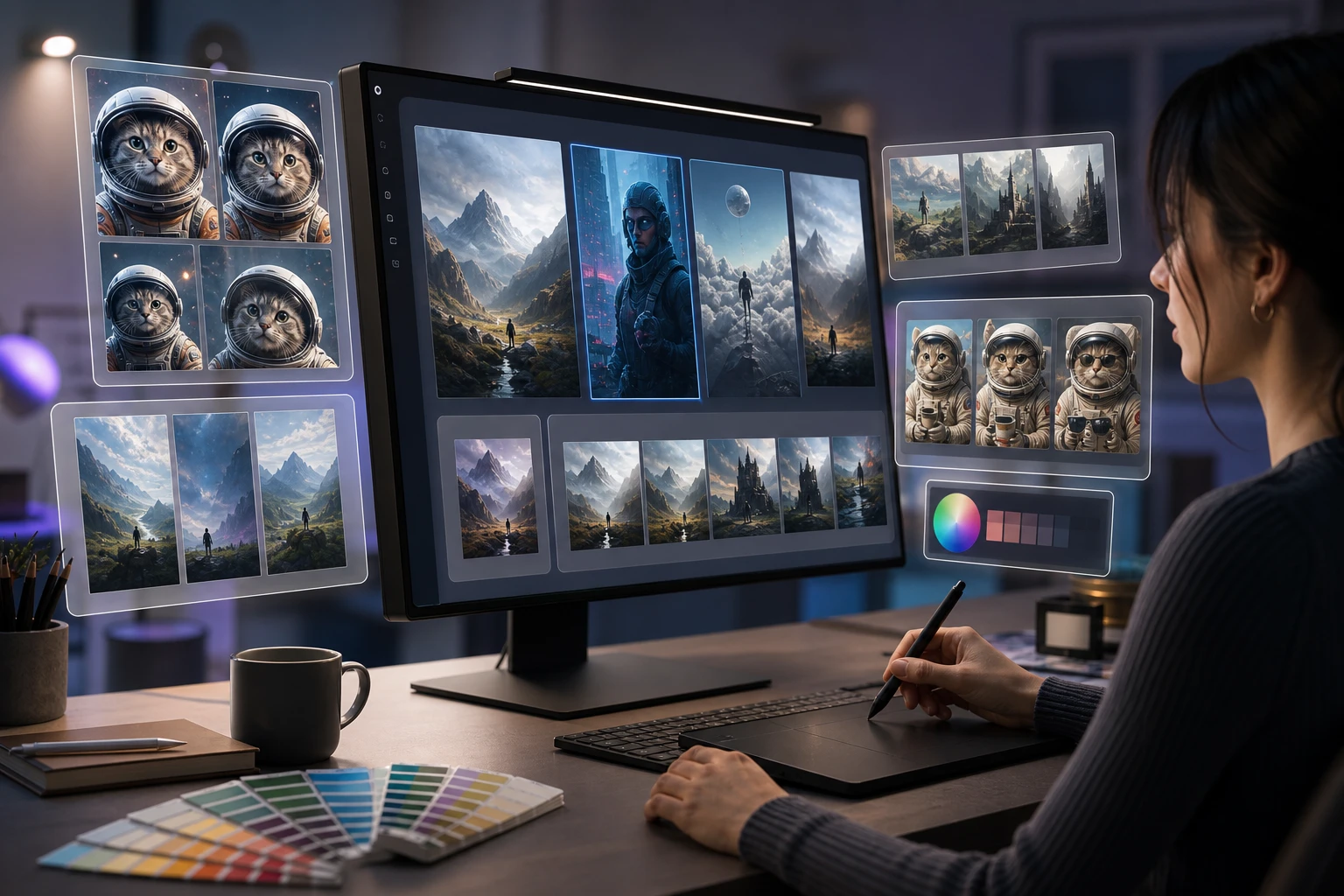
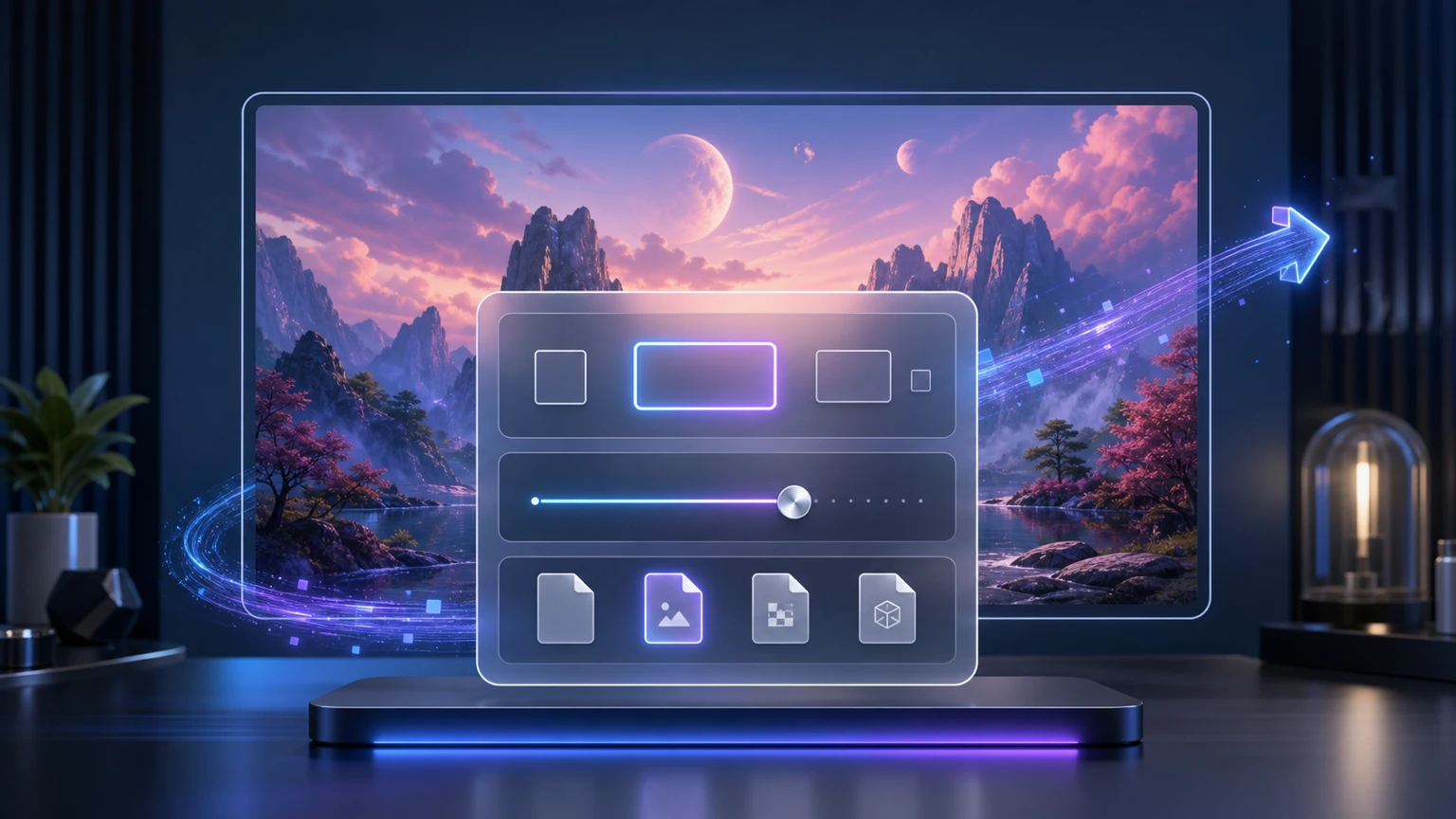
Several generated candidates from one prompt lined up for comparison inside VideoAI

Step 02

Generate And Compare

Press generate and VideoAI draws the image from your words, offering more than one candidate at a time. Read each result against your prompt to see which layer landed and which one still needs sharper wording.

The refined final image saved in the gallery and ready to download without a watermark

Step 03

Refine, Then Download

Change only the layer that missed: rewrite the style words for a different look, or the light words for a new mood, then generate again. When the image is right, save it to your gallery and download it without a watermark.

Where Prompt To Image AI Fits

A few moments when describing a picture beats searching for one that never quite matches.

Mood Boards Without Stock Photos

You have a look in your head but no reference to point at. Write the feeling out as a layered prompt and spin up several directions in minutes, so the mood board starts from your idea instead of whatever a stock library happened to have.

Original Art For Posts

A blog post or social update needs a visual that actually fits the topic. Describe the scene tied to your subject and generate something made for it, rather than settling for a generic image every other post is already using.

Scenes From Your Story

Writers and tabletop hosts often need to see a place that only exists in the text. Spell out the setting, characters, and light, and the description becomes a picture your readers or players can look at.

Practice Your Prompt Writing

Learning what wording changes an image is easier when you can test it right away. Adjust one layer, generate, and watch the difference, which turns each attempt into a quick lesson in how a text prompt to image ai reads what you wrote.

Made For Creators Who Describe Ideas

A content creator previewing a post thumbnail generated from a text prompt in VideoAI

Thumbnails And Post Art On Demand

Content creators and social publishers need images that match a topic today, not next week. Describe the cover or post you want and VideoAI generates it from the prompt, so the visual keeps pace with your posting schedule.

Common Prompt To Image AI Questions

Image generation on VideoAI is free to use, and you only need to sign in to your account before you start. Details about credits or plans live on the pricing page, and prompt to image ai on this page does not promise unlimited runs.

Describe it in layers and be specific: name the subject, the setting, the style, and the light, then add mood or framing if it matters. A shiba inu in a red party hat reads better than a dog, so naming the lens or time of day is how you get prompt to image ai to match your idea.

Starting from random noise, the model refines the picture step by step until it fits your words, which is why prompt to image ai paints something new rather than stitching existing photos together. That is what sets ai prompt to image apart from searching a stock library.

One prompt returns several candidates at once so you can compare and choose, and the exact count per run depends on your session. Pick the version closest to your idea, then refine its wording from there.

You change the look by changing the words. Swap the style phrase for watercolor, cinematic, or line art and the whole image follows, which is how prompt to image ai keeps the range open instead of capping you at a fixed menu.

Commercial use is allowed for the images you generate. Anything about ownership beyond that is not spelled out here, so treat the commercial allowance as confirmed and check finer terms on your own.

Every image is saved to your gallery, where you can revisit it, rewrite the prompt for a fresh version, or carry it into other work such as video. Nothing forces you to get the wording perfect on the first attempt.

Rewrite the prompt and generate again, since AI images can still slip on small details like fingers or lettering. Clearer description usually helps, though prompt to image ai does not guarantee text rendered inside a picture.
Prompt to image AI creation workspace

Describe It And Let VideoAI Draw

Open the text box online, write your first layered prompt, and download the result when it looks right.

Get Started
Prompt To Image AI Generator Online - VideoAI