

Step 01
Upload Your Photo
Add a portrait, a pet, a travel shot, or a quick snap in the common image formats. Send a whole batch together, up to 30 at once, and the pictures stay in your workspace for the next round.

Upload a picture, pick a watercolor style, and VideoAI blooms the color across the paper while the person or pet you shot still reads as themselves.
Each card is one thing you can rely on when you turn photo into watercolor, from the wash on the paper to the file you download.
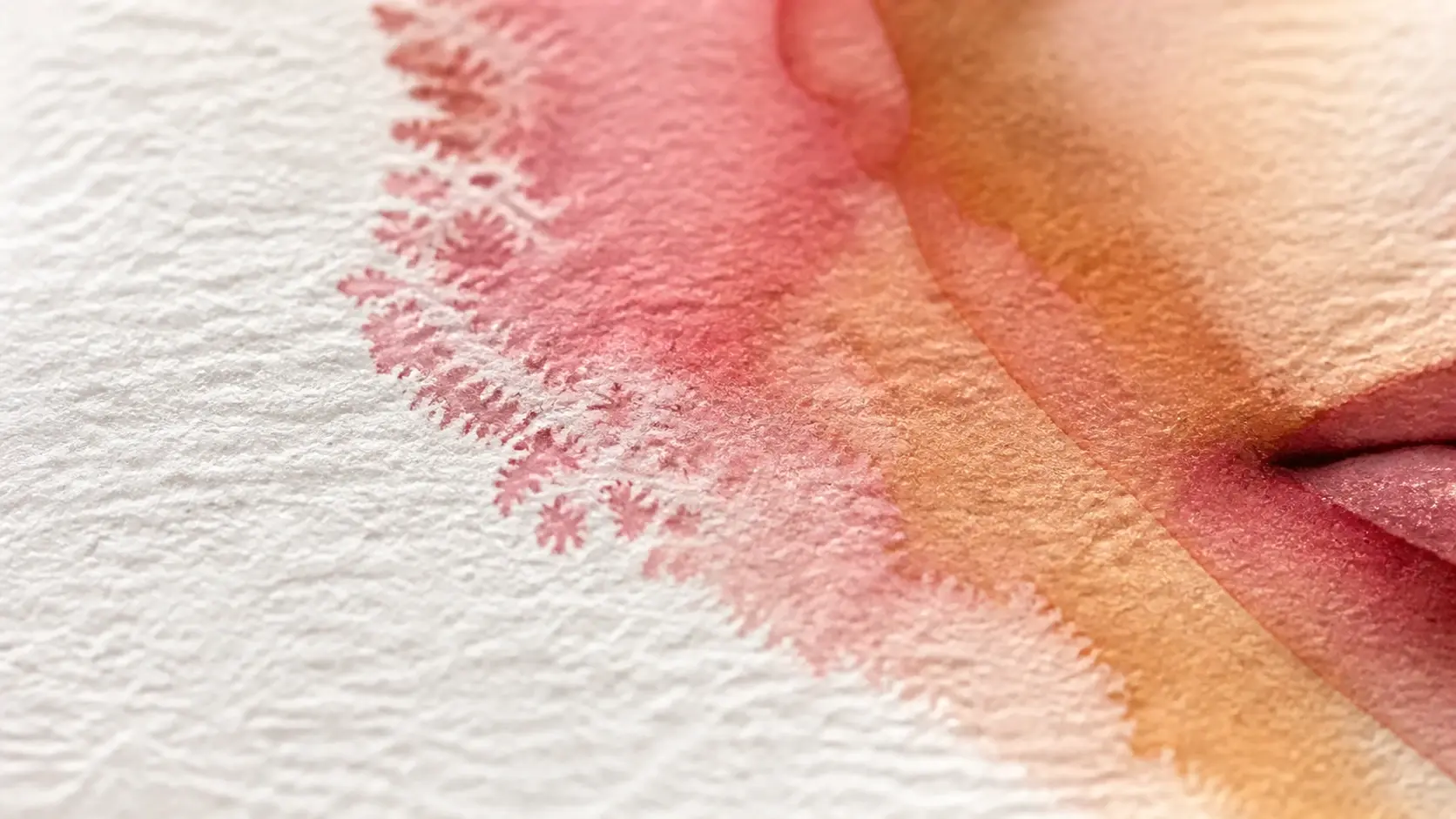
The color blooms across the paper, a ring of pigment settles along the edges, and each transparent layer still lets the one beneath it show through, with the white of the page left where the light lands. This watercolor effect is generated with the picture, not laid over it as a textured film.
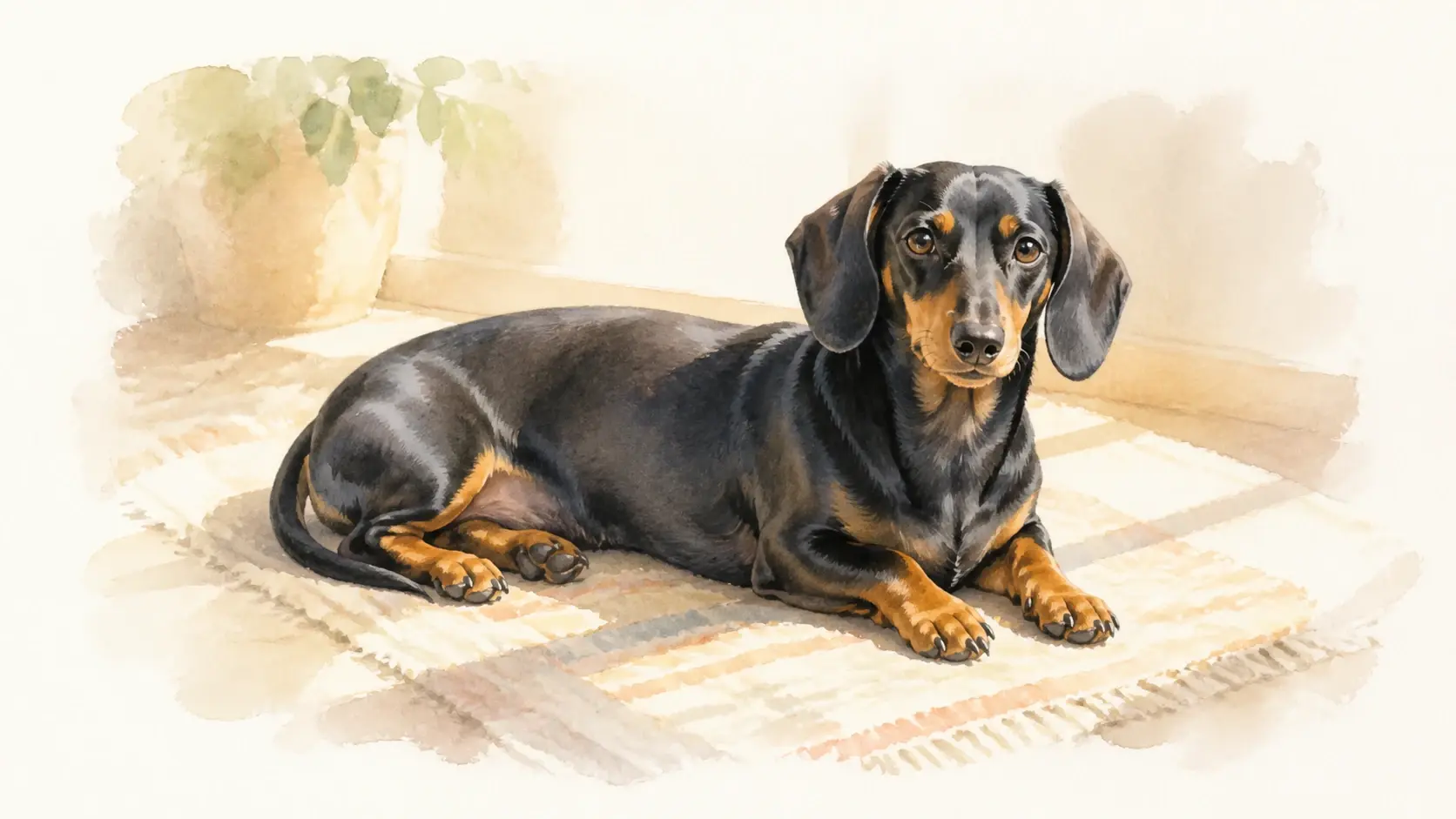
Turn a photo into watercolor and the people and objects hold their shape, keep their place in the frame, and stay easy to recognize. What changes is the medium, paint and water instead of pixels, so a photo to watercolor of your dog still looks like your dog.
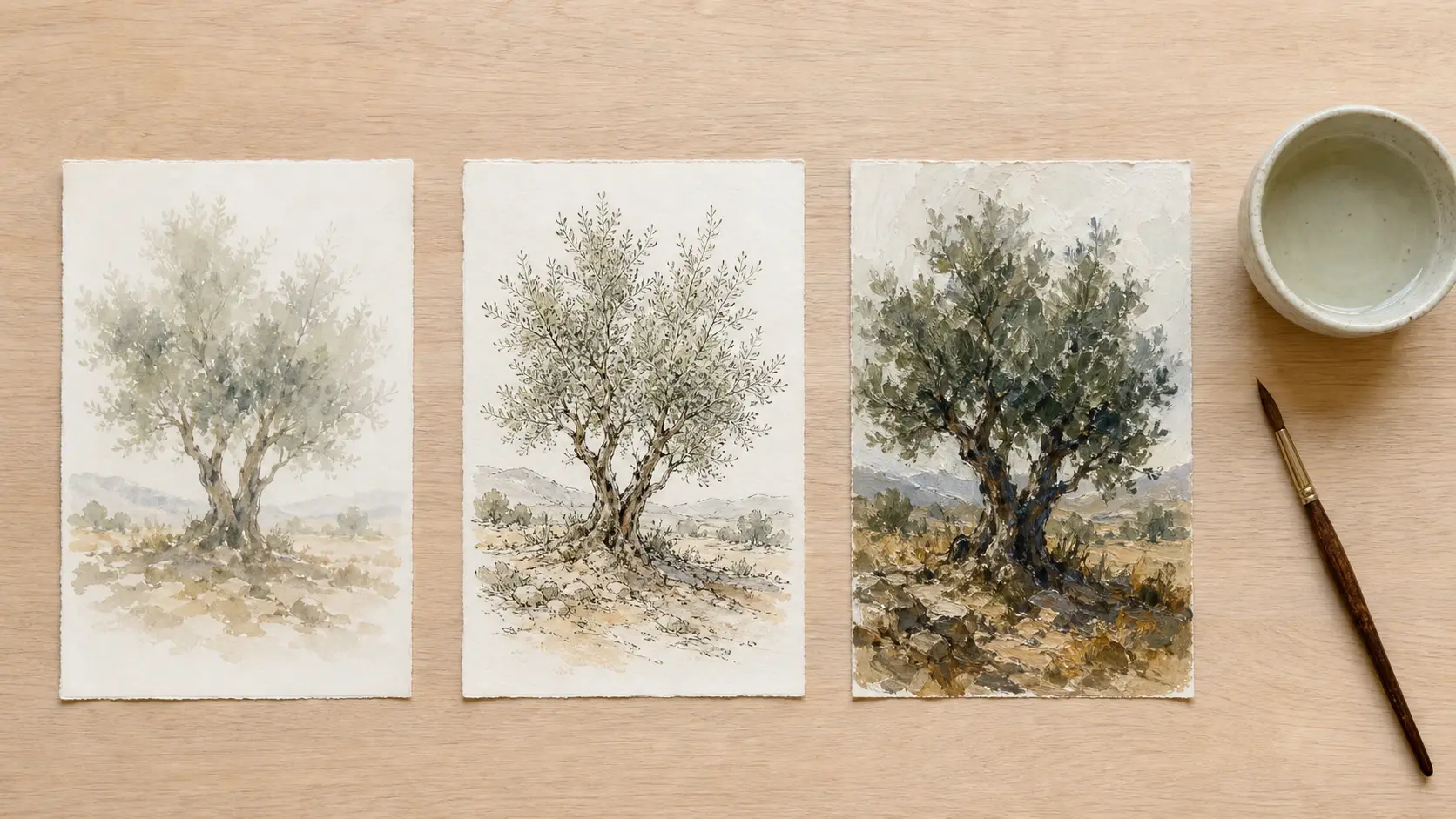
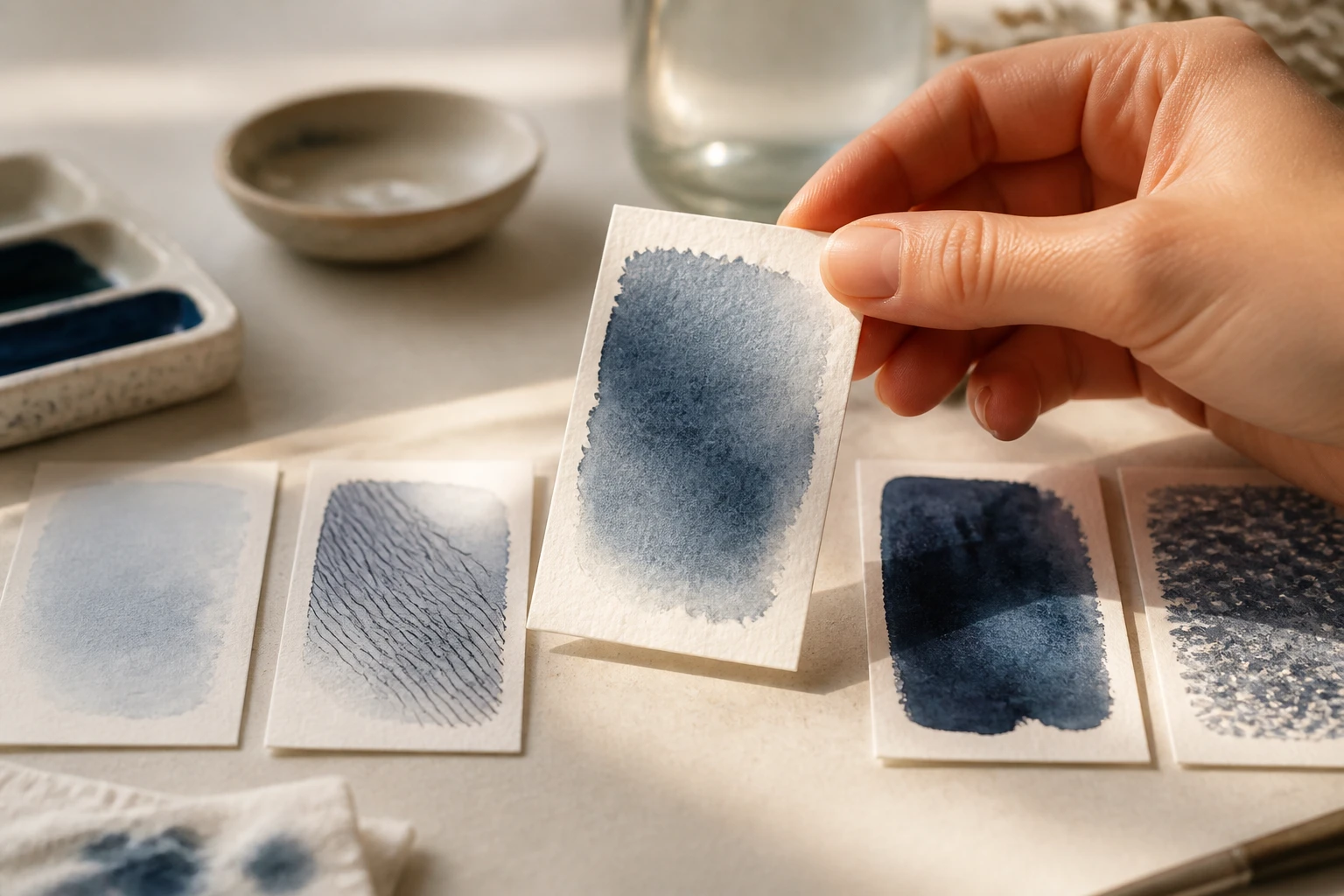
Under the watercolor option you can steer toward a light, translucent wash, a line and wash look, or heavier brushwork, so you set the mood without wording the style perfectly. Think of the watercolor filter as a shelf of directions rather than one fixed recipe.
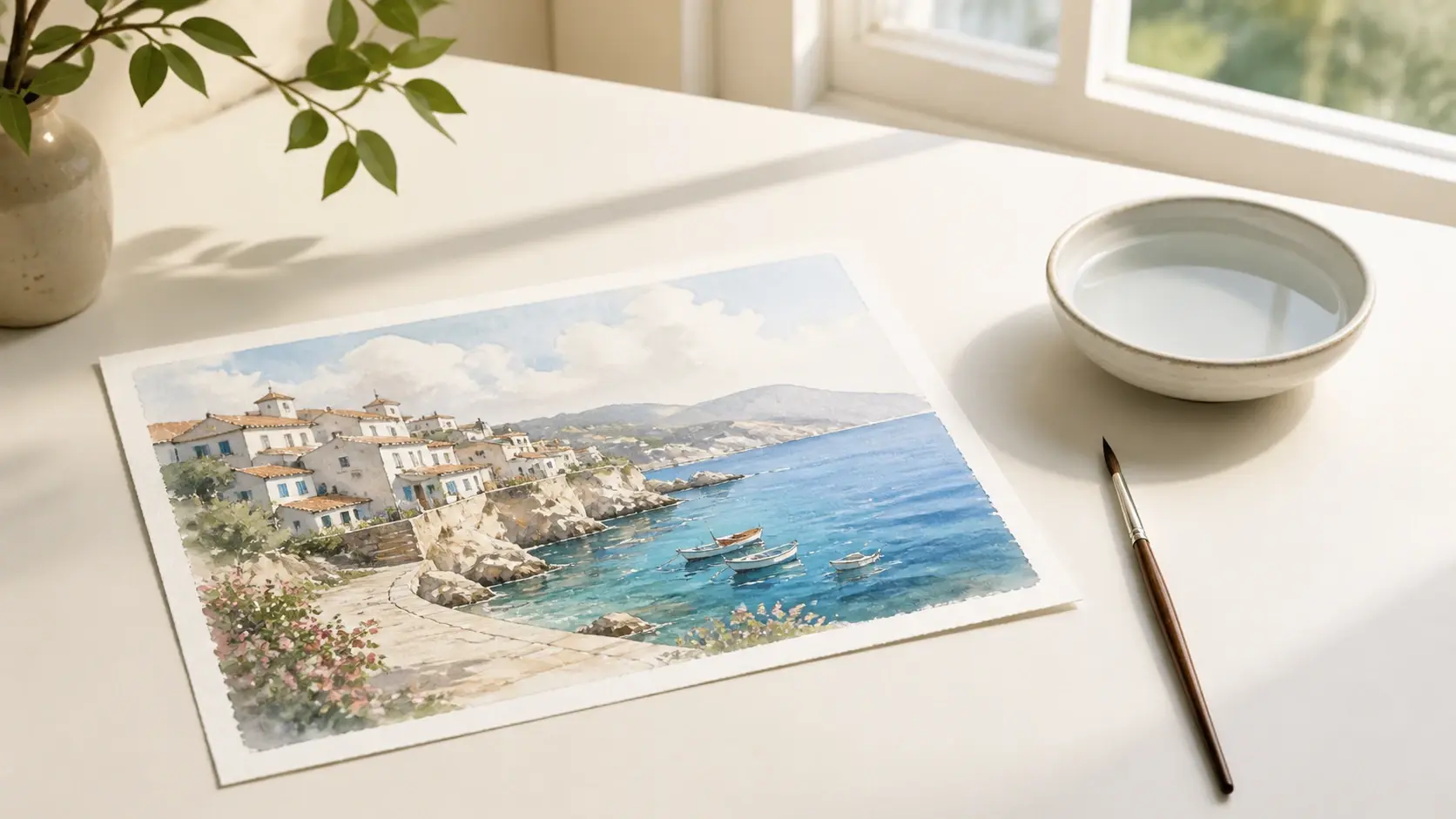
Upload and the work begins on its own, with no masking and no settings to tune, so choosing to convert photo to watercolor saves the half hour usually spent testing which version finally stops looking muddy.
Three steps take you from the picture on your camera roll to the watercolor you can save.
Step 01
Add a portrait, a pet, a travel shot, or a quick snap in the common image formats. Send a whole batch together, up to 30 at once, and the pictures stay in your workspace for the next round.
Step 02
Select watercolor from the preset list, then pick a direction under it, a translucent wash, a line and wash, or heavier brushwork. Add a sentence in the description for a more specific mood. There is nothing else to tune.
Step 03
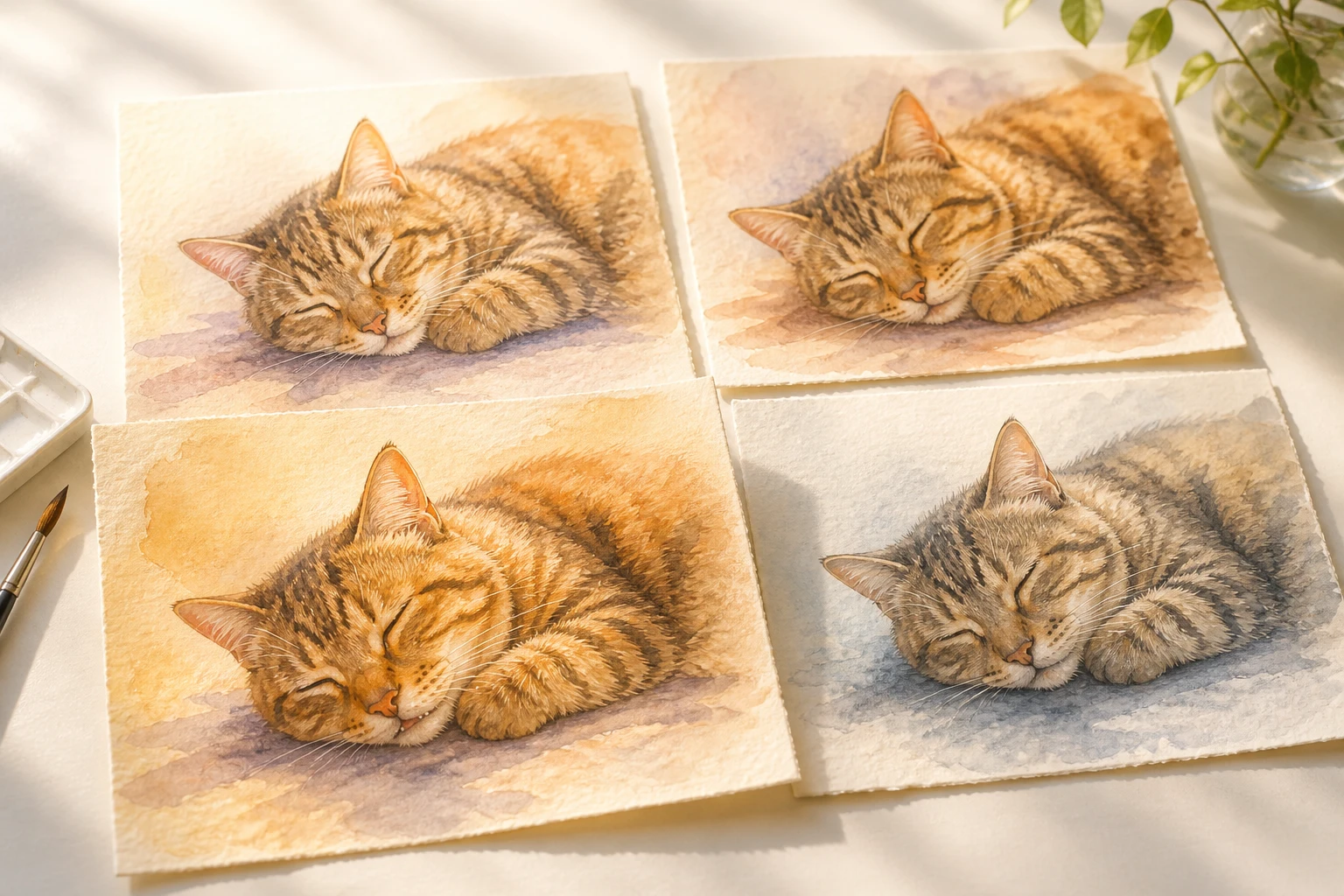
Press generate and VideoAI returns four versions at once, so you keep the one that feels right and download it at up to 4K without a watermark. If it is not what you pictured, return to the workspace and revise the description for another take.
A few moments to turn photo into watercolor, when a painting reads better than the photo it came from.
You have hundreds of shots of the dog, but a photo is still just a photo. Painted as a watercolor and hung up, it finally feels like something, and a glance is enough to know it is him.
The sunset on the ridge, the street from that trip, saved in an album and never opened again. Light and air are exactly what watercolor spreads best, so a picture to watercolor of that view earns a spot on the wall.
A birthday or an anniversary calls for something other than a link sent over chat. A print does the job, and this digital watercolor holds up printed for your wall and framed.
An article or a post needs a picture with its own tone, not another stock frame everyone else has already used. A watercolor image generator gives the piece a painterly tone that fits the writing.
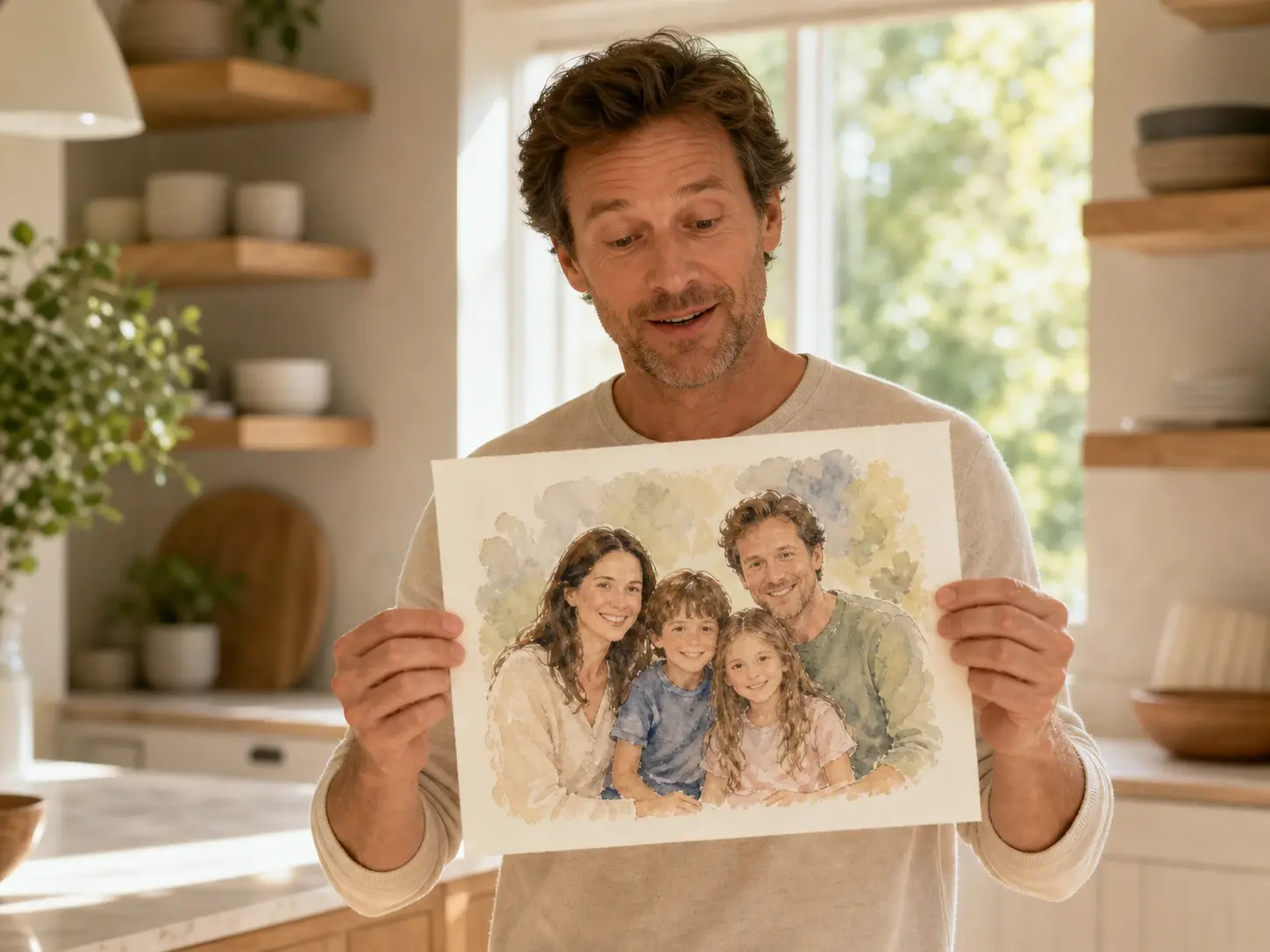
You can see why watercolor works, and the moment the color blooms is the hardest part to pull off by hand. This gives you the result without the years at the desk, so a watercolor painting from photo is a few clicks away.
Explore
Upload a picture, choose a watercolor direction, and this ai watercolor generator returns the version you like at up to 4K.
Get Started




























