
Step 01
Describe It Or Upload A Photo
Write a prompt naming the mood, colors, and elements you want on the cover, or upload one photo in a common image format to build from a picture you already have.

Describe the cover you picture or upload a photo, and VideoAI shapes it into a finished album cover you can release, with no watermark on the result.
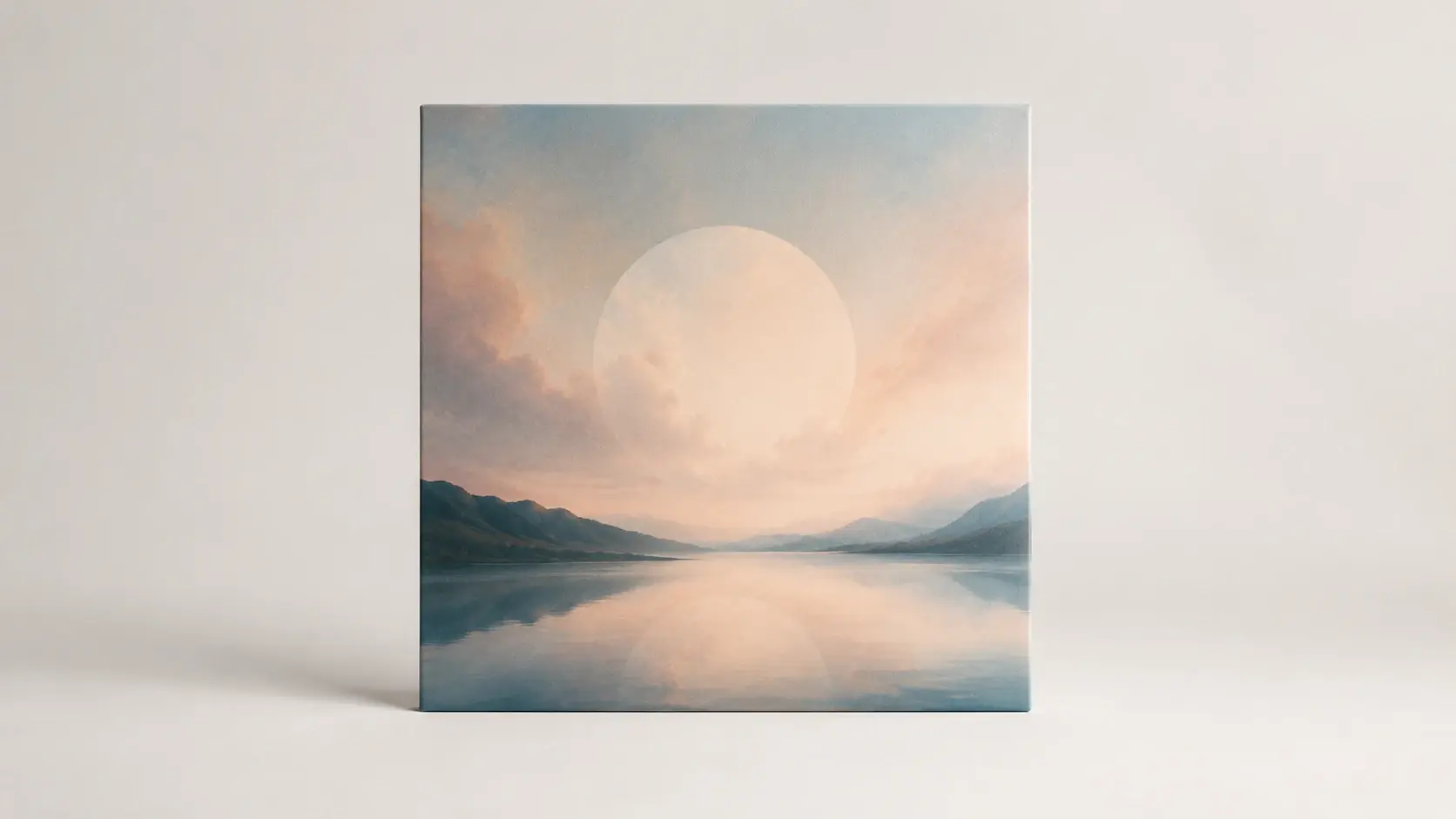
As an ai album cover generator free to test, each part does one job, from your first prompt to a file you can publish.
Write the mood, colors, and genre feel you want, and this cover art generator renders an image that follows your words instead of picking from a fixed list of preset styles.
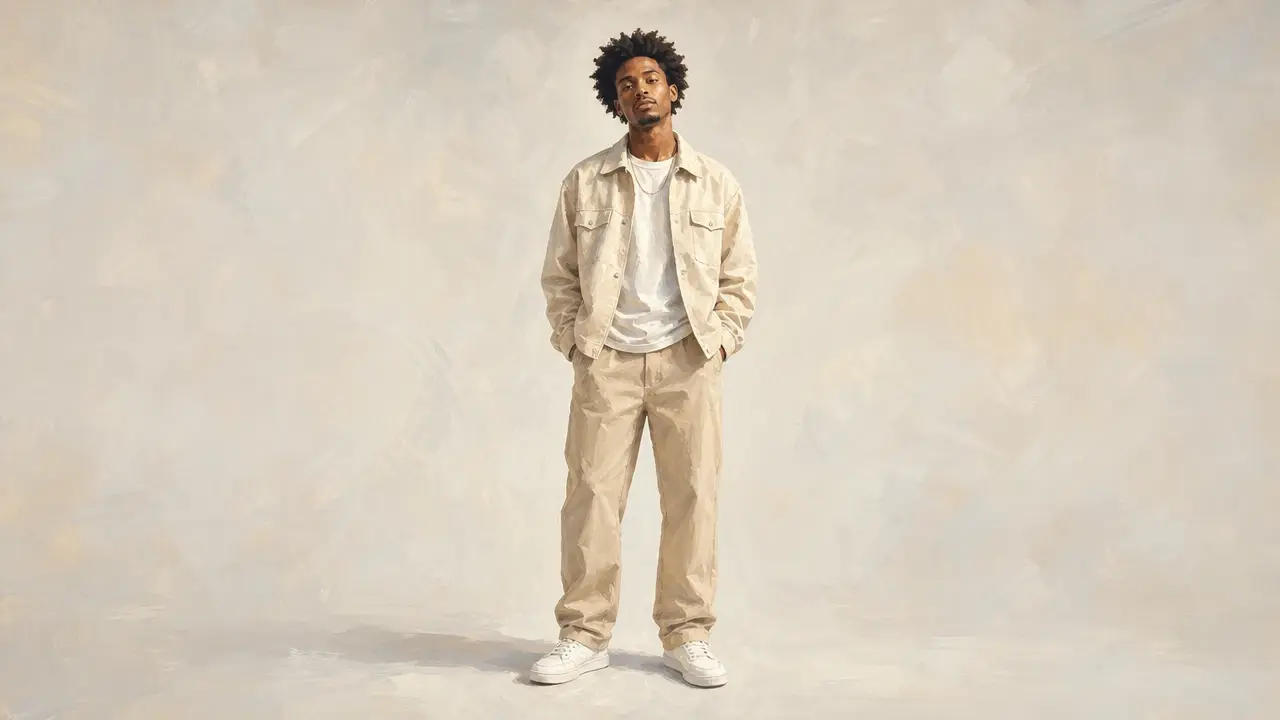
Upload one photo and the tool repaints it into an art styled cover, a quick way to make album cover art with a painted look rather than posting the raw shot.
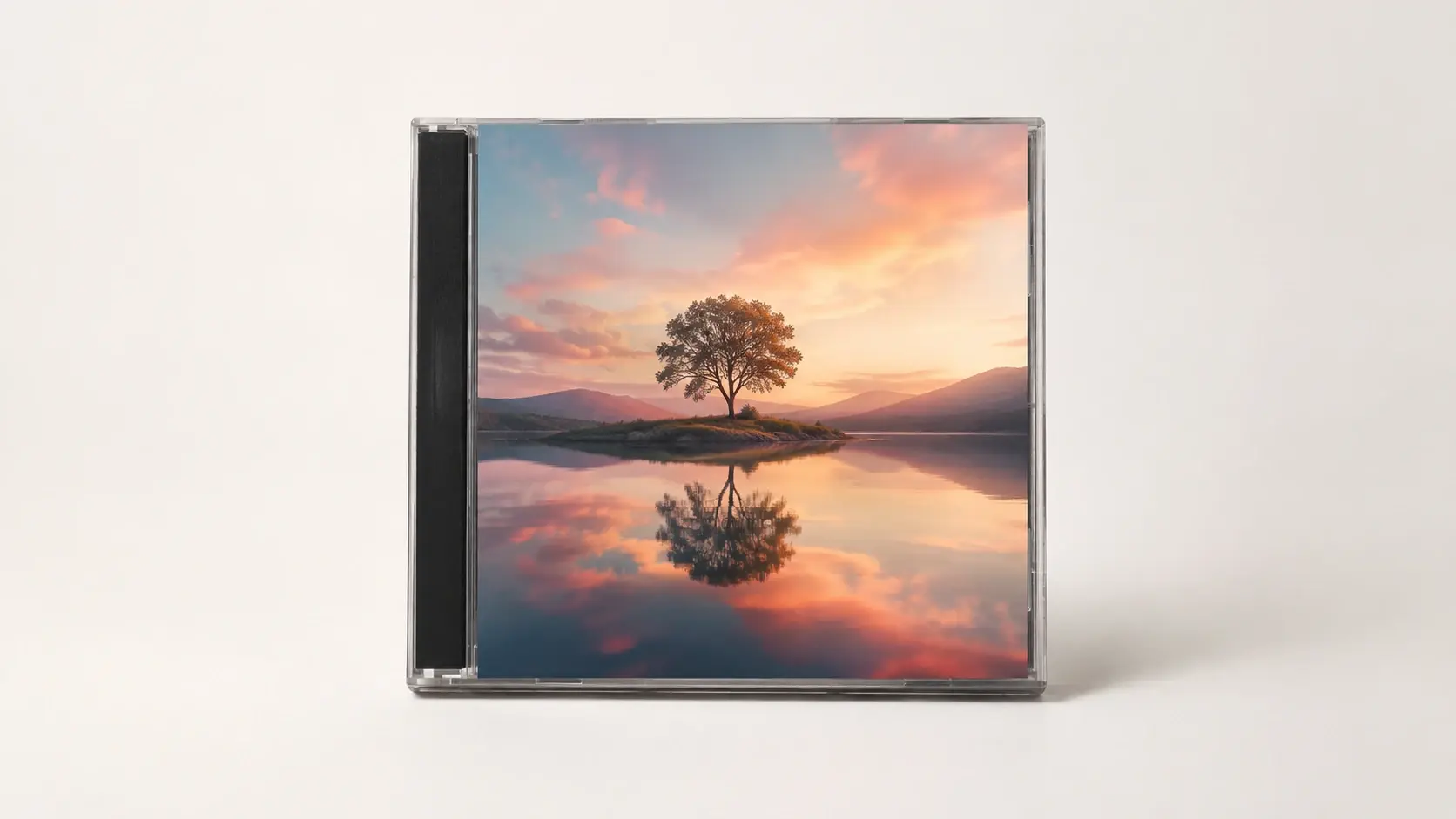
Every cover downloads without a watermark and can be used commercially, so the file is ready for the single or EP you plan to release, not a preview an album cover creator hides behind an upgrade.
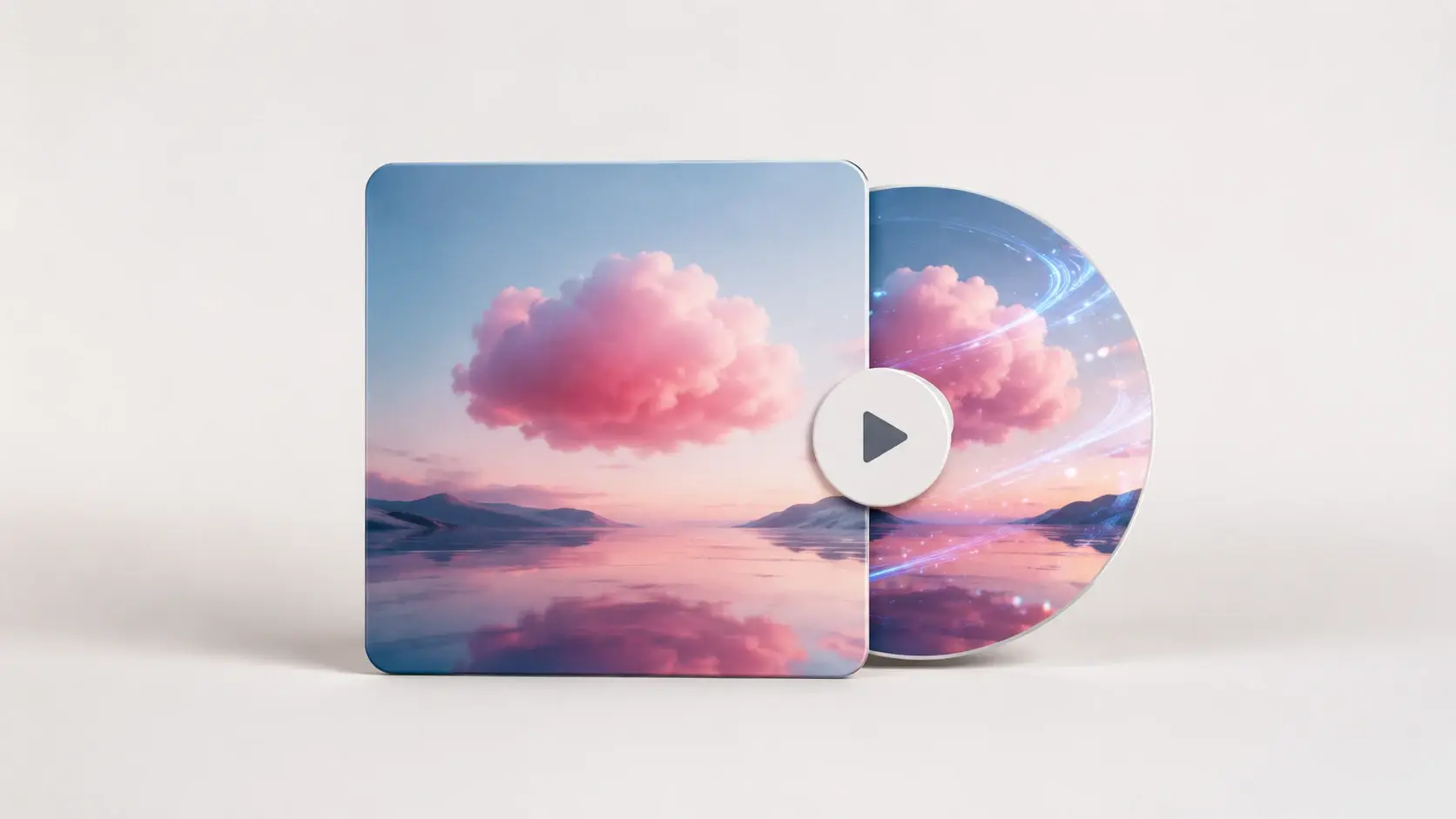
Each cover you make stays in your workspace for another pass, including turning the still into a short moving visual with VideoAI so your release has motion for social feeds.
The album cover generator online keeps the same three steps whether you begin from a prompt or a photo.
Step 01
Write a prompt naming the mood, colors, and elements you want on the cover, or upload one photo in a common image format to build from a picture you already have.
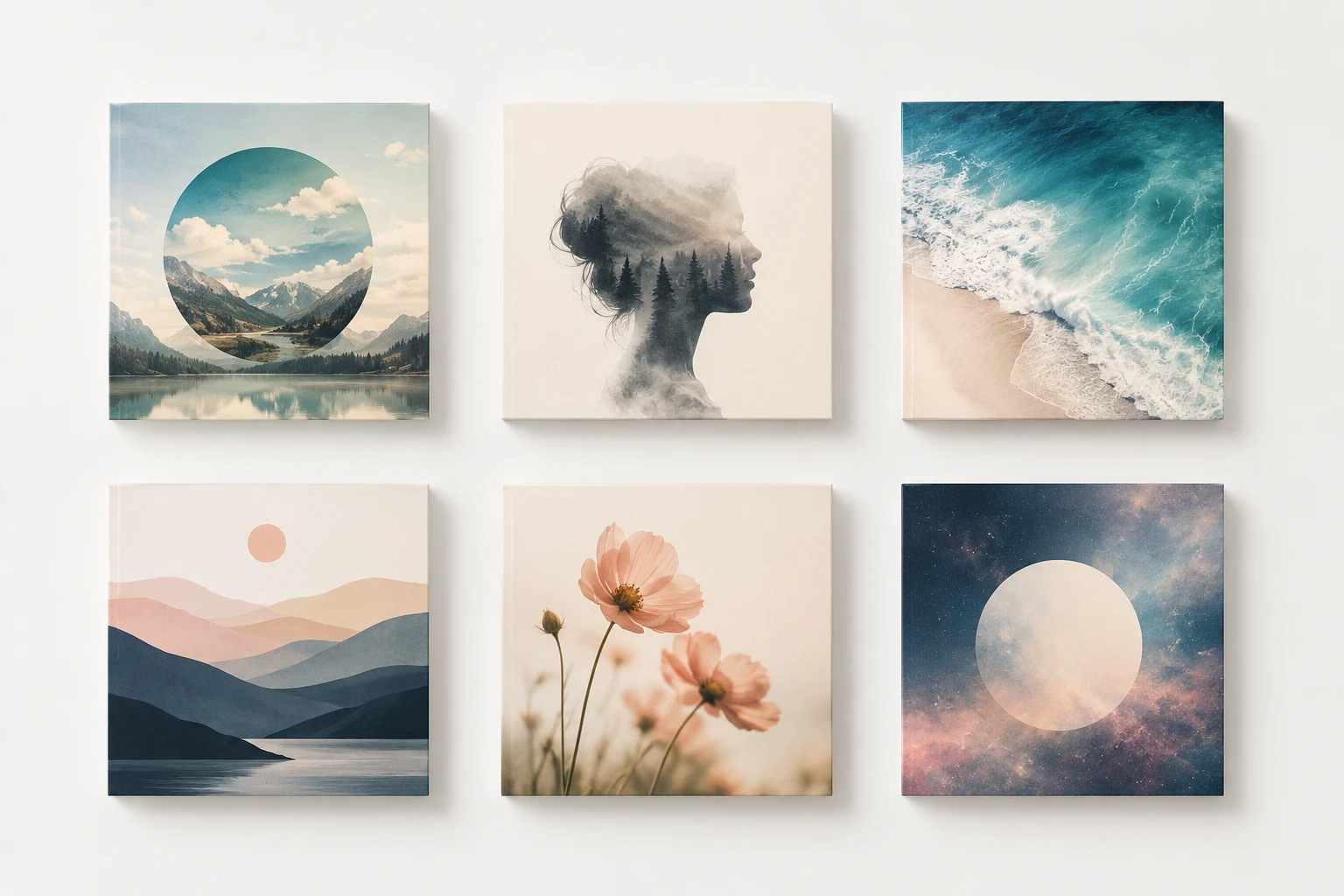
Step 02
Press generate and the ai album cover generator renders your cover art, and you can produce several options in one run so you have alternates to weigh before choosing.
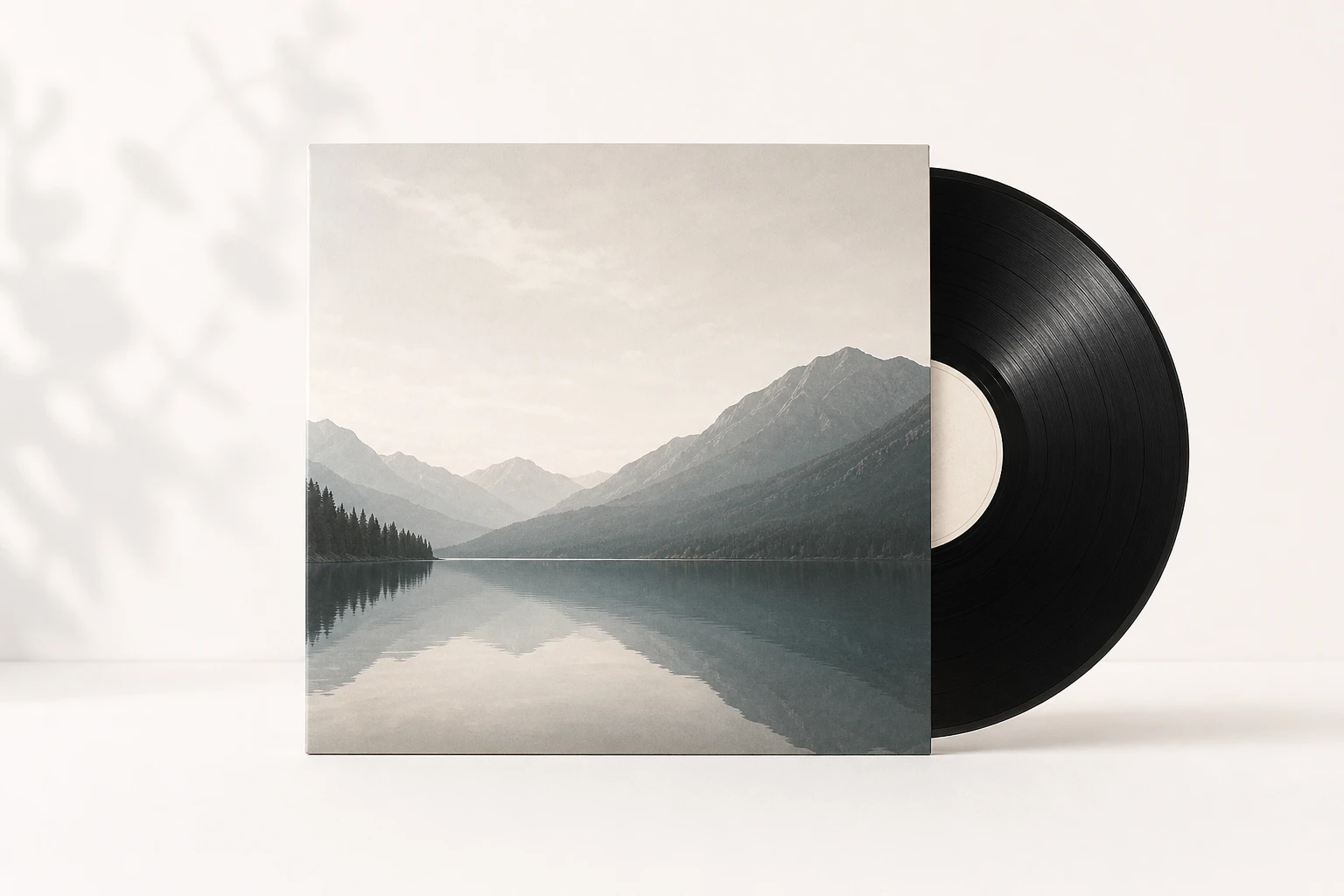
Step 03
If a version misses, change the prompt or swap the photo and generate again, then download the one you like as an image with no watermark that you can use commercially.
From streaming singles to photo based sleeves, you can start with free album cover art and shape it toward what each release asks for.
Dropping a single on streaming means you need a square image that still reads at thumbnail size, so you describe the look you want and pick a version that stands out in a busy release feed.
Chasing a gritty street feel for a mixtape, you spell out the mood, grain, and imagery in your prompt, and the whole look comes from those words since there is no genre preset to choose.
Sitting on a portrait from a recent shoot, you upload it and let the tool repaint it into an illustrated cover, which suits artists who want their own face on the sleeve without a flat photo paste.
Running a podcast or a playlist, you need one strong square image to stand for the whole show, so you describe its tone and get a cover that ties the episodes together.
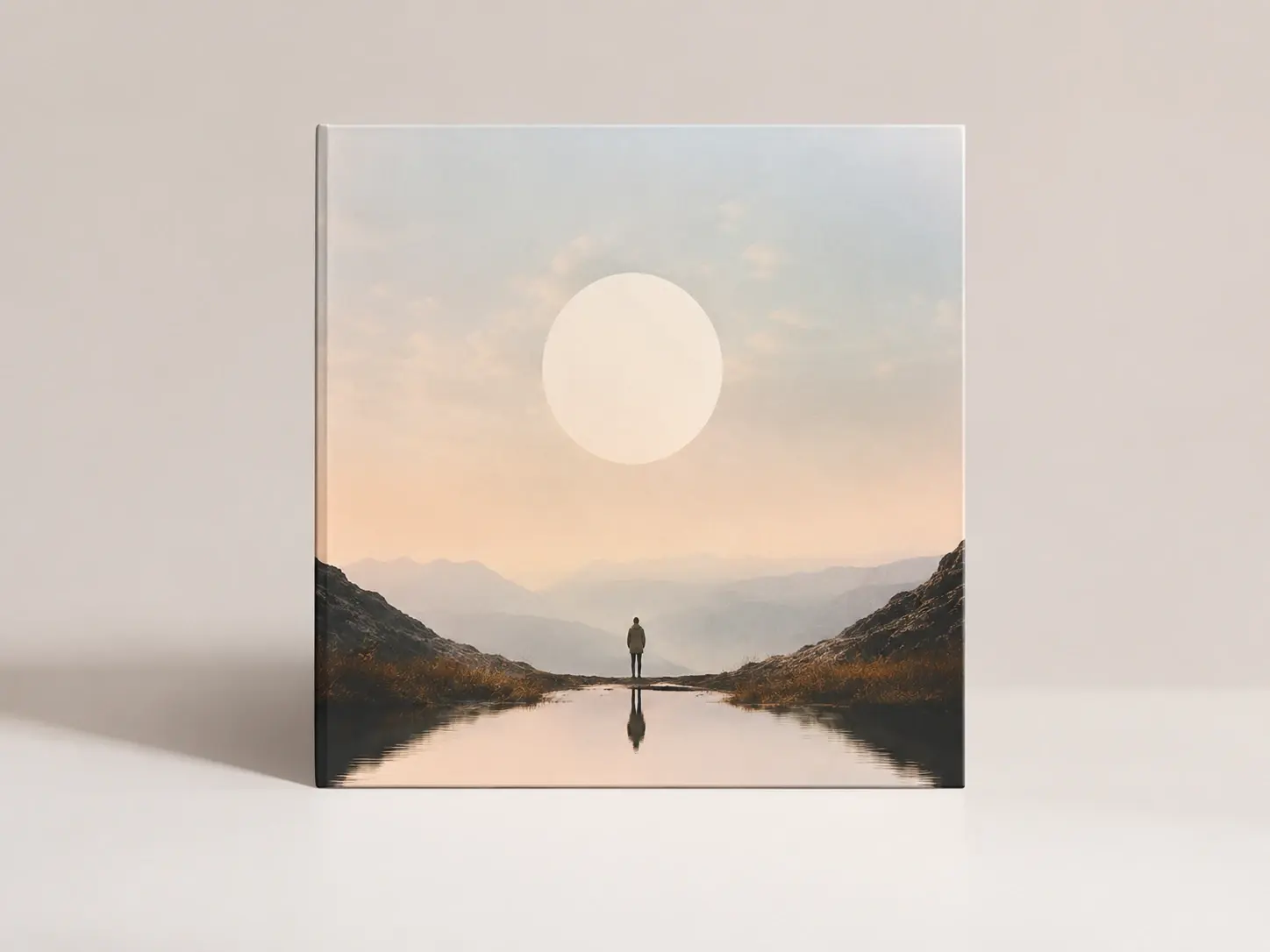
You are putting out a single or EP on your own with no designer on call, so you write a prompt and come away with cover art that looks deliberate, made in the time you would spend hunting stock images.
Explore
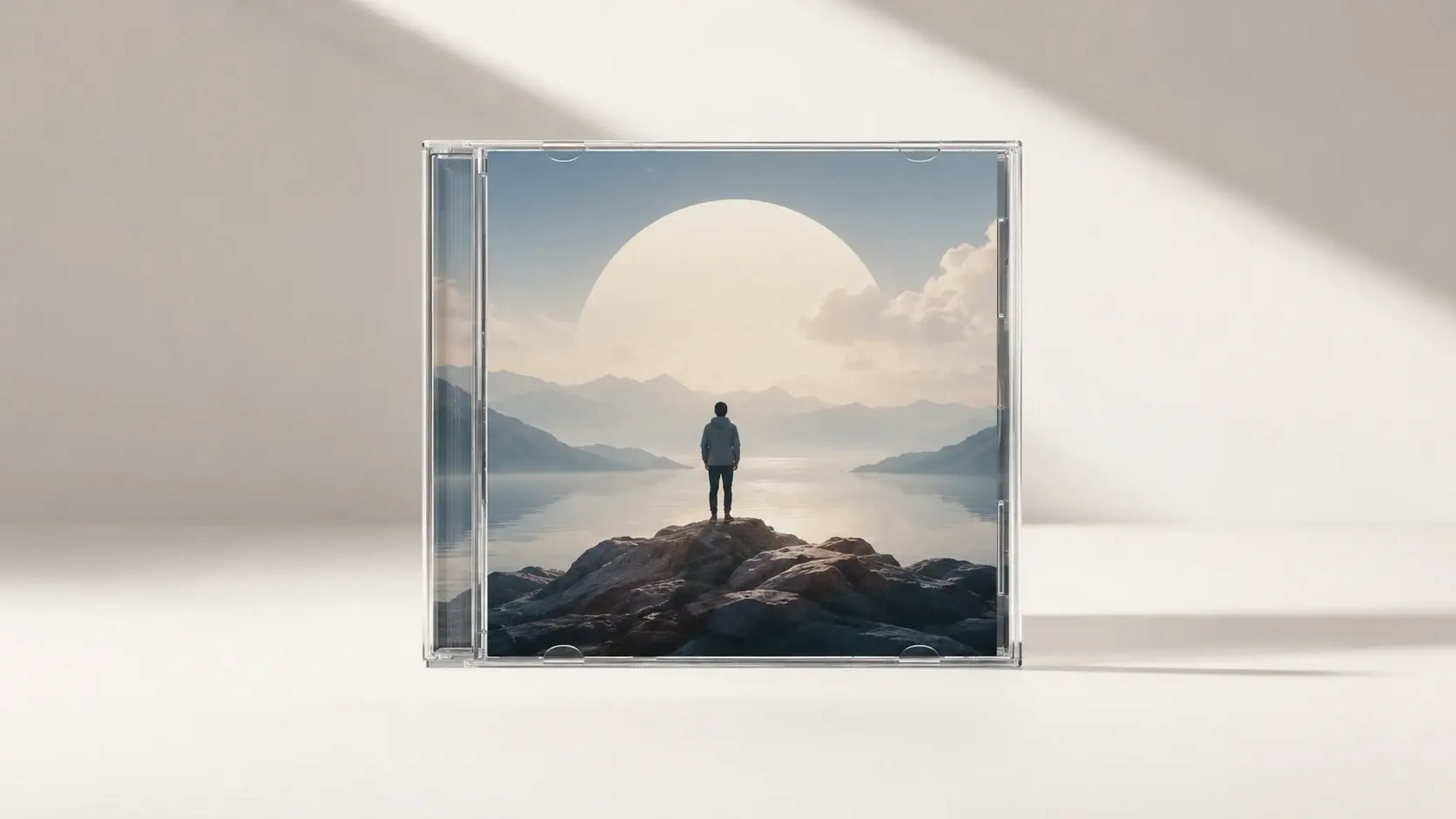
Bring a prompt or a photo, and this ai album cover generator hands back an album cover you can release with no watermark.
Get Started




























