
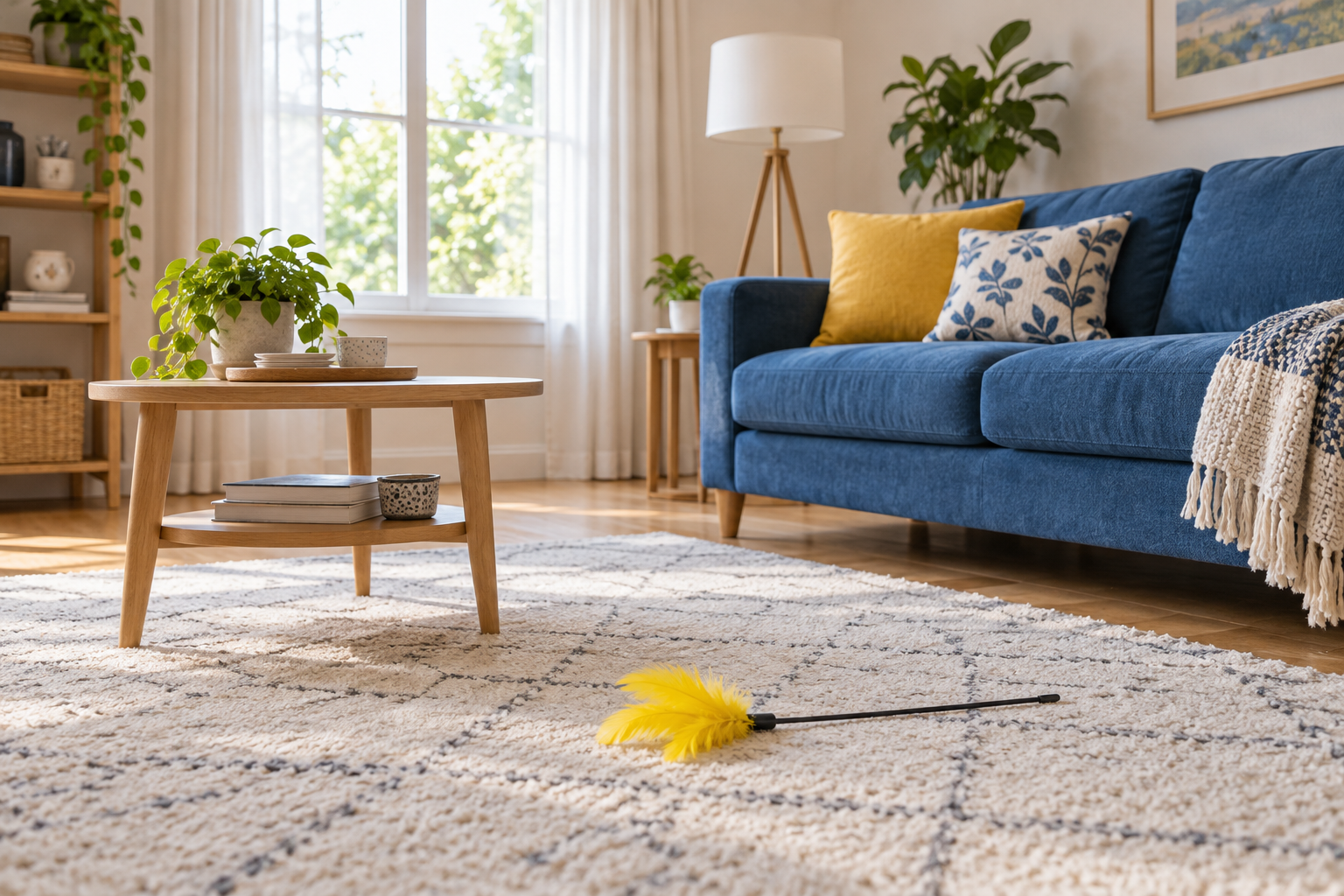
Step 01
Upload a Clear Photo
Choose a portrait, pet picture, indoor scene, or outdoor shot with a clear subject. Strong lighting and enough surrounding context help the transformed viewpoint read quickly.

Use this funny filter to turn a real photo into a playful cat-eye point of view. Upload a familiar room, person, pet, or outdoor scene and guide the low feline perspective, color mood, and visual joke you want to share.
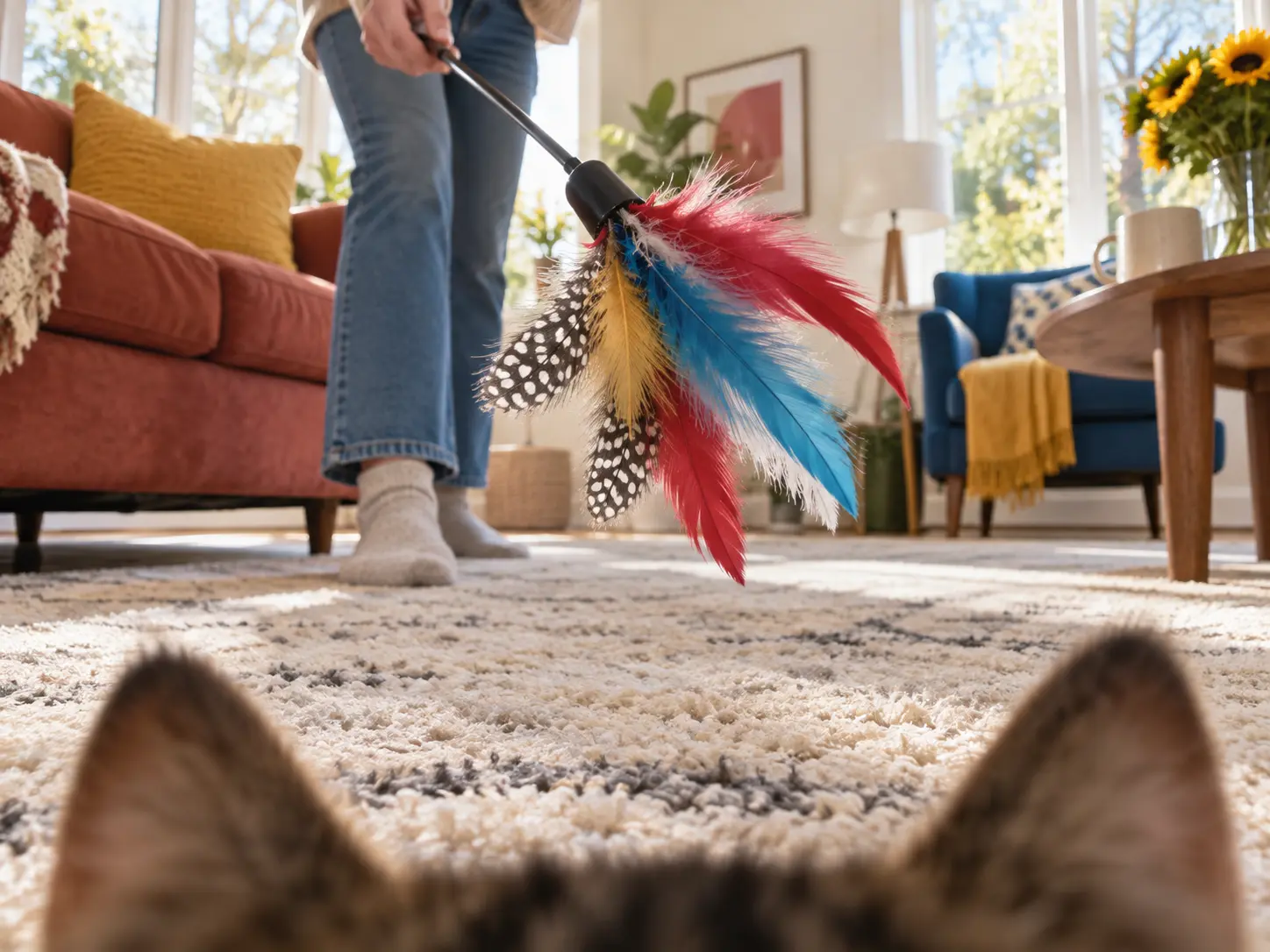
The effect changes the scene itself instead of adding a cat sticker. Each feature helps the feline viewpoint stay clear and shareable.
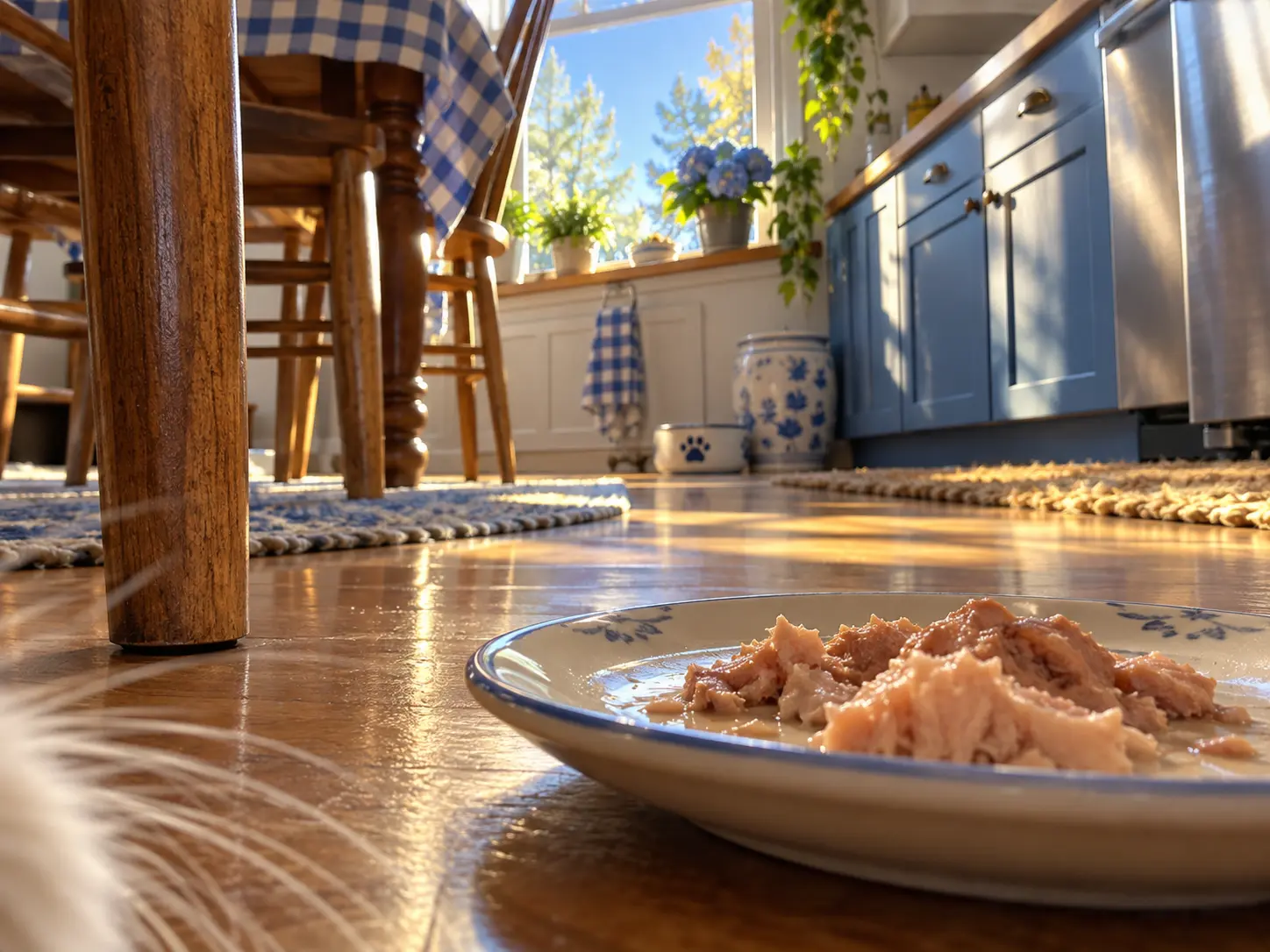
Start with a room, street, portrait, or pet photo and ask for a low, curious cat-eye point of view. The funny filter reframes the scene so familiar objects feel oversized, close, and ready to investigate.
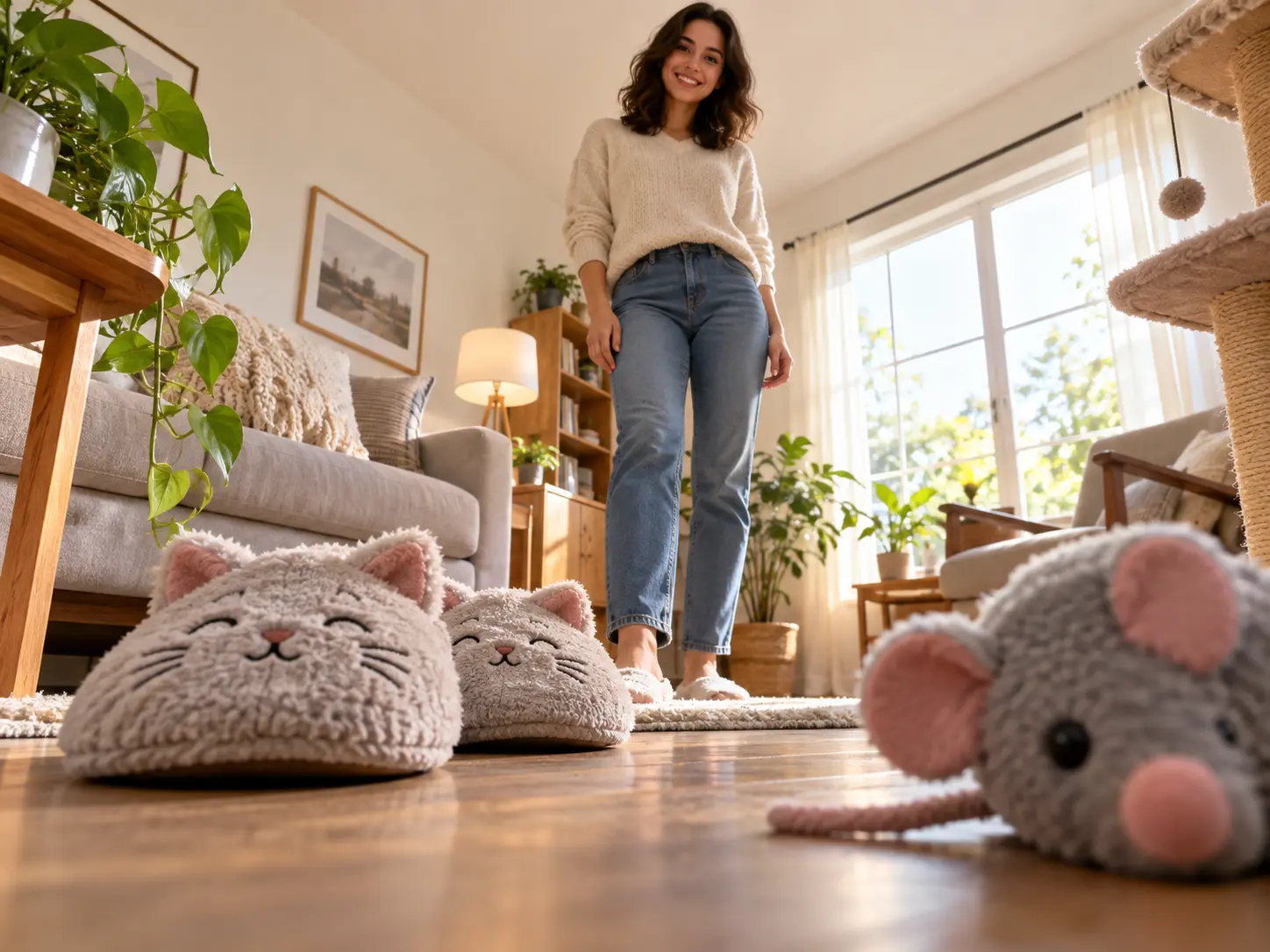
A useful funny photo filter changes the joke without losing the person, pet, or place that makes it work. A clear source gives the transformation stronger visual anchors to preserve.
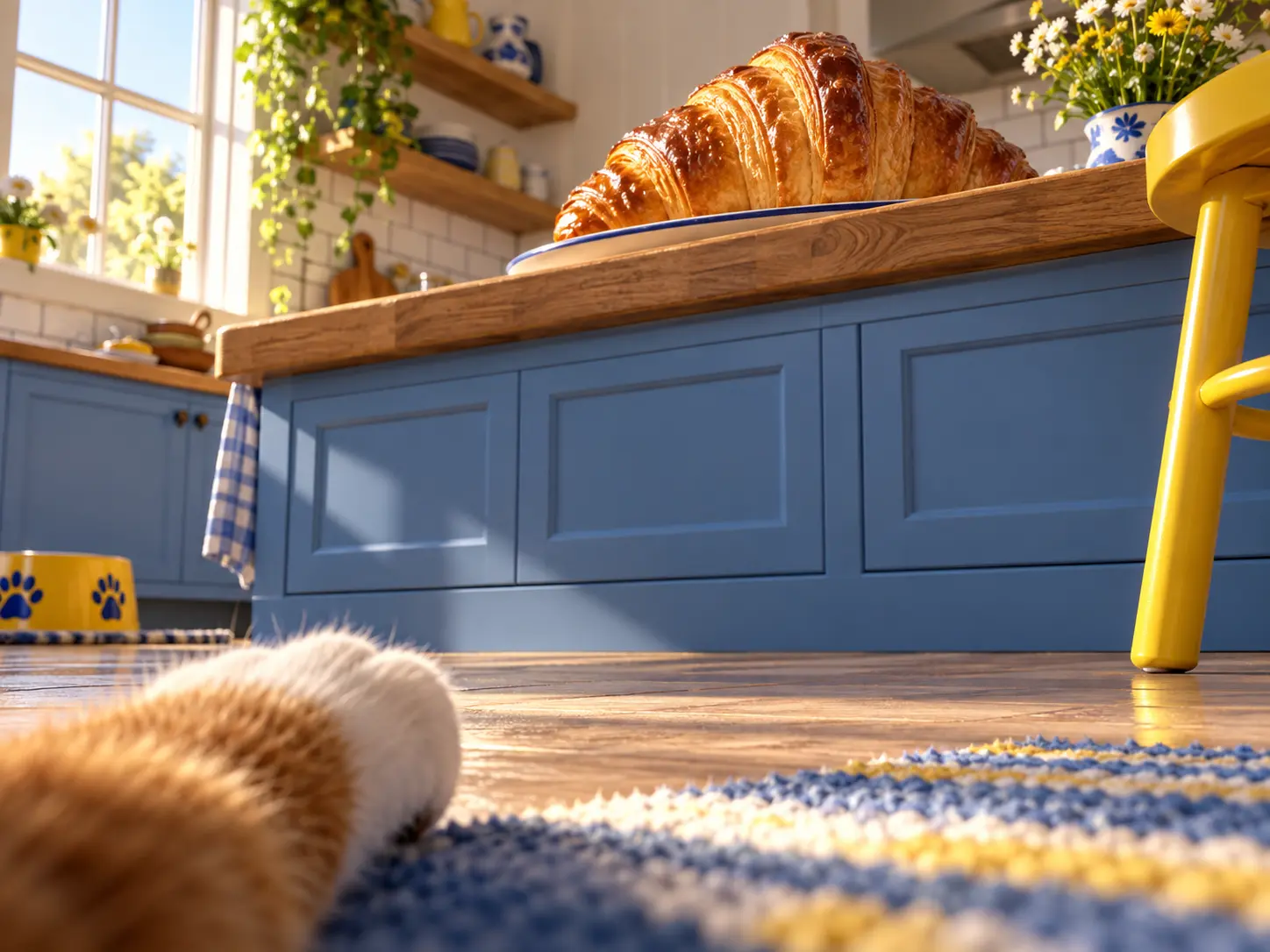
Describe the mood you want, such as a suspicious cat inspecting a snack or a curious kitten discovering a giant living room. One focused visual setup usually reads more clearly than a list of unrelated effects.
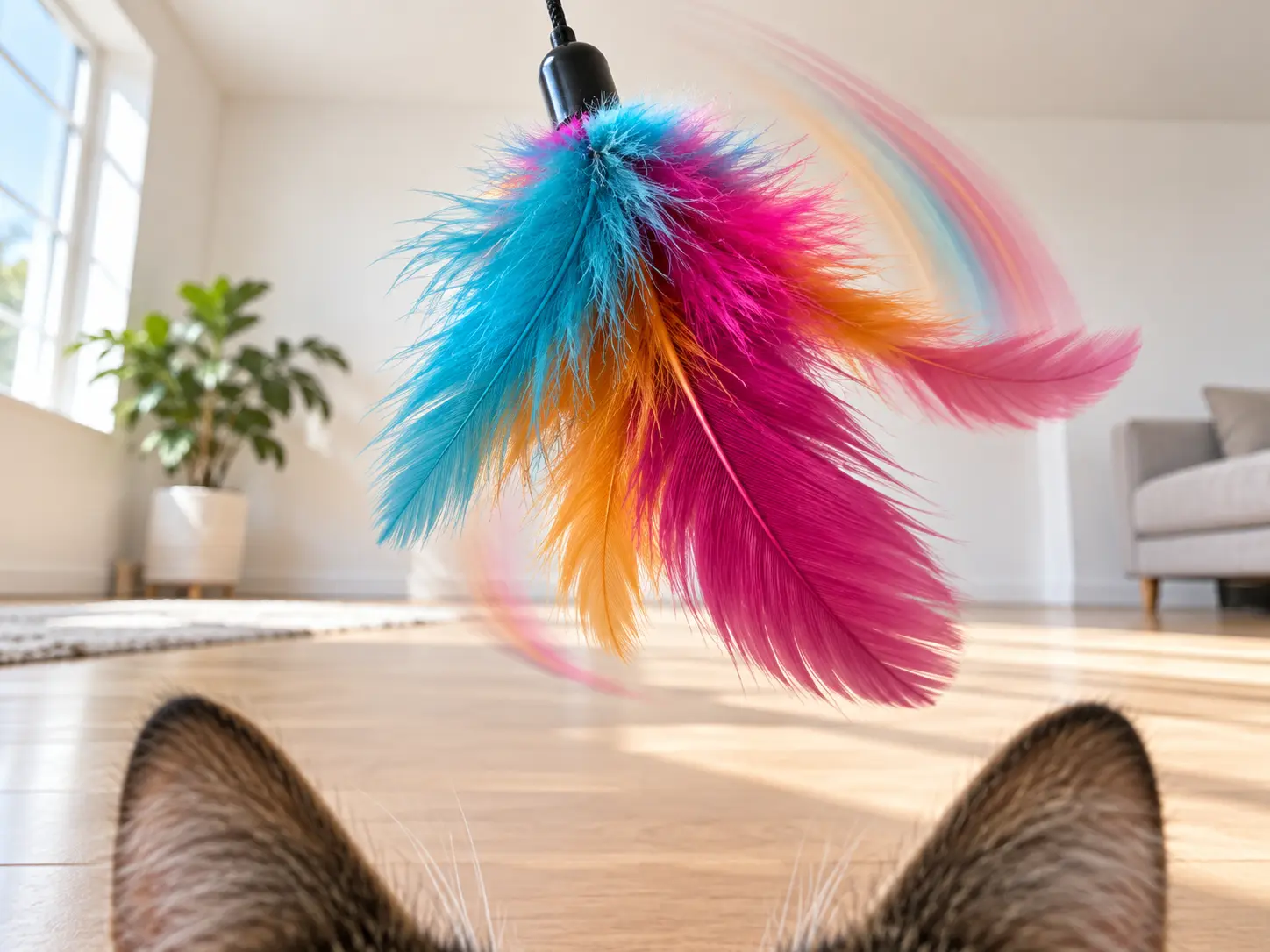
A strong result makes the altered viewpoint obvious while keeping one clear subject. That balance helps the image work as a meme panel, profile picture, chat reaction, or playful social post.
One clear photo and one focused feline viewpoint are enough to start this funny filter effect.
Step 01
Choose a portrait, pet picture, indoor scene, or outdoor shot with a clear subject. Strong lighting and enough surrounding context help the transformed viewpoint read quickly.
Step 02
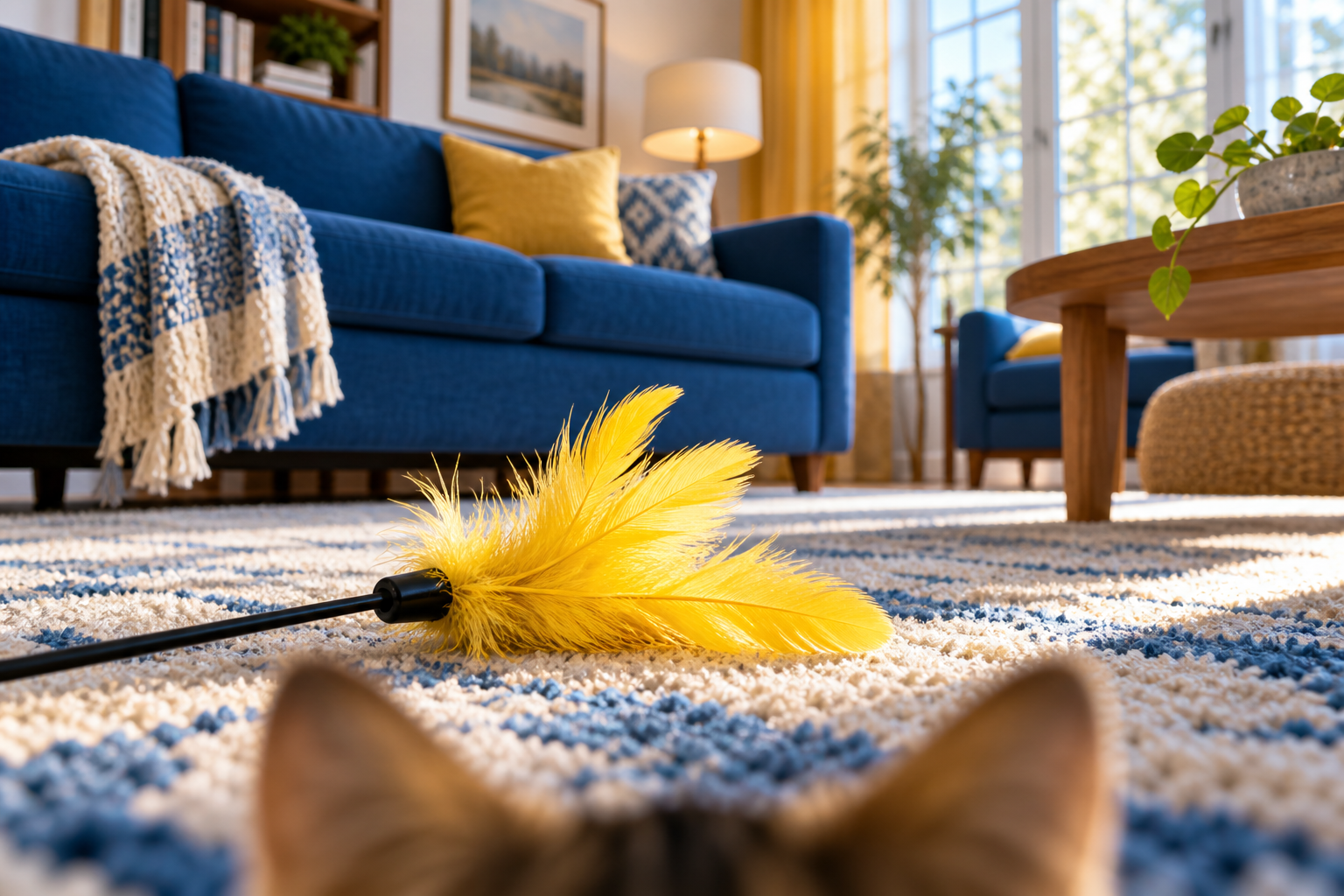
Ask for a low angle, heightened curiosity, close objects, feline color perception, or a specific comic situation. Keep the request centered on one visual joke.
Step 03
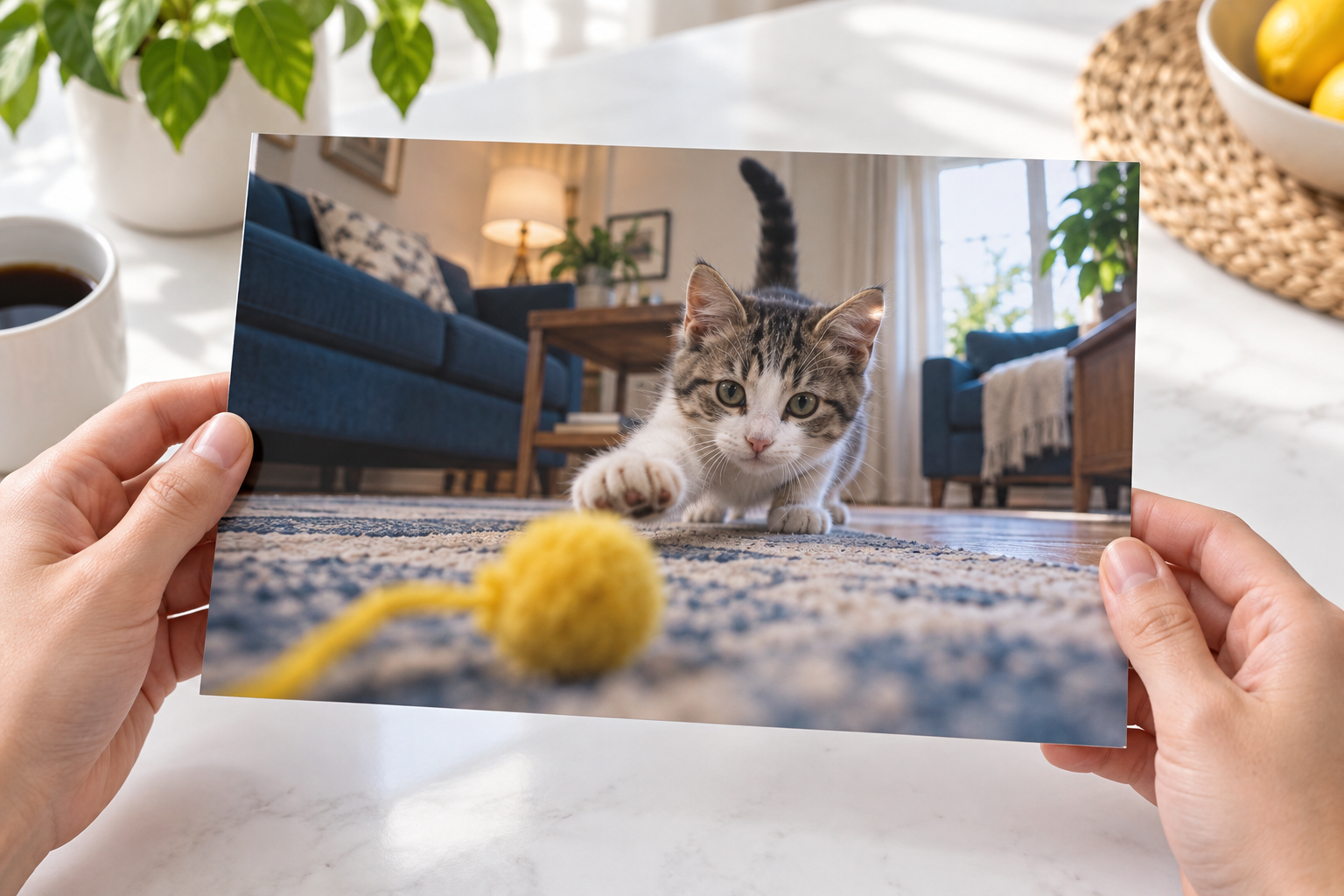
Check that the subject still looks right and that the effect is obvious at a glance. Refine the description if needed, then download your favorite version.
The effect works best where a strange viewpoint or exaggerated moment carries the story.
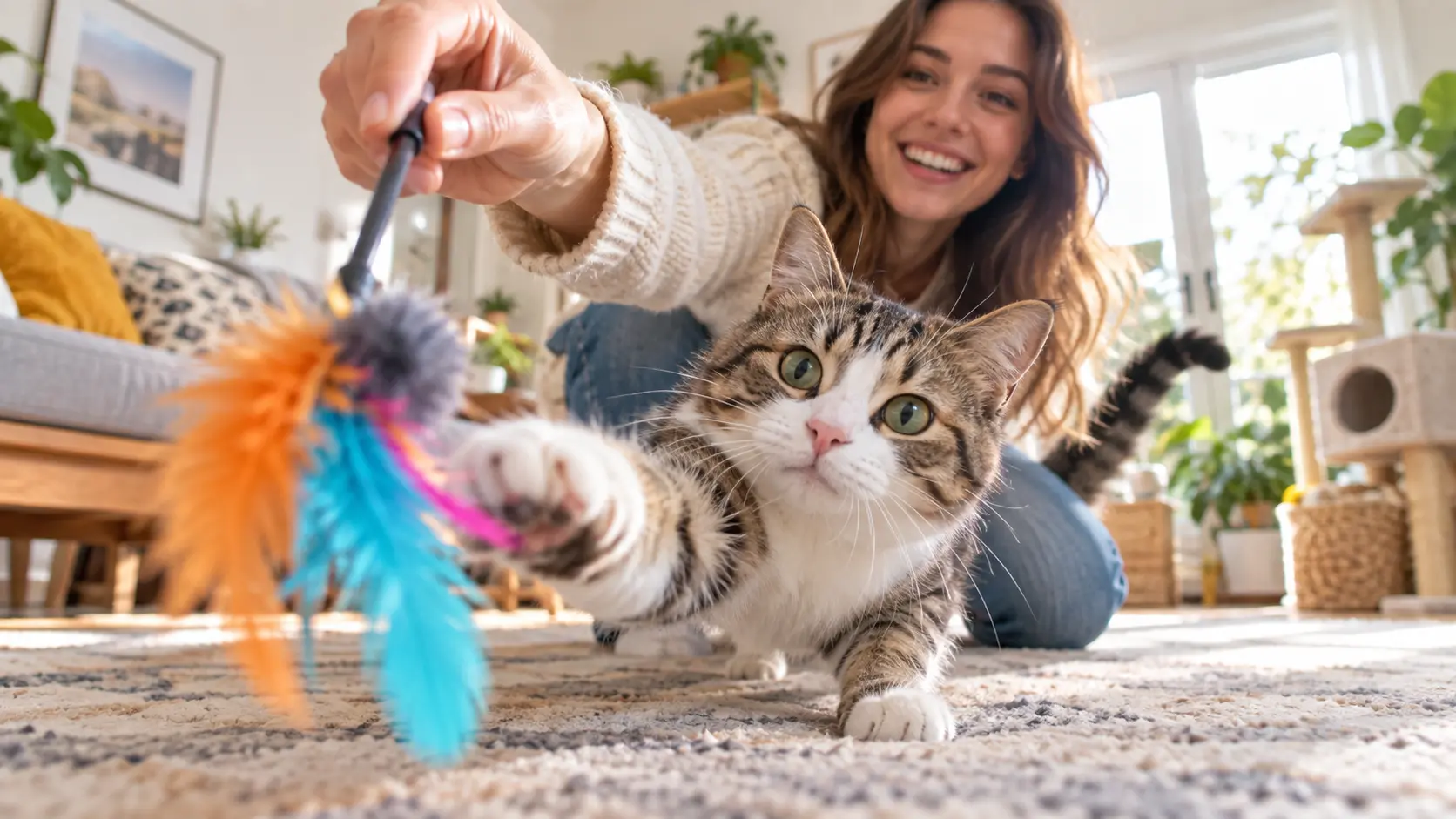
Reimagine a daily pet moment from the cat's own perspective and pair it with the original photo for an easy before-and-after post.
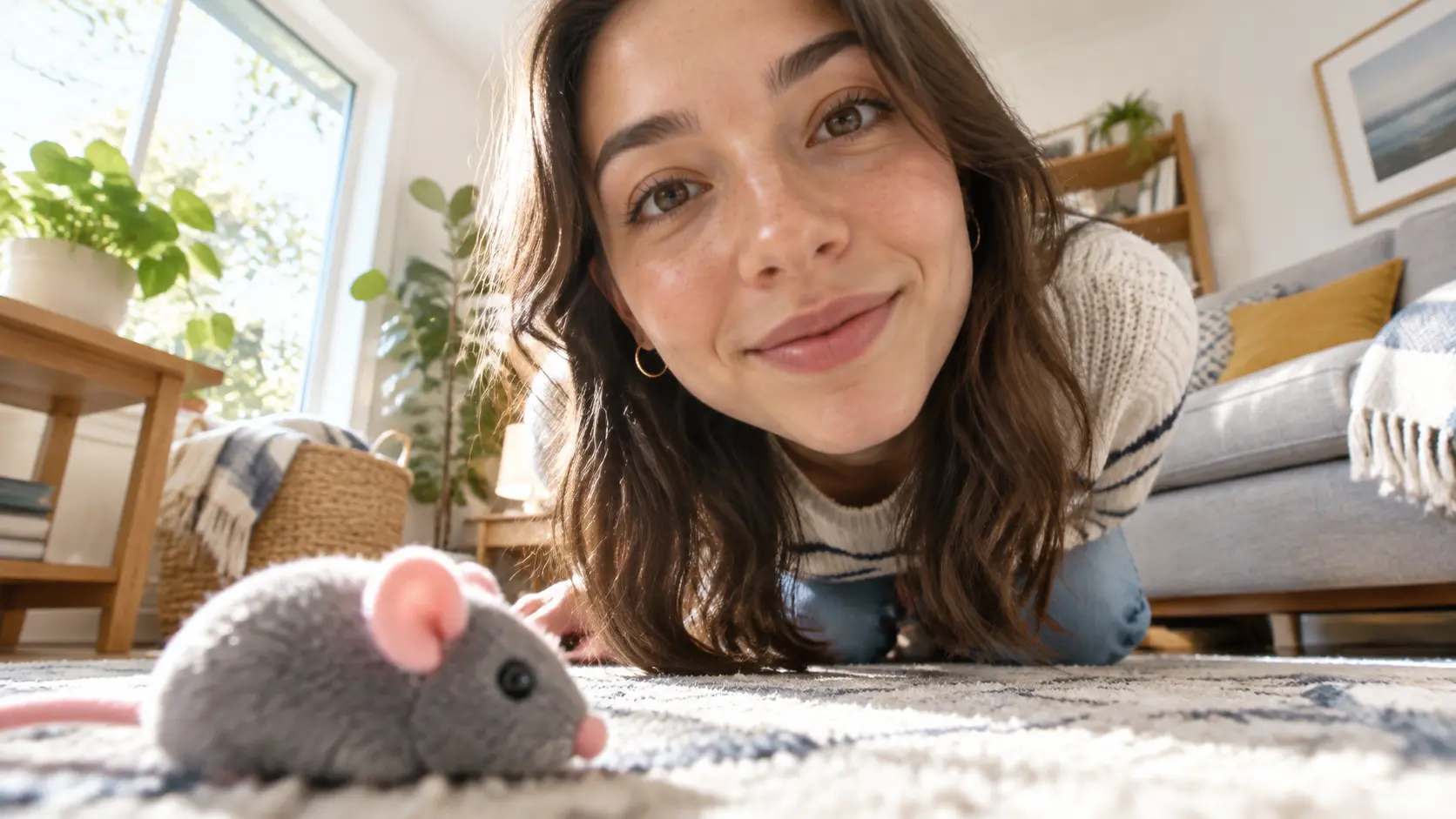
Turn a familiar friend, room, or object into a surprising reaction image that makes sense without a long explanation.

Use a close perspective and exaggerated curiosity to make an avatar that stands apart while the person remains recognizable.

Turn the kitchen, sofa, favorite toy, or view from the floor into a playful interpretation of what makes that everyday scene interesting at cat height.

A familiar face or room becomes funnier when the viewpoint changes dramatically. Keep the subject recognizable, then use the result as a chat reaction or quick social post.

Use an oversized nearby object, a low viewing angle, and one clear action to create a visual premise that can carry a caption, short story, or comic panel.

Upload a real photo, describe one playful feline viewpoint, and create a funny filter image ready to share.
Get Started