

Bald Filter

It is hard to picture your own face without hair, and that is the first thing a bald filter has to solve. Upload one clear selfie and VideoAI rebuilds the scalp to match your skin, shadow, and the existing light, so the result still reads as you. Compare it with the original, check whether your features still look recognisable, then download the version you are happy to share.

Bald filter result showing a man with a naturally blended bald head after hair removal

What the Bald Filter Does for You

Each part of the bald filter answers a real question: will it look natural, will it still be me, and what do I do with the result.

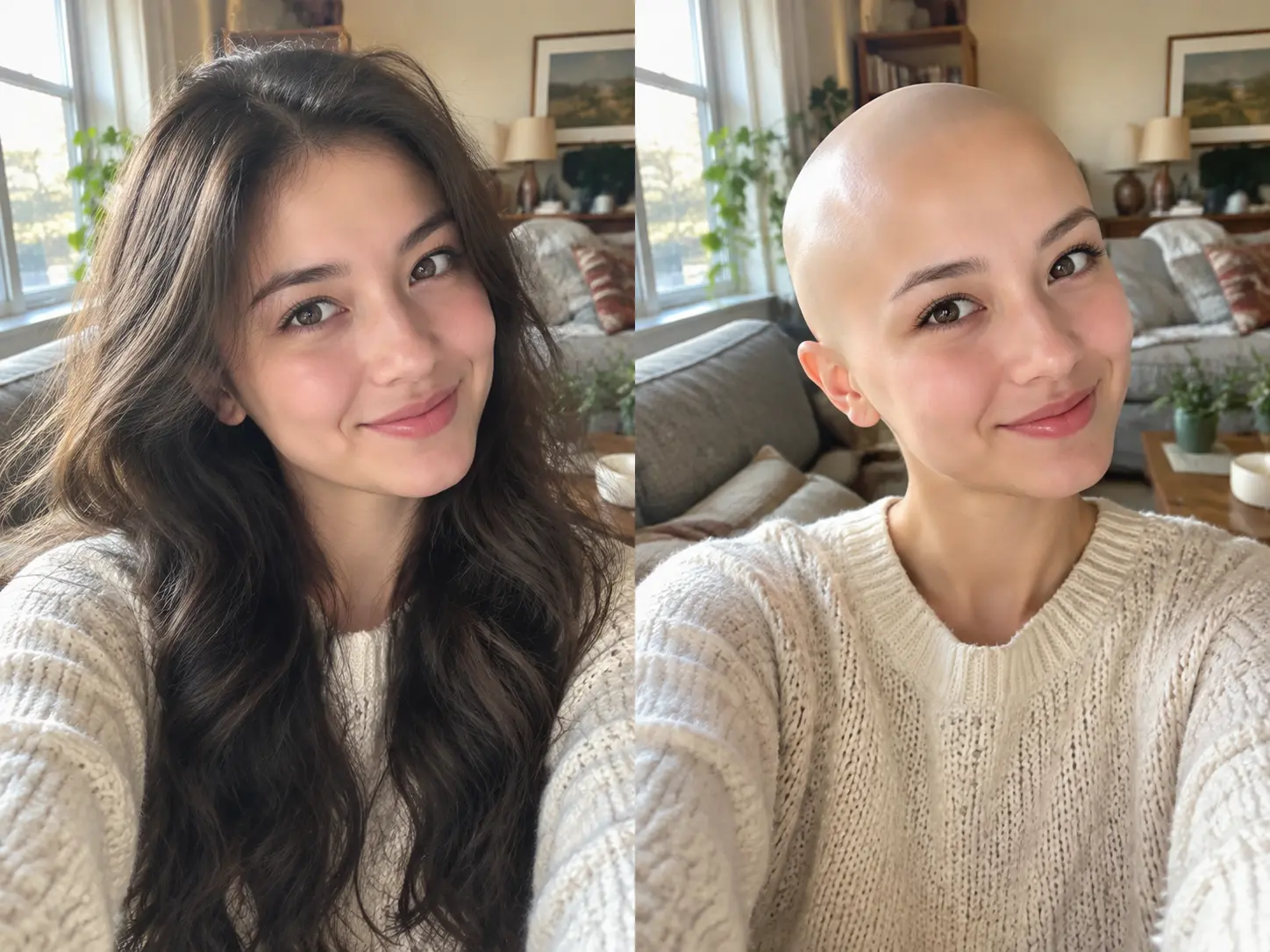
Realistic bald filter result of a woman with a seamless scalp and natural skin tone

See What You Would Look Like Bald

The hard part of imagining a bald look is the scalp, not the hairline. VideoAI reads your head shape, forehead, skin tone, and the light already in the photo, then removes the hair and continues your skin and shadow naturally into the scalp. Nothing else changes. Your eyes, nose, mouth, and expression stay as they are, so the bald head reads as a believable version of you instead of a flat patch sitting on top of your head.

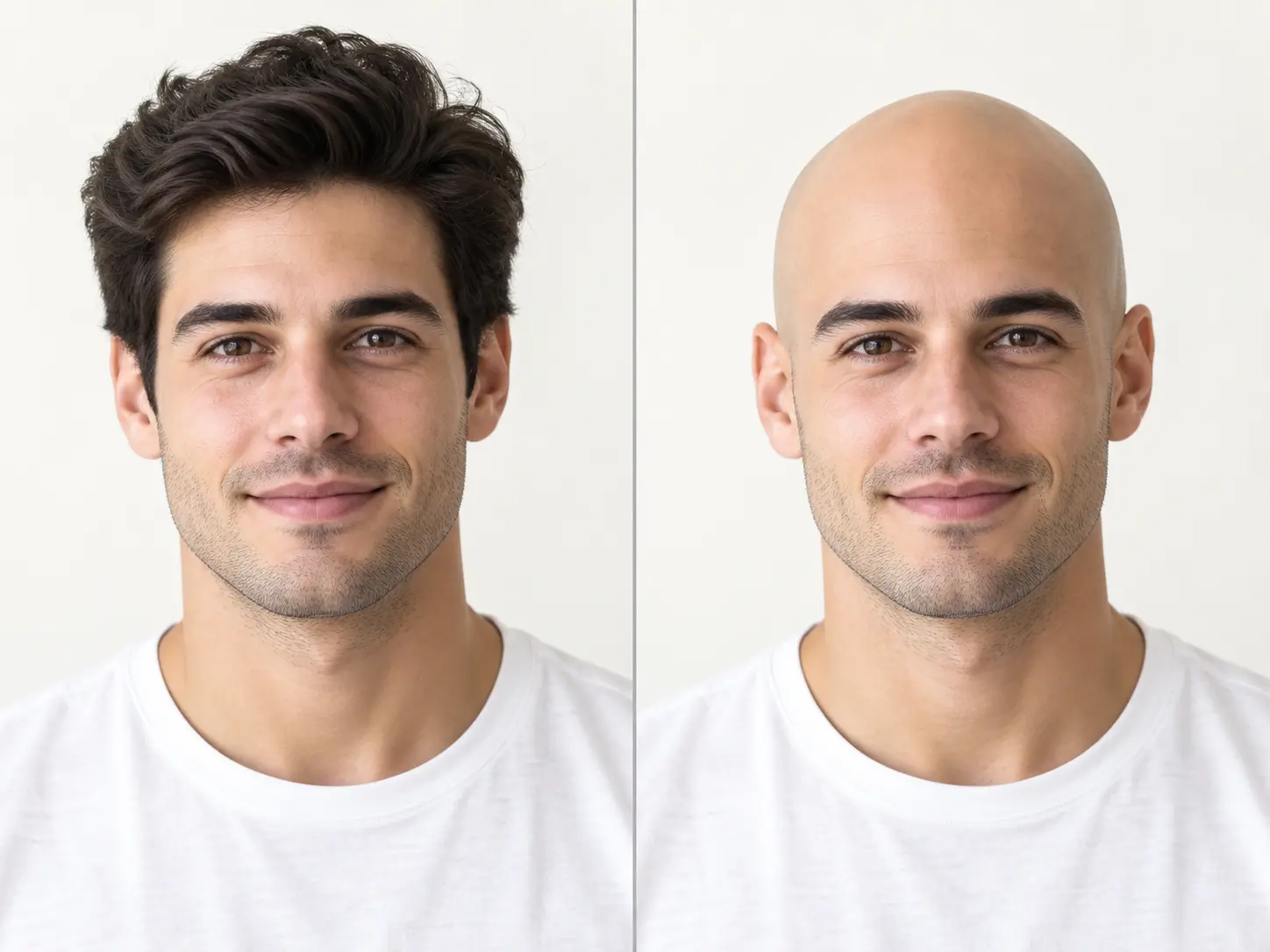
Before and after comparison of a man with hair and the same man wearing a bald filter

Compare the Look Before You Share

A transformation you cannot check is hard to trust. The bald filter keeps your uploaded photo and the bald result together in one workspace, so you can switch between them, inspect the hairline, and decide which angle works best before anyone else sees it. If the first attempt does not convince you, try a different selfie and run it again. Comparing the versions also shows you which photo gives the most believable result.

Bald app result made from an ordinary phone selfie in a bright living room

Works With an Ordinary Selfie

You do not need a studio headshot to use a bald filter. A clear phone selfie, a family portrait, or an older photo with soft light can all be uploaded, and the filter works with the angle you already have. Faces turned slightly to the side, glasses, and long hair are handled by reading the visible face structure. If one photo does not convince you, try another with more even light and a closer crop. Everyday photos are usually enough for a believable result.

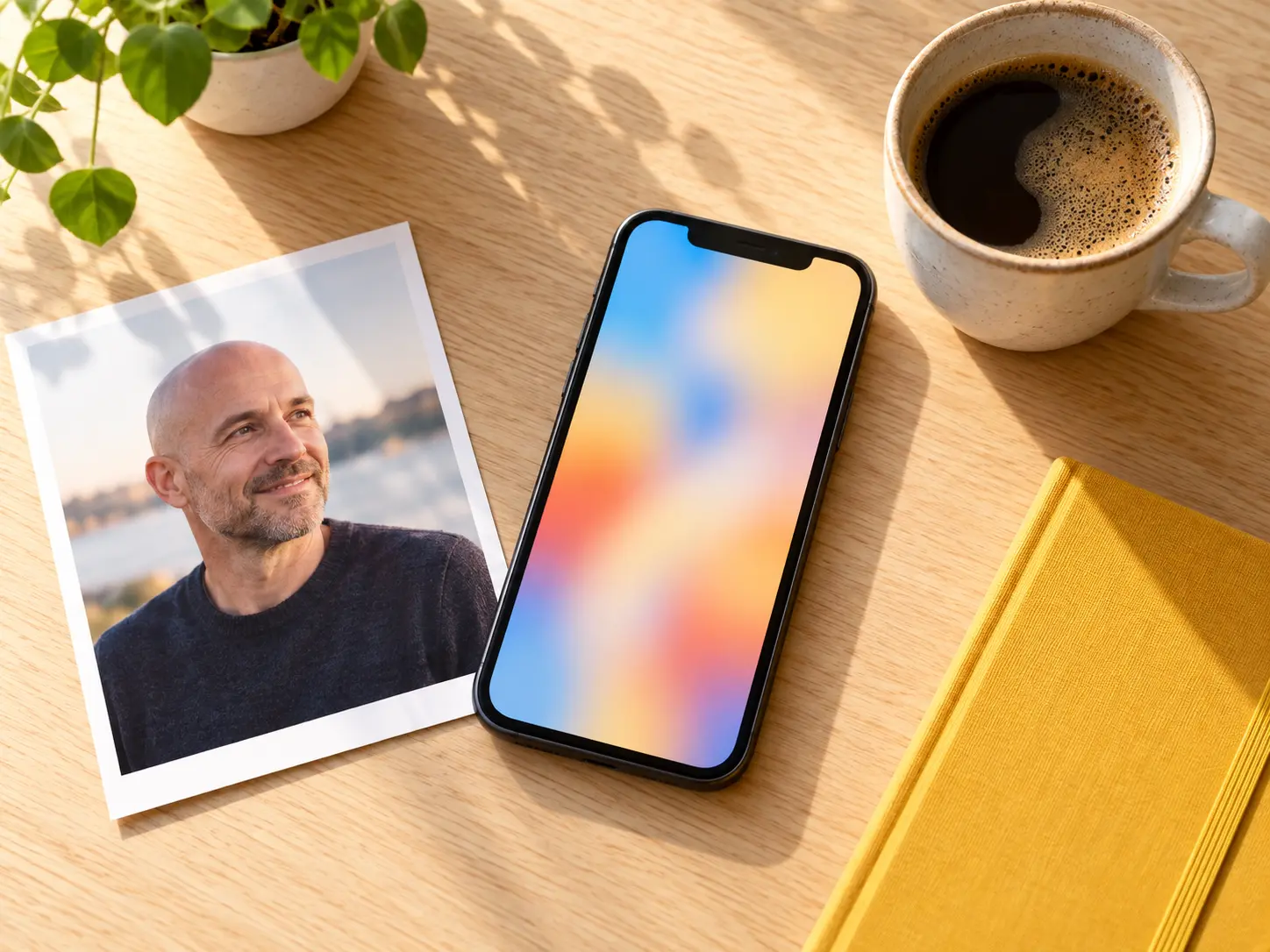
Smartphone and printed bald filter portrait on a bright desk ready to share

Run It in the Browser, No App Install

Most people meet a bald filter in a group chat, so the result needs to arrive while the conversation is still going. VideoAI runs the bald filter online in the browser on a phone, tablet, or laptop, which means no app store detour and no storage to give up. Upload a photo, generate the bald look, and download a clean image for a post, a message thread, or a private reference. When the idea is still funny, the turnaround stays quick.

How the Bald Filter Works

Three short steps take you from a normal selfie to a bald look you can compare and share.

Person taking a clear well-lit selfie before uploading it to the bald filter

Step 01

Upload a Clear Photo

Start with a selfie or portrait where your face is well lit and easy to see. A straight-on angle works best, but a gentle three-quarter turn is fine as long as the hairline and forehead are visible. Upload the image to VideoAI and let the bald filter read your face shape before anything changes. A simple background and a close crop help the result look clean.


Bald filter applied to a selfie with the scalp blending naturally into the face

Step 02

Apply the Bald Filter

Choose the bald filter and let VideoAI remove the hair while matching your skin texture, shadows, and lighting. The model keeps your eyes, expression, and features intact, so the new scalp blends into the rest of the photo instead of sitting on top of it like a sticker. If the first pass is not convincing, you can adjust the source photo and run it again with a clearer angle.

Finished bald filter result printed beside a phone ready to download and share

Step 03

Compare, Then Download

Look at the bald version beside your original, check the hairline and the top of the head, and regenerate with another photo if you want a second opinion. When the bald filter result looks right, download the image to share, save, or keep as a private reference for a future haircut decision. Saving the file keeps the finished transformation ready whenever you want to revisit it.

Where the Bald Filter Gets Used

A quick transformation that works for a joke, a social post, or an honest question about a real change.

Friends laughing at a bald filter result on a phone in a sunny park

Social Challenge Posts

A bald filter is an easy hook for a post or a short video. Create the bald version of a selfie, pair it with the original, and let people react in the comments. The transformation is obvious at a glance, which makes it a natural fit for a before-and-after challenge, a caption game, or a light-hearted would-you-recognize-me story that spreads on its own.

Family gathered around a table laughing at a bald filter gag photo

Friends and Family Gags

Group chats and family threads run on inside jokes, and a bald app gives everyone something to react to. Take a photo of a friend who is curious, generate the bald look, and send it privately as a joke. Because the result keeps their real features, the punchline lands without any explanation. It is an easy way to keep a quiet group chat alive for the afternoon.

Man considering a bald look by examining a printed bald filter preview

A Preview Before a Real Change

Some people use a bald simulator for a genuine reason: they are thinking about shaving their head or adjusting to hair loss. The tool lets you preview your face without hair before you commit to anything. It is not a medical prediction and not a substitute for advice, but seeing the look can make the idea less abstract and help you decide whether it suits you before you pick up the clippers.

Who Uses a Bald Filter

Social creator reviewing a bald filter portrait for a challenge post

Curious About Your Own Look

You do not need a reason beyond curiosity. Running a bald filter on your own photo is a low-pressure way to see how your face reads without hair, and the result stays private until you choose to download and share it.

Two friends comparing printed bald app portraits on a sunny sofa

Making a Joke With Friends

Group chats run on inside jokes, and a bald filter gives everyone something to react to. Take a photo of a friend who is in on the joke, generate the bald look, and send it privately. Because the result keeps their real features, the punchline lands without any explanation.

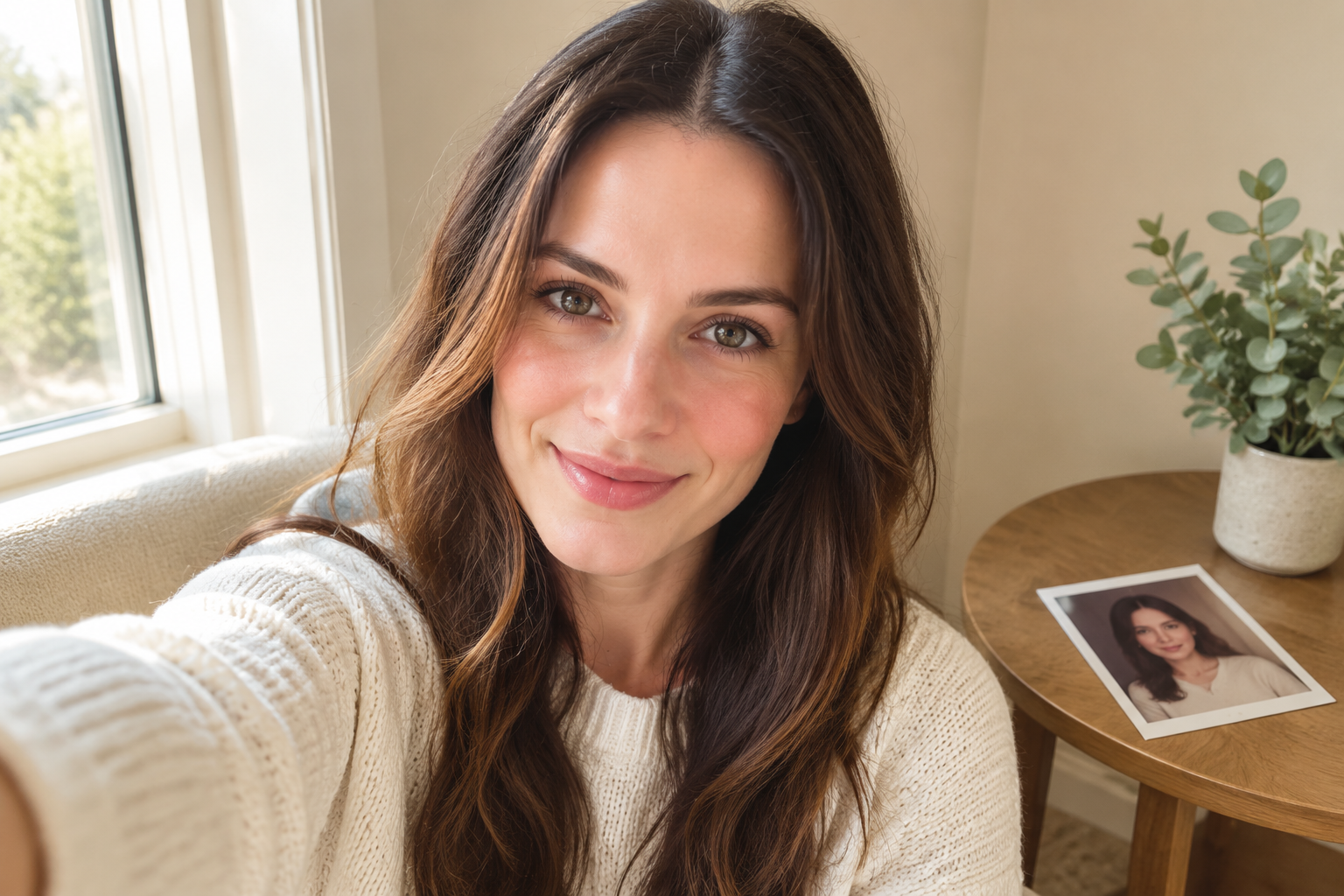
Curious woman studying her own realistic bald head app portrait by a window

Deciding on a Real Change

If you are genuinely considering a shave or adjusting to hair loss, the bald filter gives you a rough preview before you commit. It is not a prediction, but it turns a hard-to-picture idea into something you can look at quietly on your own screen.

Bald Filter Questions

That is the whole point of the effect. The bald filter removes your hair and rebuilds the scalp from your own head shape, skin tone, and the light in the photo, then leaves your eyes, nose, mouth, and expression untouched. Only the hair is replaced, so the result usually reads as you without hair rather than a different person. If a pass ever looks off, try another photo and compare the two before you keep it.

A normal selfie with even light and a visible hairline is usually enough. Straight-on angles work best, but a gentle three-quarter turn is fine as long as the forehead is not covered. Keep the camera near eye level and avoid heavy beauty filters, because the bald filter reads your real skin tone. Glasses and longer hair are handled from the visible face structure.

No separate install is required. A bald app normally means a phone download, but VideoAI runs the same bald filter online in your browser on a phone, tablet, or laptop. Upload a photo, generate the bald look, and download the file without waiting for an app store install or giving up storage space. That keeps the first try in the browser, so you can test the idea without committing space or time to another download.

Yes. The original upload and the bald result stay together in one workspace, so you can switch between them, check the hairline, and confirm the change looks natural before anyone else sees it. Comparing the two versions is also the quickest way to spot which selfie gives the most convincing result. Download only after the comparison looks right, so the original selfie stays as your reference and the final file is the version you chose.

VideoAI includes a free credit allowance for new accounts, so a first bald filter pass costs nothing. Downloads do not carry a watermark. Paid plans cover heavier use, so check the current pricing if you plan to run many photos, keep several results, or use the tool for ongoing projects. You can test the workflow first and decide on a paid plan only when you need more generations.

Yes. The downloaded image is a finished square result you can post as a social challenge, drop into a message thread, or keep as a private reference. The transformation is obvious at a glance, which makes it a natural fit for a before-and-after post, and you can generate more versions while the joke is still fresh. Keep the original in case you want to try another angle.

Try a different photo. Even light, a visible hairline, and a closer crop almost always improve the match, because the bald filter has more real detail to work with. Keep the version you like, run the filter again on the better selfie, and compare the two before you download. Choose a photo where the hairline is visible and the light is even, then compare the new result with the first attempt before deciding which one to keep.
Calm bright studio backdrop for the bald filter call to action

See Your Bald Look Before You Decide

Upload one clear photo, run the bald filter, compare it with your original, and download the version you are ready to share.

Get Started
Bald Filter - See What You Would Look Like Bald | VideoAI