Instagram Carousel Maker

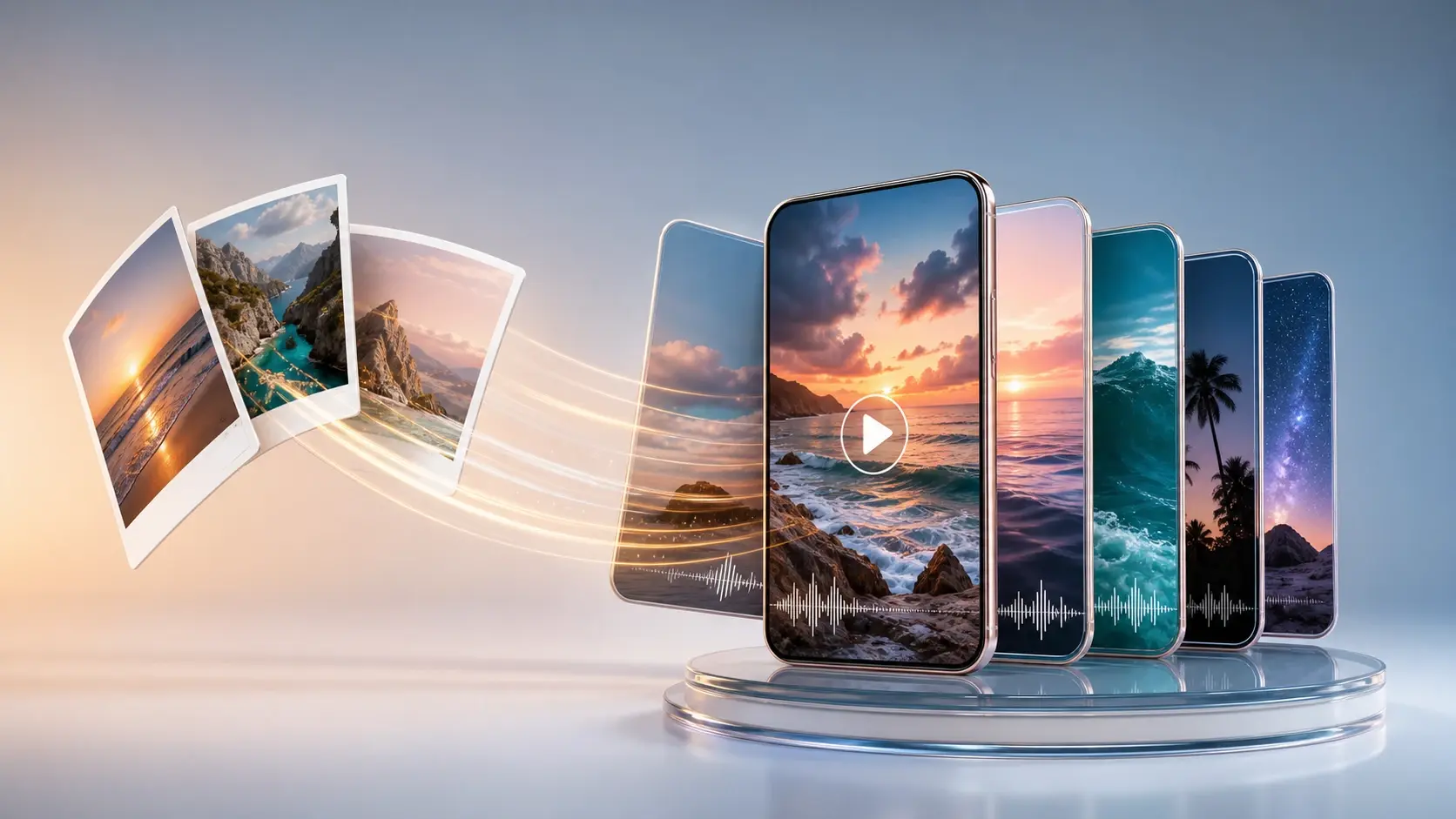
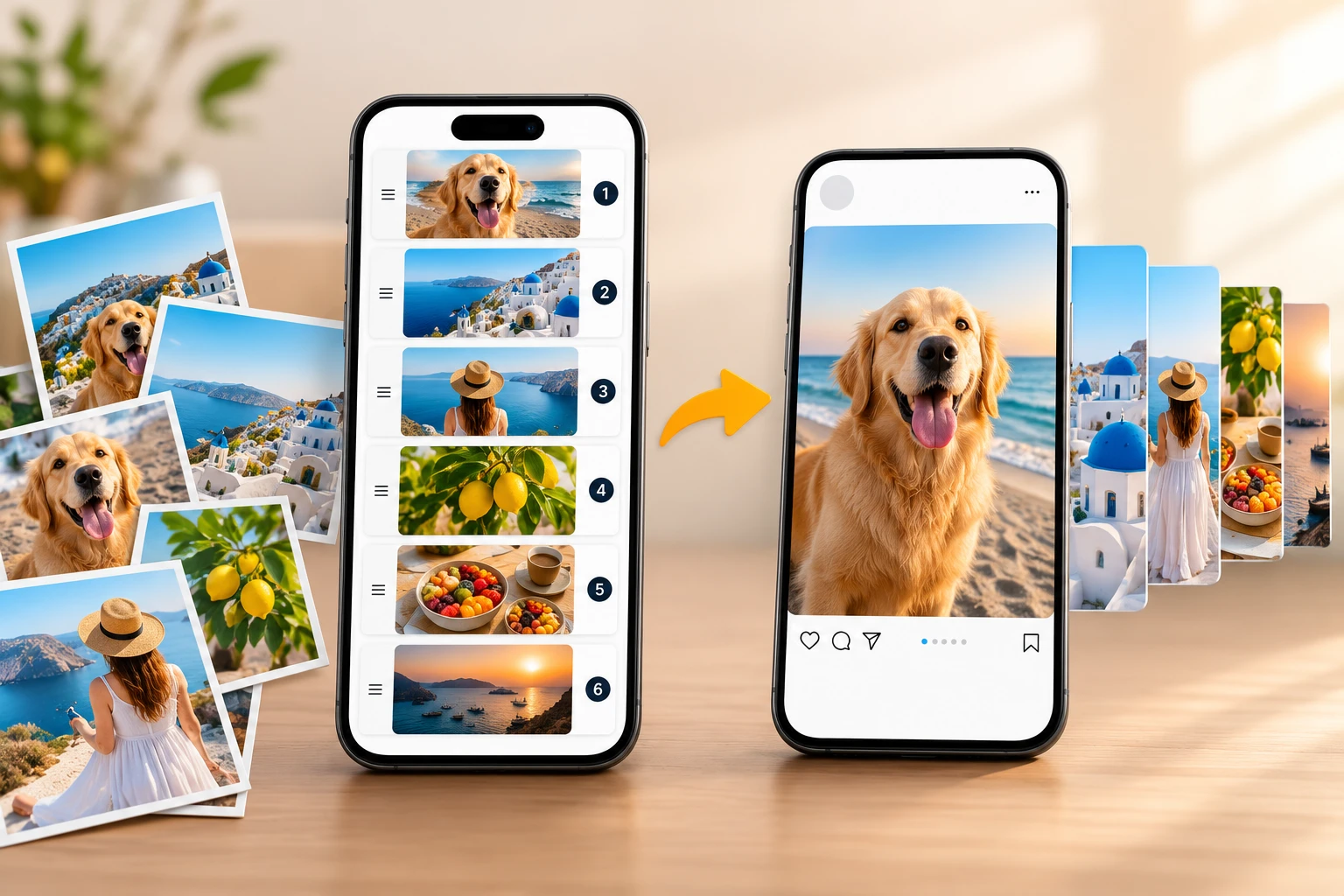
Upload several photos and VideoAI, a focused instagram carousel maker, stitches them into one swipe style carousel video with the transitions, motion, and music you describe.

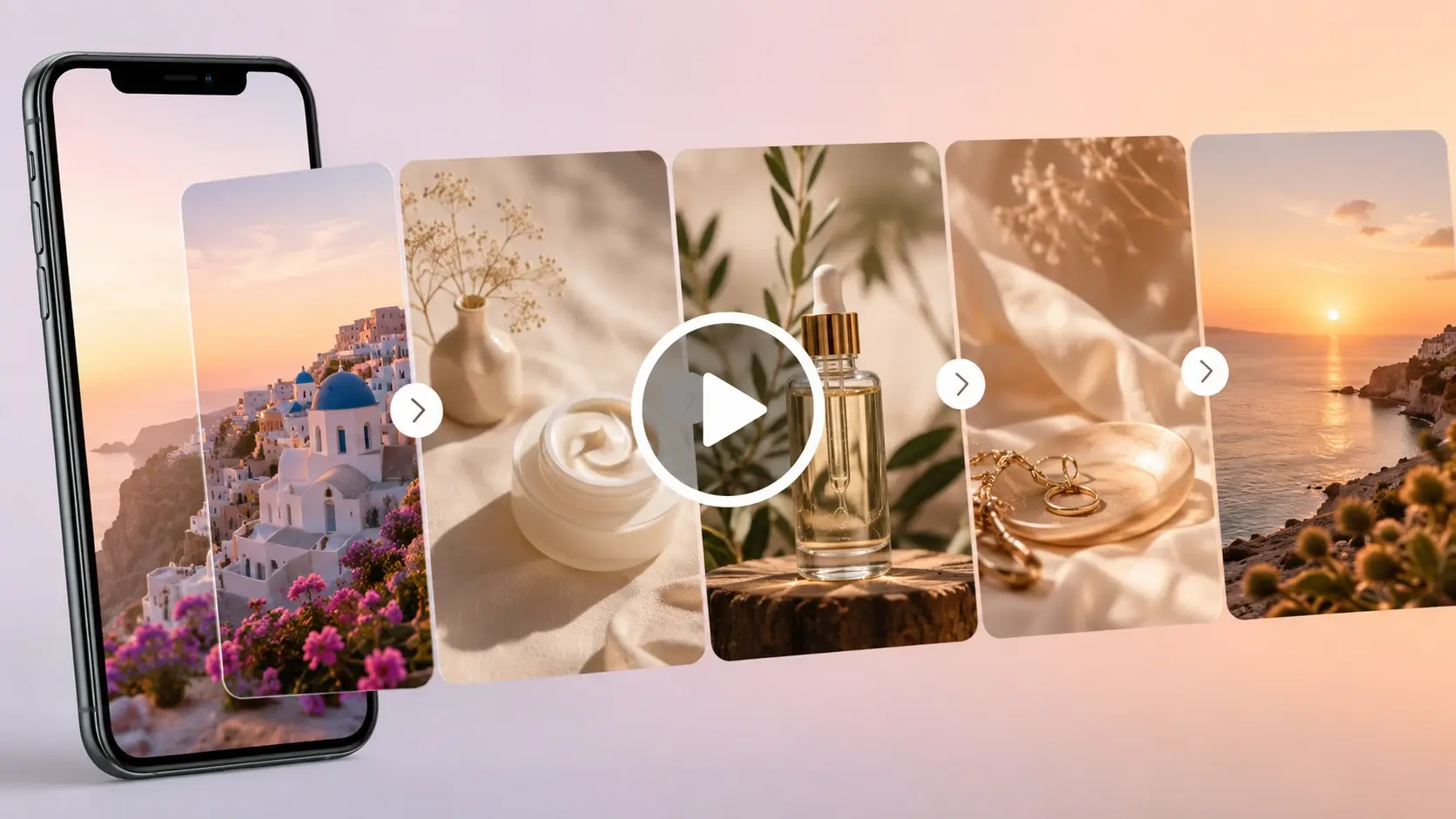
Several uploaded photos merging into one swipe style Instagram carousel video with transitions

Your Instagram Carousel Maker In Three Steps

Three steps carry your photos from a folder to a finished instagram carousel video, all inside one ai instagram carousel workspace.

A set of photos being arranged in swipe order for one Instagram carousel video

Step 01

Upload And Order Your Photos

Choose the photos you want in the carousel and arrange them in the order viewers will swipe through. Standard image files work fine, and the sequence you set here is the sequence the instagram carousel maker follows, so arranging them first saves edits later.
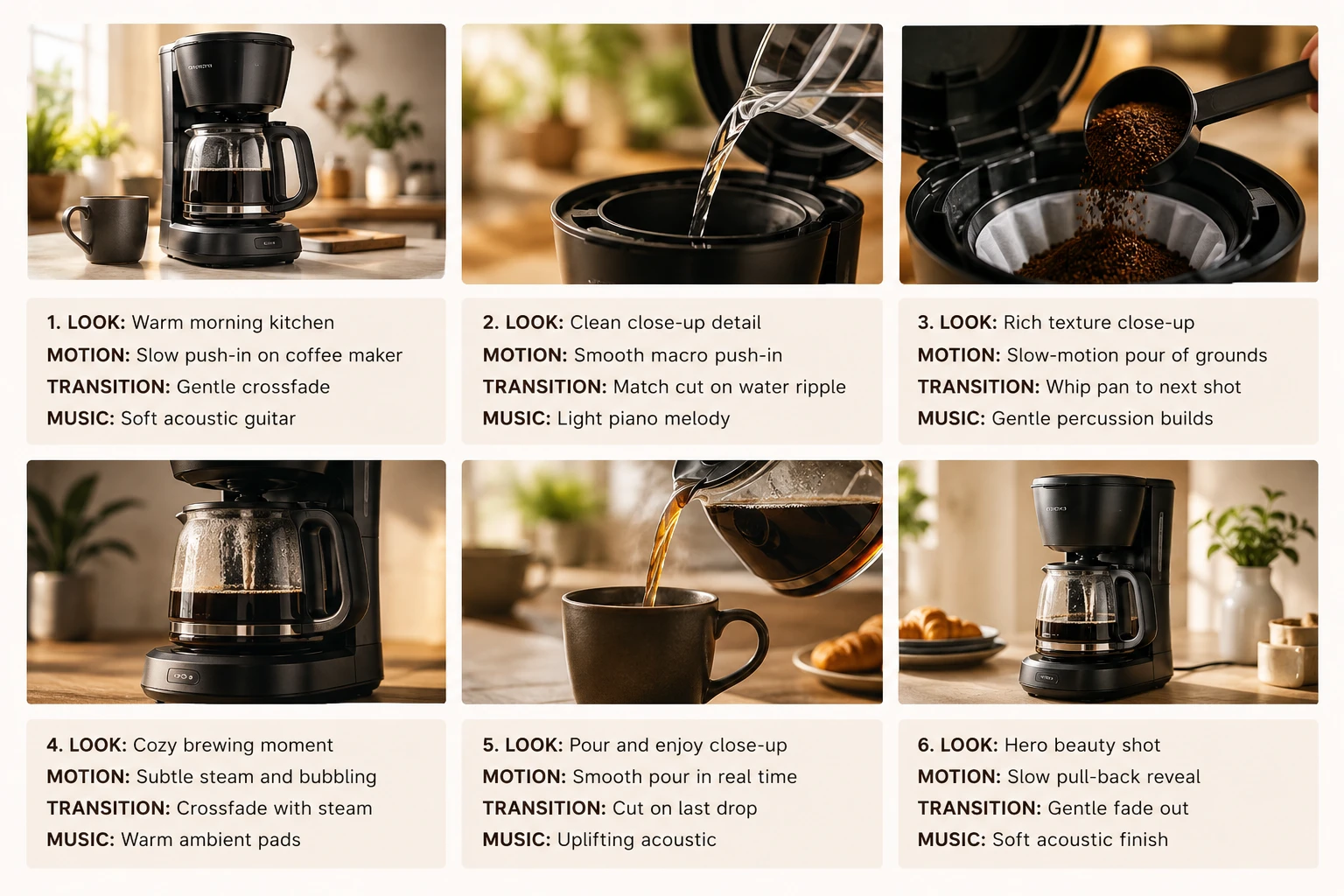
A prompt panel describing motion, transitions, and background music for each carousel photo

Step 02

Describe The Shots And Music

Write a short prompt for each image that names the look, the motion, the transition into the next shot, and any background music. VideoAI reads those notes and arranges the sequence for you, so you shape the pacing by describing it rather than dragging a manual timeline.

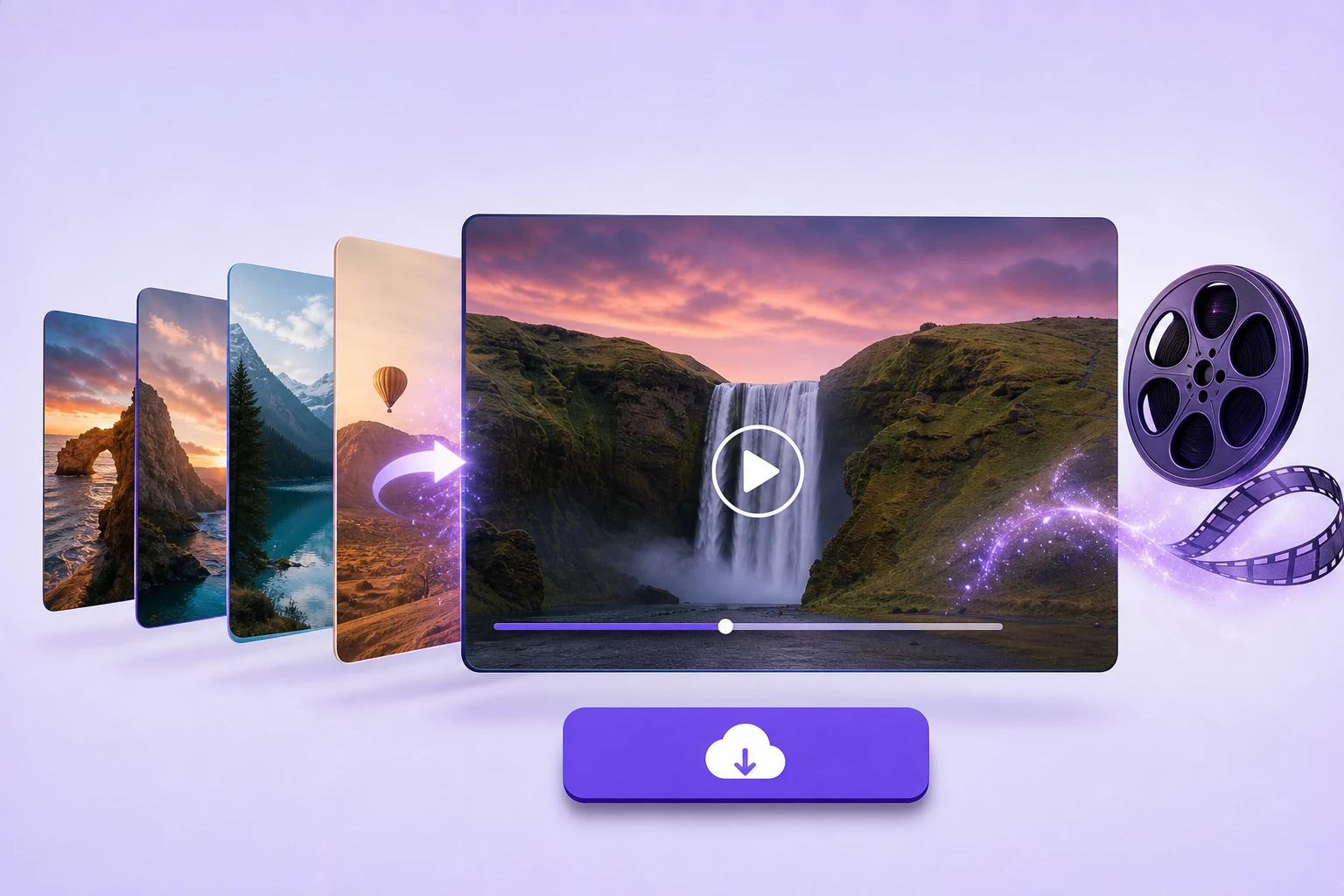
A finished carousel video playing with transitions beside a ready download button

Step 03

Generate Then Refine Or Save

Press generate and VideoAI merges the photos into one carousel video with your transitions and an optional voiceover. The clip saves to your workspace, where you can download it, generate a fresh version, or reuse it as material for another edit.

Where An Instagram Photo Carousel Shines

Four ways creators put an instagram carousel maker to work, from paid ads to travel recaps.

Instagram Carousel Ads That Hold Attention

A brand running paid promotion needs more than one flat image to stop the scroll. Feed in the product and benefit shots, add motion and a music bed, and the swipe becomes a short video ad viewers actually pause on. Because the output can be used commercially, it is ready to run in a campaign.

Travel And Wedding Recaps

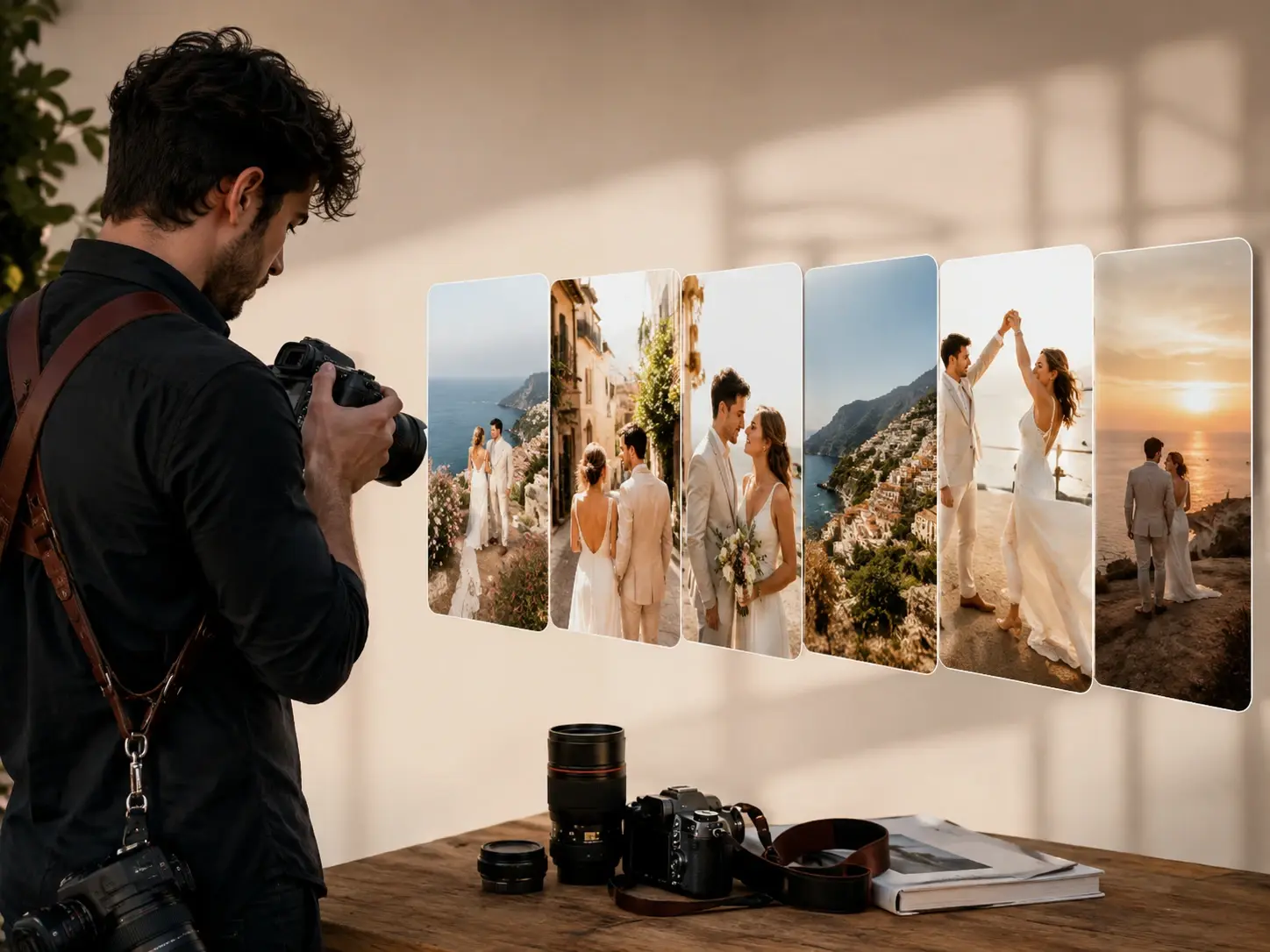
A weekend of travel photos or a full wedding gallery tends to sit unwatched in a folder. Arrange the strongest frames, describe the mood and the song, and they turn into a swipe recap that people finish. It plays like a highlight reel instead of a static album.
Product Drops For Small Shops

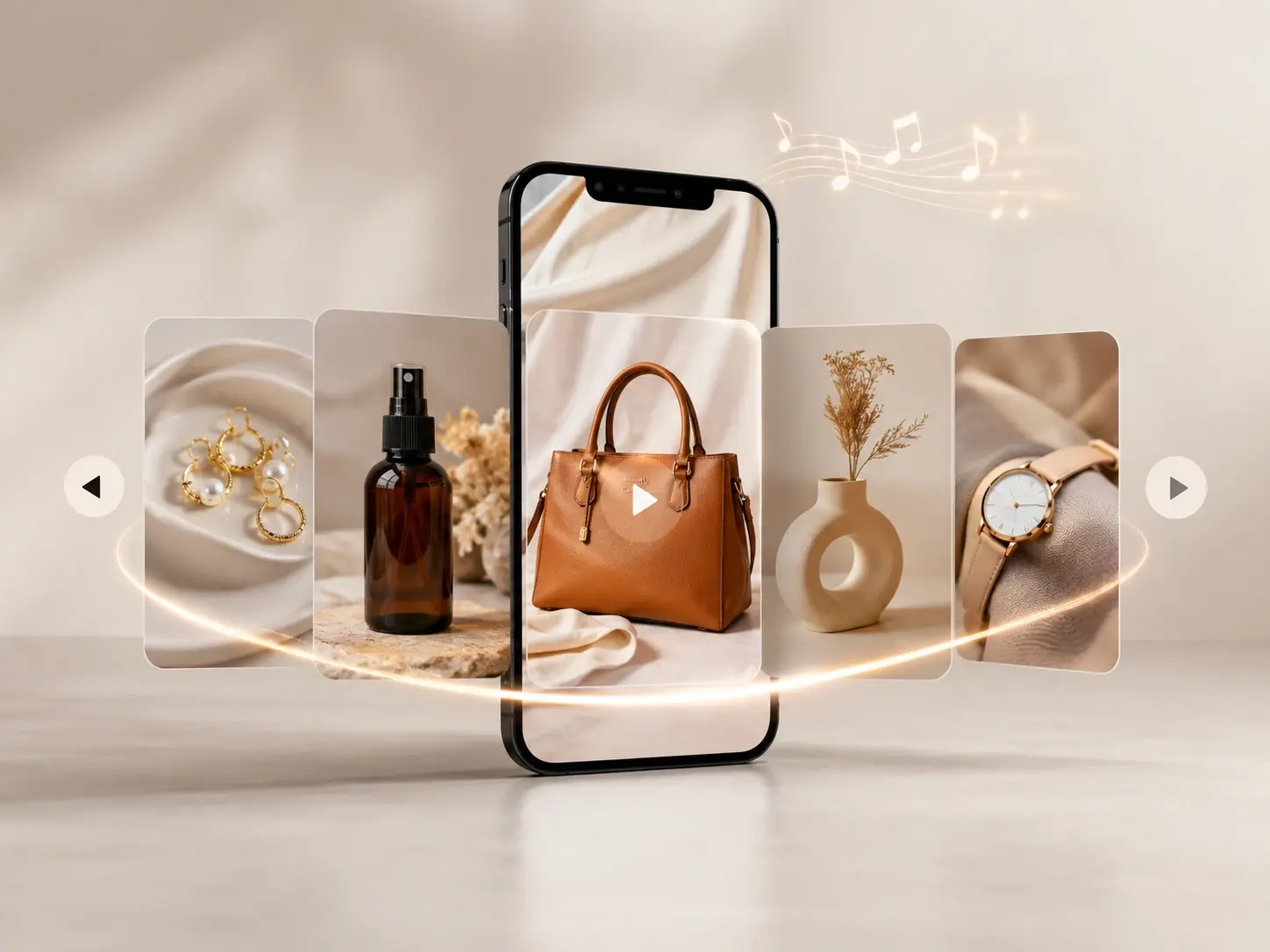
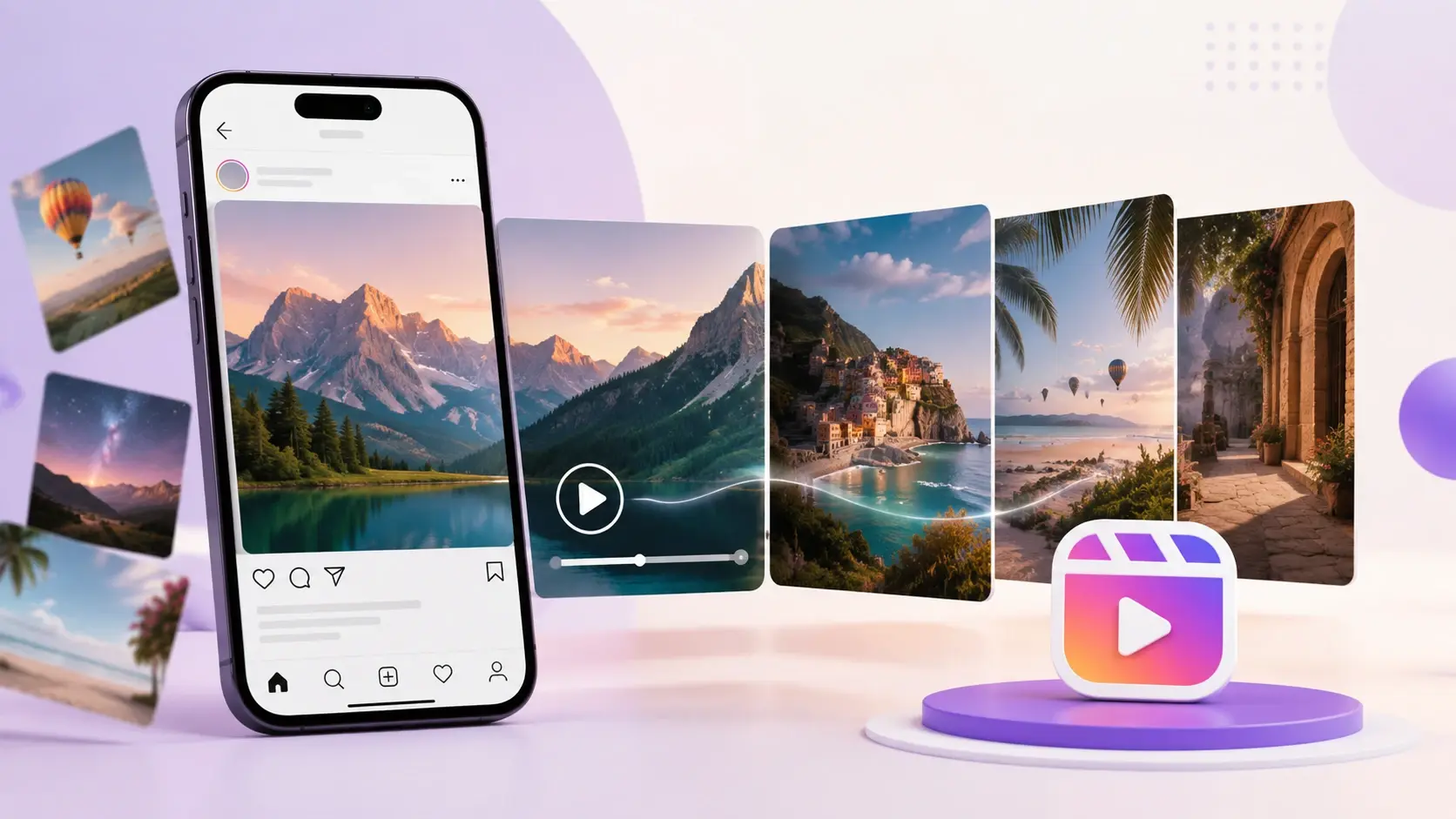
Small shops and online sellers often shoot a dozen angles but have no time for editing software. Line the shots up, note the transitions and a backing track, and the instagram carousel maker turns the set into a short carousel video for a post or a Reel. Shoppers see the product move rather than scanning a plain grid.

Step By Step Explainers

Teaching a process or a checklist lands better when each point gets its own beat. Order the images, add a voiceover that talks through them, and the carousel video explains the steps out loud. It fits tips, tutorials, and any list that reads more clearly with narration.

Who Reaches For This Instagram Carousel Maker

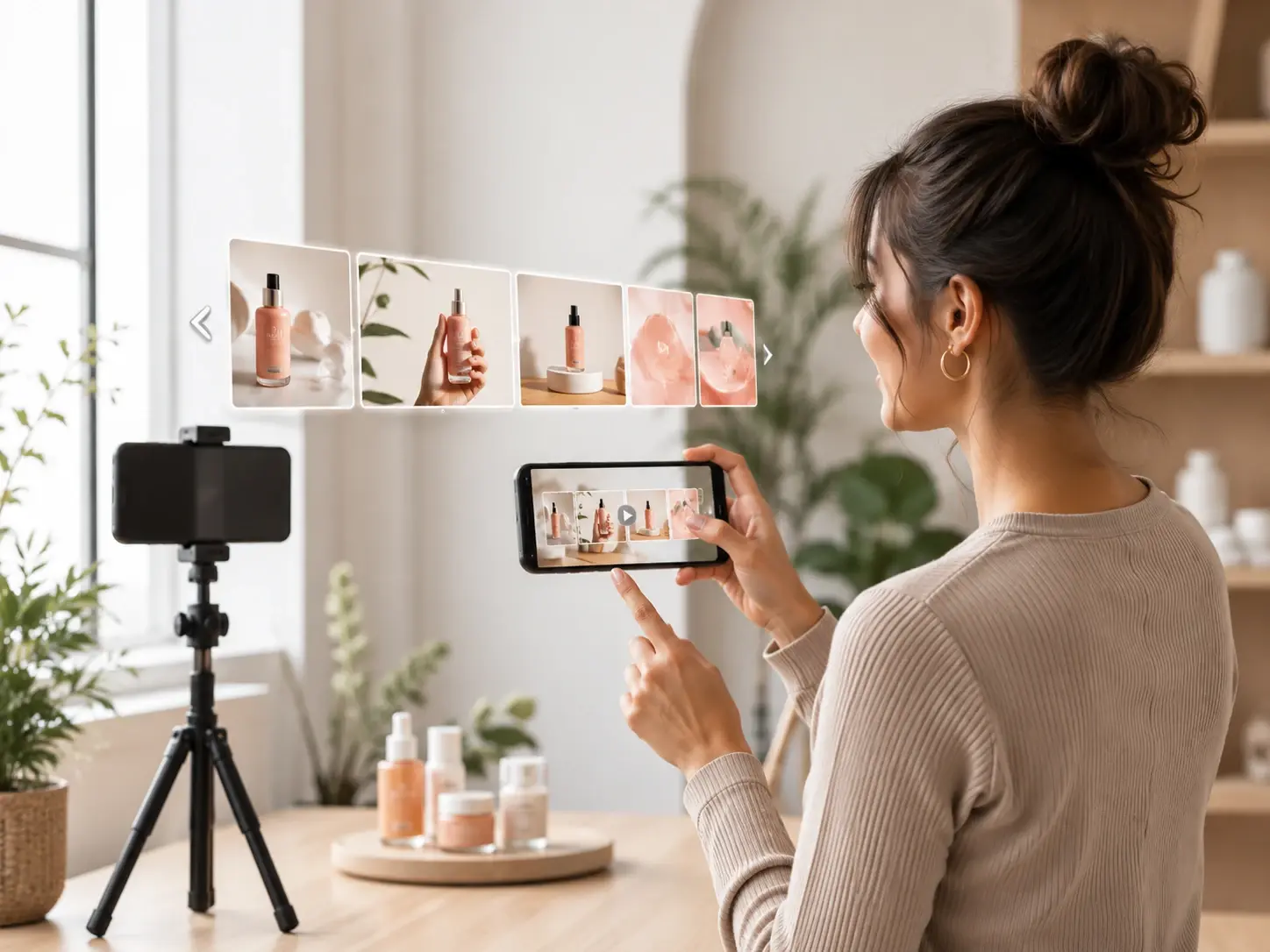
A social creator turning a batch of product images into a posted carousel video

Creators Posting On A Schedule

If you publish carousels several times a week, VideoAI works as a quick instagram carousel generator, turning a batch of images into a finished carousel video, so you keep a steady posting rhythm without opening a full editor.

What Sets This Instagram Carousel Maker Apart

The parts that shape how your instagram carousel design looks and moves on screen.

One carousel video assembled from several photos instead of separate posted slides

One Video, Not Loose Slides

What you get is one carousel video from the instagram carousel maker, not a stack of separate images you post by hand. Your photos flow together with motion and transitions, the honest difference between this and a static instagram carousel post builder.

Camera motion carrying the viewer from one carousel photo to the next frame

Smooth Transitions Between Shots

Between each photo, motion and camera moves carry the eye from one frame to the next, so the swipe feels fluid instead of choppy. As an ai carousel generator, VideoAI reads your notes and decides how the video flows, which keeps the whole clip easy to watch.

The same product kept consistent across every frame of an Instagram carousel video

Consistent Subject Across Frames

When several reference photos show the same person or product, VideoAI holds that subject steady from shot to shot. A face or a package looks like itself the whole way through the instagram carousel video, so the piece feels like one take rather than a slideshow of strangers.

A carousel video with a background music track and an optional spoken voiceover

Music And Optional Voiceover

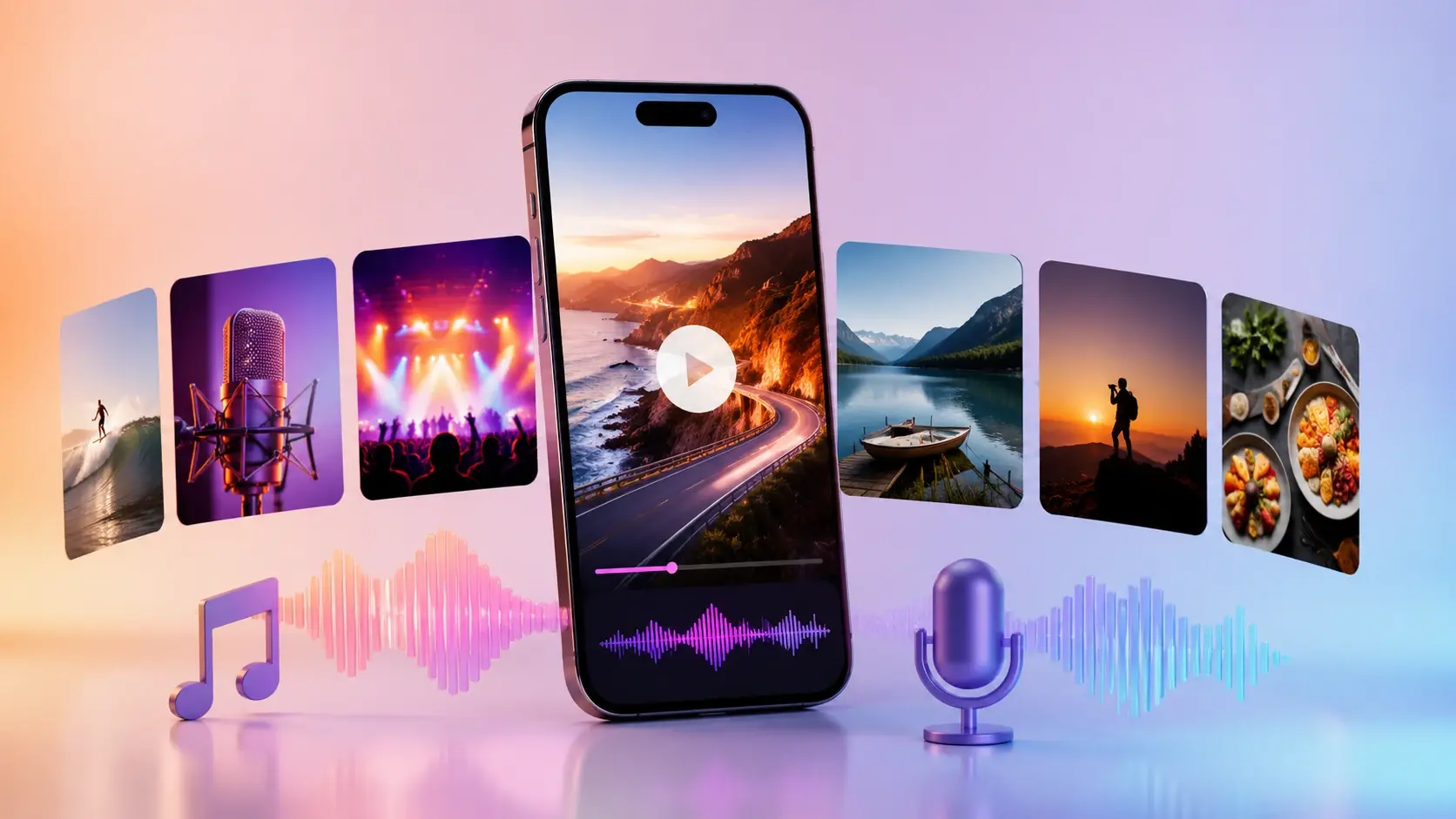
You can add a background track or sound effects to the instagram carousel maker, plus an optional voiceover for explainer style posts. The audio is generated from your description rather than tuned on a manual timeline, so you say what you want and the mix follows the prompt.

Questions About Making Carousel Videos

An Instagram carousel is a single post holding several images or clips that you swipe through sideways. This instagram carousel maker takes that format and produces one swipe style carousel video from the photos you upload, rather than a set of static frames to flip between.

Upload the images, set their order, then describe the motion, transitions, and music you want across them. From there the instagram carousel maker generates a single carousel video you can download or regenerate until it feels right, and the whole flow runs in your browser.

Feed carousels and Reels usually use square, portrait, or vertical framing, such as 1 by 1, 4 by 5, or 9 by 16. Choose the target shape at generation time so the instagram carousel maker fits the video where you plan to post it.

Dimensions follow the same aspect ratios most creators post in, so a square or vertical frame covers both feed and Reels placements. Pick the ratio that matches your destination and the instagram carousel maker builds the video to match, while exact resolution depends on the settings you choose.

One video. VideoAI merges your photos into a single carousel video with transitions and audio, giving you a clip to post instead of a batch of individual slides. That is what separates the instagram carousel maker from a splitter or an instagram carousel templates gallery.

Music and sound effects can go in, along with an optional voiceover for explainer posts. The mix is generated from the prompt you write rather than built on a clip by clip timeline, so you describe the mood and let the instagram carousel maker score it for you.

You can use VideoAI at no cost, and you can start free with 10 credits included to try it out. Finished videos carry no watermark and can be used commercially, and you can generate more than one at a time, while plan and credit details for the instagram carousel maker live on the pricing page.
Build Your Instagram Carousel Maker Video creative result ready to generate with VideoAI

Build Your Instagram Carousel Maker Video

Bring your photos to this ai carousel maker and get one carousel video ready for your next instagram carousel post.

Get Started
Instagram Carousel Maker - Photo Slideshow Video - VideoAI