

Outfit Generator
VideoAI turns a text prompt or reference photo into a styled outfit look you can preview, adjust, and export. Describe the occasion, color palette, and mood, then let the outfit generator build a coordinated visual you can use for content, planning, or inspiration.
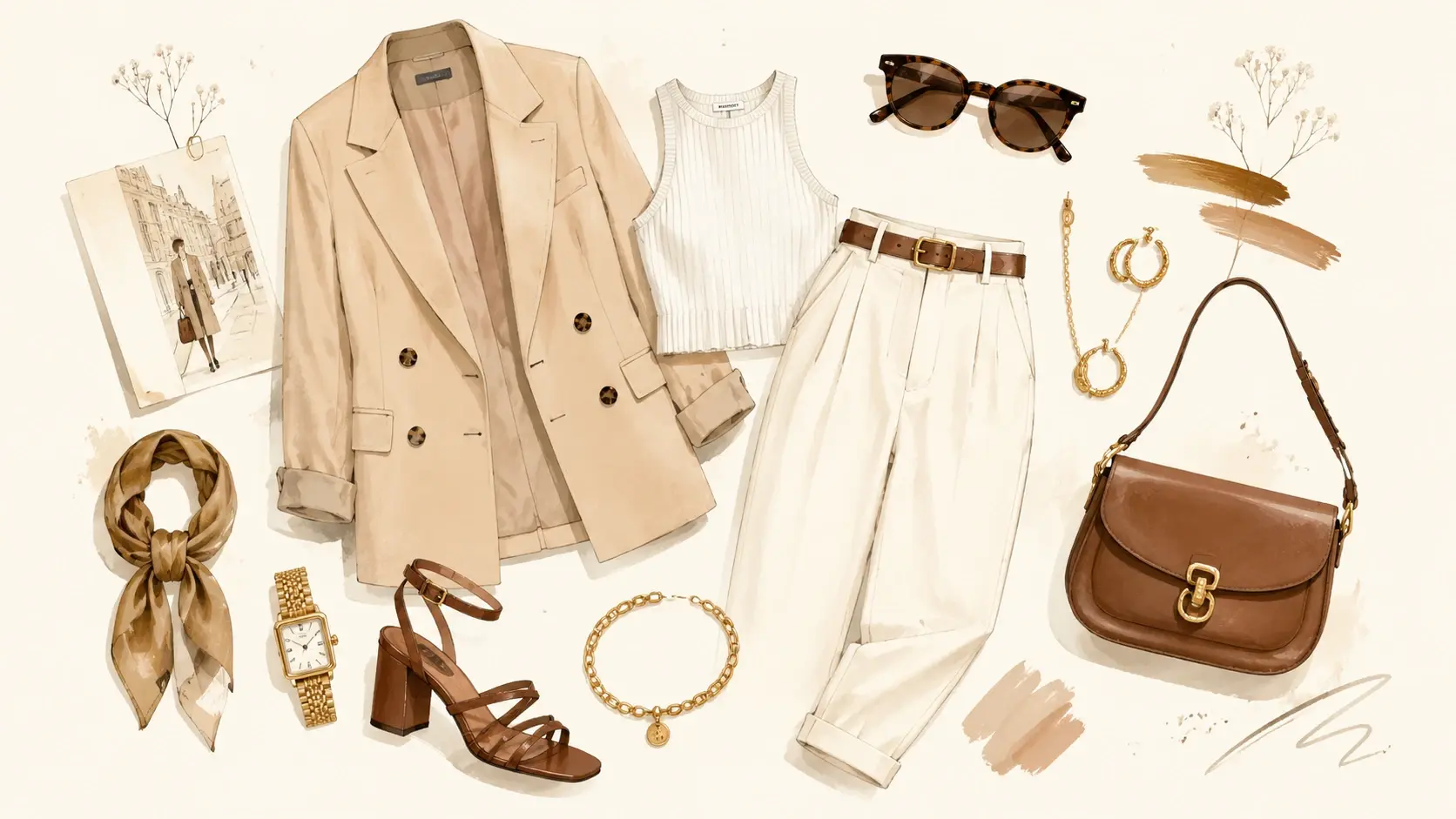
Who Reaches for This Outfit Generator
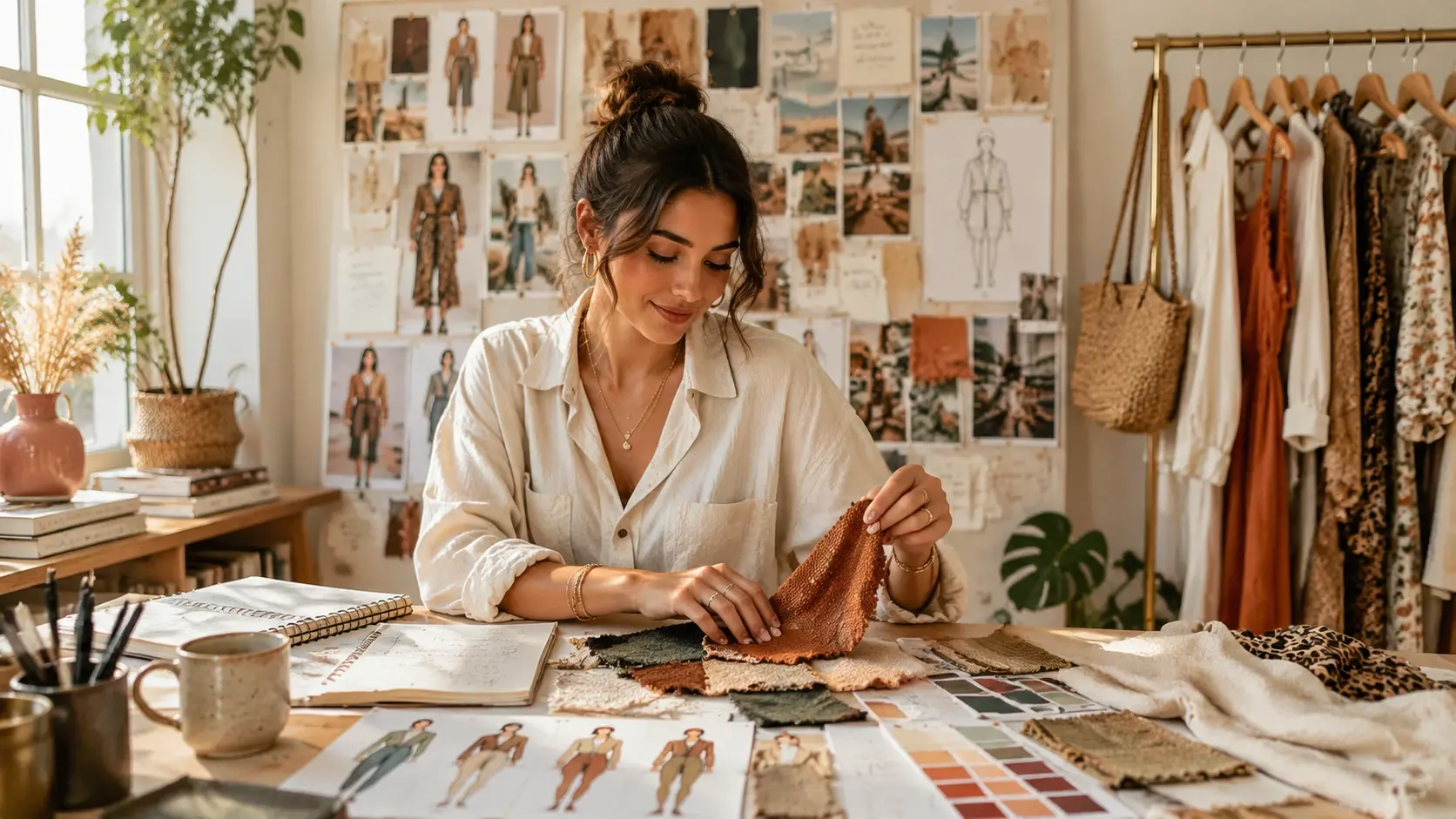
Fashion Content Creator
Your feed depends on fresh outfit visuals every week. Use the outfit generator to draft styled looks before a shoot, test color combinations across seasons, and preview how each piece works together. VideoAI keeps the styling decision visible so you can plan content batches without sourcing every garment first.
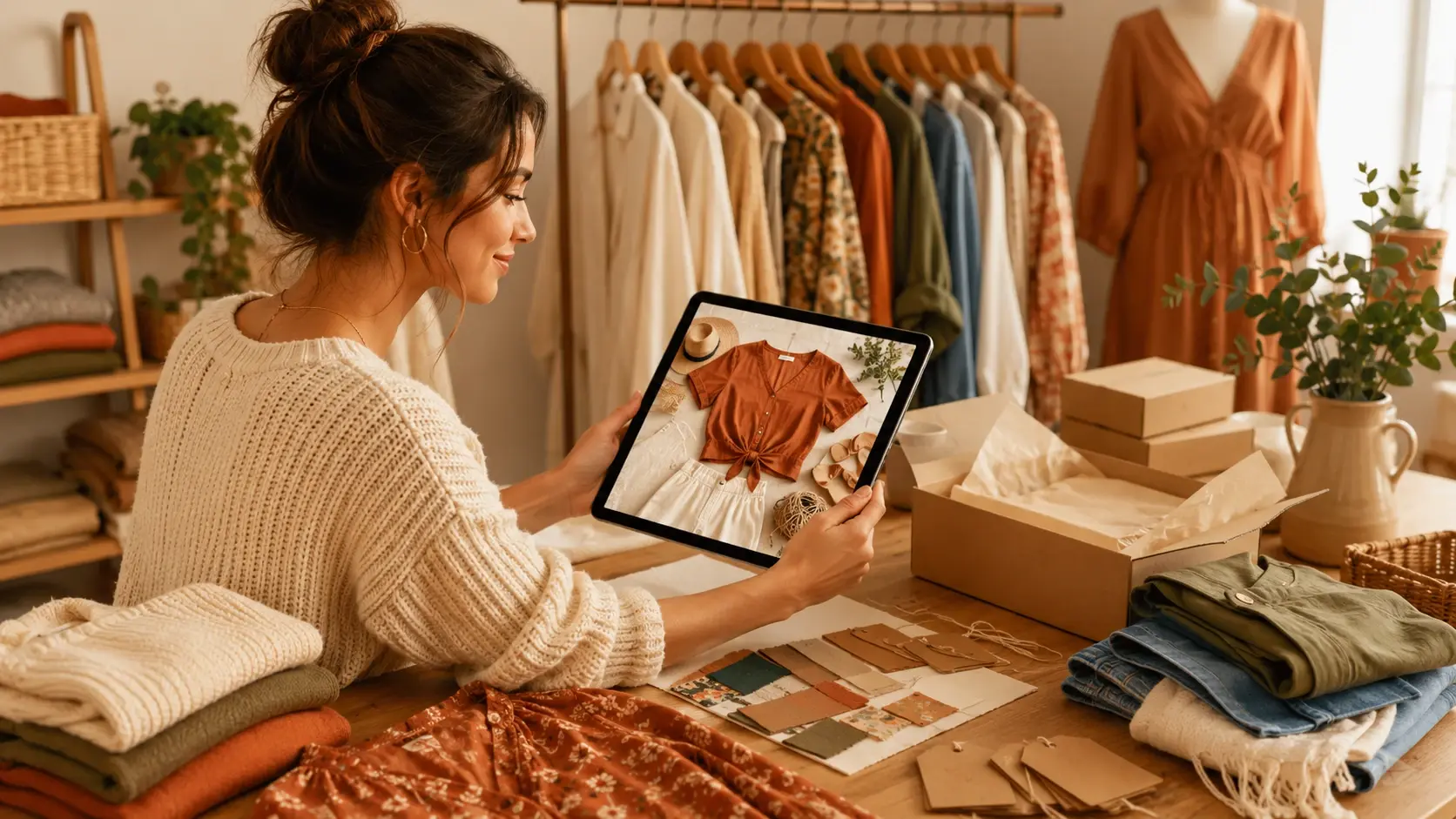
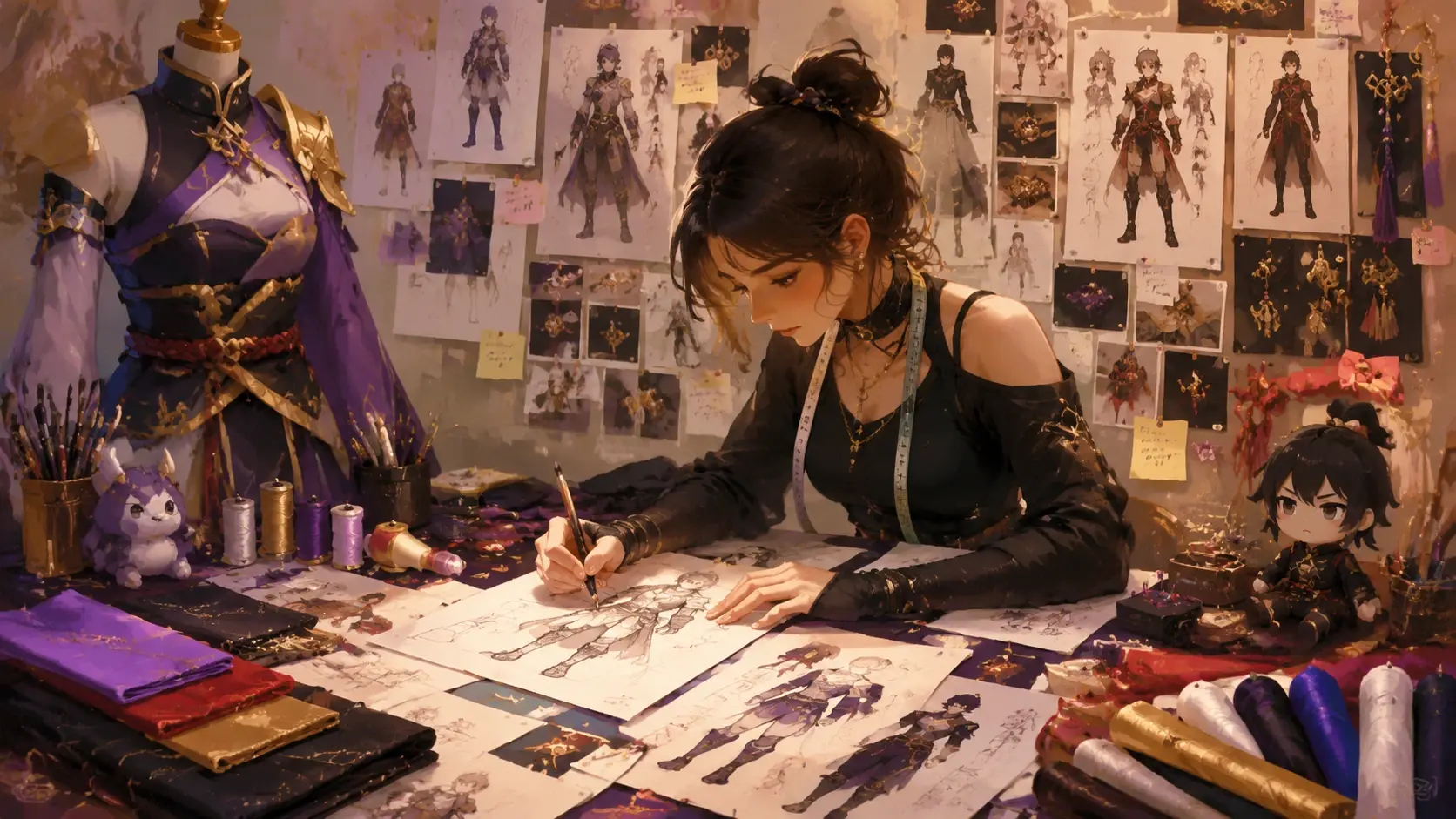
Inside the AI Outfit Generator
Each feature helps you move from an outfit idea to a styled visual you can review and refine before export.
Prompt to Look
Describe the occasion, style direction, color palette, and mood in a text prompt. VideoAI generates a complete outfit look from the description, keeping each piece coordinated. The output is strongest when the prompt names specific garment types and a clear aesthetic direction.
Reference Match
Upload a reference photo and VideoAI uses it to guide the outfit style, silhouette, and color balance. This works well when you have a mood board image or an existing piece you want to build around. The generator keeps the new output linked to your reference intent.
Piece Swapping
Adjust individual elements of the outfit by changing your prompt details. Swap a jacket for a blazer, change shoe styles, or shift the color scheme while keeping the rest of the look intact. This iterative approach helps you find the right combination without starting from scratch.
Look Preview
Preview the complete styled look before exporting. VideoAI shows the outfit in a clean studio presentation so you can evaluate proportion, color harmony, and overall balance. Check the preview at different aspect ratios to see how the look works across content formats.
Creators on This Outfit Generator
These creators use the outfit generator as a practical step in their styling and content workflow.
I use the outfit generator to plan my weekly content looks. It saves hours of browsing and lets me test color stories before a shoot.
Mia Torres
Fashion Blogger
The reference match feature helped me build product pairing visuals for my store without booking a full photo session every time.
Jordan Lee
Ecommerce Manager
Planning cosplay builds is so much easier when I can preview the full outfit first. The color accuracy from the prompt is surprisingly good.
Yuki Tanaka
Cosplay Creator
I draft outfit concepts for client mood boards before sourcing anything. VideoAI gives me visual options I can discuss in our first meeting.
Aisha Patel
Personal Stylist
The piece swapping approach lets me iterate fast. I changed the shoe style three times in five minutes and found the right balance.
Carlos Reyes
Menswear Creator
I needed seasonal outfit boards for a brand pitch. The outfit generator delivered clean, coordinated looks that matched the brief perfectly.
Emma Larsson
Brand Consultant
Outfit Generator Common Questions
Explore
Discover our AI design tools




























Explore related tools

Style Your First Look Today
Open VideoAI with a style description or reference photo, preview the coordinated outfit, and export a styled look ready for your content, planning, or inspiration board.
Get Started