


Square Face Generator

A blank prompt is the hard part of making a face from nothing. Describe the age, expression, hair, and lighting you want, or upload a reference photo to guide the look, and the square face generator builds candidates that are composed for a square frame from the start. Compare them, keep the one that still reads in a circular crop, and download the face that fits your profile, game, or character.

  • Square face generator result of a forward-facing woman on a warm studio backdrop
  • Angled square face generator portrait of a man with a short beard and sage backdrop
  • Stylised square face generator avatar of a smiling woman with curly hair
  • Editorial square face generator portrait of an older man in golden light

What the Square Face Generator Helps You Do

Four jobs the square face generator is built for, from writing your first prompt to keeping a face readable in a small circular avatar.

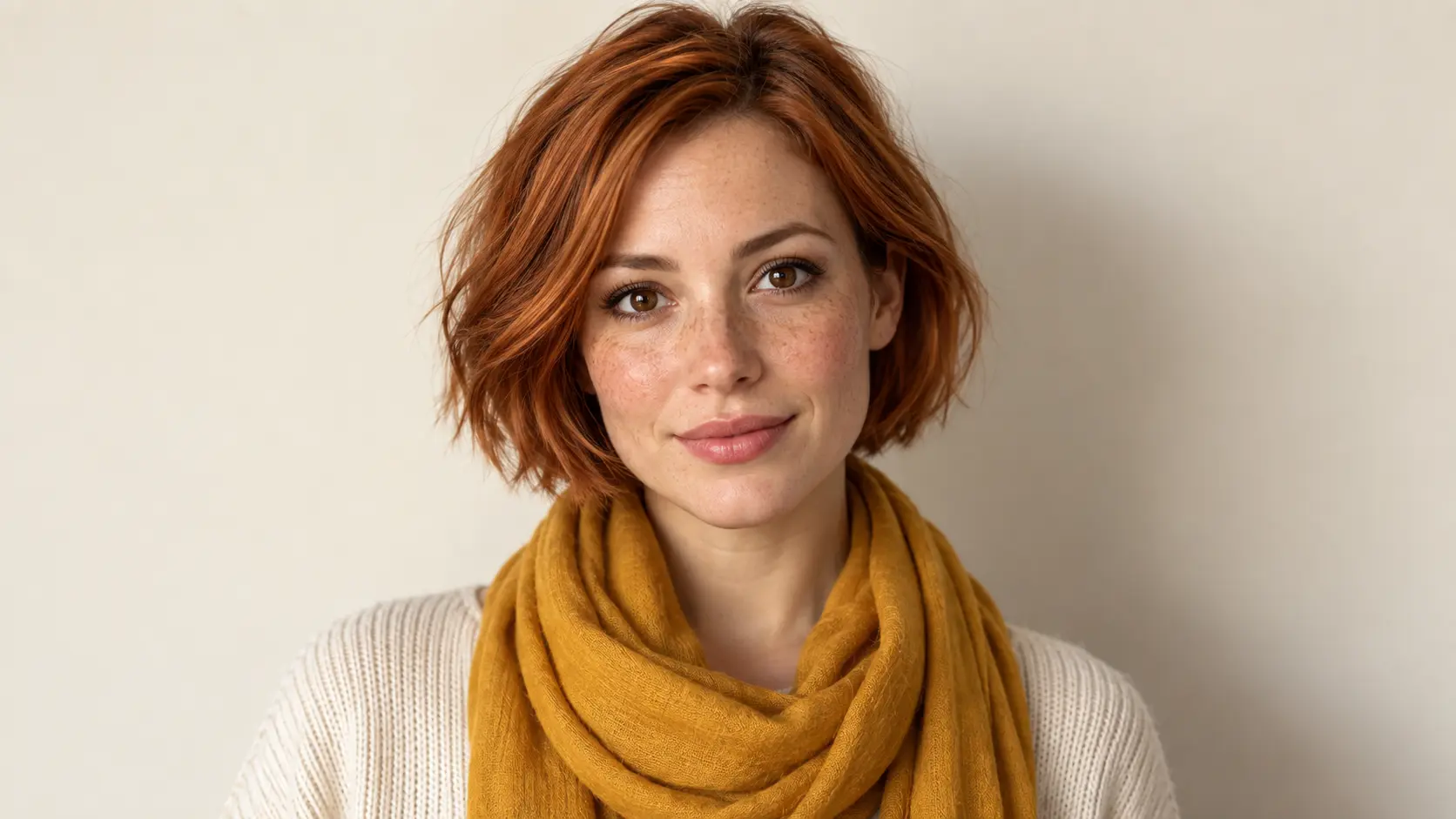
New square face generated from a text description of a woman with a copper bob

Describe a Face Instead of Finding One

You do not need a photo or a sketch to start. Write the age, expression, hair, mood, and lighting you want, and the square face generator builds a new face that fits a square frame. Ask for a realistic portrait, a stylised avatar, or a character face, then generate a small set of candidates to compare. Because the output is square from the start, the face is composed for a profile slot instead of cropped out of a wider image.

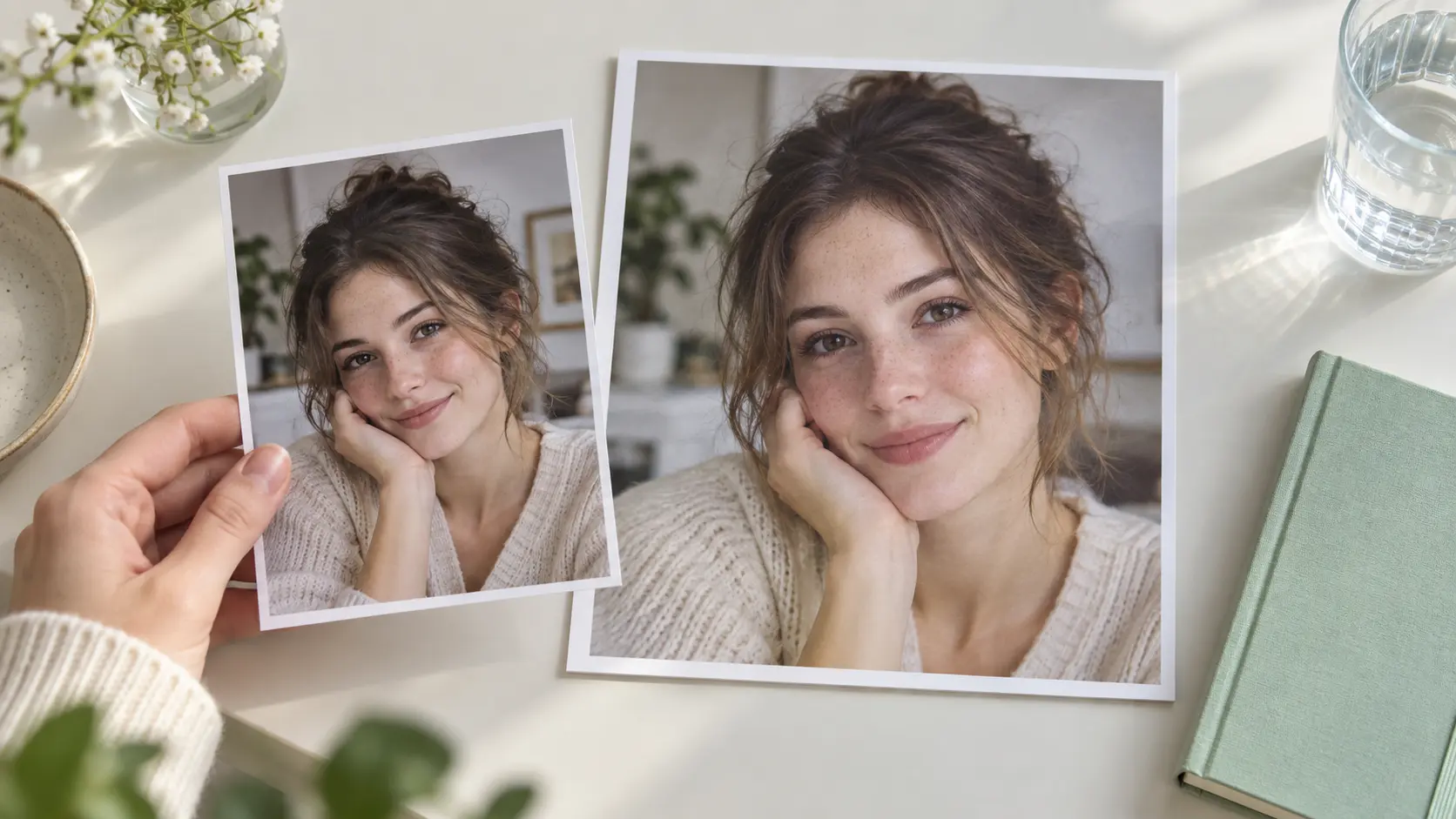
Reference photo guiding a new square face generator portrait on a bright desk

Guide the Result With a Reference Photo

If you already have an image in mind, the square face generator can use it to steer the new face while still creating something fresh. Upload a photo to influence the pose, hair, or overall look, then describe what should change. This is how people build an AI face generator result from a reference without copying an existing photo exactly. Check that you have permission to use any reference image before you upload it.

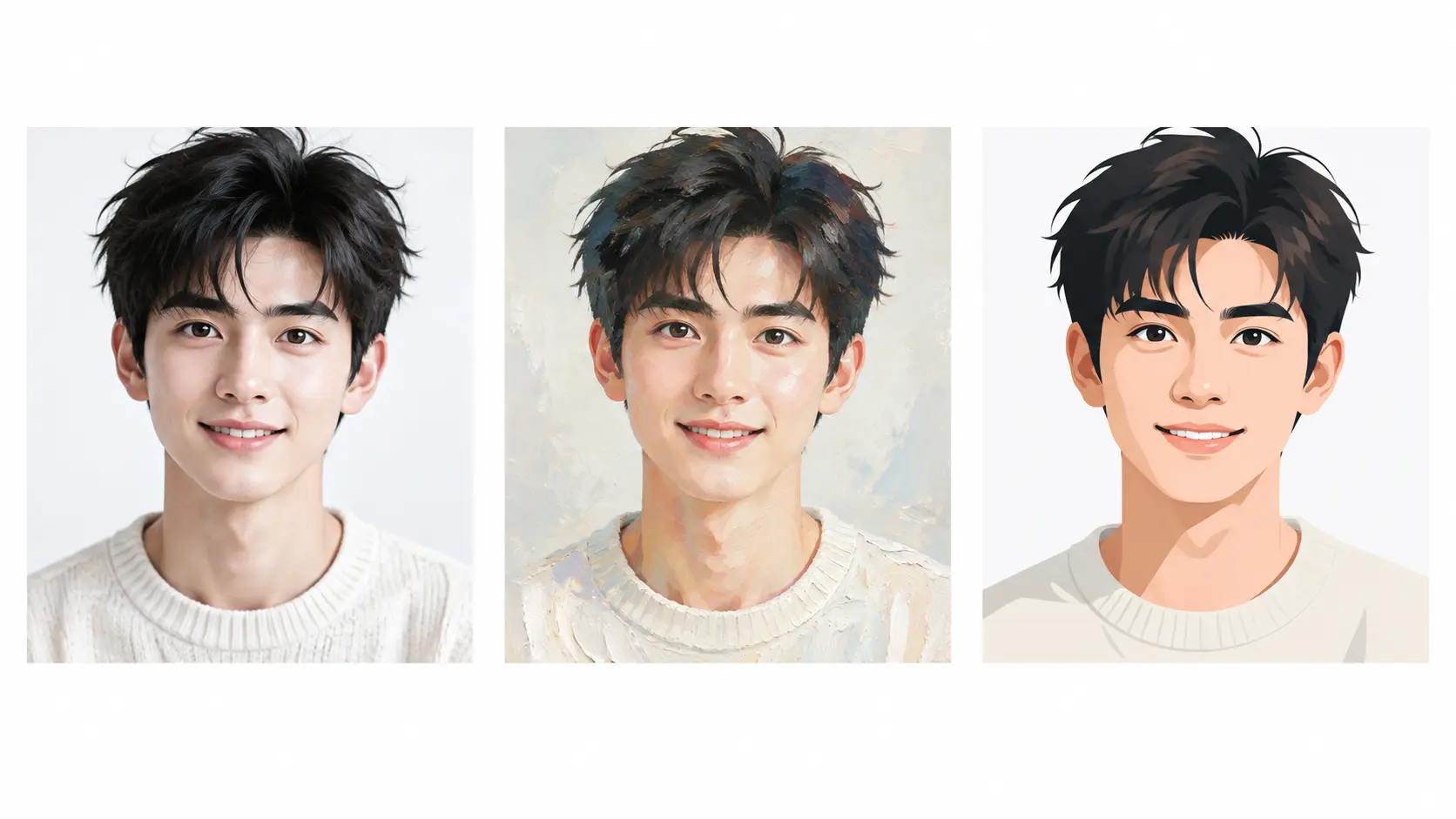
One generated face shown in realistic, painted, and flat avatar styles as square portraits

Keep One Face Consistent Across Styles

The same face idea can read very differently in a different style. Ask for a neutral professional headshot, a warm smiling portrait, a painted avatar, or a stylised character, and adjust the expression as you go. Reusing one description across several runs is the fastest way to keep a character recognisable while you explore options, which matters when a story, a game, or a brand needs a set of faces that belong together.

Square generated face portraits laid out with safe margins for profile crops

Download a Face Framed for a Square Crop

Profile slots are square or circular, and a face that was not composed for one gets cut off. The square face generator frames every result for a square output, keeping the eyes near the upper third and leaving safe margins around the head. That makes the download usable as a personal avatar, a forum profile picture, or a character portrait without extra cropping. Generate several candidates and pick the framing that survives the smallest thumbnail.

Your Square Face Generator Workflow

Three steps from a short description to a square face you can download and use.

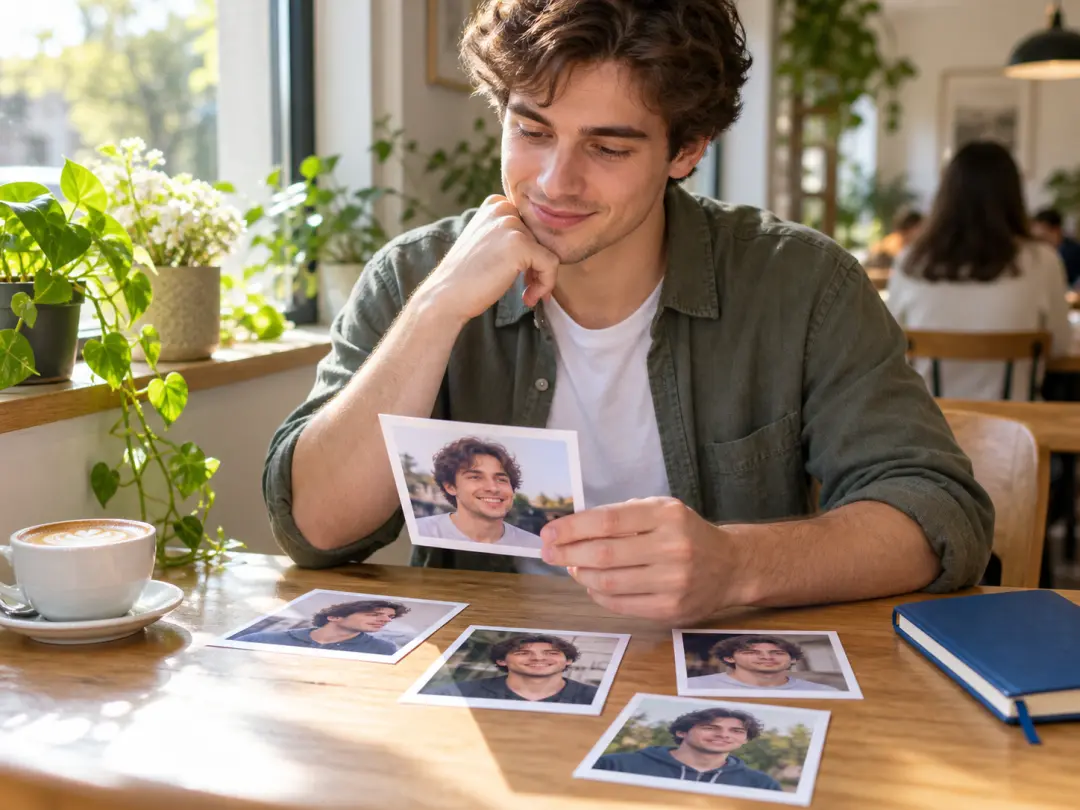
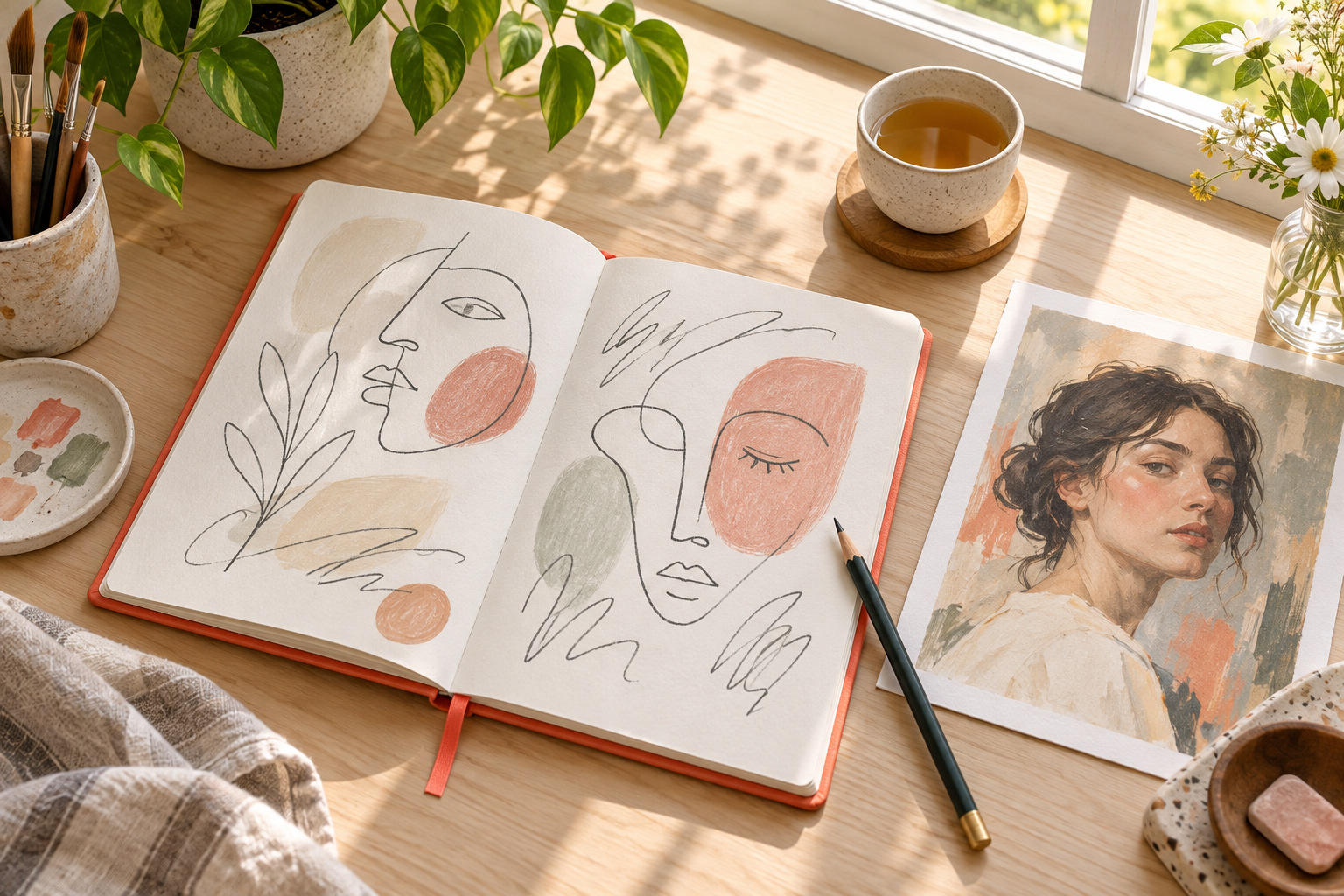
Notebook and reference portrait used to start describing a square face

Step 01

Describe or Upload

Start by writing a short description of the face you want, or upload a reference photo to guide the look. Include age, hair, expression, and the kind of light you picture, and keep the request focused on one face. A clear starting point gives the square face generator more to work with than a vague idea.

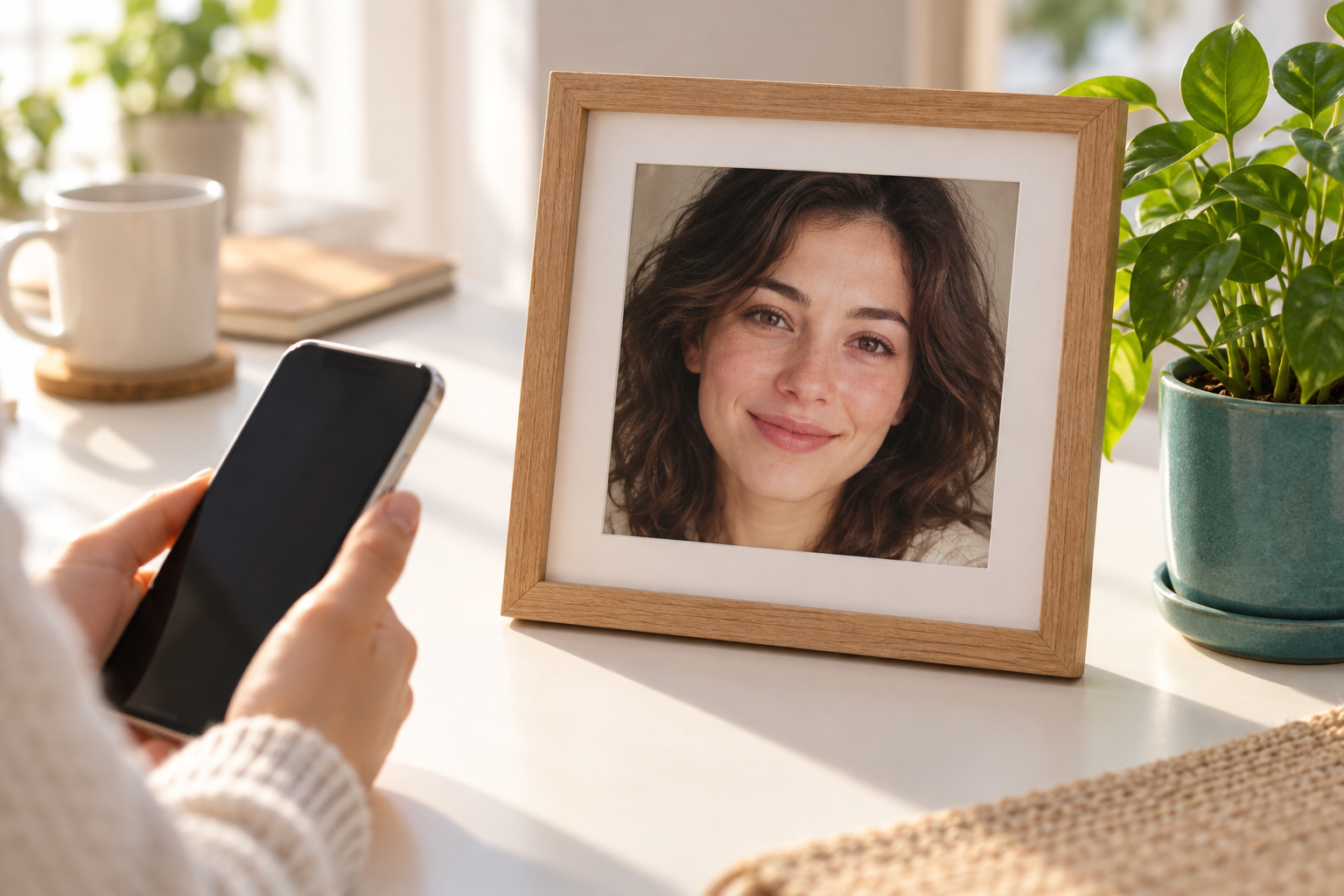
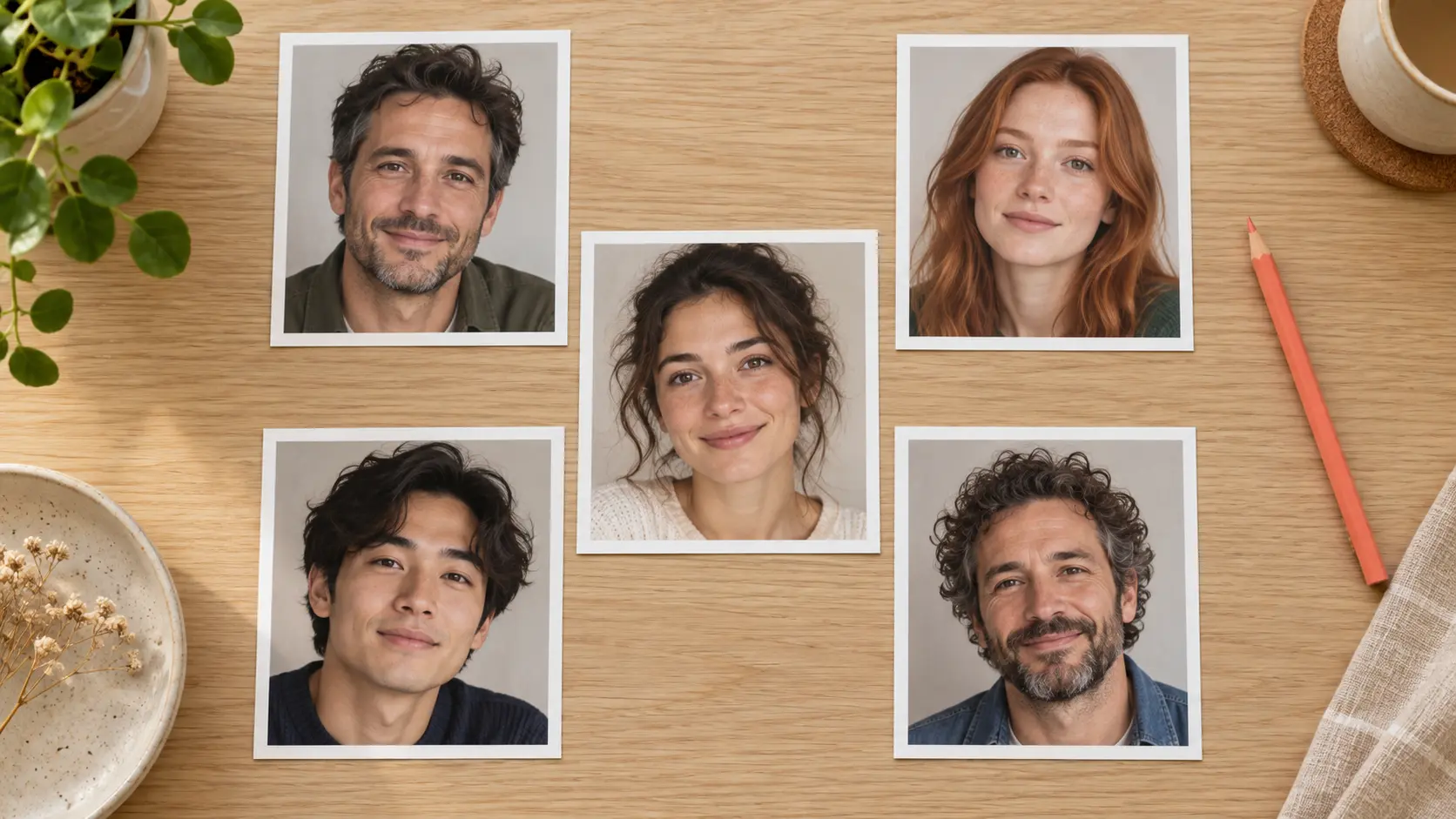
Set of square generated face candidates laid out for comparison

Step 02

Generate Face Candidates

Send the prompt and let the square face generator create a set of square face candidates. Each one interprets the description a little differently, so you can compare features, expressions, and framing rather than accepting the first result. Review the small grid, shortlist the faces that feel right, and regenerate if none of them match the direction you had in mind.

Chosen square generated face printed in a frame and saved for a profile

Step 03

Download the Square Face

Pick the face that fits your account, project, or character, then download the square result. The file keeps the square proportions from generation, so it drops straight into a profile slot. If you want a matching set later, reuse the same description or reference image to create more faces in the same direction.

Square Face Generator Use Cases

One prompt-first workflow covers profiles, characters, and styled faces.

Personal Avatars

Square face generator output works as a personal avatar when you want a face for an account without posting a real photo. Create a square portrait, keep the framing clean, and reuse the same face across profiles so your identity stays consistent.

AI Face Generators From Text

A prompt-first flow lets you build an AI face generator from text alone. Describe age, mood, hair, and lighting, generate candidates, and refine the description until the face matches the character you had in mind.

Fake Person and Character Sets

Writers, game masters, and designers often need a small cast of fake people for a story, a board, or a mockup. Generate several square faces in a matching style so the set reads as one world instead of unrelated portraits.

Profile Picture Makers

When a profile picture maker needs a square crop, starting from a square generator avoids awkward cuts. The face stays centred with safe margins, so the result survives circular and small-thumbnail crops.

Anime and Styled Faces

The same workflow can produce an anime face generator result or a painted avatar by changing the style words. Keep the square framing and the character features, then compare the styled candidates against your reference.

Who Uses a Square Face Generator

Creator choosing a square generated face for a new online profile

Profile and Account Creators

Anyone starting a new profile needs a face that reads clearly in a small square or circle. Use the square face generator to create a personal avatar without posting a private photo, then reuse the same face across accounts so people recognise you.

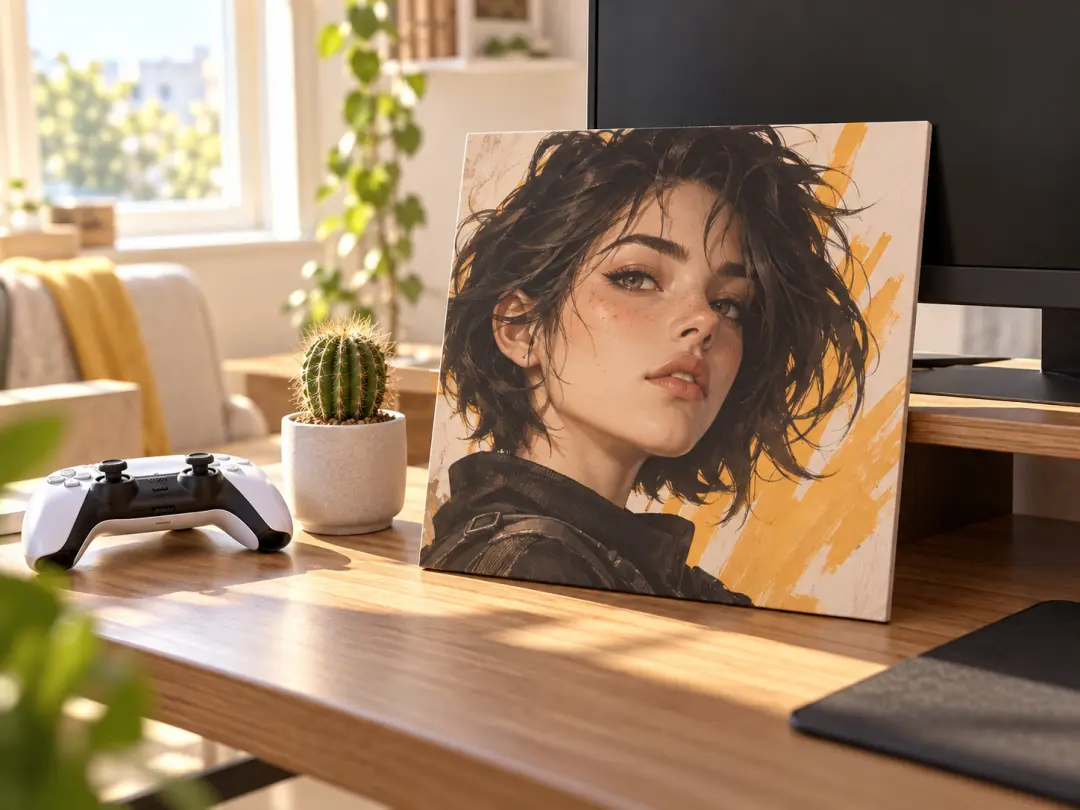
Square character face portrait displayed on a gamer desk for a forum avatar

Game, Forum and Community Users

Community profiles live or die on recognition, and a distinctive square face is easy to remember in a busy member list. Create a character face, choose a style that suits the server, and keep the square framing so the avatar still reads at thumbnail size.

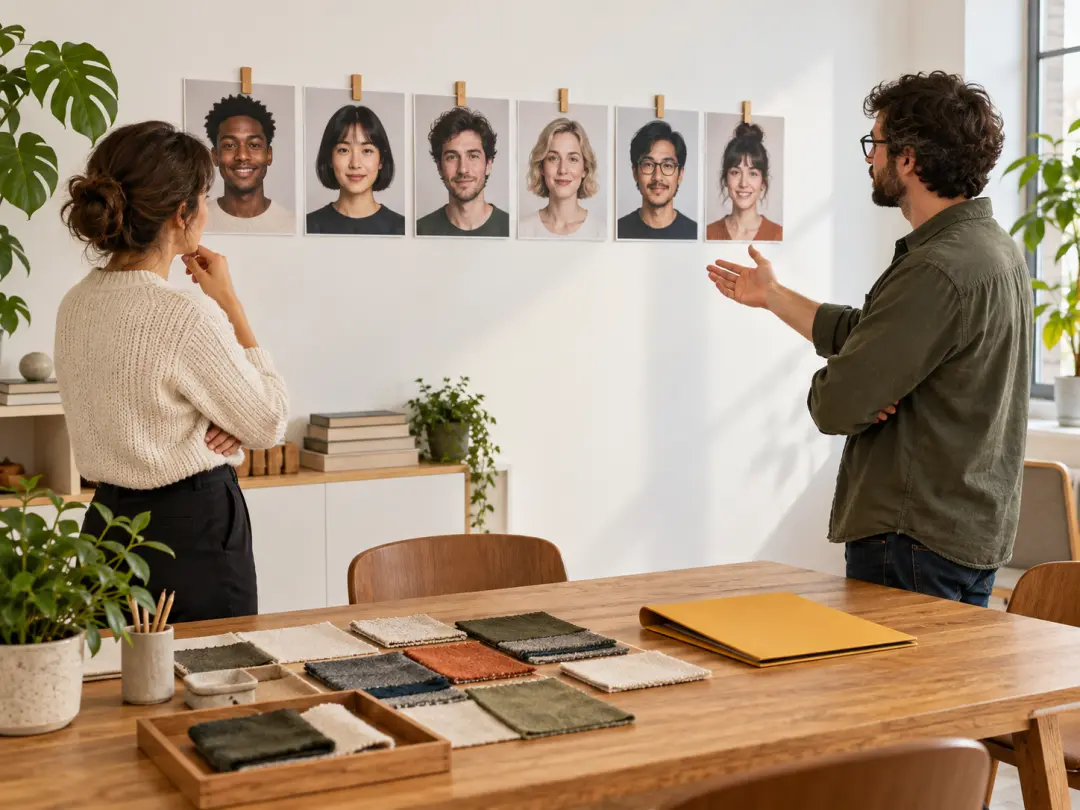
Team reviewing a matching set of square generated faces on a studio wall

Brand and Project Teams

A campaign, story, or product can need a consistent cast of faces rather than photos of real people. Build a small set of square faces in a matching style, keep the framing consistent, and reuse the look across profiles, mockups, and character sheets.

FAQ

Square Face Generator Questions

A square face generator creates a new face framed for a square output. You describe the look or upload a reference, and VideoAI builds one or more faces composed for a profile slot. It is different from cropping a wide portrait, because the composition is planned for the square from the start, so the eyes and head sit naturally inside the frame.

Yes. The text-to-image path lets you build a square face generator result from a description alone. Write the age, hair, expression, and lighting, generate a set of candidates, and refine the words until the face matches what you pictured. A focused description of one person works better than a long list of unrelated traits, and running the generator a few times gives you options to compare before you settle on a final portrait.

Upload a reference image to guide the square face generator, then describe what should stay and what should change. The reference influences pose, hair, or overall style instead of reproducing the original exactly. This is useful when you want a personal avatar that feels like you but is not a straight photo. Make sure you have permission to use any reference image, especially if it shows a real person.

Realistic prompts can produce convincing faces, but the output is a synthetic image and may still show small tells such as soft skin texture or unusual background detail. Describe lighting, age, and expression clearly, generate several candidates, and pick the strongest one. Treat the result as an AI-generated portrait rather than a photograph of a real person. Check the hands, jewellery, or background if those details matter to how you plan to use the portrait.

Yes. Add style words such as anime, painted, flat avatar, or pixel to shift the treatment while keeping the square framing. The generator keeps the face structure readable, so a stylised result still works as a profile picture. Compare a realistic pass with a stylised pass from the same description, then keep the version that fits the account, game profile, or brand you are building.

Yes. Reuse the same description, and change only the pose, expression, or style words between runs. That keeps the character recognisable instead of producing unrelated portraits, which is what a story, a game, or a brand needs when several faces have to belong together. Start from one result you like and treat its description as the template for the rest of the set.

VideoAI includes a free credit allowance for new accounts, so you can try the square face generator before paying. Downloads do not carry a watermark. If you plan to generate large sets, build avatars for a team, or use the results commercially, check the current pricing so you can choose a plan that matches your volume. Start with one generation or one small set, then upgrade only when the workflow proves useful.
Open bright studio backdrop for the square face generator call to action

Create a Square Face You Can Actually Use

Describe a face or upload a reference, generate square candidates, and download the one that survives a profile crop.

Get Started
Square Face Generator - Create Square AI Faces | VideoAI