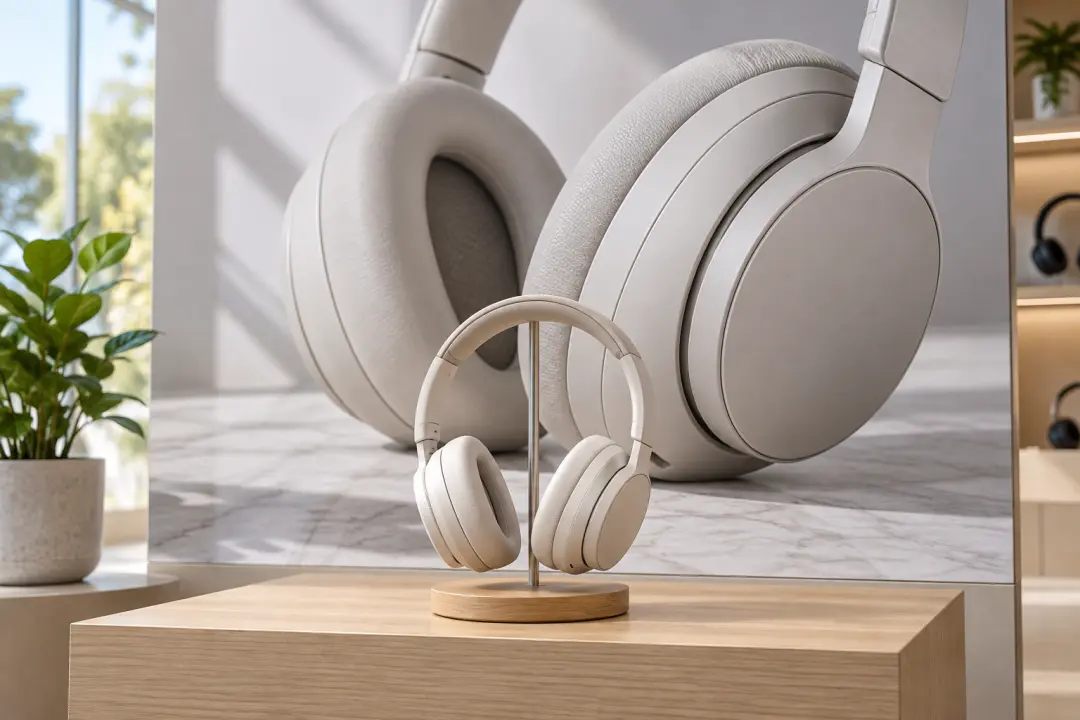
Image Resolution Enhancer

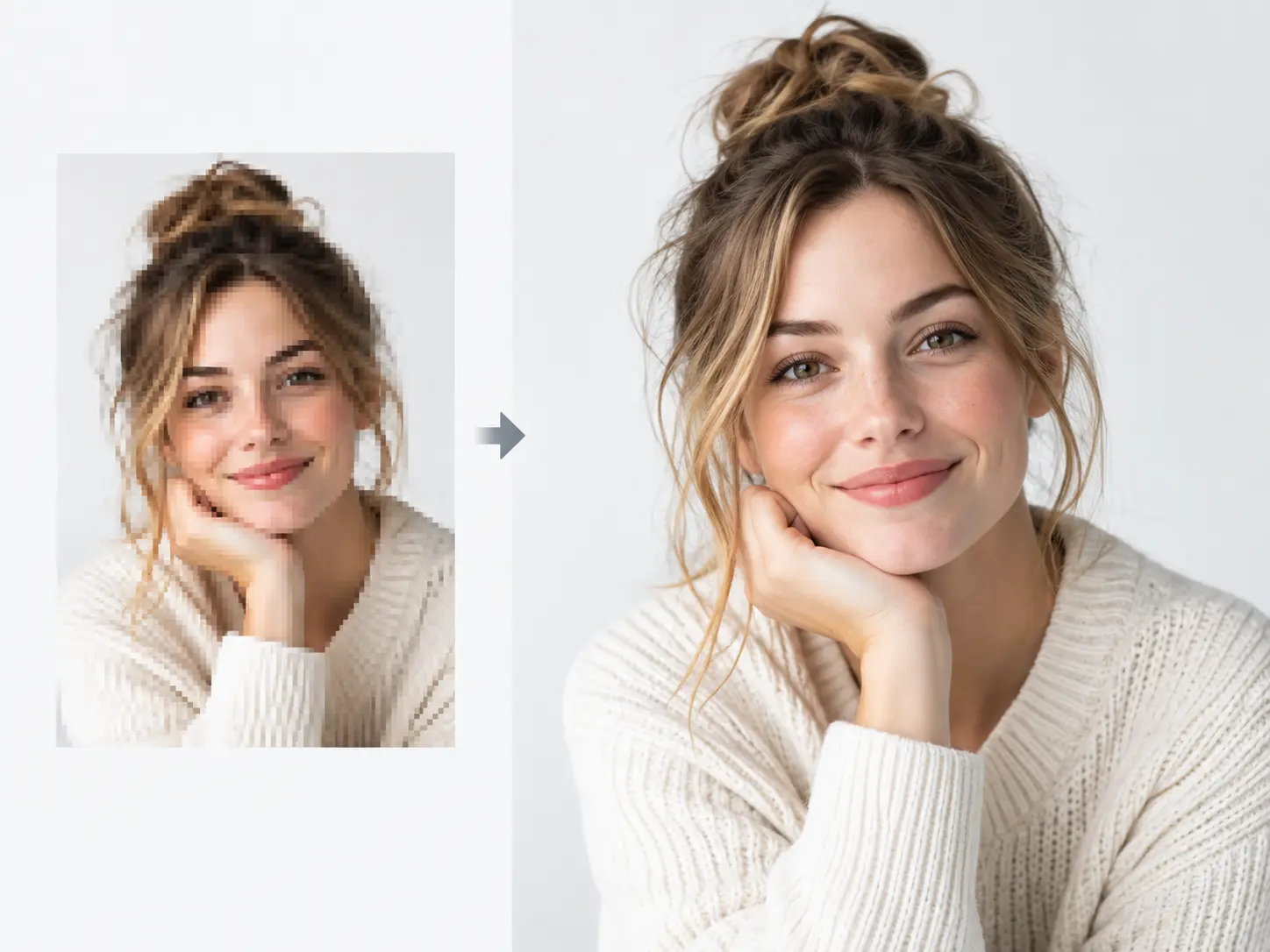
Use this image resolution enhancer to create a larger working copy from a small photo, scan, illustration, or product image. Upload the source, choose an available enlargement, and inspect the reconstructed detail before download. An image resolution enhancer can add output pixels and rebuild a clearer-looking surface, but it cannot recover information that was never captured. Keep the original file so the new dimensions, sharpness, crop, and visible texture can be compared honestly.

Image resolution enhancer creating a larger clear product photograph from a small source image

What an Image Resolution Enhancer Can Improve

The image resolution enhancer focuses on larger output dimensions, reconstructed detail, and a more useful file for the next layout.

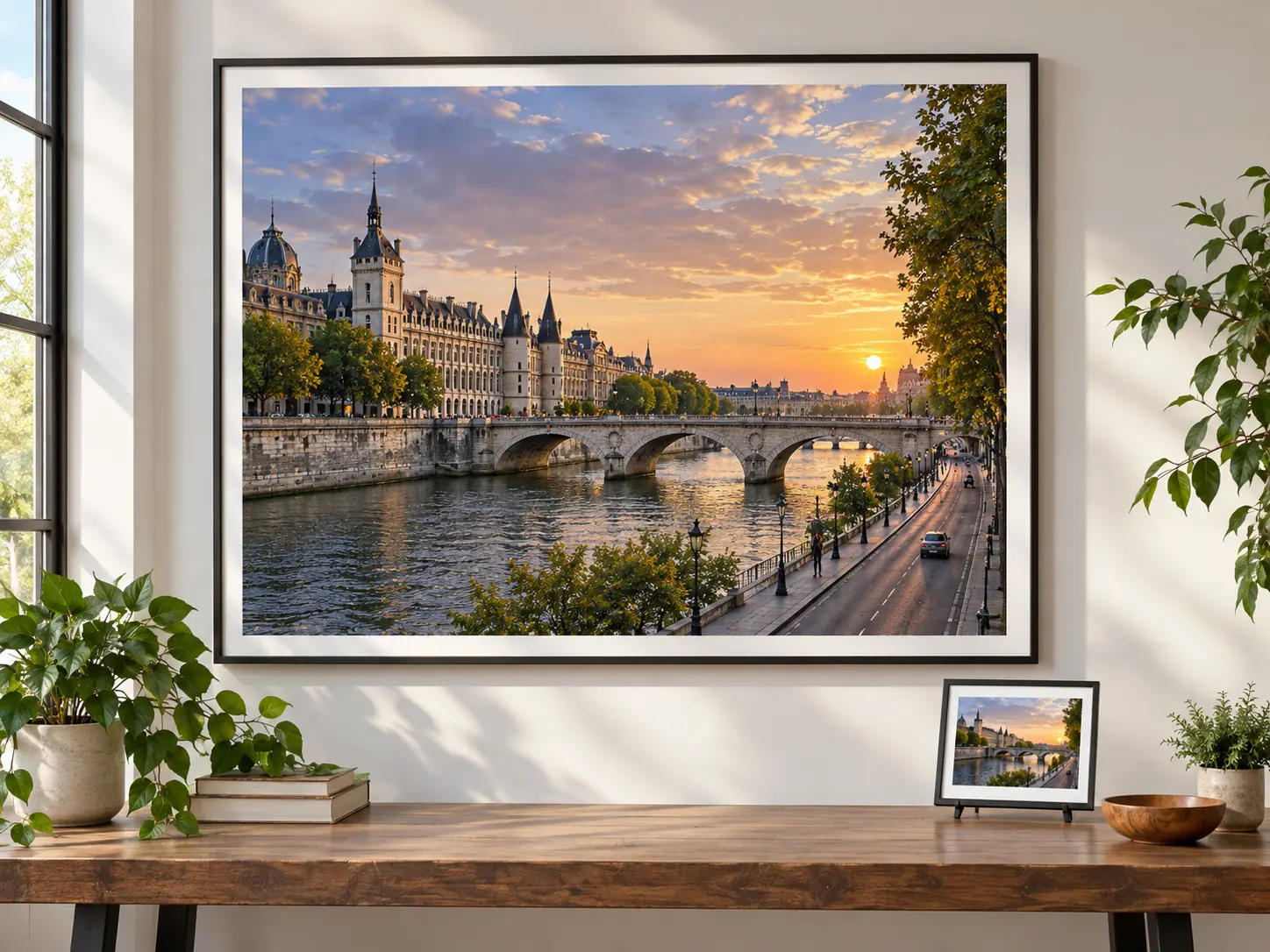
Large detailed cityscape print displayed beside the small source photograph

Add Output Pixels

Create a larger image that has more room in a listing, presentation, slide, or print draft. An image resolution enhancer increases the pixel dimensions, while you check whether the result holds up at the required viewing size.

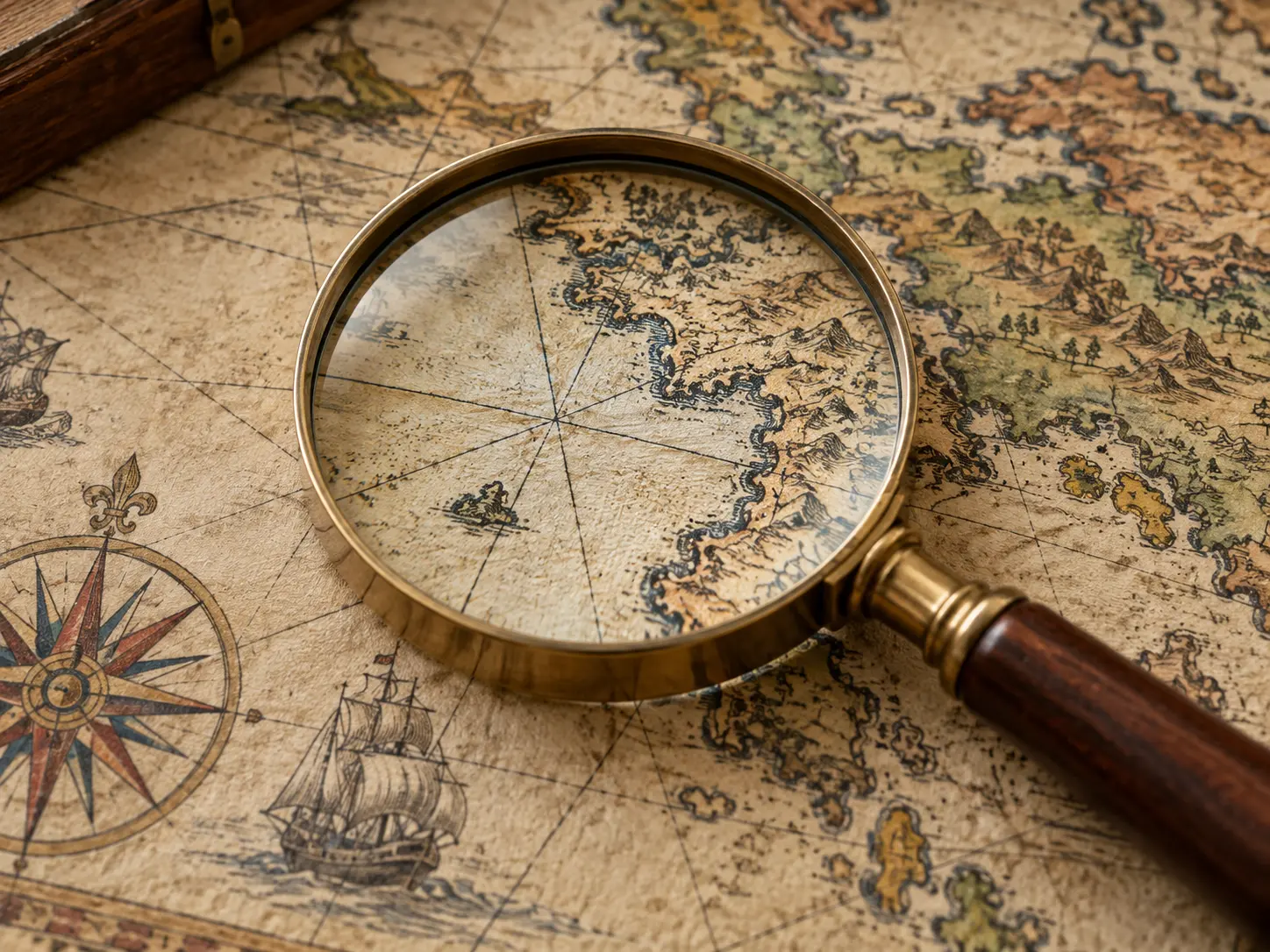
Close view of an old map print where paper texture and fine line work remain natural

Rebuild Likely Detail

Reconstruct edges, texture, and small features that appear soft in the source image. The image resolution enhancer produces a plausible larger version, not a record of missing information, so compare faces, labels, and repeated patterns with the original.

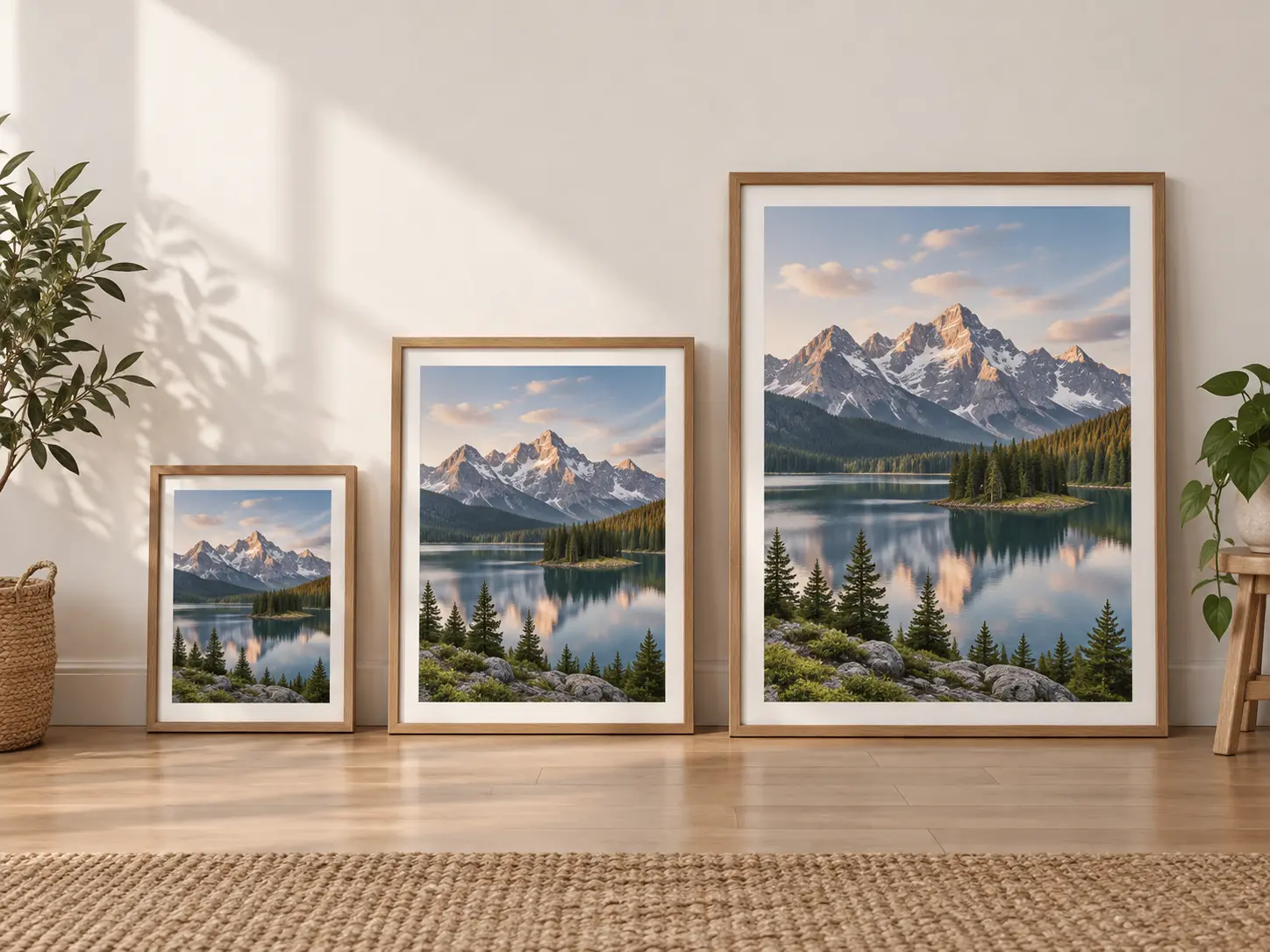
Three print sizes of one landscape photograph arranged from small to large

Choose an Enlargement

Select an available scale based on the destination rather than enlarging as far as possible. The image resolution enhancer works best when the target size is realistic for the quality and content of the source file.

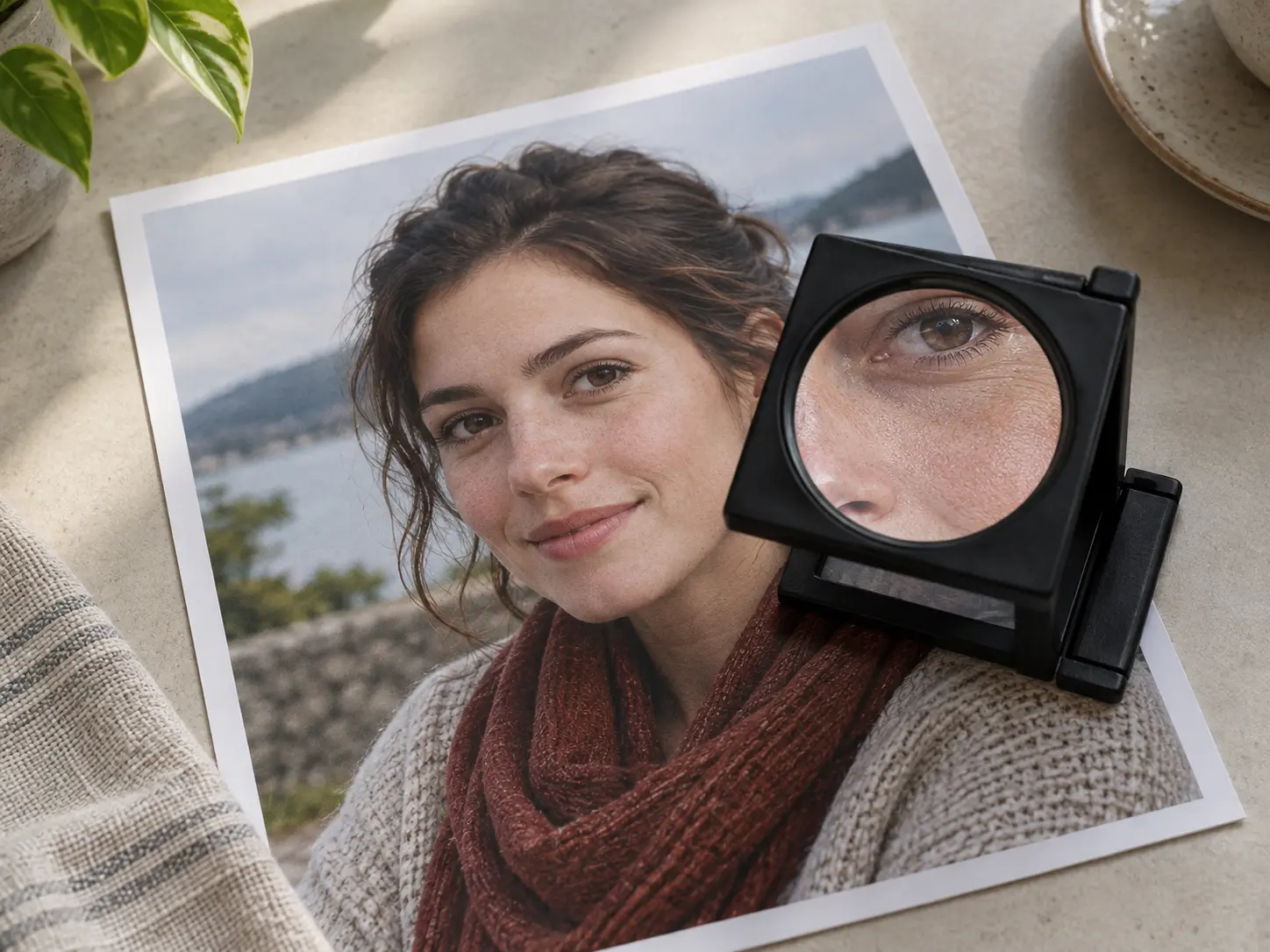
Portrait print under a loupe showing honest skin and fabric texture without artificial smoothing

Inspect Reconstruction Limits

Review the output for invented texture, softened lettering, changed identity, or altered line work. An image resolution enhancer can improve presentation, but it should not be used to claim that reconstructed details came from the original image.

How to Use the Image Resolution Enhancer

Start with the best source, choose a sensible scale, and compare the enlarged result before export.

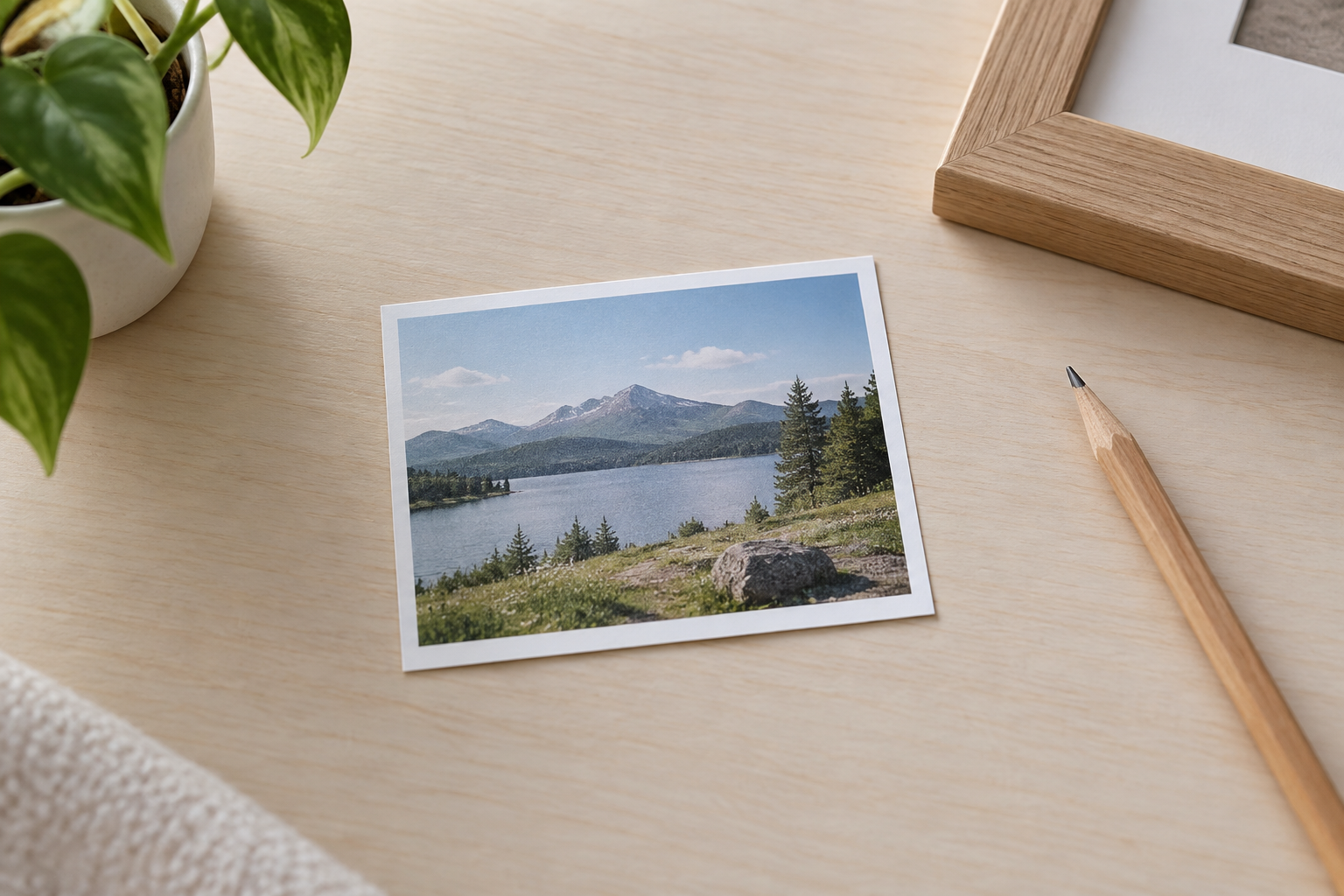
Small low-resolution landscape photograph resting on a clean desk

Step 01

Upload a Low-Resolution Source

Choose the least compressed version available and confirm that the subject, crop, and major colors are still visible. The image resolution enhancer has more useful information to work from when the source is clean.
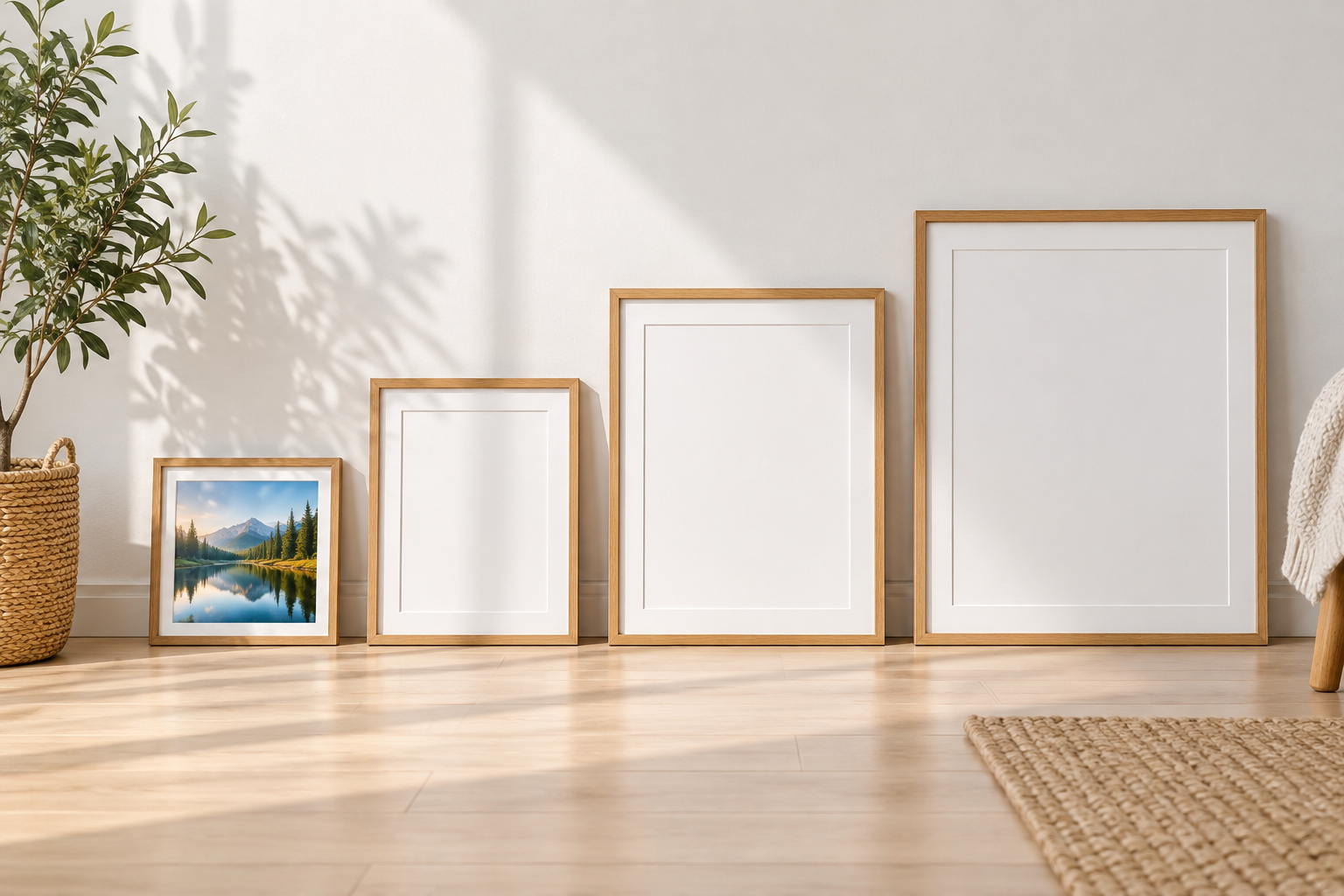
Three blank frames of increasing size arranged beside one small landscape print

Step 02

Choose a Scale

Select an enlargement that fits the listing, presentation, or print draft. Avoid choosing an extreme size only because it is available; the image resolution enhancer performs best when the new dimensions match the intended use.

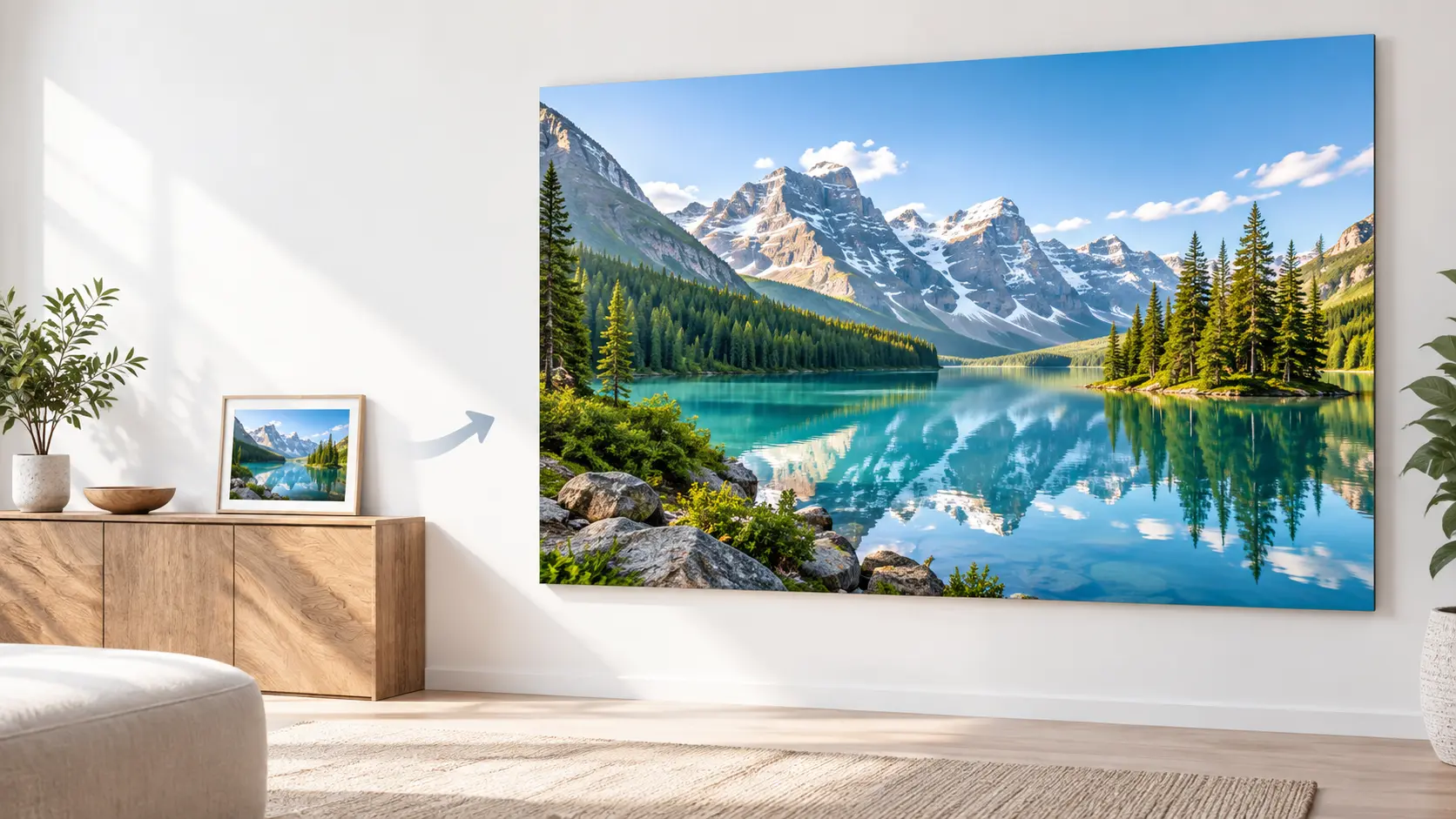
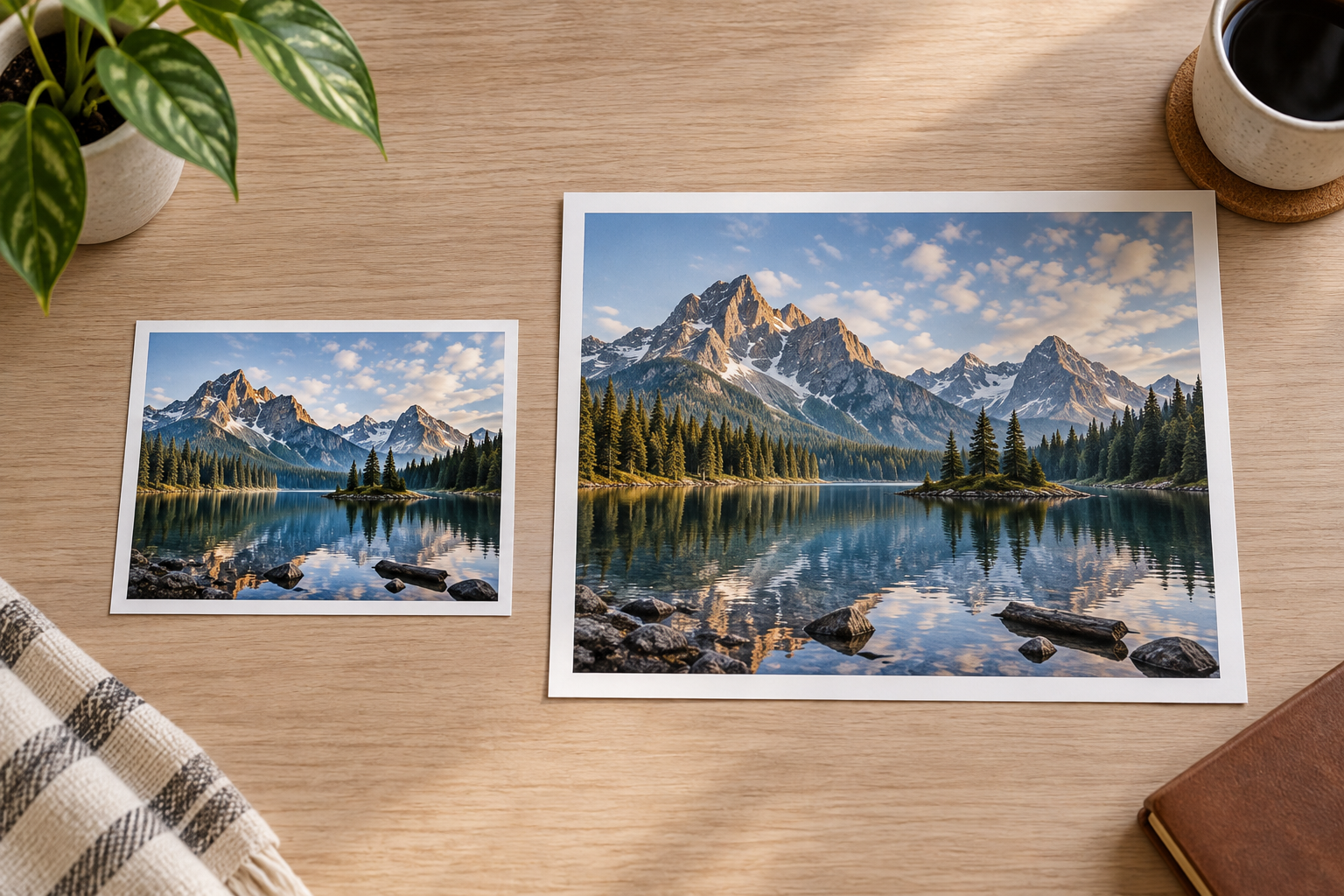
Small original landscape print beside its larger enhanced print on a neutral table

Step 03

Compare and Export

Open the result beside the original and inspect identity, fine lines, labels, texture, and the outer crop. Download the version that improves the presentation without creating misleading or distracting detail.

Where an Image Resolution Enhancer Helps

Enlarge a small source when the next layout needs more pixels and clearer visible structure.

Small product photo enlarged into a detailed retail display panel

Small Product Photos

Prepare a supplier, phone, or marketplace image for a larger listing slot. An image resolution enhancer can add dimensions and visible structure, while you check that packaging, color, product shape, and labels remain faithful.

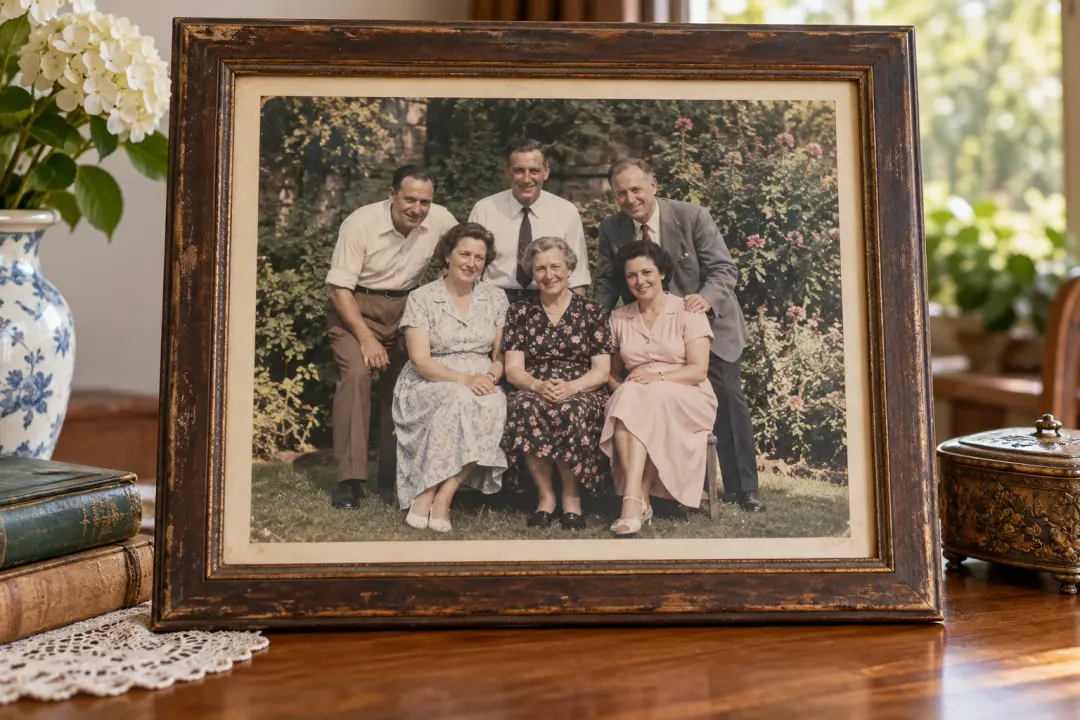
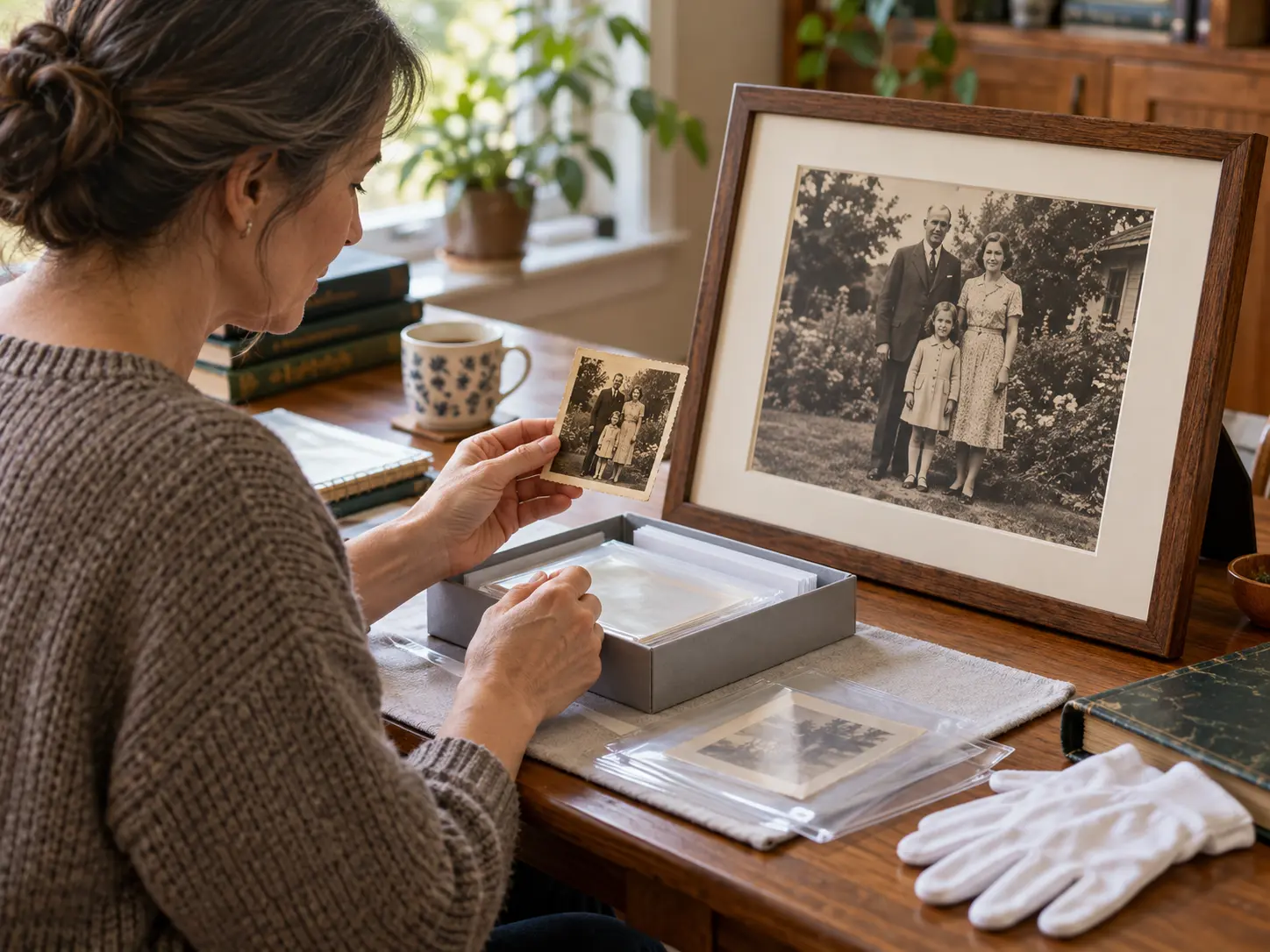
Large framed family archive photograph with natural age and readable facial detail

Old Photos and Scans

Create a larger viewing copy from a family scan, archive image, or old print. The image resolution enhancer may sharpen presentation, but keep the original and treat reconstructed faces or texture as interpretation rather than evidence.

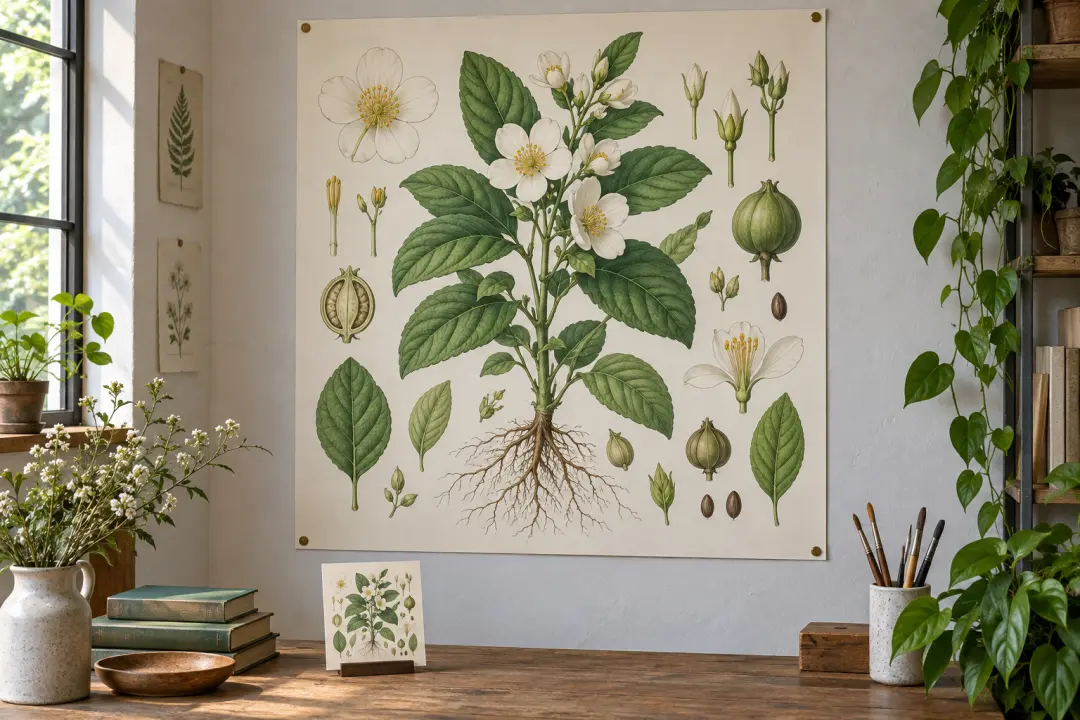
Small illustration source enlarged into a large presentation poster on a studio wall

Design Working Files

Give an illustration, chart image, or campaign visual more room in a slide or layout. The image resolution enhancer is useful for drafts and presentations when the source is too small for the intended frame.

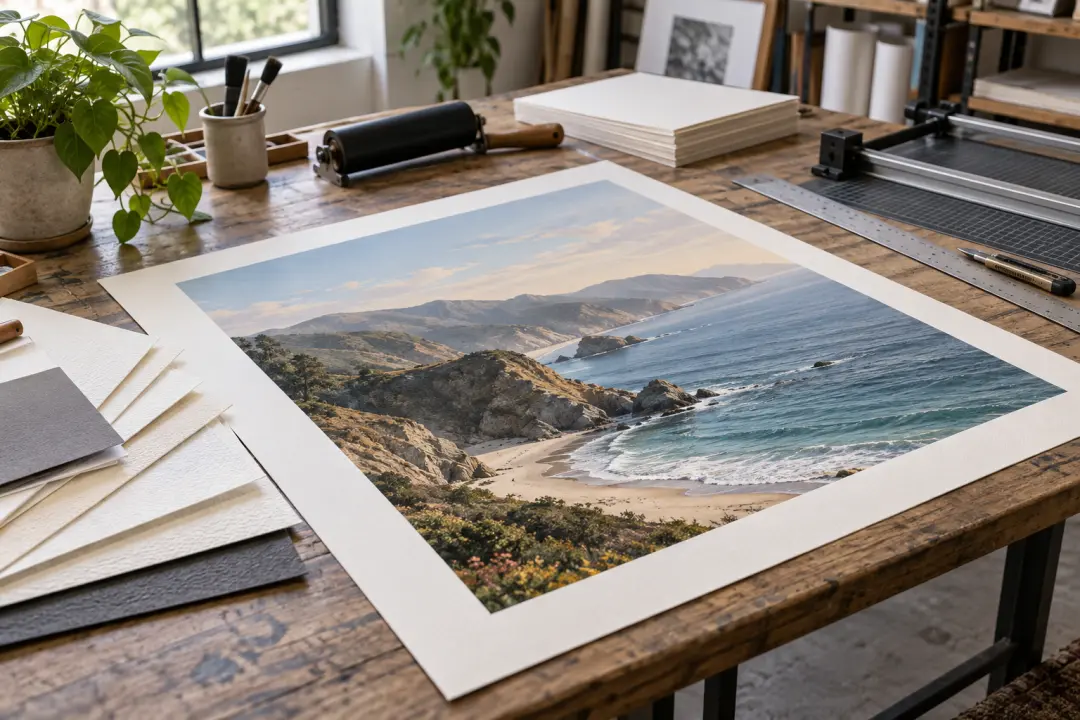
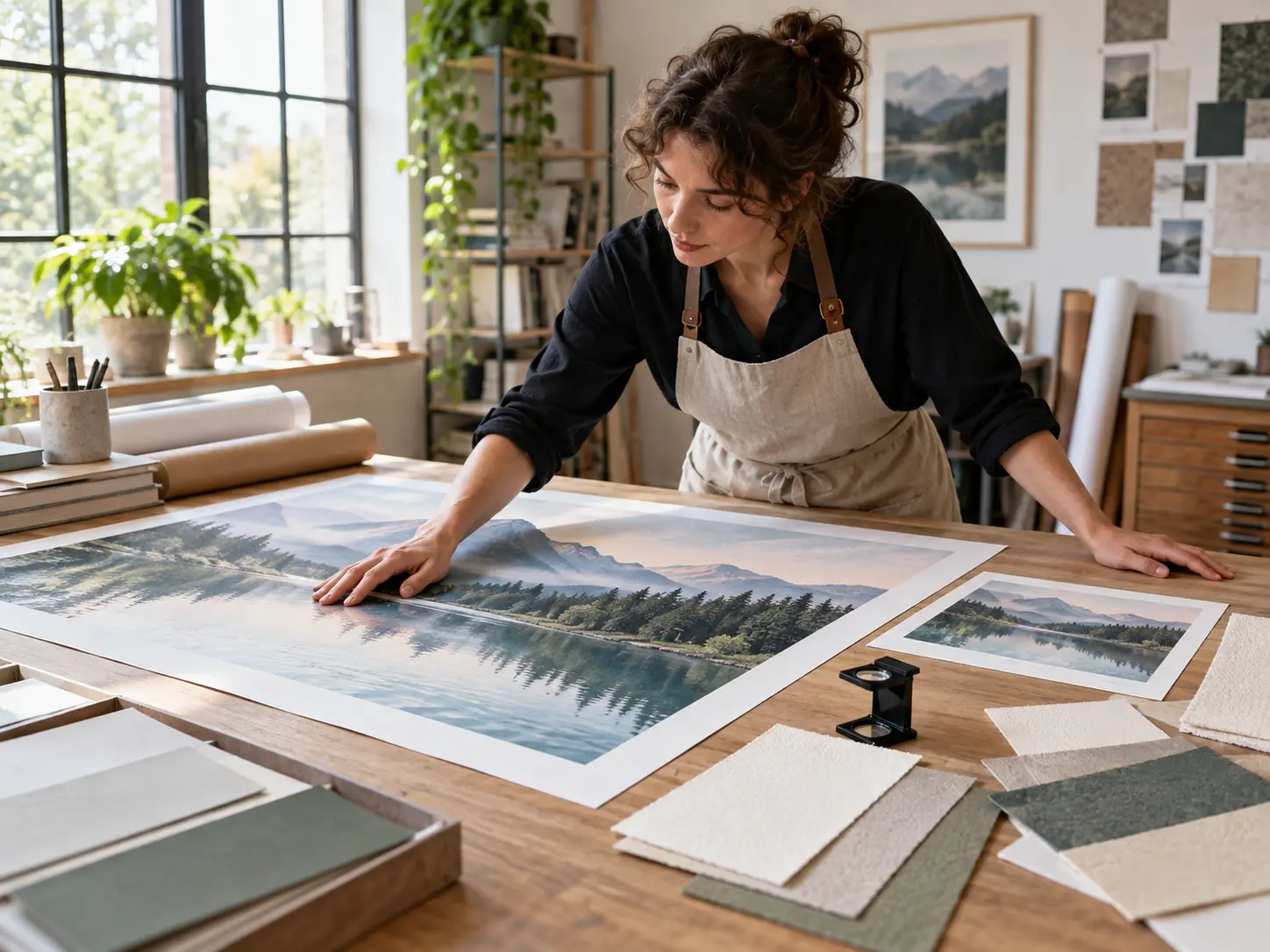
Enlarged art print on a press table with ink tools and paper proof

Print Preparation

Increase image dimensions before a print test, brochure, poster, or proof. The image resolution enhancer can support an early layout, but the printer's resolution, color, and reproduction requirements still determine whether the file is suitable.

Who Uses the Image Resolution Enhancer

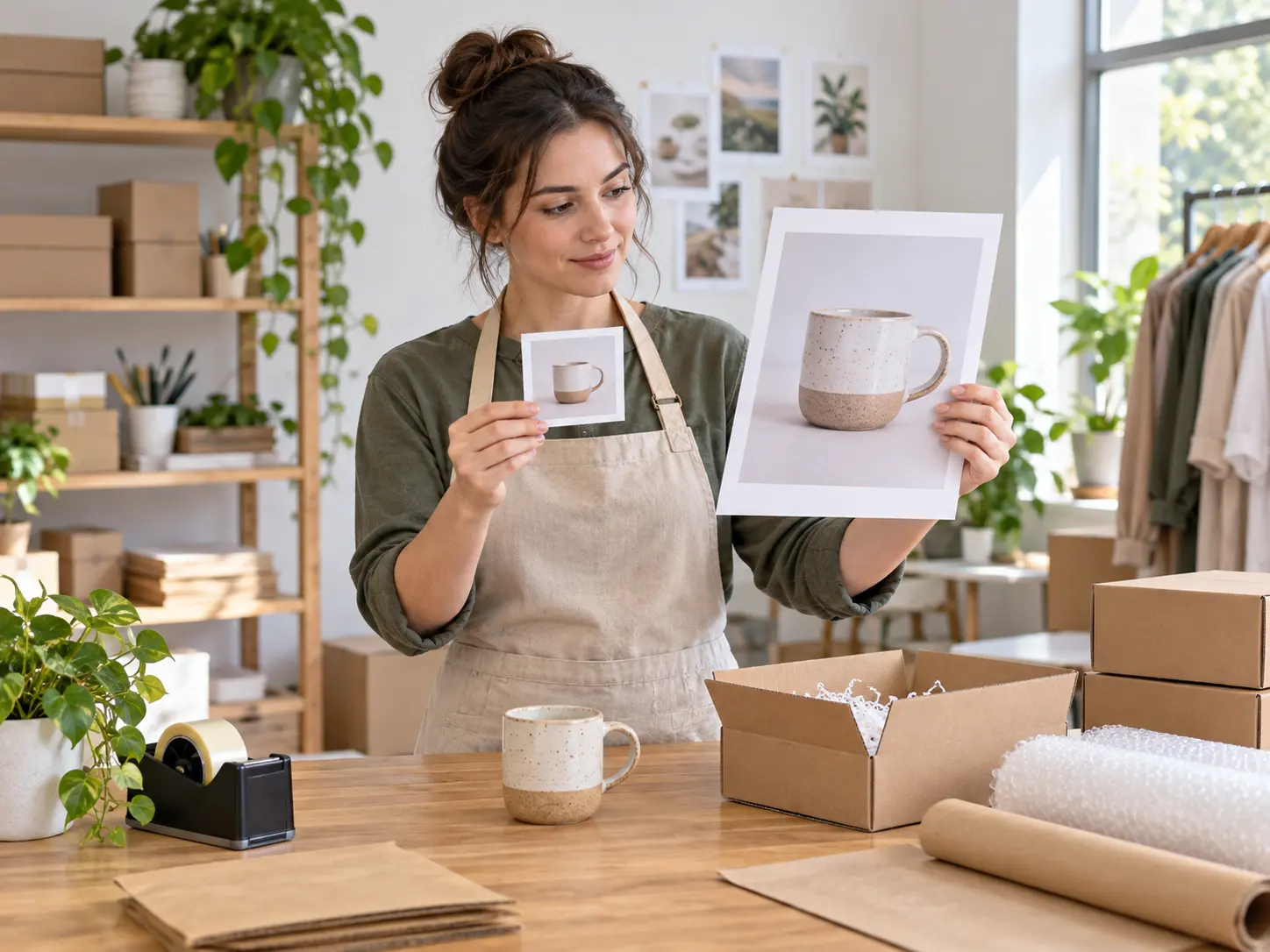
Marketplace seller comparing a small product photo with a large listing print in a packing studio

Marketplace sellers rescuing small product photos

Prepare a cleaner, larger working image for a listing or promotion while checking that product shape, color, packaging, and visible details remain faithful to the source.

Benefits of an Image Resolution Enhancer

A larger, clearer working copy can make a small source easier to review and place.

Create a Larger Working Copy

Add pixels for a destination that needs more image dimensions than the source file provides.

Prepare Small Images for Layout

Use the enlarged result in a presentation, mockup, or draft where the source would otherwise be too small.

Keep the Original for Comparison

Preserve the untouched source so invented detail and changes in sharpness can be reviewed honestly.

Improve Presentation Readability

Make the main subject and visible structure easier to assess at a larger viewing size.

Support Archive and Design Tasks

Prepare a working copy for a scan, collection image, reference, or layout while keeping the original archive file.

Use a Browser-Based Workflow

Upload an image, choose an available enlargement, and review the result without installing a desktop tool for a simple task.

FAQ

Image Resolution Enhancer Questions

An image resolution enhancer is a tool that increases the pixel dimensions of an image and reconstructs a clearer-looking larger version. It can help with small photos, scans, product images, artwork, and presentation assets. The result is a new working copy, not a guarantee of information that was absent from the original.

You can start the enlargement workflow in the browser and review the result before download. An image resolution enhancer online free is useful for occasional tasks, but the available scale, file limits, and export options depend on the current product. Check the output carefully before using it in a final layout.

Sharpening adjusts edge contrast in the existing pixels. An image resolution enhancer first creates a larger image and then reconstructs detail, so the output has different dimensions as well as a different sharpness profile. Use sharpening for a subtle clarity adjustment and this workflow when the source needs more pixels.

No process can recover detail that was never captured. An image resolution enhancer can create a plausible larger version that looks clearer at a suitable size, but reconstructed texture, letters, faces, and fine lines may not match the original scene exactly. Keep the source and review the result before publishing.

The intended upload set includes common image formats such as JPEG, PNG, and WebP, but current limits can change. Use the highest-quality source available. An image resolution enhancer works best when the file is not heavily compressed and the important subject is clearly visible.

The enlargement workflow is designed to preserve the image composition while increasing its dimensions. Minor changes in edges or texture can still occur. Compare the output with the original and check the crop, subject identity, and any text or branding before you download.
Image resolution enhancer workspace with a small print, a larger working copy, and color references

Give a Small Image More Room to Work

Upload a low-resolution source and use this image resolution enhancer to create a larger version for your next layout.

Get Started
Image Resolution Enhancer - Upscale Images | VideoAI